Mineuniverse
Shaders
PwC Outline Shaders

PwC Outline Shaders

SHADER
Outlines and Cel Shading for Minecraft
by Playing_with_Color
Download Claim this project
18,746 downloads
0 likes
0 followers
Updated Oct 14, 2026
0 hypes
Follow0
Vanilla
Advertisement Remove ads with Premium →

These shaders are a work in progress.

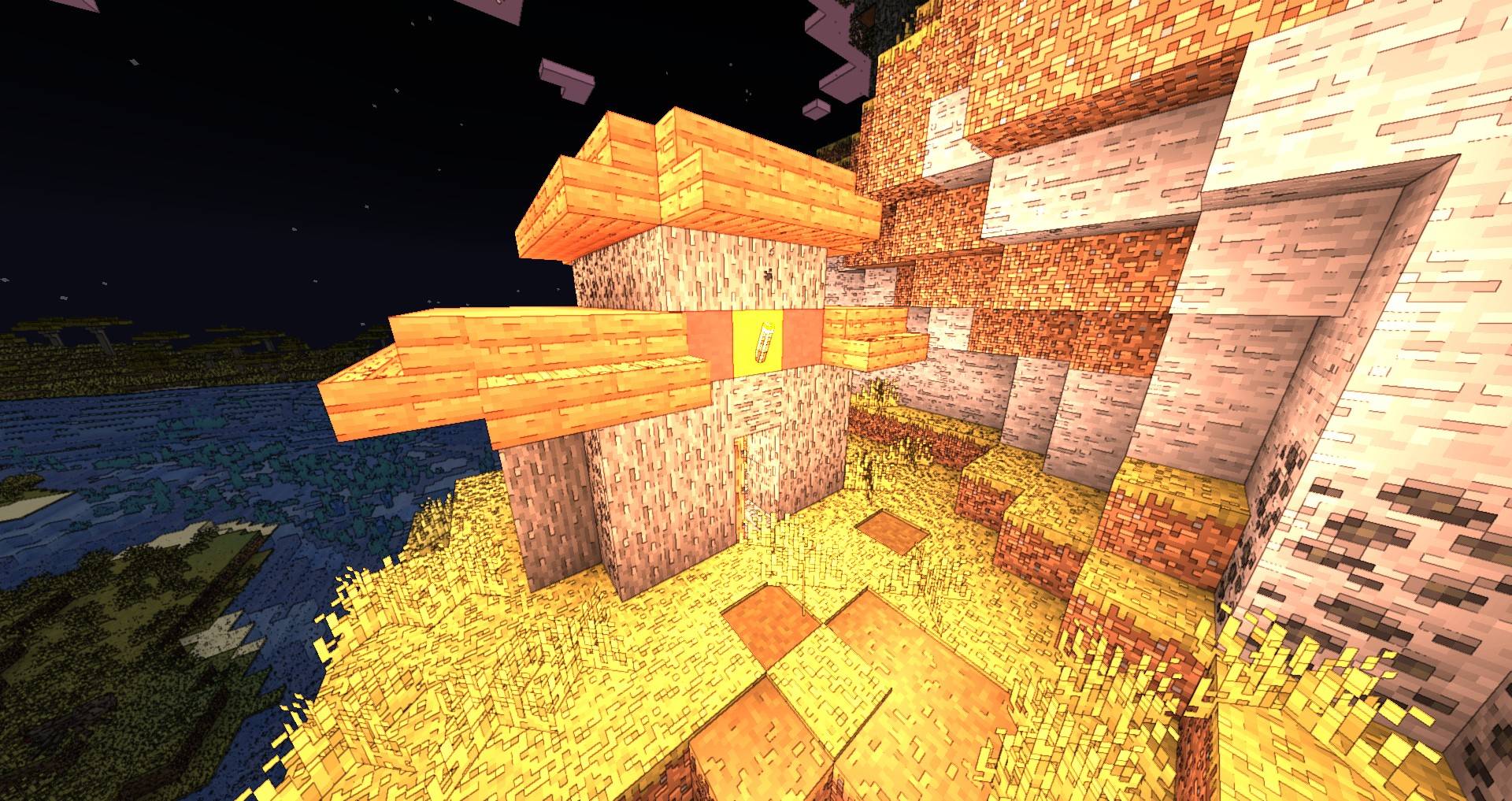
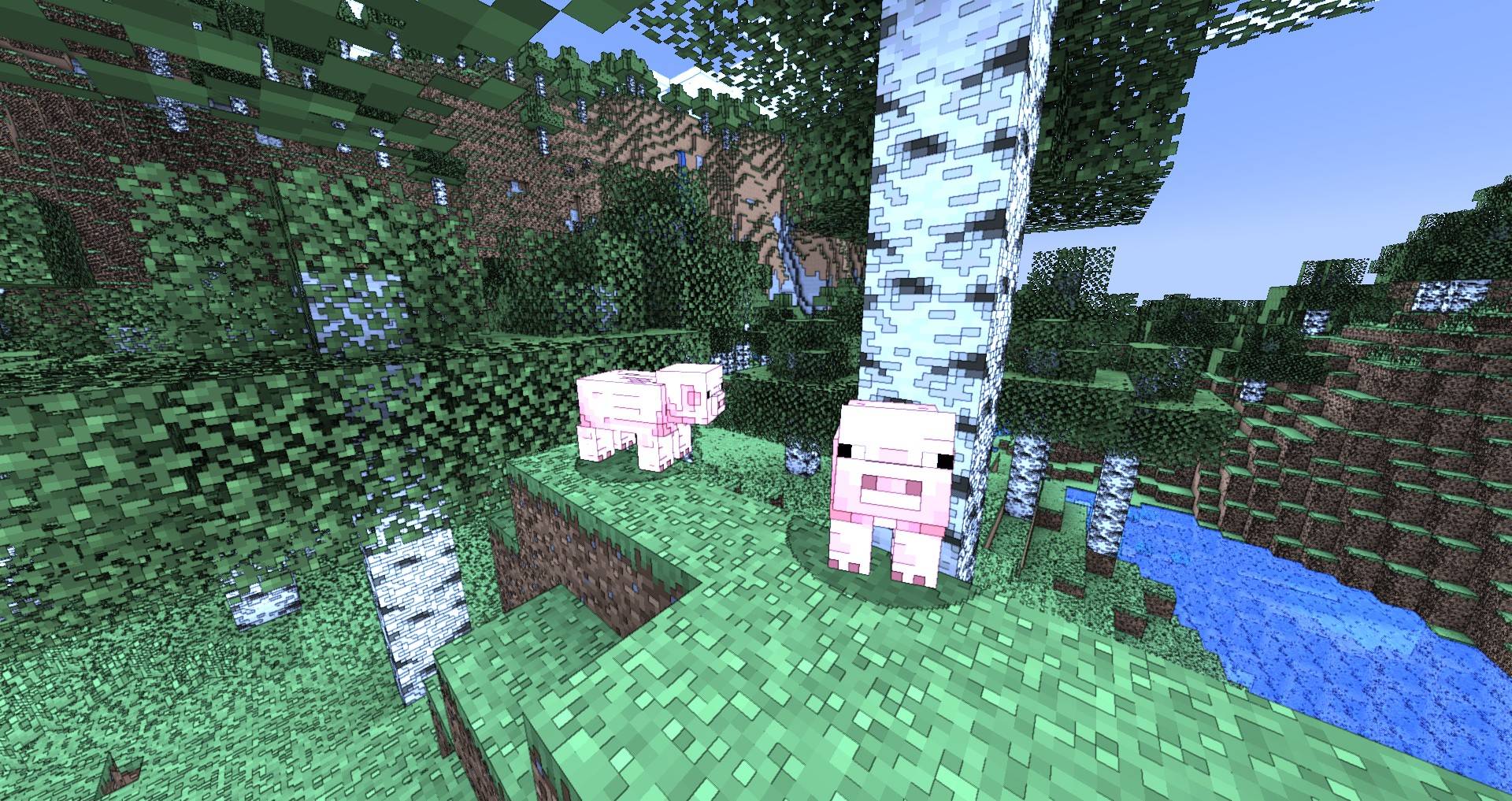
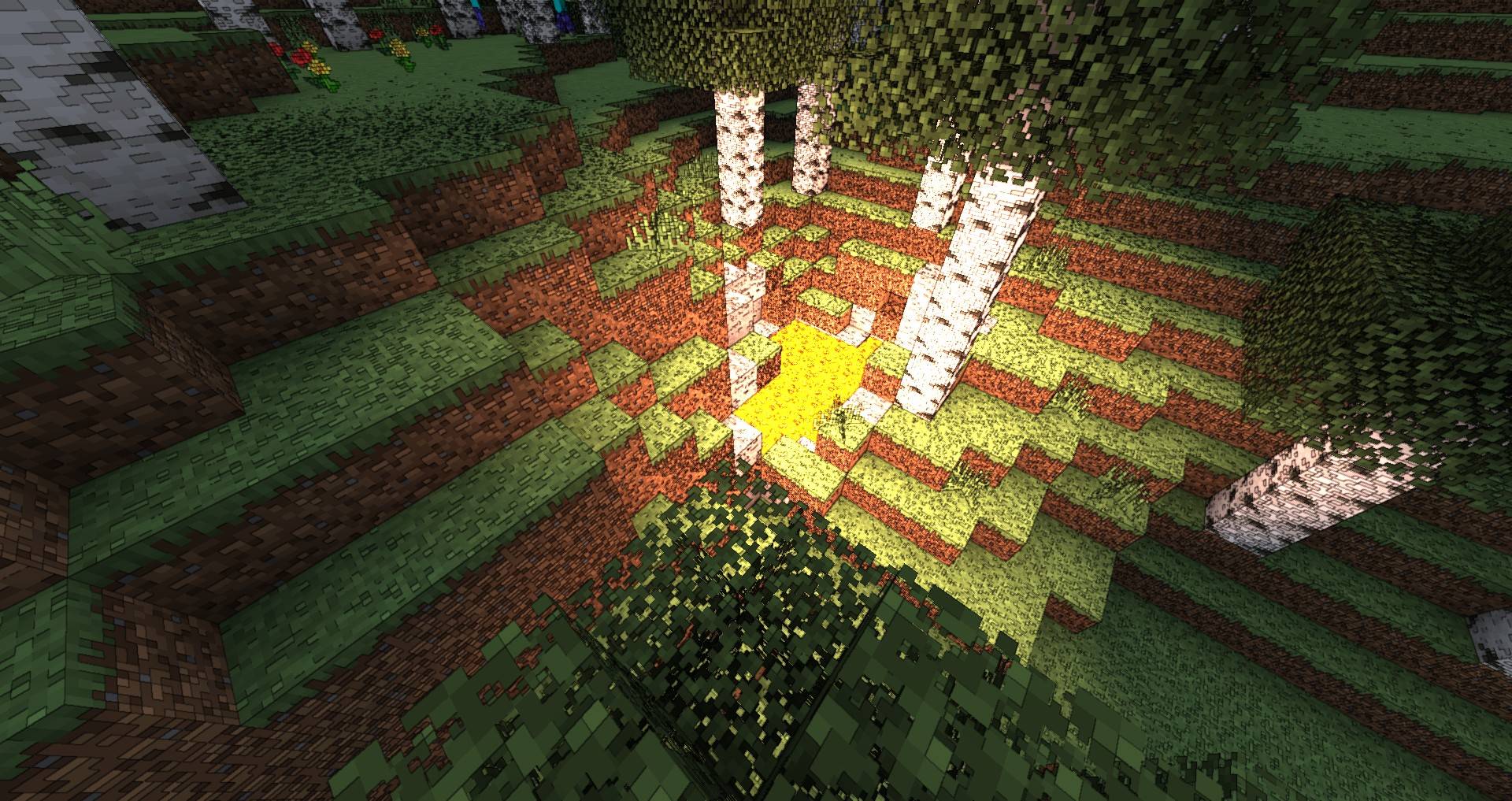
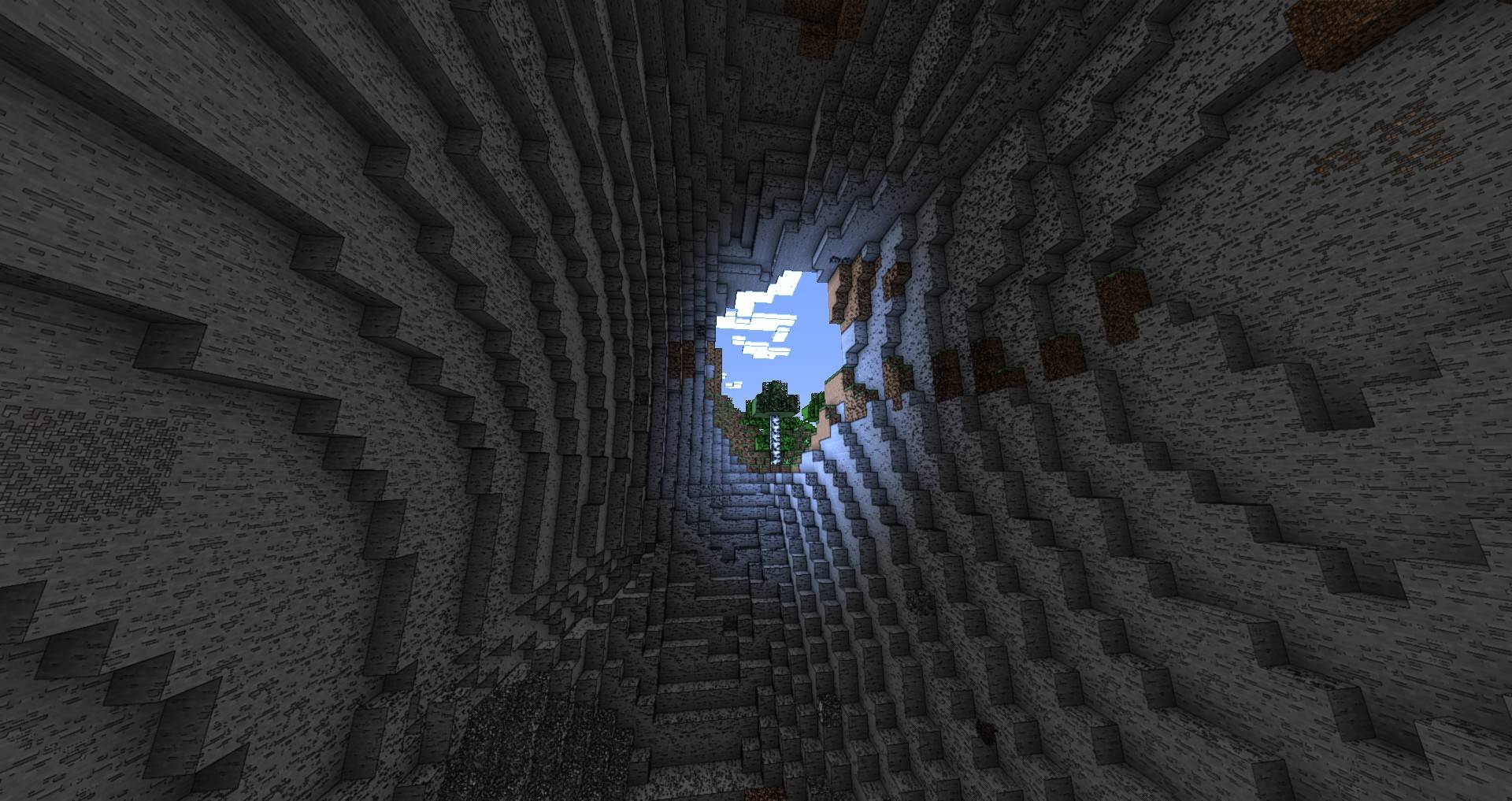
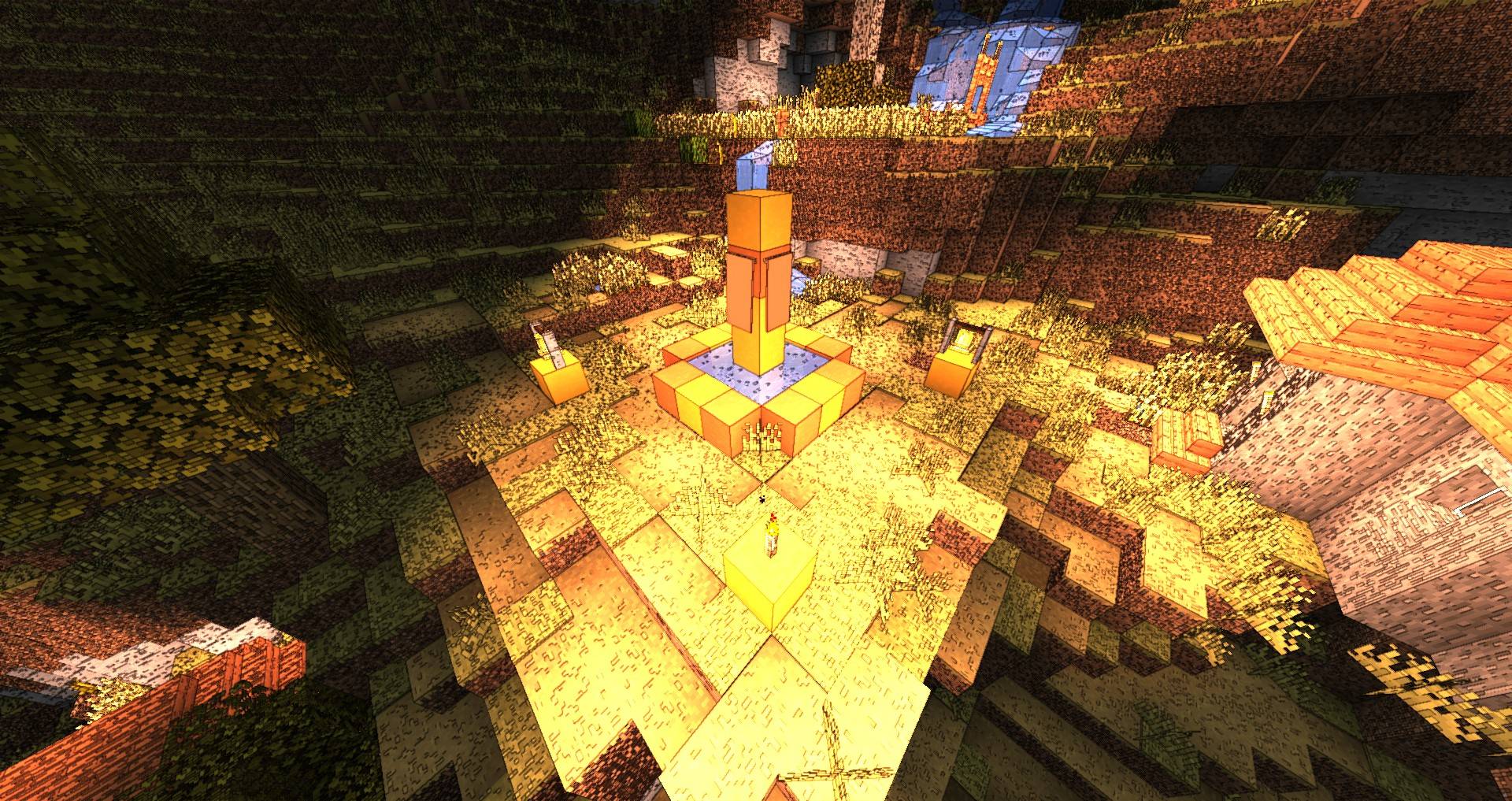
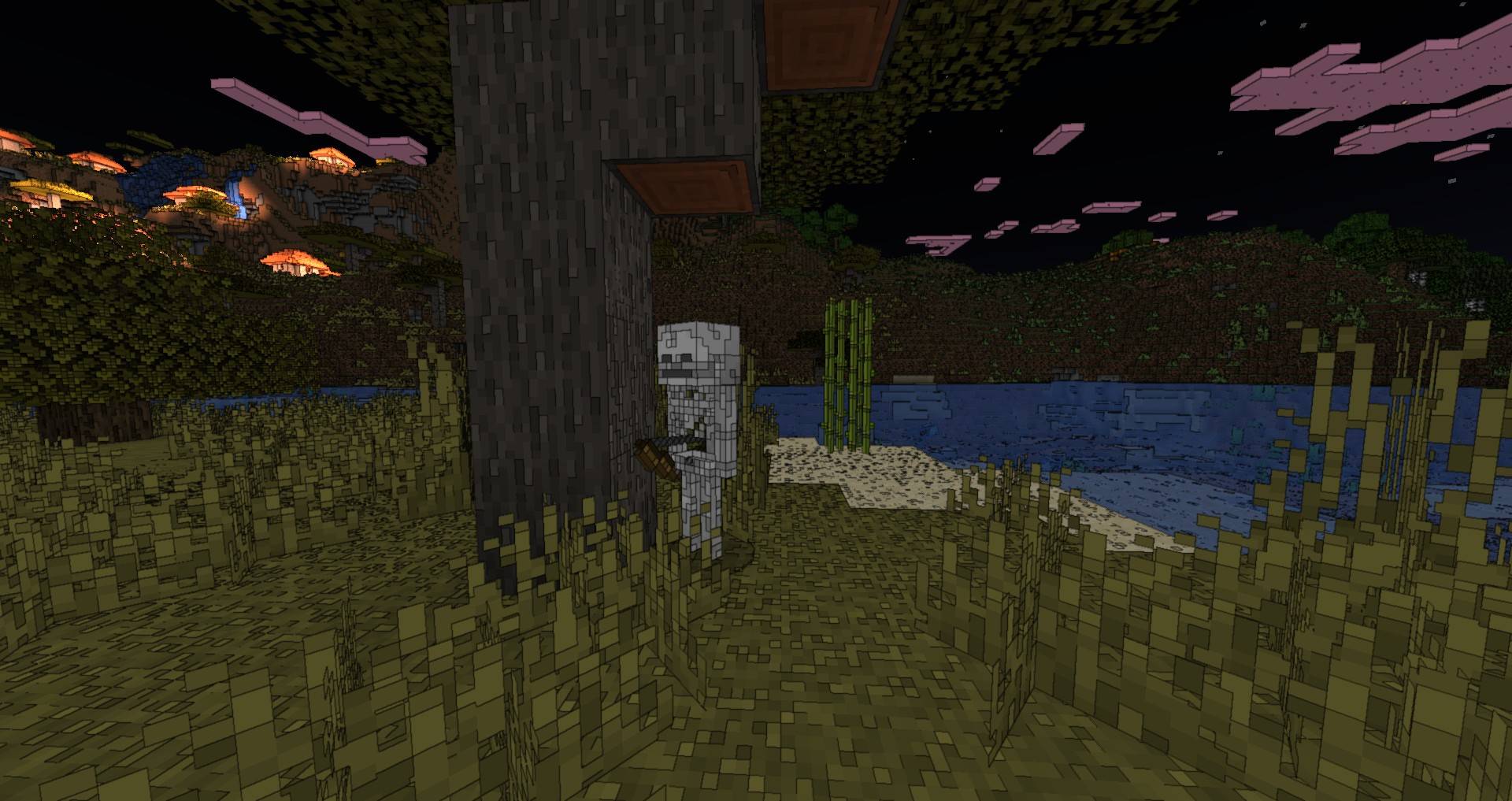
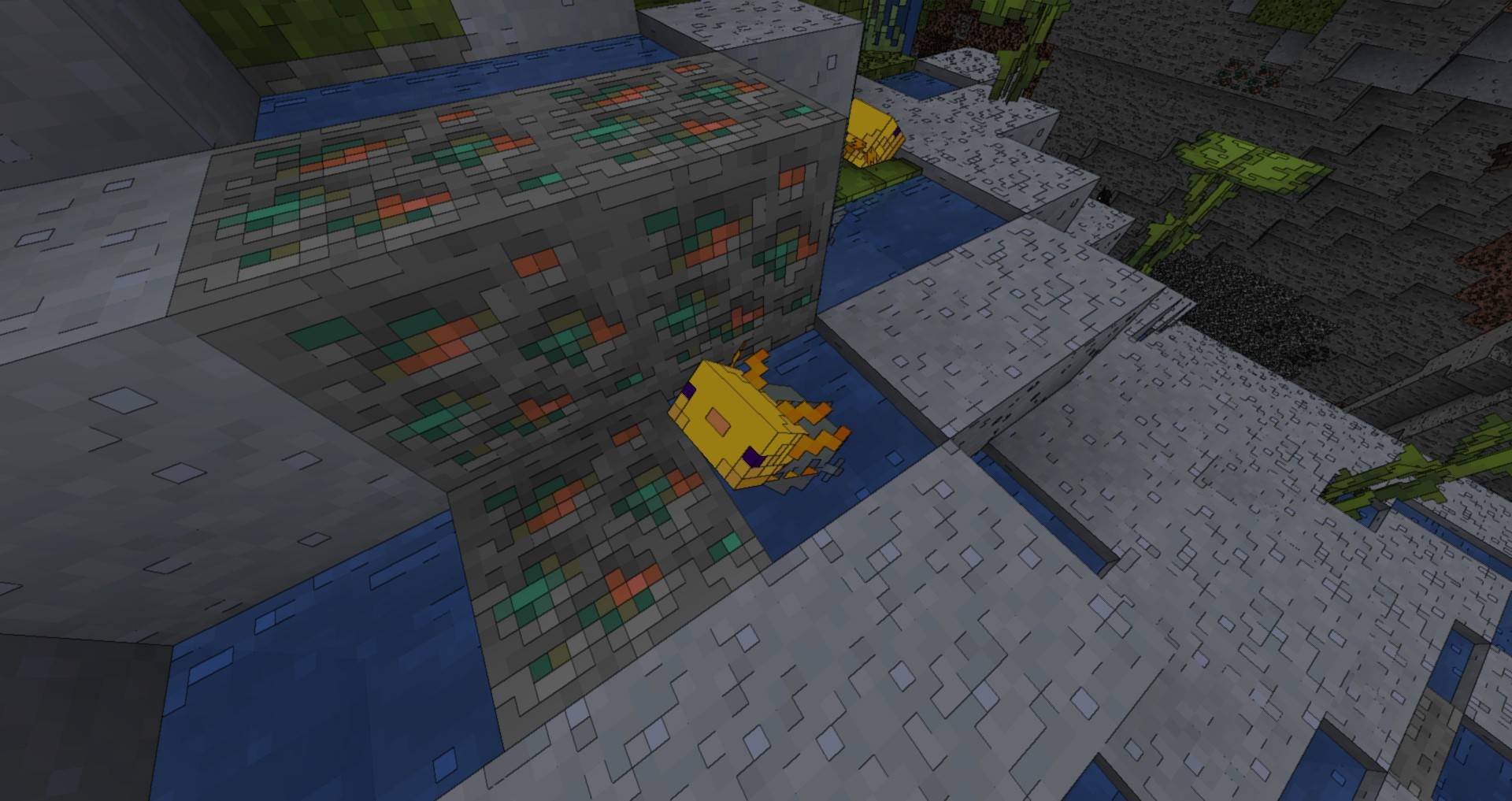
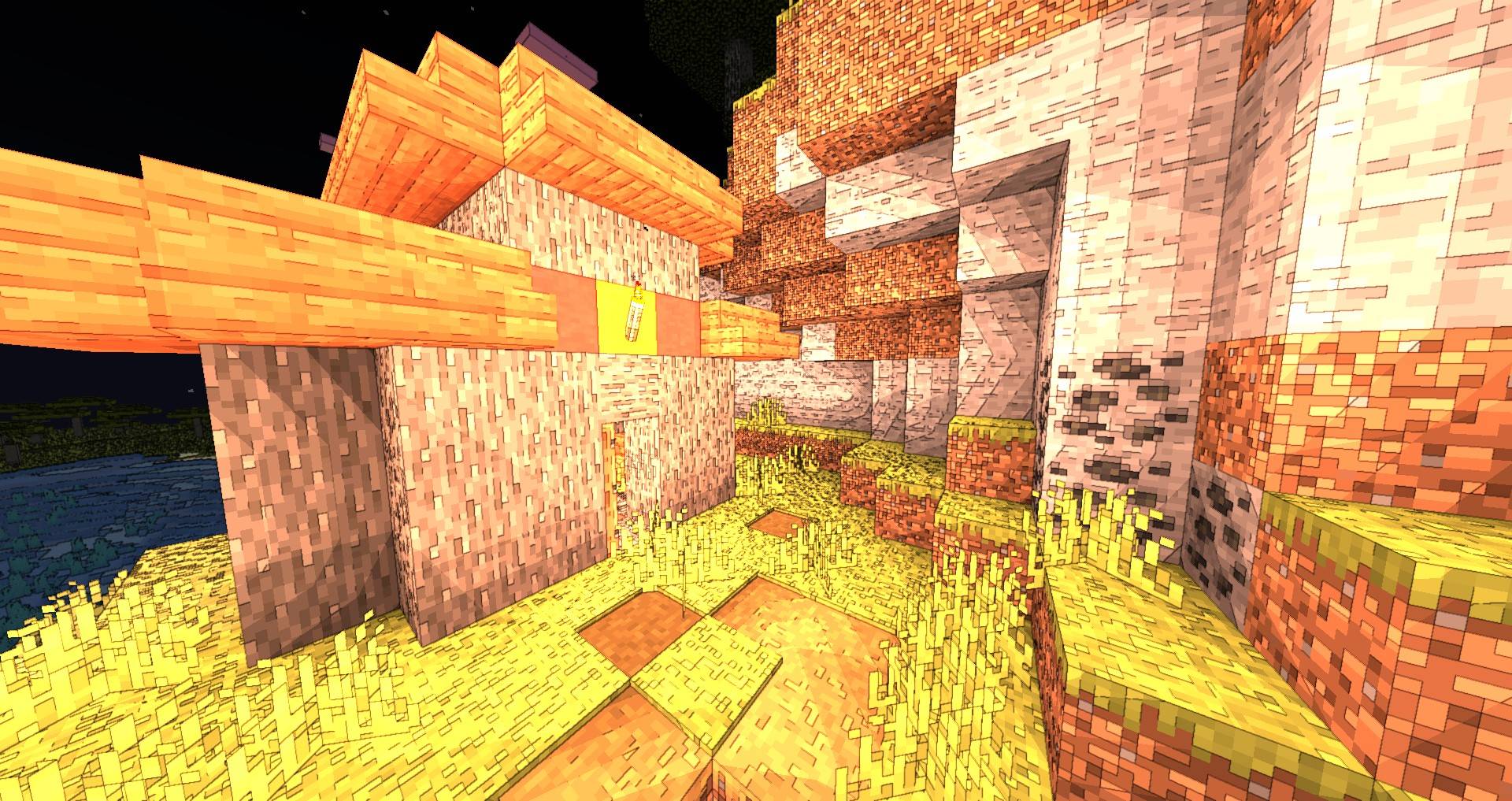
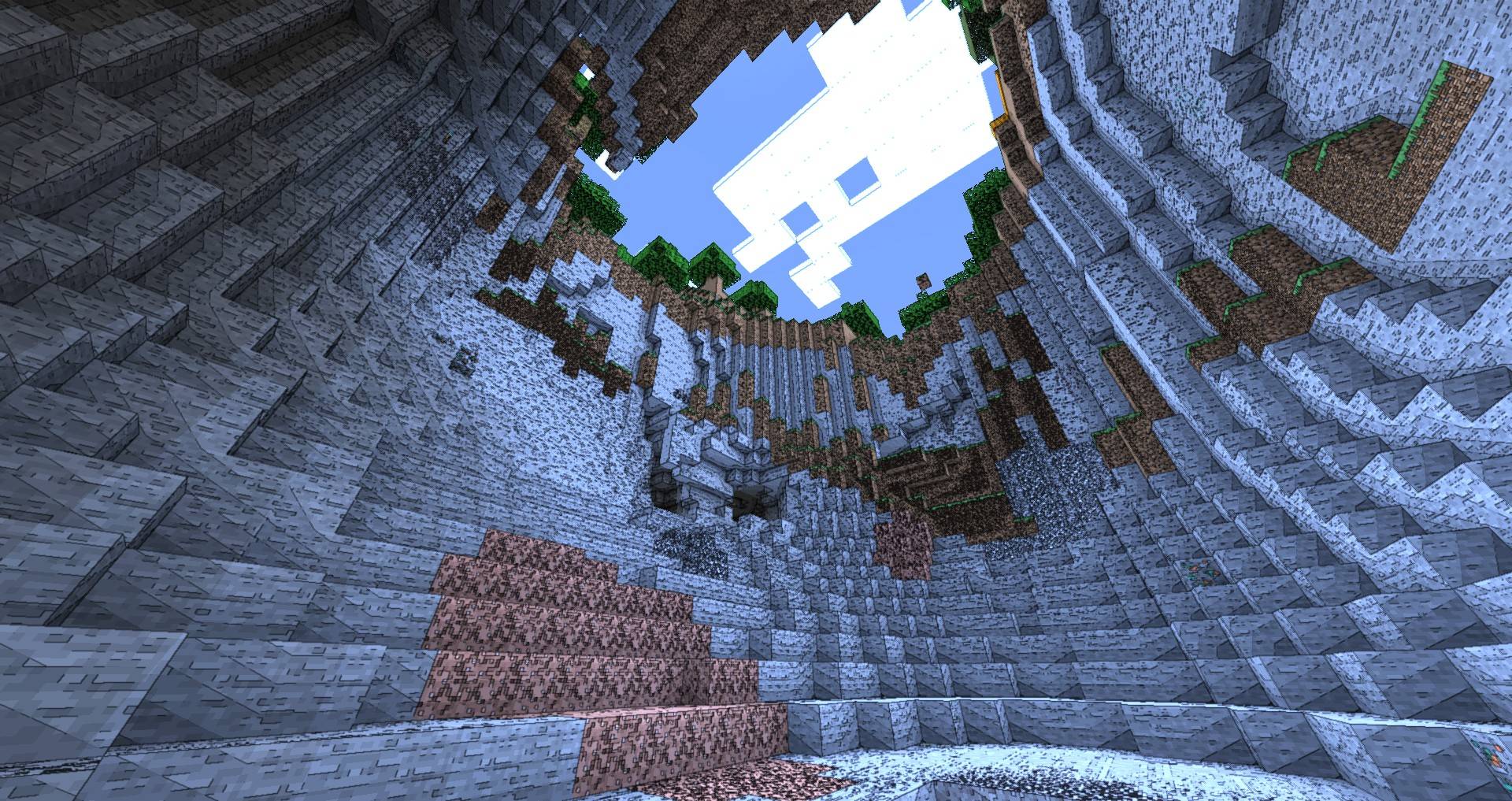
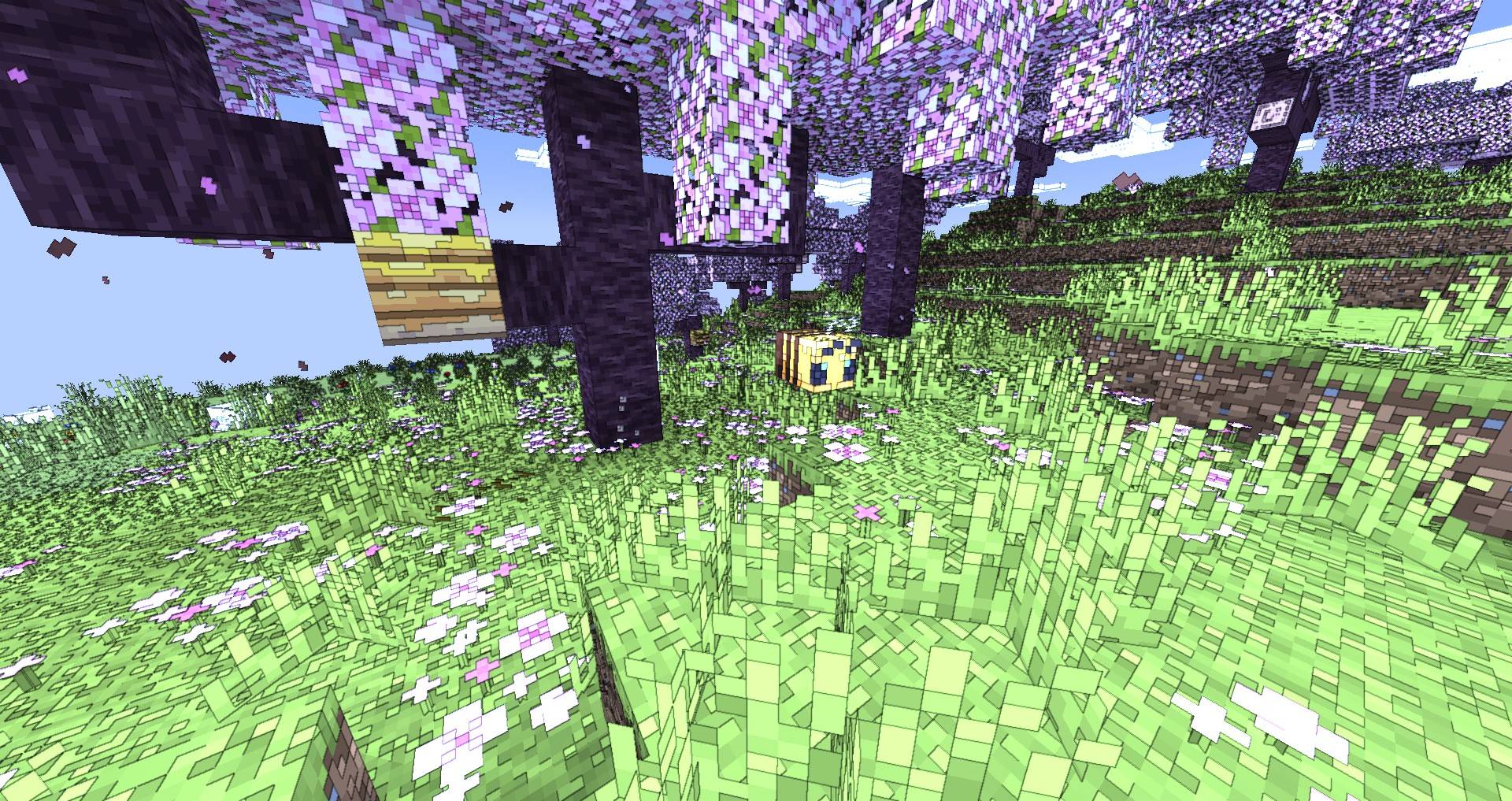
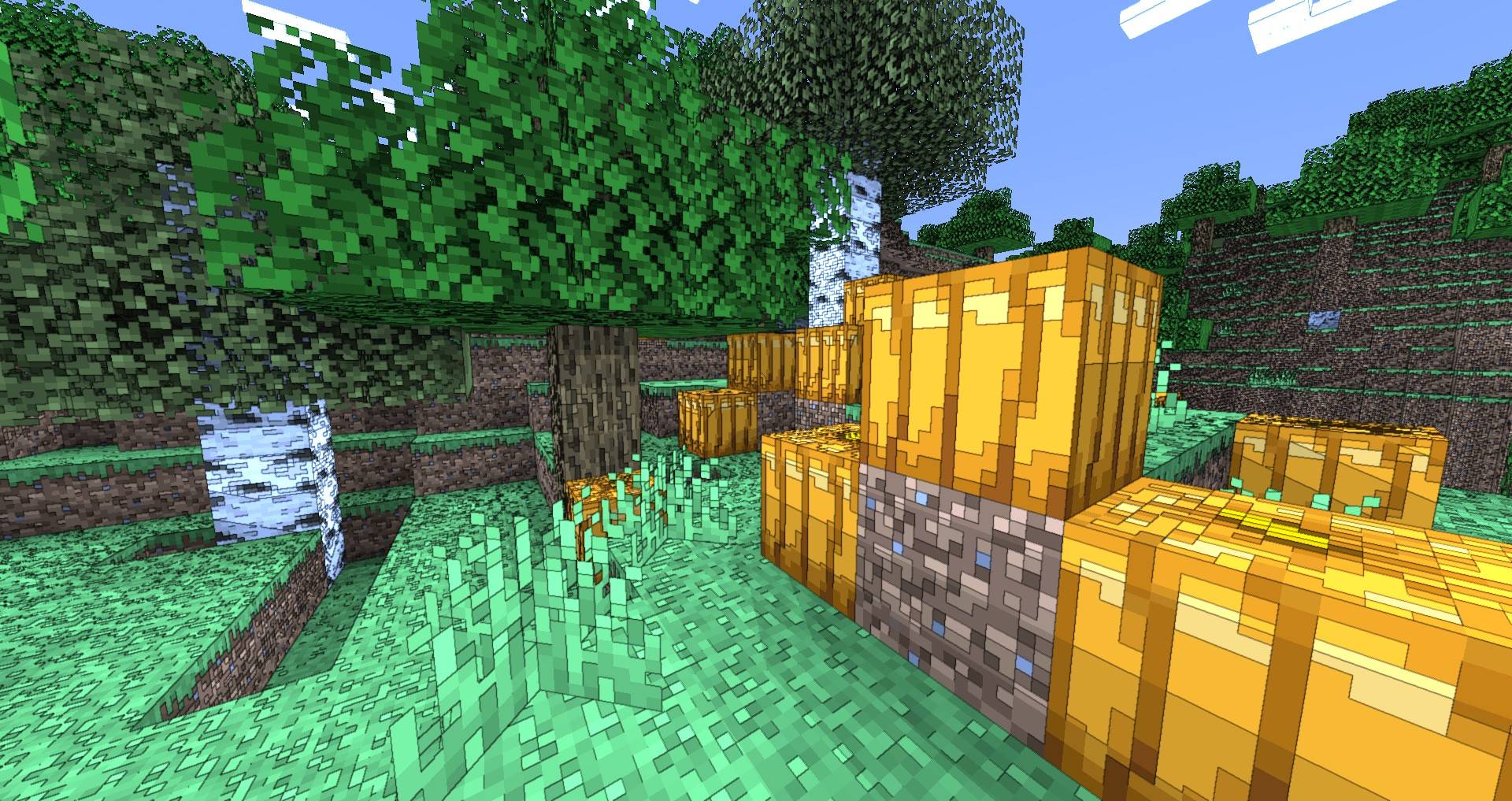
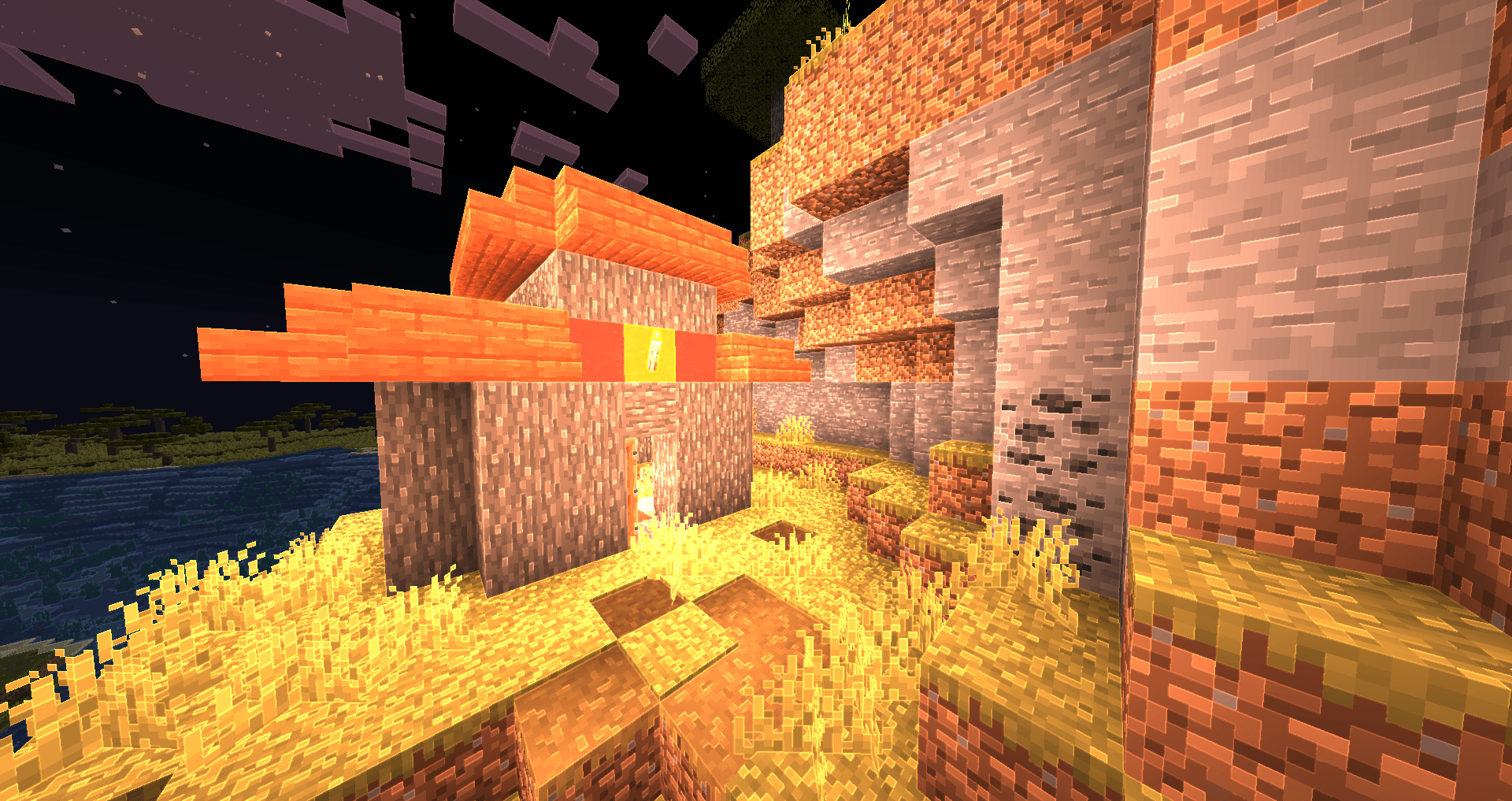
This is a set of shaders that add smooth outlines on top of simple lighting.

Features

  • Smoothed outlines with antialiasing
  • simple default lighting with Optional Cel Shading
  • Outline only mode
  • Optional Bright Outlines (WIP)

Shader Options

Render Mode :

  • Default - Simple lighting with outlines
  • Cel Shading - Cartoon style shading with outlines
  • Outlines Only - Black outlines on a light grayscale shaded surface

Outline Type :

  • Dark - Outlines that appear as if penned with black ink
  • Bright - Subtle glowing outlines
PwC Outline Shaders
MC 1.17.1, 1.16.3, 1.19.3, 1.20.2, 1.21, 1.16.1, 1.18.1, 1.20.5, 1.17, 1.19.4, 1.16.5, 1.18.2, 1.19.2, 1.20.3, 1.15.2, 1.20.1, 1.20, OptiFine, 1.20.6, 1.19.1, 1.20.4, 1.18
Beta 2024-07-25 Get

Requirements & install

How to use this shader in Minecraft
Shader loader
OptiFine
Minecraft
1.20 – 1.21
Install folder
.minecraft/shaderpacks

Install with OptiFine

  1. Install OptiFine for your Minecraft version (optifine.net) and start it once.
  2. Download the shader pack .zip (do not extract it).
  3. Put the .zip into .minecraft/shaderpacks.
  4. In game open Options → Video Settings → Shaders and select the pack.
Browse more: Iris shaders OptiFine shaders Shaders for 1.21 All shaders

More from Playing_with_Color

Advertisement Remove ads with Premium →

You Might Also Like