Mineuniverse
Shaders
Oriana shaders

Oriana shaders

SHADER
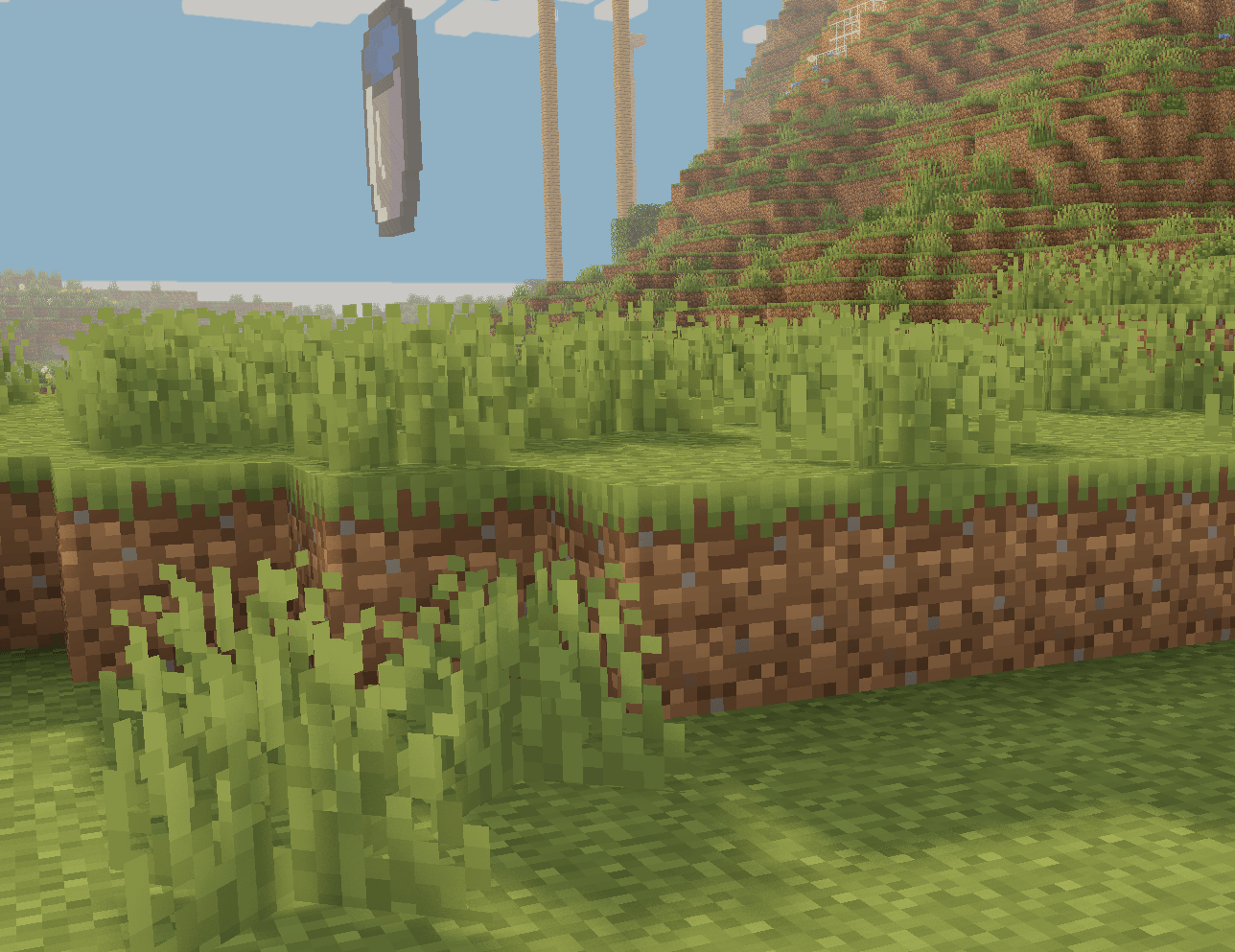
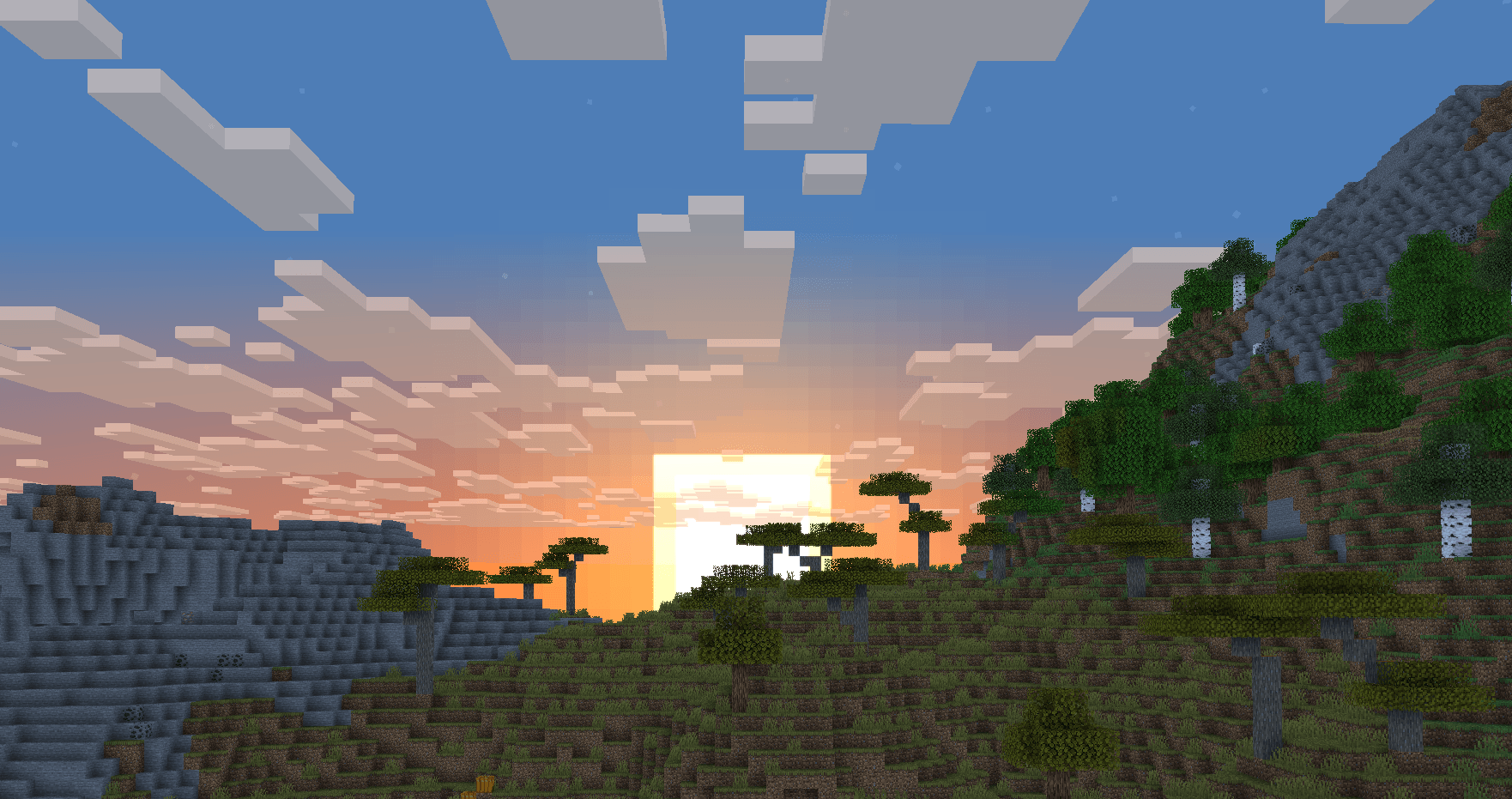
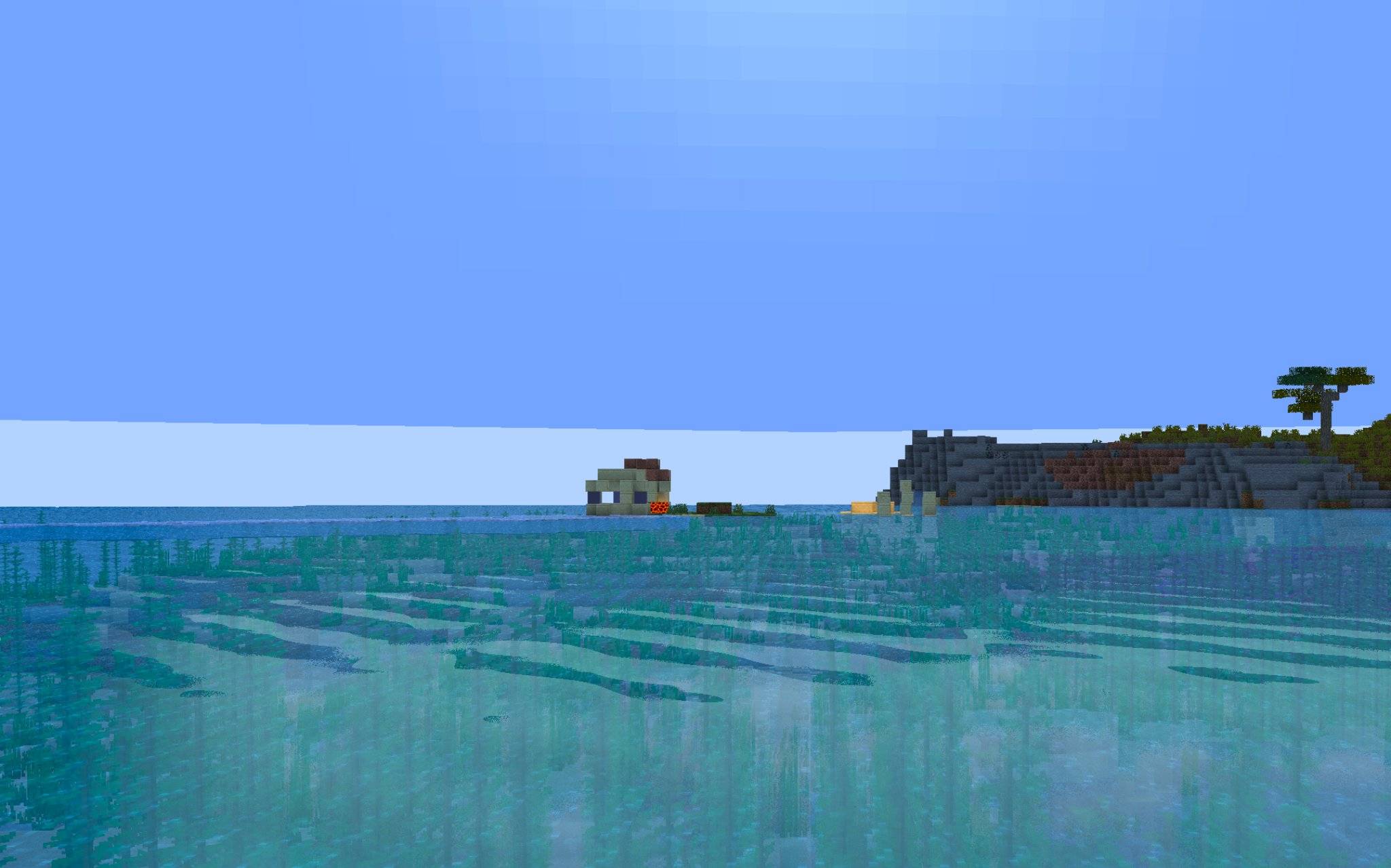
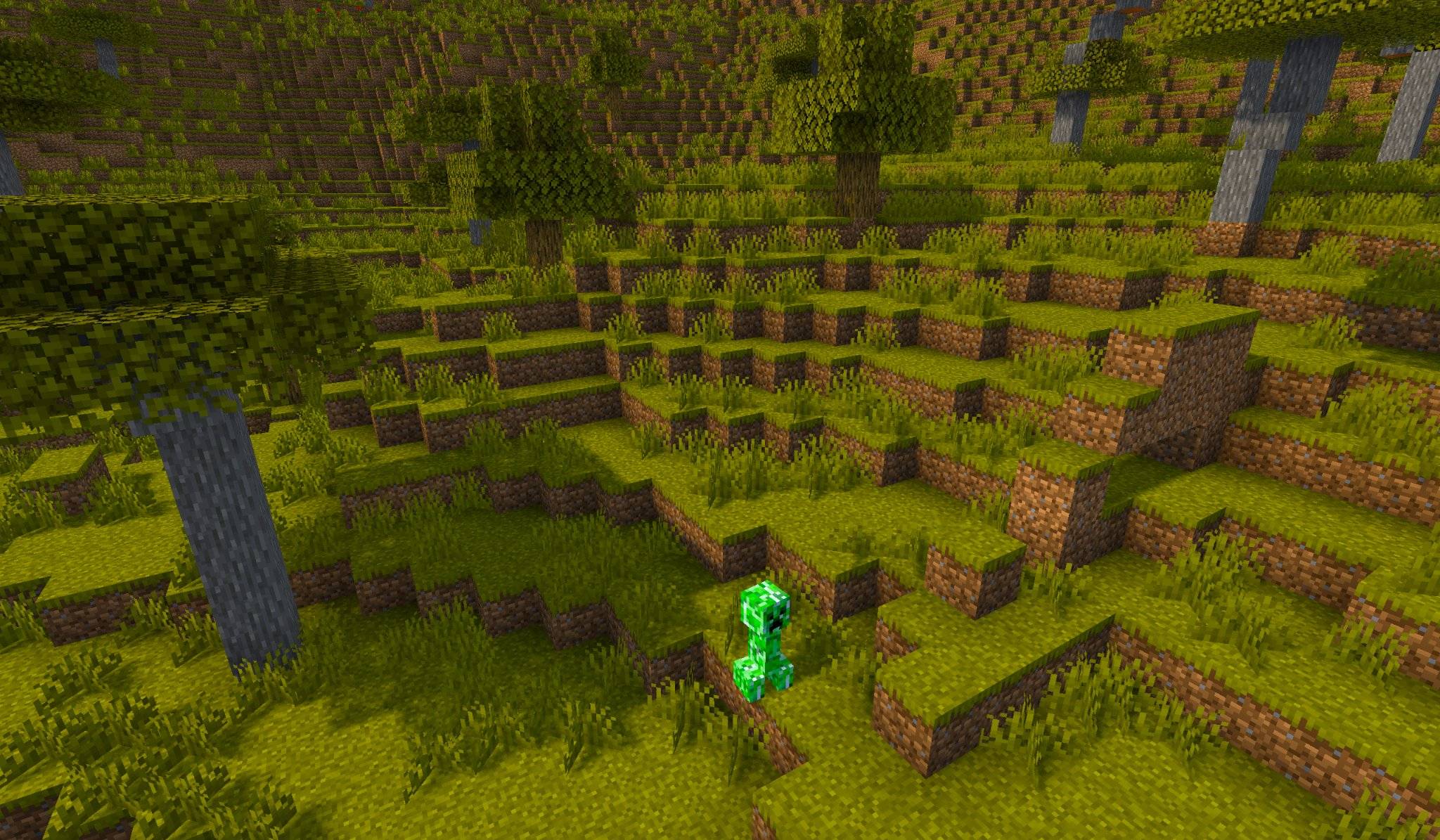
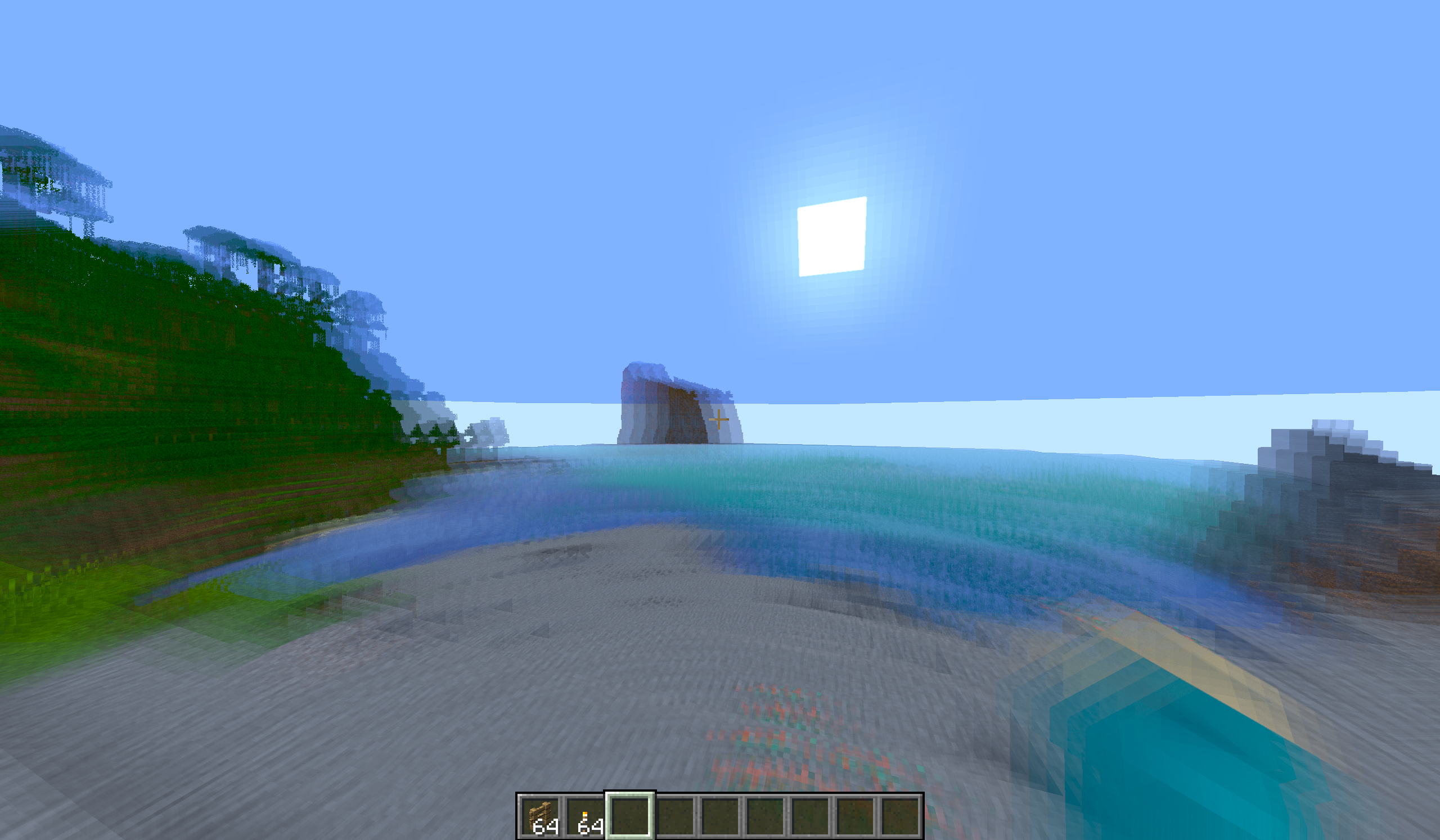
this shaderspack is nice and basic. great for low-end pc's :). on my *INTERGRATED* 4060 gpu i can get a whopping 200 to 600 fps! this shader is low-end and still looks GREAT!
by ItzCheeseBurger
Download Claim this project
104,806 downloads
0 likes
Updated Oct 14, 2026
0 hypes
Fantasy Vanilla
Advertisement Remove ads with Premium →

this is my FIRST EVER SHADER😎

BRAND NEW IMPROVED LIGHTING ENGINE!!!!

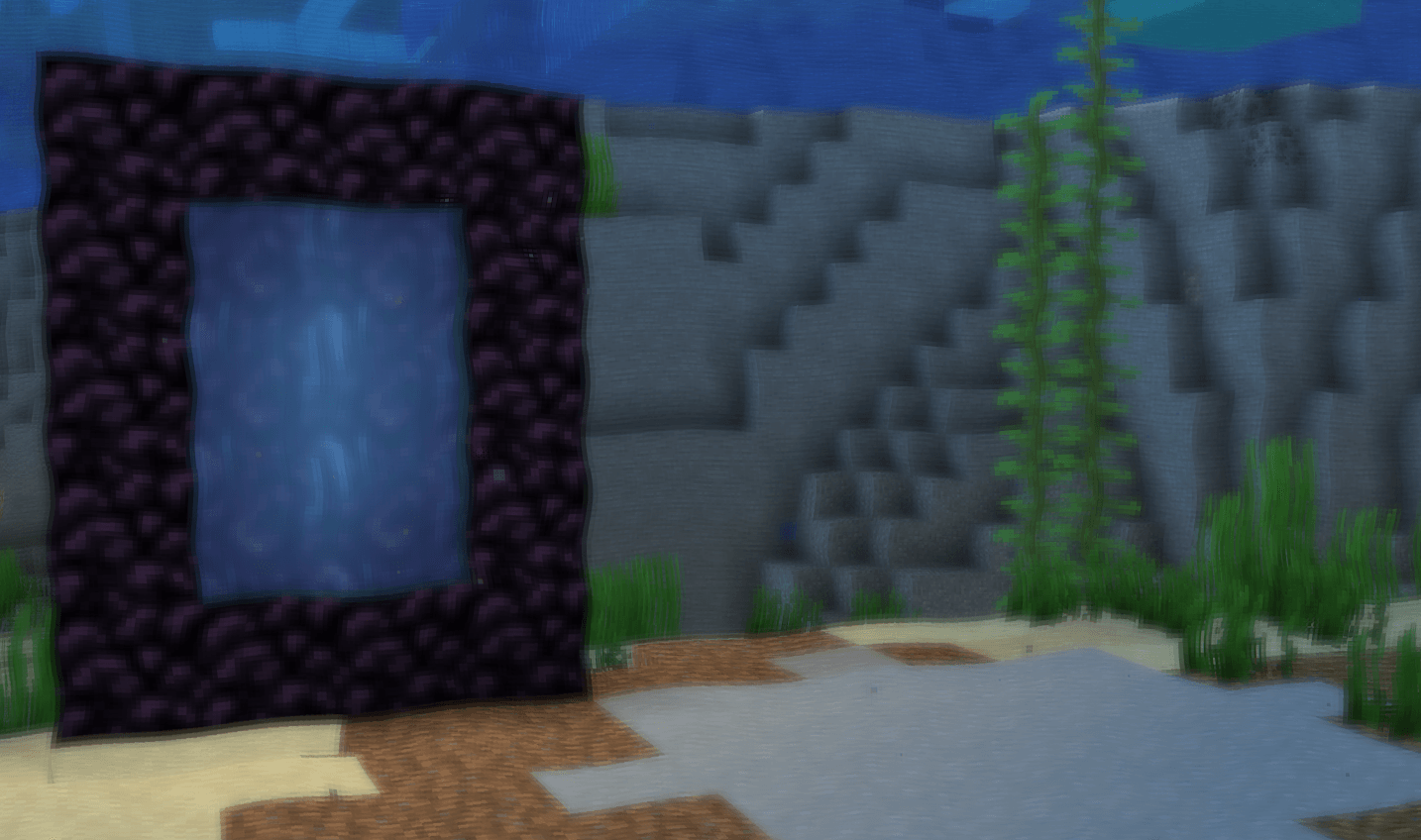
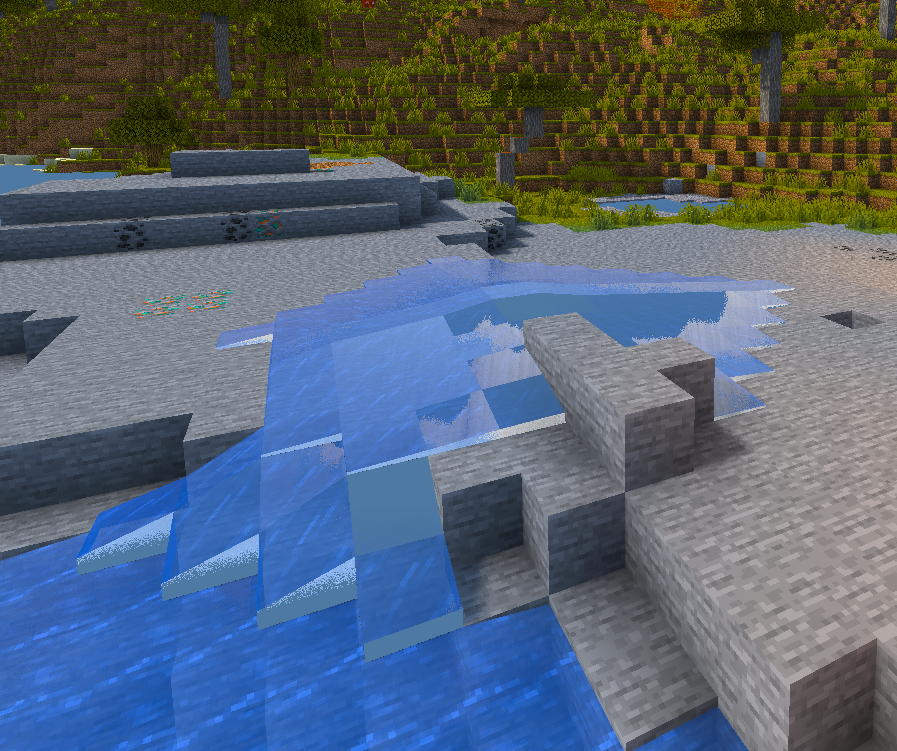
*please note that the water caustics affect glass aswell for some reason, but i think it just makes the glass look shimmery and shiny. just better. So, i do not plan to patch any time soon.

this shader adds

new water CAUSTICS

new water REFRACTION

🌅bloom

SSS (block transparence/light shining through block edges)

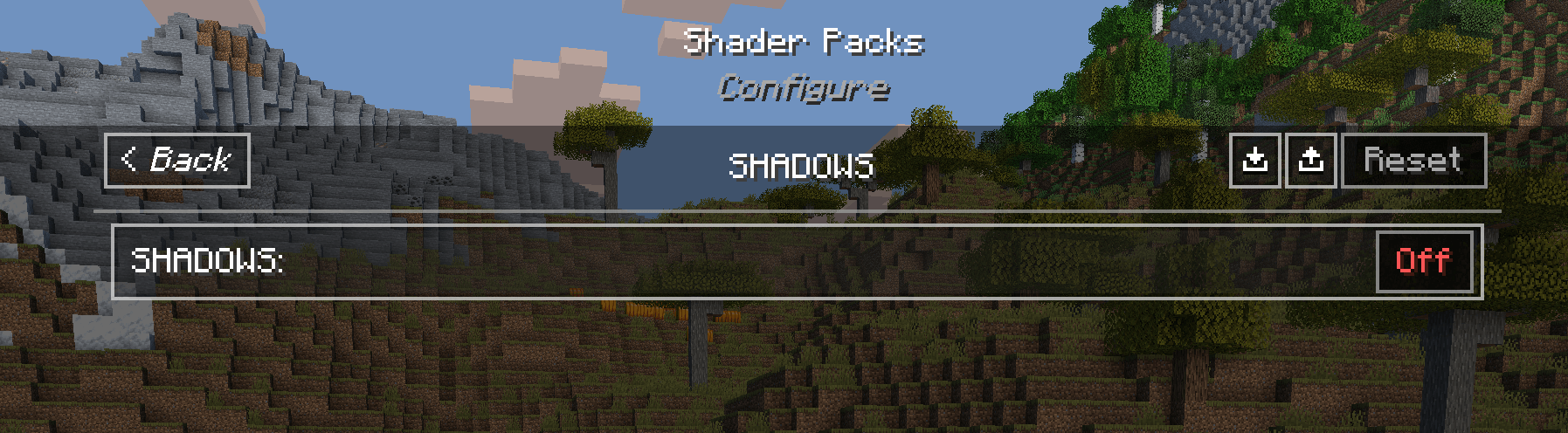
🕶️shadows

👀motion blur

🌊reflections (recommend turn off)

☀️saturation vibrance controls

🌟lensflare

🔲advanced celshading

😶‍🌫️underwater blur


.more:) 🫠

Oriana_shaders_V1.4_POSTUPD_WAVING_FOLIAGE.zip
MC 1.21.8, Iris, 1.21.9-snapshot, 1.21.9, 1.21.10, 1.21.11-snapshot, 1.21.11, 26.1-snapshot
Release 2026-02-10 Get

Requirements & install

How to use this shader in Minecraft
Shader loader
Iris
Minecraft
1.21.8 – 26.1-snapshot
Install folder
.minecraft/shaderpacks

Install with Iris

  1. Install Iris with the Iris installer (irisshaders.dev); it sets up Fabric and Sodium for you.
  2. Download the shader pack .zip (do not extract it).
  3. Put the .zip into .minecraft/shaderpacks.
  4. In game open Options → Video Settings → Shader Packs, select the pack and click Apply.
Browse more: Iris shaders OptiFine shaders Shaders for 26.1-snapshot All shaders

More from ItzCheeseBurger

Advertisement Remove ads with Premium →

You Might Also Like