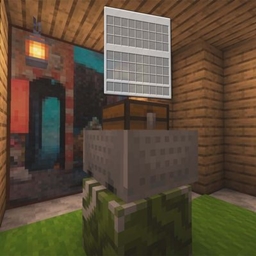
This data pack makes configuring NPCs in vanilla Minecraft much easier. Simply write the required data into the storage and execute the summon function to create your own NPC.
The following features are supported:


data modify storage windwaves_sea:npc root.npc_setting merge value {\
    test:{\
        name:"test",\
        zone:"test",\
        config:{\
            custom_settings:false,\
            look_player:true\
        },\
        text:{\
            pos:{x:1,y:1,z:1},\
            text:[{text:"1"}]\
        },\
        npc:{\
            pos:{x:1,y:1,z:1},\
            model:"wide",\
            texture:"lobby:npc/start_game",\
            rotation:[180,0]\
        },\
        right_click:{\
            command:"",\(function:""\)
        }\
    }\
}
data modify storage windwaves_sea:npc root.npc_setting merge value {\
    test_custom:{\
        name:"test_custom",\
        zone:"test",\
        config:{\
            custom_settings:true,\
            look_player:true,\
            default_orientation:"north" \
        },\
        text:{\
            pos:{x:1,y:1,z:1},\
            data:{}\
        },\
        npc:{\
            pos:{x:1,y:1,z:1},\
            data:{}\
        },\
        right_click:{\
            function:""\(command:""\)
        }\
    }\
}
function npc:summon {name:"name"}
Summons an NPC. The configuration must be written to storage before running this function. Duplicate NPCs cannot be spawned. name refers to the NPC name defined in the configuration above (the same applies below).
function npc:remove/npc {name:"name"}
function npc:remove/setting {name:"name"}
QQ Group: 117464315
GitHub: https://github.com/WindWavesSea/Simple-NPC/
Special thanks to NOX OBSCURA for providing the interaction entity size solution, allowing interaction entities to properly match NPC hitboxes.
Special thanks to 轩宇1725 for providing the storage detection approach, enabling string-based detection.