Mineuniverse
Data Packs
Quick Climb

Quick Climb

DATA PACK
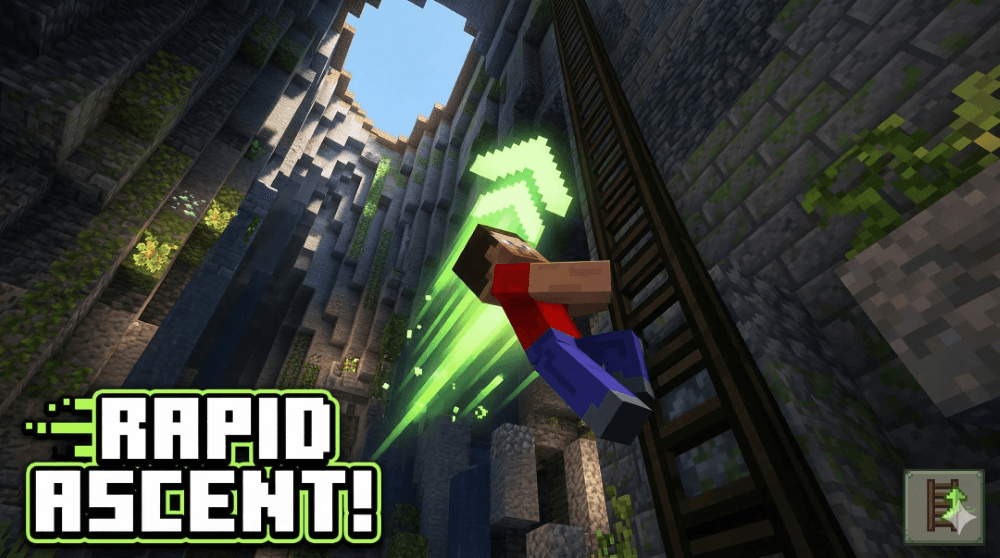
Scale any height in half the time by looking up while climbing. A lightweight, vanilla-friendly boost that makes long ladder climbs faster and more intuitive.
by StaticLabs
Download Claim this project
1,206 downloads
0 likes
Updated Oct 14, 2026
0 hypes
Utility
Advertisement Remove ads with Premium →

Verticality, Accelerated.

Tired of the slow, tedious crawl up massive ravines or base towers? Quick Climb is a performance-optimized utility datapack that doubles your climbing speed without breaking the "Vanilla" feel of the game.

How it Works:

The mechanic is simple and reactive:

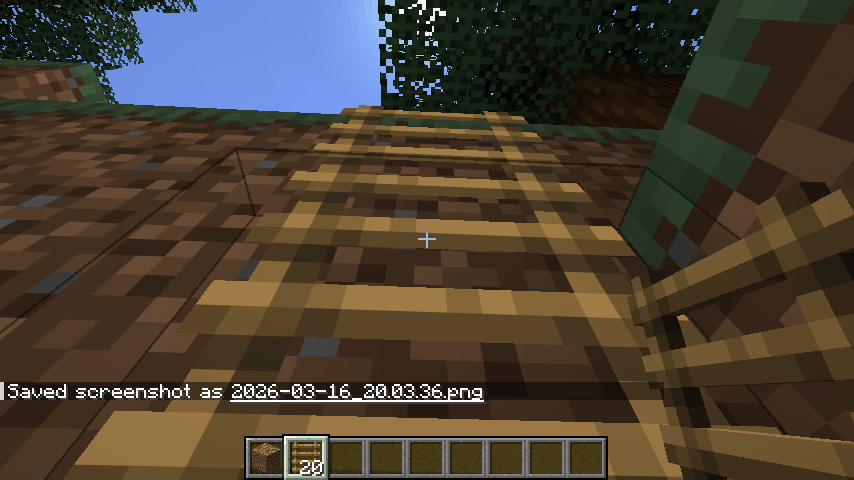
  • Look Up to Boost: When you are on a ladder and your crosshair is pointed upward (Pitch: $-45^{\circ}$ to $-90^{\circ}$), you will receive a subtle motion boost.

  • Release to Normal: Simply look toward the horizon to return to the standard Minecraft climbing speed.

  • Precision Control: The boost is calculated per-tick, meaning the moment you hop off or look away, the effect stops instantly—no "floaty" physics or accidental flying.

Key Features:

  • Ladder Focused: Specifically tuned for Ladders to ensure it doesn't interfere with other mechanics like scaffolding or vines.

  • Multiplayer Ready: Uses efficient predicates and a 1-tick refresh cycle to ensure zero lag, even on busy servers.

  • No Particles: The boost is seamless and invisible; no annoying potion bubbles cluttering your screen.

  • Plug & Play: No configuration required. Just drop the zip into your world’s datapacks folder and start climbing.

quick-climb-1.18-1.21.x.zip
MC 1.21.2-Snapshot, 1.21, 1.21.6-snapshot, 1.18.1, 1.20.2-Snapshot, 1.20.5-Snapshot, 1.19-Snapshot, 1.21.1-Snapshot, 1.19.3, 1.20.2, 1.19.4, 1.21.8, 1.19.4-Snapshot, 1.20.5, 1.21.5
Release 2026-03-16 Get

Requirements & install

How to use this data pack in Minecraft
Mods needed
None, works in vanilla
Minecraft
1.20.5-Snapshot – 1.21.8
Install folder
saves/<world>/datapacks

How to install data packs

  1. Download the data pack .zip file (do not extract it).
  2. New world: click Data Packs on the world creation screen and drop the .zip in. Existing world: open .minecraft/saves/<world>/datapacks.
  3. Put the .zip into the datapacks folder of the world (servers: world/datapacks).
  4. Run /reload in game (or rejoin the world) and check it with /datapack list.
Browse more: Data Packs for 1.21.8 All data packs

More from StaticLabs

Advertisement Remove ads with Premium →

You Might Also Like