# Item Survival — Craft to Survive!
**Item Survival** is a fast-paced, competitive multiplayer data pack that plays like **"Musical Chairs" combined with Minecraft item crafting!**
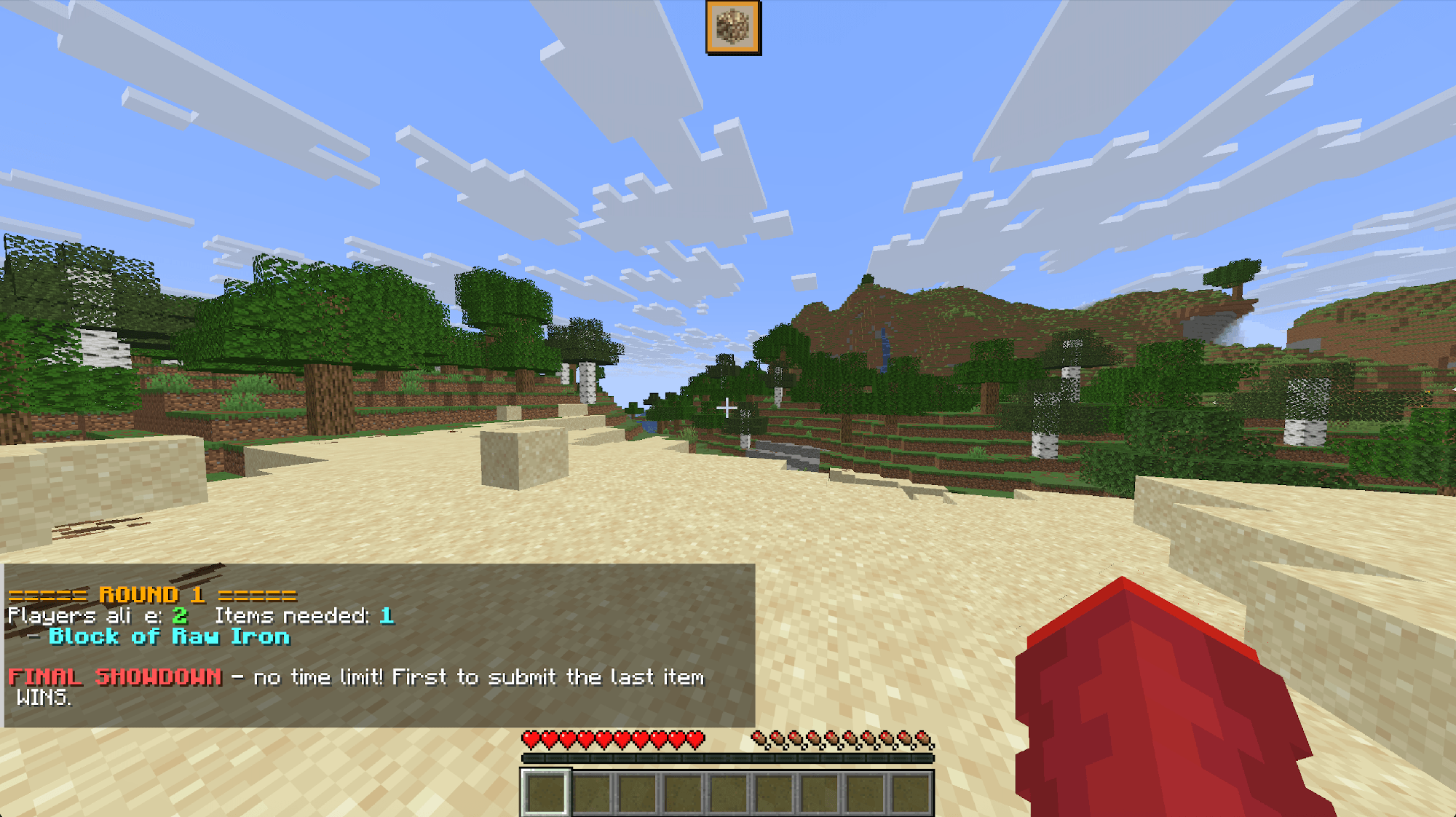
In each round, the game reveals an item list with fewer items than there are surviving players. Players must race against time and each other to craft or collect one of the items. Fail to secure an item before time runs out, and you're eliminated!
1. **Prep Phase (Default 60s):** All active players spawn into the world and get time to gather basic tools and materials.
2. **Round Start:** An item list is generated. The list size is always **`Current Survivors − 1`** *(e.g., 4 survivors = 3 available items)*.
3. **First-Come, First-Served:**
* As soon as a player obtains an item on the list in their inventory, it automatically claims it for them.
* Once claimed, that item is removed from the list—meaning other players must hunt for the remaining items!
* Pro Strategy:** Players who have already secured an item can continue claiming other items on the list to starve out opponents and force early round terminations!
4. **Elimination:** When the timer expires or all items are claimed, any player who failed to submit an item is eliminated into Spectator Mode.
5. **Victory:** Rounds continue until only **1 Last Survivor** remains standing!
* **Dynamic Difficulty Item Pools:**
* **Easy:** 80 accessible survival items *(Stone, Anvil, Campfire, Bow, etc.)*
* **Normal:** 97 intermediate & rare items *(Ancient Debris, Netherite tools, Armor Trims, etc.)*
* **Hard:** 22 endgame items *(Beacon, Elytra, Mace, Trident, Conduit, etc.)*
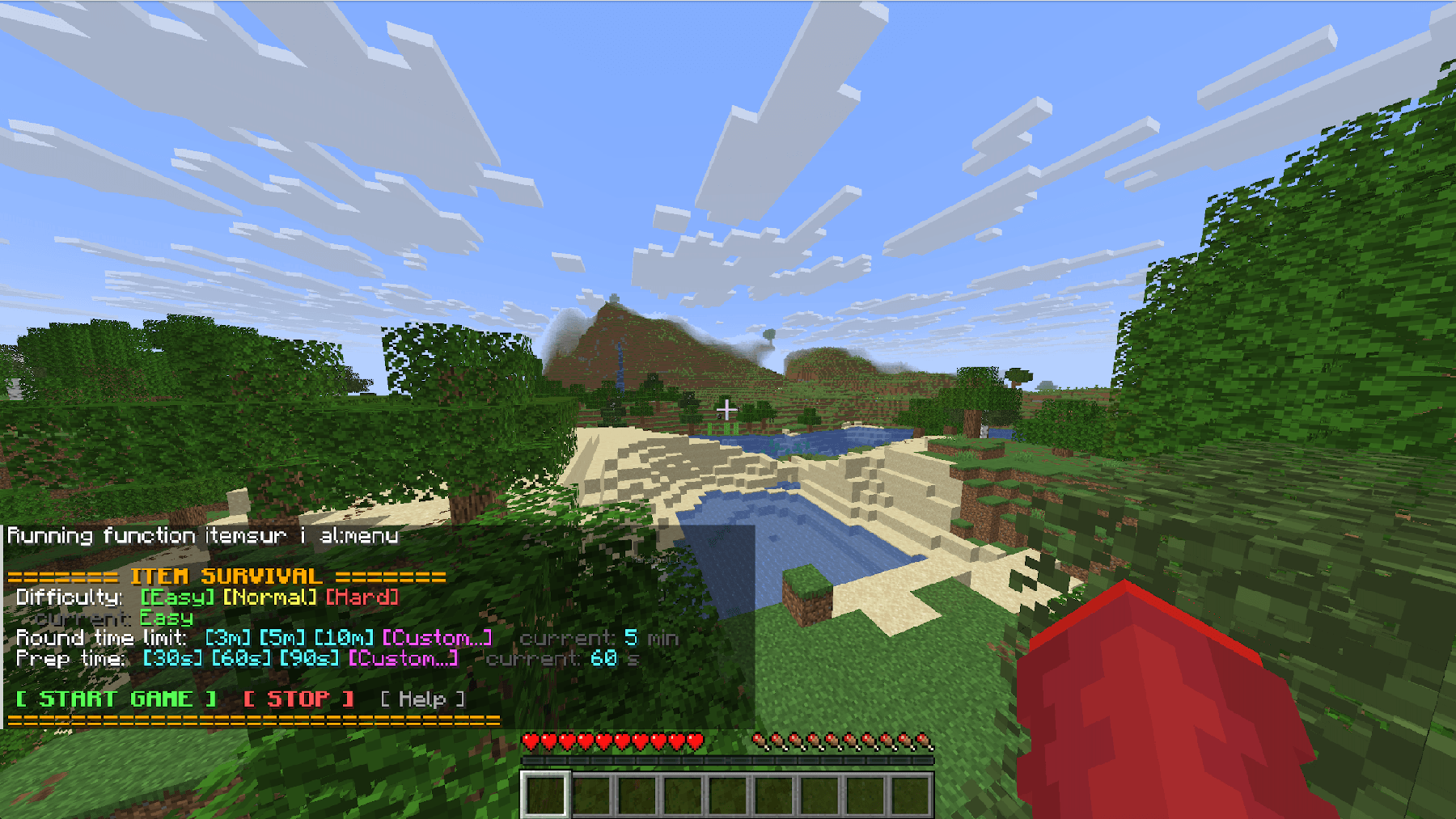
* **In-Game Configuration Menu:**
* Convenient GUI & Dialog sliders for custom setups.
* Adjust **Prep Time** (30s, 60s, 120s, or custom).
* Adjust **Round Duration** (3m, 5m, 10m, or custom).
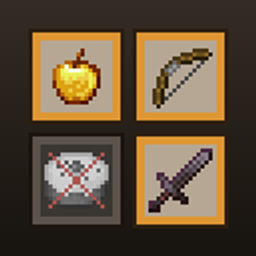
* Custom HUD Support:** Integrates seamlessly with the official **Item HUD Resource Pack** to render target item icons and round timers cleanly on screen.
* Download the `.zip` file and place it into your world's `datapacks/` folder (`.minecraft/saves/<world_name>/datapacks/`).
### 2. Game Setup & Commands
* Run the menu command to configure settings and difficulty: