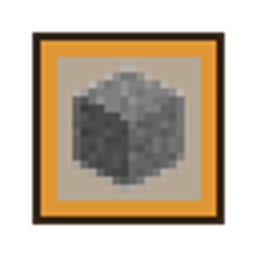
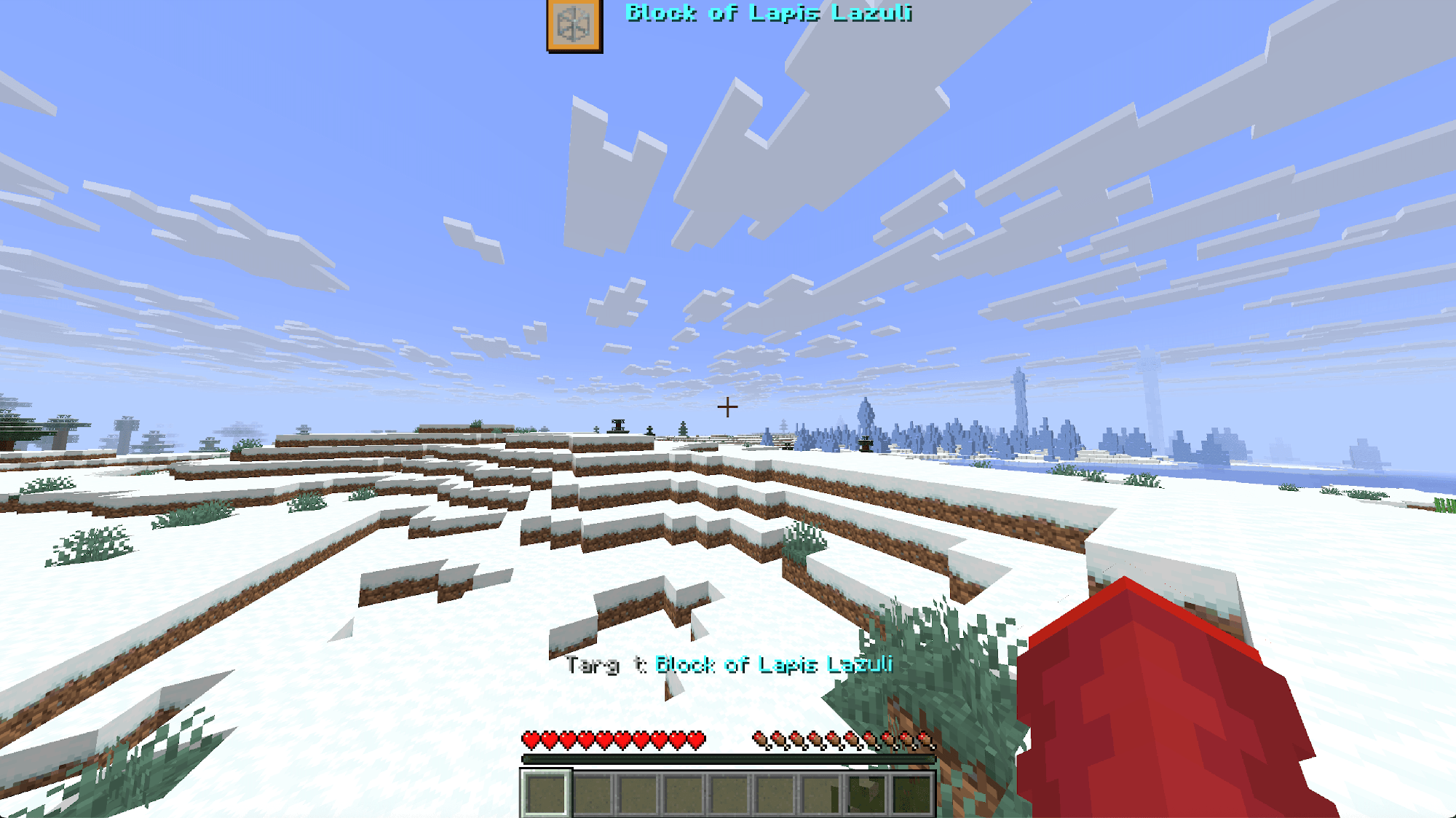
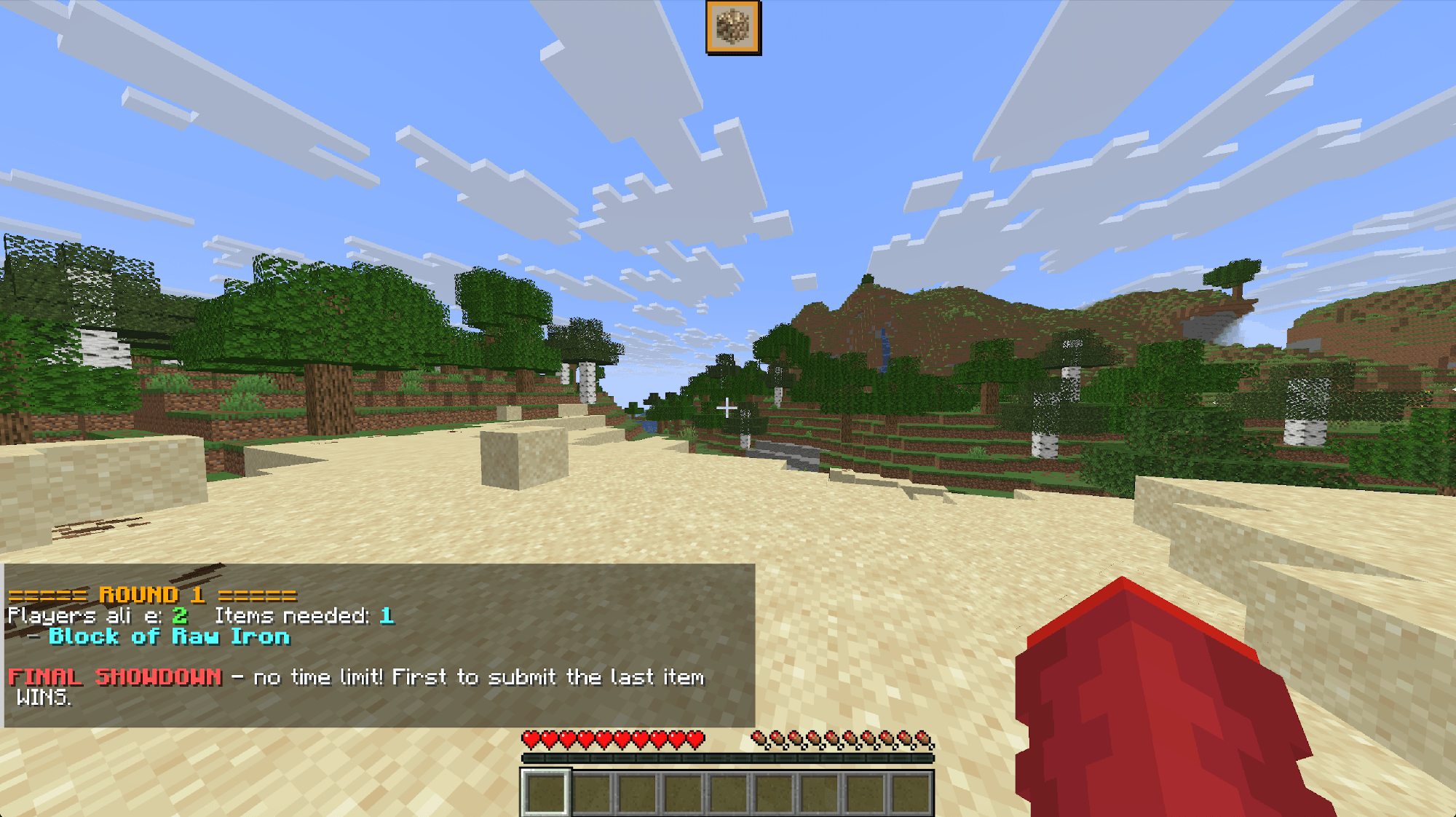
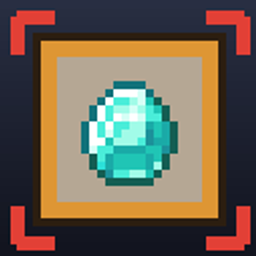
**Item HUD** is the official companion resource pack designed specifically for the **Item Survival** and **Item Hunt** minigame data packs.
This pack introduces custom font atlases, HUD icons, and refined UI textures to seamlessly display target items, timer progress, and game status directly on your screen!
* **Custom HUD Item Icons:** Displays clear, custom icons for target items directly on your HUD during gameplay.
* **Custom Font Atlas:** Integrates custom font characters (`itemhud`) for clean in-game UI element rendering.
* **Enhanced Progress Bars:** Features customized boss bar textures for smooth timer and round tracking.
* **Seamless Integration:** Works out-of-the-box when paired with the corresponding data pack.
## Requirements & Compatibility
* **Required Data Pack:** Built for **Item Survival** & **Item Hunt** data packs.
* **Minecraft Version:** 26.2+
* **Multiplayer:** Recommended for all players on the server (or set as a Server Resource Pack) so everyone can see the custom HUD icons.
1. Download the **Item HUD Resource Pack** `.zip` file.
2. Open Minecraft and go to **Options** ➔ **Resource Packs...**
3. Click **Open Pack Folder** and drop the downloaded `.zip` file inside.
4. Move **Item HUD** to the right column (*Selected*) and click **Done**.
* Add the direct download link of this pack to your server's `server.properties` under `resource-pack=`.