Mineuniverse
Data Packs
Cardboard Chalkbox

Cardboard Chalkbox

DATA PACK
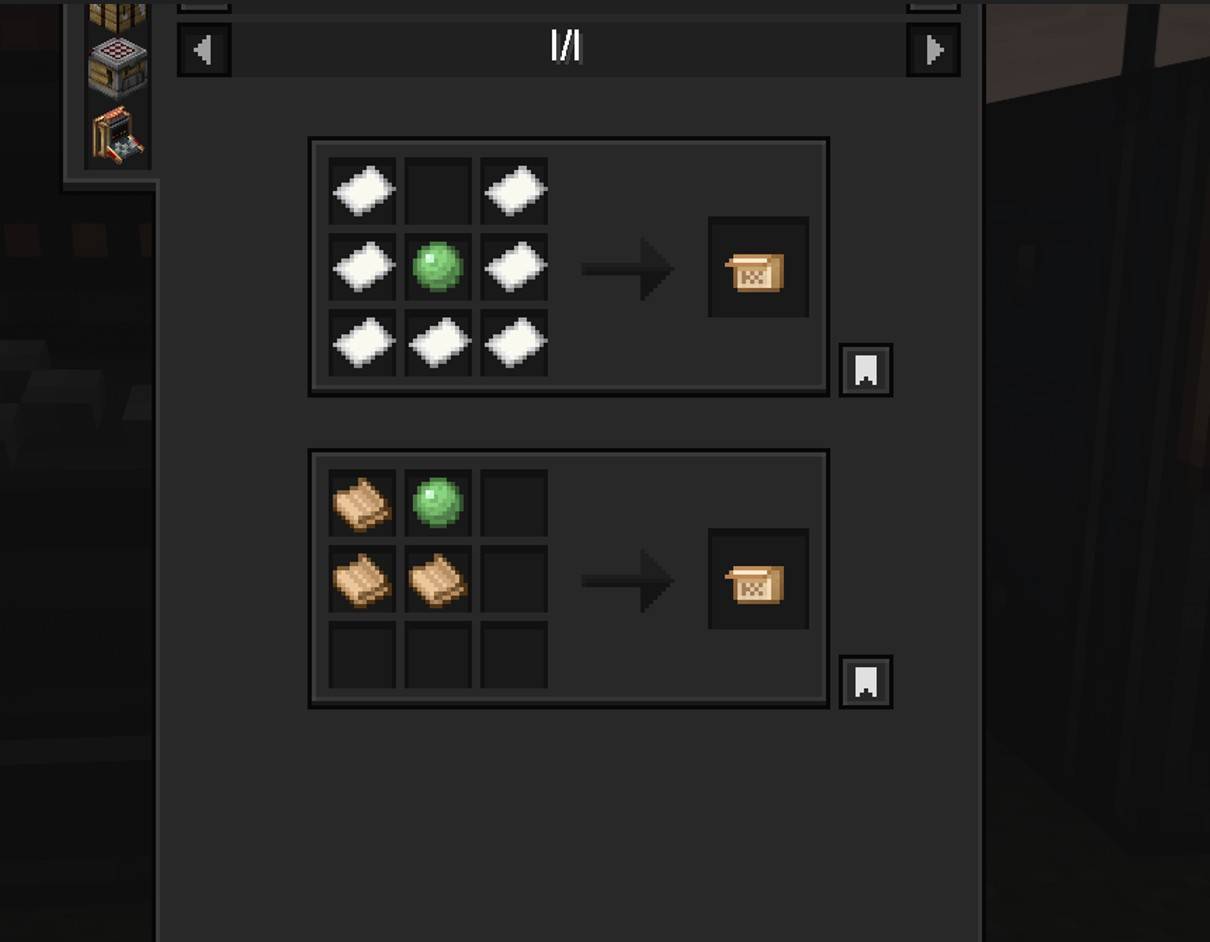
Datapack that adds a recipe to Chalk mod for use with Create mod
by kentapainter
Download Claim this project
48 downloads
0 likes
Updated Oct 14, 2026
0 hypes
Tech Utility
Advertisement Remove ads with Premium →

Cardboard Chalkbox


For those who don't like getting lost in caves, there's the chalk Mod. And for those who love being engineers, there's the Create mod…

so since Create 6.0 brought cardboard, why not include its recipe in Chalk?

Here's my datapack for this purpose.


Installation: 


Just place it in your datapack folder.

But for those who don't know how to do it:

  1. Go to where you have Minecraft installed.
  2. Find the **saves** folder.
  3. You'll see folders with the names of your worlds; choose the one you want to use the datapack on.
  4. Place the file in the **datapacks** folder.

Something like this: C:\User\ .minecraft\saves\new_world\datapacks

Just leave it there, done!



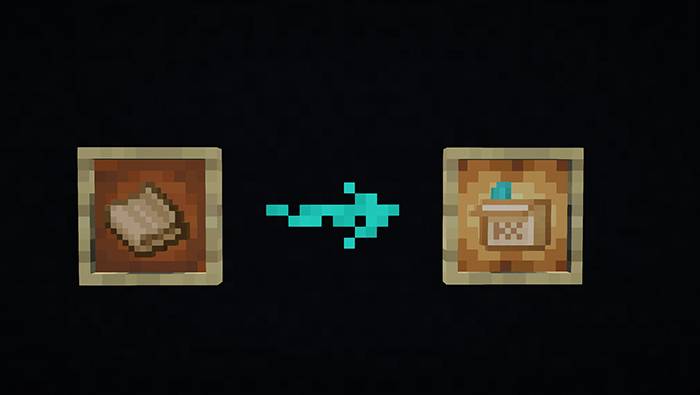
This datapack includes the recipe unlock from the Create's cardboard achievement, and it's included in the recipe list of the original Chalk mod.

Therefore, you need both for this datapack to work.

1.0
MC 1.21, 1.21.1-Snapshot, 1.21.1
Release 2026-06-01 Get

Requirements & install

How to use this data pack in Minecraft
Mods needed
None, works in vanilla
Minecraft
1.21 – 1.21.1
Install folder
saves/<world>/datapacks

How to install data packs

  1. Download the data pack .zip file (do not extract it).
  2. New world: click Data Packs on the world creation screen and drop the .zip in. Existing world: open .minecraft/saves/<world>/datapacks.
  3. Put the .zip into the datapacks folder of the world (servers: world/datapacks).
  4. Run /reload in game (or rejoin the world) and check it with /datapack list.
Browse more: Data Packs for 1.21.1 All data packs

More from kentapainter

Advertisement Remove ads with Premium →

You Might Also Like