Mineuniverse
Resource Packs
Tom's storage Create style

Tom's storage Create style

RESOURCE PACK
Create Styled Tom's Simple Storage. Reviving this texture pack.
by kentapainter
Download Claim this project
Add a badge to your pageLink to Tom's storage Create style from a README, website or forum post.
Preview: Badge

Badges update automatically and link to the resource pack page on MineUniverse.

2,320 downloads
0 likes
0 followers
Updated Oct 14, 2026
0 hypes
Follow0
16x Animated Mod Support Steampunk
Advertisement Remove ads with Premium →

About

This pack revamps Tom's Simple Storage mod to match to Create mod's art style much better.

👀Also comes along with a datapack for recipes and more style!


This texture pack is an update of original one made by End_rage.

https://www.curseforge.com/minecraft/texture-packs/create-simple-storage

I've used it for a long time and have always liked it; I didn't want to let it go to waste, and the author hasn't shown any changes in a long time. I don't know what's become of him or the project, but I'm sharing it here for those who; like me, enjoy this pack.


NOTE: End_rage, if you find this pack, please know that I'm not stealing your work. I'm sharing it for the community because it's been abandoned. If you have any problem with this version being available, I can remove it whenever you say.


With those clarifications out of the way... here's the updated version for 1.21.1!

Everything remains the same as before; you can read the changes in the changelog. But I can show you a sample of the changes I made myself. I hope you like them.
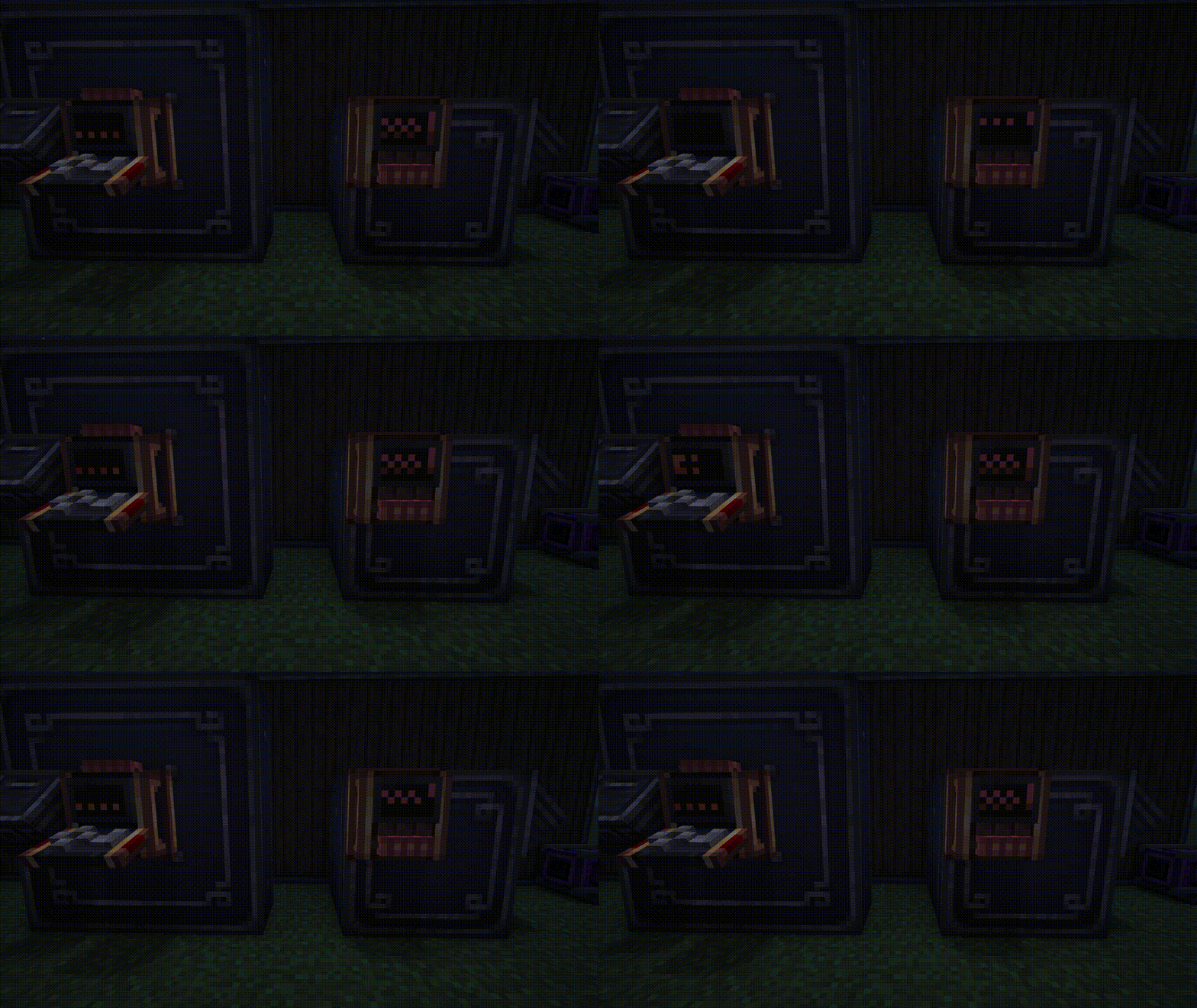
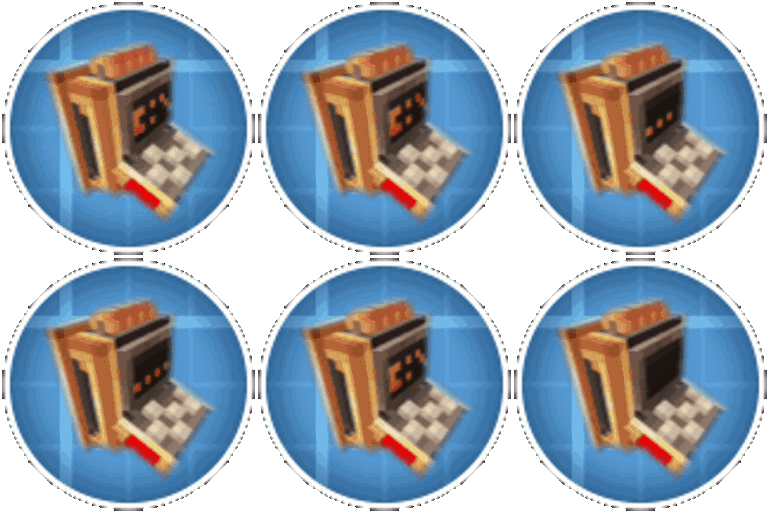
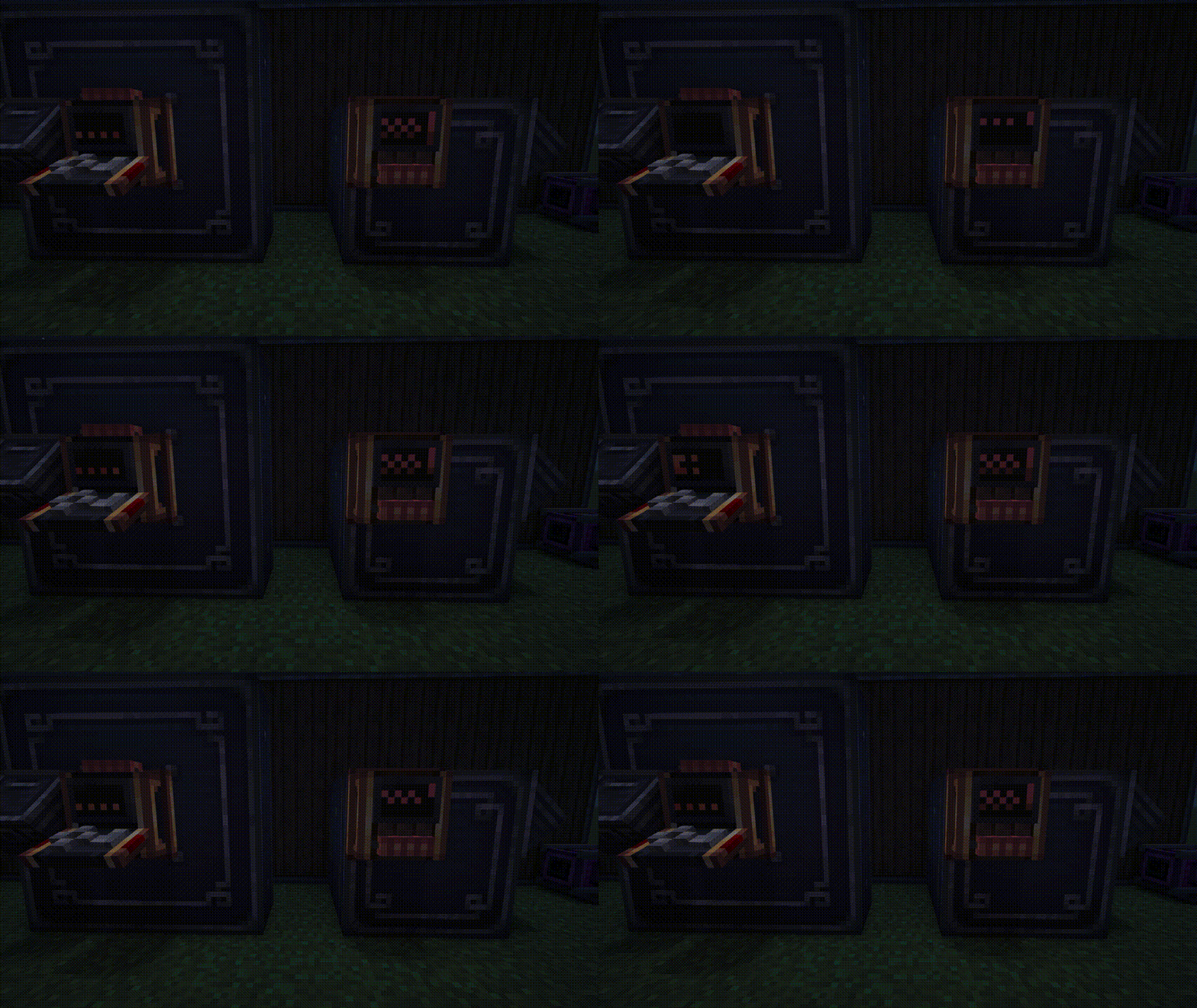
crafting and storage terminals screen animation
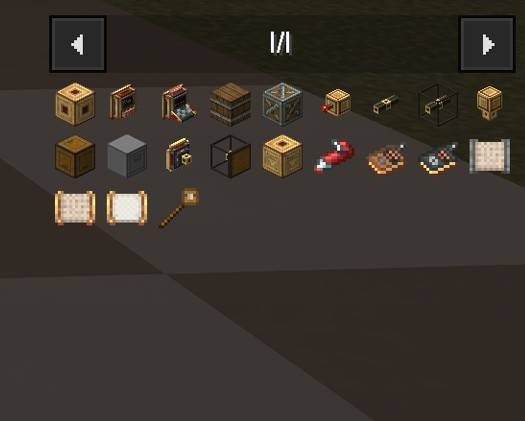
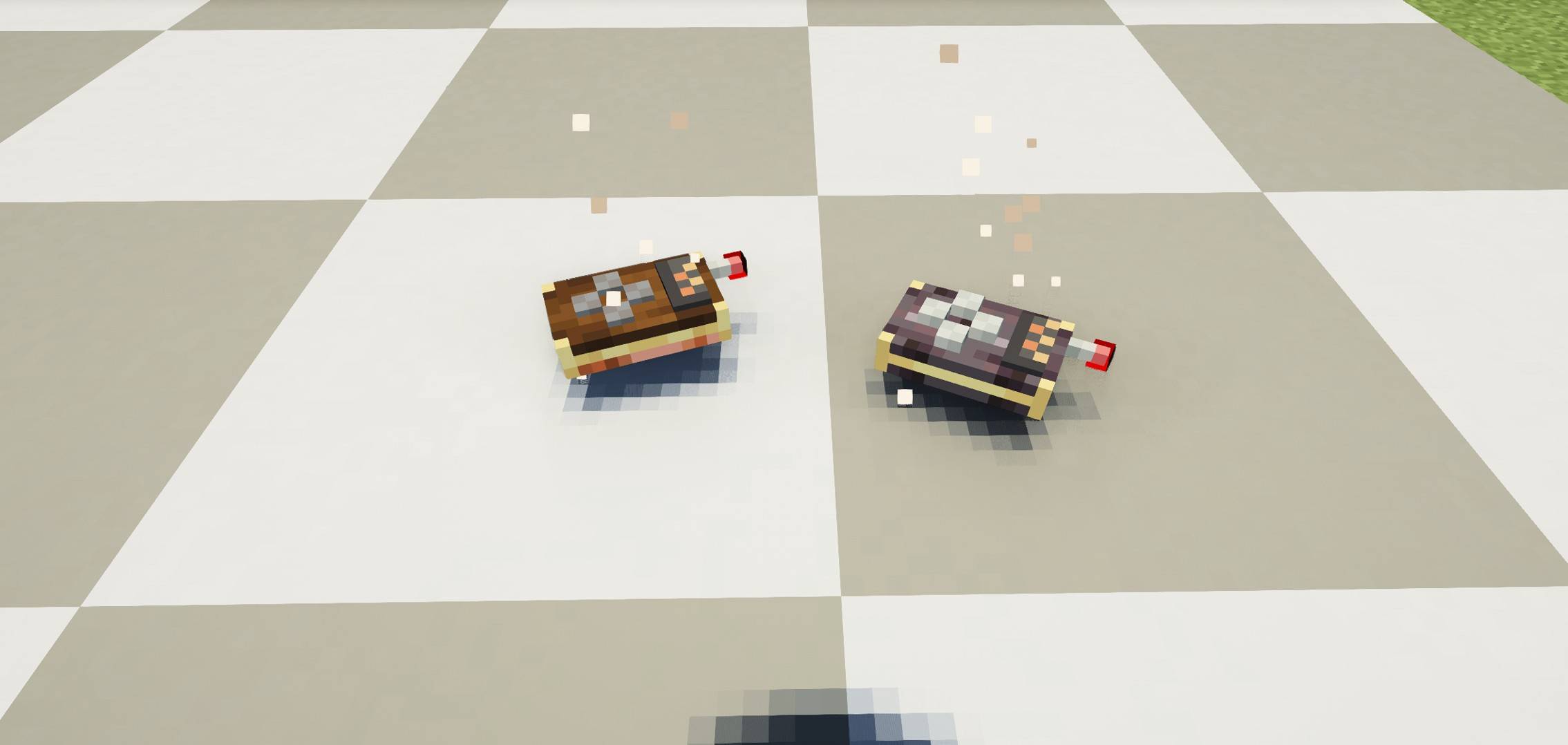
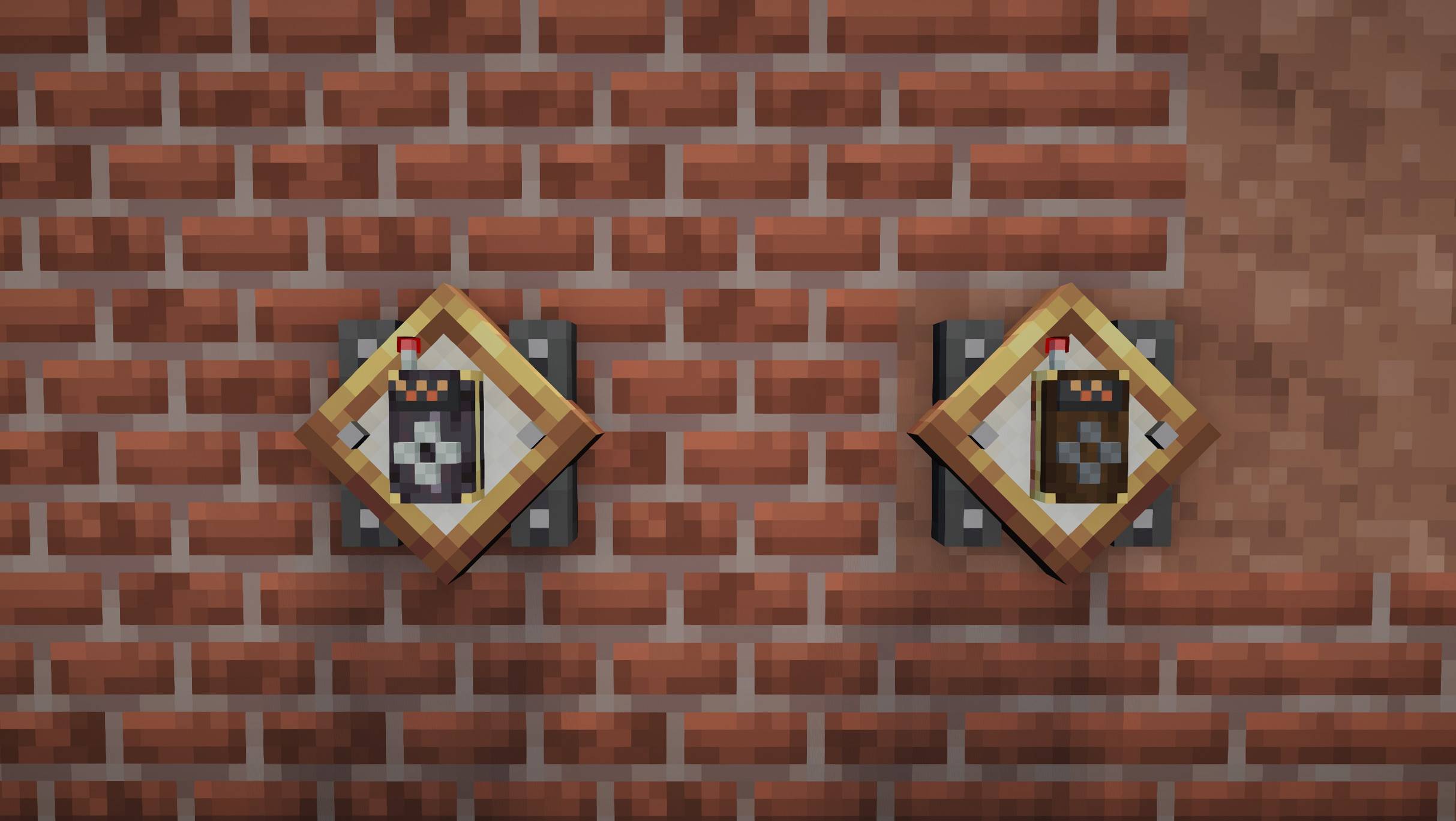
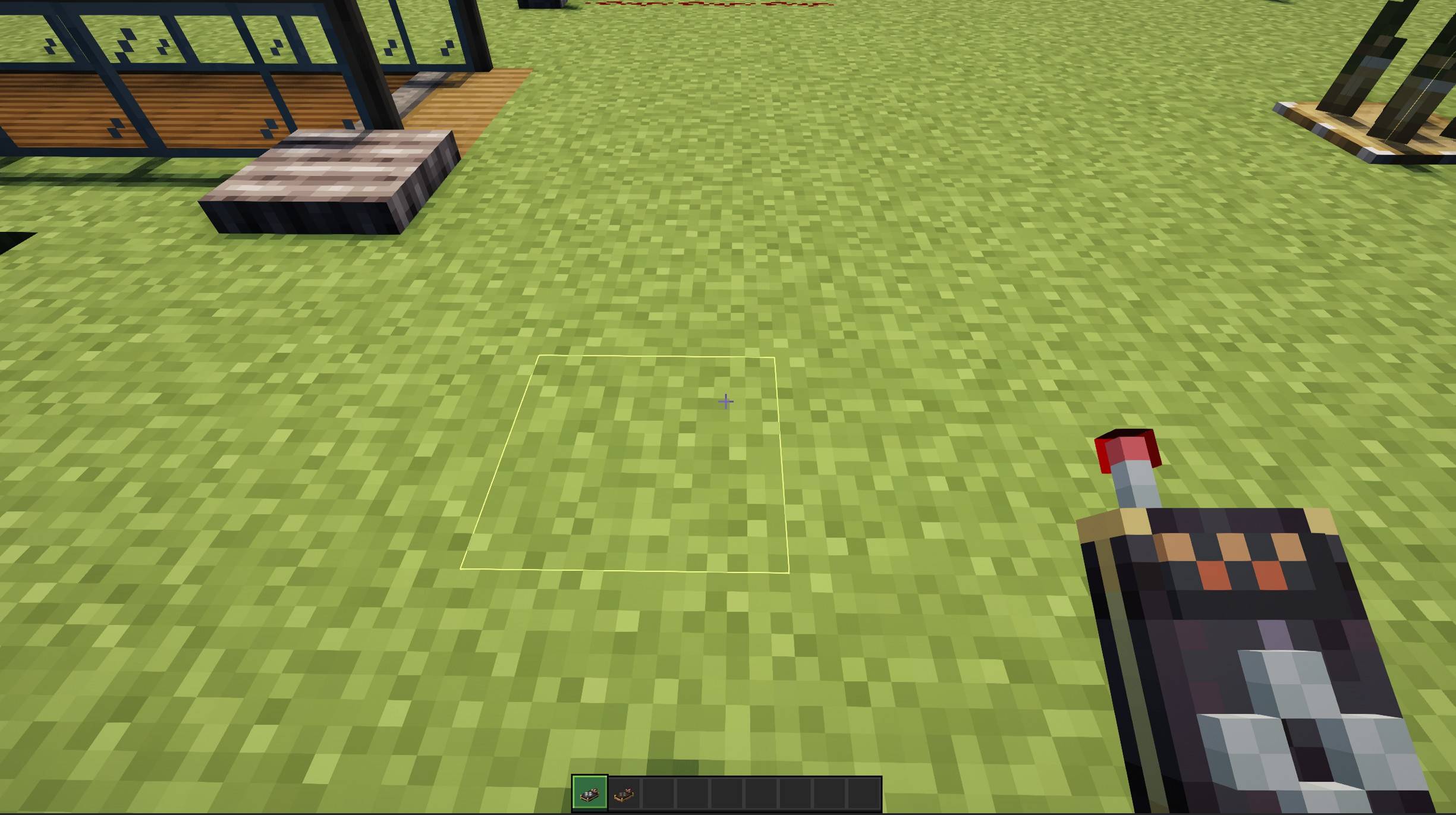
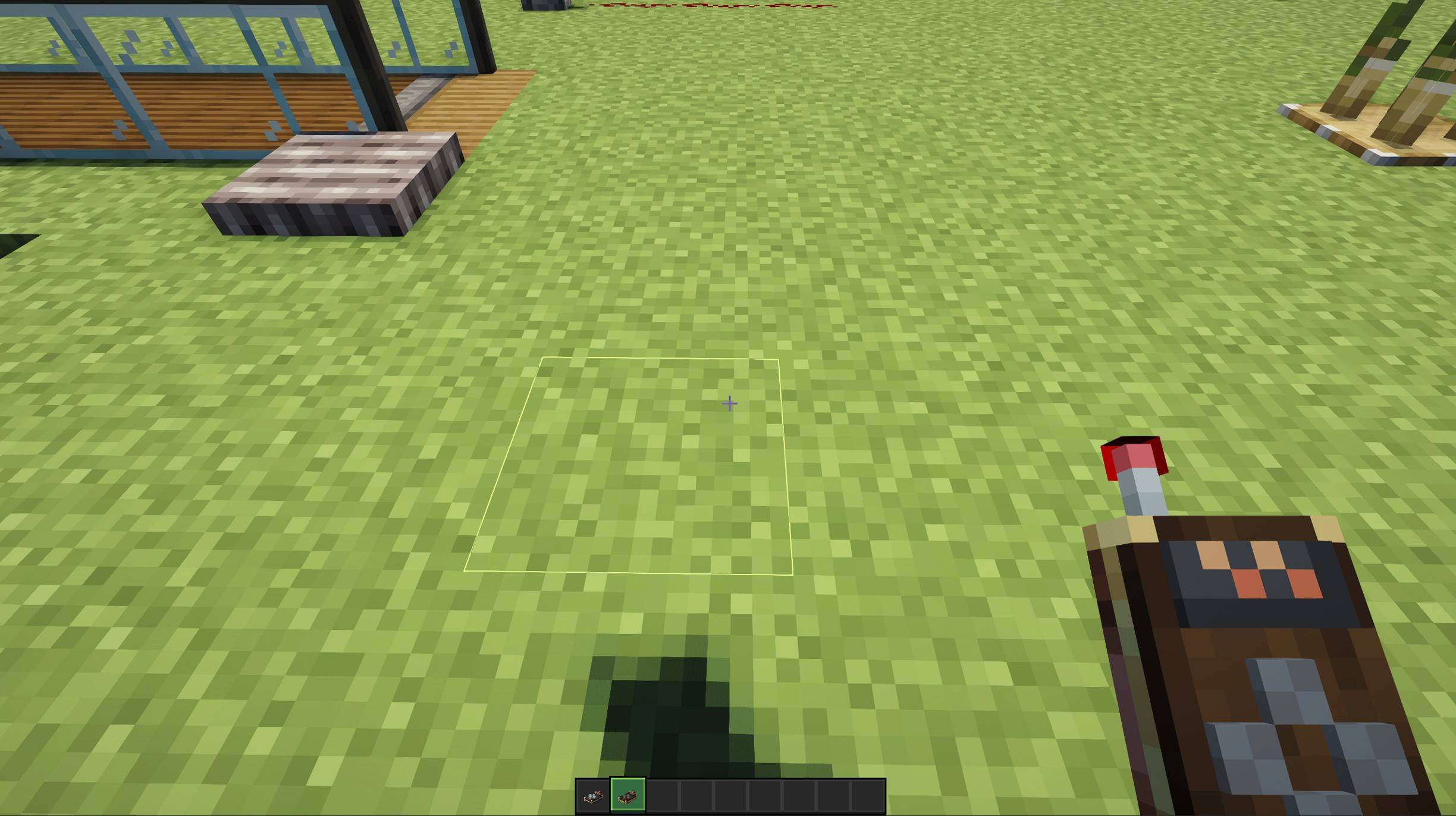
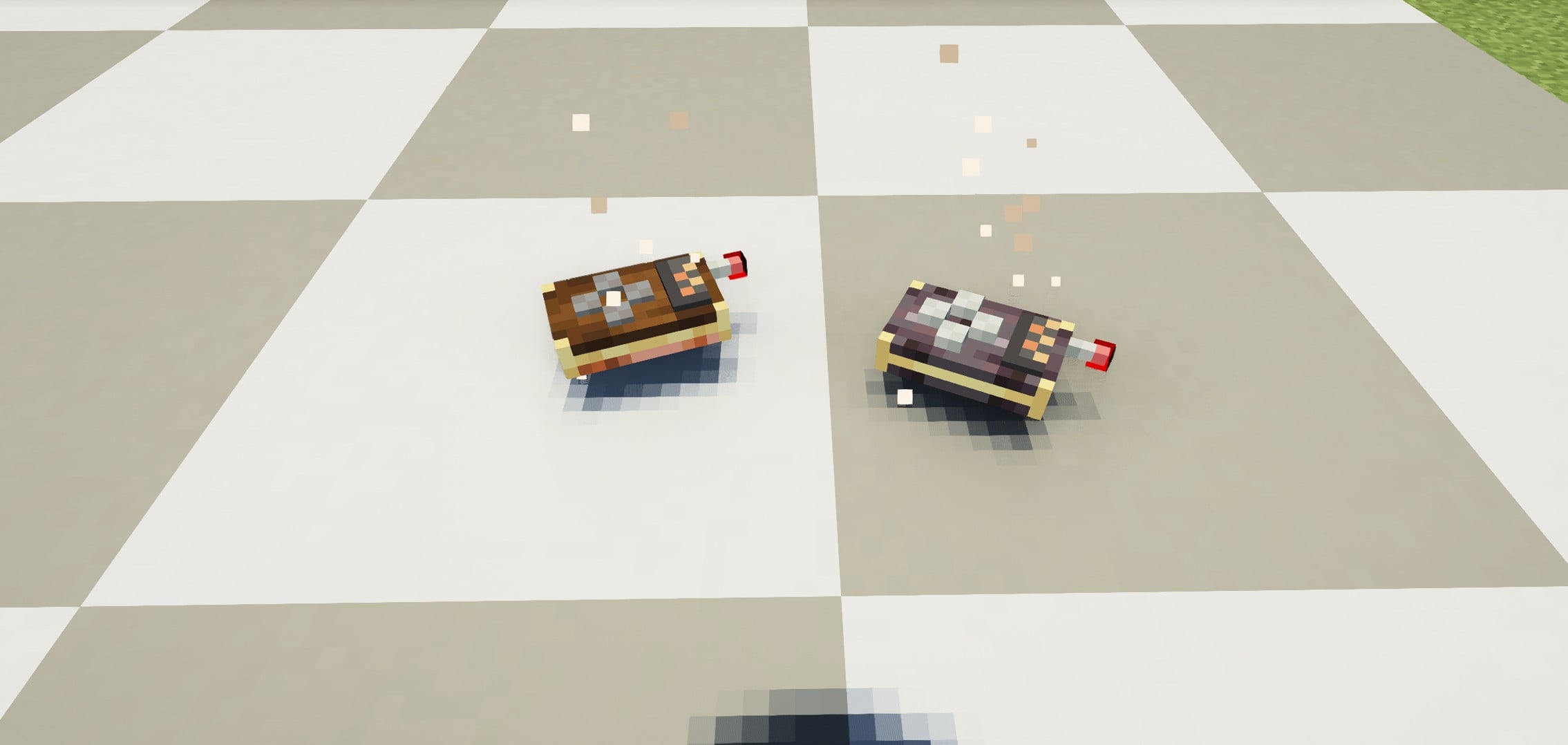
I had the idea that "the texture pack already has controls for the terminals... So why not make them 3D like the controls in Create Mod?"

And here they are!
optional of course | chose 2.1.1+3D terminals controllers 3D on the floor
2.1
MC 1.21, 1.21.1-Snapshot, 1.21.1, 1.21-Snapshot
Release 2026-06-01 Get
2.1.1+3D
MC 1.21, 1.21.1-Snapshot, 1.21.1, 1.21-Snapshot
Release 2026-06-01 Get

Requirements & install

How to use this resource pack in Minecraft
Resolution
16x
Minecraft
1.21-Snapshot – 1.21.1
Install folder
.minecraft/resourcepacks

How to install resource packs

  1. Download the resource pack .zip file (do not extract it).
  2. In Minecraft open Options → Resource Packs → Open Pack Folder.
  3. Drop the .zip into the resourcepacks folder (.minecraft/resourcepacks).
  4. Move the pack to the Selected column and click Done.
Browse more: 16x resource packs 32x resource packs 64x resource packs 128x resource packs 256x resource packs 512x+ resource packs Resource Packs for 1.21.1 All resource packs

More from kentapainter

Advertisement Remove ads with Premium →

You Might Also Like