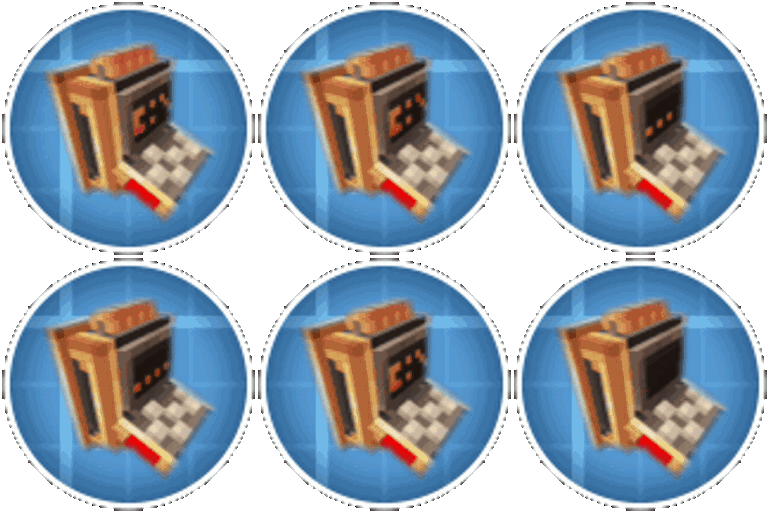
Mineuniverse
Resource Packs
K's DARK GUI - Basic

K's DARK GUI - Basic

RESOURCE PACK
Simple plain, square texture pack, but DARK vanilla
by kentapainter
Download Claim this project
Add a badge to your pageLink to K's DARK GUI - Basic from a README, website or forum post.
Preview: Badge

Badges update automatically and link to the resource pack page on MineUniverse.

254 downloads
0 likes
0 followers
Updated Oct 14, 2026
0 hypes
Follow0
32x Modern
Advertisement Remove ads with Premium →

Description

k's dark gui title 

A container GUI replacement pack that hopes to match the menu to every one of Minecraft vanilla's interactable blocks.

This texture pack will replace the GUI of every vanilla block like the crafting table. Each new menu will take inspiration from the bedrock GUI and few texturepacks on internet.

optigui (WIP) or optifine (WIP)

brief explanation

           colored shulkerboxes                  each villager professions

GUI's

I created all the base Minecraft interfaces; you can check the gallery to get an idea.

  • Hotbar
  • Icons
  • Achievements
  • Menus
  • Creative Inventory
  • All Vanilla

Compatibility

Minecraft: Java Edition 1.21 through 26 is supported.

Optional: Optifine or optigui (WIP)

If you liked the texture and play with mods, you can visit a version that's ready for mod packs, click below.


FAQ

-Why are some textures change o looks odd?
Maybe you have Optifine or OptiGUI installed. Some textures like villagers and shulker GUI’s only work with OptiGUI and Optifine, but I changed my mind halfway through and stopped making those colorful versions, opting for a dark theme. also had problems with OptiFine while working on version 1.21.1, but I never touched it again, preferring to include mods.

-Can I add your packs to my modpack?
Yes, you can add any of my resource packs to your Modrinth or Curseforge modpacks if you give me proper credits and add my pack as a dependent.

-Where can i post suggestions for either mod support or other things?
I'll think about it in the future, maybe Discord. Meanwhile, comments.

-Something isn't working properly or I have a question.
What can I tell you...

v1.1
MC 1.21.2-Snapshot, 1.21, 1.21.6-snapshot, 1.21.1-Snapshot, 1.21.8, 1.21.5, 1.21.4, 1.21.5-Snapshot, 1.21.1, 1.21.6, 1.21.3, 1.21.7, 1.21-Snapshot, 1.21.4-Snapshot, 1.21.2
Release 2026-09-17 Get
v1.0
MC 1.21.2-Snapshot, 1.21, 1.21.6-snapshot, 1.21.1-Snapshot, 1.21.8, 1.21.5, 1.21.4, 1.21.5-Snapshot, 1.21.1, 1.21.6, 1.21.3, 1.21.7, 1.21-Snapshot, 1.21.4-Snapshot, 1.21.2
Release 2026-06-29 Get

Requirements & install

How to use this resource pack in Minecraft
Resolution
32x
Minecraft
1.21.4-Snapshot – 1.21.8
Install folder
.minecraft/resourcepacks

How to install resource packs

  1. Download the resource pack .zip file (do not extract it).
  2. In Minecraft open Options → Resource Packs → Open Pack Folder.
  3. Drop the .zip into the resourcepacks folder (.minecraft/resourcepacks).
  4. Move the pack to the Selected column and click Done.
Browse more: 16x resource packs 32x resource packs 64x resource packs 128x resource packs 256x resource packs 512x+ resource packs Resource Packs for 1.21.8 All resource packs

More from kentapainter

Advertisement Remove ads with Premium →

You Might Also Like