Badges update automatically and link to the data pack page on MineUniverse.

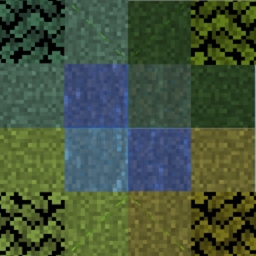
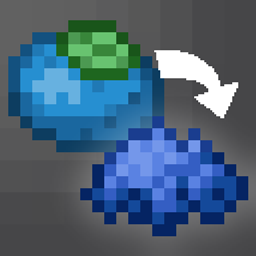
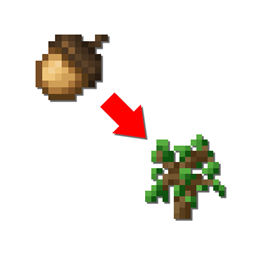
Allows you to change the biome in a Survival-Friendly way. Simply right-click with a Biome Powder to use it. The Biome Powders are also really useful for Builders in Creative Mode. You always get 8 Biome Powder from a single crafting process. Also adds colored Plains Variants.
Biome Powders come in 3 different Sizes:
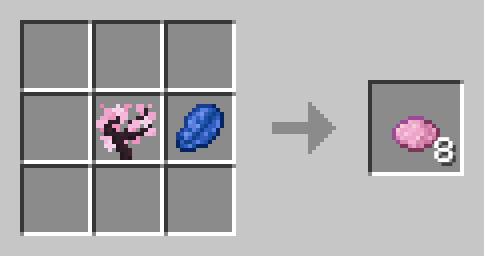
Use Ingredients once for small Biome Powder. This is meant to be used for details, corrections and for pathways.
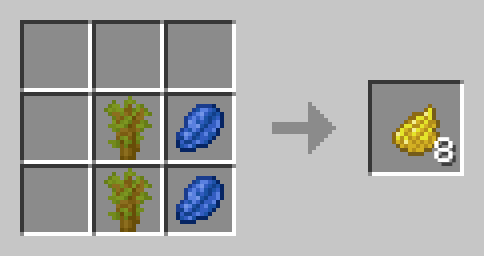
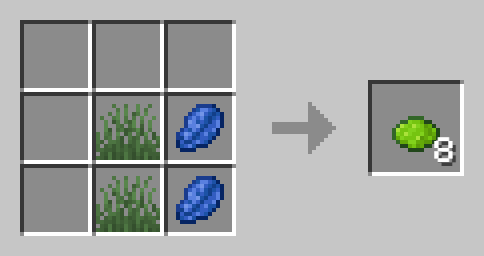
Use Ingredients twice for mid-sized Biome Powder. you can use this to fill rather small areas.
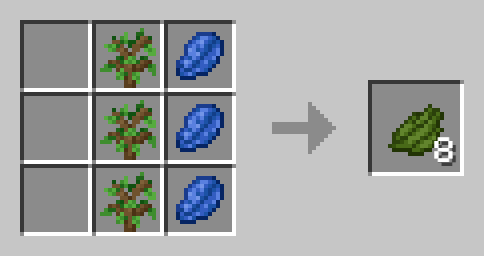
For most bigger areas, you will want to use the big biome powder. It is crafted by using the ingredients three times.
Short Grass and Lapis Lazuli
Short Grass, any Dye and Lapislazuli
Short Grass, Snowball and Lapis Lazuli
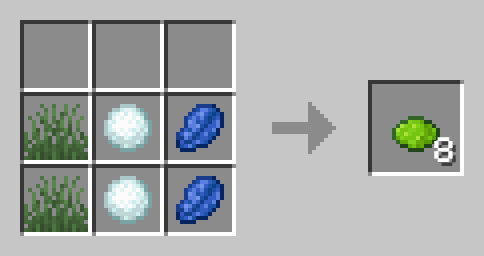
Oak Sapling and Lapis Lazuli
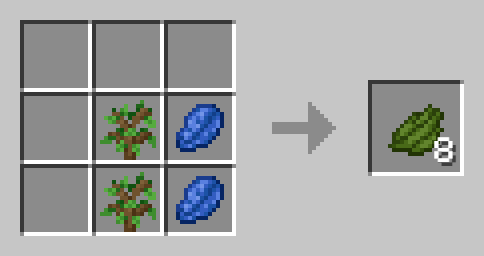
Dark Oak Sapling and Lapis Lazuli
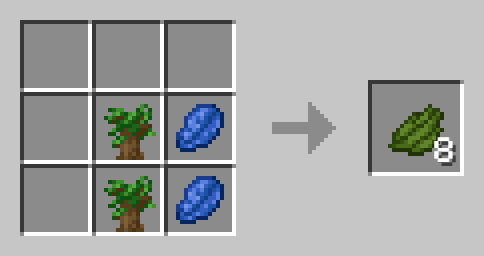
Birch Sapling and Lapis Lazuli
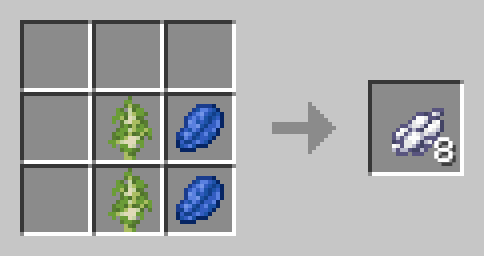
Cherry Sapling and Lapis Lazuli
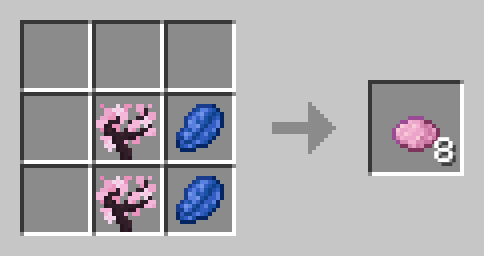
Acacia Sapling and Lapis Lazuli
Sand and Lapis Lazuli
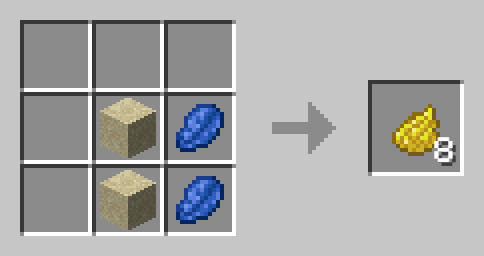
Red Sand and Lapis Lazuli
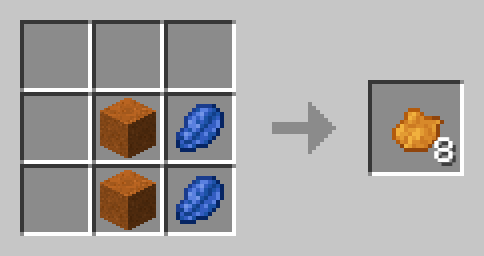
Lily Pad and Lapis Lazuli
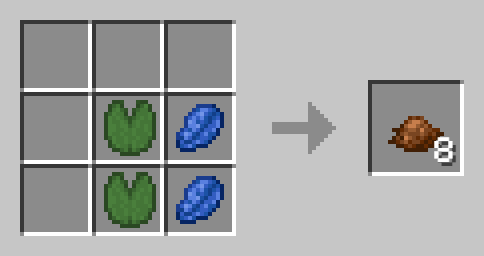
Mangrove Sapling and Lapis Lazuli
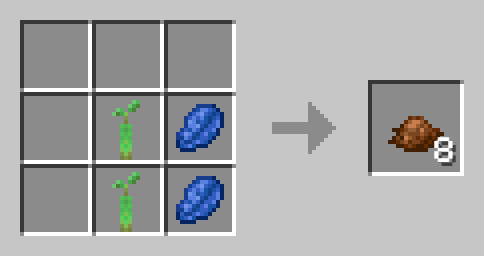
Jungle Sapling and Lapis Lazuli
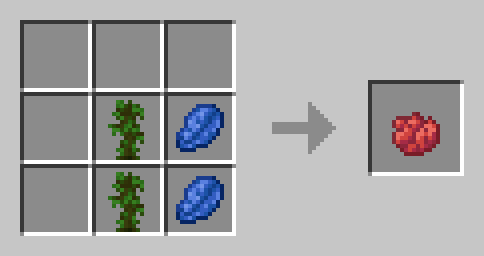
Spruce Sapling and Lapis Lazuli
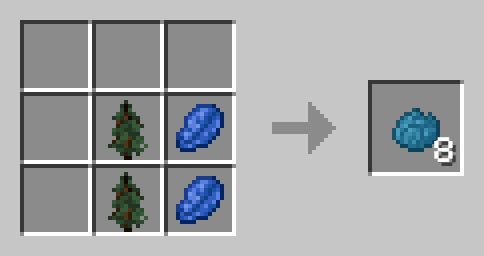
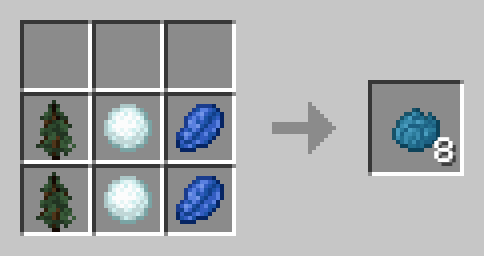
Spruce Sapling, Snowball and Lapis Lazuli
Copy the .zip archive into the ".minecraft/saves/yourworldname/datapacks" folder, where yourworldname is the name of your world.
Copy the .jar archive into the folder your Mod Loader of choice provides.
No known Compatibility Issues. Recipes are Subject to Change in Future Versions.
Datapack is loosely inspired by Terraria
Please report issues on My Discord.