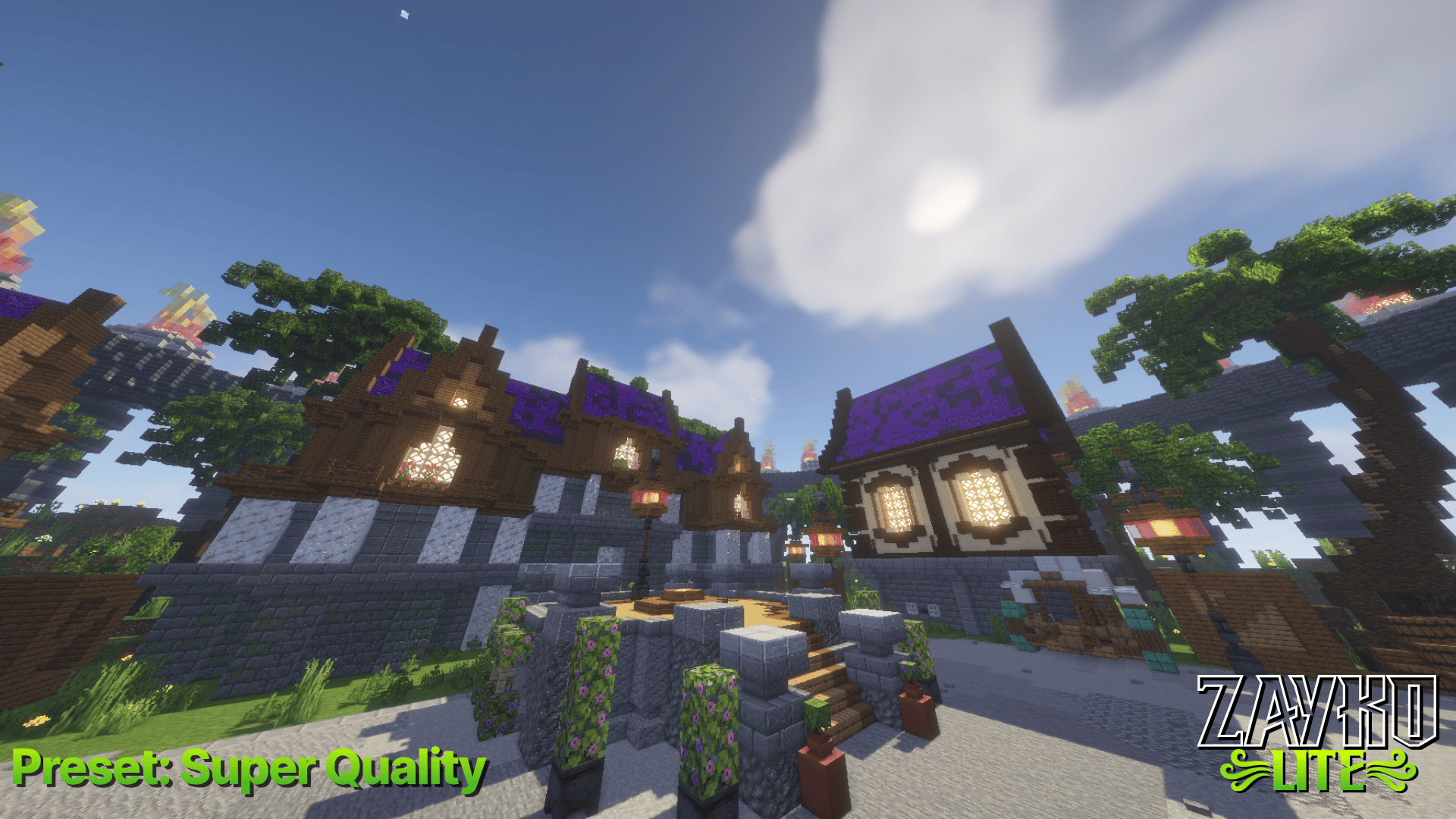
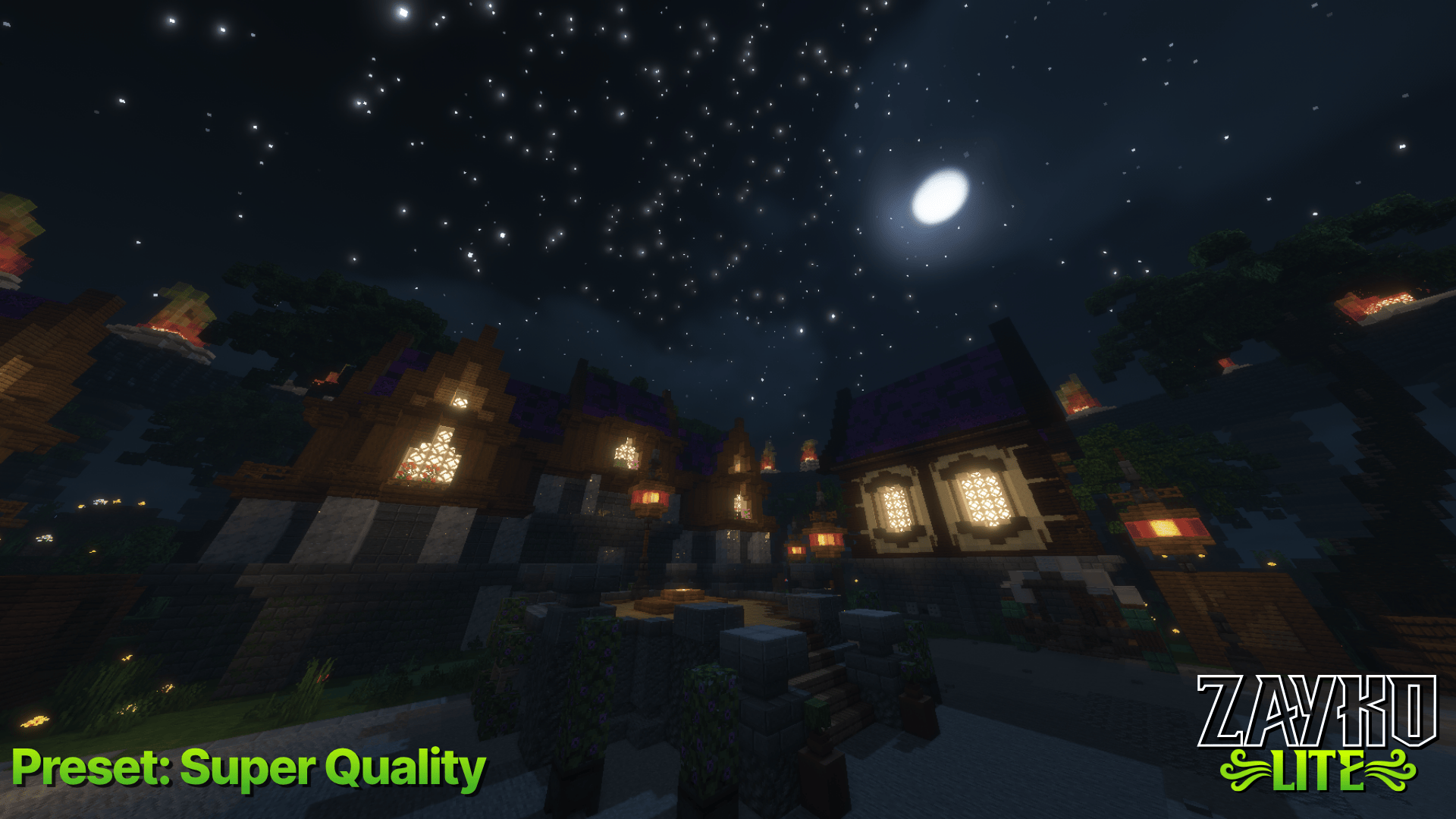
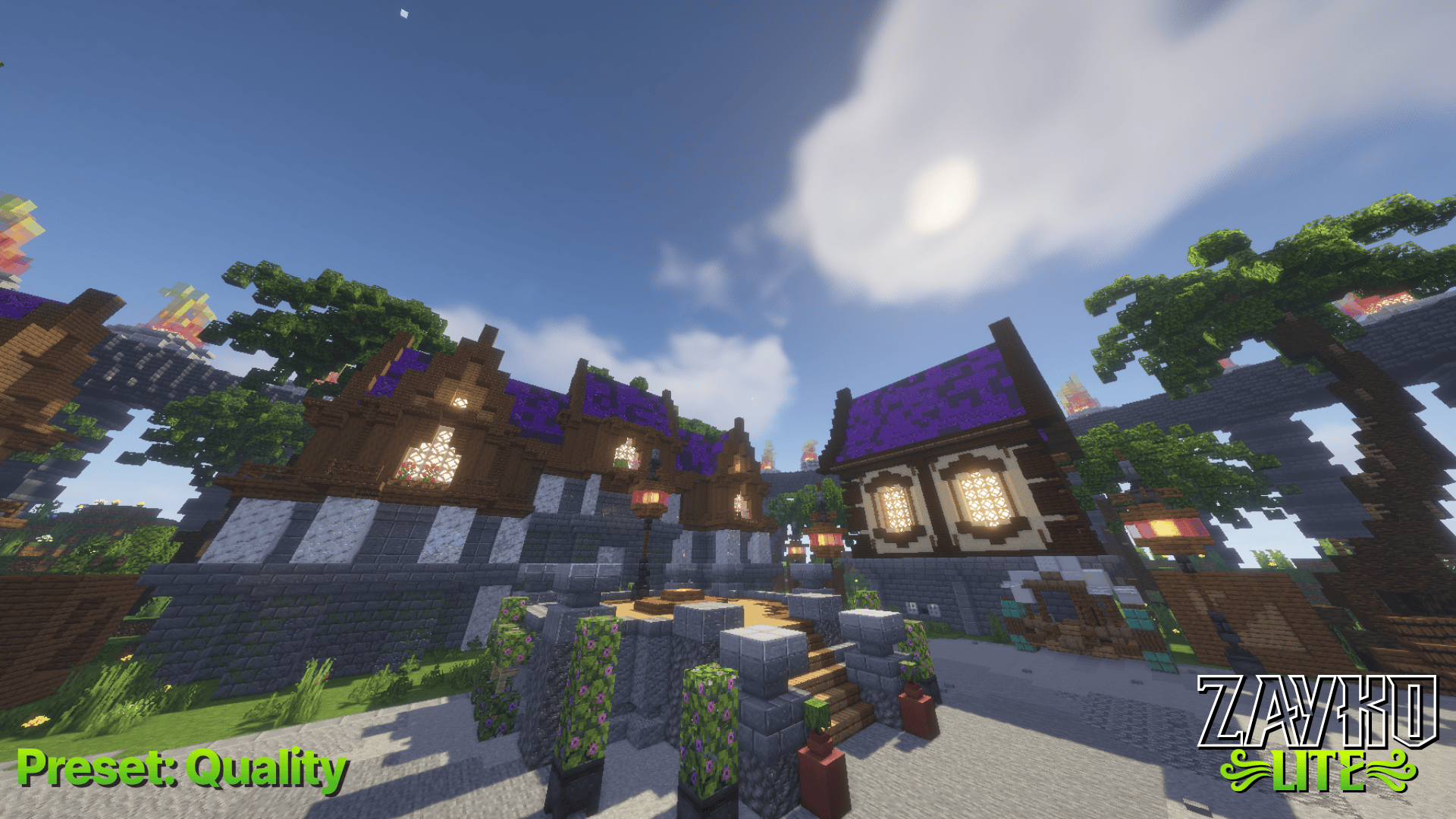
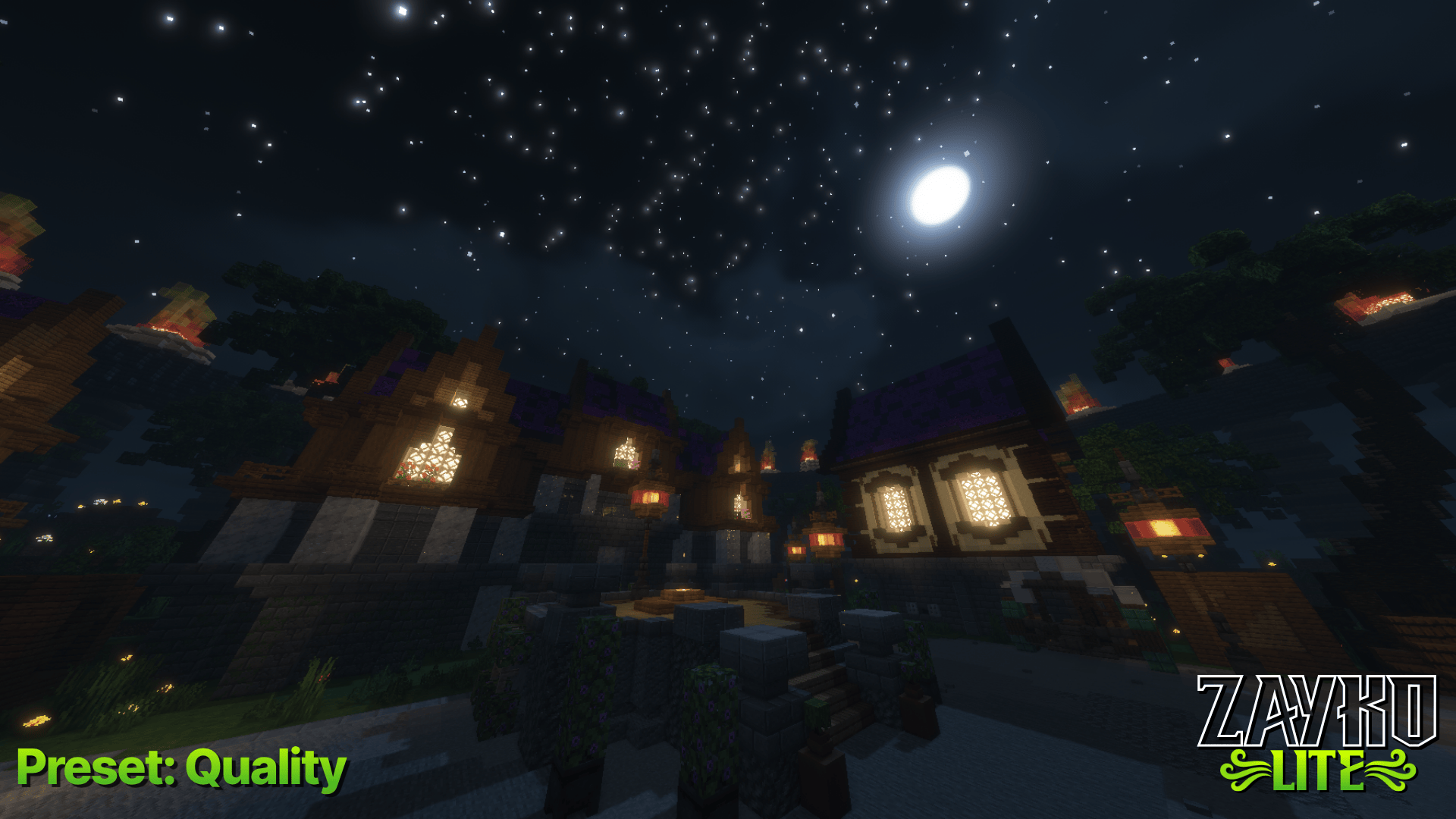
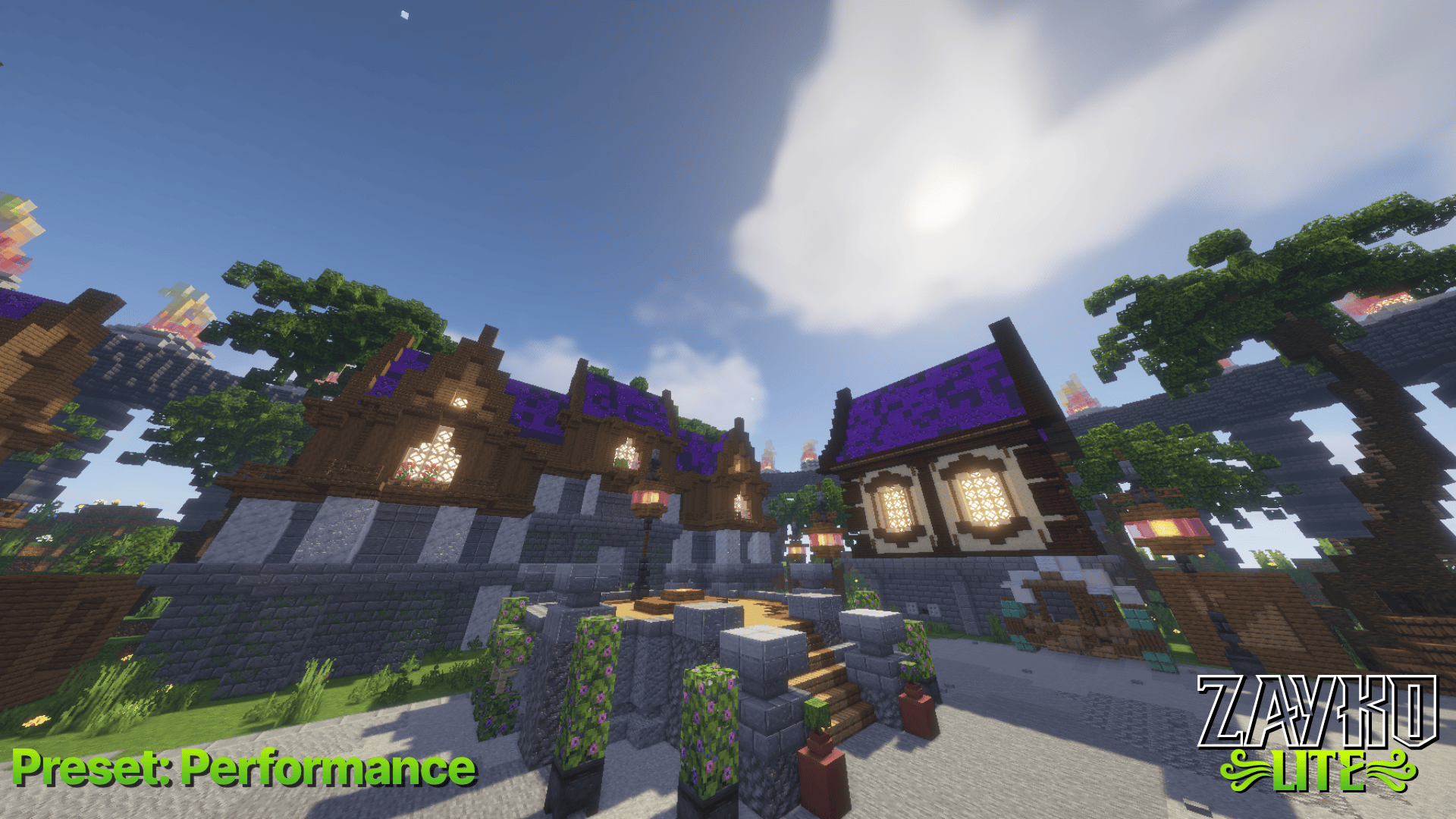
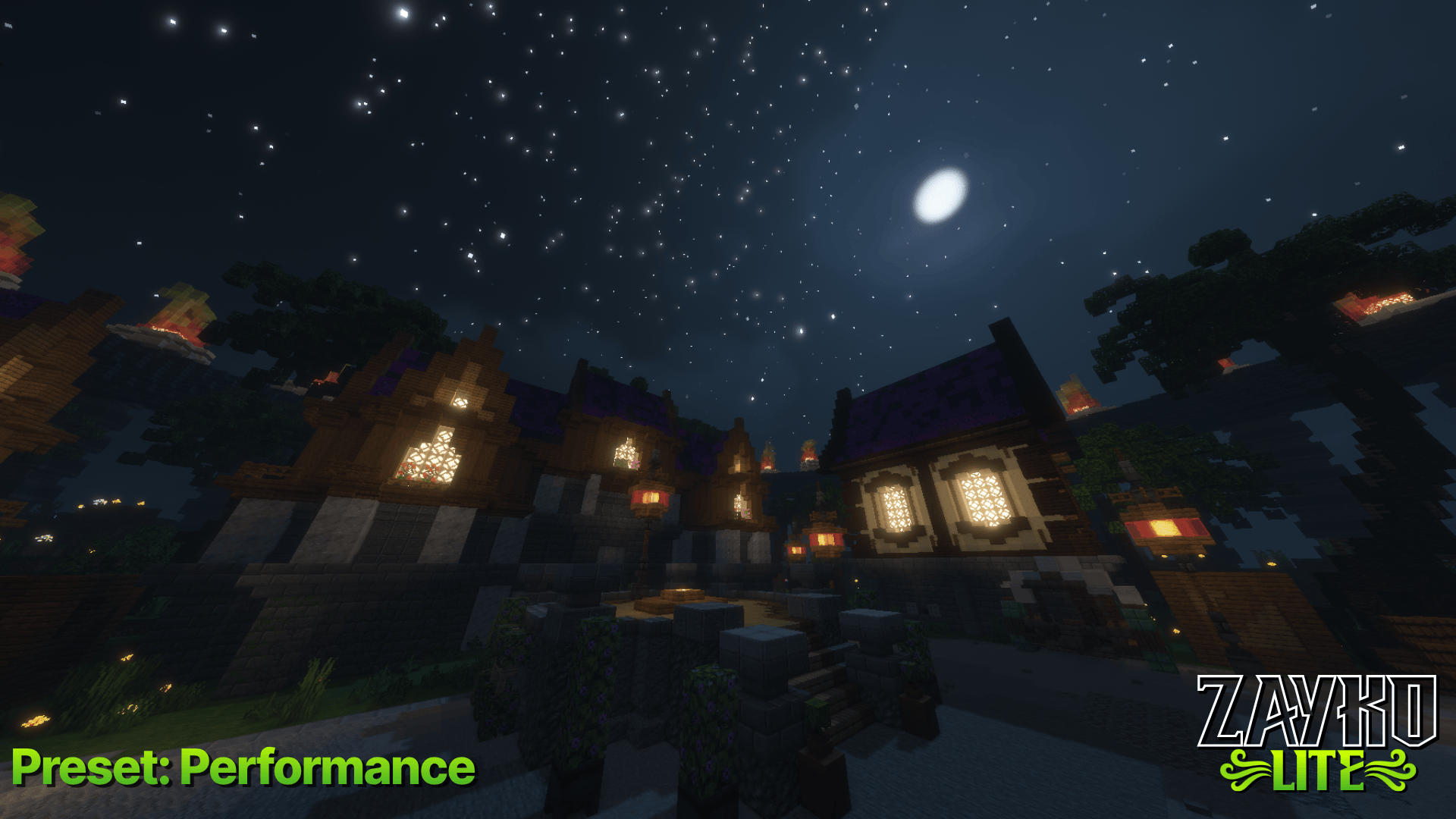
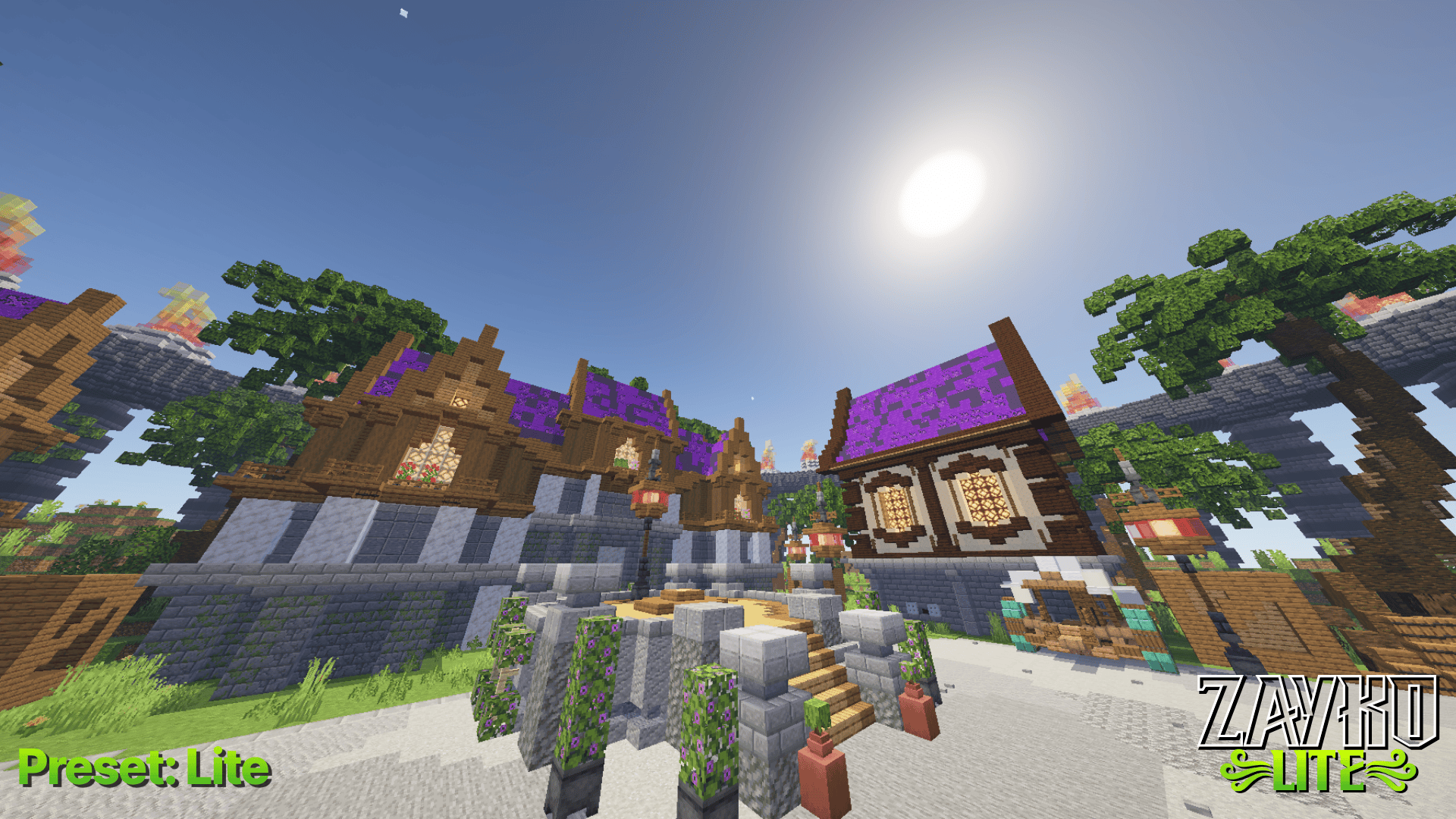
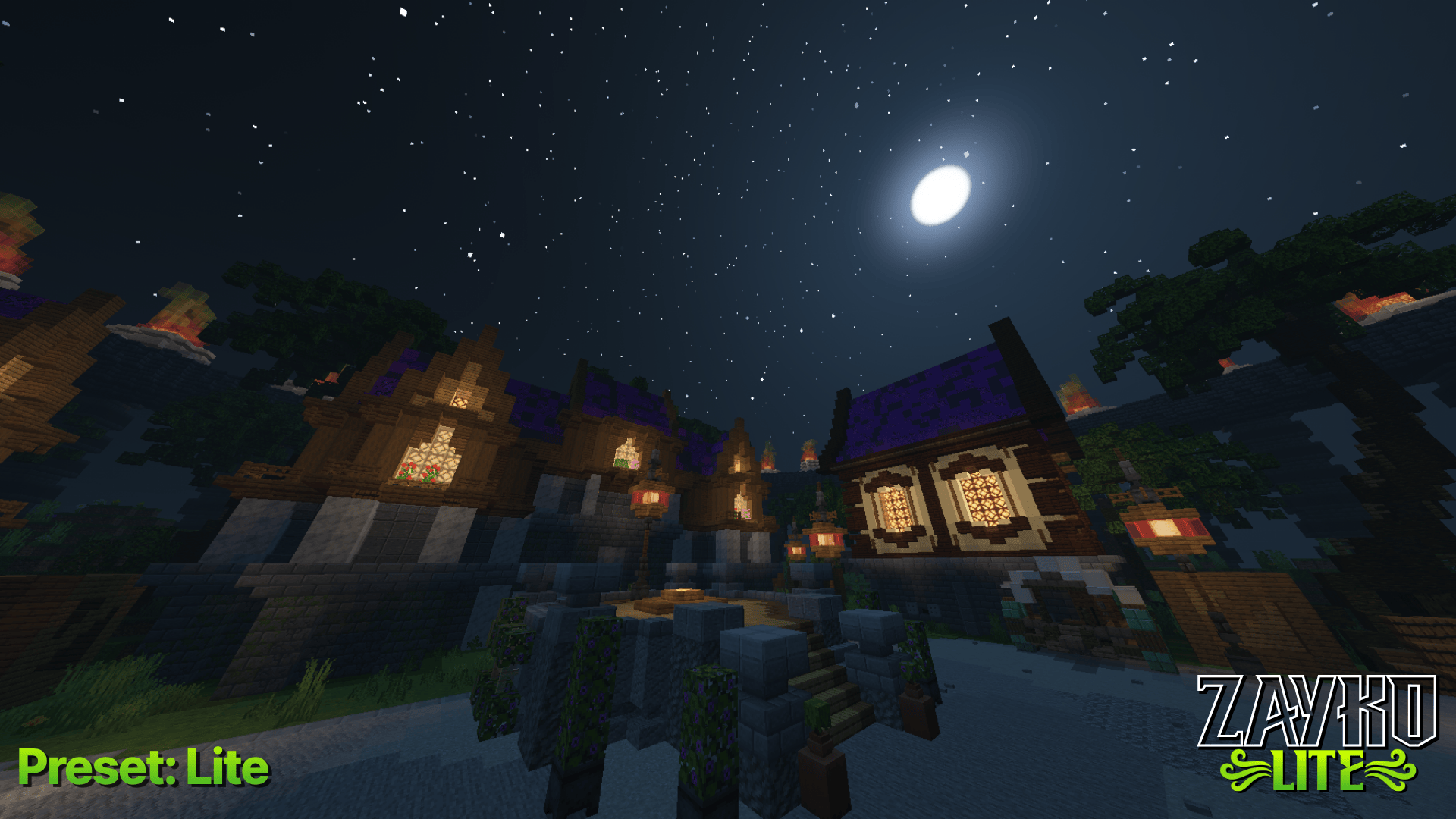
Zayko Lite was created for Preformance first. Originally Zayko Shaders was made for that exact purpose but we got more focused on adding cool features so here were introducing Zayko Lite made just for the preformance purpose we promised with Zayko Originally.
Zayko Lite Updates will focus purely on Optimization on this unoptimized mess we call Minecraft.
Super Quality = The most similer to the Original Zayko focusing on Preformance while keeping Quality
Quality = a less extreme version of Super Quality
Preformance = The highest possible performance plan before just ripping shadows and other features out
Lite = Preformance but losing shadows and other features.
Shadow Distence LOD = Shadows fade from filtered to basic at ~50-83% of shadow distance. Close-up shadows look identical, distant ones use cheap single-tap sampling.
Cloud Shadow Distence LOD = Cloud shadows skip entirely when camera is above cloud layer, and fade out at 256 blocks distance. Saves all cloud noise texture lookups for distant terrain.
VL Early Out = Light shaft computation skips entirely during shadow fade transitions (night/sunrise/sunset edges), and Q0 samples reduced from 4 to 3 with wider step size.
Channel: Kilim81