Vix Enhanced Vibrant
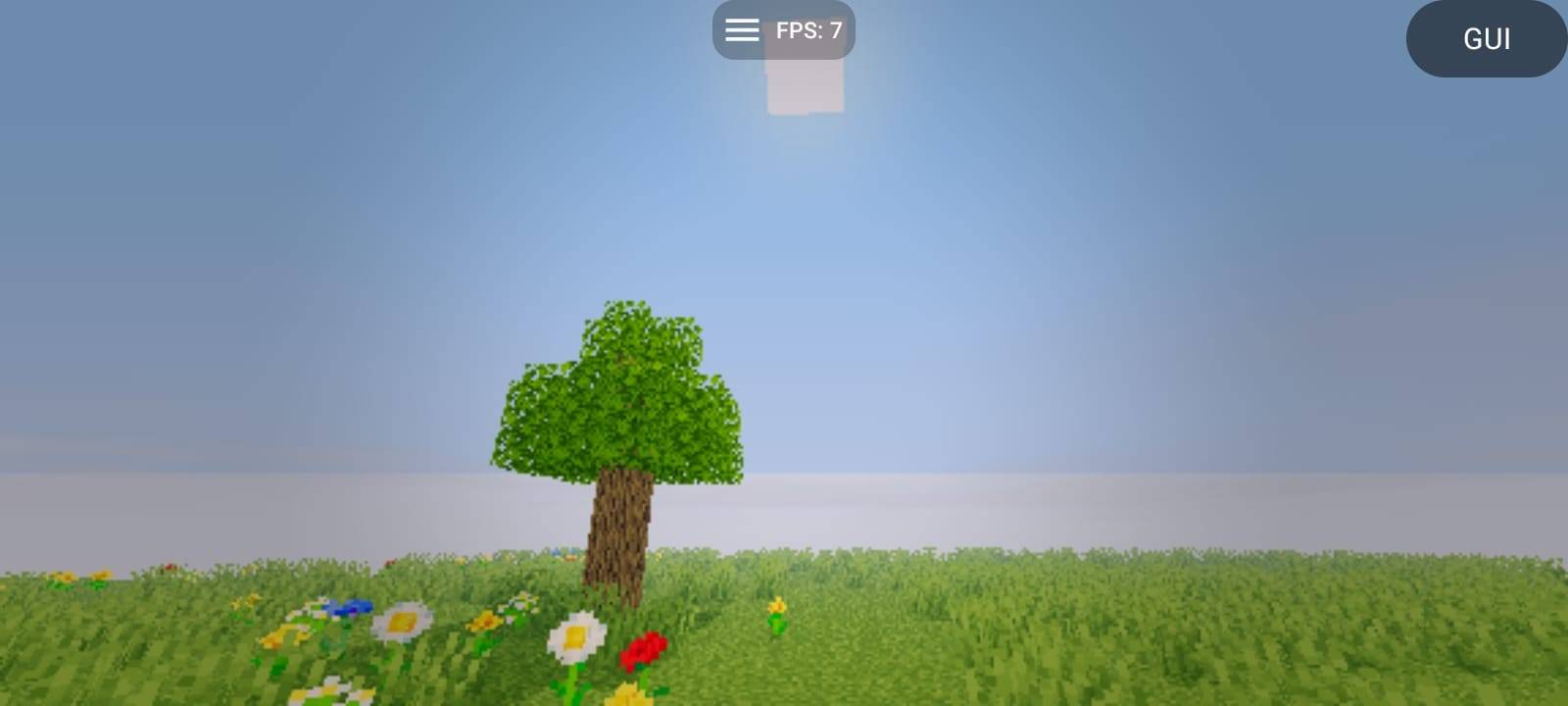
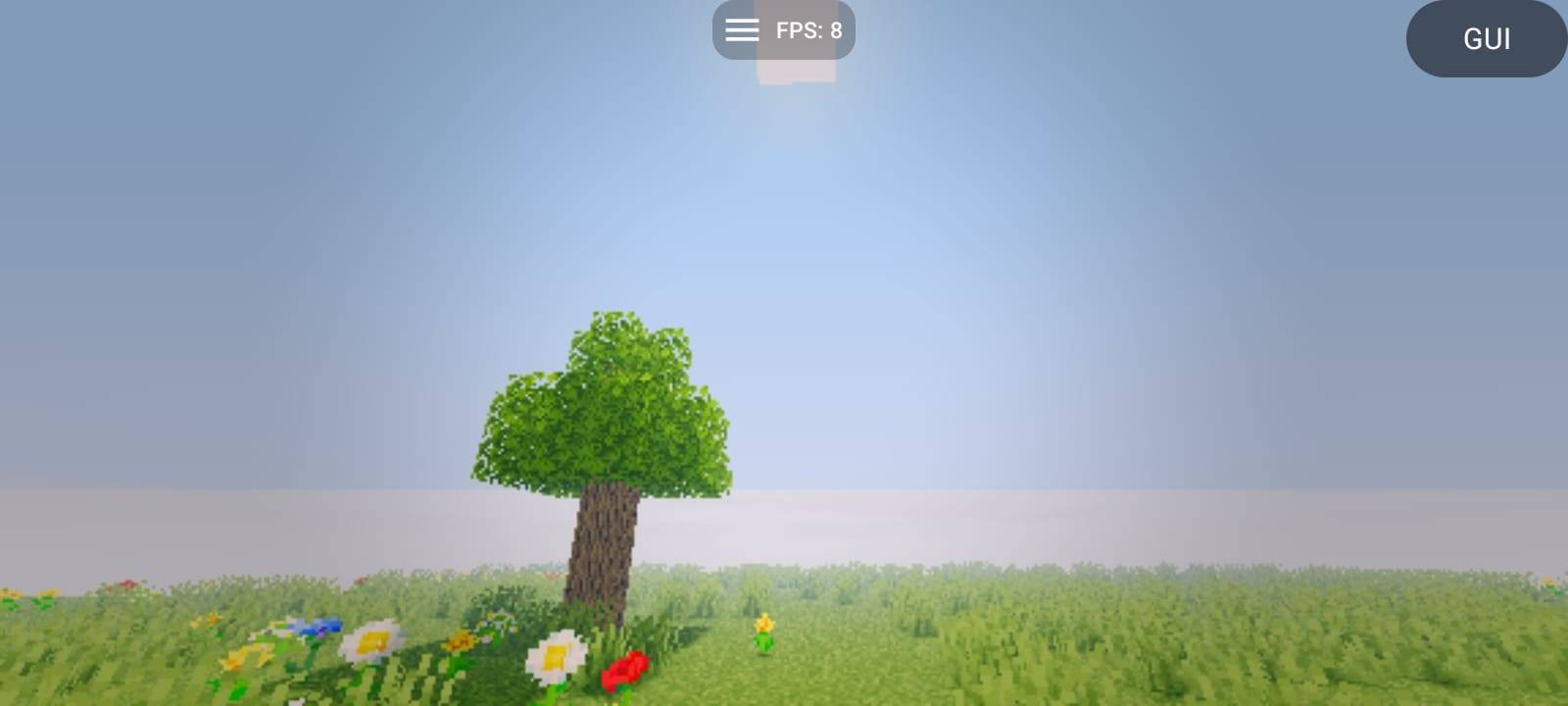
Vix Enhanced Vibrant is a vibrant and cinematic shader pack for Minecraft Java Edition, created to enhance the beauty and atmosphere of Minecraft while keeping performance in mind.
🌈 Vibrant & Cinematic Visuals
Enjoy enhanced colors, atmospheric lighting, beautiful skies, soft lighting effects, and a more immersive Minecraft experience.
⚡ Optimized Performance
Vix Enhanced Vibrant was designed to deliver improved visuals without requiring extremely powerful hardware. The shader has been successfully tested on a low-end mobile device running Minecraft Java Edition, showing that it can run even on weaker hardware.
☀️ Enhanced Lighting
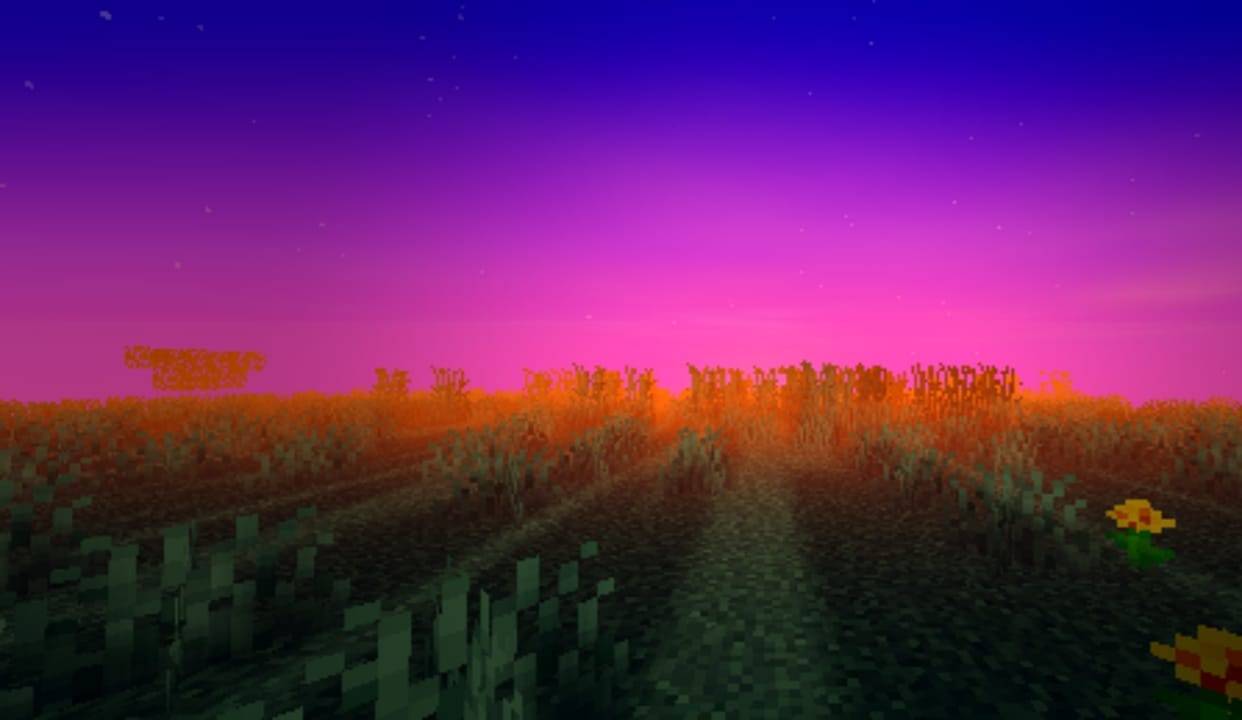
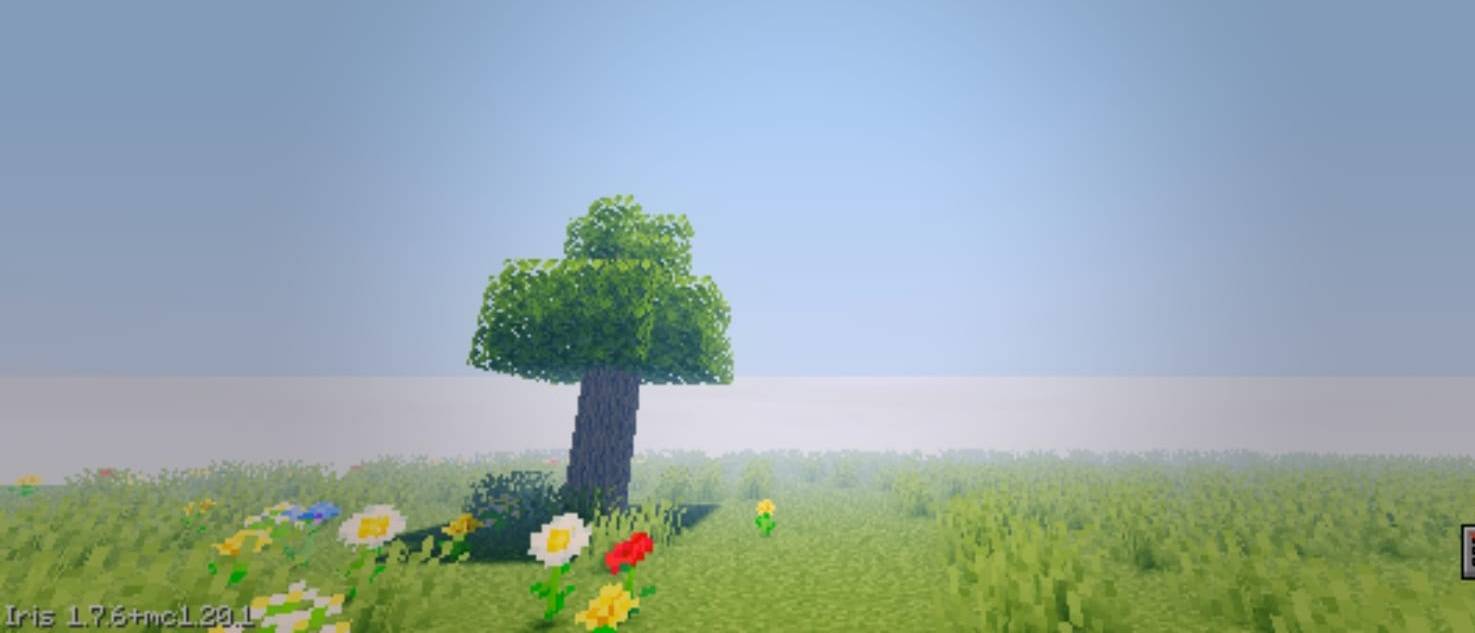
Experience brighter daytime lighting, atmospheric illumination, vibrant sunsets, and improved environmental lighting.
🌙 Day & Night Atmosphere
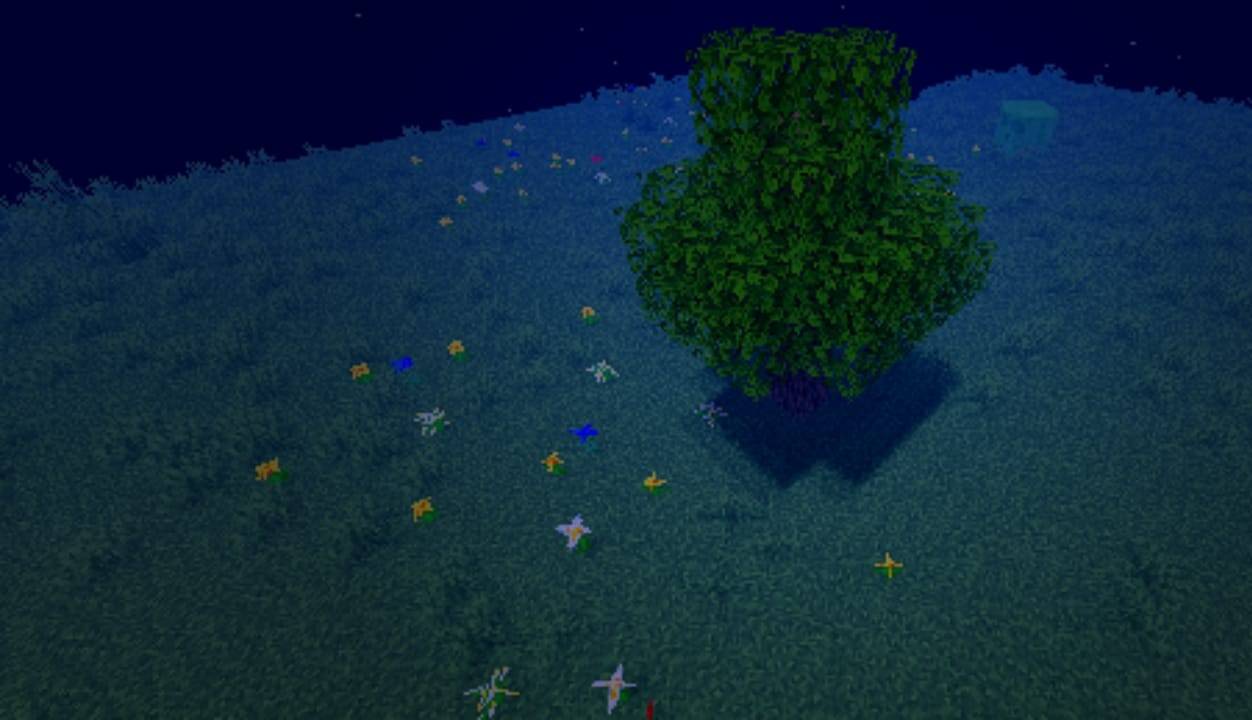
The shader gives each time of day its own visual atmosphere, from bright and colorful days to deep blue nights and intense sunsets.
🌿 Enhanced Environment
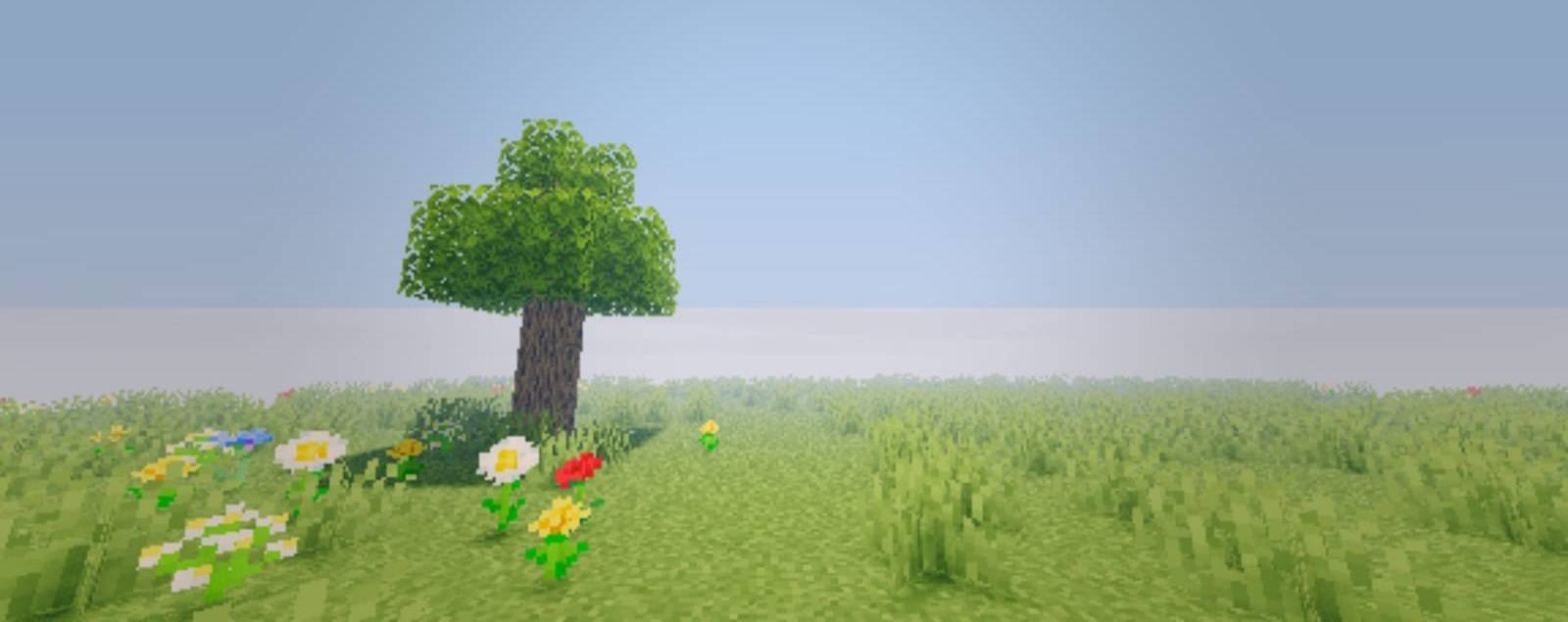
Vegetation, grass, flowers, trees, and landscapes receive improved lighting and colors, making the world feel more alive.
✨ Features
- 🌈 Vibrant colors
- ☀️ Enhanced lighting
- 🌅 Cinematic sunsets
- 🌙 Enhanced nighttime atmosphere
- ☁️ Improved skies
- 🌿 Enhanced environmental visuals
- 🌑 Dynamic shadows
- ⚡ Performance-focused optimization
- 📱 Tested on low-end mobile hardware
- 💻 Made for Minecraft Java Edition
📱 Low-End Friendly
You don't need a high-end PC to enjoy Vix Enhanced Vibrant.
The shader was optimized with lower-end hardware in mind and has been successfully tested on a low-end mobile device running Minecraft Java Edition.
Vix Enhanced Vibrant — Vibrant visuals. Smooth performance. A better Minecraft experience. 🌅🔥