Mineuniverse
Shaders
Vice Wave

Vice Wave

SHADER
Vice City Wave Shader, inpired from GTA 6 aesthetic.
by Hangel
Download Claim this project
6,796 downloads
0 likes
Updated Oct 14, 2026
0 hypes
Realistic Vanilla
Advertisement Remove ads with Premium →

Vice Wave

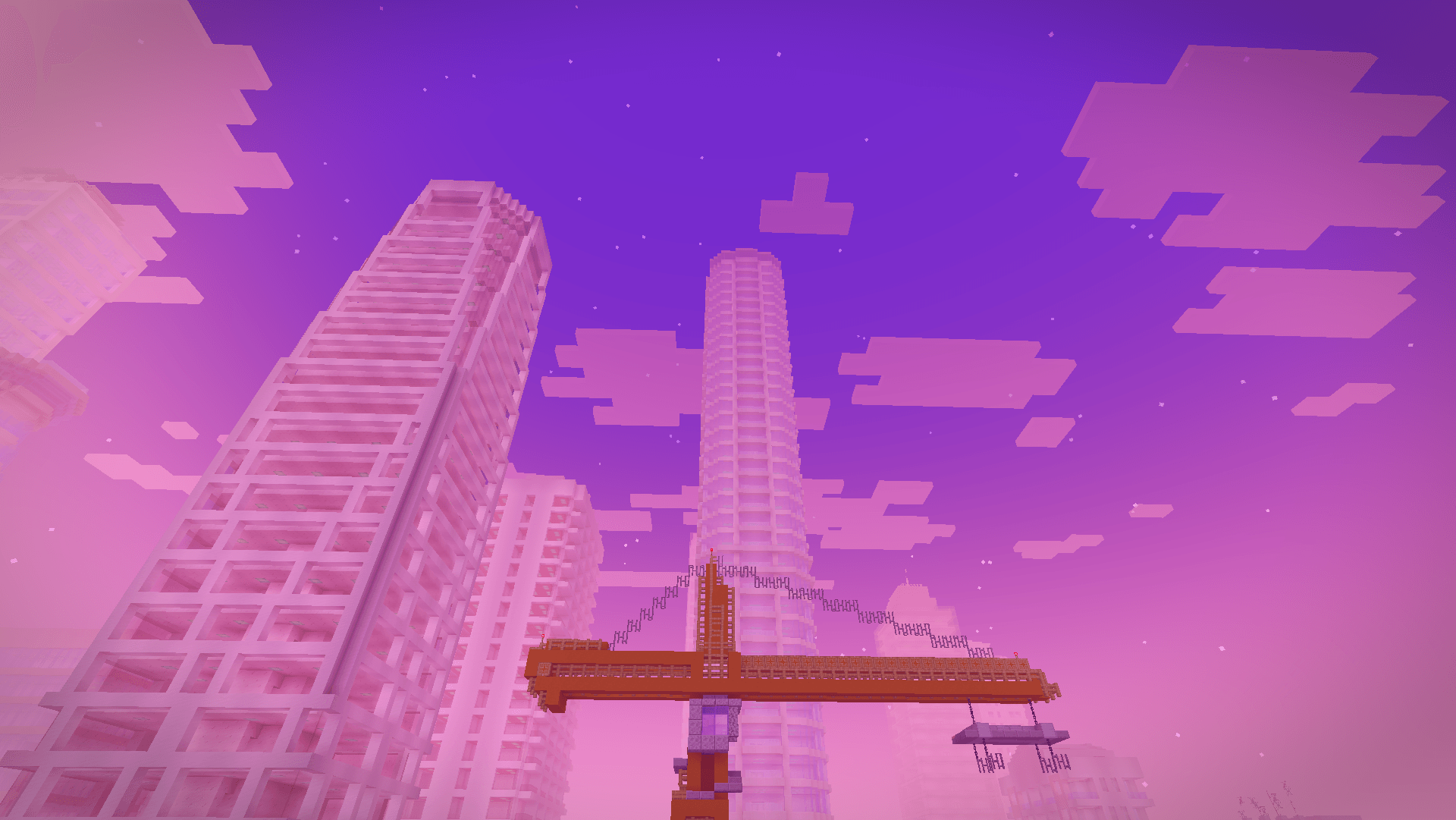
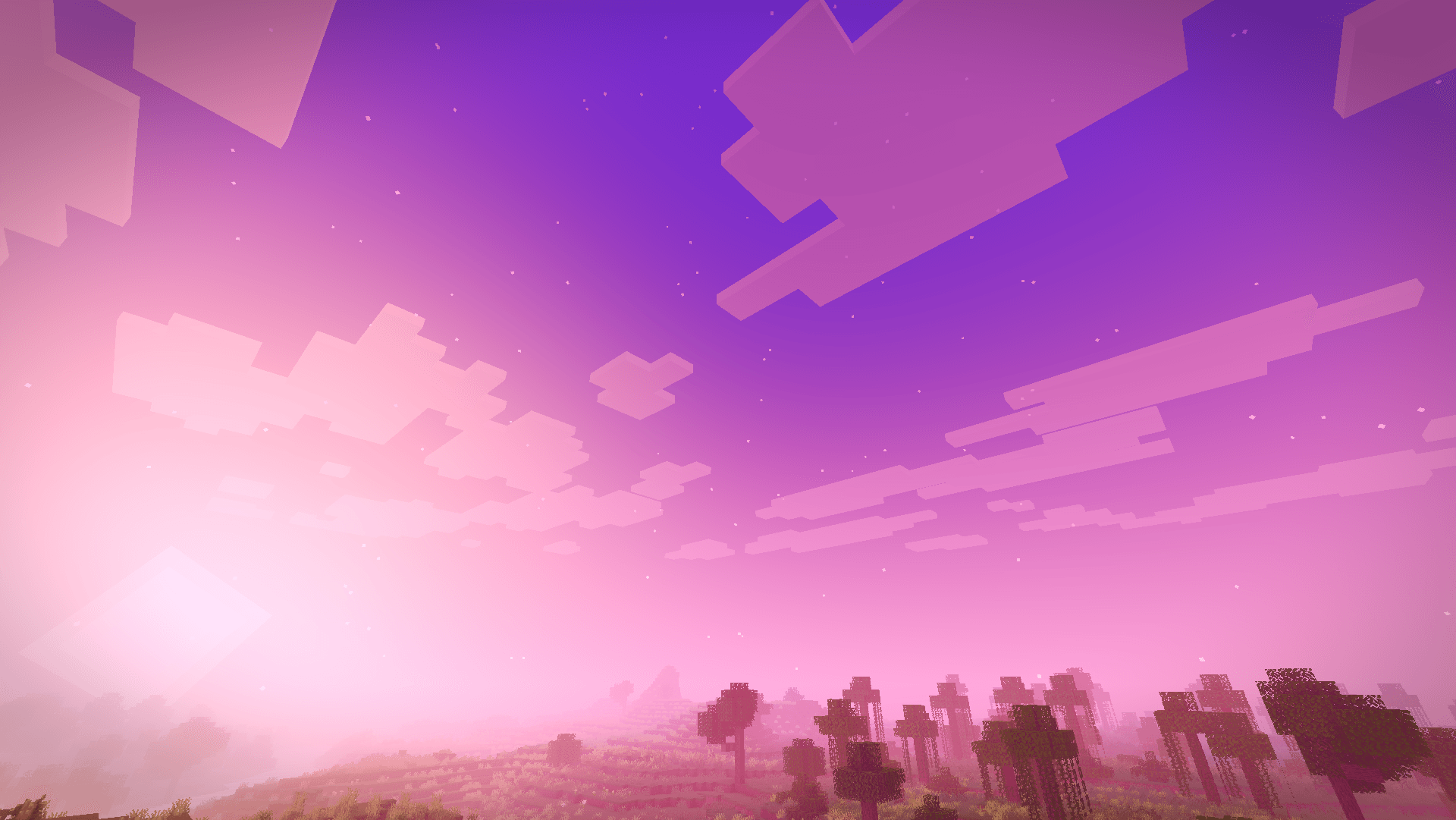
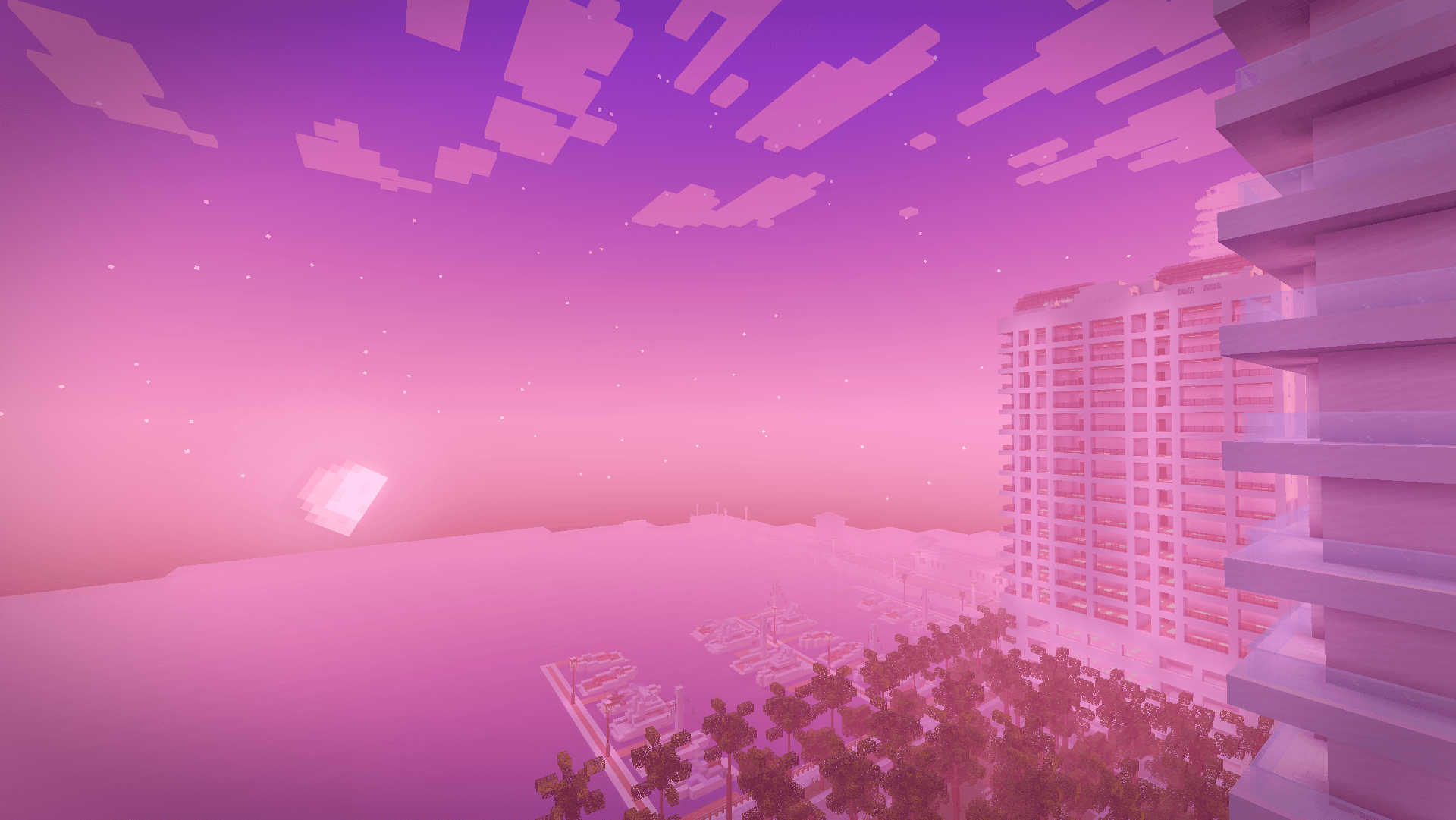
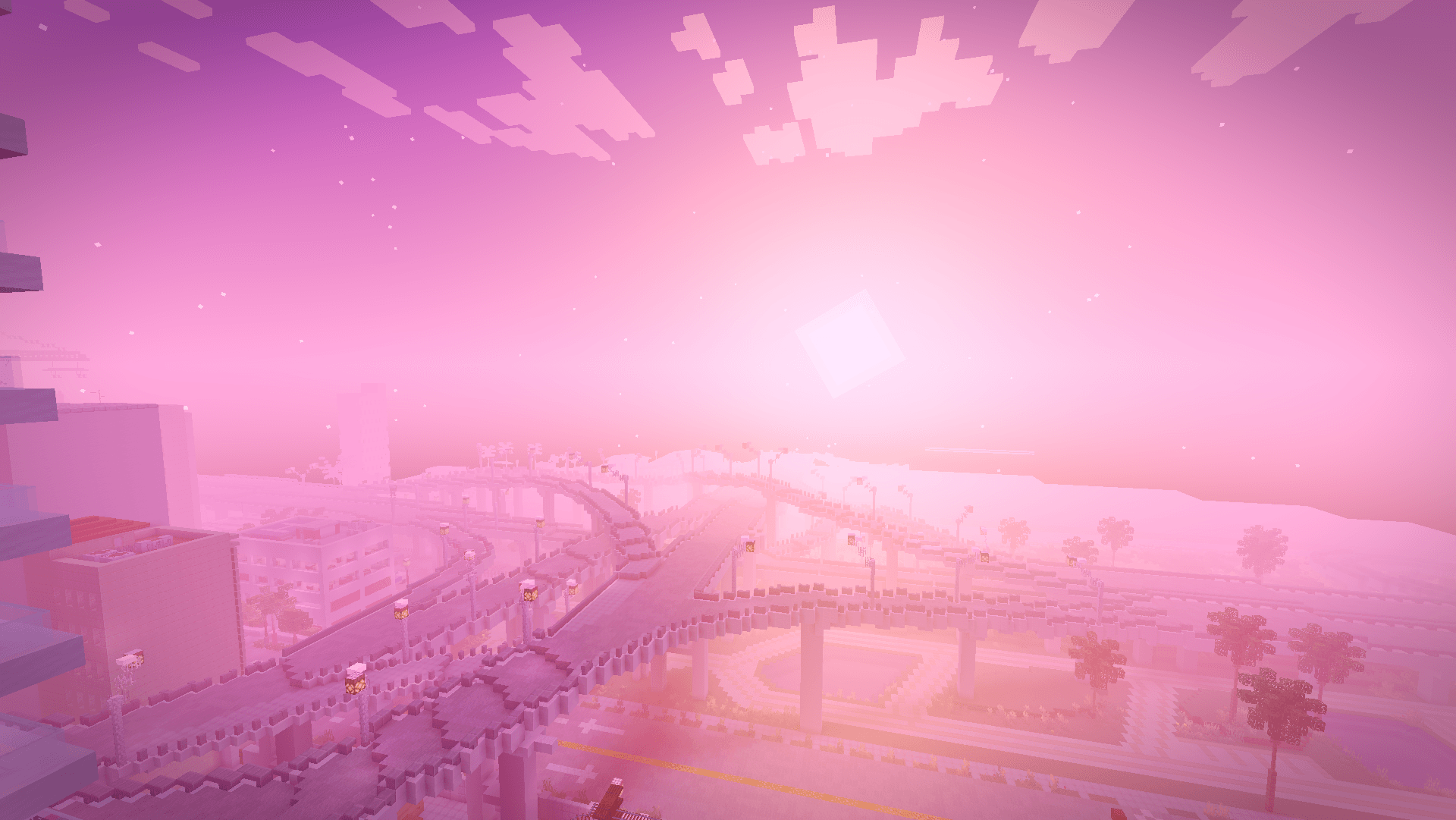
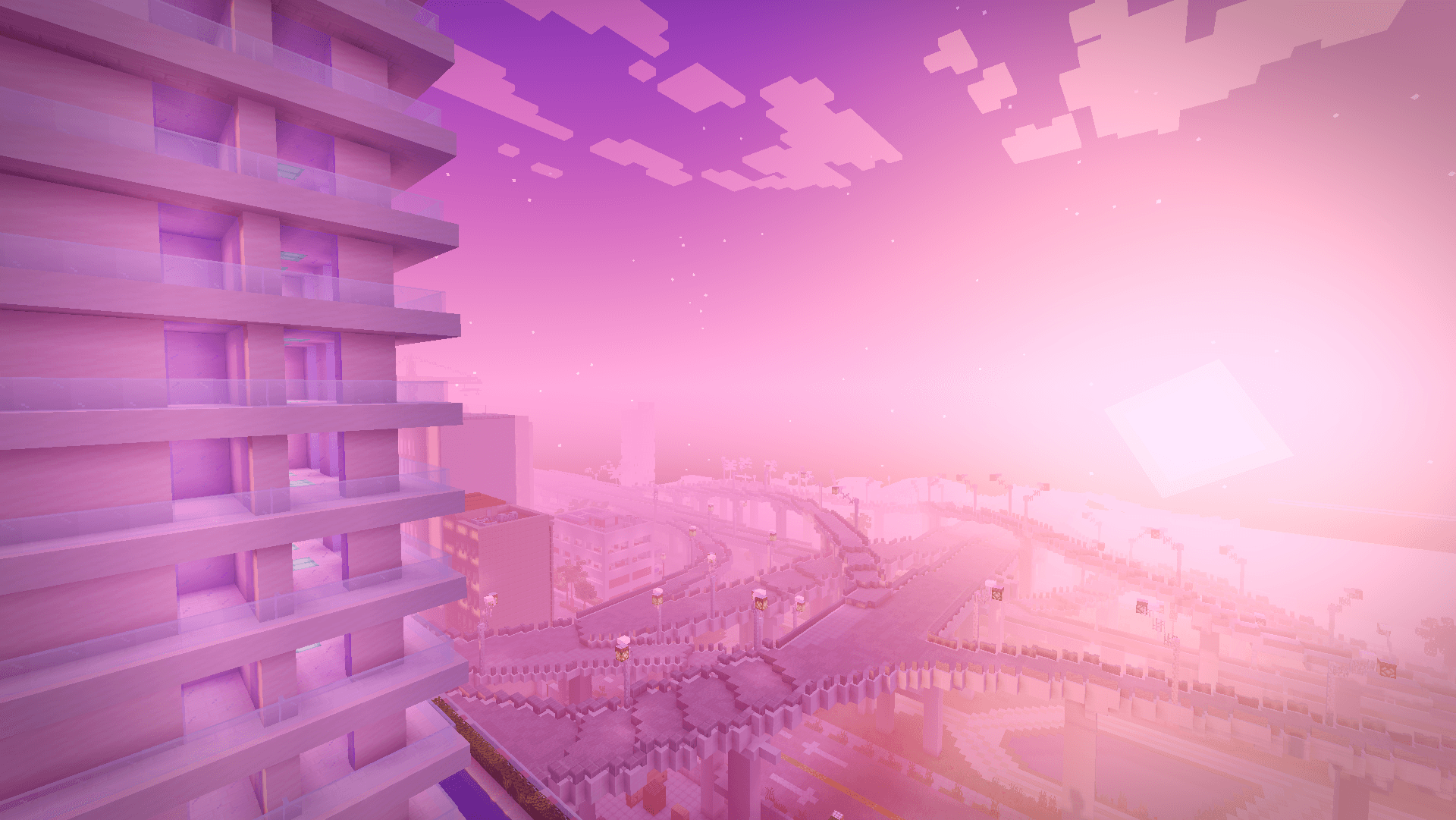
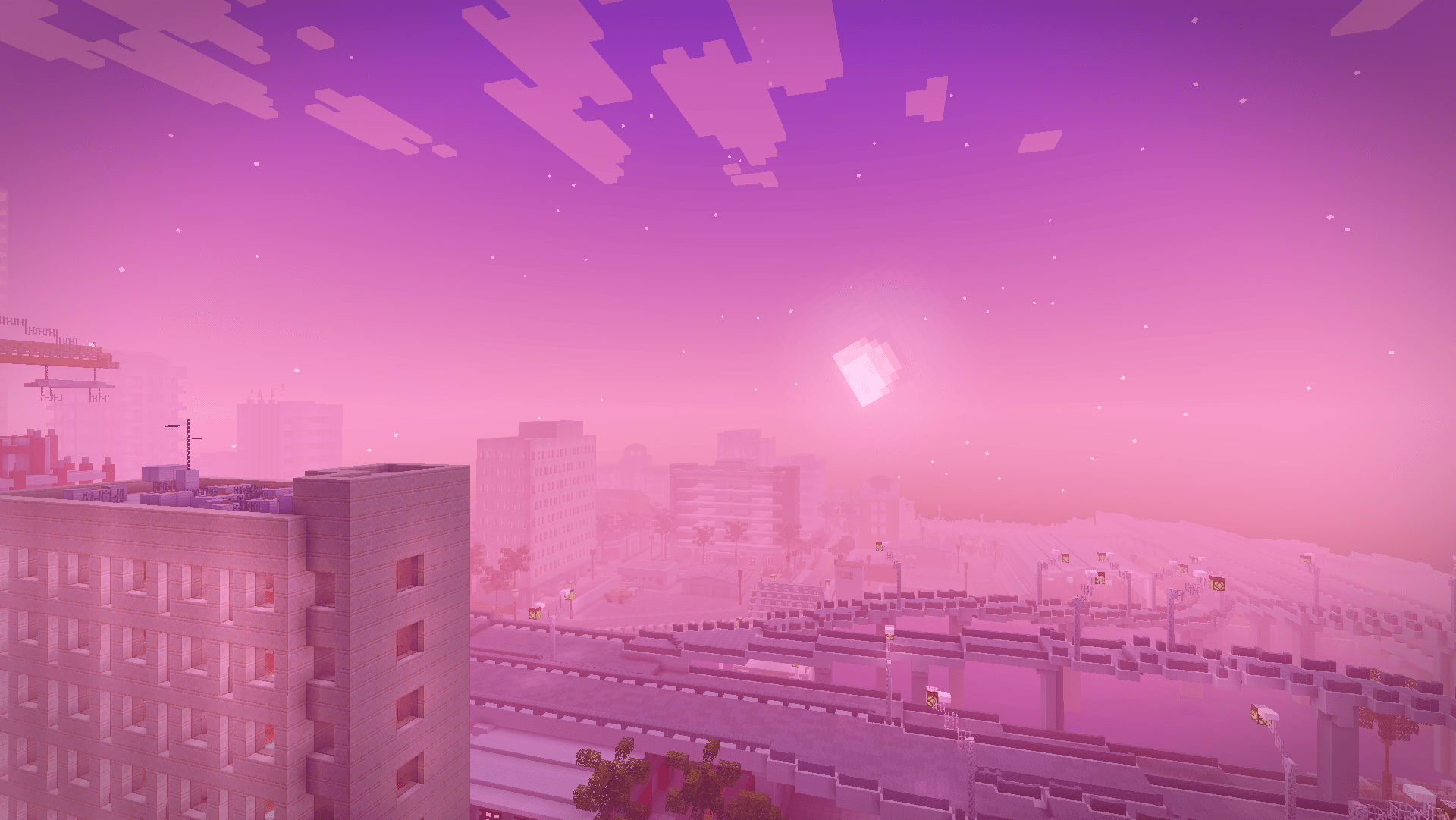
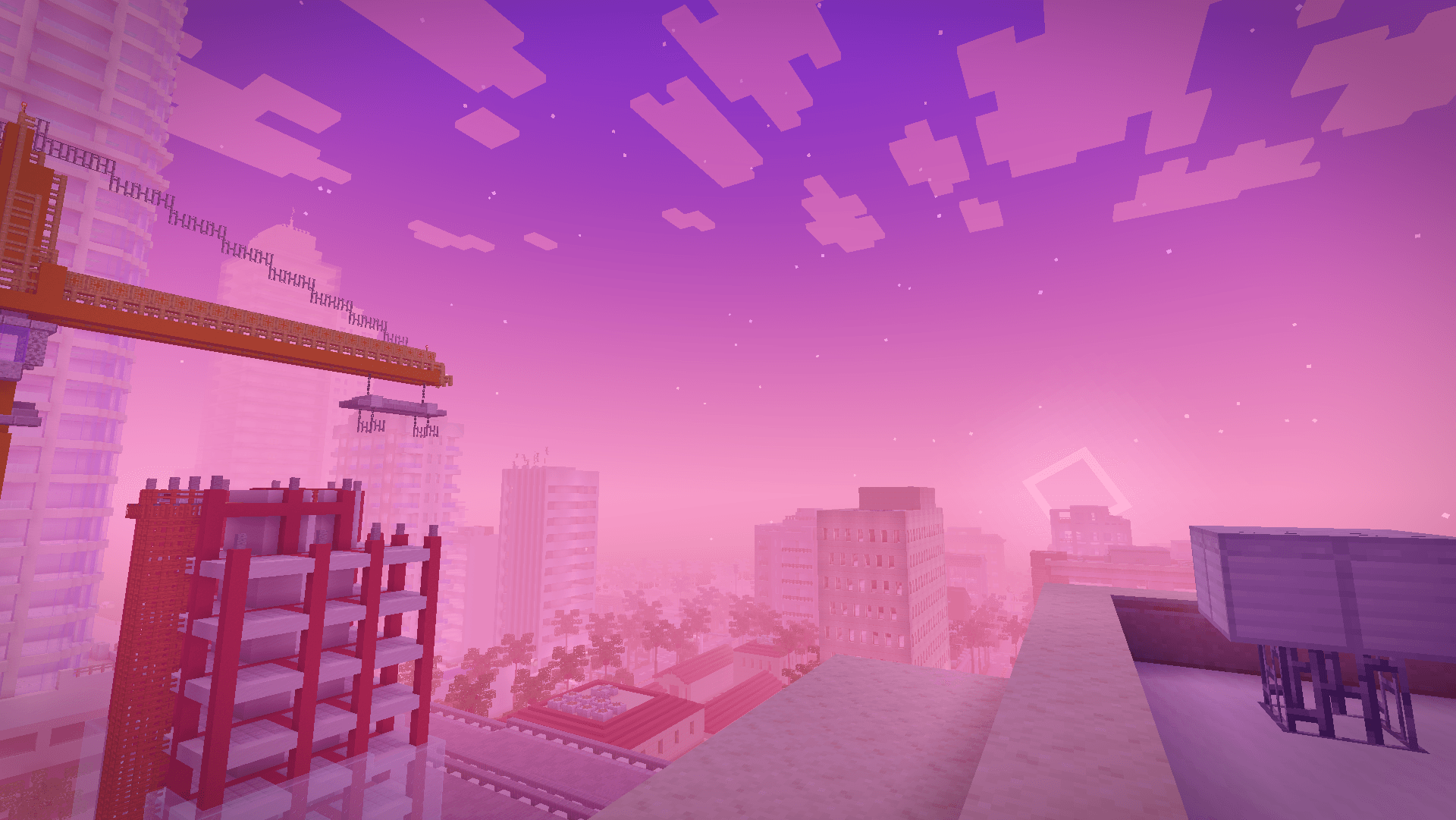
A Miami vice-wave shaderpack inspired by the GTA VI look, blazing pink and orange sunsets, purple-graded nights, soft shadows and neon-colored block light.

Vice Wave is a shaderpack that focuses on atmosphere rather than heavy effects: it keeps vanilla's readability while pushing the sky, the fog and the lighting toward a retro Miami aesthetic.

Features

  • Vice-wave sunsets & sunrises — pink/orange/violet gradients across the sky and fog
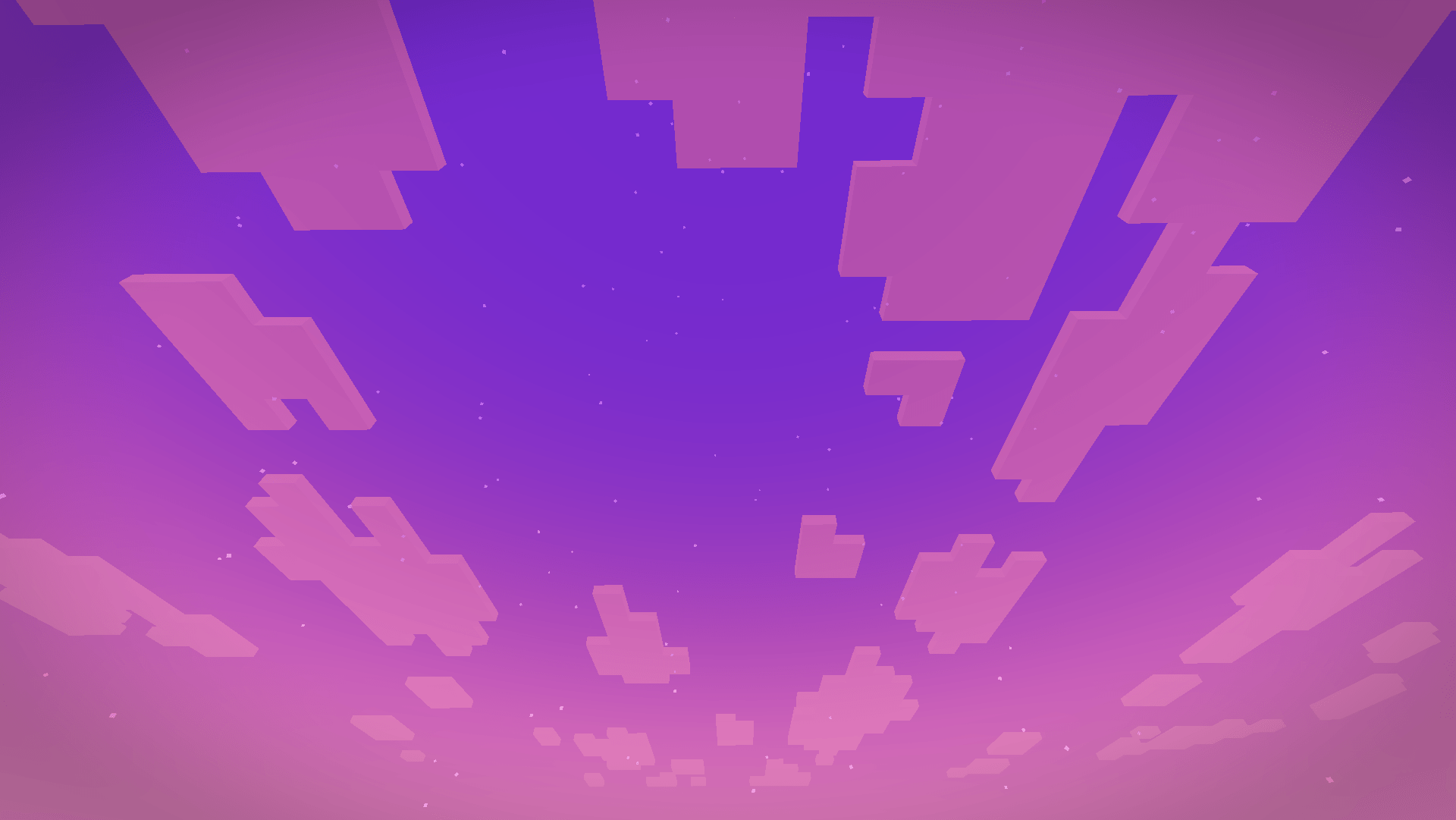
  • Stylized nights with stars and a subtle purple color grade
  • Neon block light — torches, glowstone and lamps project a colored neon light (pink by default)

Settings

Everything is adjustable in Shader Pack Settings:

  • Profiles : Low (no shadows/bloom), Medium (default), High (4096 shadows, softer filtering)
  • Sky : sunset intensity, sky/night brightness, fog density, stars
  • Lighting : enable/disable shadows, shadow softness/resolution/distance, Neon Color (pick the projected light color), neon intensity (0 = plain warm light, 1 = pure neon), block light brightness
  • Water : opacity, wave strength, reflections
  • Post-processing : bloom, exposure, saturation, contrast, grade strength, vignette, optional chromatic aberration

Installation

  1. Install Iris (Fabric) or OptiFine.
  2. Download the Vice Wave .zip and drop it into your shaderpacks folder (in-game: Options → Video Settings → Shader Packs → Open Shader Pack Folder).
  3. Select Vice Wave in the shader pack list and apply.

Enjoy the sunset.

Vice Wave 1.0
MC 1.16.3, 1.17.1, 1.21.2-Snapshot, 1.21, 1.21.6-snapshot, 1.16.1, 1.18.1, 1.20.2-Snapshot, 1.20.5-Snapshot, 1.16, 1.19-Snapshot, 1.21.1-Snapshot, 1.16.5, 1.19.3, 1.20.2, 1.19.4
Release 2026-07-19 Get

Requirements & install

How to use this shader in Minecraft
Shader loader
Iris or OptiFine
Minecraft
1.19.4 – 1.21.6-snapshot
Install folder
.minecraft/shaderpacks

How to install shaders

  1. Install a shader loader for your Minecraft version: Iris (with Sodium) or OptiFine.
  2. Download the shader pack .zip file (do not extract it).
  3. Put the .zip into the shaderpacks folder (.minecraft/shaderpacks).
  4. In game open Options → Video Settings → Shader Packs, select the pack and apply it.
Browse more: Iris shaders OptiFine shaders Shaders for 1.21.6-snapshot All shaders

More from Hangel

Advertisement Remove ads with Premium →

You Might Also Like