Mineuniverse
Shaders
VHS_Nostalgic

VHS_Nostalgic

SHADER
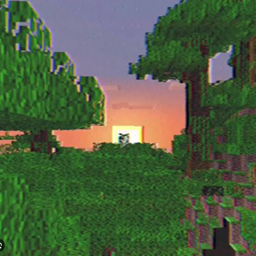
Transforms Minecraft into a nostalgic 90s home video with authentic, customizable VHS tape effects.
by ouszue
Download Claim this project
5,089 downloads
0 likes
Updated Oct 14, 2026
0 hypes
Fantasy Realistic Vanilla
Advertisement Remove ads with Premium →

VHS Nostalgic Shader

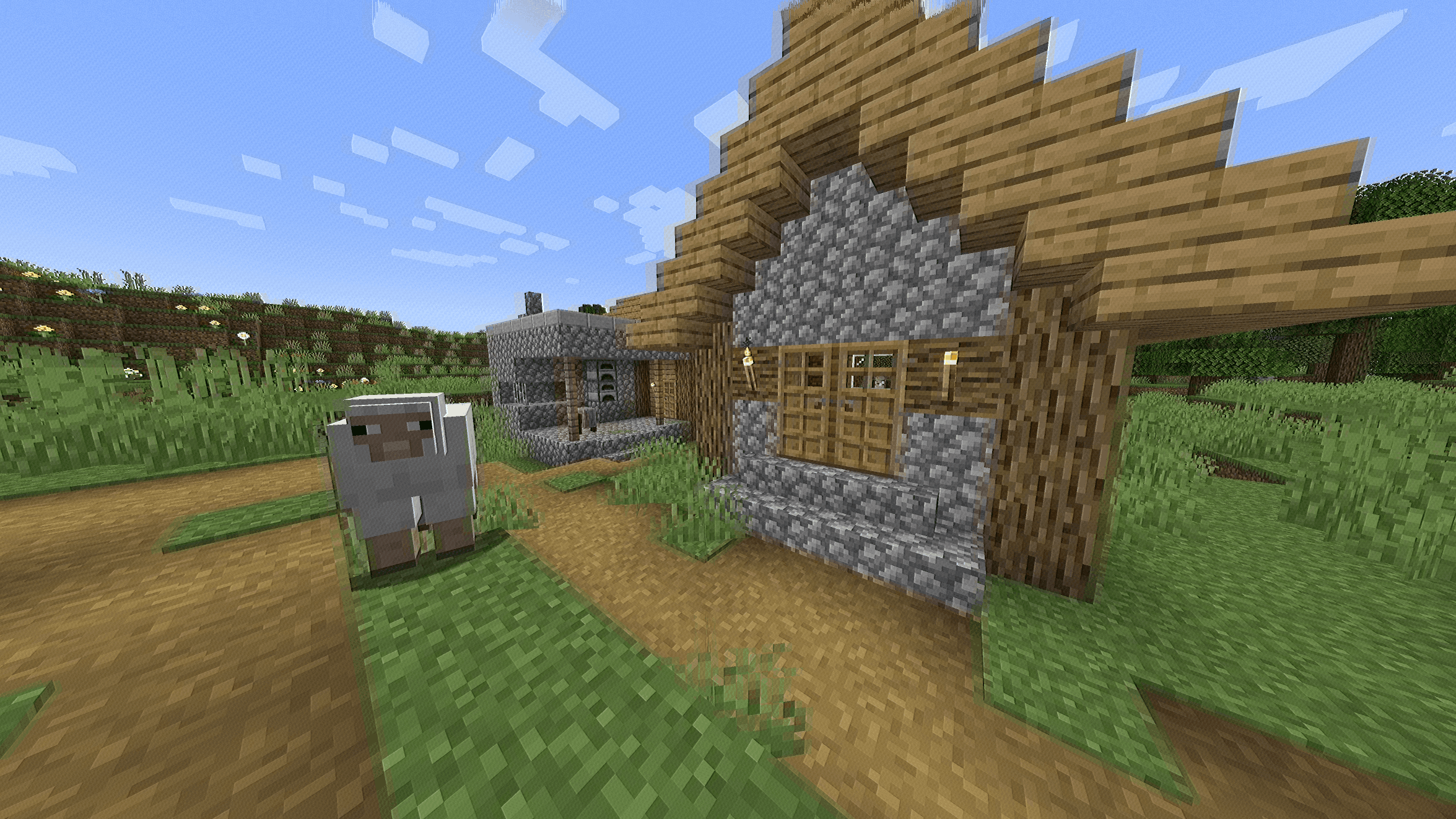
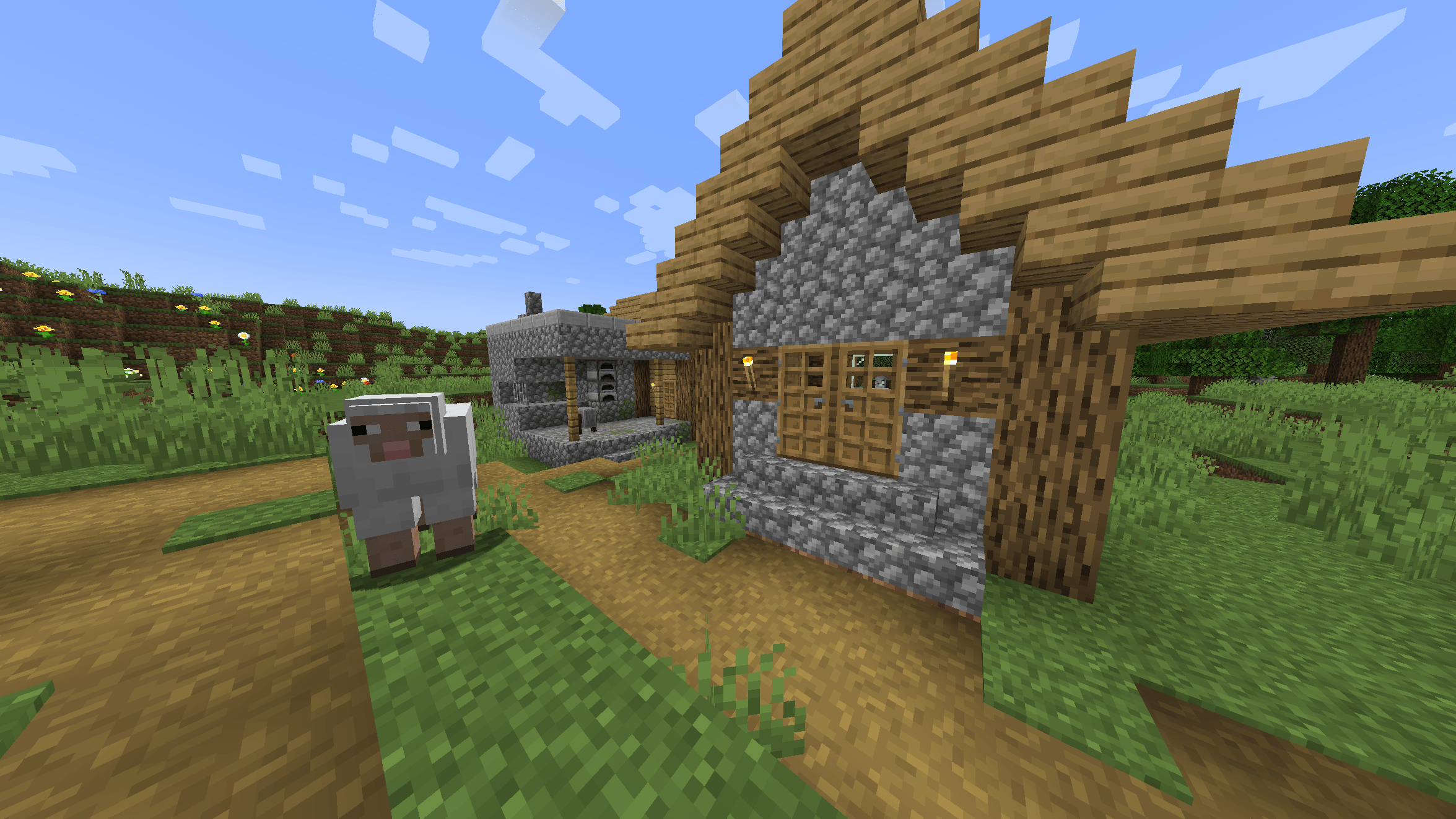
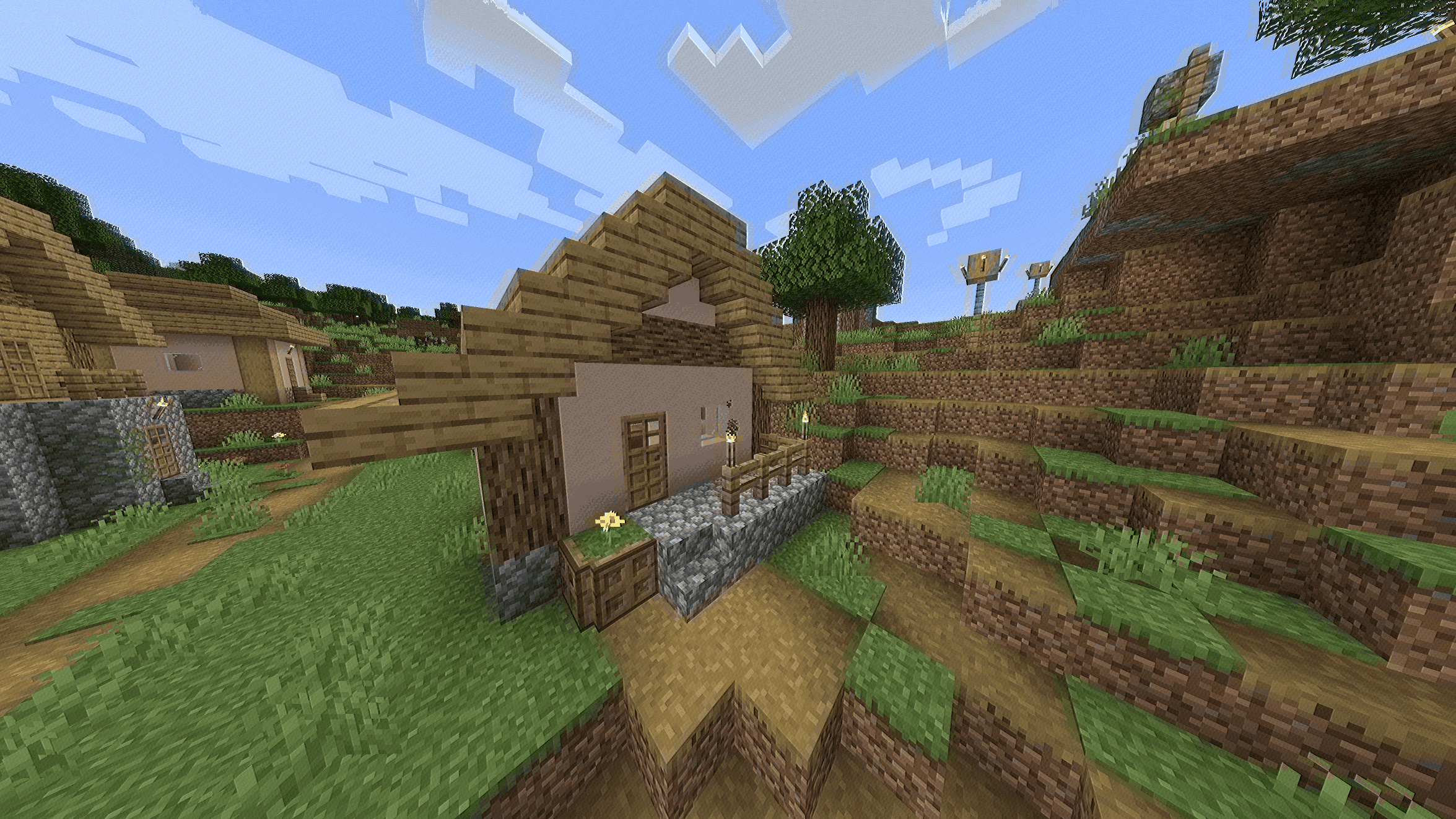
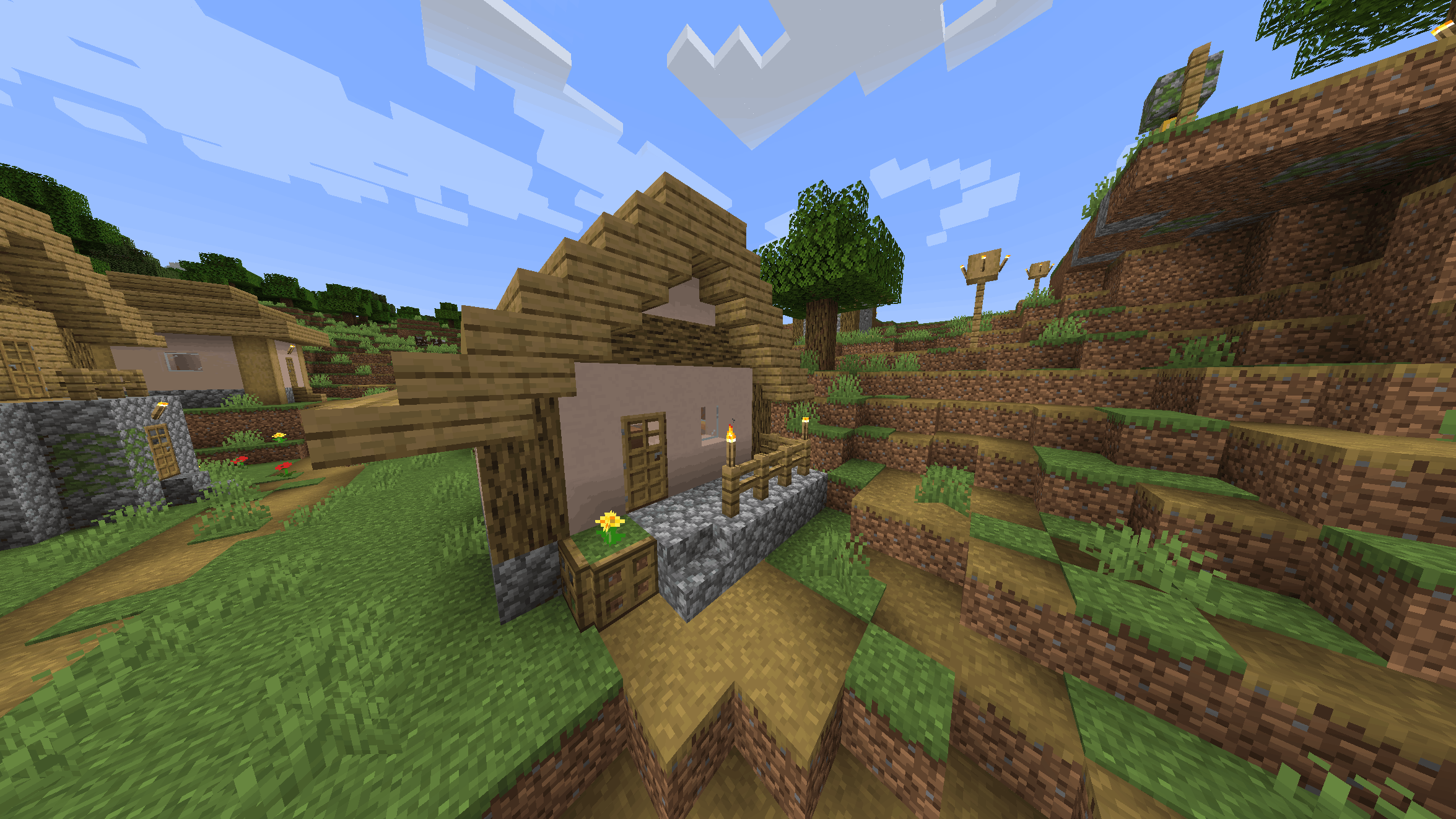
Step back in time. The VHS Nostalgic Shaderpack transforms your Minecraft world into an authentic 1990s home video. Whether you are building a cozy retro world, recording a cinematic machinima, or playing an eerie Analog Horror / Backrooms map, this post-processing shader delivers the ultimate retro aesthetic.

Key Features

Unlike heavy graphical overhauls, this shader focuses purely on authentic camera and screen effects. It is lightweight and highly realistic:

  • Chroma Bleed: Colors smear slightly horizontally, just like low-resolution VCR tapes.
  • Tape Jitter & Bottom Tracking: Real analog line instability and the classic distorted head-switching band at the bottom of the screen.
  • Sharpness Haloing: Accurately recreates the signal overshoot of old CRT tube TVs.
  • Subtle Tape Noise: A fine layer of dynamic luminance grain to give the world a physical, recorded feel.

Fully Customizable

You are in control! This shader comes with a built-in options menu. Go to your Shader Settings in-game to tweak or toggle:

  • Intensity of the Chroma Bleed
  • Amount of Tape Noise
  • Line Jitter strength
  • Turn the bottom tracking glitch ON or OFF

Requirements & Compatibility

Because this is a post-processing effect, it is highly compatible and very performance-friendly!

  • Minecraft Versions: Works on almost any version (1.8.x up to the newest 1.20+ / 1.21+ updates).
  • Required Mods: You must have Iris Shaders (highly recommended for best performance) OR OptiFine installed.

Created by ouszue!

VHS_Nostalgic_v1.0
MC 1.16.3, 1.13.1, 1.9.3, 1.8.7, 1.17.1, 1.9.1, 1.21, 1.16.1, 1.18.1, 1.14.3, 1.15, 1.16, 1.13, 1.16.5, 1.10.2, 1.19.3, 1.20.2, 1.19.4, 1.21.8, 1.8.8, 1.9.4, 1.9.2, 1.8.4
Release 2026-08-24 Get

Requirements & install

How to use this shader in Minecraft
Shader loader
Iris or OptiFine
Minecraft
1.16.5 – 1.21.8
Install folder
.minecraft/shaderpacks

How to install shaders

  1. Install a shader loader for your Minecraft version: Iris (with Sodium) or OptiFine.
  2. Download the shader pack .zip file (do not extract it).
  3. Put the .zip into the shaderpacks folder (.minecraft/shaderpacks).
  4. In game open Options → Video Settings → Shader Packs, select the pack and apply it.
Browse more: Iris shaders OptiFine shaders Shaders for 1.21.8 All shaders

More from ouszue

Advertisement Remove ads with Premium →

You Might Also Like