Mineuniverse
Shaders
LumenX

LumenX

SHADER
Experience Minecraft realism.
by ouszue
Download Claim this project
393 downloads
0 likes
0 followers
Updated Oct 14, 2026
0 hypes
Follow0
Fantasy Realistic Vanilla
Advertisement Remove ads with Premium →

ABOUT

Important Note!

This shader is still in Beta. If you notice any bugs or unrealistic features, please leave an command so that you let me know.

UPDATE!

  • Added Nether Shaders (still on beta)
  • Added End Shaders (Space with moving Planets&Asteroids)
  • Fixed Bugs
  • Added Realistic Water

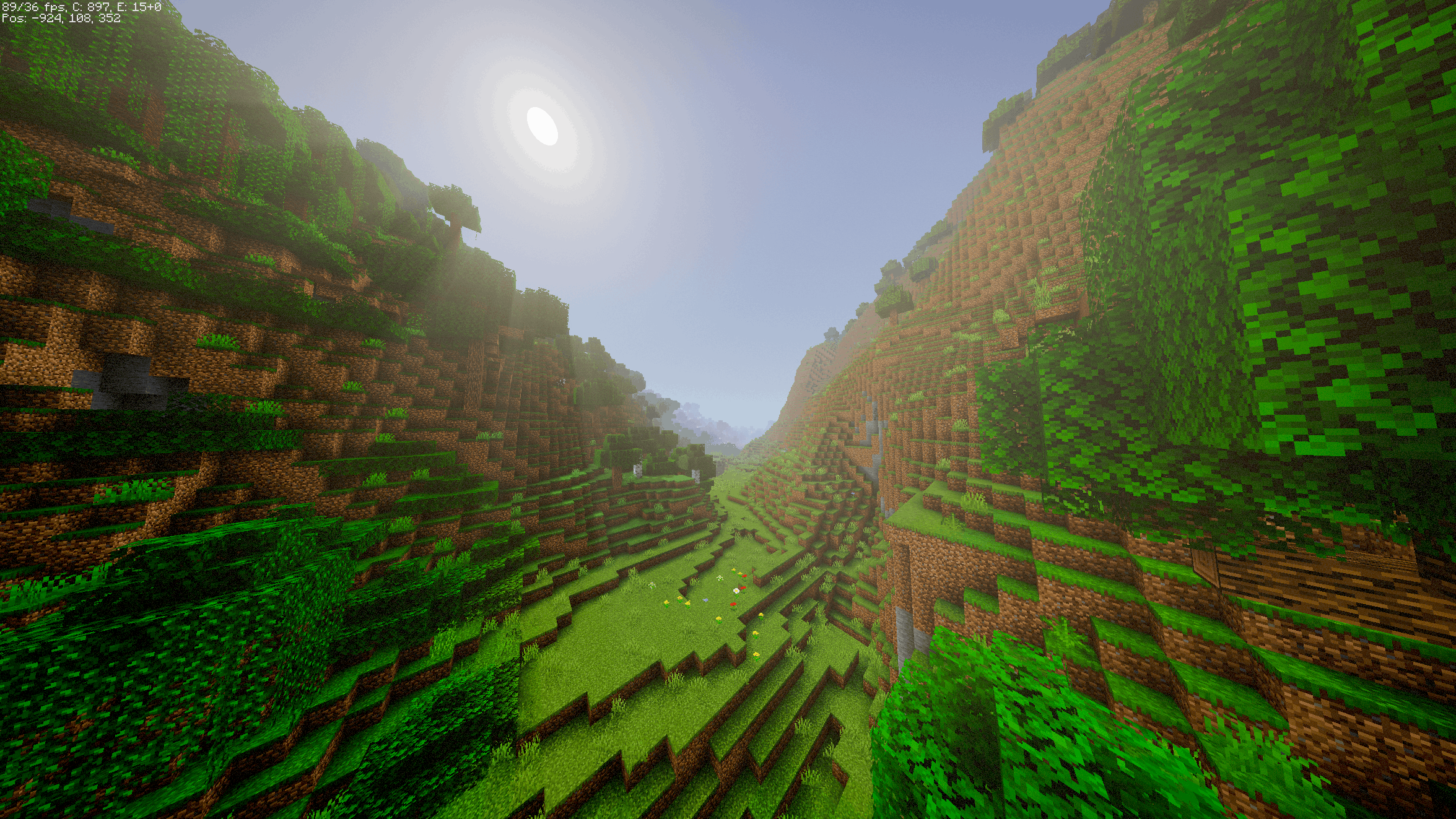
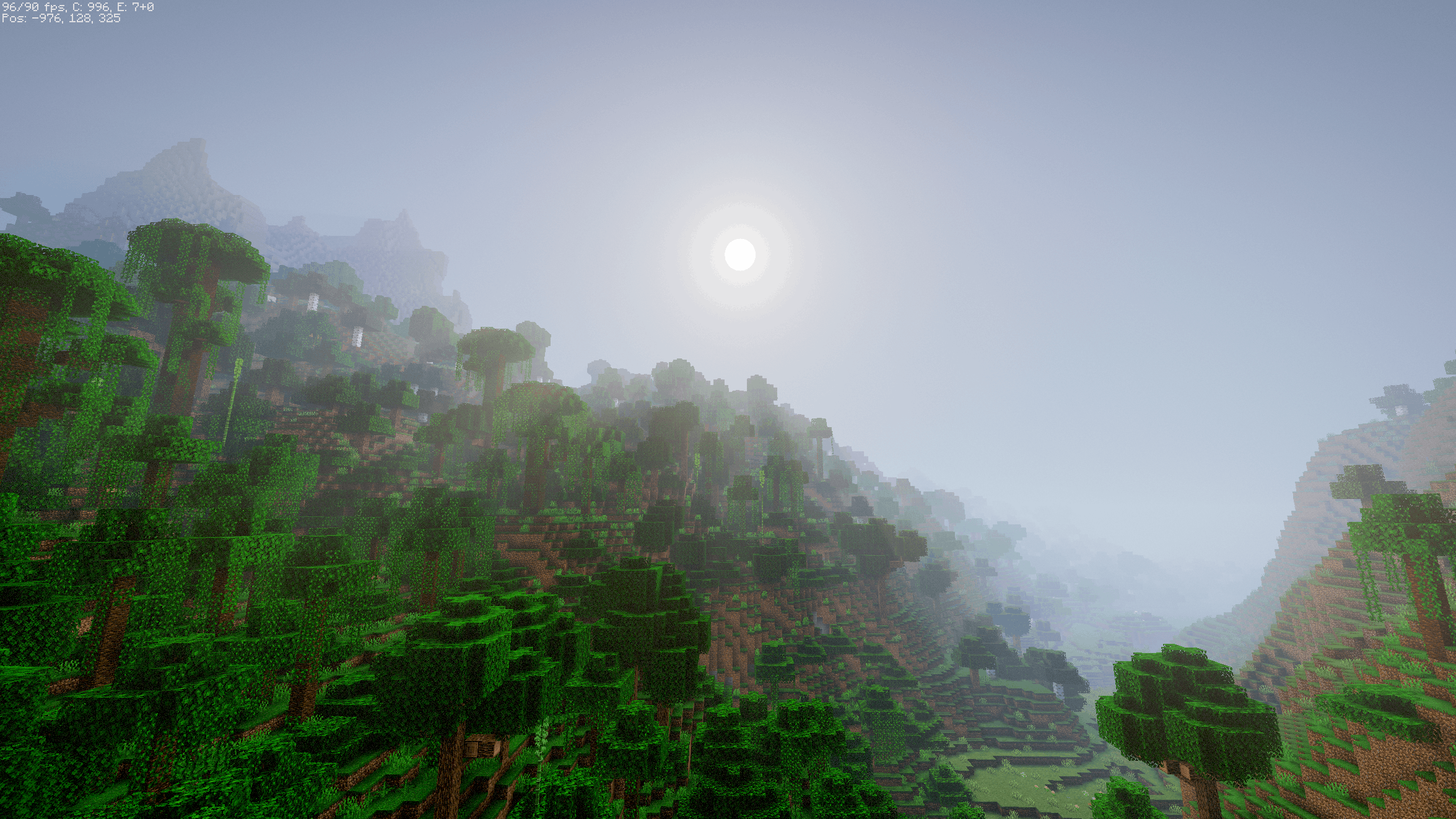
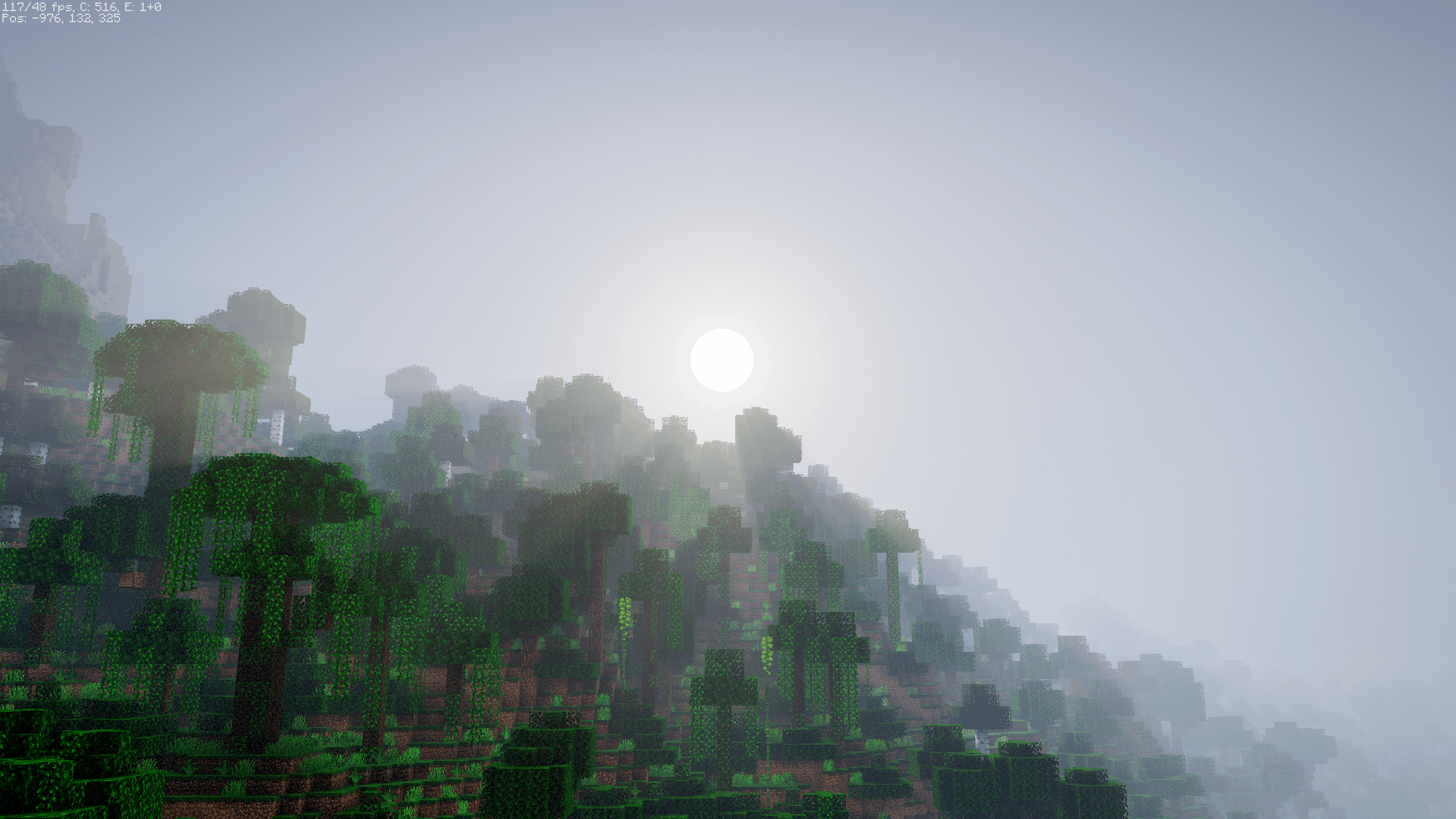
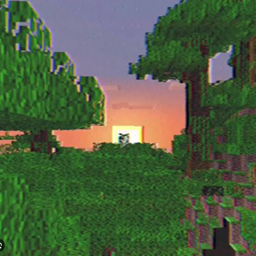
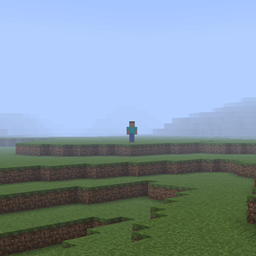
LumenX is a shaderpack made exclusively for Minecraft: Java Edition. Experience true Minecraft realism. This pack Requires an Mid Tier PC to be able to run Smoothly.

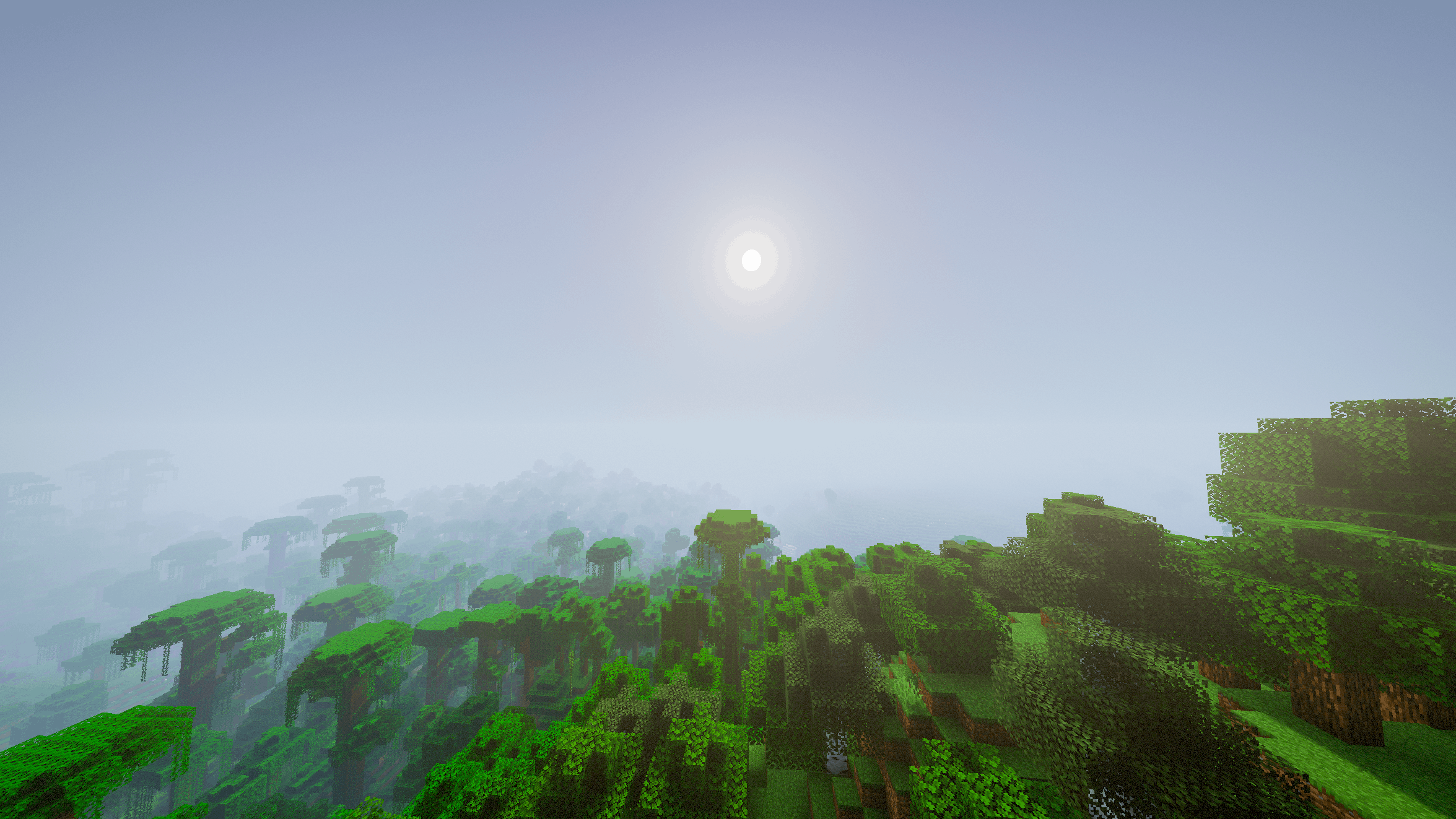
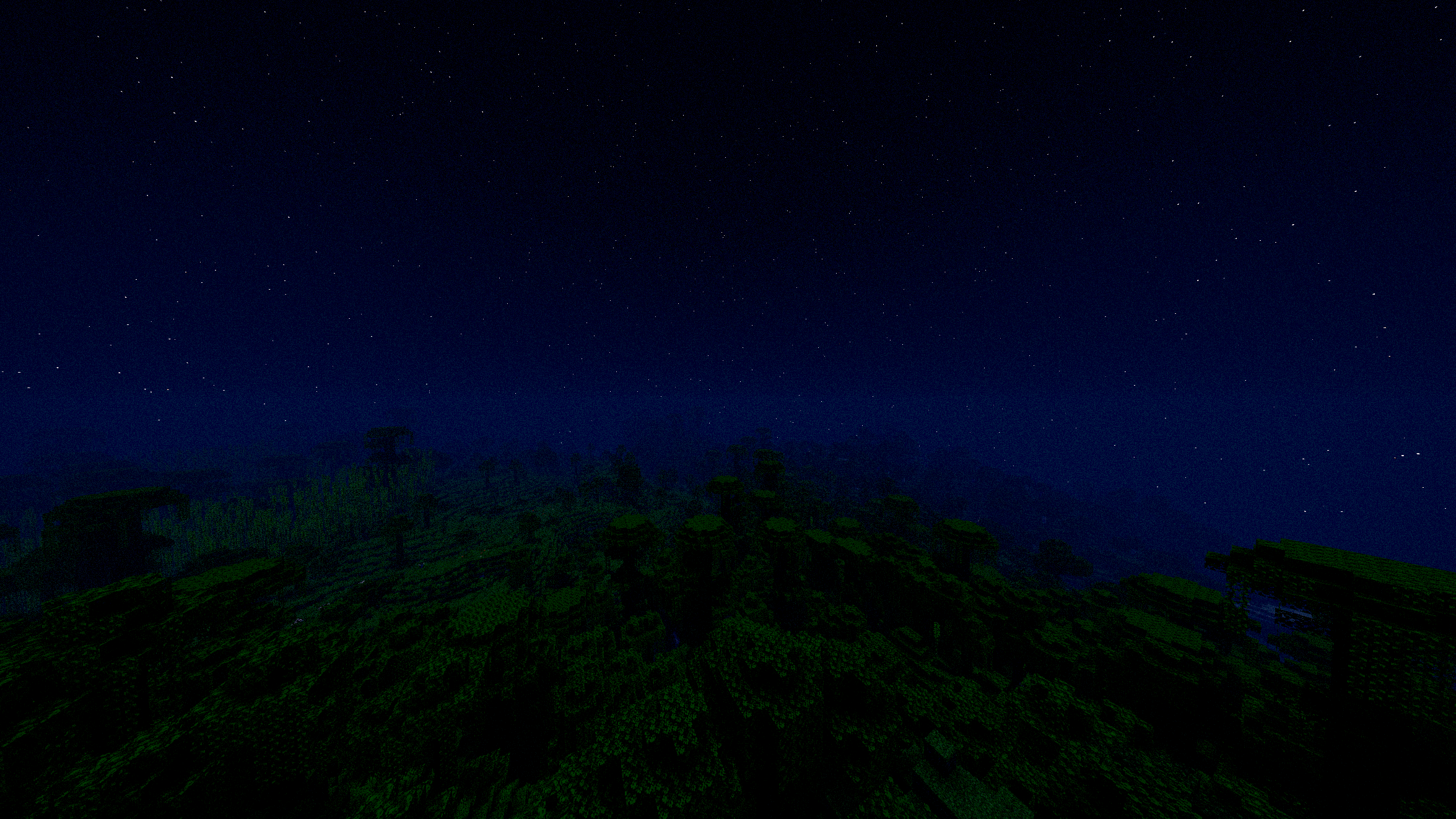
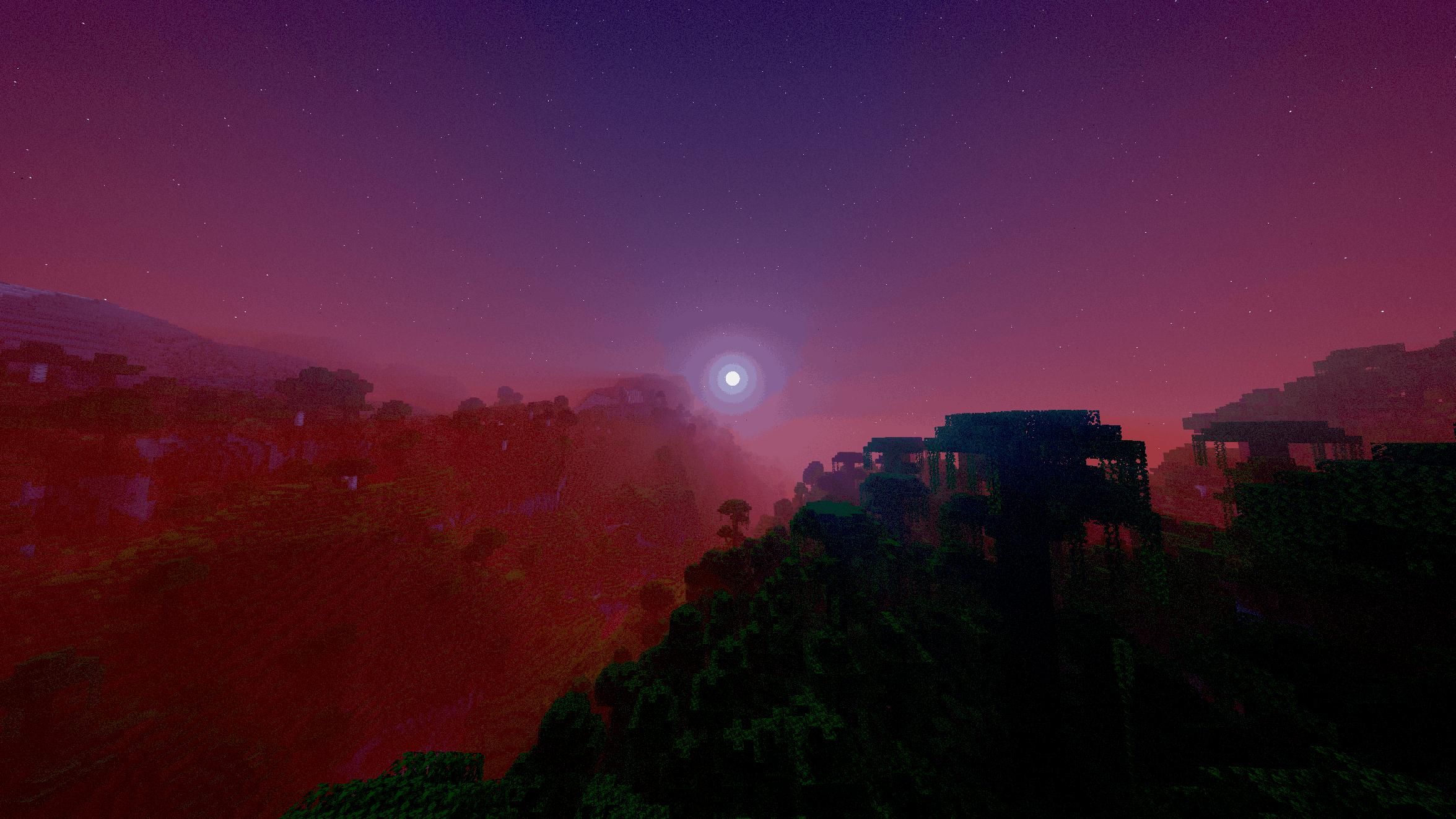
Say goodbye to the bright, plastic, cartoonish look of vanilla Minecraft. The colors have been carefully desaturated by 20% to give your world a natural, atmospheric, and photorealistic vibe. This shader includes smooth soft shadows that fade naturally, volumetric godrays, a perfectly round sun and moon, and a smart detection system so torches and lava properly illuminate caves. Transform your survival world into a movie without sacrificing your FPS.

Like my shaderpack? Consider leaving a comment or supporting the project!

INSTALLATION

  1. Download and install OptiFine or Iris
  2. Download the shaderpack
  3. Put the shaderpack inside .minecraft\shaderpacks

- ouszue

LumenX-3.0.0.zip
MC 1.16.3, 1.17.1, 1.21, 1.16.1, 1.18.1, 1.16, 1.16.5, 1.19.3, 1.20.2, 1.19.4, 1.21.8, 1.17, 1.20.5, 1.21.5, 1.18, 1.21.4, 1.20.1, 1.20, OptiFine, 1.20.6, 1.21.1, 1.21.6, 1.21.3
Release 2026-10-16 Get
LumenX - 2.0.zip
MC 1.16.3, 1.17.1, 1.21, 1.16.1, 1.18.1, 1.16, 1.16.5, 1.19.3, 1.20.2, 1.19.4, 1.21.8, 1.17, 1.20.5, 1.21.5, 1.18, 1.21.4, 1.20.1, 1.20, OptiFine, 1.20.6, 1.21.1, 1.21.6, 1.21.3
Release 2026-10-07 Get
LumenX - 1.0.zip
MC 1.16.3, 1.17.1, 1.21, 1.16.1, 1.18.1, 1.16, 1.16.5, 1.19.3, 1.20.2, 1.19.4, 1.21.8, 1.17, 1.20.5, 1.21.5, 1.18, 1.21.4, 1.20.1, 1.20, OptiFine, 1.20.6, 1.21.1, 1.21.6, 1.21.3
Beta 2026-10-02 Get

Requirements & install

How to use this shader in Minecraft
Shader loader
OptiFine
Minecraft
1.20.6 – 1.21.8
Install folder
.minecraft/shaderpacks

Install with OptiFine

  1. Install OptiFine for your Minecraft version (optifine.net) and start it once.
  2. Download the shader pack .zip (do not extract it).
  3. Put the .zip into .minecraft/shaderpacks.
  4. In game open Options → Video Settings → Shaders and select the pack.
Browse more: Iris shaders OptiFine shaders Shaders for 1.21.8 All shaders

More from ouszue

Advertisement Remove ads with Premium →

You Might Also Like