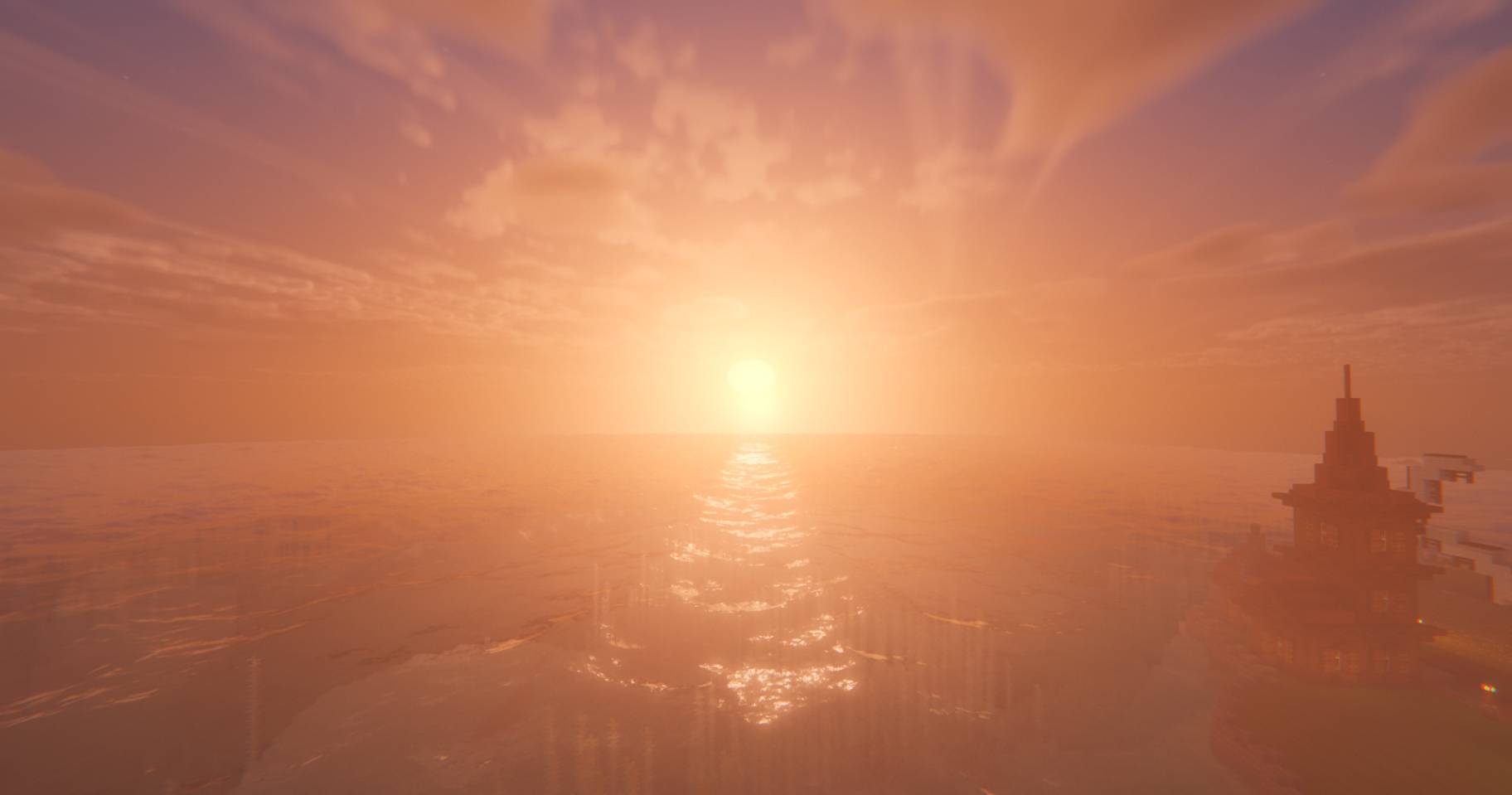
Welcome to VertaLux Shader! This shaderpack was born from a simple idea: bringing breathtaking, next-level realism to Minecraft while keeping the game completely enjoyable in survival mode.
Often, highly realistic shaders make the nights pitch-black and caves impossible to navigate. This pack strikes the perfect balance. You get the gorgeous, cinematic graphics you want, without sacrificing the classic "Minecrafty" feel or your ability to actually play the game. Whether you are building a massive base, exploring deep caves, or sailing the oceans, the world will look stunning and remain fully playable.
✨ Highlights
- Dynamic Shadows & Caustics
- Volumetric 3D Clouds
- Physics Mod Ocean Support
- Distant Horizons Compatibility
- Revamped Configuration Screen
- And much more!
🖥️ Performance & Requirements
Please note: Because it is still being actively developed and optimized, it is currently quite demanding. Optimization is an ongoing process! For the time being, a capable gaming PC is highly recommended to enjoy a smooth experience with decent framerates.
(Recommended: NVIDIA RTX 3070 / AMD RX 6700 XT or better, using Iris Shaders or Optifine)
Thank you for testing the pack! If you want to share your feedback, report bugs, or just see sneak peeks of future updates, come say hi:
👉 Join the VertaLux [Discord](https://discord.gg/VaJqaNDHxJ)