This is the first public beta. You may run into the occasional bug - please report it on the Issues page.
Velumine Shaders
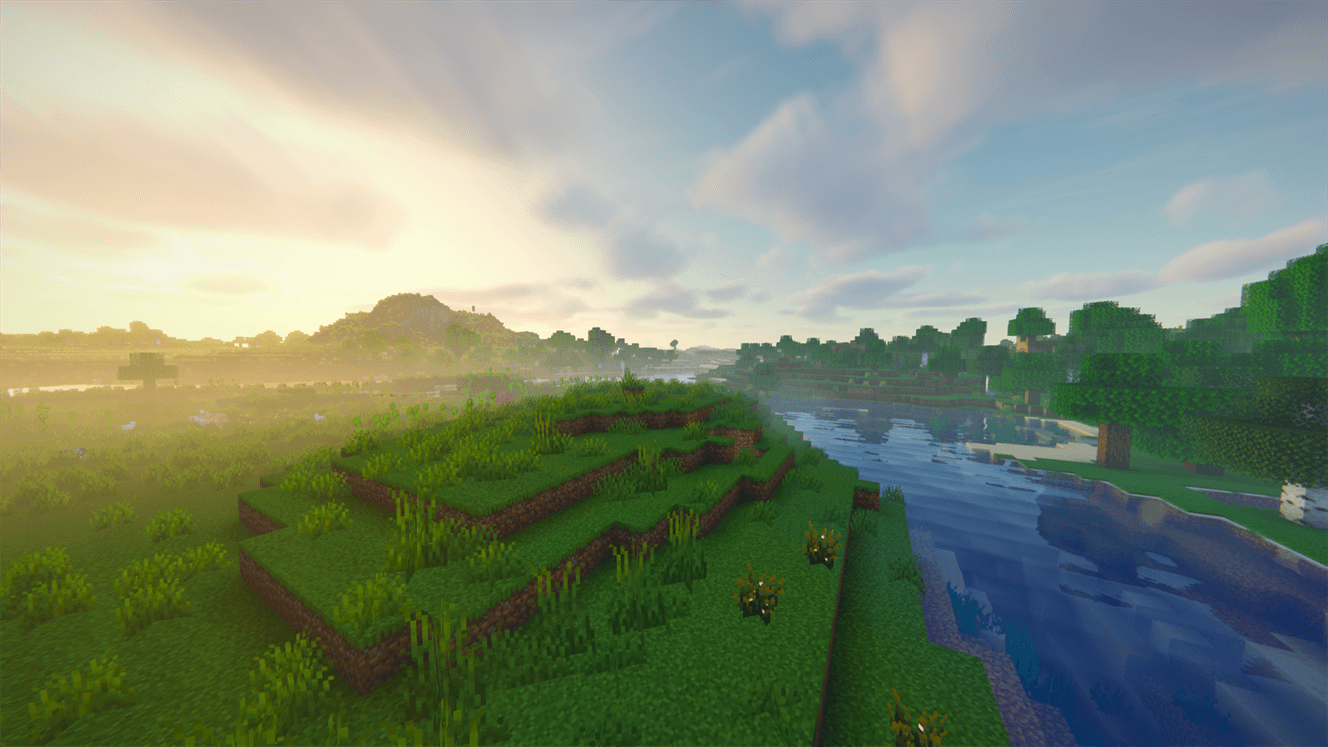
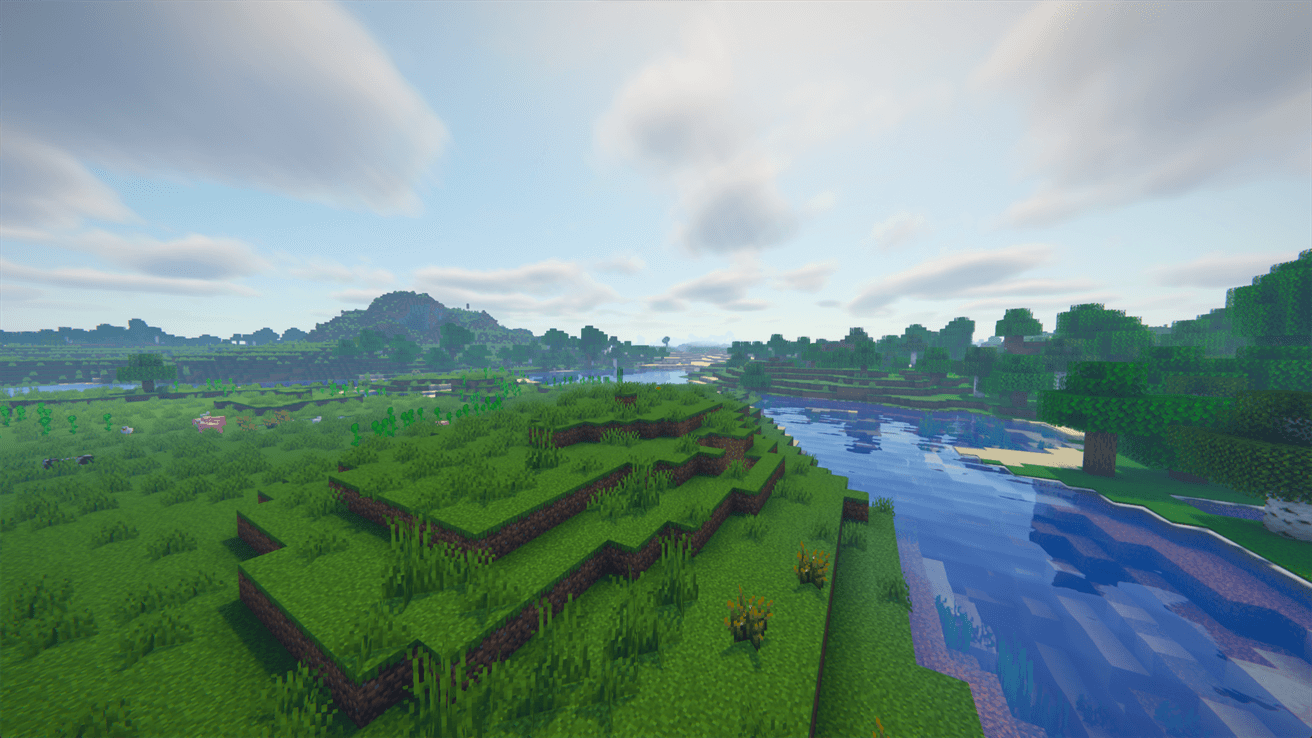
A clean, realistic shader pack that runs smoothly. Clear distance, rich colors, beautiful water and real ray-traced lighting, without the milky haze. Pick a profile that suits your PC and play.
Features
Lighting and shadows
- Soft, natural shadows that stay steady as you move
- Sunlight shining through leaves, with gently swaying plants
- Colored light through stained glass
- Soft shading in corners and under blocks
Ray tracing
- More realistic shadows and shading
- Reflections that also show things off-screen
- Torches, lanterns, lava and glowstone light up their surroundings in their own color
Water
- Living waves that move with the wind and calm down near the shore
- Clear turquoise shallows and deep blue open water
- Reflections of the sky and sun, sparkling in sunlight
- Shore foam and light patterns dancing underwater
Sky and weather
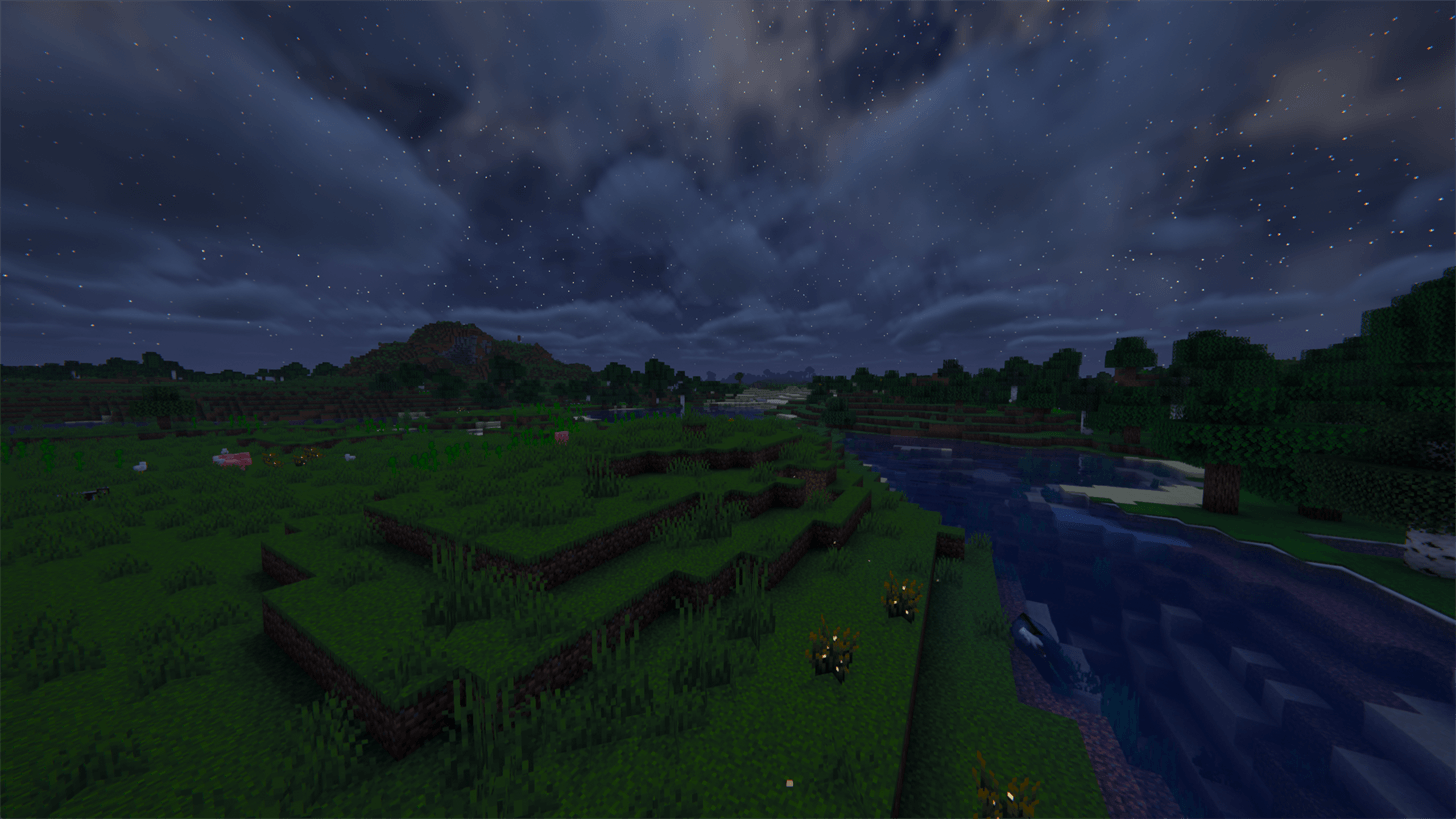
- Beautiful sunsets and sunrises, starry nights, auroras and shooting stars
- Fluffy 3D clouds that cast shadows on the ground
- Sun rays, morning mist and atmospheric caves
- Rain with wet surfaces and puddles, storms, lightning and rainbows
Image quality
- Smooth, sharp image with no jagged edges or flickering
- Smart upscaling for more FPS with sharp textures
- Natural colors and brightness that adapt to light and dark areas
- Optional extras: depth of field, motion blur, film grain and photo mode
Performance
- 7 profiles from Potato to Ultra - from lightweight to everything turned on.
- AUTO profile - lowers effects on its own when your FPS drops.
- Smart upscaling - more FPS without blurry textures.
- Everything is adjustable - every option has a description and a performance hint.
Compatibility
- Iris - Minecraft 26.3 and 1.21.11
- Oculus - Minecraft 1.20.1 (Forge)
- Distant Horizons - supported (optional)
Installation
- Install Iris (Fabric/NeoForge) or Oculus (Forge 1.20.1).
- Download the zip file. Do not unzip it.
- Put it into the shaderpacks folder of your Minecraft instance.
- In game, go to Options > Video Settings > Shader Packs and select Velumine Shaders.
- Pick a profile in Shader Pack Settings.
Tips
- Not sure which profile to use? Start with AUTO or High.
- After changing ray tracing options, restart the game for the best result.
- Prefer a calmer image? Turn down vignette, film grain and chromatic aberration in the Image tab.
Known Issues
- With Distant Horizons, resizing the window or switching to fullscreen can leave streaks in the distance. Press F3 + R to fix it.
- Ray-traced effects only cover the area around the player.
Reporting Bugs
Report bugs on the Issues page. Please include:
- your Minecraft version, loader (Iris or Oculus) and the profile you use,
- a screenshot of the problem,
- whether you use Distant Horizons or other rendering mods.
License
All Rights Reserved. Feel free to make screenshots, videos and streams with it, monetized included. No reuploads or modified versions without permission. Please always link to this page.