Mineuniverse
Shaders
VANAKAMSMPs Shader Pack

VANAKAMSMPs Shader Pack

SHADER
A realistic and performance-friendly Minecraft shader pack with dynamic lighting, volumetric clouds, realistic water, cinematic skies, and custom Nether and End visuals.
by pranish_M
Download Claim this project
94 downloads
0 likes
Updated Oct 14, 2026
0 hypes
Realistic
Advertisement Remove ads with Premium →

VANAKAMSMPs Shader Pack

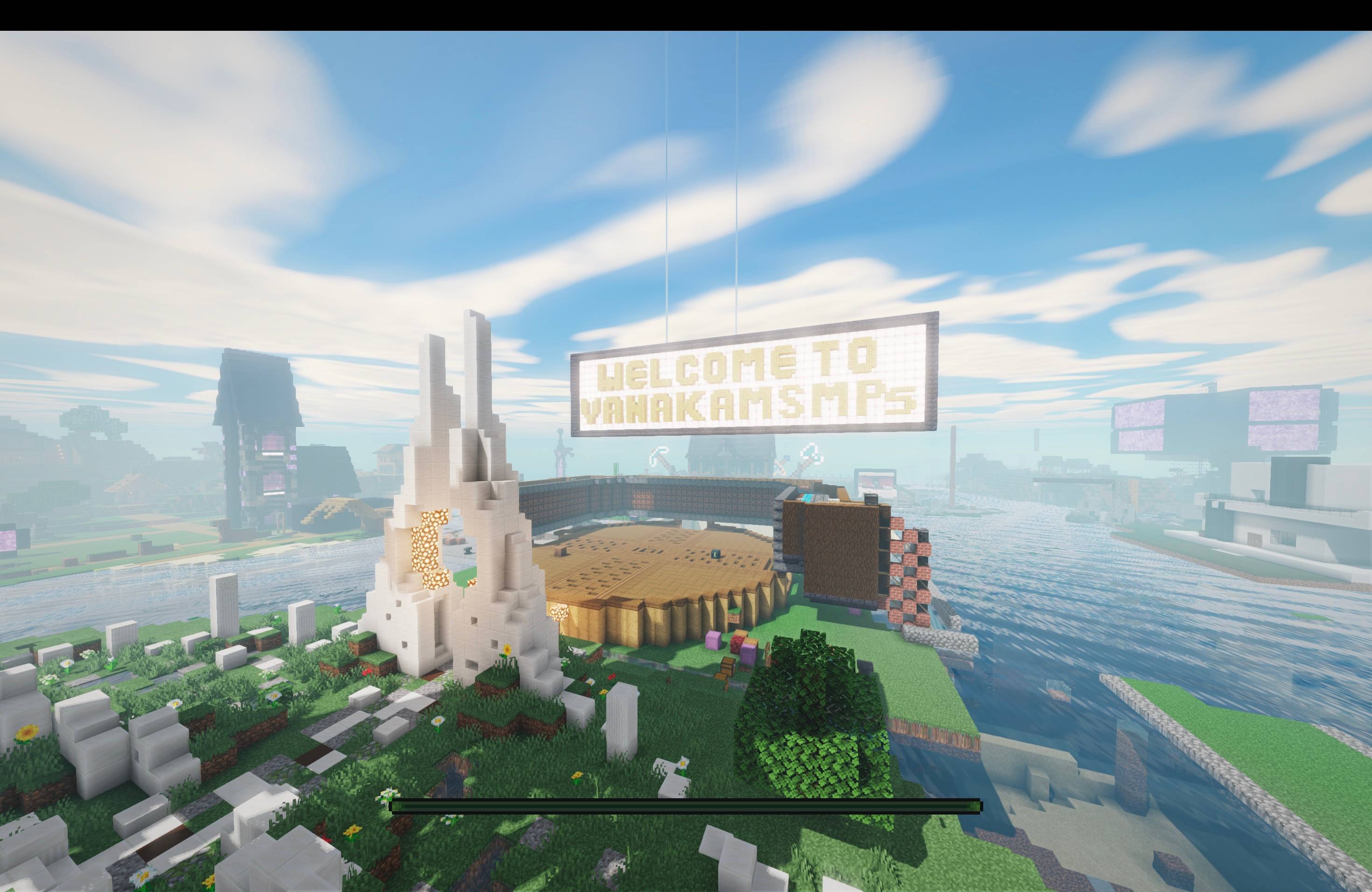
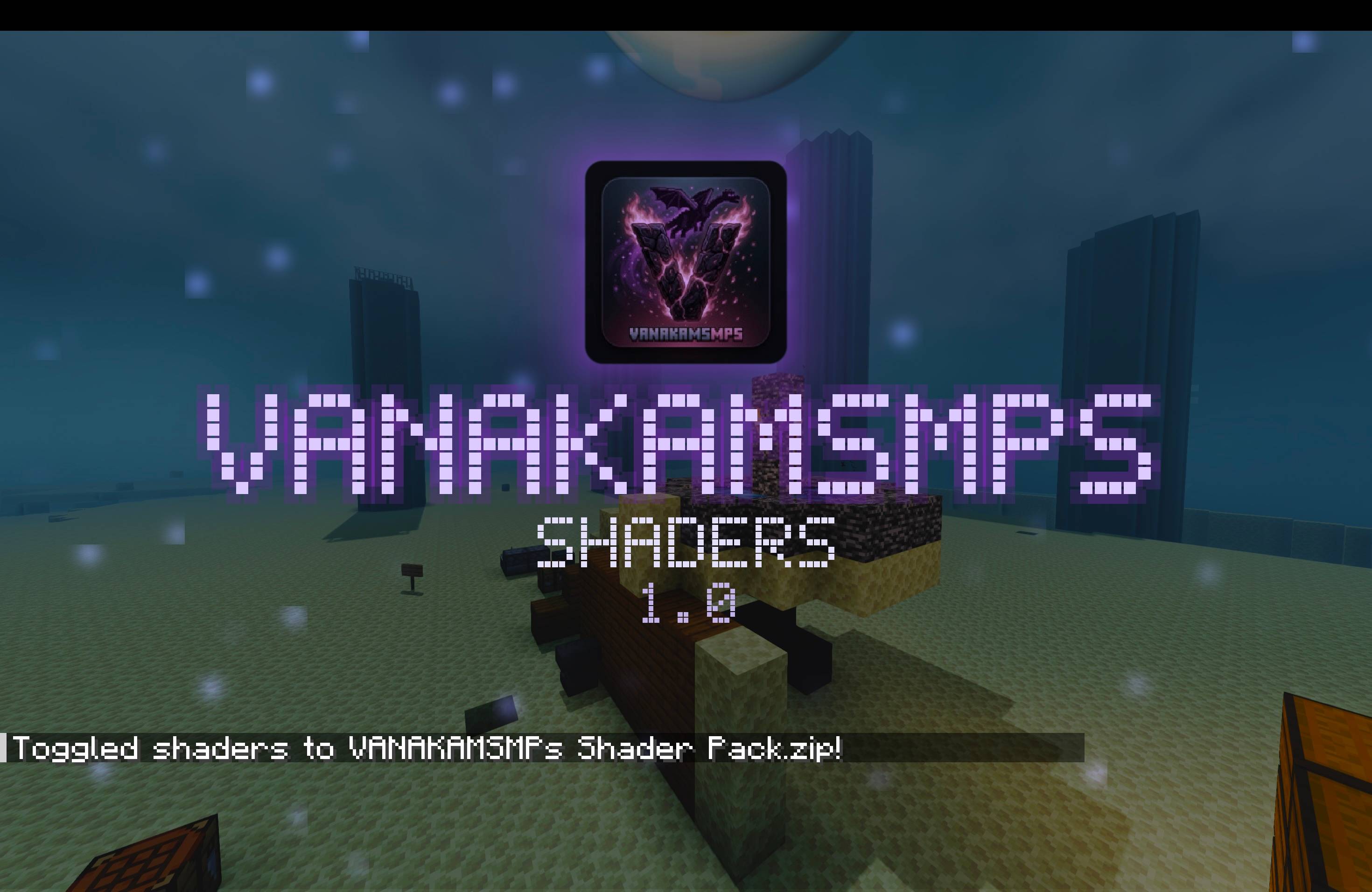
VANAKAMSMPs Shader Pack is a realistic, cinematic Minecraft shader built from the ground up to enhance Minecraft 1.21 with immersive lighting, atmospheric skies, volumetric clouds, realistic water, dynamic shadows, and custom dimension visuals.

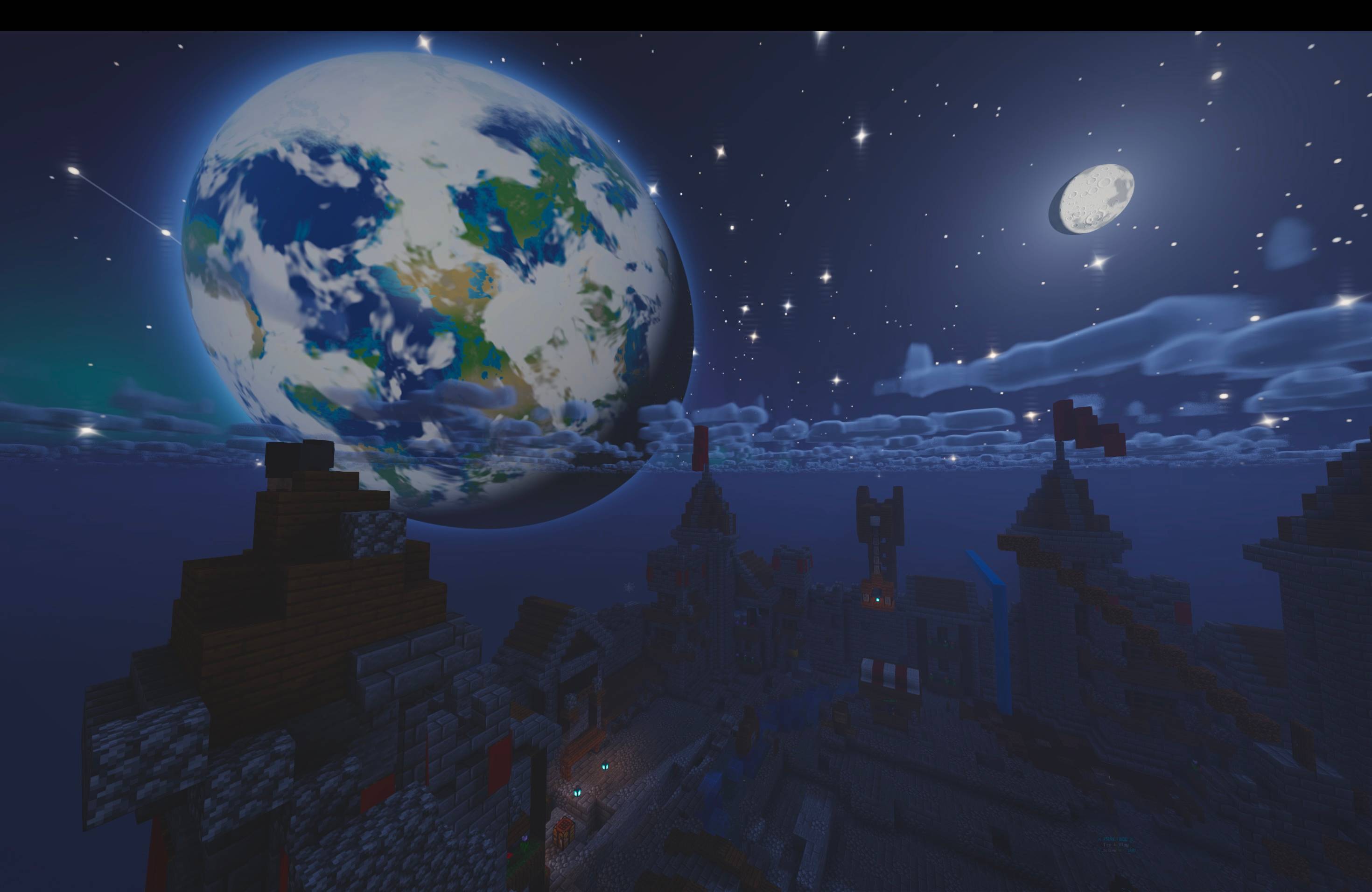
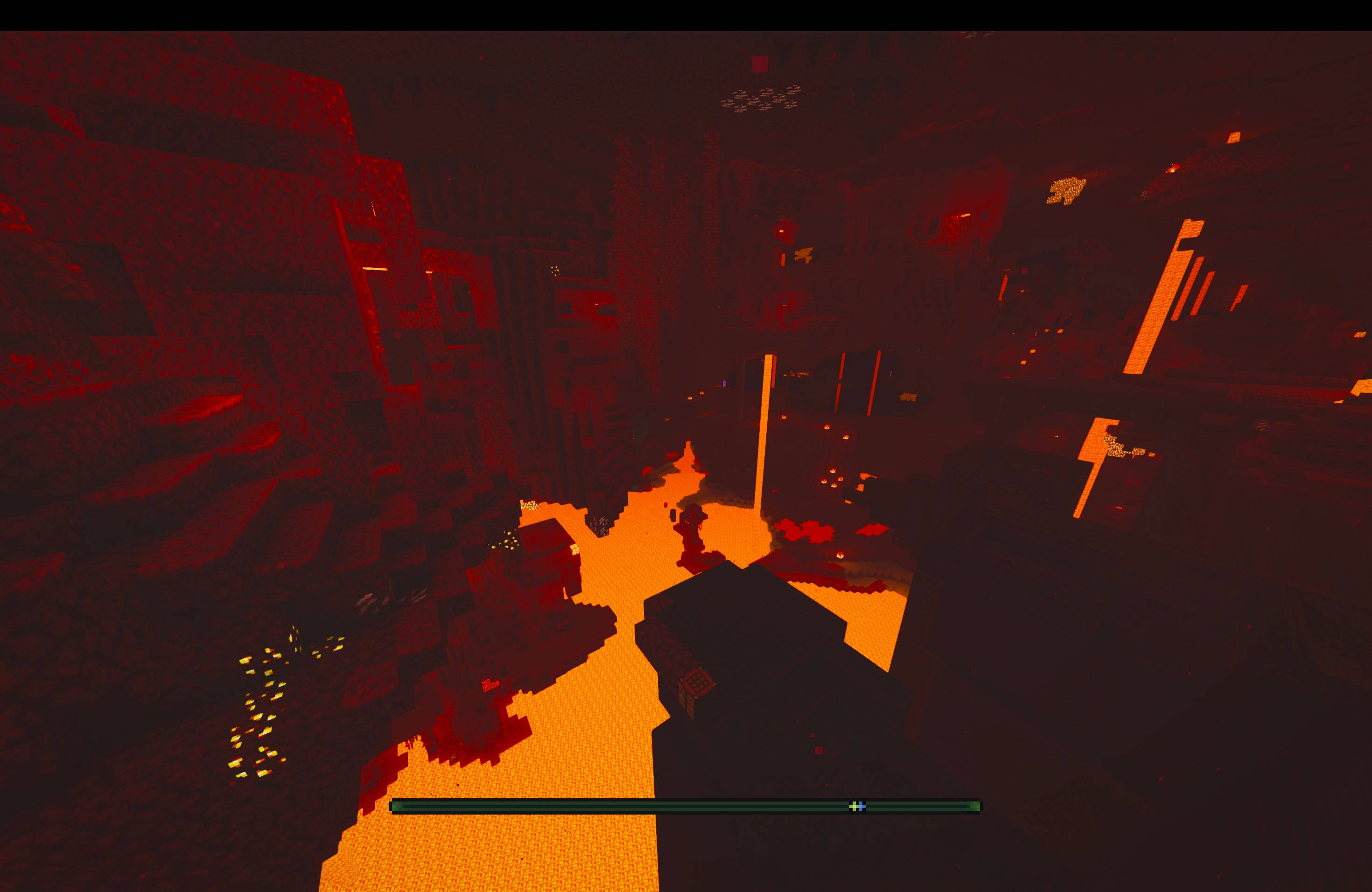
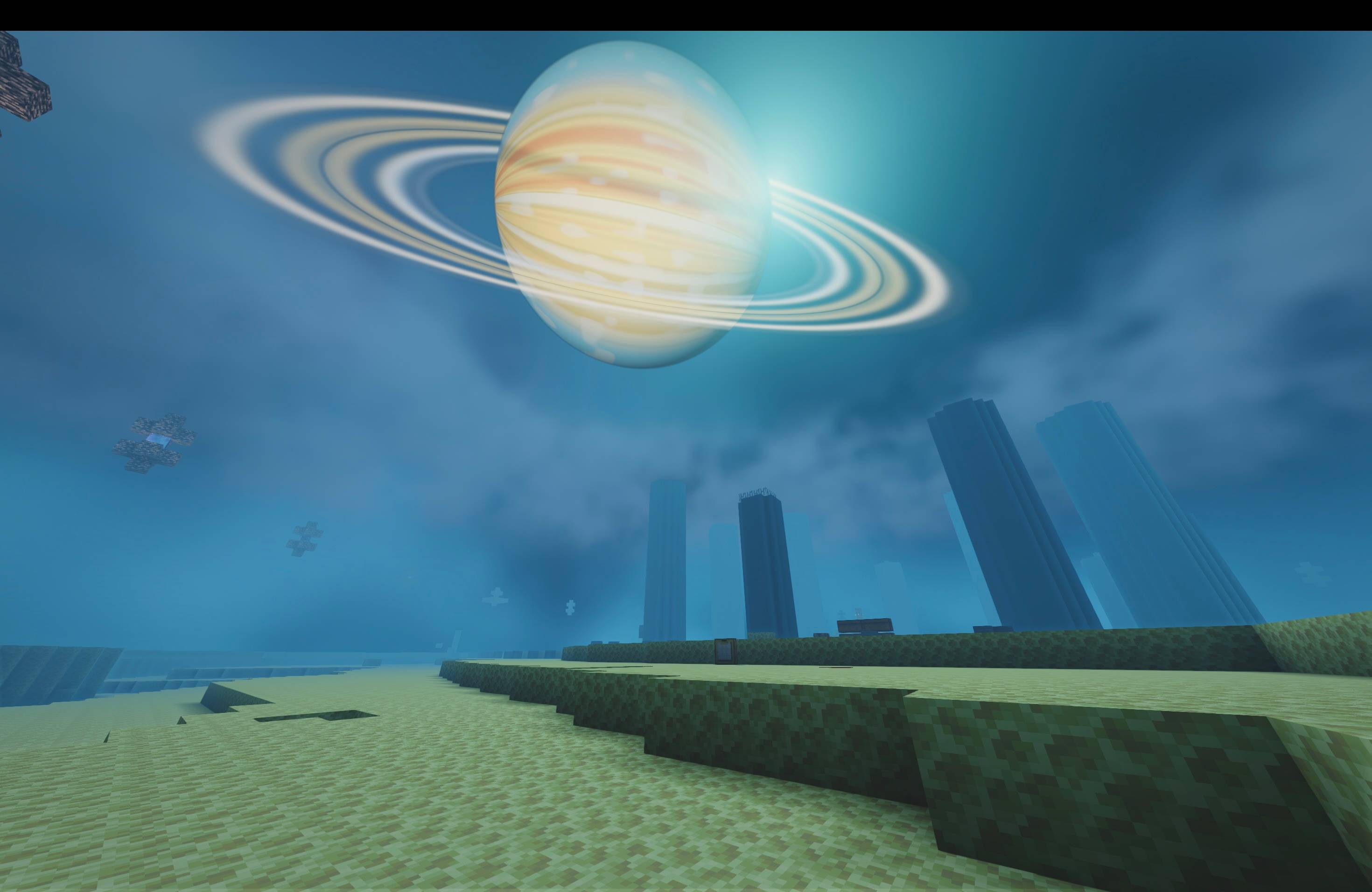
Experience a beautiful Overworld with realistic sunlight, sunsets, god rays, fog, clouds, and detailed night skies. Explore the Nether with a custom atmospheric environment and the End with a unique cosmic sky and ringed-planet visuals.

The shader is designed with performance and compatibility in mind, offering six quality presets — Very Low, Low, Medium, High, Extreme, and Mac Mode — so players can choose the best experience for their hardware. Features can also be individually enabled or disabled for further optimization.

Features

  • Realistic dynamic sunlight and atmospheric sky
  • Volumetric clouds and god rays
  • Realistic water with reflections and refraction
  • Soft dynamic shadows and ambient occlusion
  • Detailed moon, stars, constellations, and aurora
  • Custom Nether and End environments
  • Wind effects on leaves and vegetation
  • Cinematic ACES colour grading
  • Bloom, optional depth of field and motion blur
  • Resource-pack support with normal/specular maps
  • Six performance presets, including dedicated Mac Mode
  • Automatic performance profile selection
  • Fully configurable visual features

Requirements: Minecraft 1.21 + Iris (Fabric)

VANAKAMSMPs Shader Pack — Build 1.0
Free for everyone.

VANAKAMSMPs Shader Pack 1.0
MC 1.5.3, 1.21, 1.6.1, 1.0, 1.15, 1.16, 1.13, 1.7.2, 1.0.0, 1.17, 1.12, 1.18, 1.11, 1.20, OptiFine, 1.10, 1.1, 1.2.1, 1.8, 1.14, 1.3.1, Iris, 1.4.2, 1.19, 1.9, 26.1, 26.2
Release 2026-10-04 Get

Requirements & install

How to use this shader in Minecraft
Shader loader
Iris OptiFine
Minecraft
1.16 – 26.2
Install folder
.minecraft/shaderpacks

How to install shaders

  1. Install a shader loader for your Minecraft version: Iris (with Sodium) or OptiFine.
  2. Download the shader pack .zip file (do not extract it).
  3. Put the .zip into the shaderpacks folder (.minecraft/shaderpacks).
  4. In game open Options → Video Settings → Shader Packs, select the pack and apply it.
Browse more: Iris shaders OptiFine shaders Shaders for 26.2 All shaders
Advertisement Remove ads with Premium →

You Might Also Like