# The Darkness
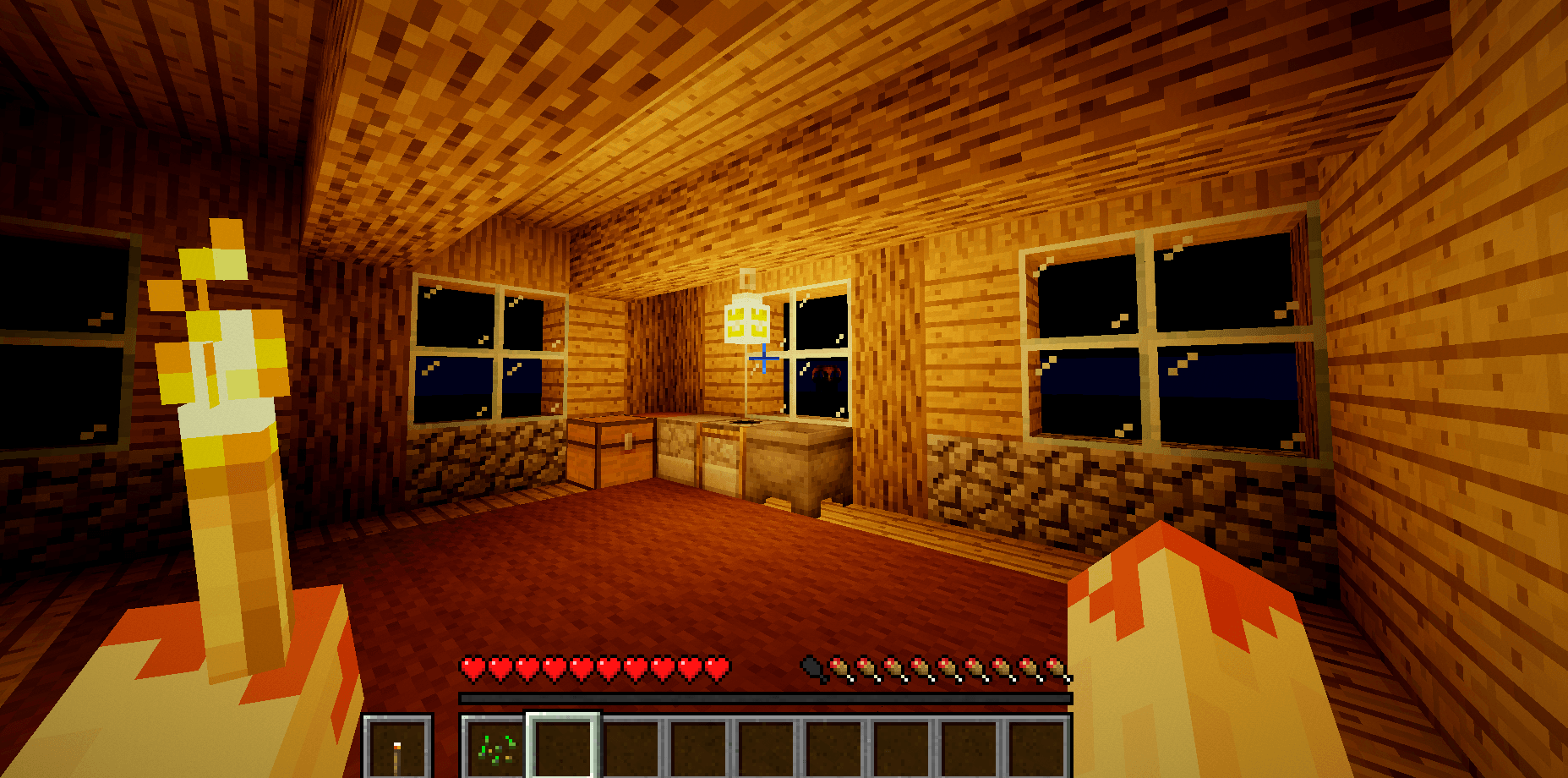
**Try this with your current shaderpack: seal yourself in a windowless room at midnight and put your
torch away.**
You can still see, can't you. Every pack does this — they keep the darks lifted so you never lose
your stuff to a hole you couldn't see. It's the sensible choice and it means no shaderpack has ever
actually shown you the dark.
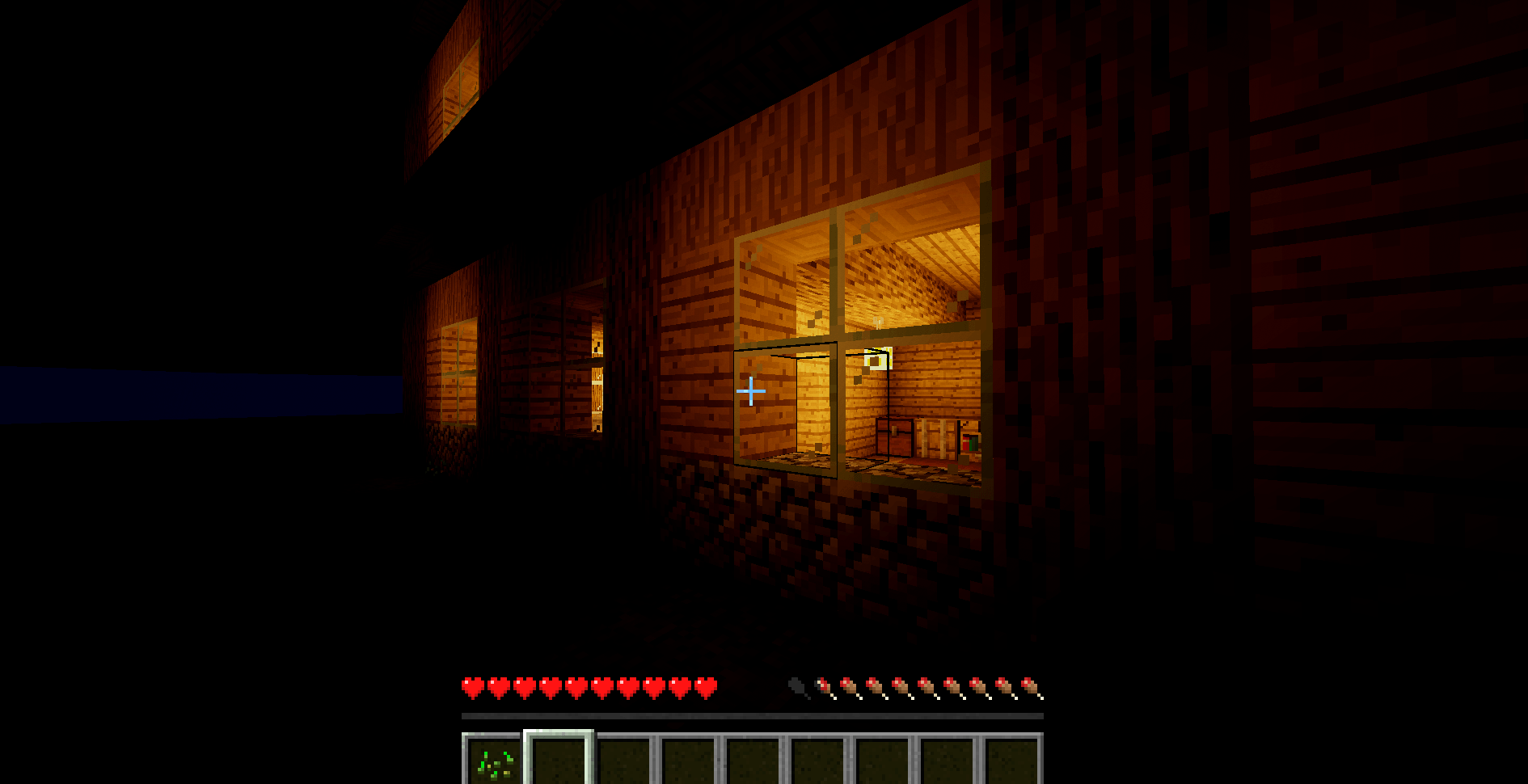
This one has no floor. Unlit is black. Properly black.
---
## What you get
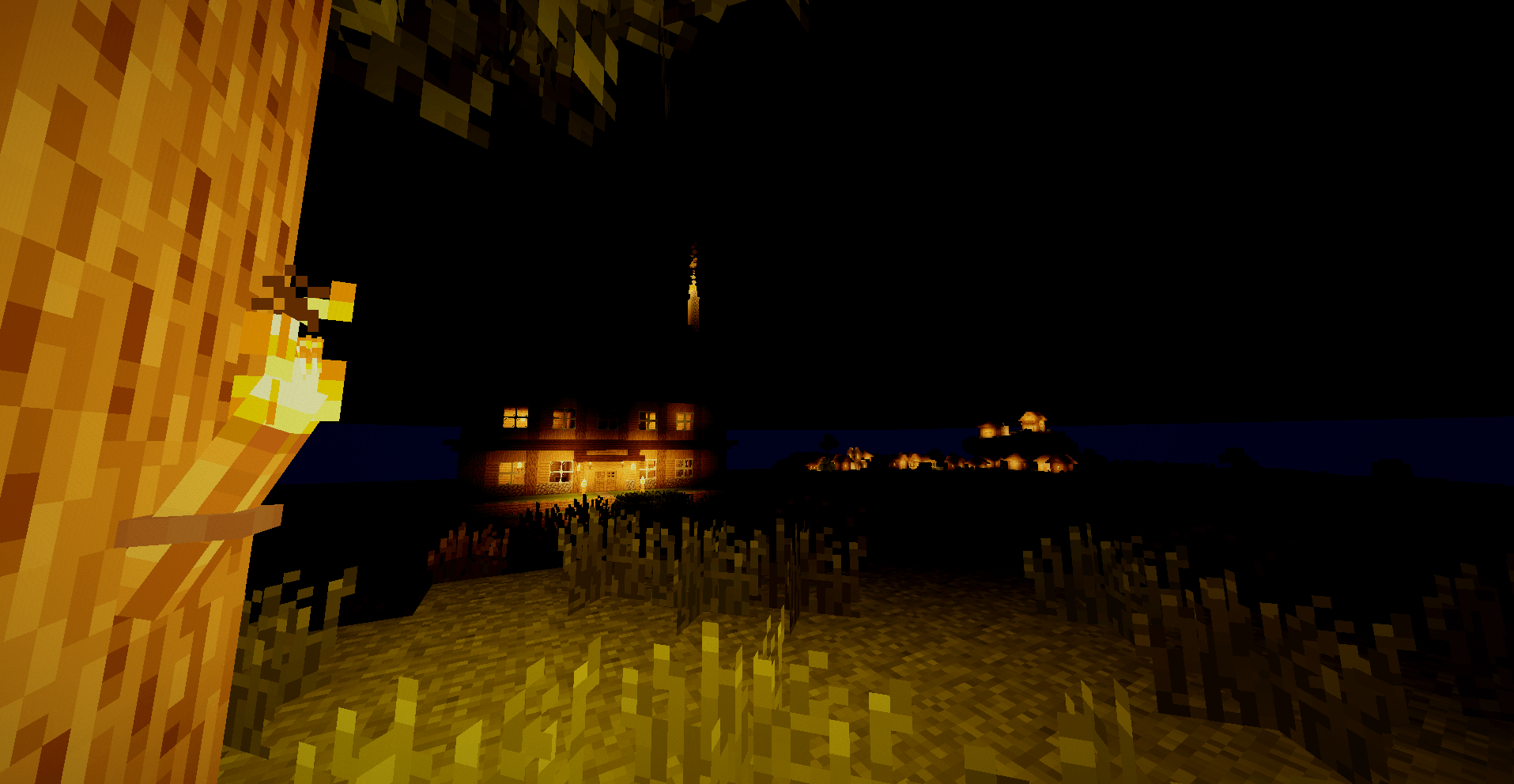
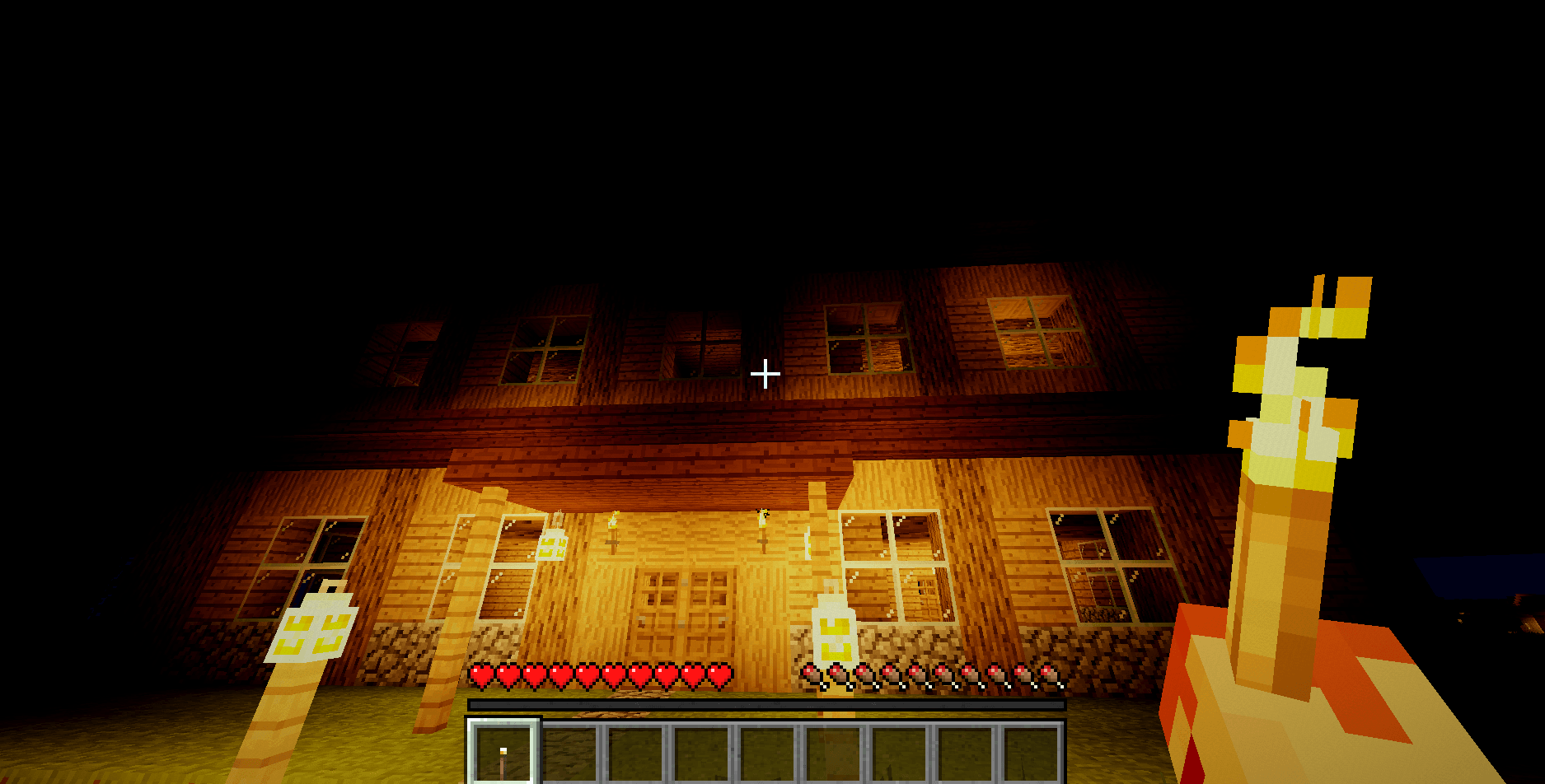
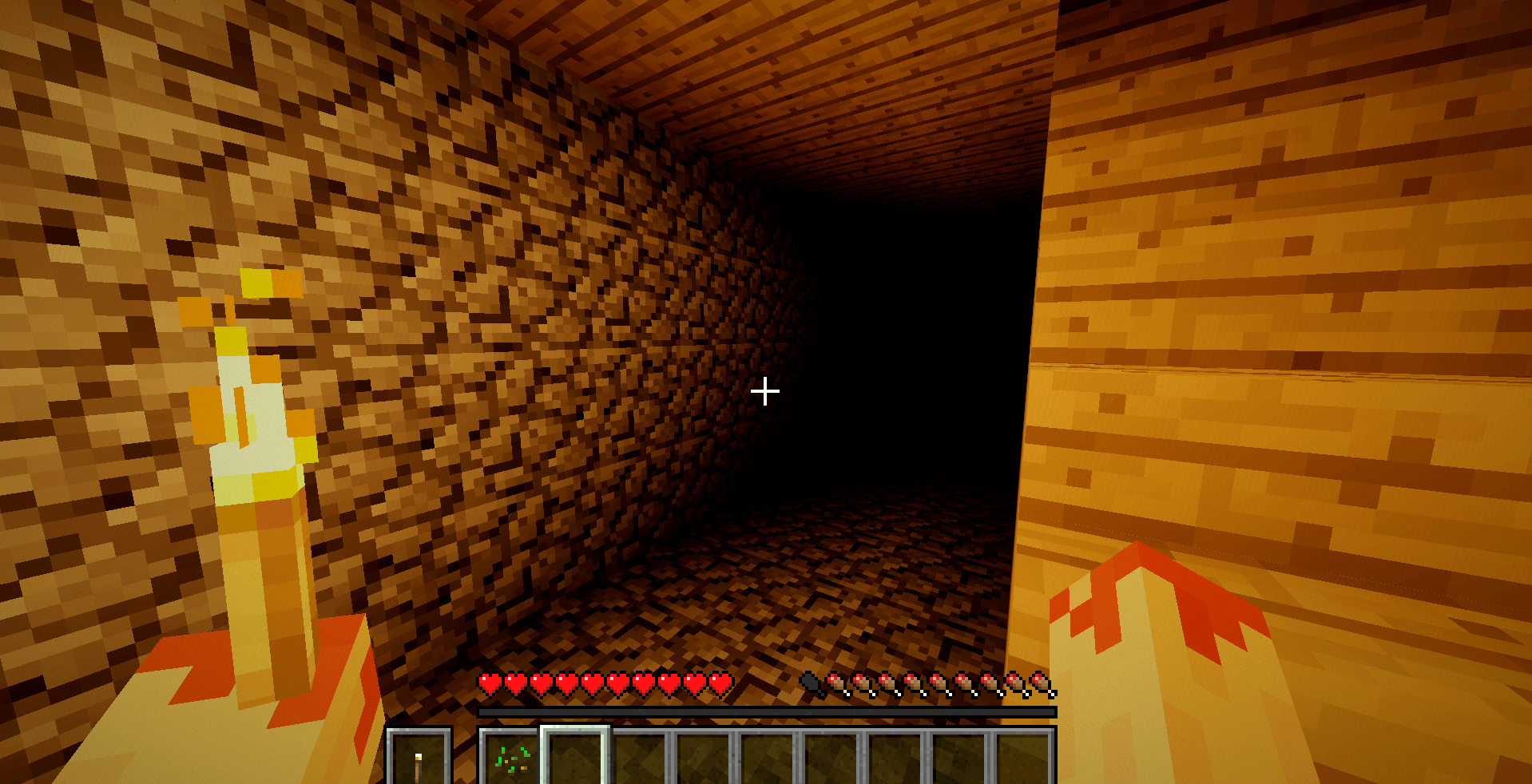
**Nights you need a torch for.** Not a blue filter — nothing. Step into an unlit cave without a light
and you will see literally nothing.
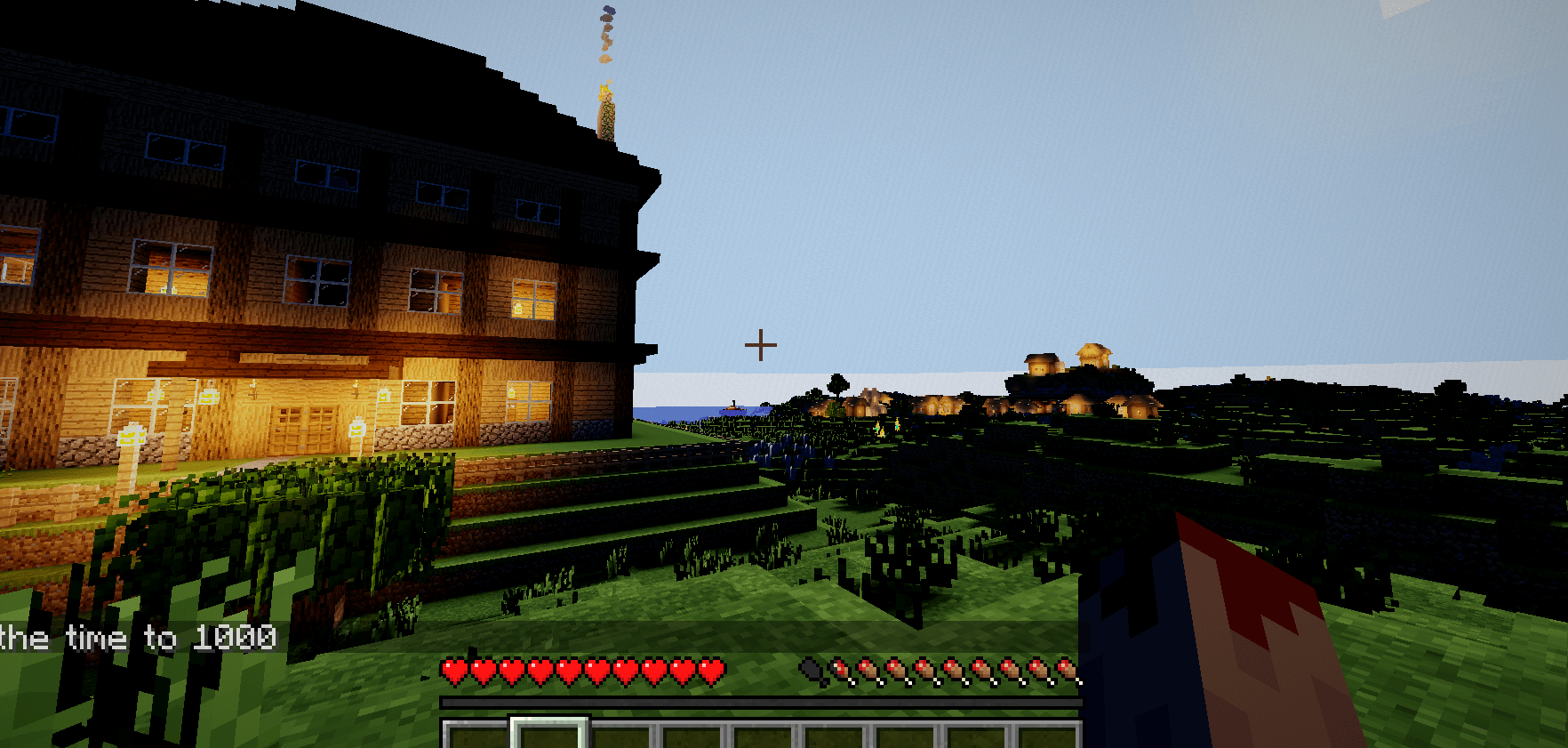
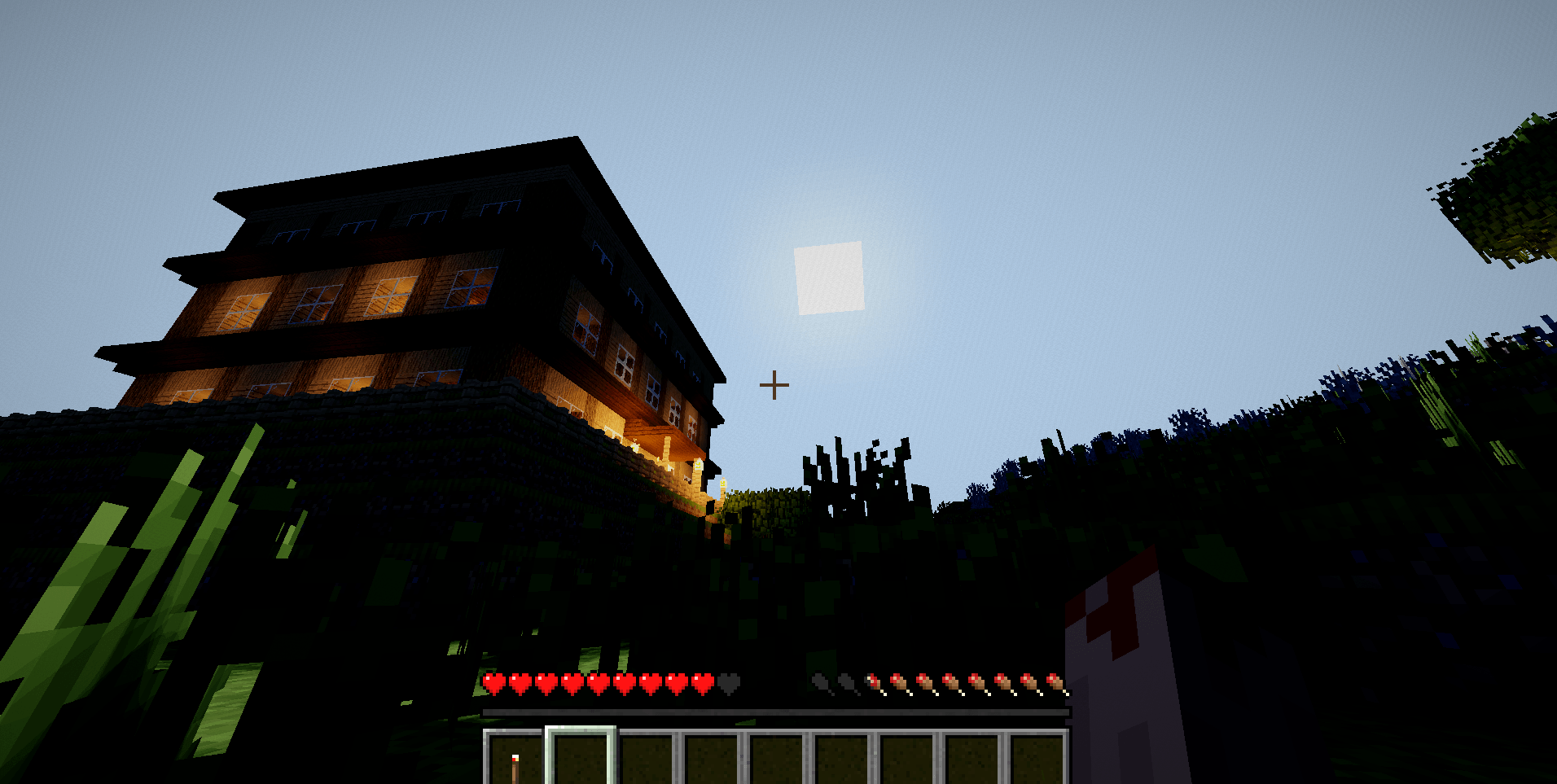
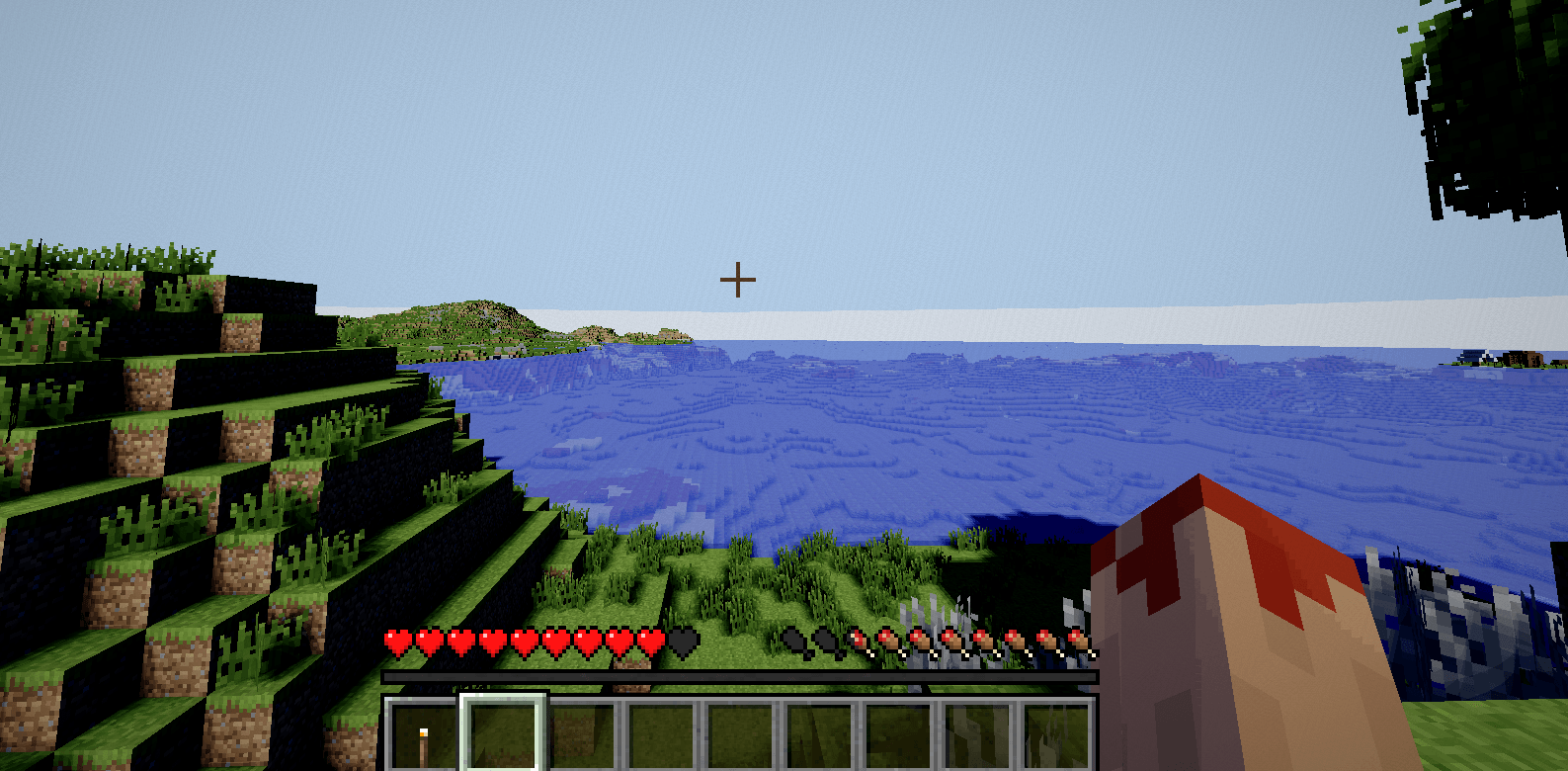
**Real sun shadows.** Trees, buildings and hills cast actual shadows, soft at the edges, leaf-shaped
where they should be.
**No moonlight.** Outdoors at midnight is dark. Bring a light.
**A clean film look.** Warm torchlight, cold shadows, subtle grain and vignette.
---
## What you don't get
It's a small pack. No god rays, no reflections, no fancy water, no custom clouds, no settings screen.
If you want a gorgeous full-featured pack, get Complementary or Bliss — they beat this at everything
except being dark.
---
## Good for
Horror worlds. Caving. Anything where the night should be a problem to solve instead of a colour
filter.
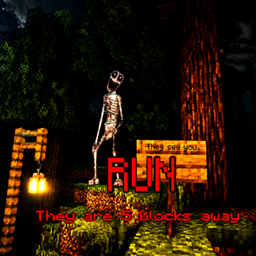
Built for the horror mod **Stalker.jar**, works fine on its own.
---
## You need Oculus
This is a shaderpack, not a mod -- it does not load on its own. You need **Oculus** installed
(that is the Forge version of Iris; on Fabric, install Iris instead).
1. Install **Oculus** in your mods folder
2. Drop this zip in your `shaderpacks` folder
3. Video Settings -> Shader Packs -> The Darkness
**Minecraft 1.20.1**
---
*Sealed rooms are pitch black. Unlit caves are pitch black. That's not a bug, that's the pack.*