Mineuniverse
Shaders
Sunlit Shaders

Sunlit Shaders

SHADER
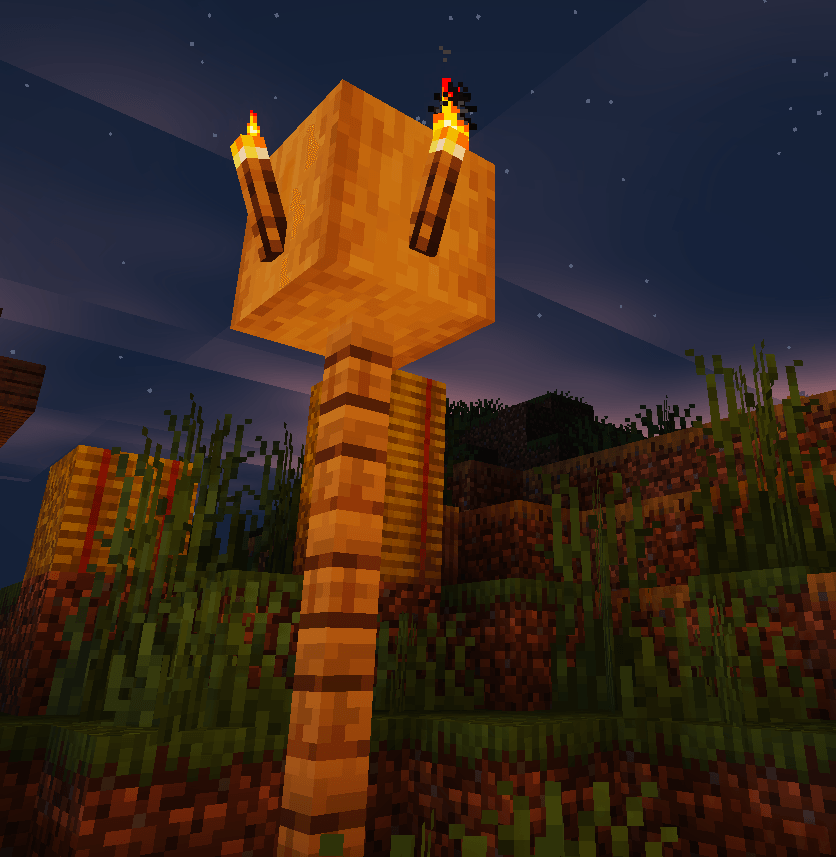
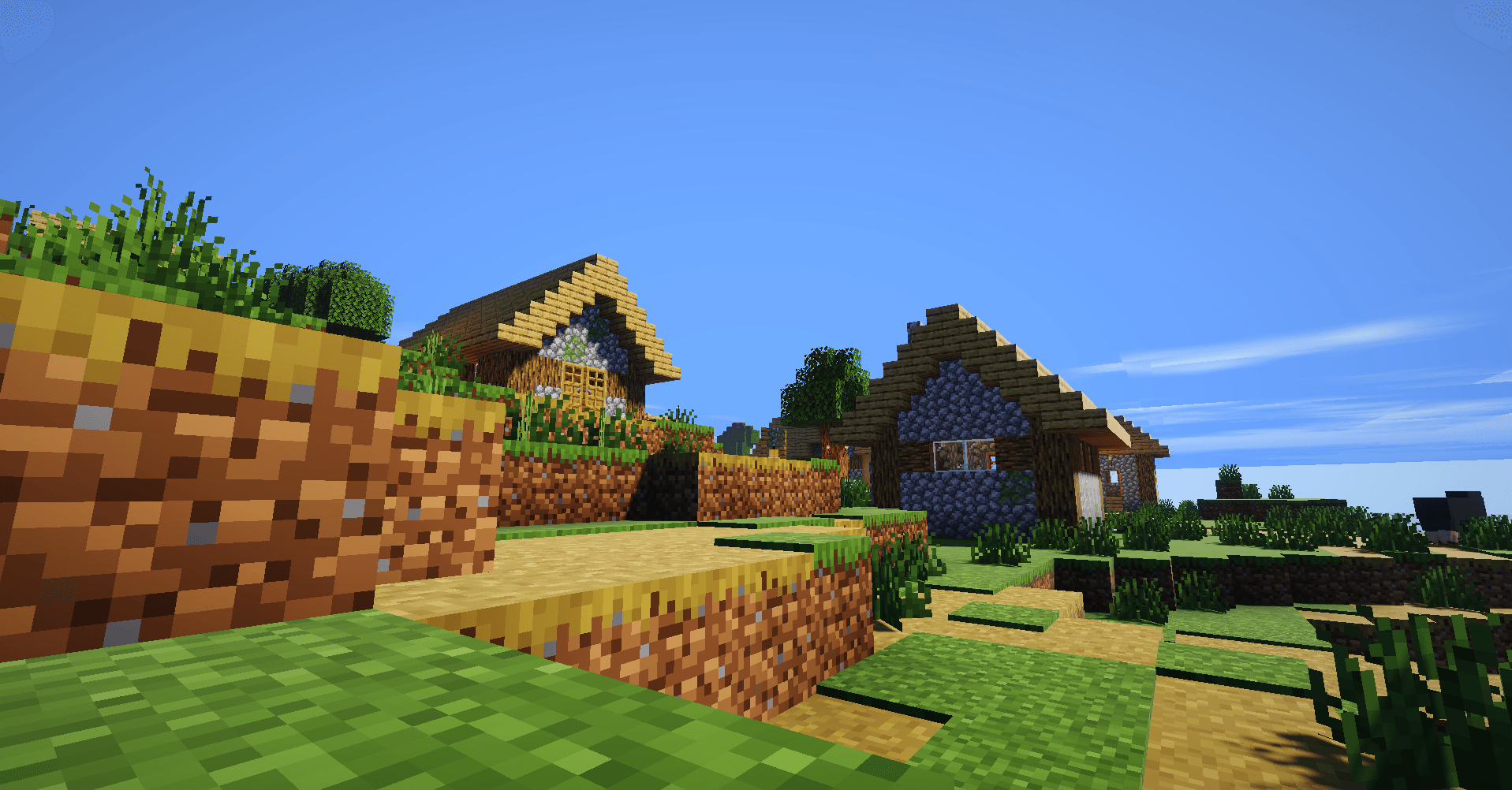
Sunlit Shaders is a darker, cinematic Minecraft shader pack featuring soft shadows, warm sunlight, glowing sunsets, reflective water, animated foliage, clouds, bloom, and improved lighting.
by DOGGAMINGP
Download Claim this project
159 downloads
0 likes
Updated Oct 14, 2026
0 hypes
Realistic Vanilla
Advertisement Remove ads with Premium →

Sunlit Shaders

Sunlit Shaders is a cinematic Minecraft Java shader pack designed to give your world a darker, more atmospheric look while keeping the classic Minecraft style.

Features include:

  • Soft real-time shadows

  • Warm sunlight and sunset lighting

  • Sun glare and glossy highlights

  • Shiny animated water with sunlight reflections

  • Animated plants and leaves

  • Custom clouds

  • Torch and block lighting

  • Bloom and atmospheric effects

  • Darker skies and enhanced contrast

  • Optimized lighting for a smooth visual experience

Perfect for survival, PvP, building, screenshots, and cinematic Minecraft videos.

SunlitShaders.zip
MC OptiFine, Iris, 26.3
Release 2026-09-21 Get

Requirements & install

How to use this shader in Minecraft
Shader loader
Iris OptiFine
Minecraft
26.3
Install folder
.minecraft/shaderpacks

How to install shaders

  1. Install a shader loader for your Minecraft version: Iris (with Sodium) or OptiFine.
  2. Download the shader pack .zip file (do not extract it).
  3. Put the .zip into the shaderpacks folder (.minecraft/shaderpacks).
  4. In game open Options → Video Settings → Shader Packs, select the pack and apply it.
Browse more: Iris shaders OptiFine shaders Shaders for 26.3 All shaders

More from DOGGAMINGP

Advertisement Remove ads with Premium →

You Might Also Like