Mineuniverse
Shaders
Storyloom

Storyloom

SHADER
Geometry-aware ink, painted light bands and a warm storybook palette with stable motion and readable depth.
by AstorUVZ
Download Claim this project
2,477 downloads
0 likes
Updated Oct 14, 2026
0 hypes
Fantasy Vanilla
Advertisement Remove ads with Premium →

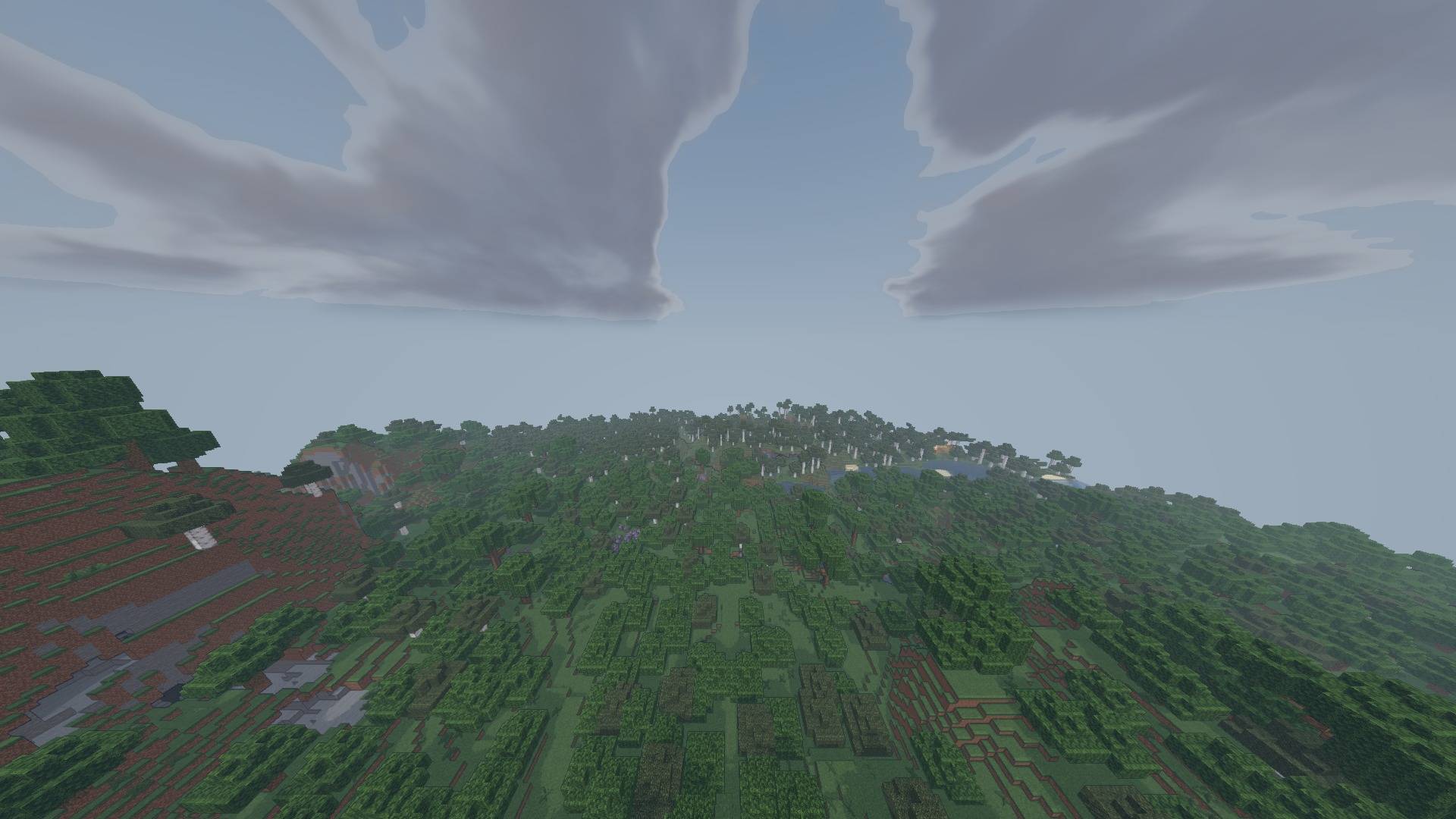
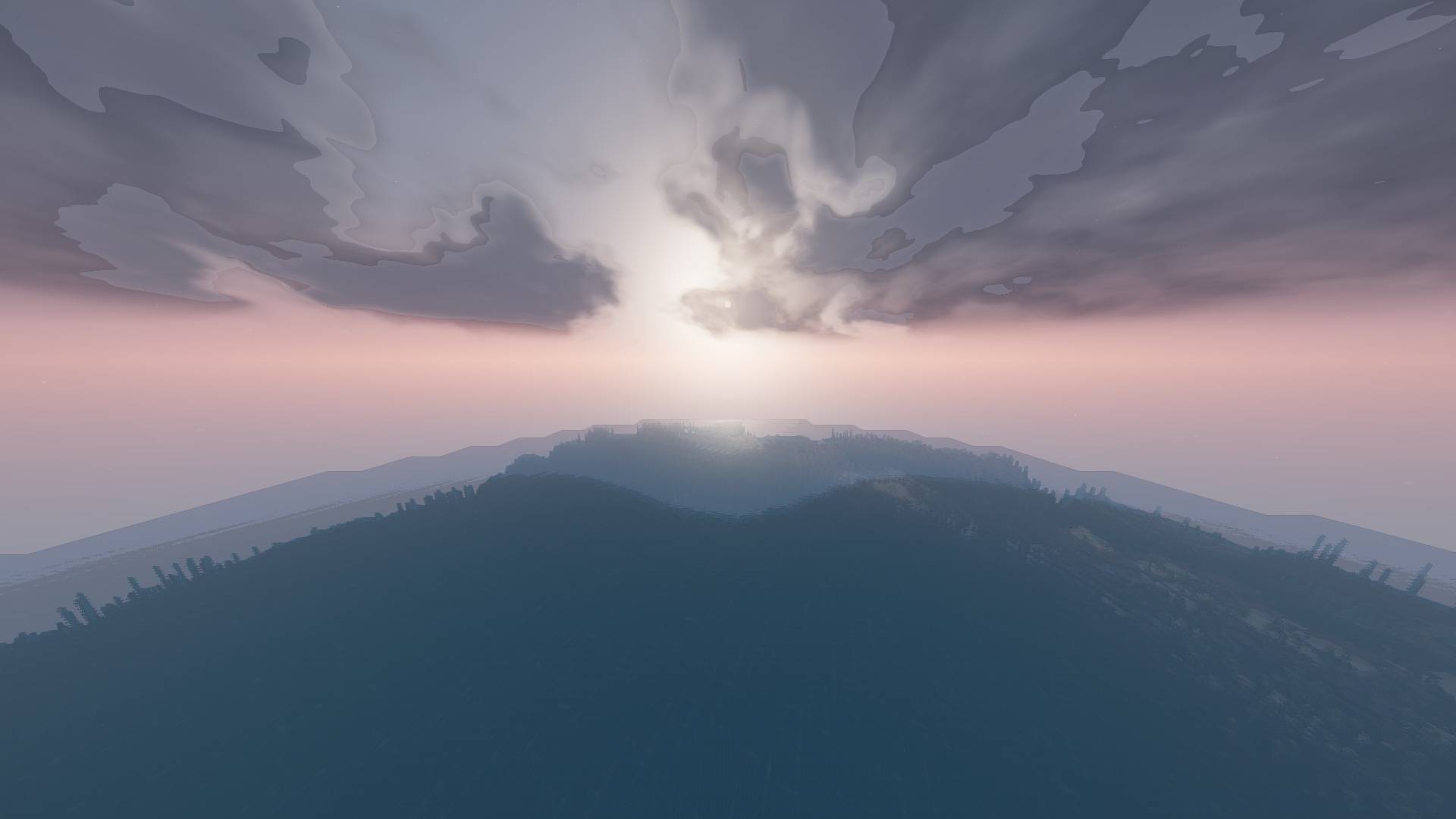
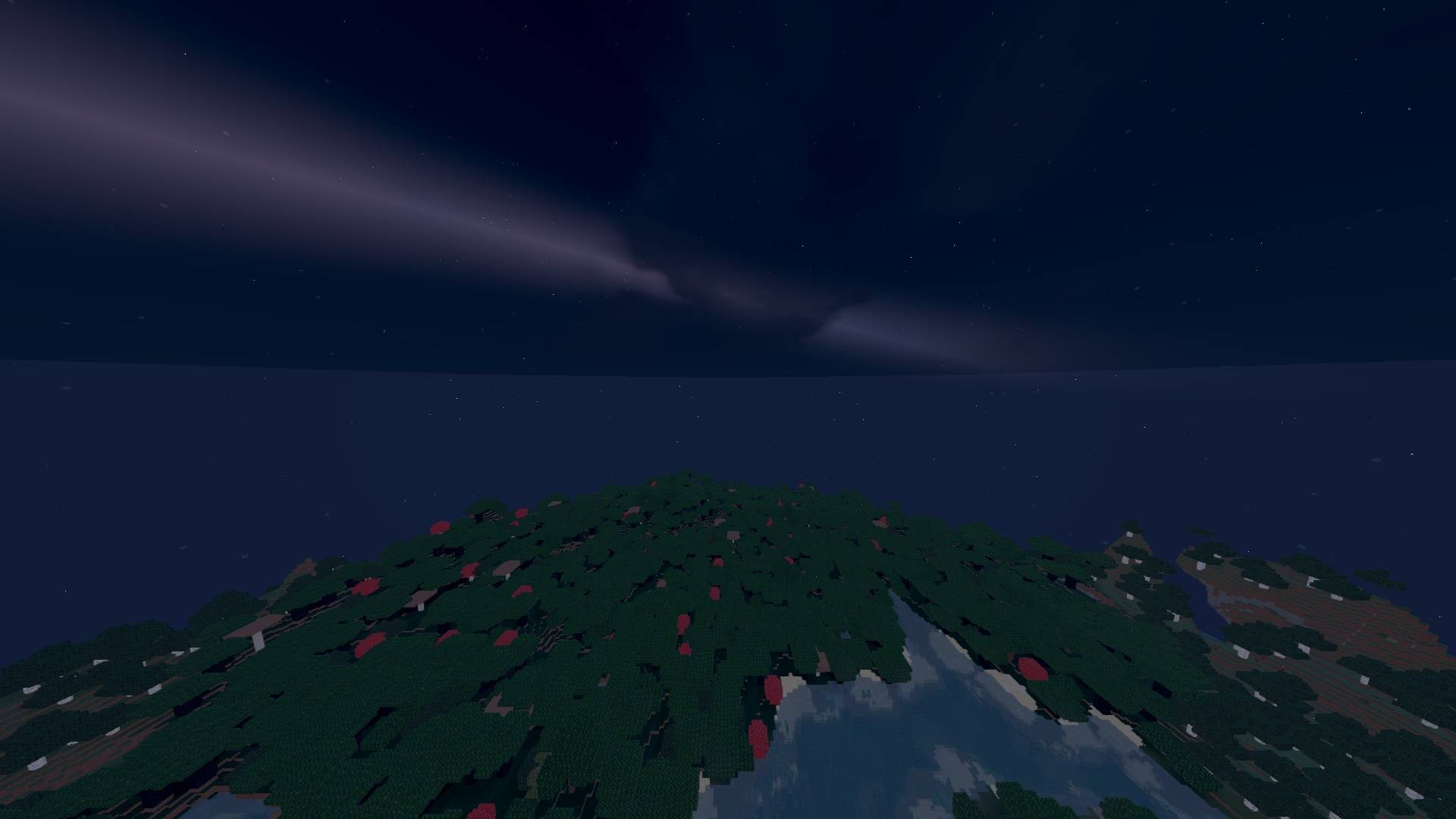
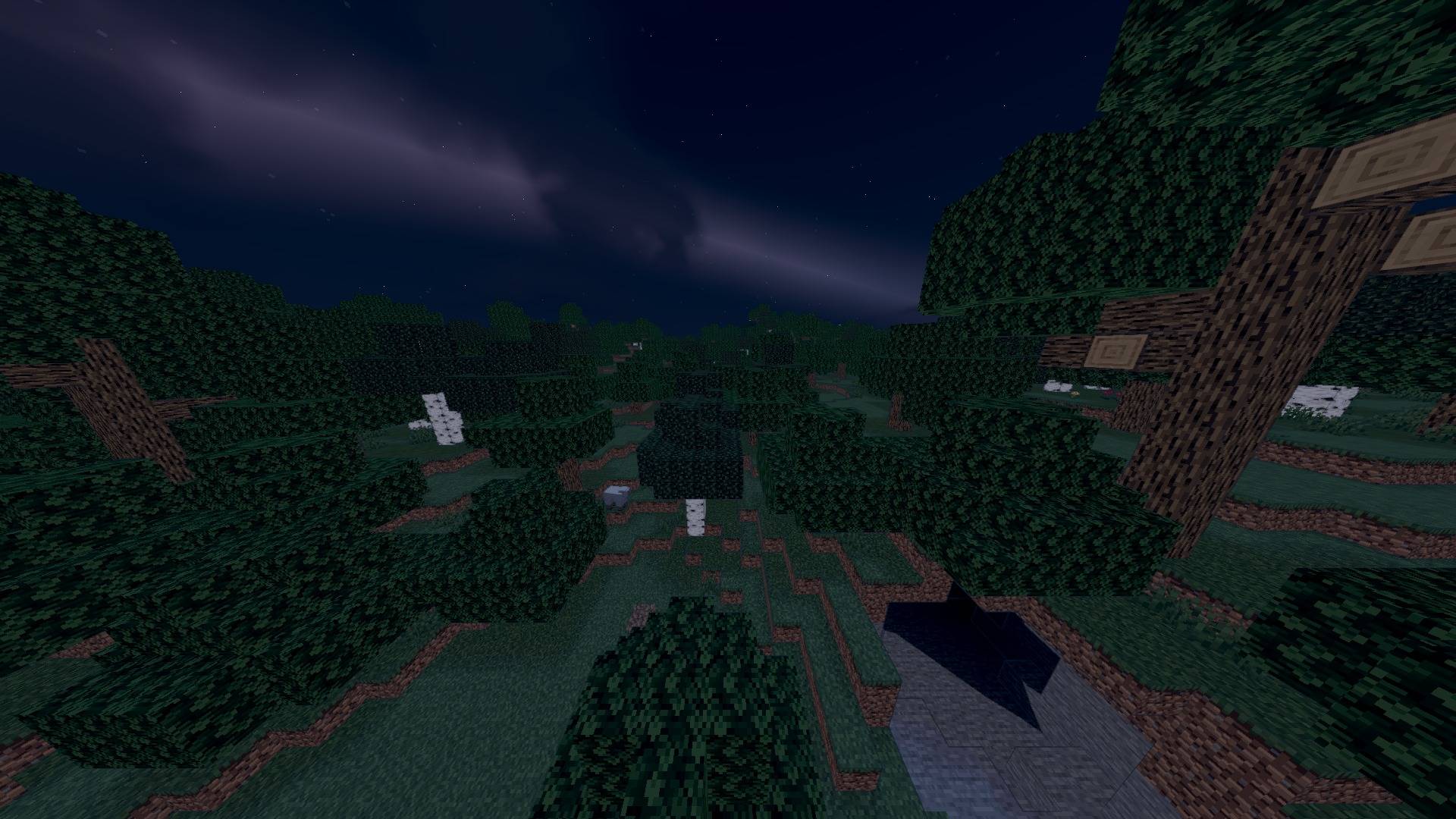
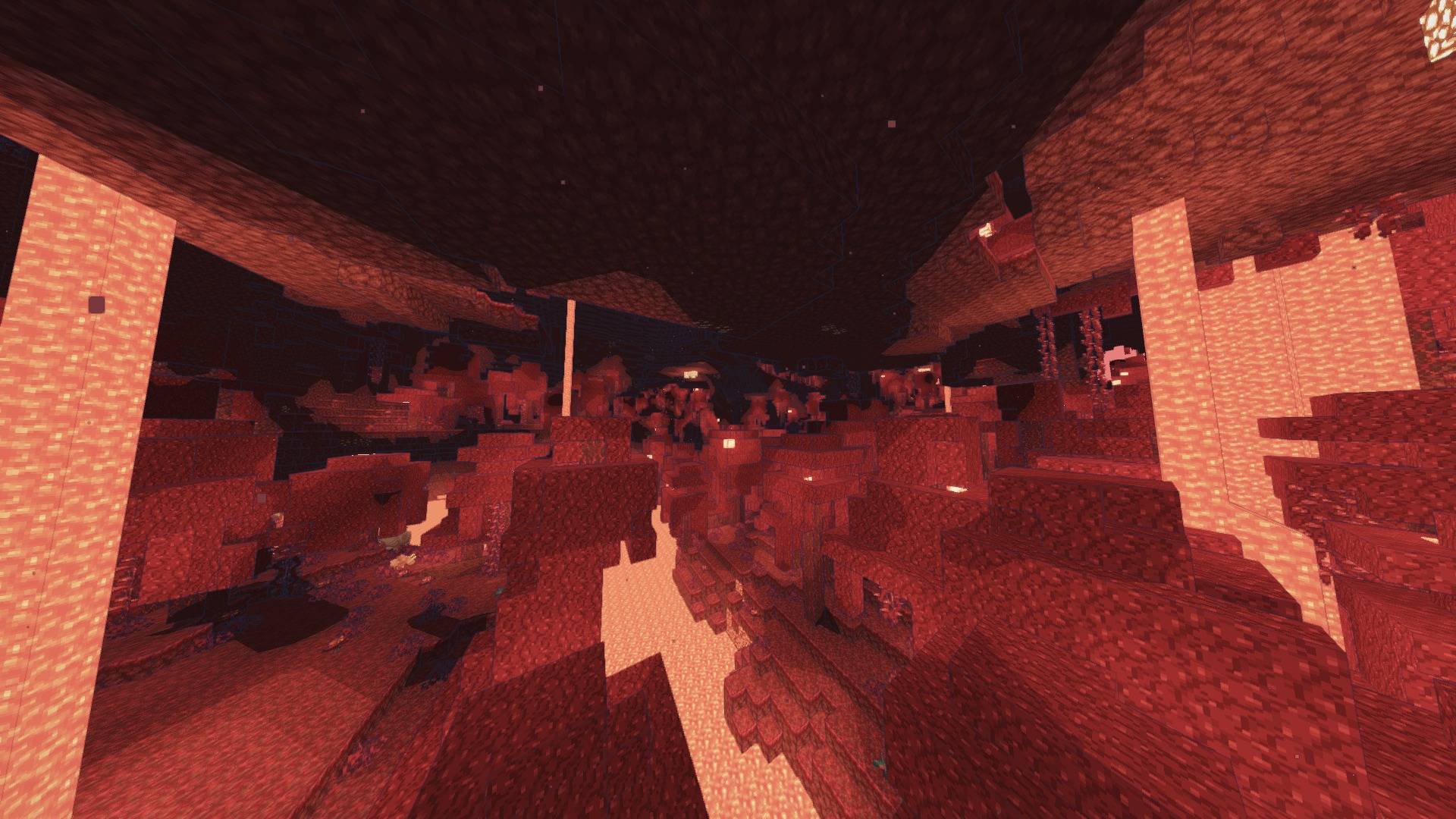
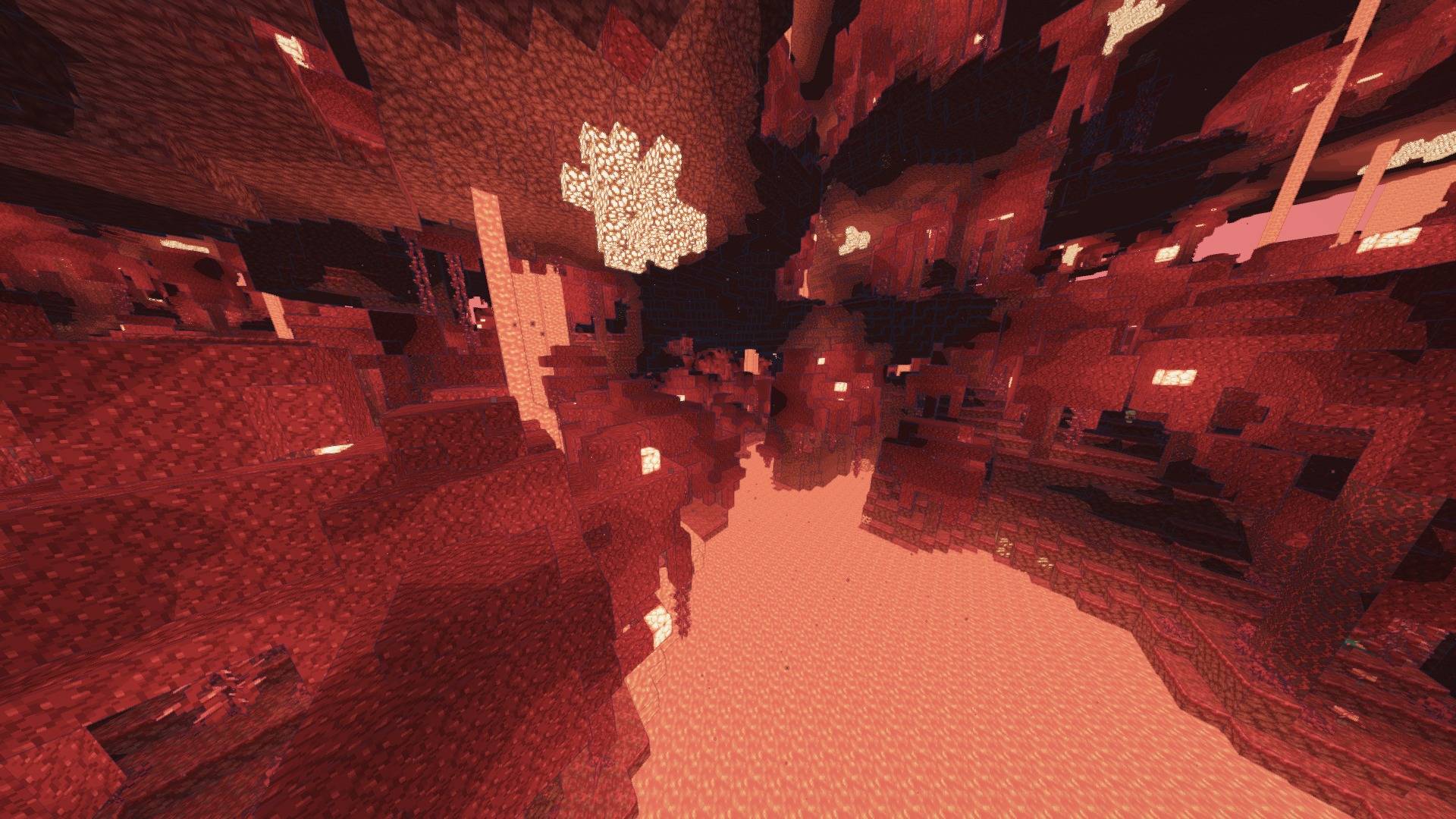
Storyloom 0.4.0 — Minecraft rendered like an illustrated world

Short description: Geometry-aware ink, painted light bands and a warm storybook palette with stable motion and readable depth.

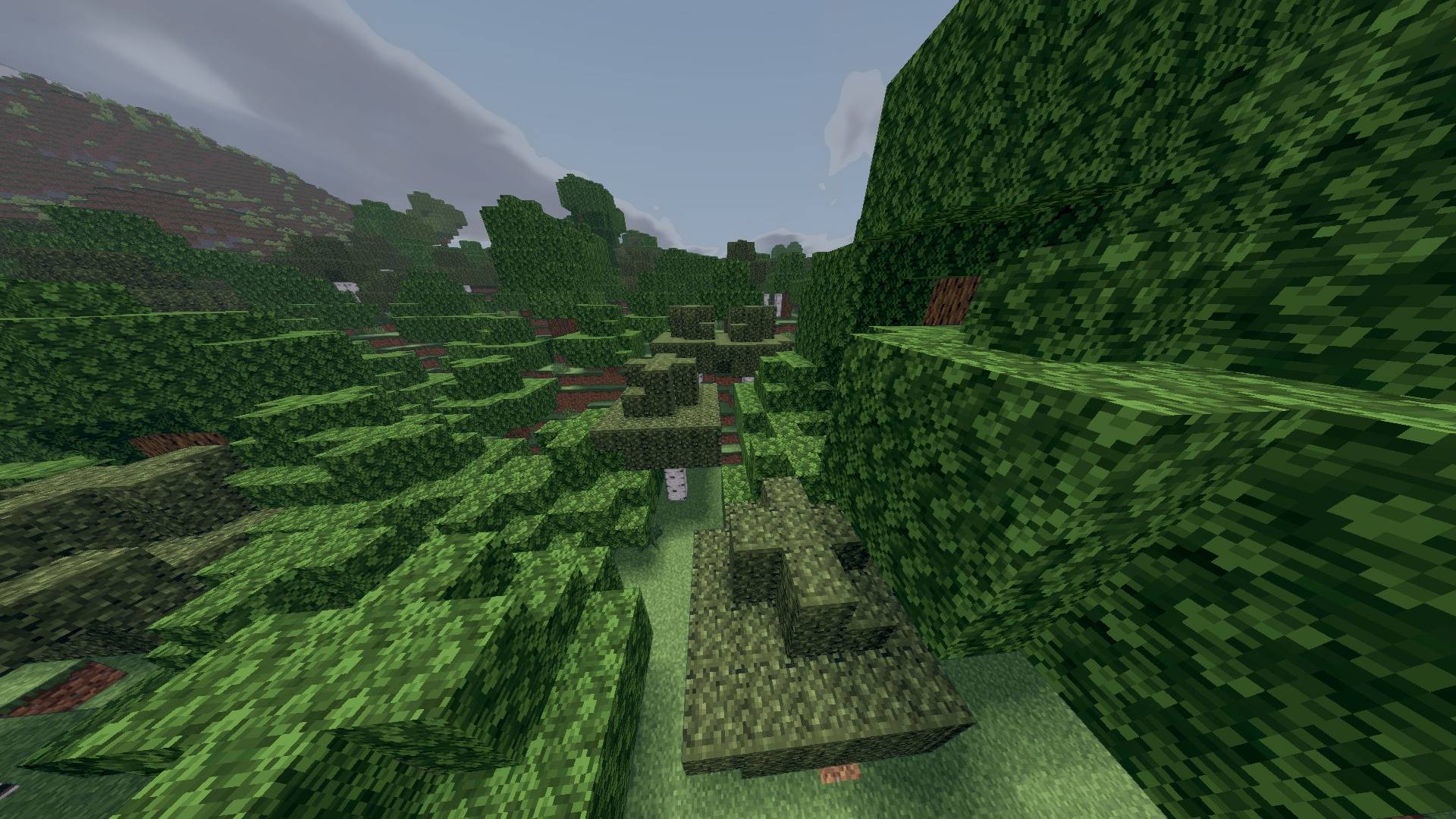
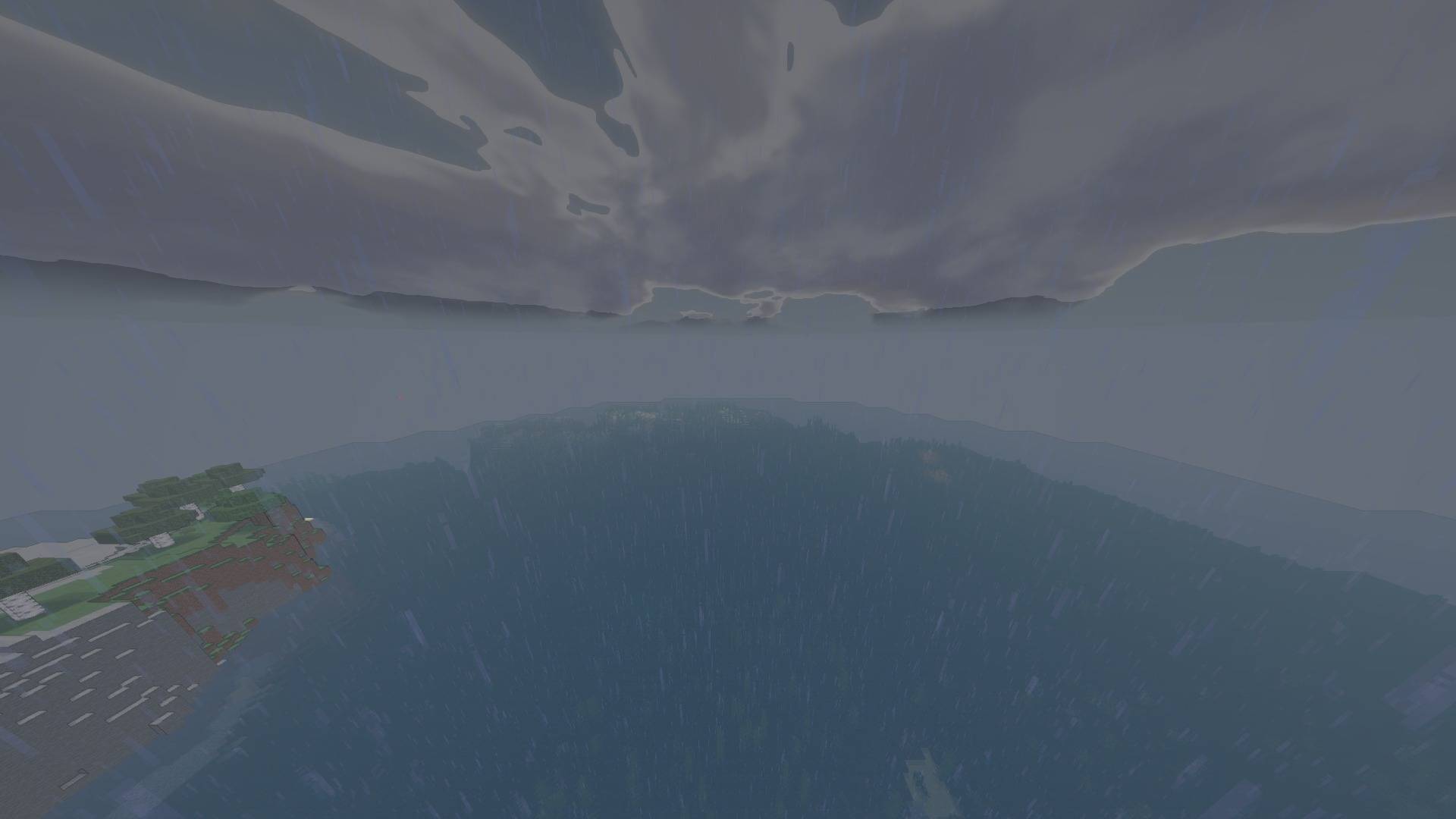
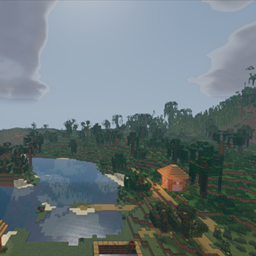
Storyloom is a complete illustrated renderer, not a beige full-screen filter. Blue-black ink follows silhouettes and creases, material-aware light bands shape blocks, and painted sky colour gives the world a hand-authored identity while preserving spatial depth.

Highlights

  • Depth- and normal-driven silhouettes and crease lines
  • Configurable illustrated light bands tied to surface form
  • Distance-faded ink and optional shadow hatching designed to resist far-field shimmer
  • Painted analytic sky and broad illustrated water values
  • Warm paper-and-pigment palette without flattening the whole image
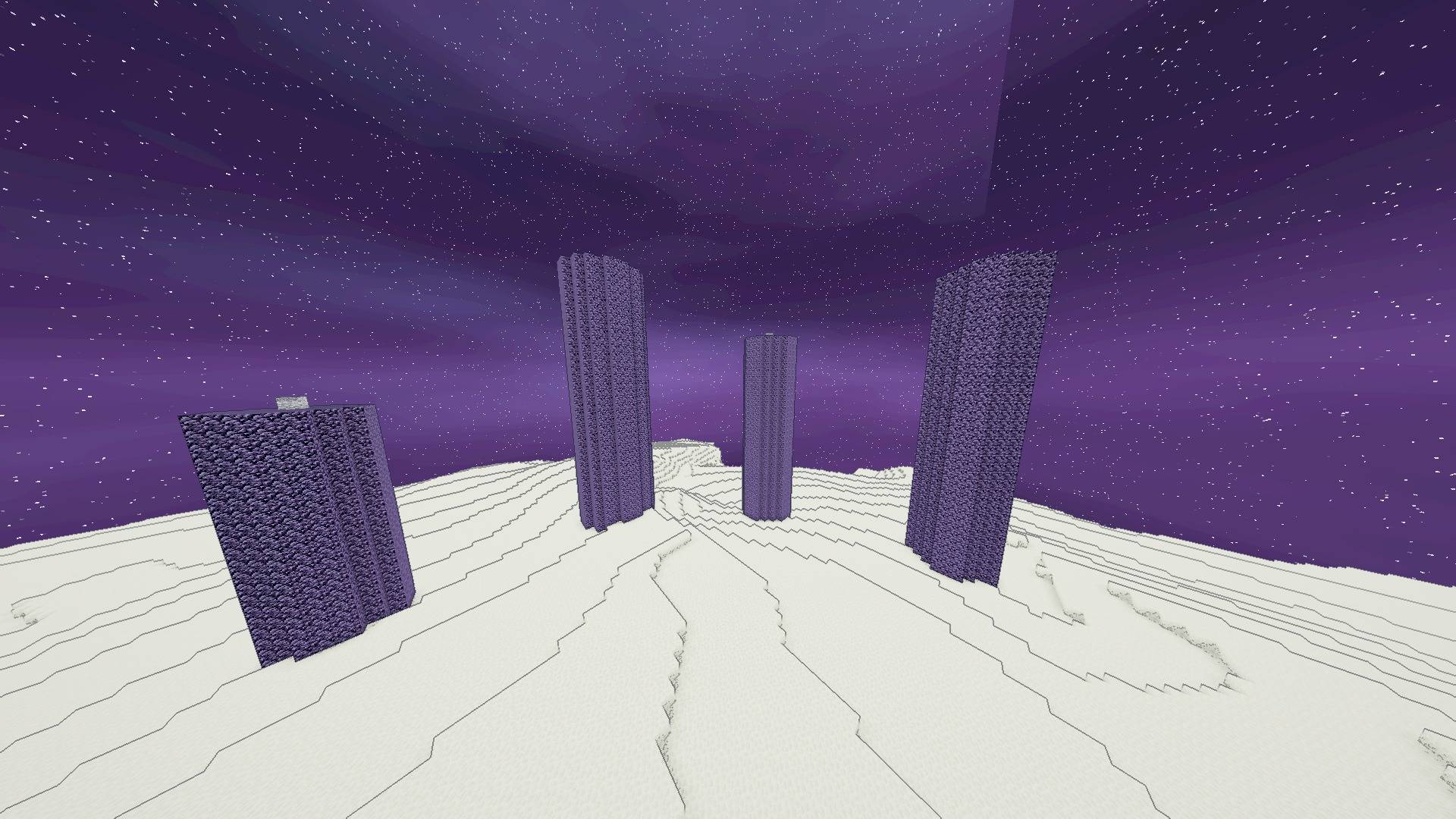
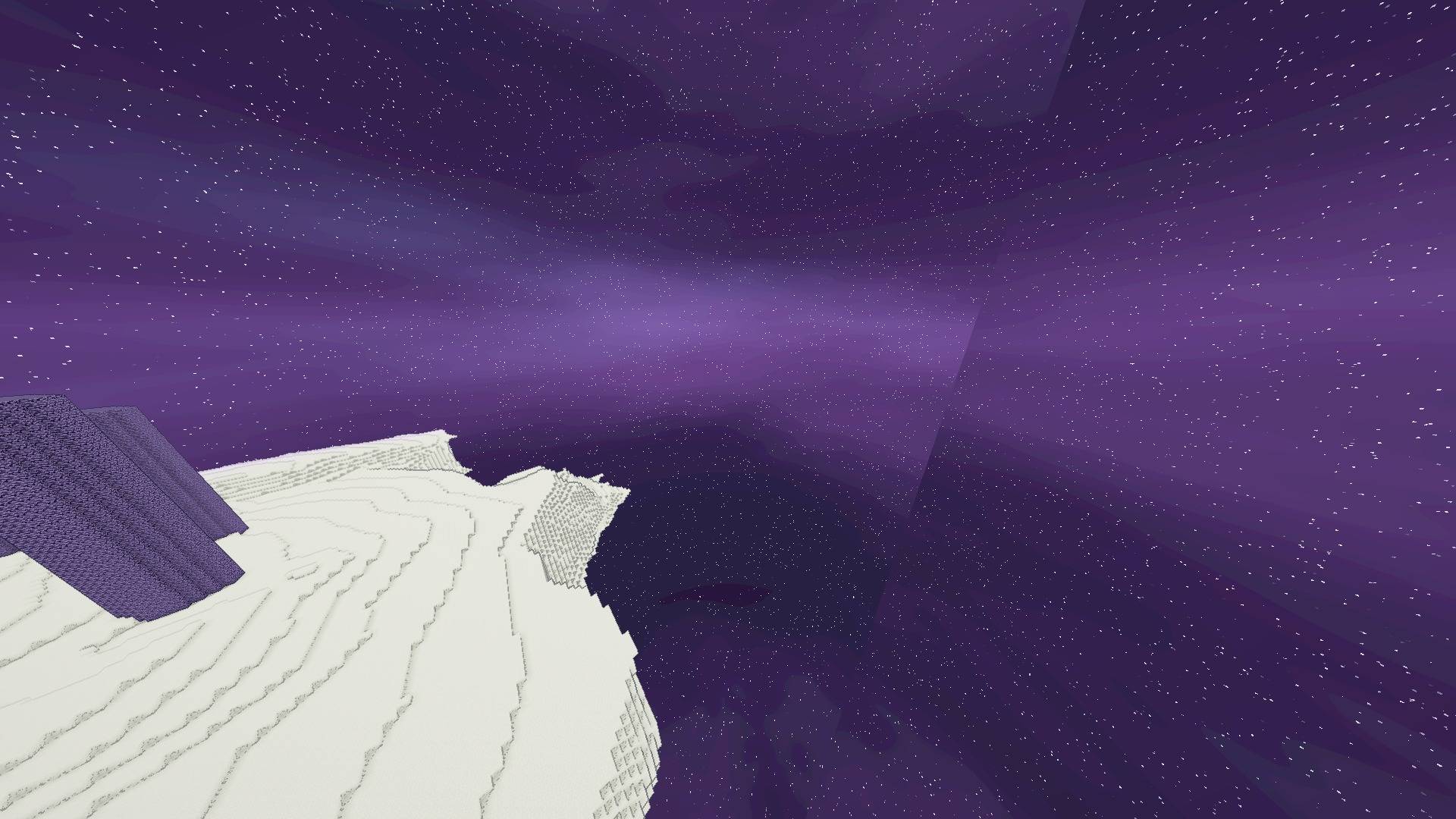
  • Dedicated magenta/indigo End sky instead of a black ceiling
  • Dedicated End ink composite plus readable held blocks and entities in the Nether
  • Stable FXAA default with temporal jitter and noisy dithering disabled in shipped profiles
  • Low, Medium, High, Extreme and Ultra Extreme profiles

Recommended: Medium for play, High/Extreme for staged screenshots.

Verified compatibility

Supports Minecraft Java 1.8.9–26.2 with a compatible OptiFine or Iris/Sodium stack. The exact release ZIP was runtime-tested on 1.8.9, 1.12.2, 1.16.5, 1.20.1, 1.21.8, 1.21.11 and 26.2; the 26.2 build passed Overworld, Nether and End. Not every point release, driver or loader fork was launched individually. Performance varies by profile, world and hardware.

Türkçe

Storyloom basit bir renk filtresi değil; Minecraft'ı çizimli bir dünyaya dönüştüren tam bir görsel kimliktir. Mavi-siyah mürekkep geometriyi takip eder, ışık bantları blok biçimini korur, sıcak pigment paleti ise görüntüyü soldurmadan masalsı bir hava verir.

  • Geometriye duyarlı siluet ve kıvrım çizgileri
  • Yüzey biçimine bağlı çizimli ışık bantları
  • Uzakta titreşimi azaltan mürekkep/tarama sistemi
  • Boyanmış gökyüzü ve illüstratif su değerleri
  • Siyah tavan yerine özel eflatun/indigo End göğü
  • Low, Medium, High, Extreme ve Ultra Extreme profilleri
Storyloom 0.4.0 Beta
MC 1.16.3, 1.13.1, 1.9.3, 1.17.1, 1.9.1, 1.21, 1.16.1, 1.18.1, 1.14.3, 1.15, 1.16, 1.13, 1.16.5, 1.10.2, 1.19.3, 1.20.2, 1.19.4, 1.21.8, 1.9.4, 1.9.2, 1.14.4, 1.14.1, 1.12.1
Beta 2026-08-28 Get

Requirements & install

How to use this shader in Minecraft
Shader loader
Iris or OptiFine
Minecraft
1.16.5 – 1.21.8
Install folder
.minecraft/shaderpacks

How to install shaders

  1. Install a shader loader for your Minecraft version: Iris (with Sodium) or OptiFine.
  2. Download the shader pack .zip file (do not extract it).
  3. Put the .zip into the shaderpacks folder (.minecraft/shaderpacks).
  4. In game open Options → Video Settings → Shader Packs, select the pack and apply it.
Browse more: Iris shaders OptiFine shaders Shaders for 1.21.8 All shaders

More from AstorUVZ

Advertisement Remove ads with Premium →

You Might Also Like