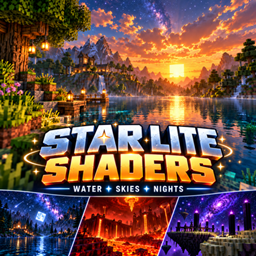
StarLite Cosmic brings a cosmic look to Minecraft with colorful night skies, atmospheric lighting, reflective water, and distinct effects across all three dimensions.
Overworld
Star-filled skies with nebulae, animated auroras, and an optional fantasy planet
Volumetric fog and god rays shaped by terrain shadows
Softened shadows, sunset colors, and moving high clouds
Rippling water with sky reflections and sunlight sparkles
Nether
Drifting volcanic haze with biome-aware fog colors
Warm lighting and brighter lava
Bloom around luminous blocks
The End
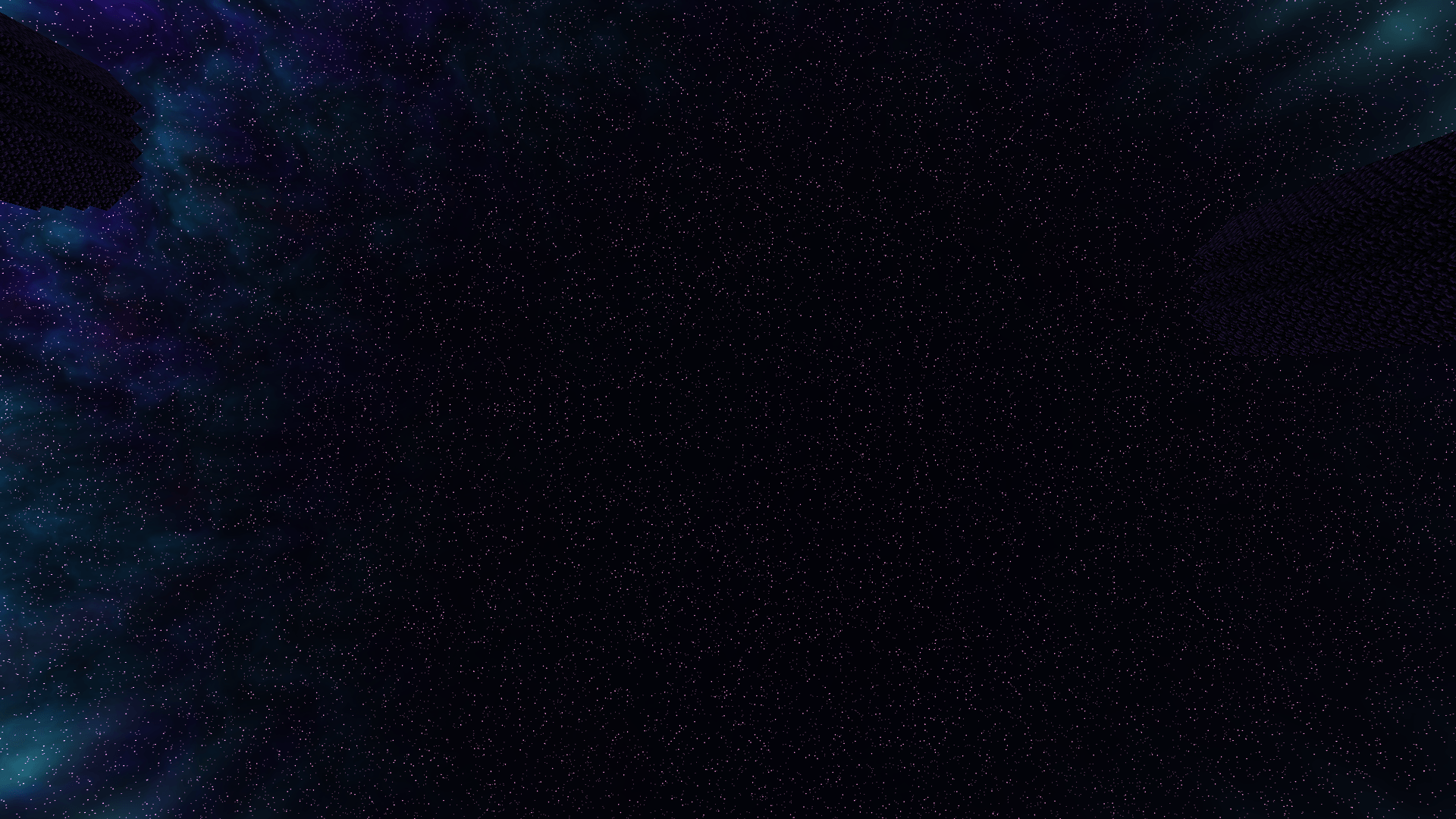
Violet and cyan nebulae, dense stars, and aurora ribbons
A stylized black hole with a glowing disk and a distant planet
Cosmic water reflections and atmospheric void haze
Choose Low, Balanced, or Ultra, and customize fog, shadows, sky effects, water, and bloom.
Requirements for the Forge setup
Minecraft Java Edition 1.20.1
Forge
Oculus 1.8.0
Embeddium 0.3.31
Installation
Install Oculus and Embeddium, place the shader ZIP in your profile’s shaderpacks folder without extracting it, then select StarLite Cosmic in the shader menu.
Development build: Shader compilation and offscreen rendering checks have passed, but full Minecraft gameplay testing is still pending. Performance and compatibility may vary. Water reflections show the procedural sky rather than nearby terrain.