Mineuniverse
Shaders
Spheres & Physics: Illuminated

Spheres & Physics: Illuminated

SHADER
Shader Zip File Portion of the Spheres & Shaders pack
by joelc
Download Claim this project
1,055 downloads
0 likes
Updated Oct 14, 2026
0 hypes
Fantasy Realistic Vanilla
Advertisement Remove ads with Premium →

Spheres & Physics: Illuminated

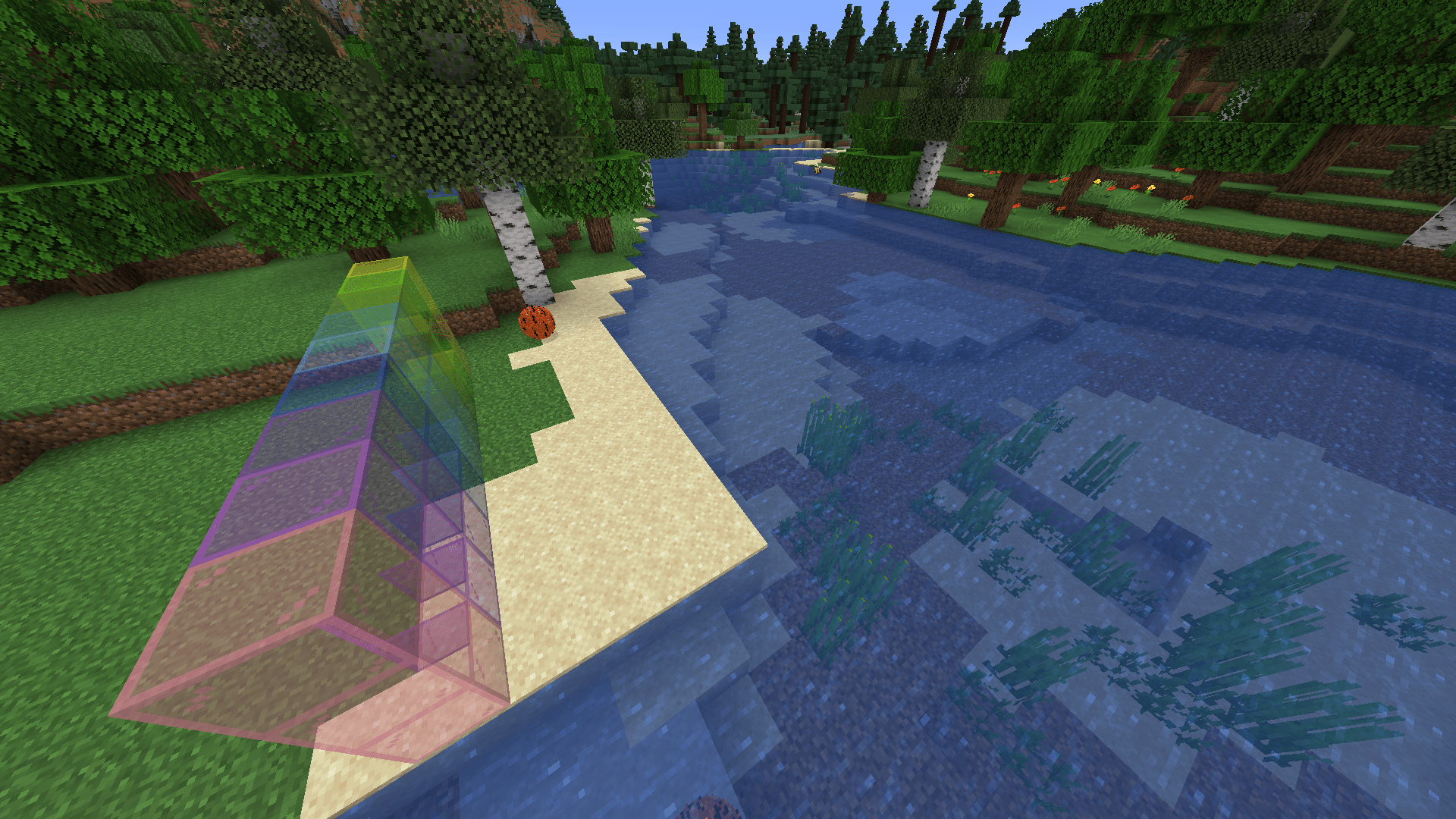
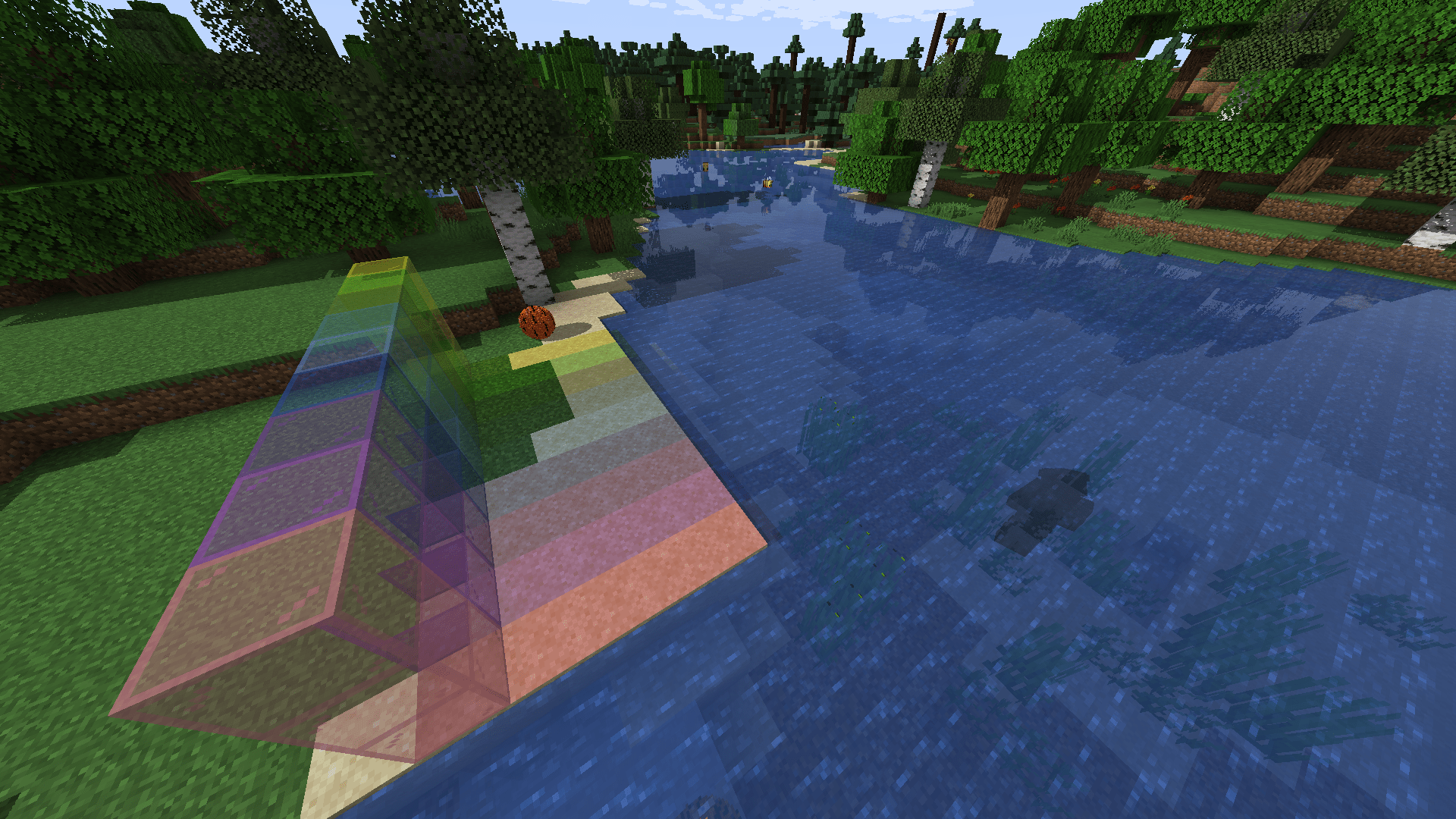
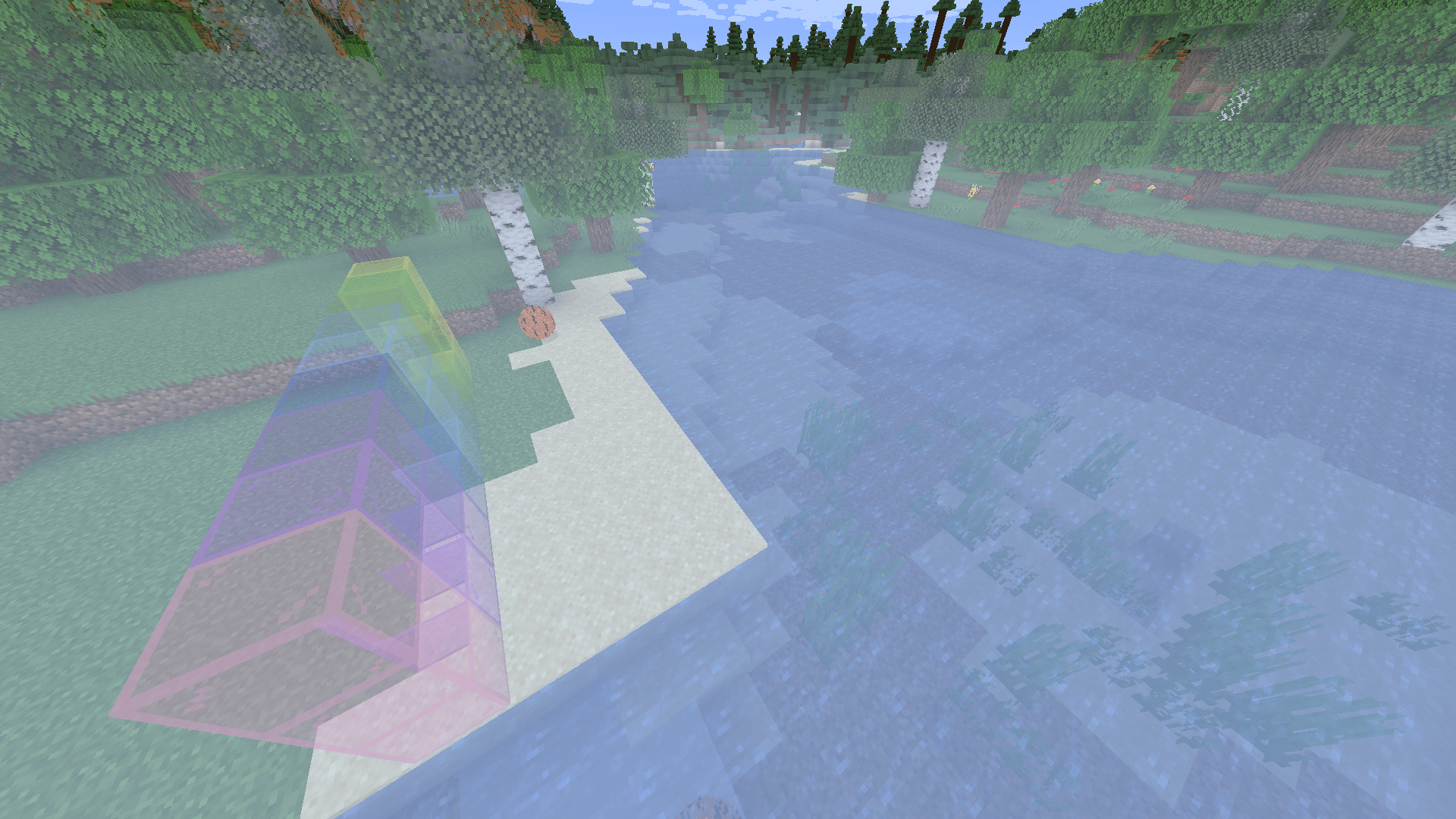
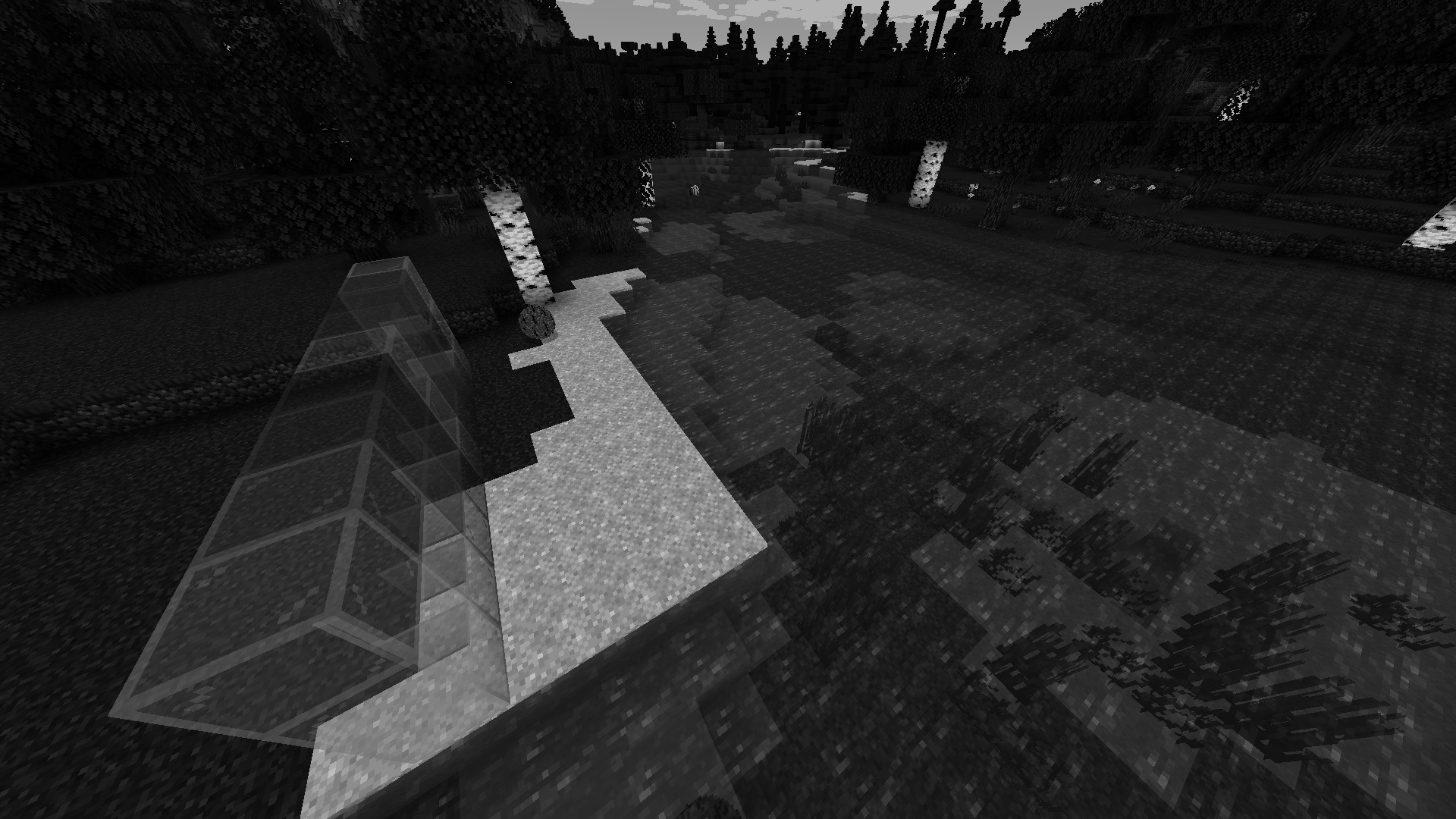
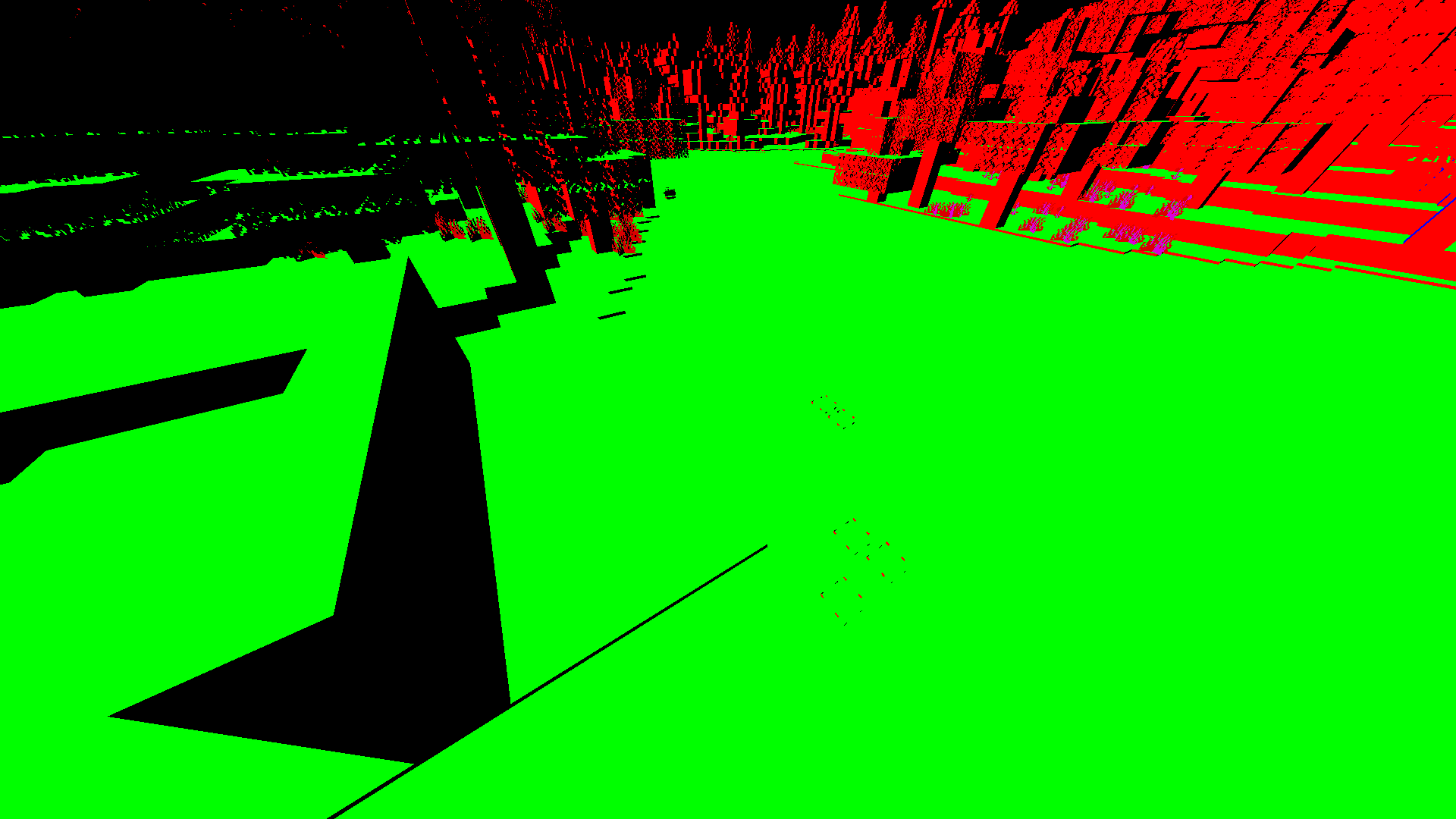
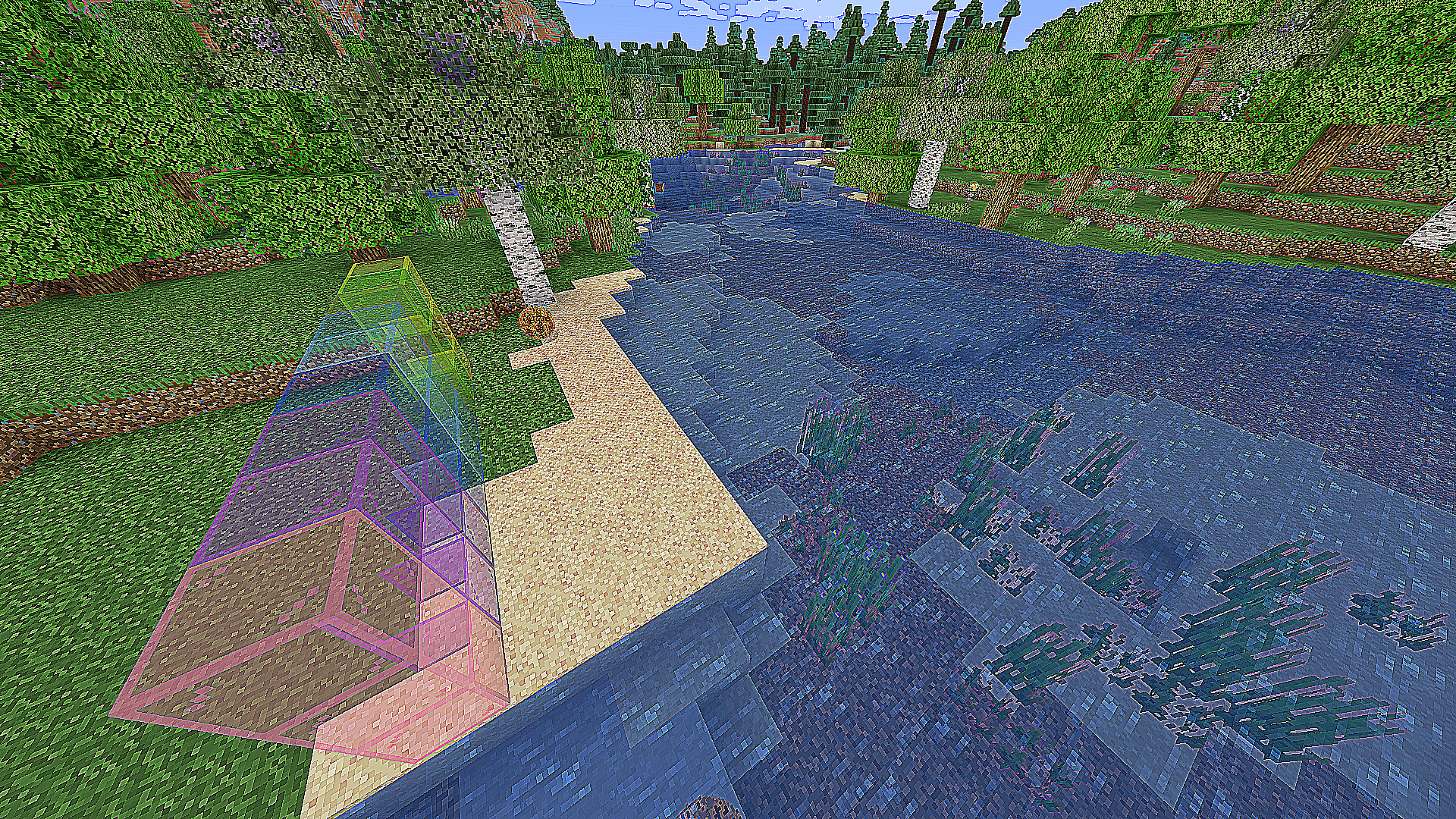
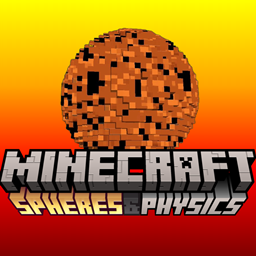
This is the shaders components of the Spheres & Physics package. For the mod .jar, see the mod page here. We modded Minecraft to introduce two major enhancements: spheres that interacted with physics and custom shaders. The spheres feature realistic physics, particle effects, and sound effects. Moreover, we utilized unique textures, a custom blocky sphere model, and toggled custom properties to create a variety of spheres that exhibited distinct behaviors and properties. Additionally, we implemented custom shaders to alter the game's rendering style. When combined, our spheres and shaders add an interesting and dynamic layer on top of Minecraft.


Shaders include:

  • Blur
  • Default Shaders
  • Fog
  • Grascale Shaders
  • Normal Shaders
  • Pixelization
  • Spreite Colored Shaders

For the sphere mod .jar, see the Relationships tab for Spheres & Physics.

spheres-physics-shader-pack.zip
MC 1.20.2, Iris
Release 2025-05-29 Get

Requirements & install

How to use this shader in Minecraft
Shader loader
Iris
Minecraft
1.20.2
Install folder
.minecraft/shaderpacks

Install with Iris

  1. Install Iris with the Iris installer (irisshaders.dev); it sets up Fabric and Sodium for you.
  2. Download the shader pack .zip (do not extract it).
  3. Put the .zip into .minecraft/shaderpacks.
  4. In game open Options → Video Settings → Shader Packs, select the pack and click Apply.
Browse more: Iris shaders OptiFine shaders Shaders for 1.20.2 All shaders

More from joelc

Advertisement Remove ads with Premium →

You Might Also Like