Solstice v2
Thanks for 10,000 downloads in total!
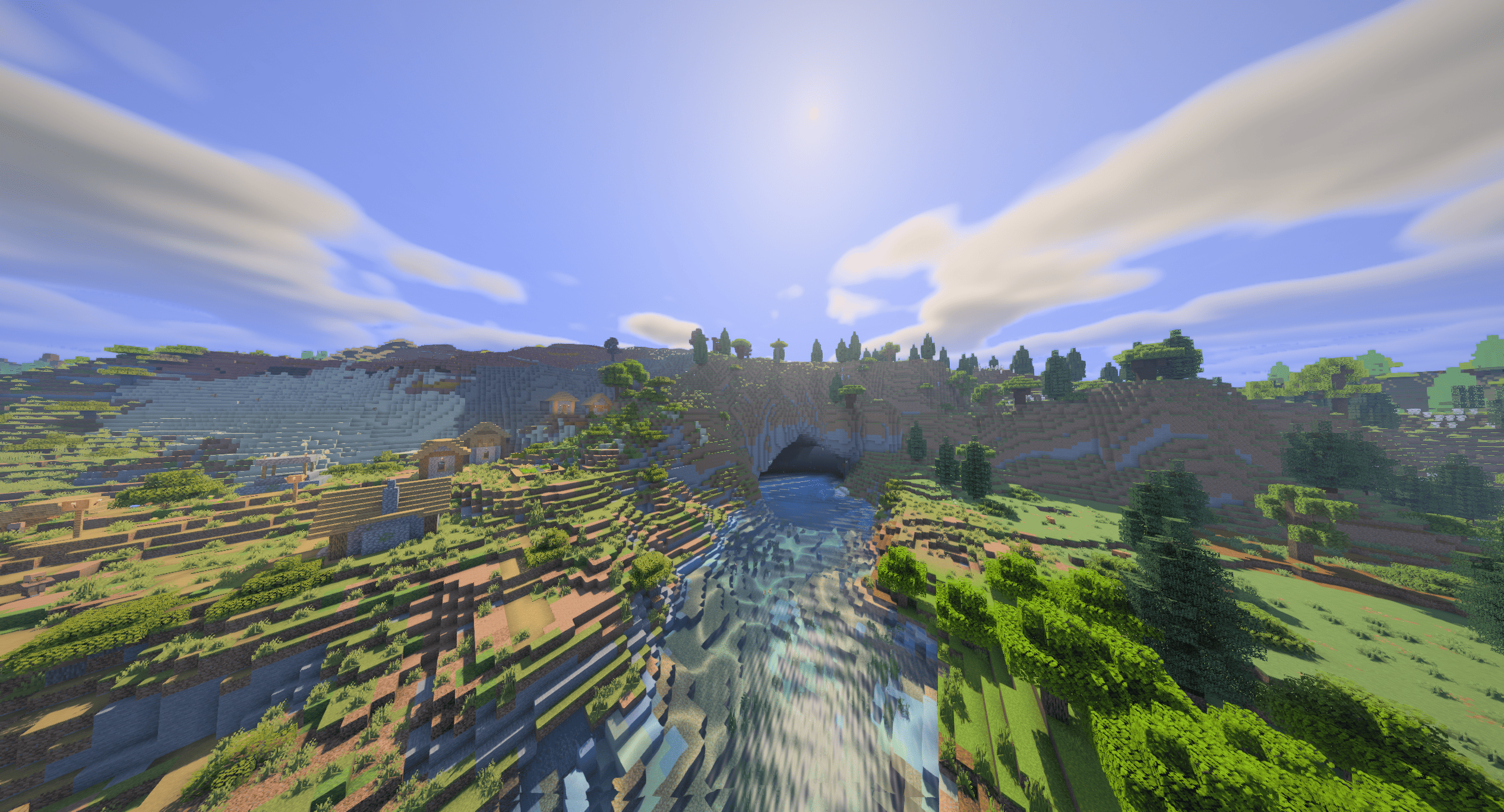
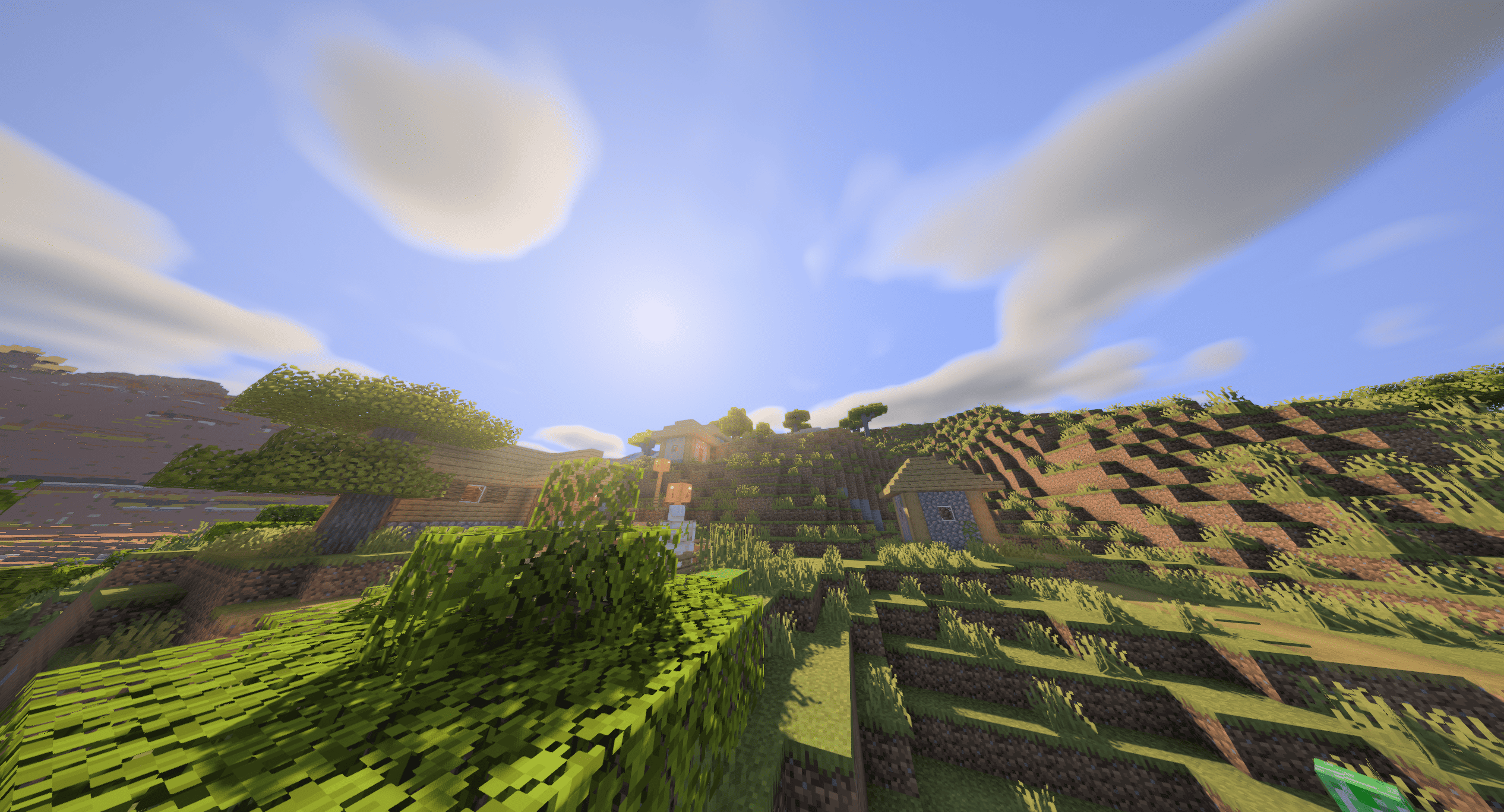
A semi-realistic Minecraft shader with adjustable effects and four performance
profiles. Developed on an RX 6600 at 1440p.
Features
- Soft shadows that stay sharp at contact and widen with distance, moving
foliage, coloured glass shadows, and underwater caustics.
- Blocky 3D or volumetric clouds with cloud shadows and changing weather.
- Reflective water with ripples, underwater fog, and god rays.
- Rain puddles, glowing blocks, portal light, snow sparkle, and animated flames.
- Circular sun and moon, stars, meteors, the Milky Way, and occasional auroras.
- Built-in polish for vanilla metal and polished-block textures, including
held items, or full LabPBR 1.3 support with a resource pack.
- Distant Horizons terrain and water in the Overworld, Nether, and End.
- Bloom, FXAA, colour grading, optional sharpening, and contact shadows.
- Survival, Balanced, or Builder lighting styles.
Install
- Install Iris on Fabric. It comes with
Fabulously Optimized.
- Drop Solstice in the
shaderpacks folder.
- Select it under Video Settings → Shader Packs.
- Start on the Medium profile.
Profiles
- Low: blocky clouds, basic shadows, most expensive effects off.
- Medium: the default for play. Volumetric clouds, materials, bloom,
puddles, god rays, balanced shadows.
- High: adds SSAO and sharper shadows.
- Ultra: maximum cloud and shadow quality. For screenshots and fast GPUs.
SSR is off in every preset. Reselect a preset after updating to replace saved
SSR settings. Lighting Style and colour settings are separate from the profile.
Settings worth trying: Lighting Style (Survival is darkest, Builder brightens
interiors), Cloud Mode, Material Source, Colour Grade, Fog Density, and Water
Murkiness.
Distant Horizons
Solstice has its own LOD fog and side lighting, so set these in DH:
- LOD Fog: Off
- LOD Side Shading: Off
- Cave Culling: On, height around 60
- Overdraw Prevention: 100%
- Max Horizontal Resolution: Block
- Quality: High for normal play
DH shadows stay off because Iris may render the whole LOD range into the
shadow map. The shader still shades normal distant terrain and water.
LabPBR
Built-in materials keep vanilla texture lighting and add restrained
highlights. For visible normal maps and full metal materials:
- Install a LabPBR 1.3 resource pack.
- Enable Materials and set Material Source to LabPBR Resource Pack.
- Start with Material Reflections on Sky Only.
Check brick, cobblestone, polished stone, quartz, iron, gold, or copper in
angled sunlight. Parallax uses the height channel in LabPBR normal maps.
Performance
If the shader runs slow, lower these in order:
- Shadow Resolution
- Shadow Distance
- Shadow Filter Quality
- Cloud Quality
- SSR, SSAO, or material reflections
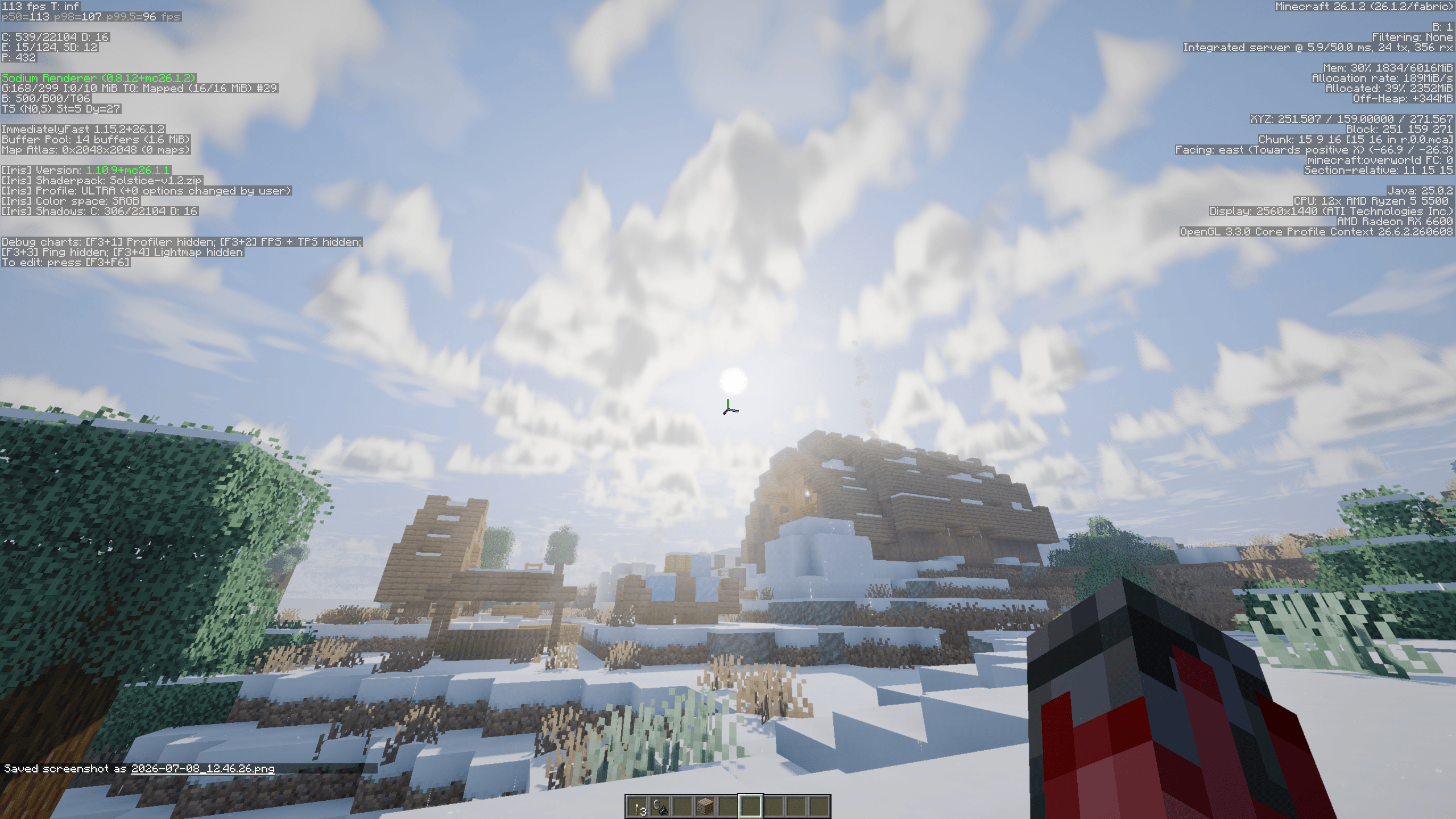
Ultra on Minecraft 26.1. Results depend on GPU, resolution, world, mods, and
render distance.
Troubleshooting
- DH seam is bright or dark: turn off DH LOD Fog and LOD Side Shading.
- Underground LOD shows: enable Cave Culling and set Overdraw Prevention
to 100%.
- Materials look unchanged: use a LabPBR 1.3 pack and select it as the
Material Source.
- Compilation fails: send the full Iris error with your Minecraft, Iris,
DH, GPU, and driver versions.
Full history in CHANGELOG.md.
Author
d0mkaaa (Domantas)