🚀 SolisLite - The Ultimate iGPU & Laptop Shader
⚠️ PROJECT STATUS: BETA ⚠️ This shader is currently in active development. If you encounter any bugs, glitched textures, or performance drops, please report them directly in the Comments section so I can fix them in the next update!
Tired of shaders lagging your game out? SolisLite is an ultra-lightweight shader built from the ground up for integrated graphics (iGPU) and low-end laptops. Featuring pure GPU math for a stable 30+ FPS experience with 0% VRAM waste.
✨ Features
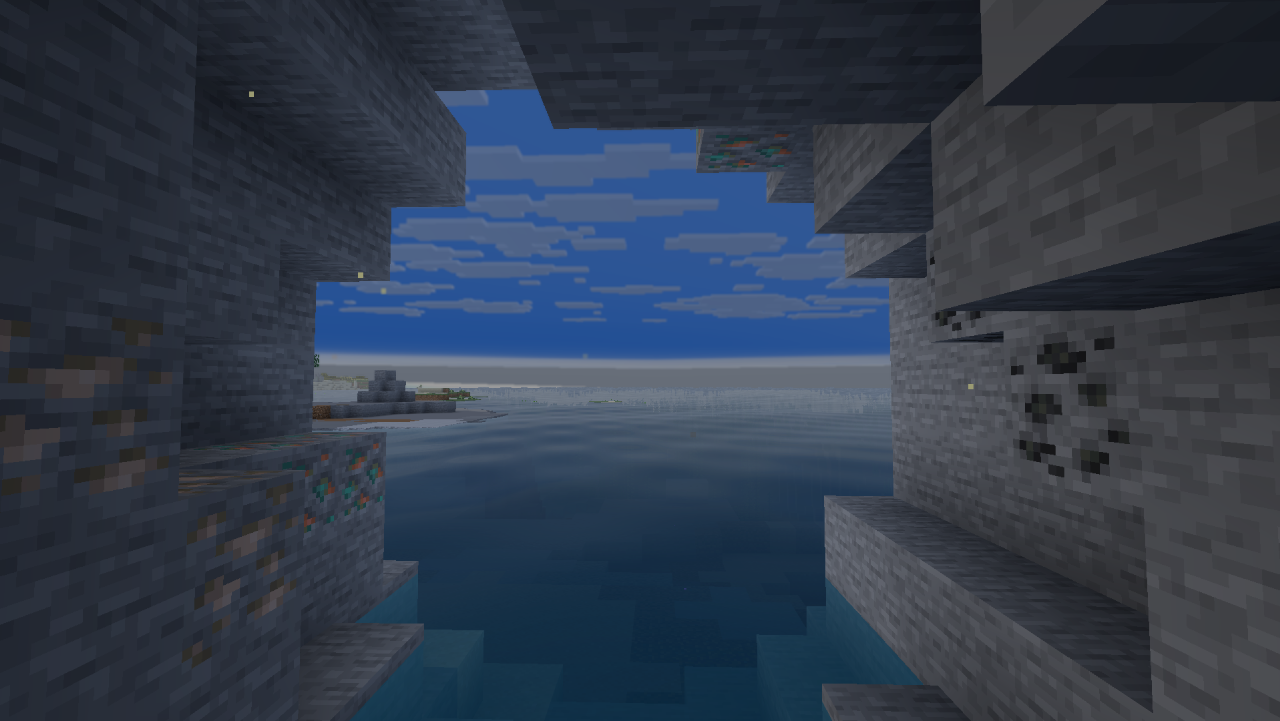
- 🌊 Advanced Water: Includes Fresnel reflections, depth-based coloring, and clean underwater god-rays with natural wave motion.
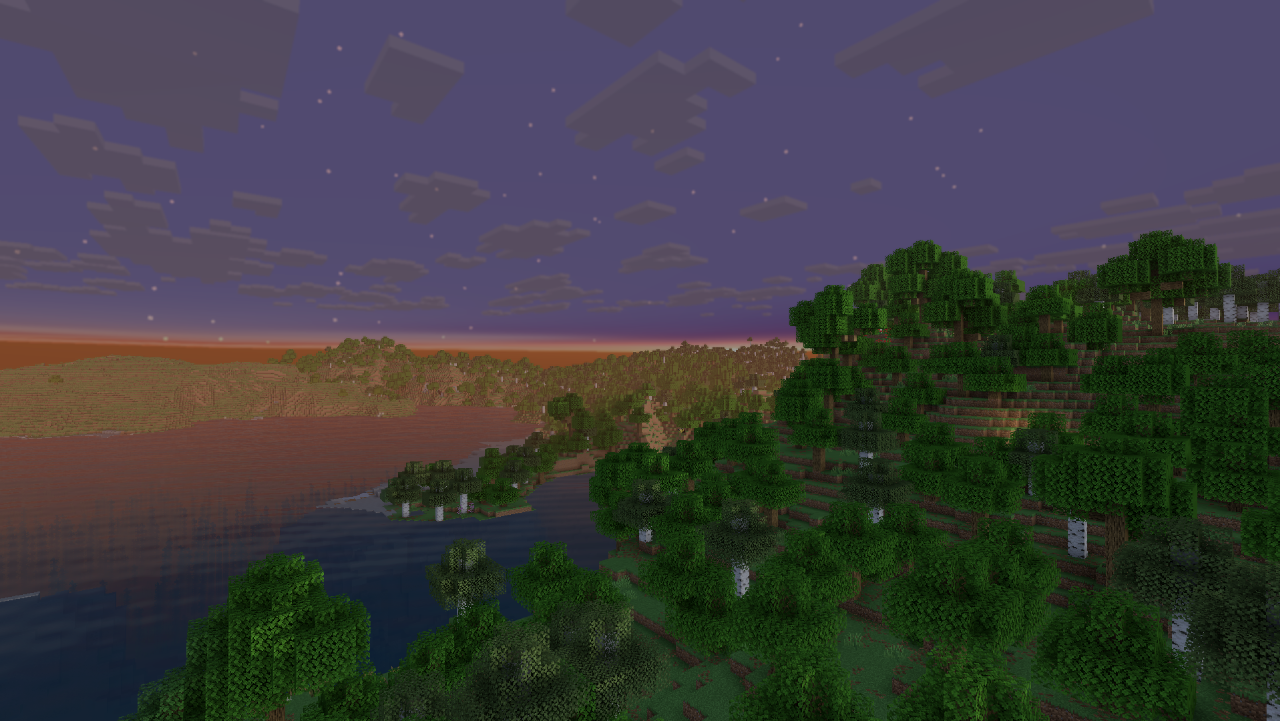
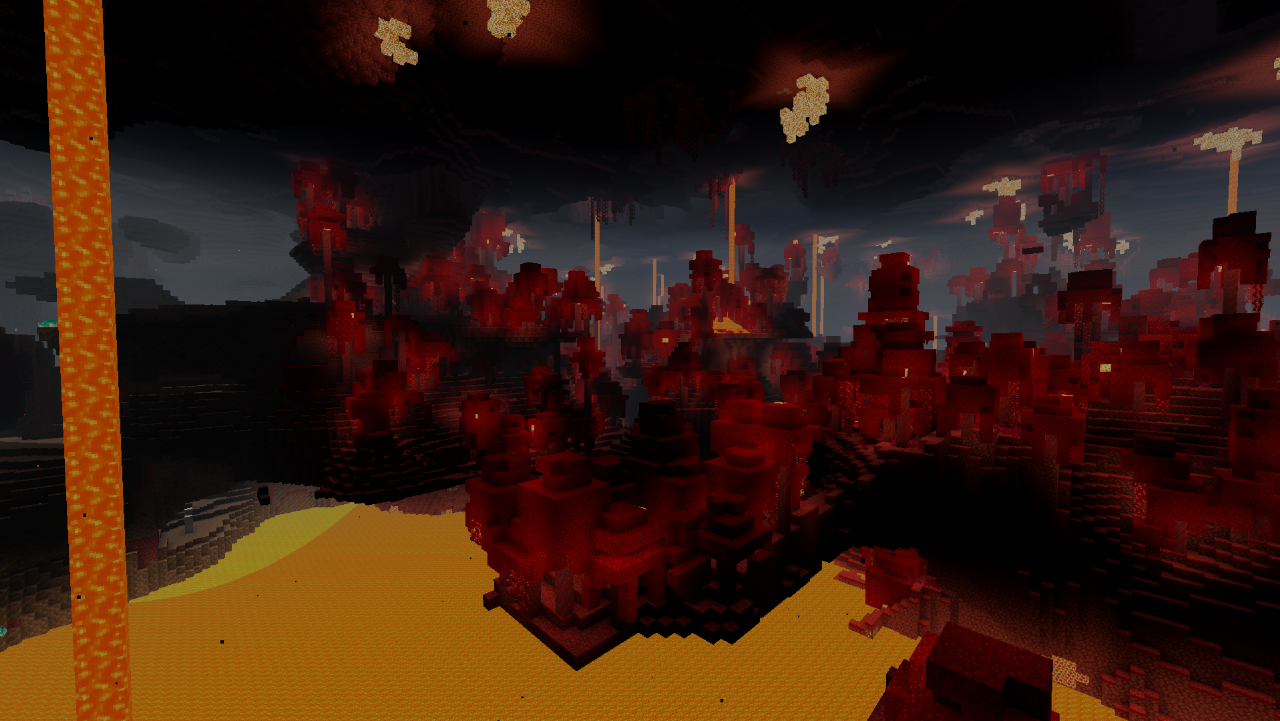
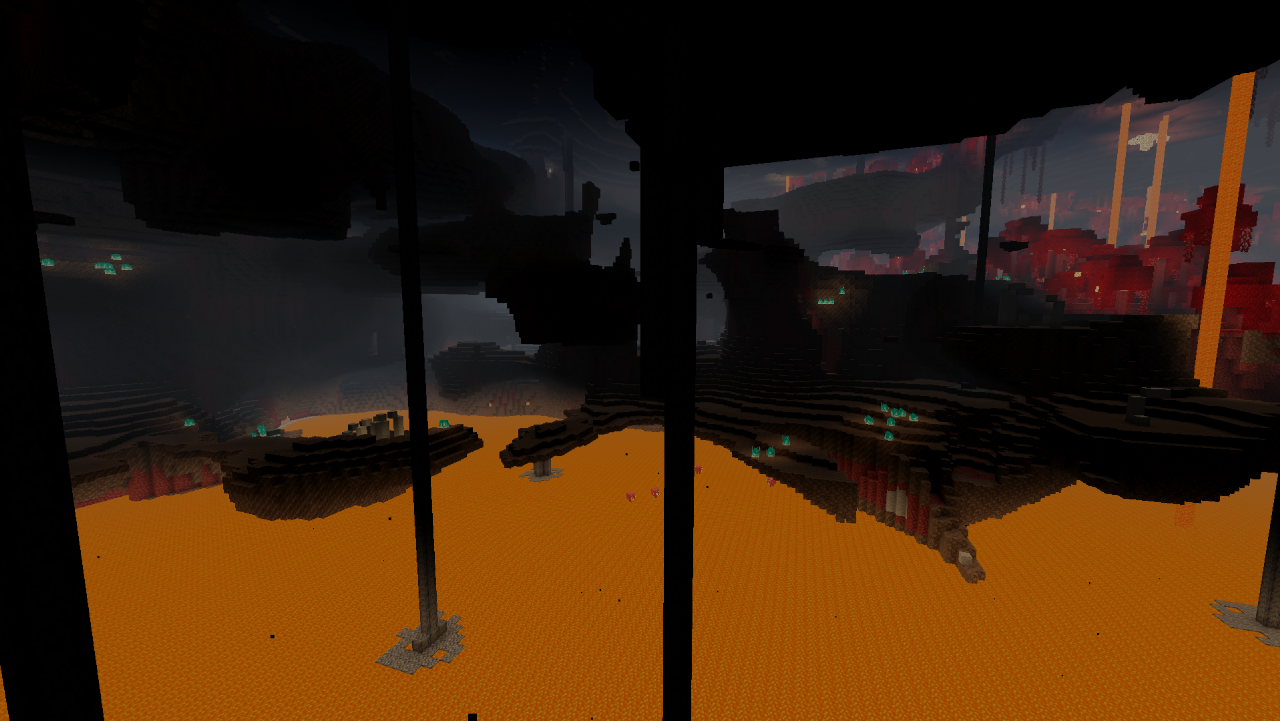
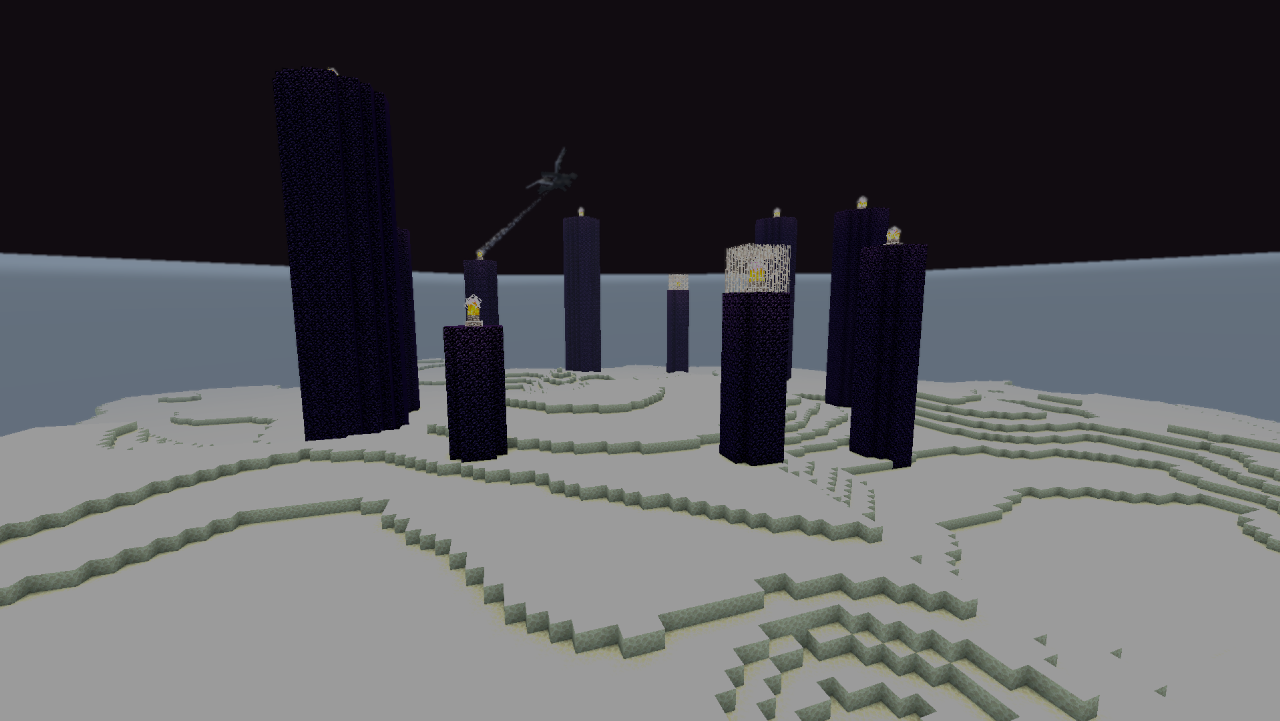
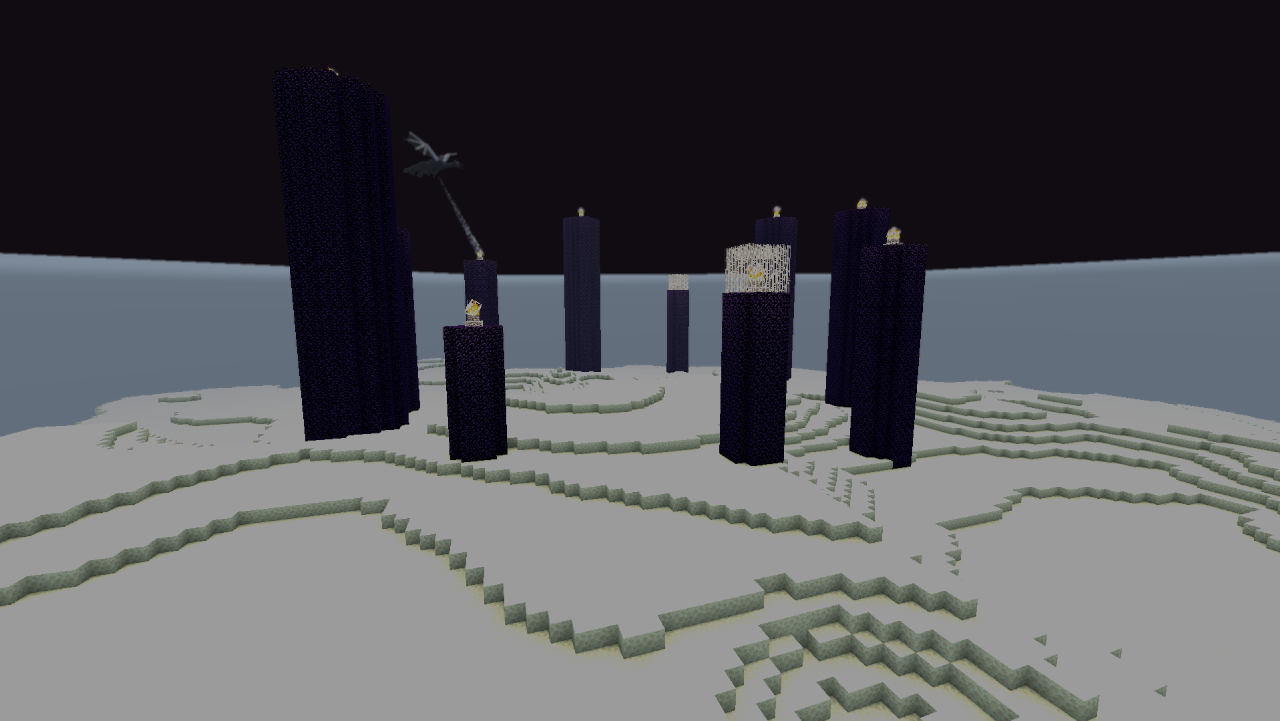
- 🌌 Procedural Sky: Dynamic time-of-day transitions, twinkling stars at night, a warm lava glow in the Nether, and a cosmic starfield in the End.
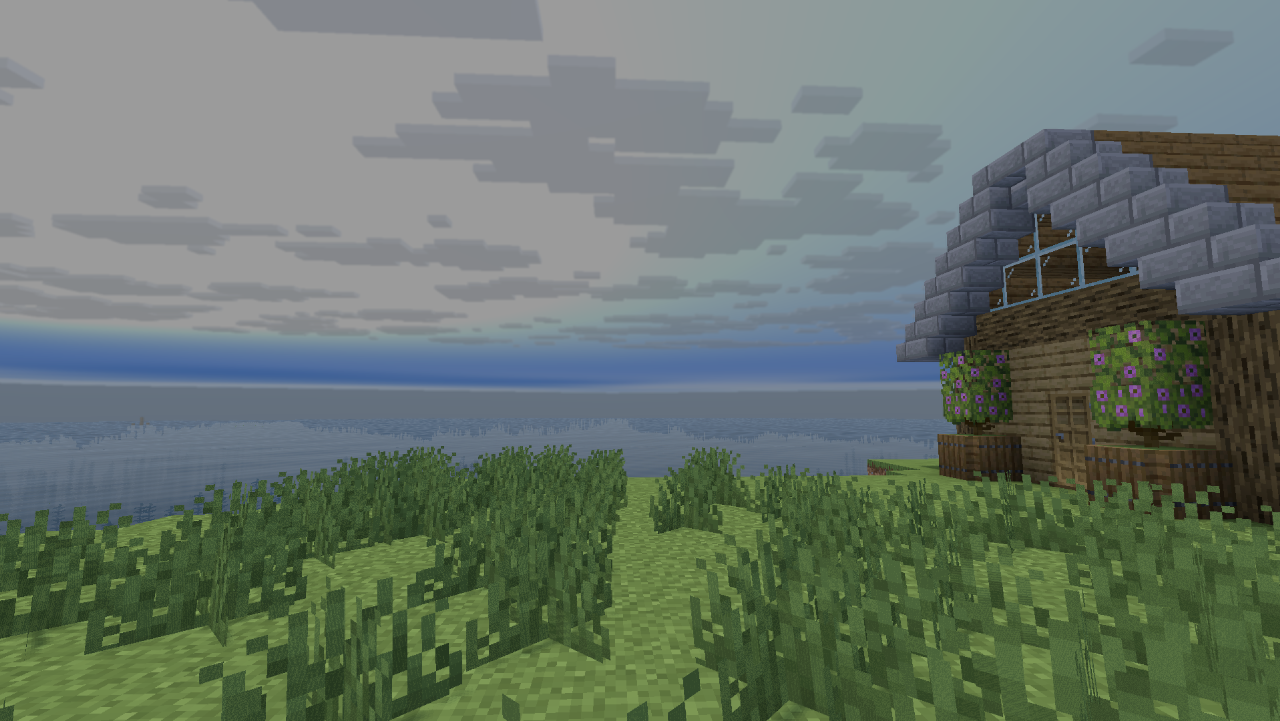
- 🍃 Nature Animations: Grass, flowers, leaves, and vines gently sway in the wind. Tall plants are perfectly fixed with no visible seams.
- 🔮 Visual Enhancements: Seamlessly connected glass blocks/panes. Glowing blocks (glowstone, magma) stay bright even in shadows.
- 👤 Perfect Shadows: Clean, per-pixel, and 100% flicker-free shadows.
- ⚙️ Fully Adjustable: Built-in settings to tweak brightness, contrast, and saturation. Includes atmospheric rain that makes the world darker and cooler.
📊 Performance Focus (iGPU Friendly)
Unlike heavy shaders that destroy your frame rate, SolisLite skips heavy post-processing to keep your GPU cool and your FPS high. Perfect for Intel Iris Xe, Intel HD, and AMD Radeon Vega users!
🛠️ Easy Installation
- Make sure you have Iris, OptiFine, or Oculus installed.
- Download the SolisLite_.zip file.
- Drop the ZIP directly into your
shaderpacks folder.
- Activate it in-game under Video Settings -> Shaderpacks.
🔗 The Solis Family
- 🚀 SolisLite — iGPU / low-end laptops. 30+ FPS. This project. Modrinth
- 🌊 Solis — Mid-tier. 60+ FPS @ 1080p. Coming soon.
- 🌊 SolisRay — High-end. 60+ FPS @ 1440p/4K. Coming soon.
💬 Feedback & Bug Reports Help me improve the Beta! Please drop a comment with your GPU, your FPS, and any bugs you find. Your feedback helps to make the next updates even smoother!