Mineuniverse
Shaders
Silisyum Shader

Silisyum Shader

SHADER
A Minecraft shader created by combining a few shaders designed to add visual interest to the game, specifically for low-end computers
by Berkks
Download Claim this project
155 downloads
0 likes
Updated Oct 14, 2026
0 hypes
Realistic
Advertisement Remove ads with Premium →

Silisyum Shader

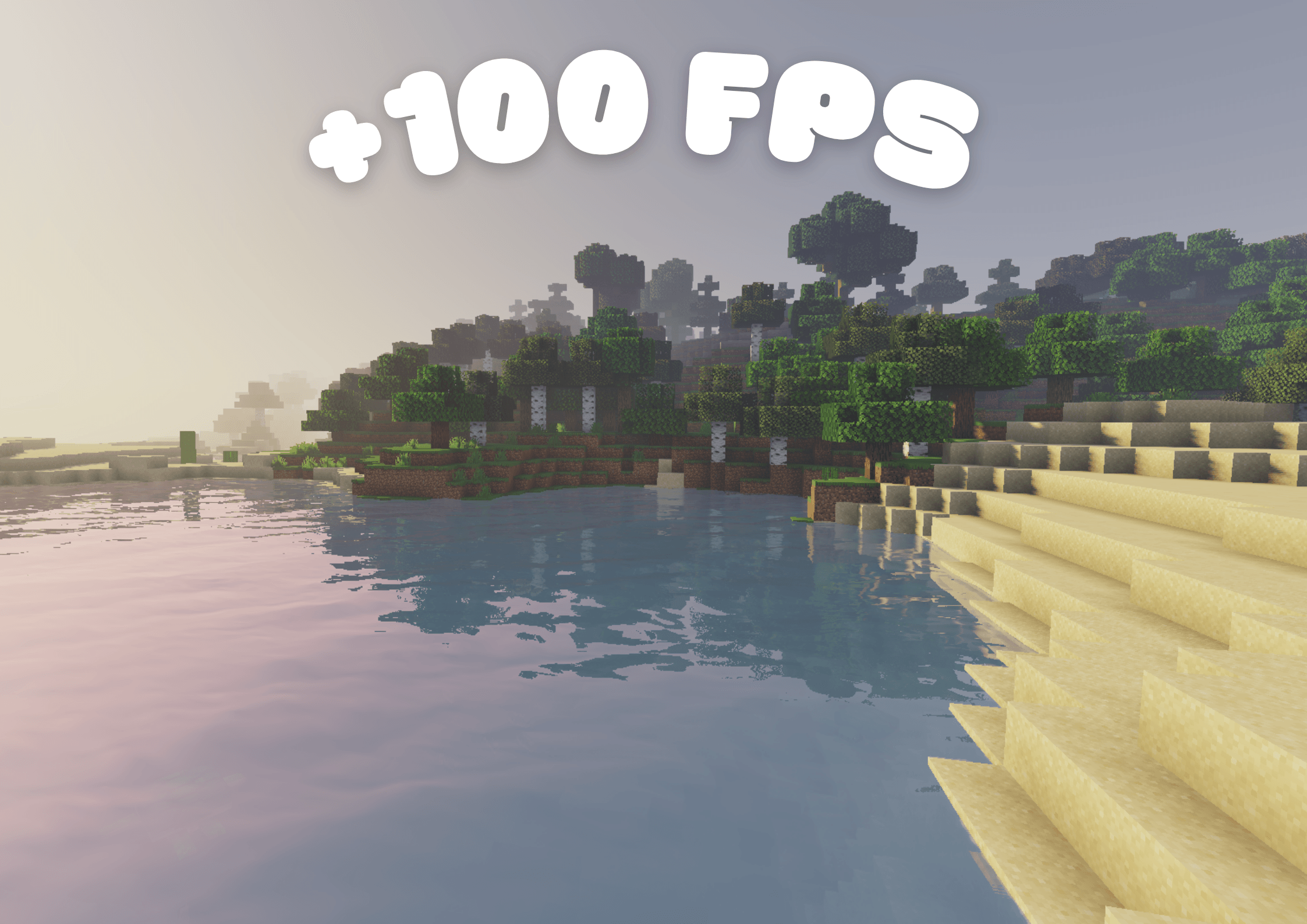
Silisyum is a performance‑oriented, lightweight yet visually captivating shader pack. Built by combining the strengths of several well‑known shaders with custom enhancements, this pack delivers a seamless experience even on low‑end systems while offering a fresh and atmospheric look.

Features

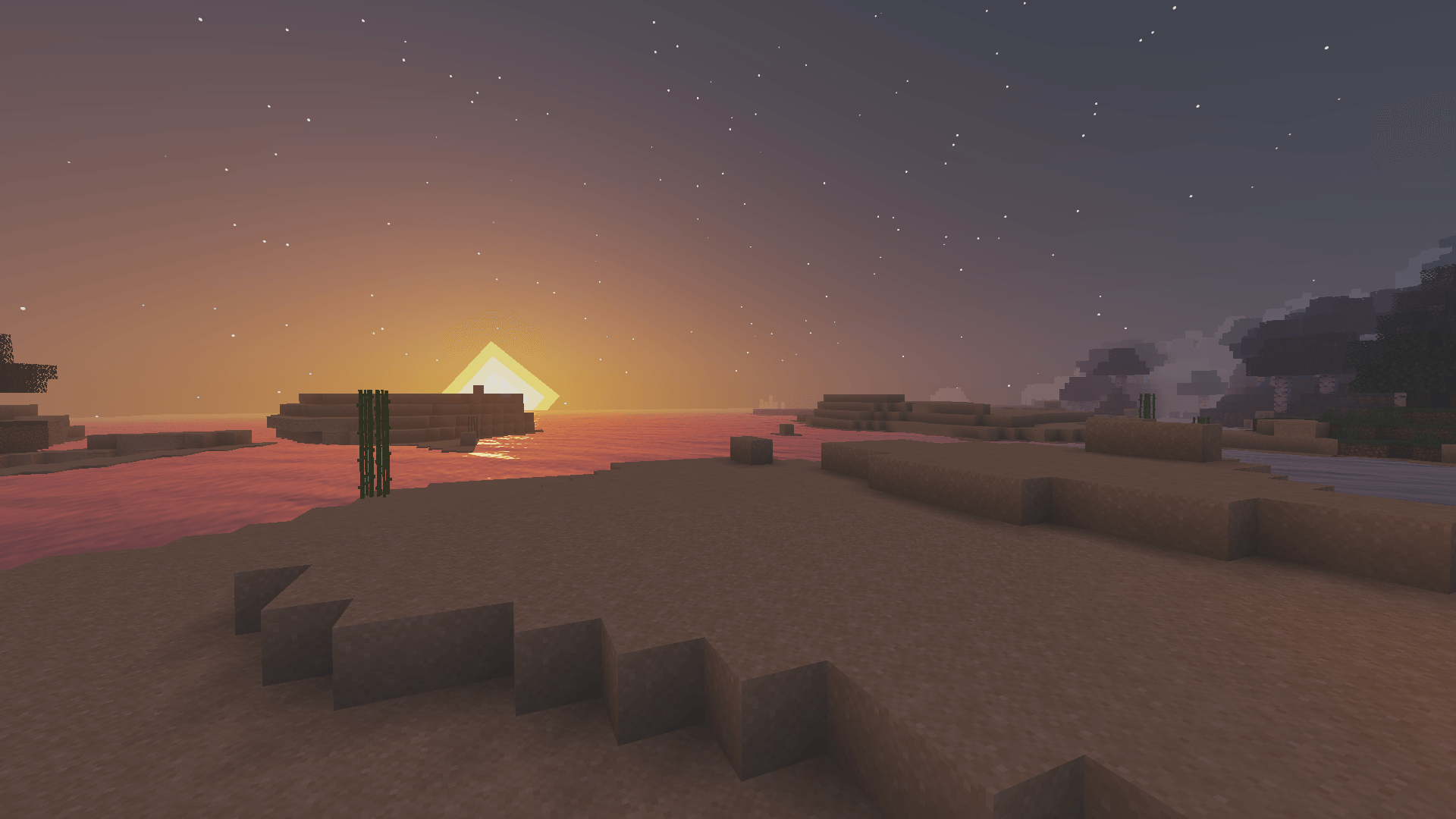
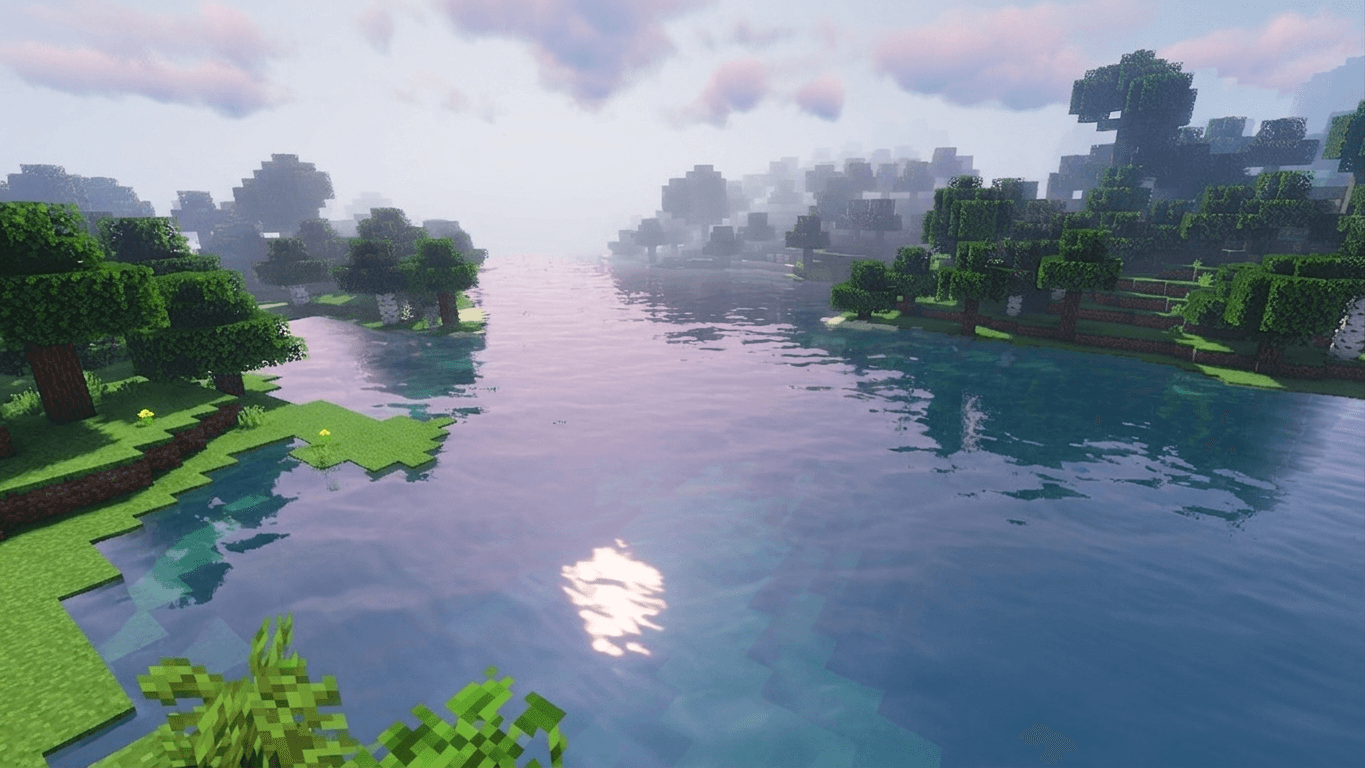
  • Soft pastel color palette for a calm and immersive atmosphere
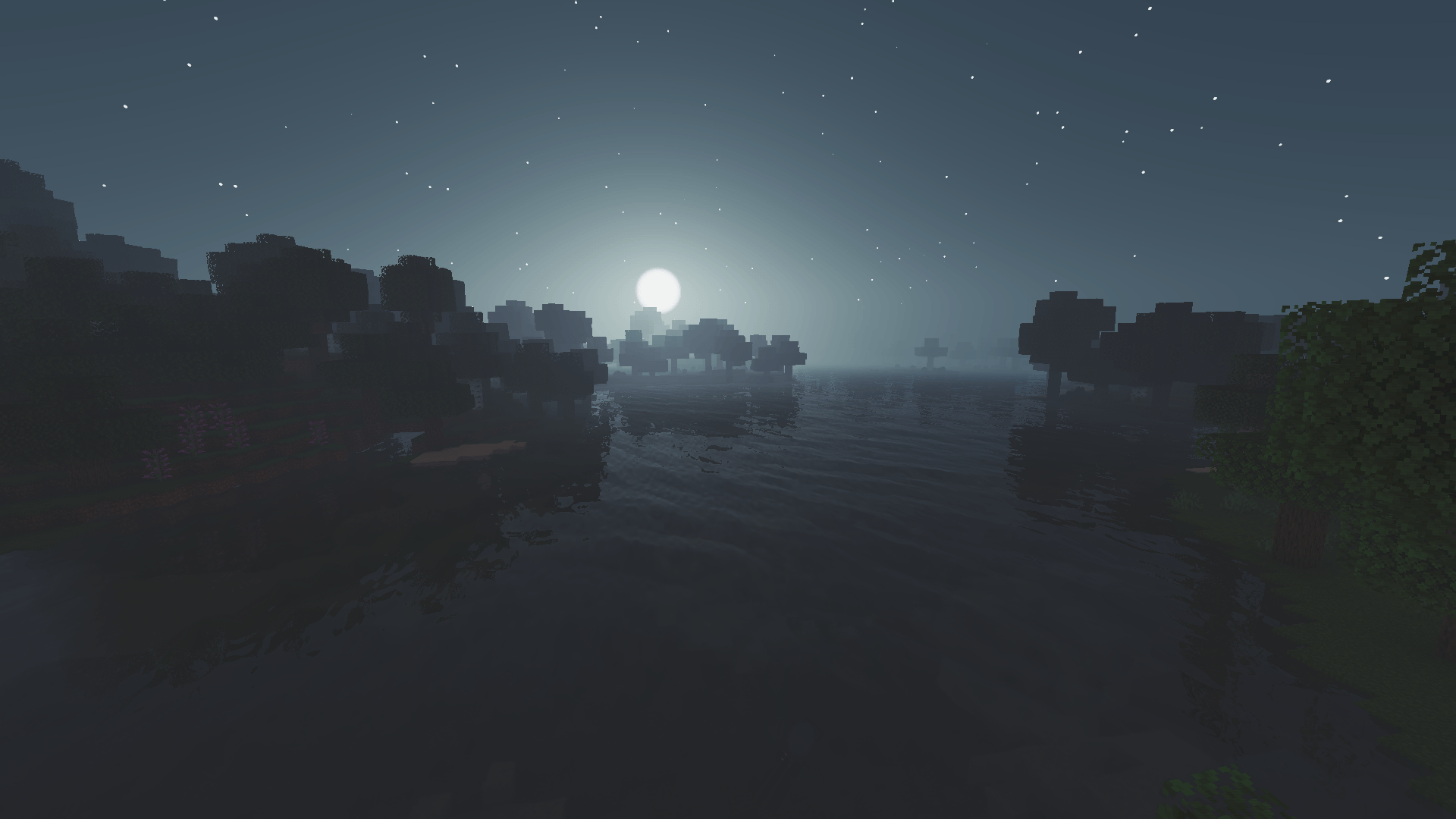
  • Natural lighting and subtle shadow rendering without heavy performance cost
  • Gentle water wave animations for added realism, plus light fog and vignette effects for cinematic depth
  • Optimized for high FPS, ensuring stable gameplay even on weaker hardware

Why Choose Silisyum?

Silisyum was created to bridge the gap between aesthetics and performance. It avoids the usual trade‑off of sacrificing visuals for speed, offering both in balance. Whether you are running Minecraft on a modest machine or a more powerful setup, Silisyum ensures a consistent, fluid experience. Its design philosophy is simple: keep the game playable while enhancing the world with a unique pastel‑styled atmosphere.

Silisyum is not just another shader; it is the result of carefully blending proven techniques with original ideas, making it lightweight, modern, and distinctive.

Silisyum isn’t a single shader; it’s a mixture of Makeup and Sildur shaders.

 

Silisyum 1.19.2.zip
MC 1.19.2, Iris
Release 2026-08-31 Get
Silisyum Shaader 1.21.4.zip
MC 1.21.4, 1.21.4-Snapshot, Iris
Release 2026-08-30 Get
SilisyumShader.zip
MC 1.20.1, Iris
Release 2026-08-28 Get

Requirements & install

How to use this shader in Minecraft
Shader loader
Iris
Minecraft
1.19.2 – 1.21.4
Install folder
.minecraft/shaderpacks

Install with Iris

  1. Install Iris with the Iris installer (irisshaders.dev); it sets up Fabric and Sodium for you.
  2. Download the shader pack .zip (do not extract it).
  3. Put the .zip into .minecraft/shaderpacks.
  4. In game open Options → Video Settings → Shader Packs, select the pack and click Apply.
Browse more: Iris shaders OptiFine shaders Shaders for 1.21.4 All shaders
Advertisement Remove ads with Premium →

You Might Also Like