Mineuniverse
Shaders
Refrax

Refrax

SHADER
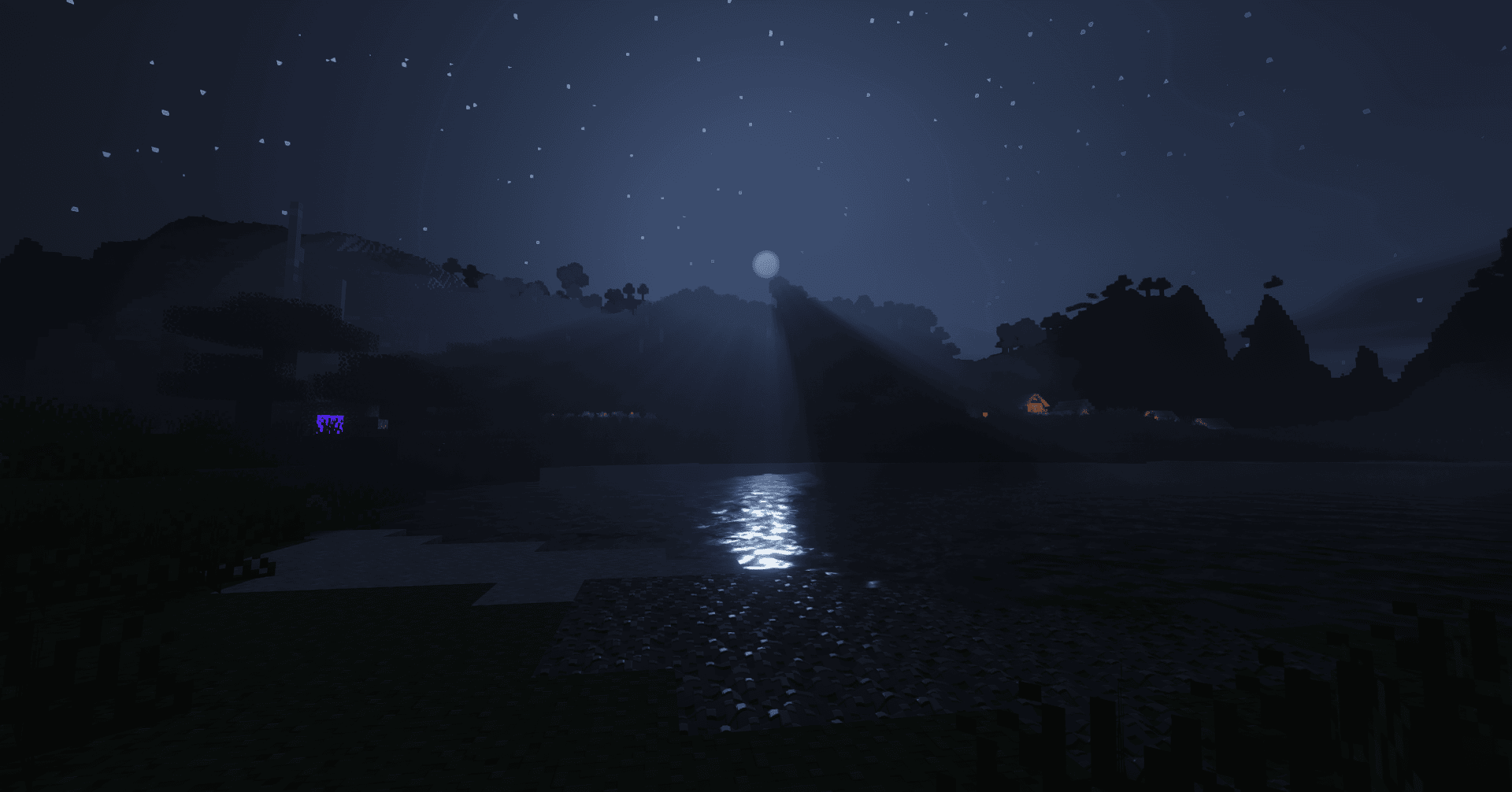
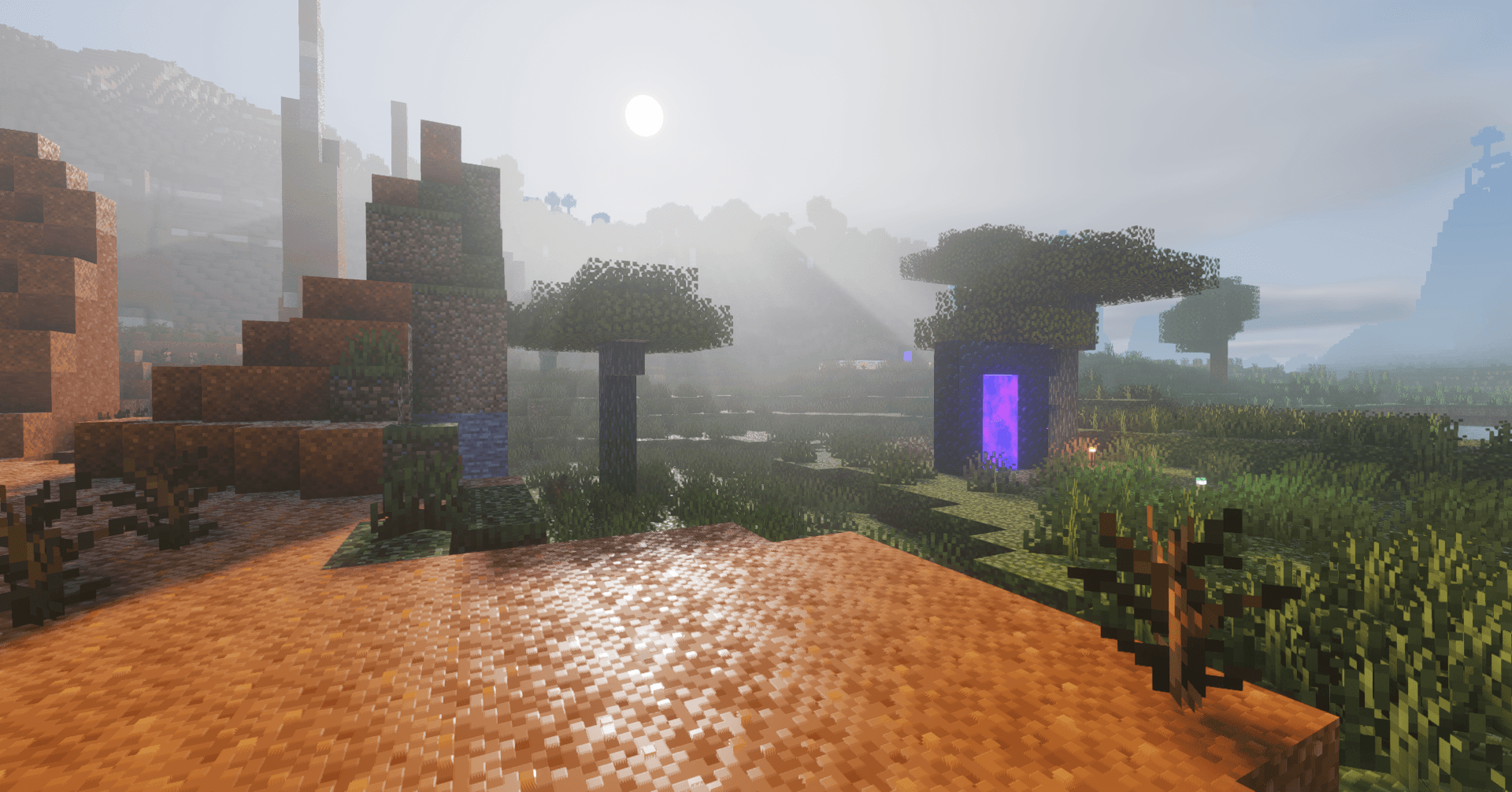
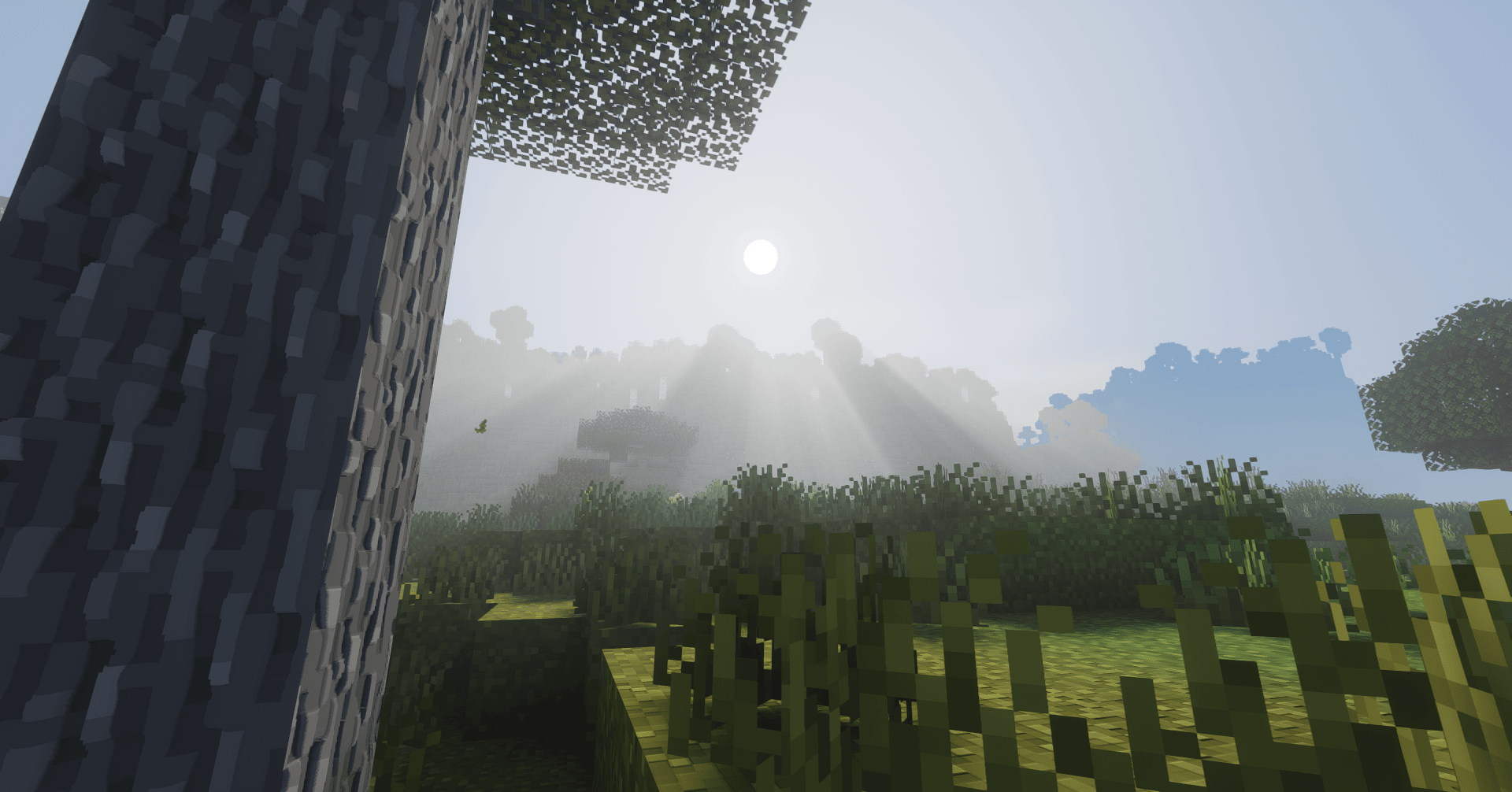
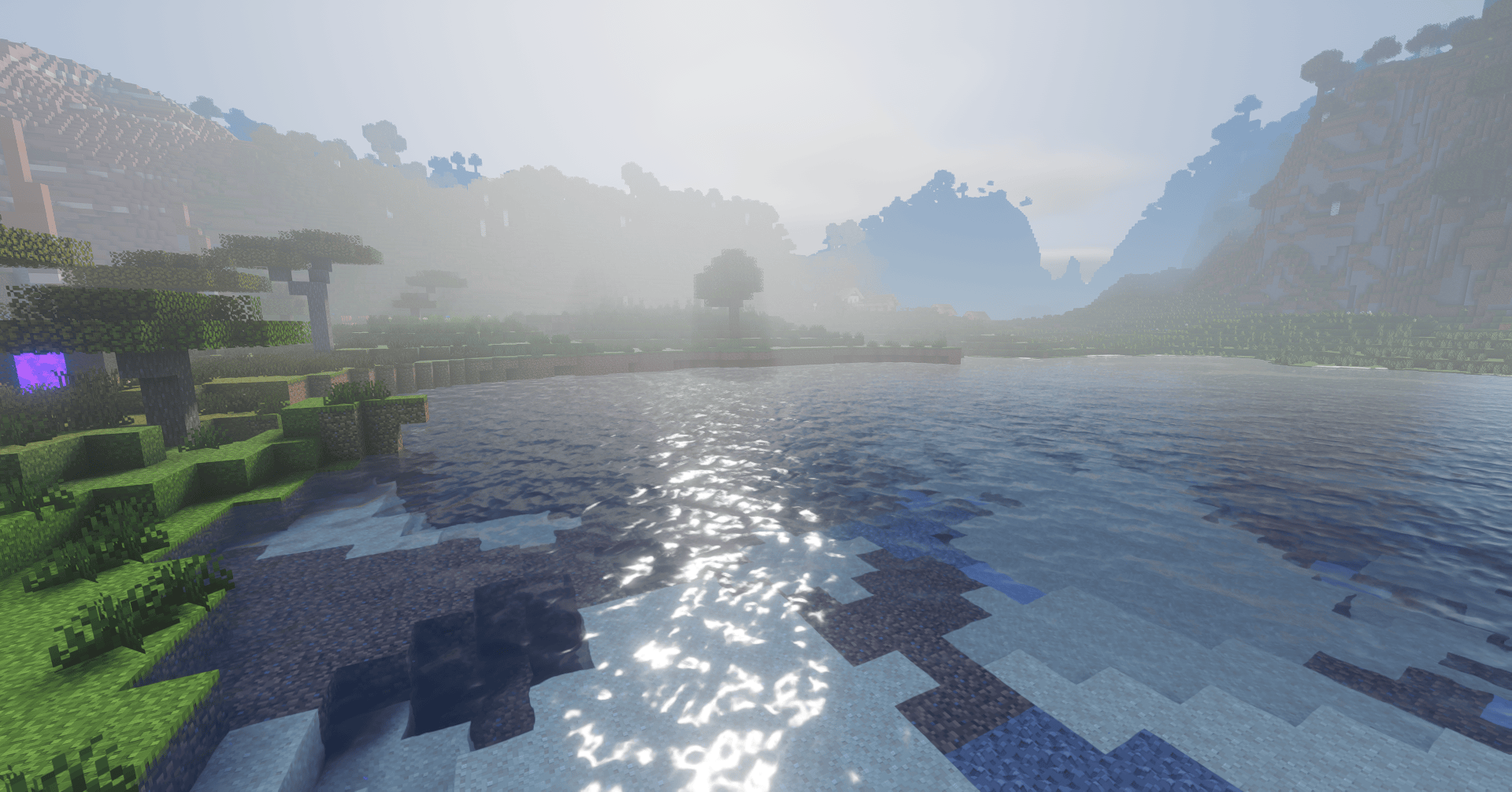
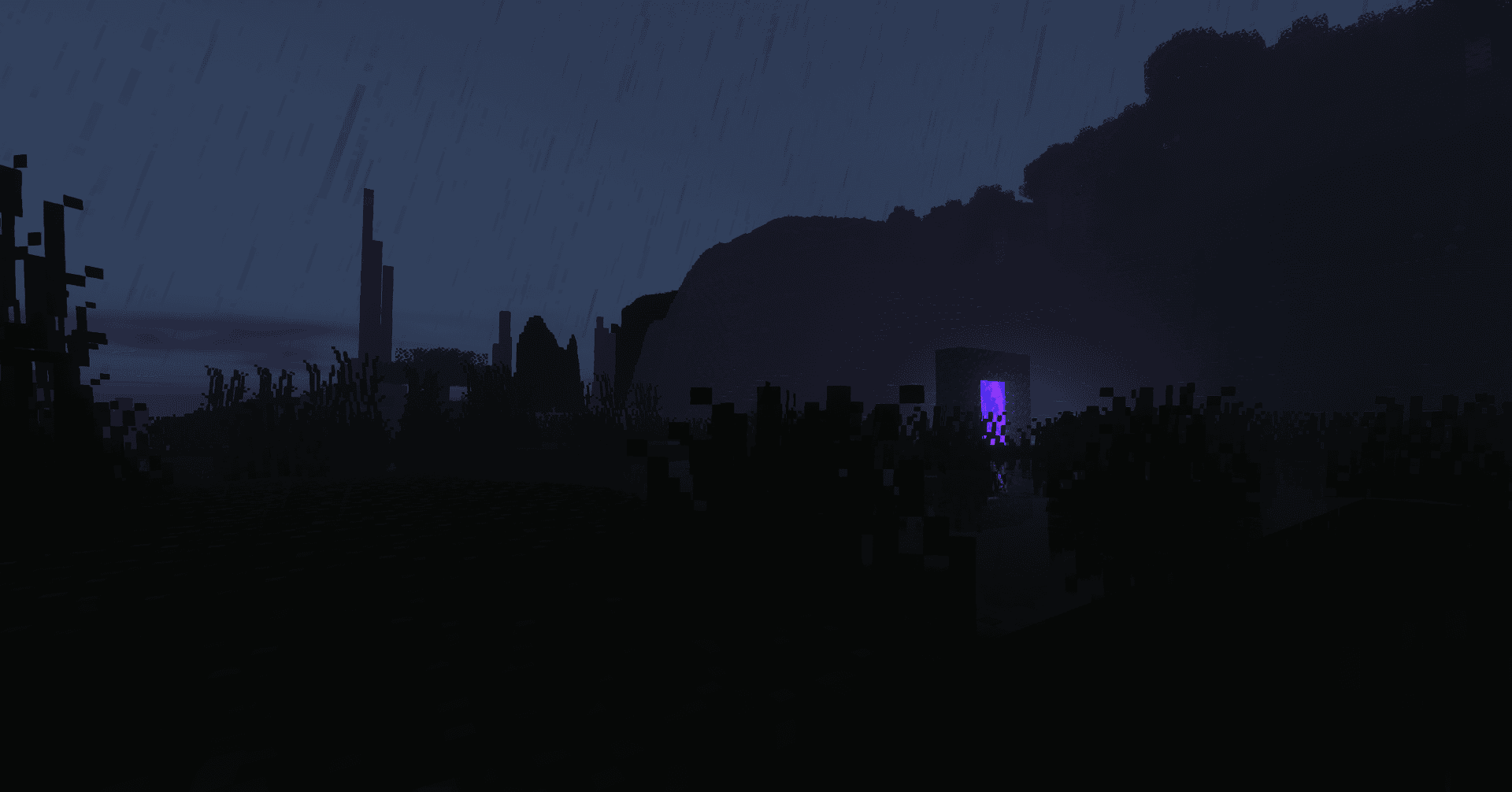
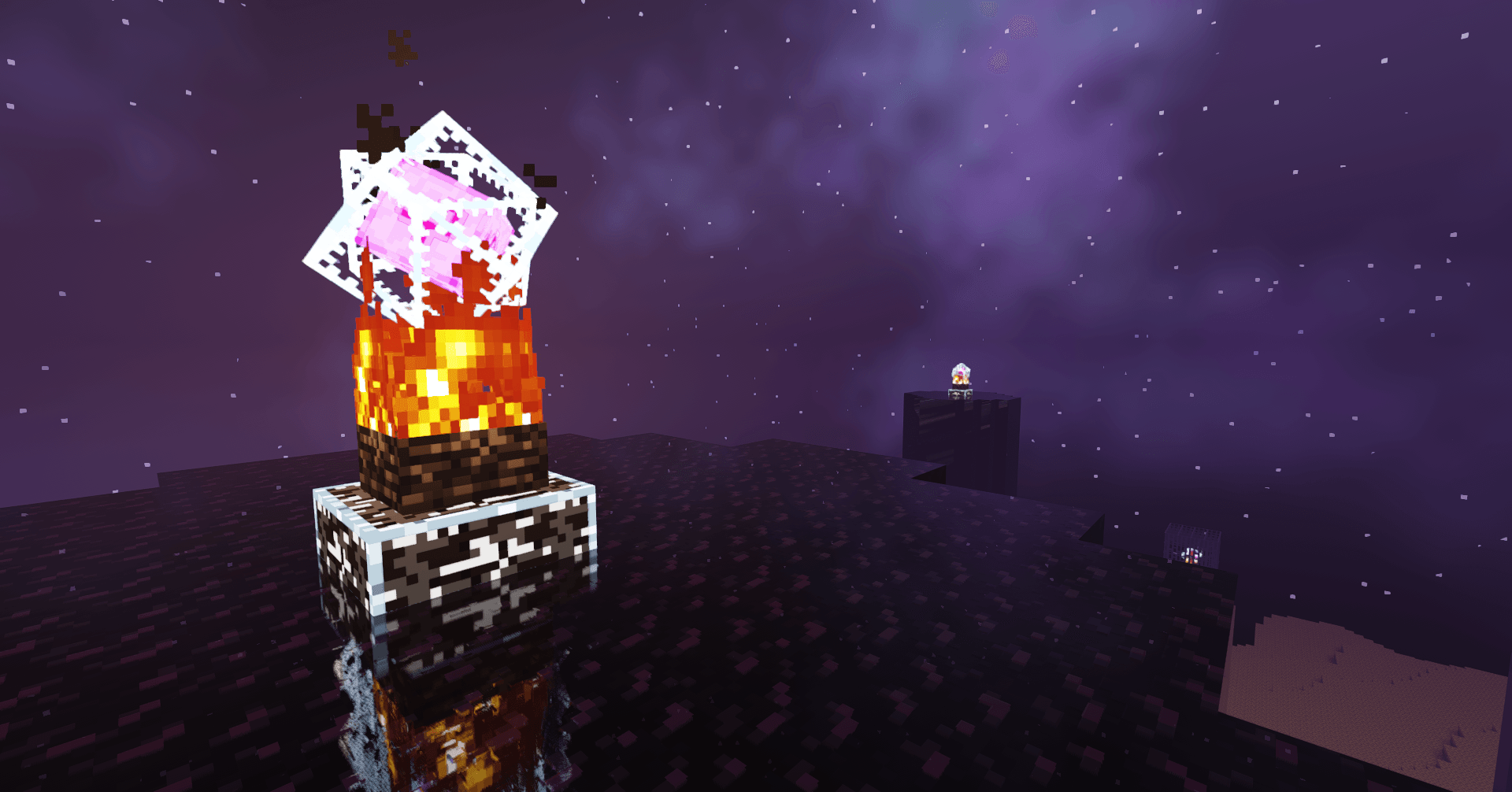
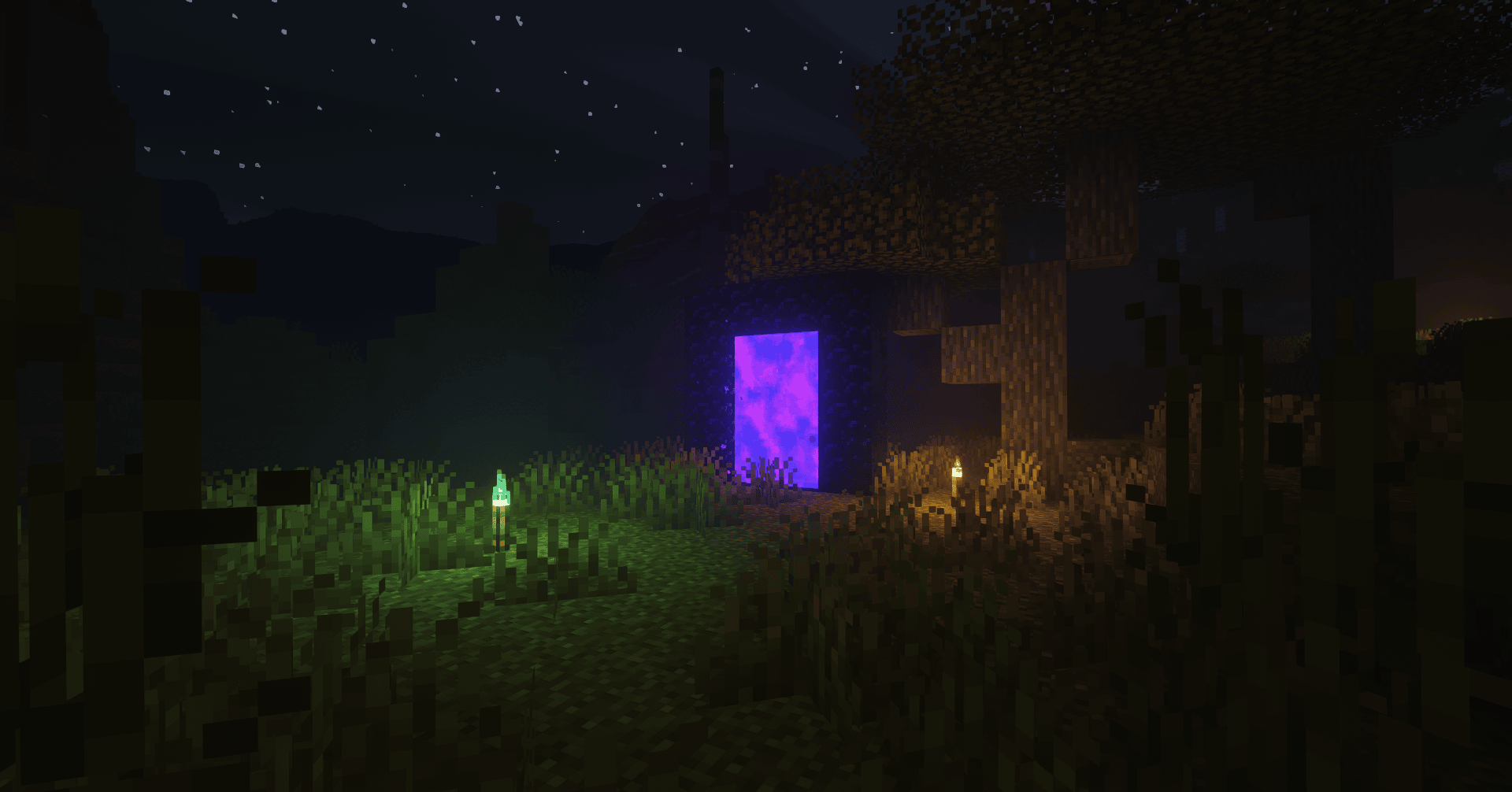
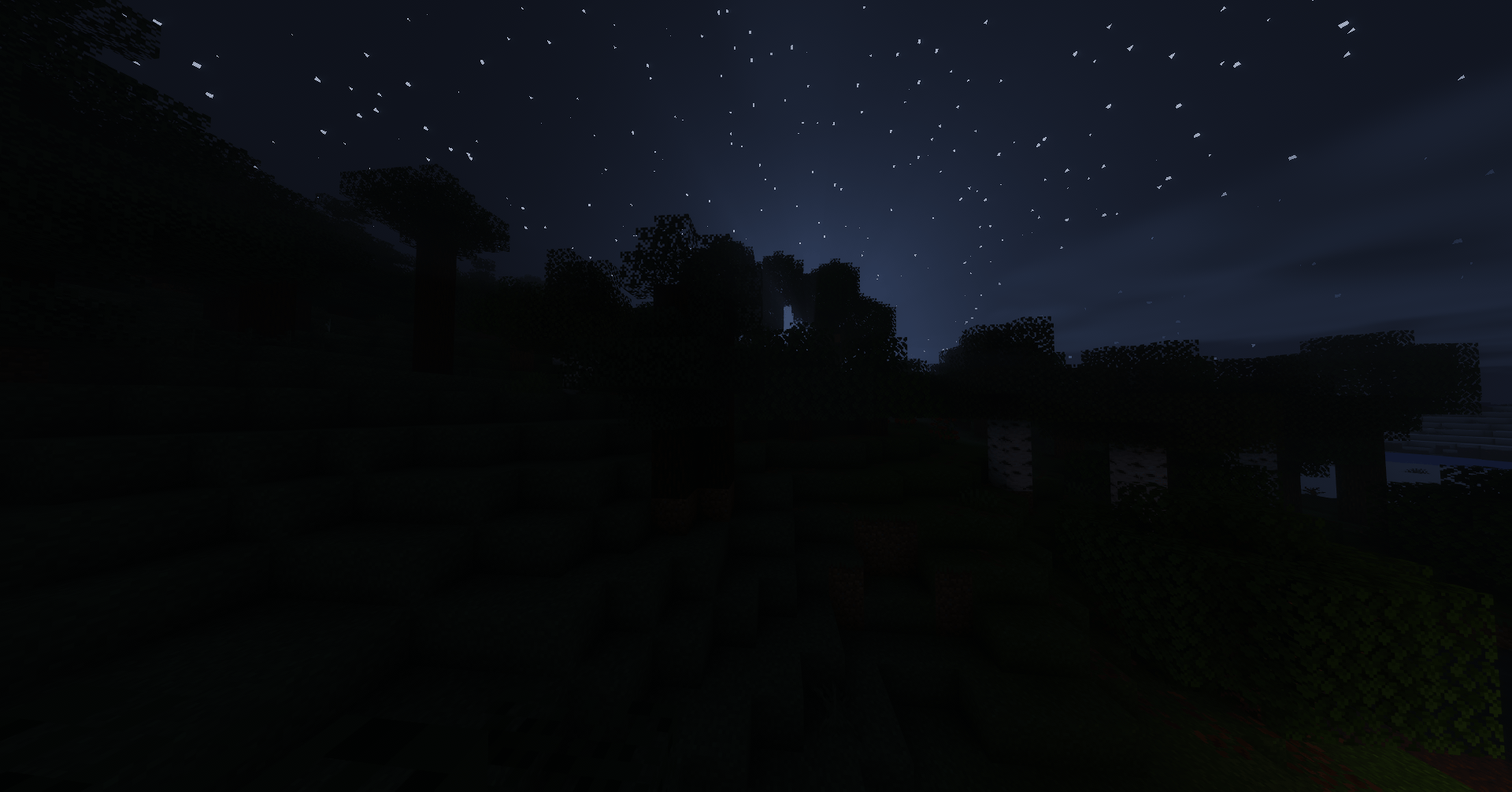
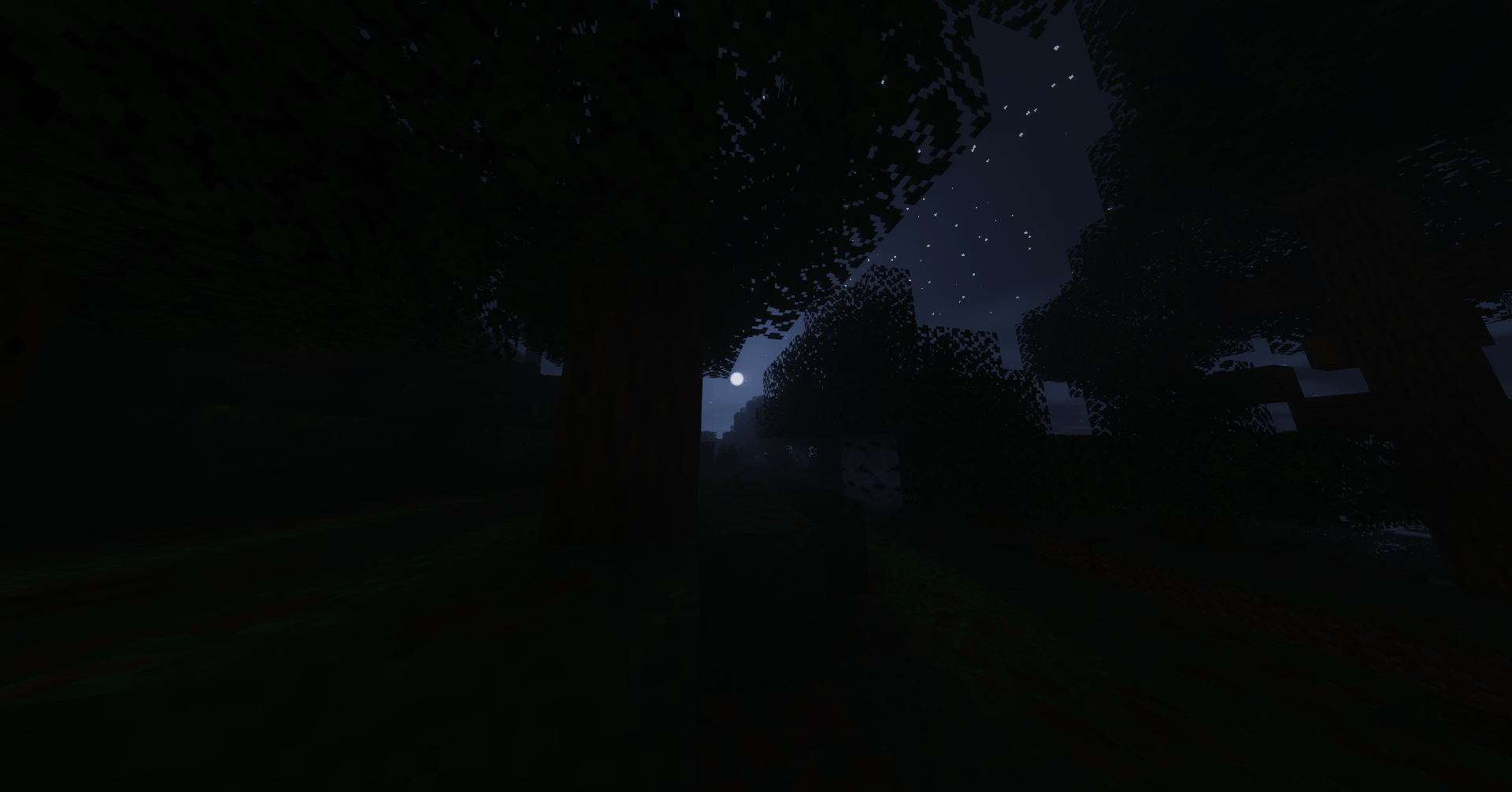
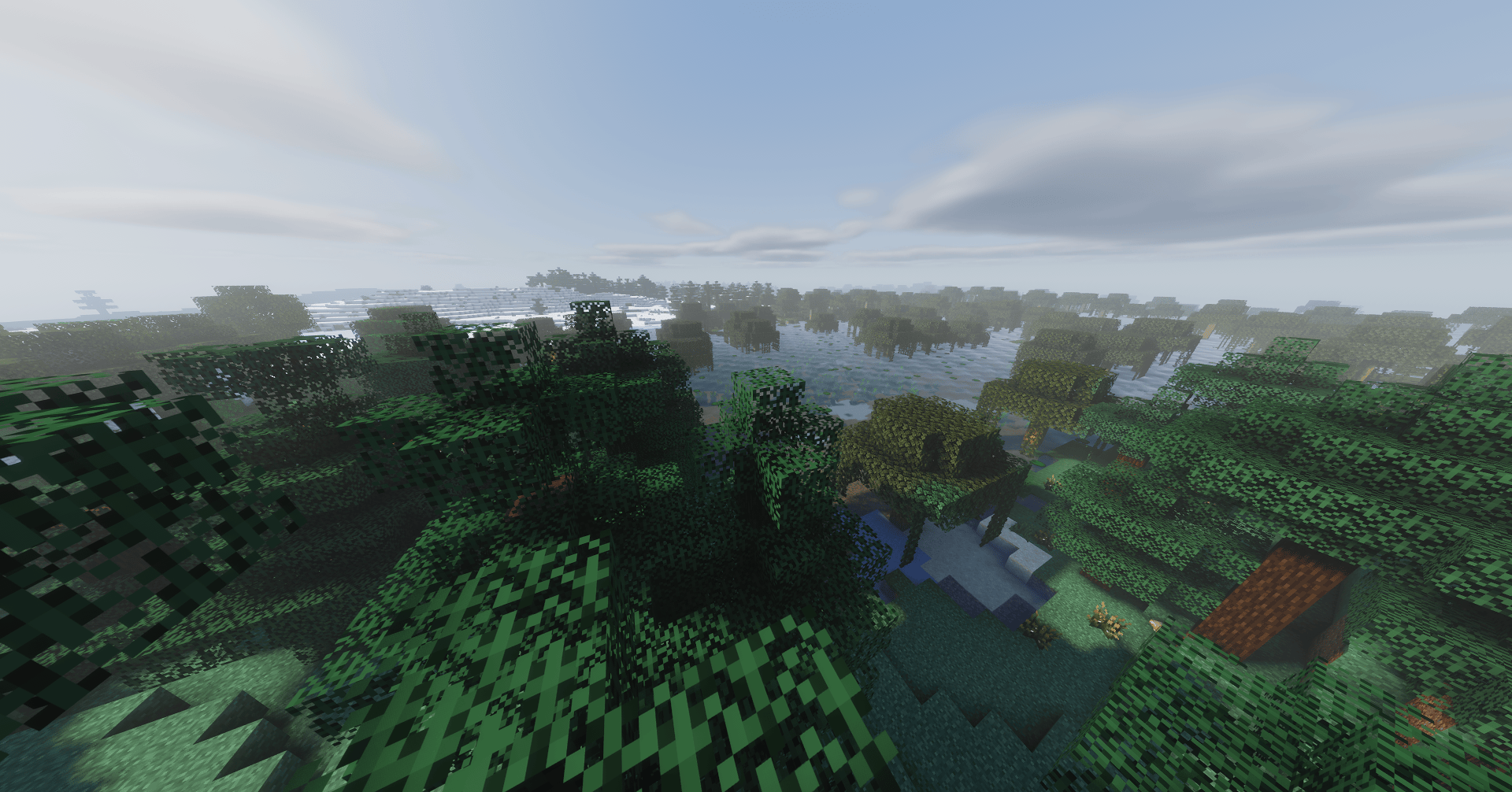
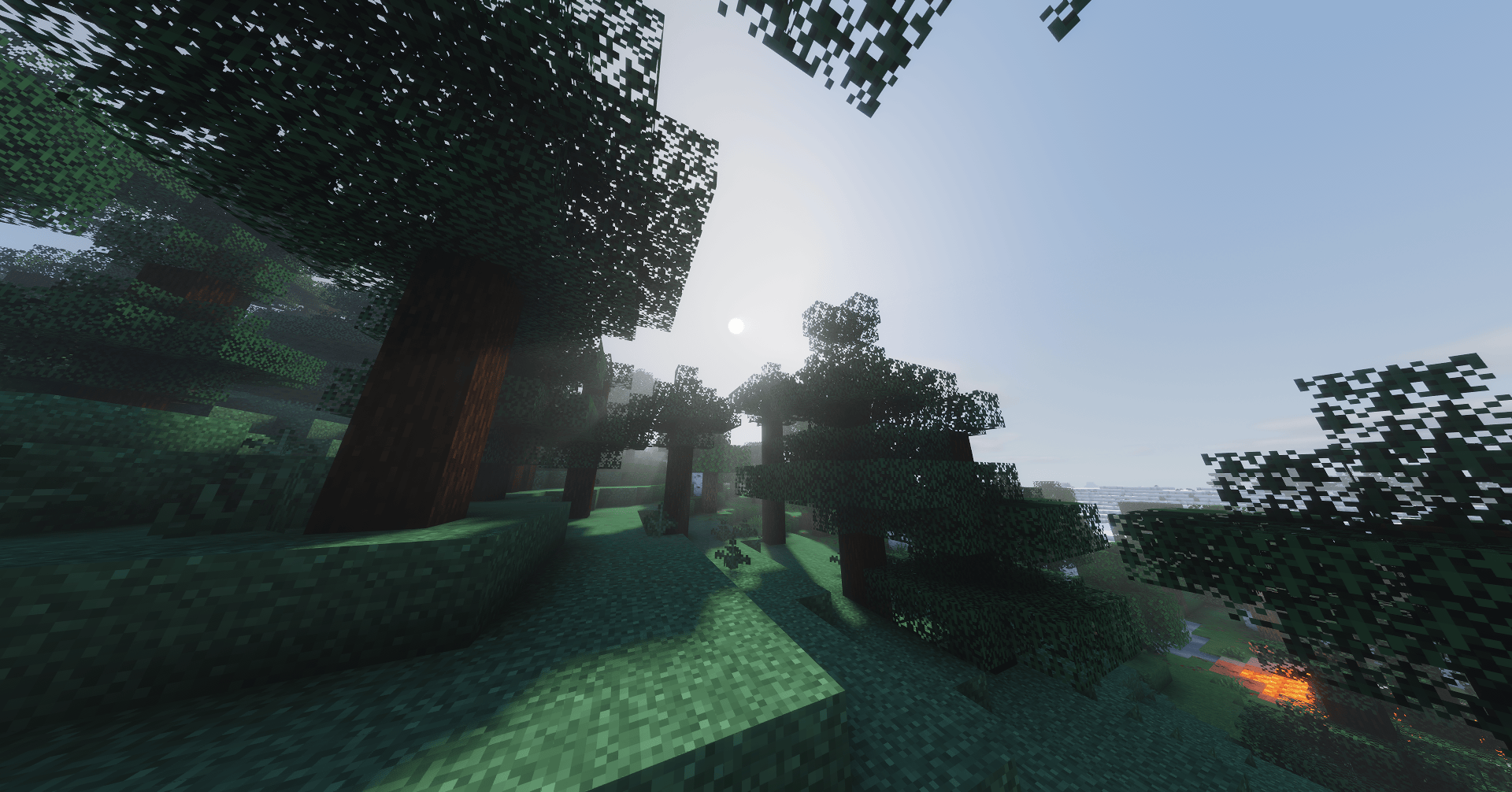
Refrax is a performance and feature-focused Minecraft shaderpack.
by Coredex
Download Claim this project
11,206 downloads
0 likes
Updated Oct 14, 2026
0 hypes
Fantasy Realistic Vanilla
Advertisement Remove ads with Premium →

Refrax

Refrax is a performance and feature-oriented Minecraft shaderpack for Iris.


Credits and recommendation:


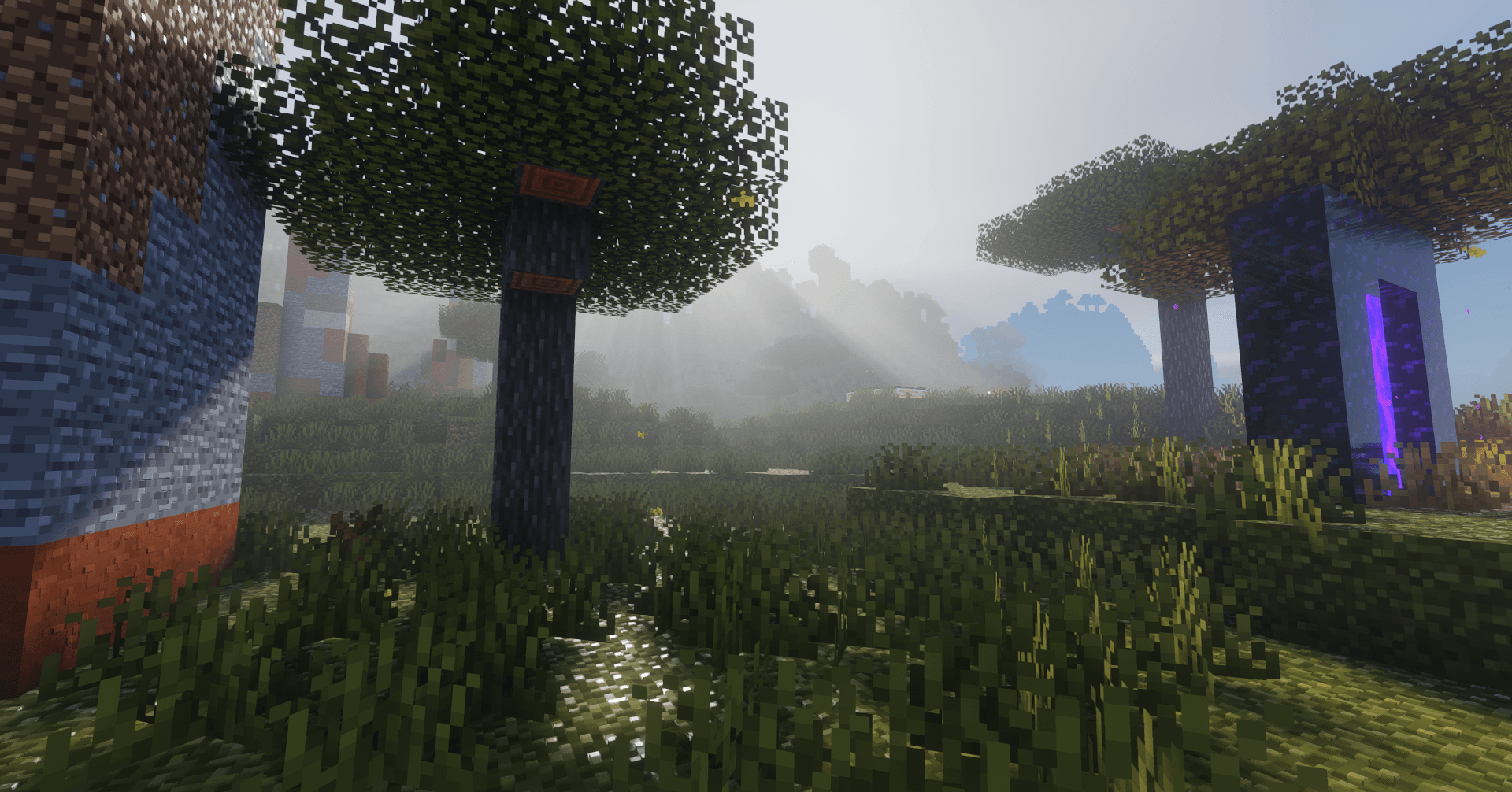
Swamp

Performance benchmarks (GTX 1650 Ti, 1080p, 16 chunks)

NOTE: This is for v1.3.0:

Profile Target FPS
Potato 120+
Low ~90
Medium ~70
High ~55
Very High 40+
Extreme 25+
Overdrive ~20

Performance benchmarks (GTX 1650 Ti, 1080p, 16 chunks)

NOTE: This is for v1.2.2:

Profile Target FPS
Potato ~160
Low ~120
Medium ~80
High 60+
Very High 40+
Extreme 25+
Overdrive ~20

NOTE: Both benchmarks were taken using the exact same scene.

I saw a ~25 fps boost on 1.18.2, 20+ fps boost on 1.20.1 and ~15 fps boost on 1.21.1.

These values can be bumped higher by changing the performance mode slider at very little visual compromise even at overdrive performance mode (You'll only notice it in certain situations. It mainly reduces the sample count of clouds, god rays, AO, SSR, and water wave octaves, most noticeable of which are reflections and water which will be tuned to be less noticeable in the future).

Supported versions:

1.18.2 and higher versions should all work just fine.

Unsupported versions:

1.16.5 - No colored lighting and no block breaking particles. 1.17.x, 1.18 - Does not load the shader 1.18.1 - Does not render a lot of blocks.

Installation

  1. Install Iris.
  2. Copy the Refrax.zip to .minecraft/shaderpacks/ or the shader folder of your launcher's instance.
  3. Select the shader in the Iris menu and enjoy!

License

See LICENCE.txt.

Credits & inspiration

Refrax is original source, inspired by Photon, Complementary Reimagined, Bliss, Solas, MakeUp Ultra Fast, Super Duper Vanilla, published graphics research, and the Iris shader documentation.

Refrax_v1.2.2
MC 1.21, 1.19.3, 1.20.2, 1.19.4, 1.21.8, 1.20.5, 1.21.5, 1.21.4, 1.20.1, 1.20, 1.20.6, 1.21.1, 1.21.6, 1.21.3, 1.21.7, 1.19.1, 1.20.4, 1.18.2, 1.19.2, 1.20.3, Iris, 1.19, 1.21.2
Release 2026-08-08 Get
Refrax_v1.3.0
MC 1.21, 1.19.3, 1.20.2, 1.19.4, 1.21.8, 1.20.5, 1.21.5, 1.21.4, 1.20.1, 1.20, 1.20.6, 1.21.1, 1.21.6, 1.21.3, 1.21.7, 1.19.1, 1.20.4, 1.18.2, 1.19.2, 1.20.3, Iris, 1.19, 1.21.2
Release 2026-08-08 Get
Refrax_v1.2.3
MC 1.21, 1.19.3, 1.20.2, 1.19.4, 1.21.8, 1.20.5, 1.21.5, 1.21.4, 1.20.1, 1.20, 1.20.6, 1.21.1, 1.21.6, 1.21.3, 1.21.7, 1.19.1, 1.20.4, 1.18.2, 1.19.2, 1.20.3, Iris, 1.19, 1.21.2
Release 2026-08-08 Get
Refrax_v1.3.1
MC 1.21, 1.19.3, 1.20.2, 1.19.4, 1.21.8, 1.20.5, 1.21.5, 1.21.4, 1.20.1, 1.20, 1.20.6, 1.21.1, 1.21.6, 1.21.3, 1.21.7, 1.19.1, 1.20.4, 1.18.2, 1.19.2, 1.20.3, Iris, 1.19, 1.21.2
Release 2026-08-08 Get
Refrax_v1.2.1
MC 1.21, 1.19.3, 1.20.2, 1.19.4, 1.21.8, 1.20.5, 1.21.5, 1.21.4, 1.20.1, 1.20, 1.20.6, 1.21.1, 1.21.6, 1.21.3, 1.21.7, 1.19.1, 1.20.4, 1.18.2, 1.19.2, 1.20.3, Iris, 1.19, 1.21.2
Release 2026-07-31 Get
Refrax_v1.2.0
MC 1.21, 1.19.3, 1.20.2, 1.19.4, 1.21.8, 1.20.5, 1.21.5, 1.21.4, 1.20.1, 1.20, 1.20.6, 1.21.1, 1.21.6, 1.21.3, 1.21.7, 1.19.1, 1.20.4, 1.18.2, 1.19.2, 1.20.3, Iris, 1.19, 1.21.2
Release 2026-07-14 Get
Refrax_v1.0.1
MC 1.21, 1.19.3, 1.20.2, 1.19.4, 1.21.8, 1.20.5, 1.21.5, 1.21.4, 1.20.1, 1.20, 1.20.6, 1.21.1, 1.21.6, 1.21.3, 1.21.7, 1.19.1, 1.20.4, 1.18.2, 1.19.2, 1.20.3, Iris, 1.19, 1.21.2
Release 2026-07-10 Get
Refrax_v1.1.0
MC 1.21, 1.19.3, 1.20.2, 1.19.4, 1.21.8, 1.20.5, 1.21.5, 1.21.4, 1.20.1, 1.20, 1.20.6, 1.21.1, 1.21.6, 1.21.3, 1.21.7, 1.19.1, 1.20.4, 1.18.2, 1.19.2, 1.20.3, Iris, 1.19, 1.21.2
Release 2026-07-10 Get
Refrax_v1.0.0
MC 1.21, 1.19.3, 1.20.2, 1.19.4, 1.21.8, 1.20.5, 1.21.5, 1.21.4, 1.20.1, 1.20, 1.20.6, 1.21.1, 1.21.6, 1.21.3, 1.21.7, 1.19.1, 1.20.4, 1.18.2, 1.19.2, 1.20.3, Iris, 1.19, 1.21.2
Release 2026-07-09 Get

Requirements & install

How to use this shader in Minecraft
Shader loader
Iris
Minecraft
1.21.1 – 1.21.8
Install folder
.minecraft/shaderpacks

Install with Iris

  1. Install Iris with the Iris installer (irisshaders.dev); it sets up Fabric and Sodium for you.
  2. Download the shader pack .zip (do not extract it).
  3. Put the .zip into .minecraft/shaderpacks.
  4. In game open Options → Video Settings → Shader Packs, select the pack and click Apply.
Browse more: Iris shaders OptiFine shaders Shaders for 1.21.8 All shaders

More from Coredex

Advertisement Remove ads with Premium →

You Might Also Like