RealisticLite
Overview
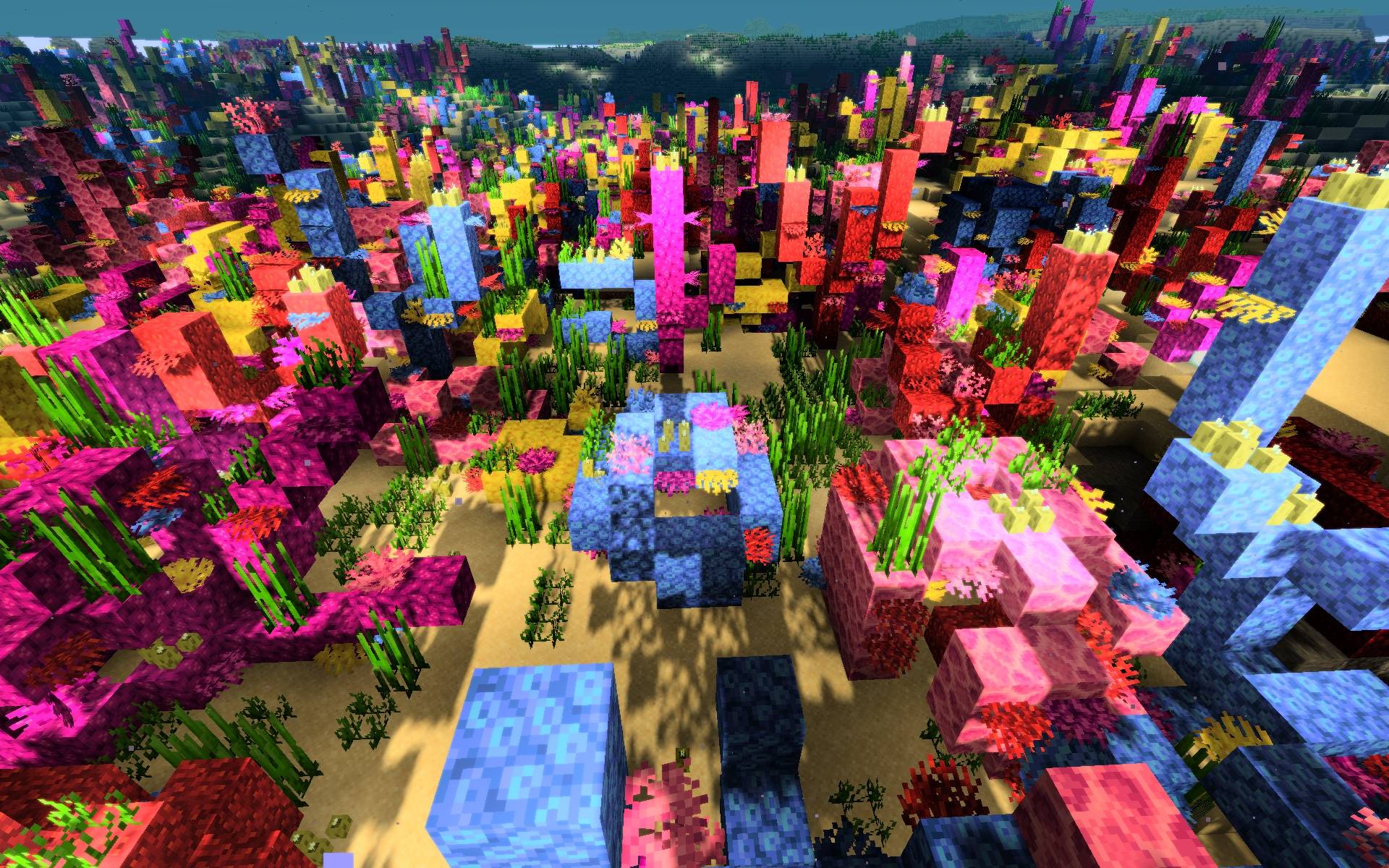
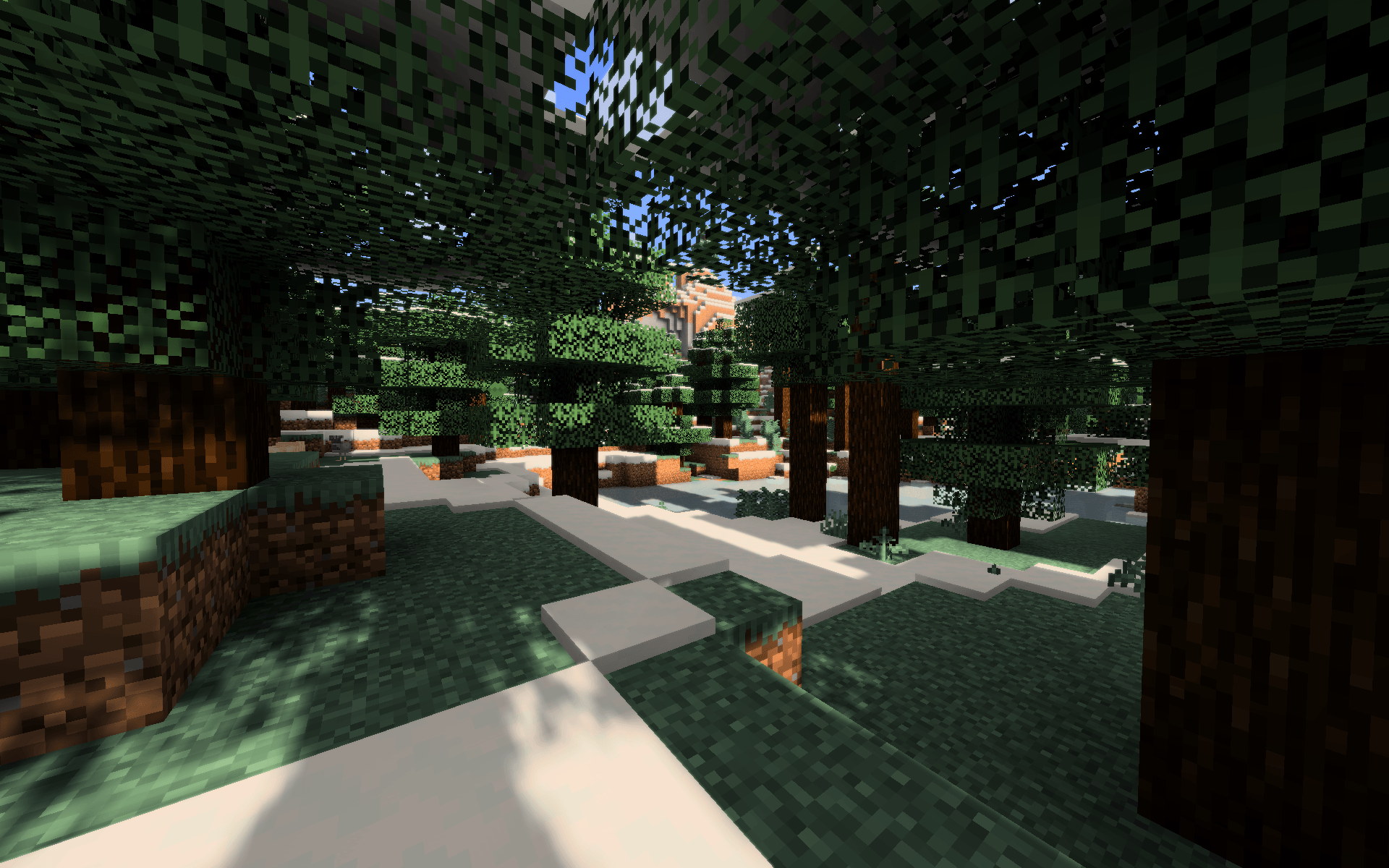
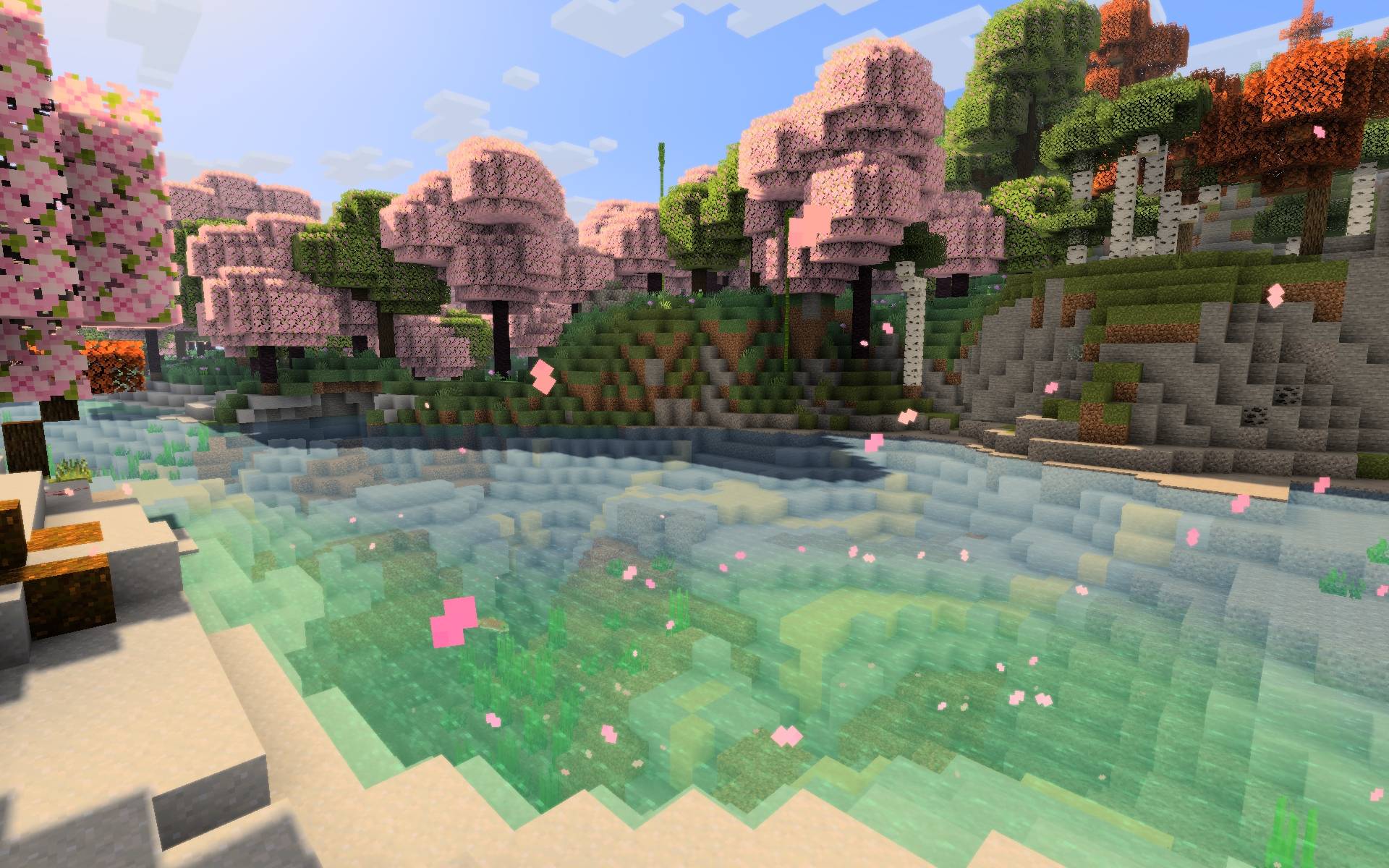
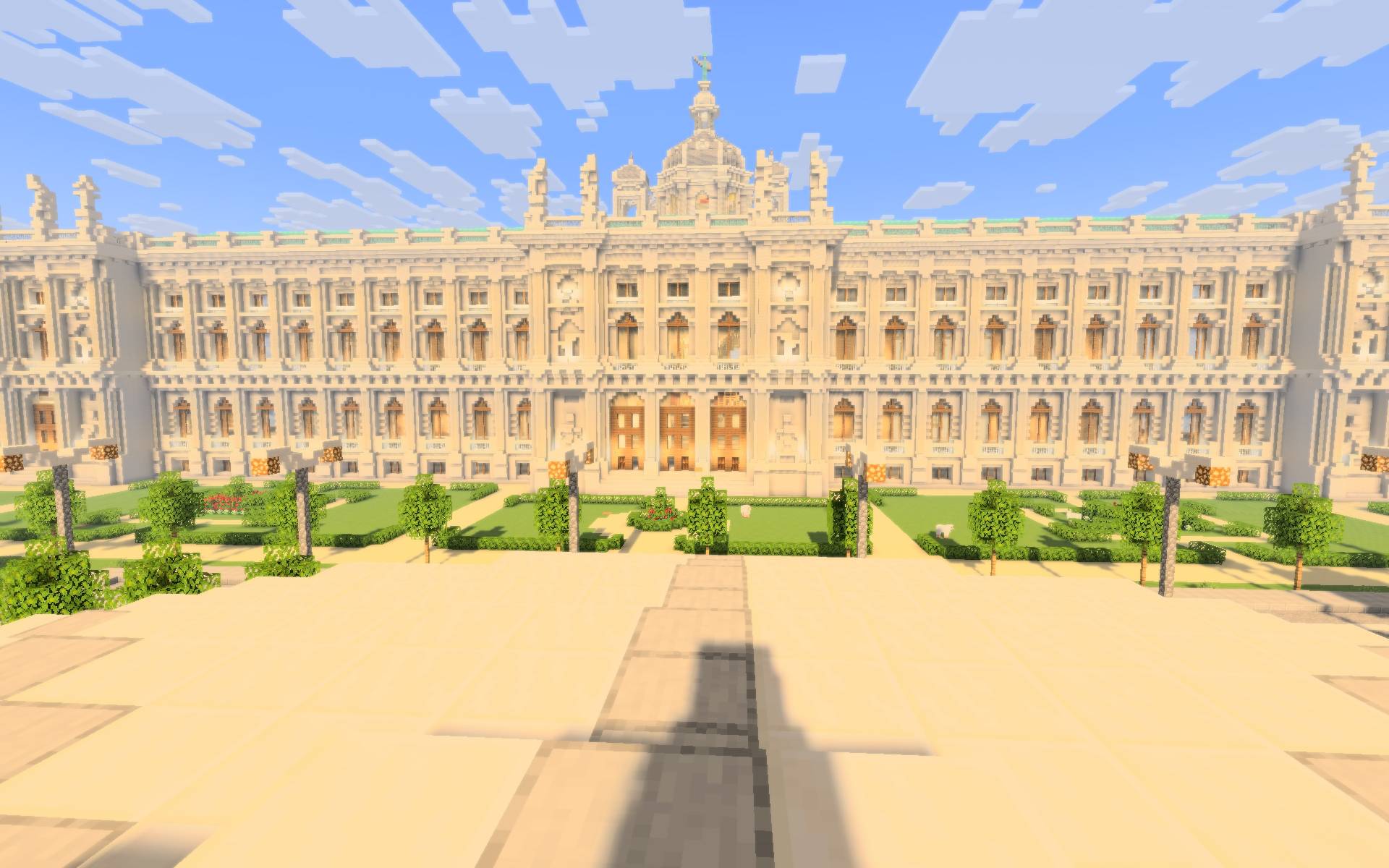
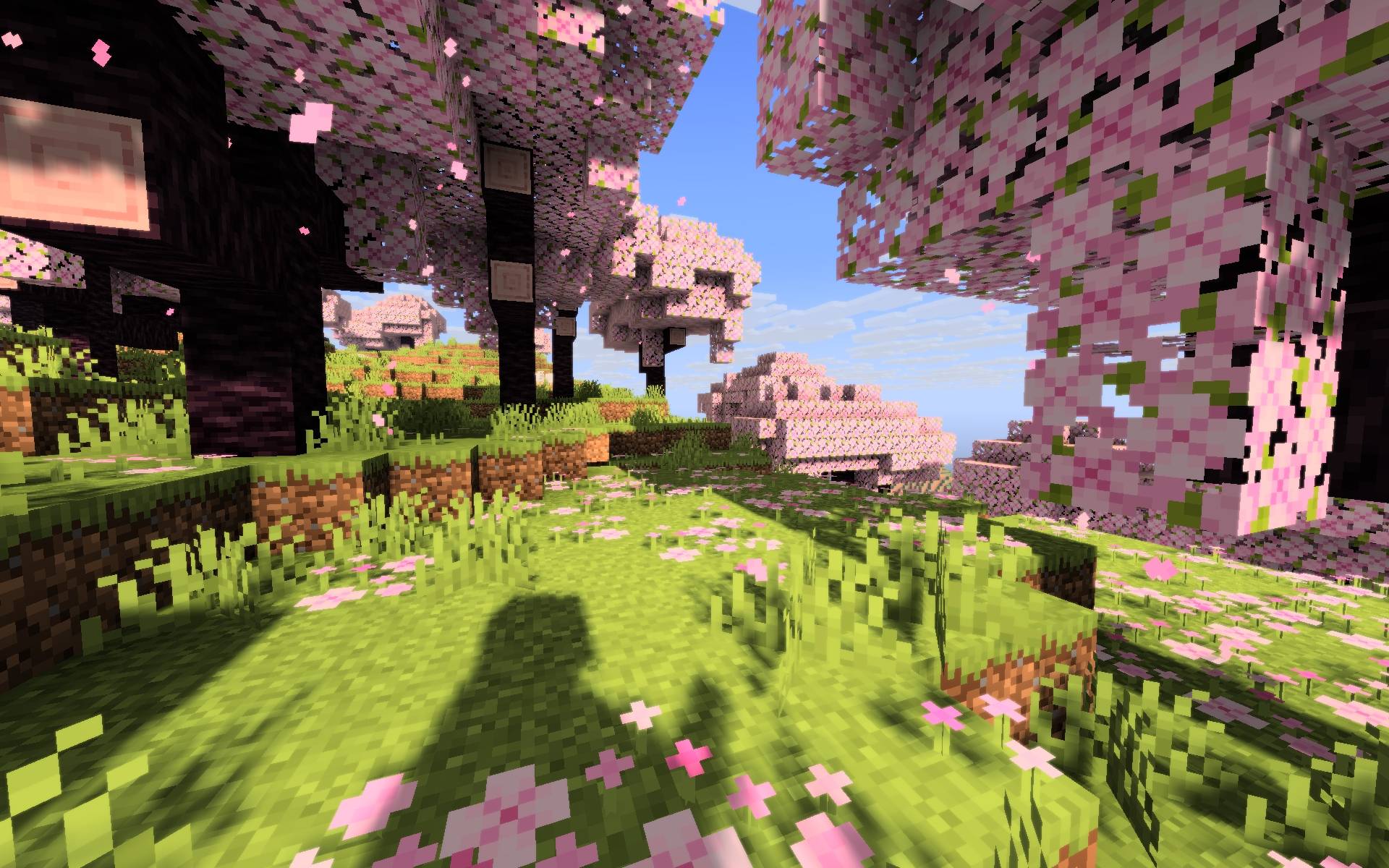
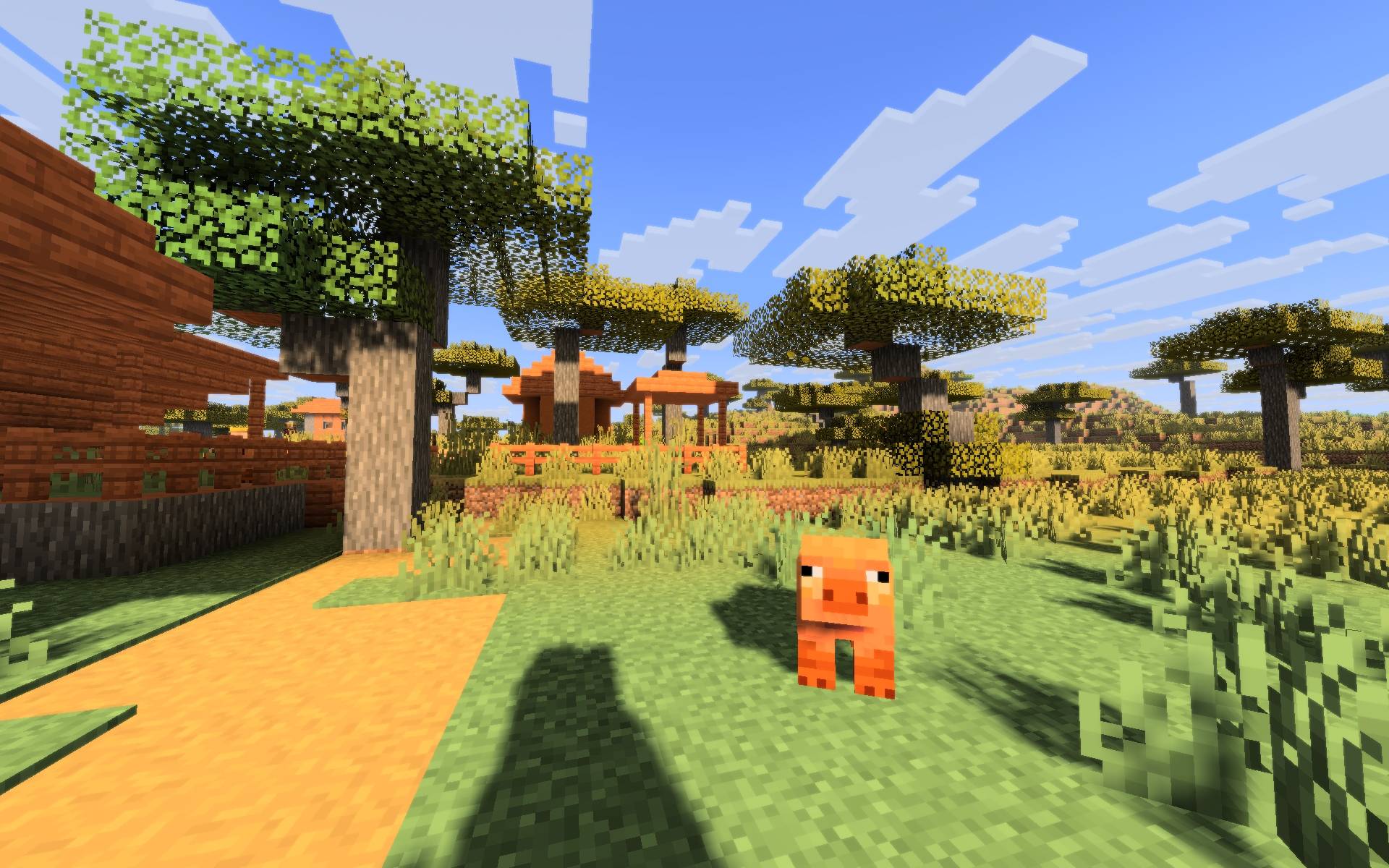
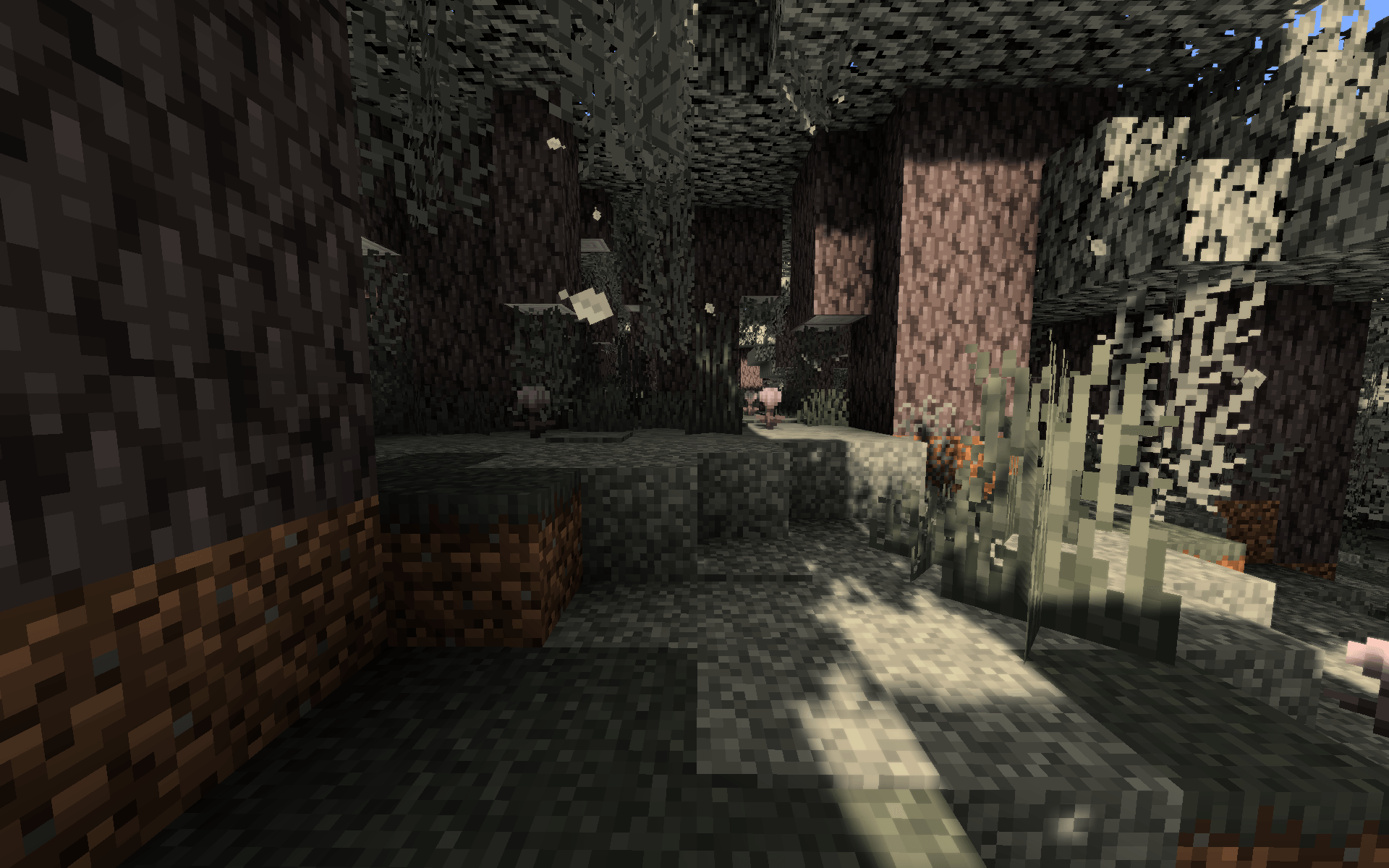
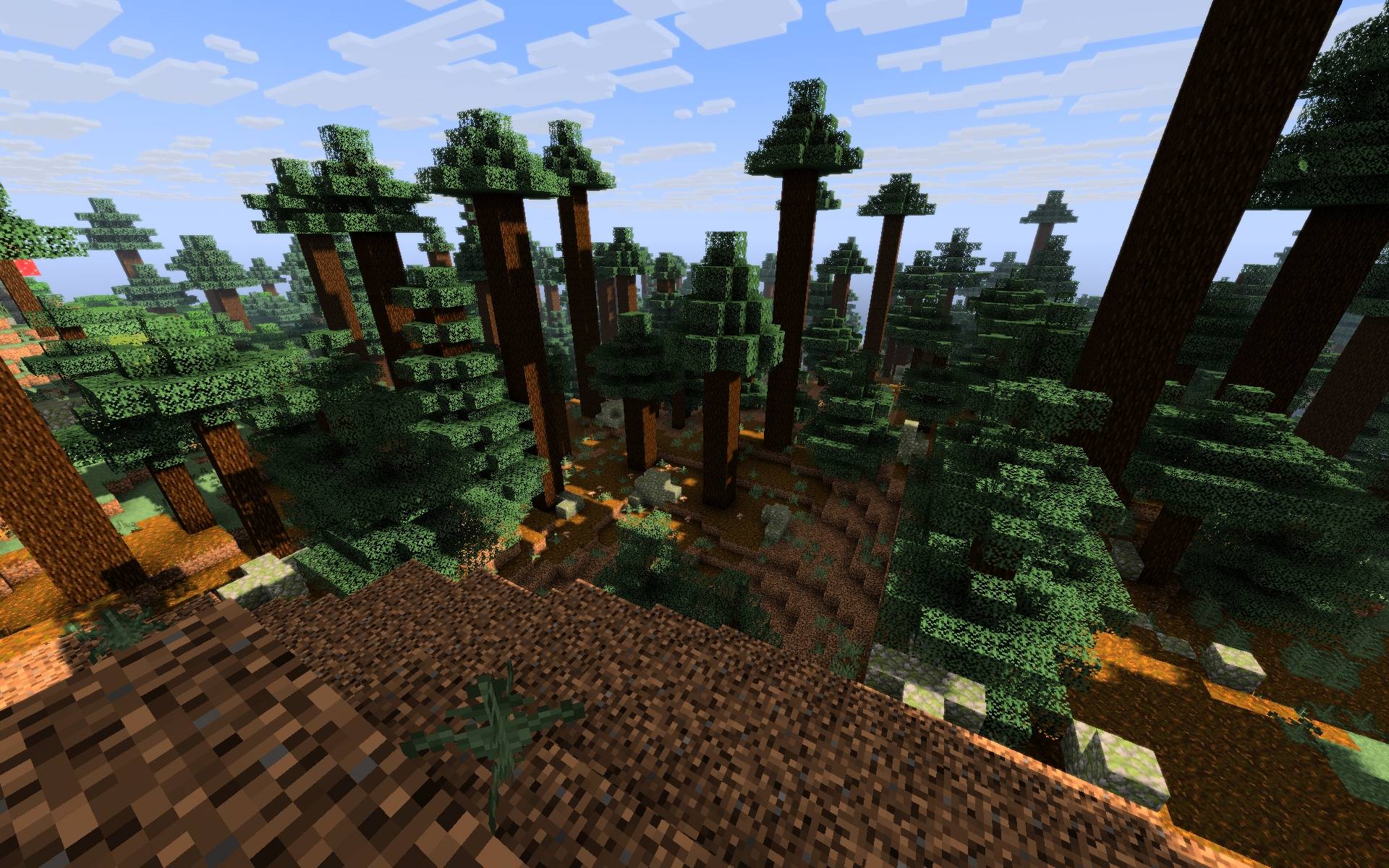
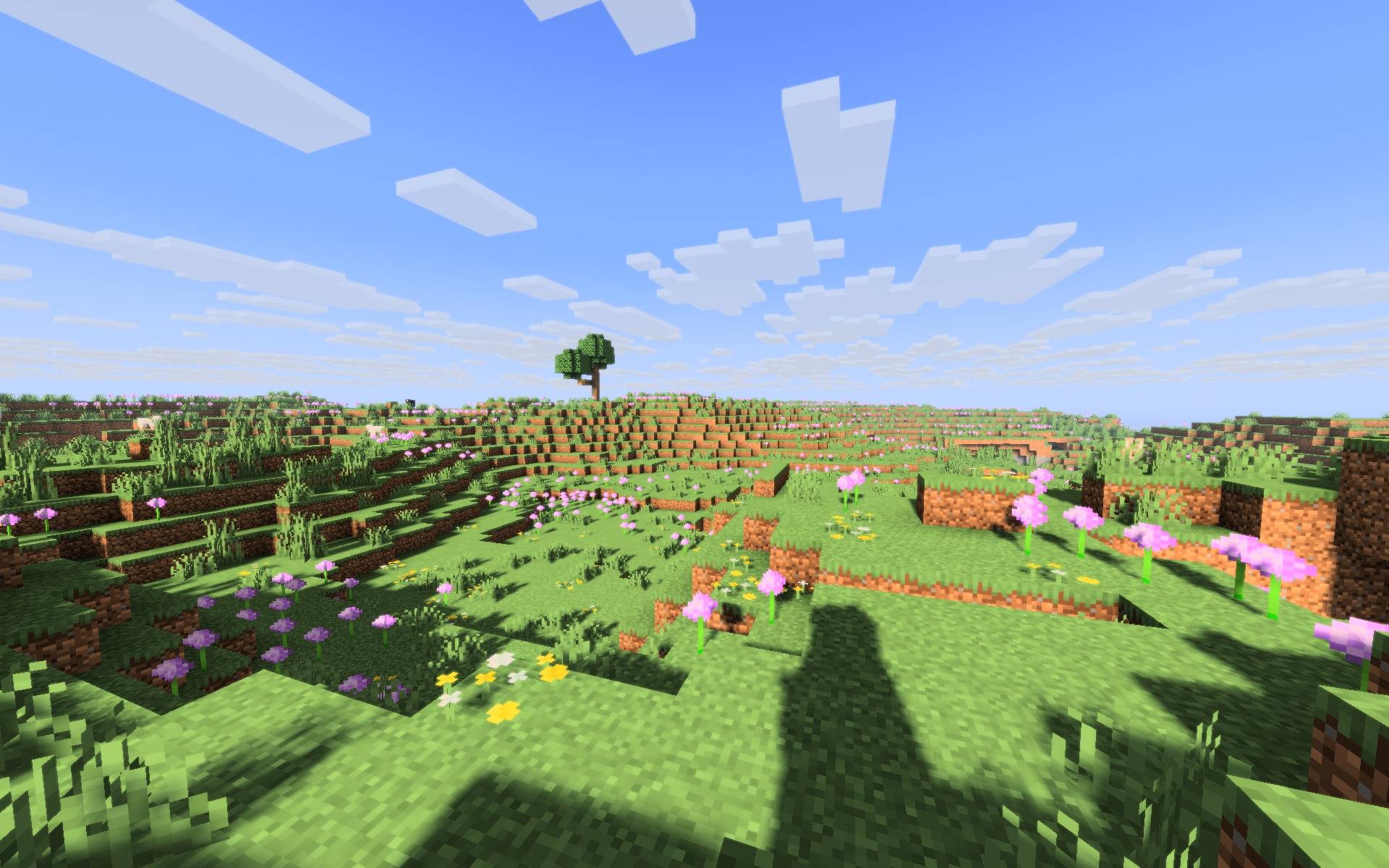
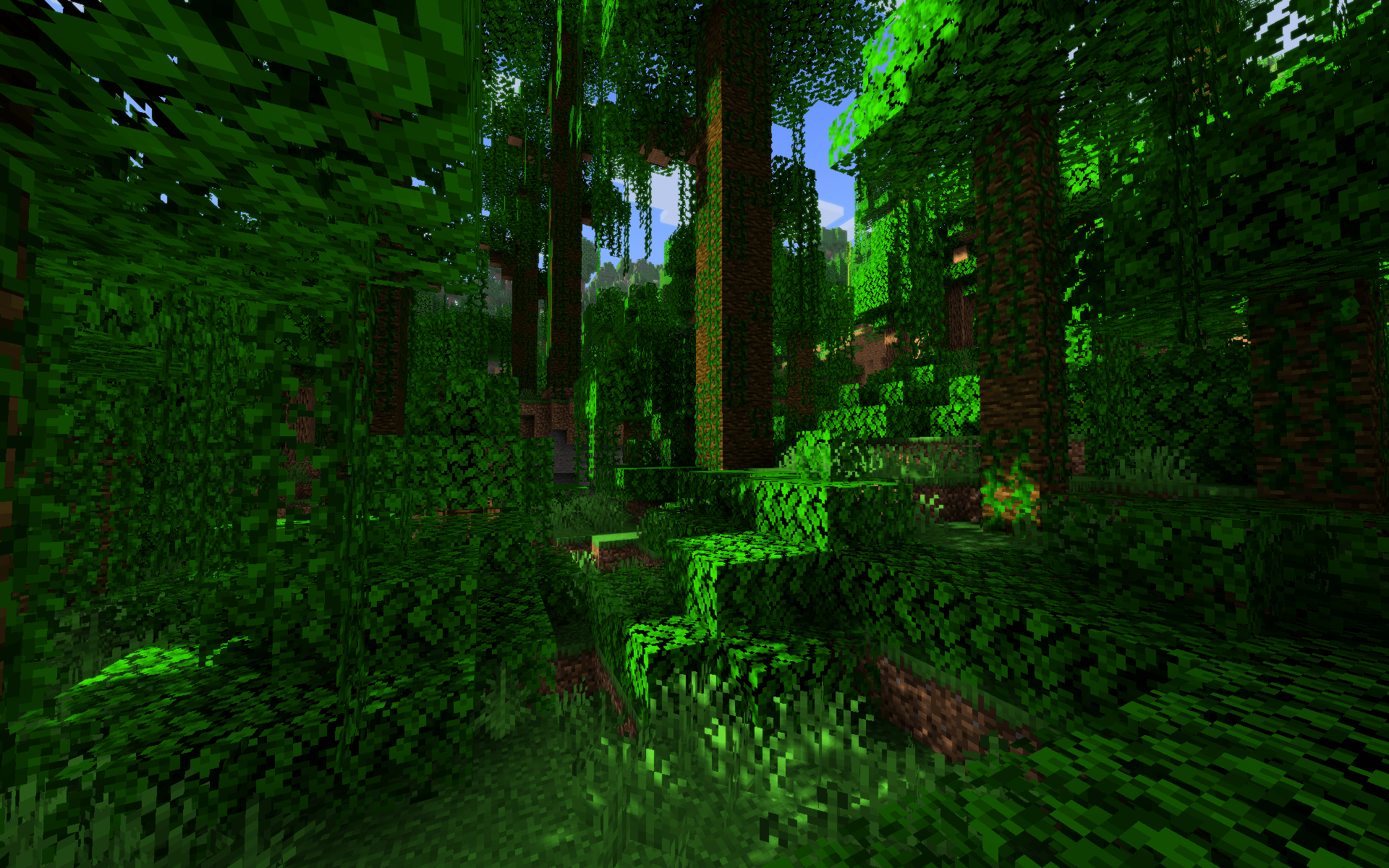
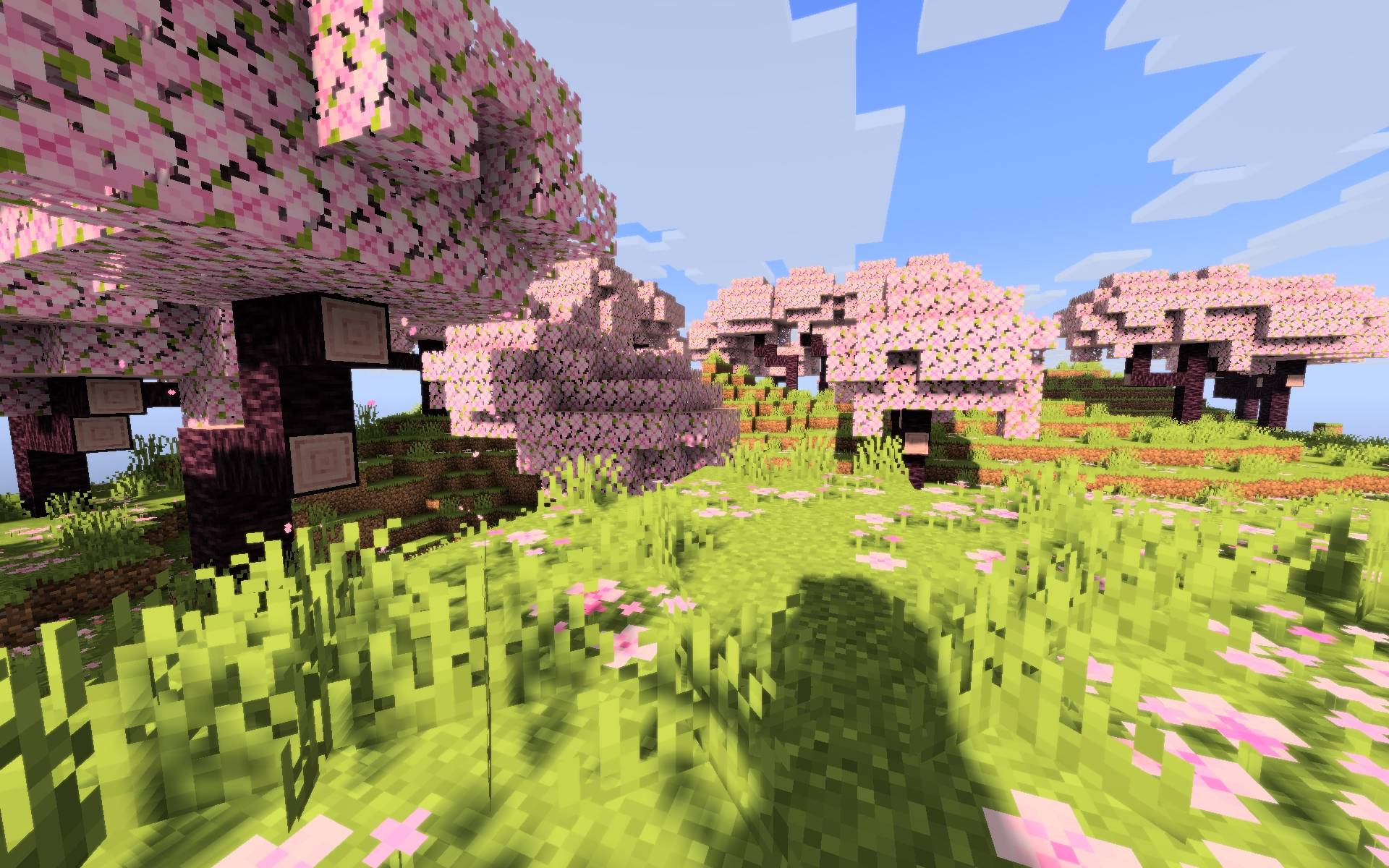
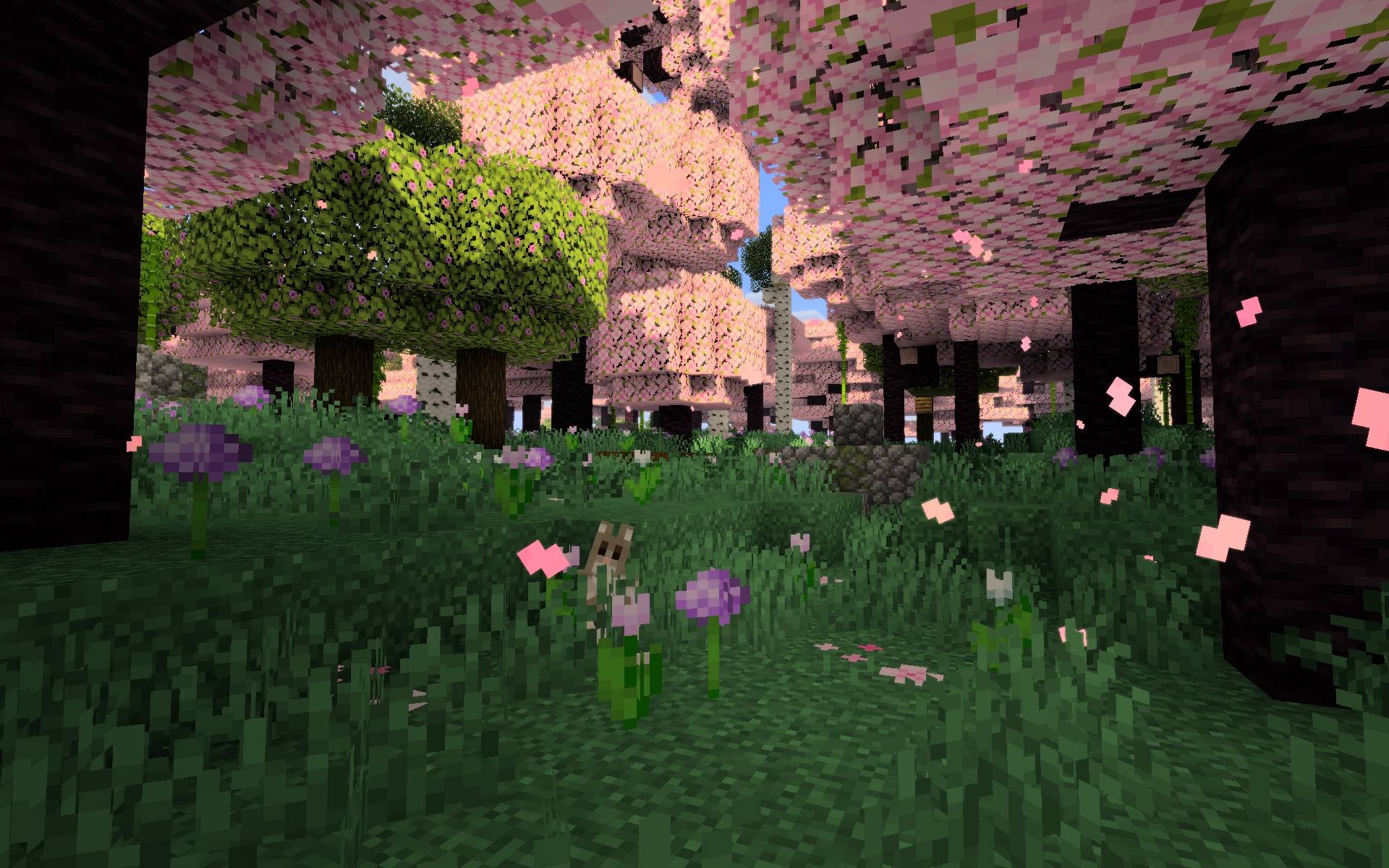
RealisticLite is a highly optimized, lightweight shader pack made for Minecraft Java Edition and it runs via Iris or Optifine. It is designed specifically for systems with limited computational power, this shader focuses on maximizing visual impact through fundamental lighting and colorimetry adjustments while explicitly omitting resource-heavy rendering pipelines like effects like raymarching, water reflections etc. The primary objective is to deliver a "Vanilla+" aesthetic that significantly enhances the core visual experience without compromising framerates. This shader preserves the look of Minecraft's water, sun, moon, clouds by doing very small changes to them so they look better but not completely different from original. So if you are looking to make Minecraft look better but not completely different from original then this shader is made for you.
Vanilla Preservation & Computational Exclusions
To guarantee high performance on entry-level hardware and integrated GPUs, this shader retains several native rendering mechanics and explicitly excludes intensive visual calculations:
- Native Fluid Optics: Water rendering relies on the vanilla pipeline. It explicitly omits Screen-Space Reflections and complex refraction calculations to eliminate the GPU overhead typically associated with fluid rendering.
- Native Skybox Geometry: Vanilla clouds, sun, and moon textures are preserved, preventing the performance hit of rendering volumetric or custom 2D cloud planes.
- Zero Post-Processing Bloat: Deliberately excludes computationally expensive effects such as volumetric raymarching (god rays), and Screen-Space Ambient Occlusion.
System Requirements & Compatibility
This shader is specifically designed for low-end configurations, but requires the following requirements to function:
- Minecraft Version: 26.2
- Required Mod Loader: Fabric
- Required Rendering Engine: Iris Shaders v1.11.1 (Sodium is inherently required as an Iris dependency)
- Hardware Profile: Optimized for low-end GPUs and Modern Integrated Graphics.
Installation Method
- Make sure you have Minecraft Java Edition version 26.2 and Iris version 1.11.1 installed.
- Download the ZIP of any version of RealisticLite shader.
- Navigate to your .minecraft/shaderpacks directory and place the .zip archive inside. Do not extract the archive.
- Launch the game, navigate to Options > Video Settings > Shader Packs, select RealisticLite, and click "Apply".