Mineuniverse
Shaders
RayVisuals Bedrock Edition

RayVisuals Bedrock Edition

SHADER
Pack Vibrant Visual Style RTX
by itshezz
Download Claim this project
4,770 downloads
0 likes
0 followers
Updated Oct 14, 2026
0 hypes
Follow0
Fantasy Realistic Vanilla
Advertisement Remove ads with Premium →

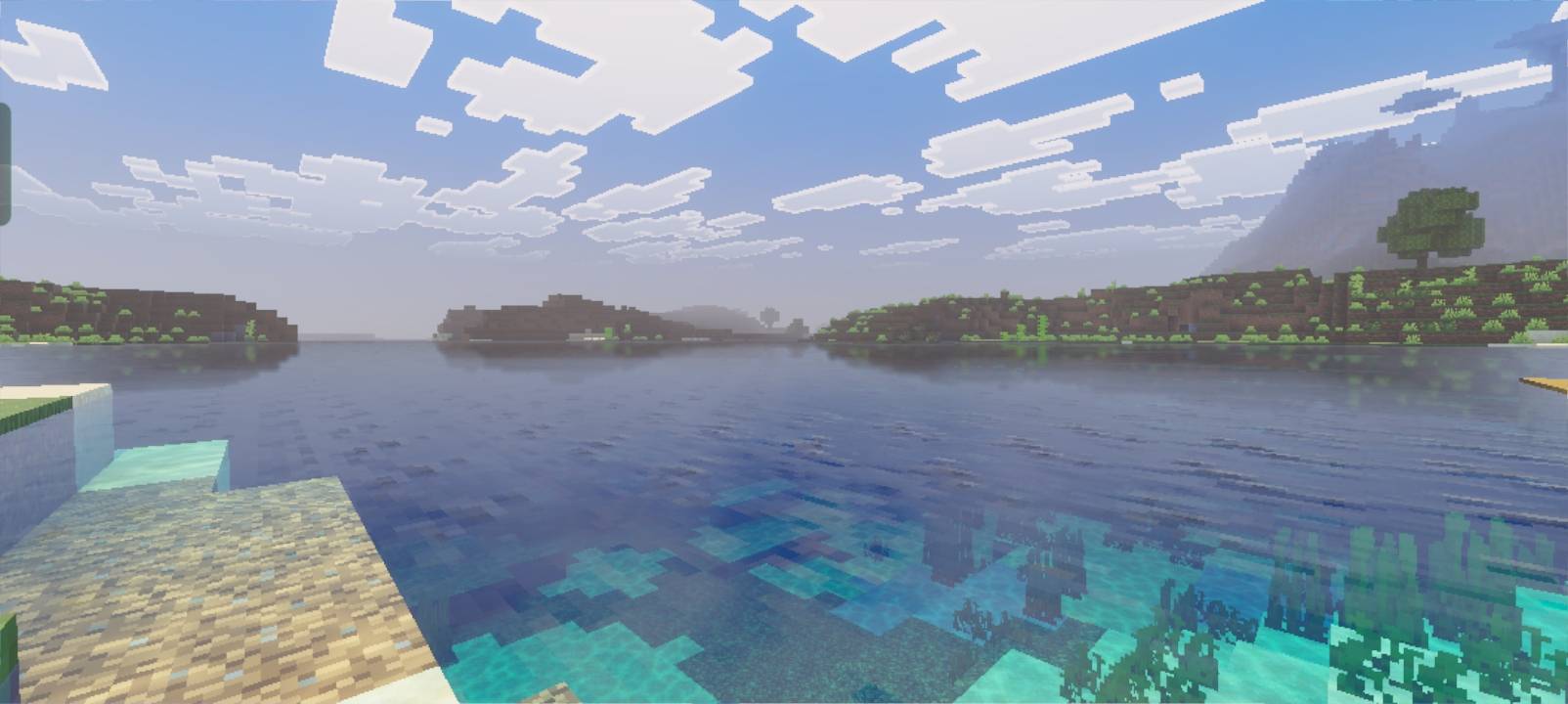
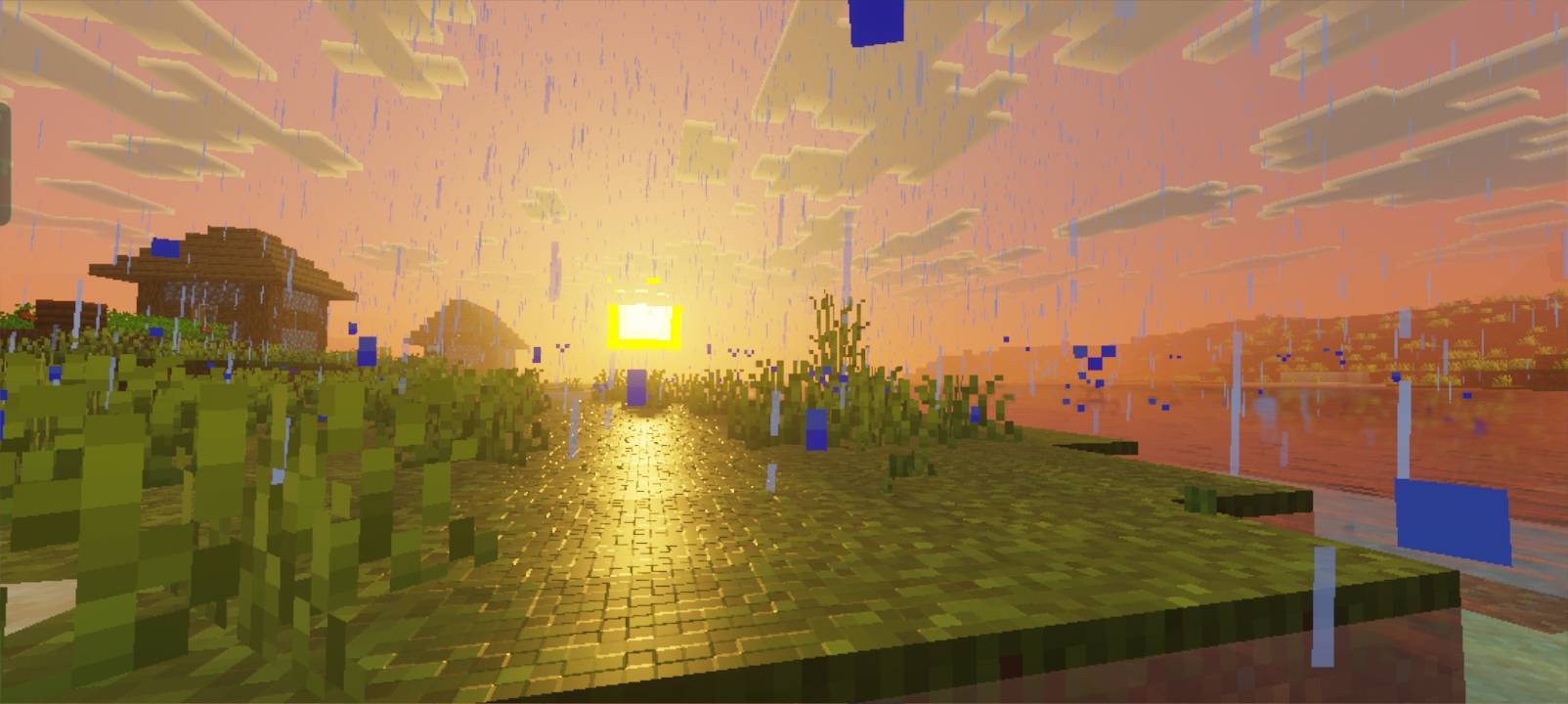
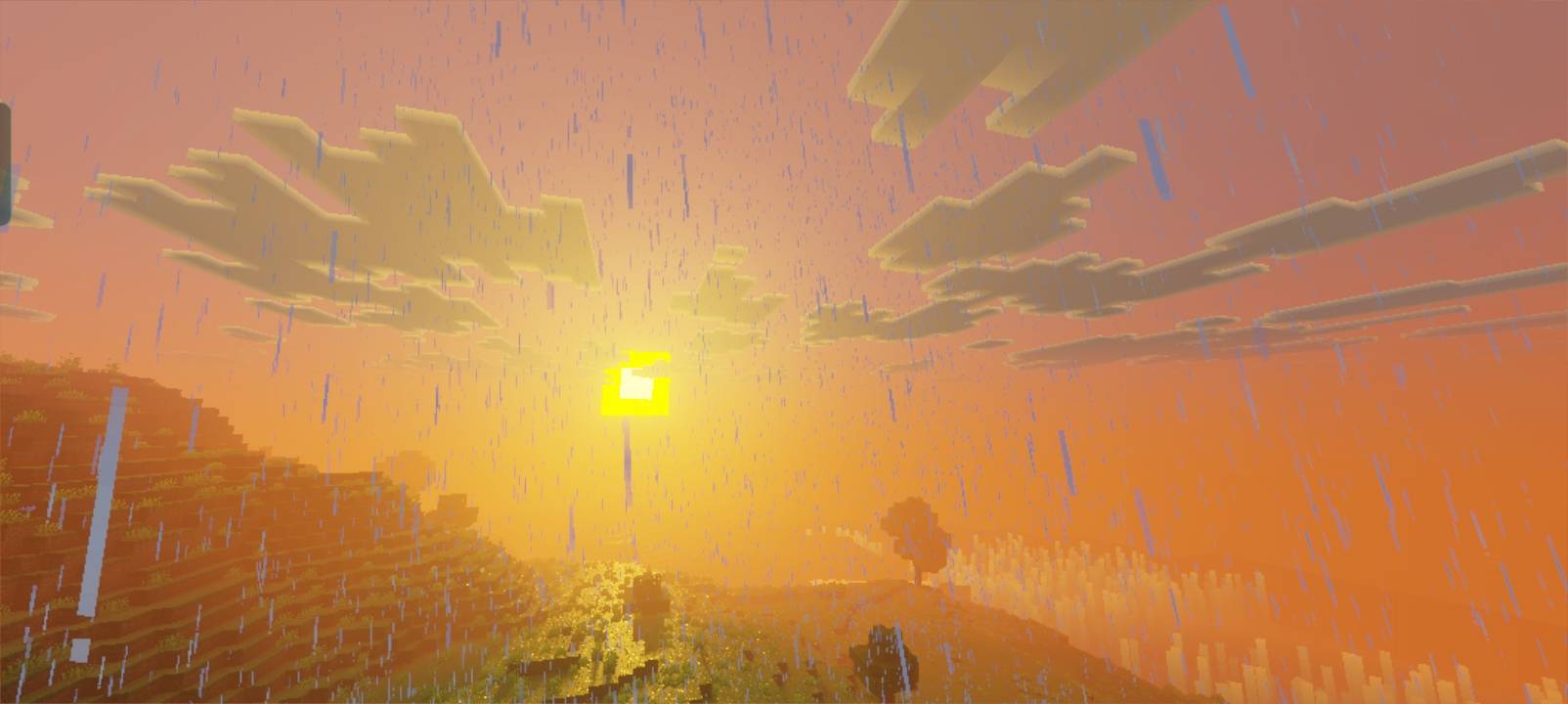
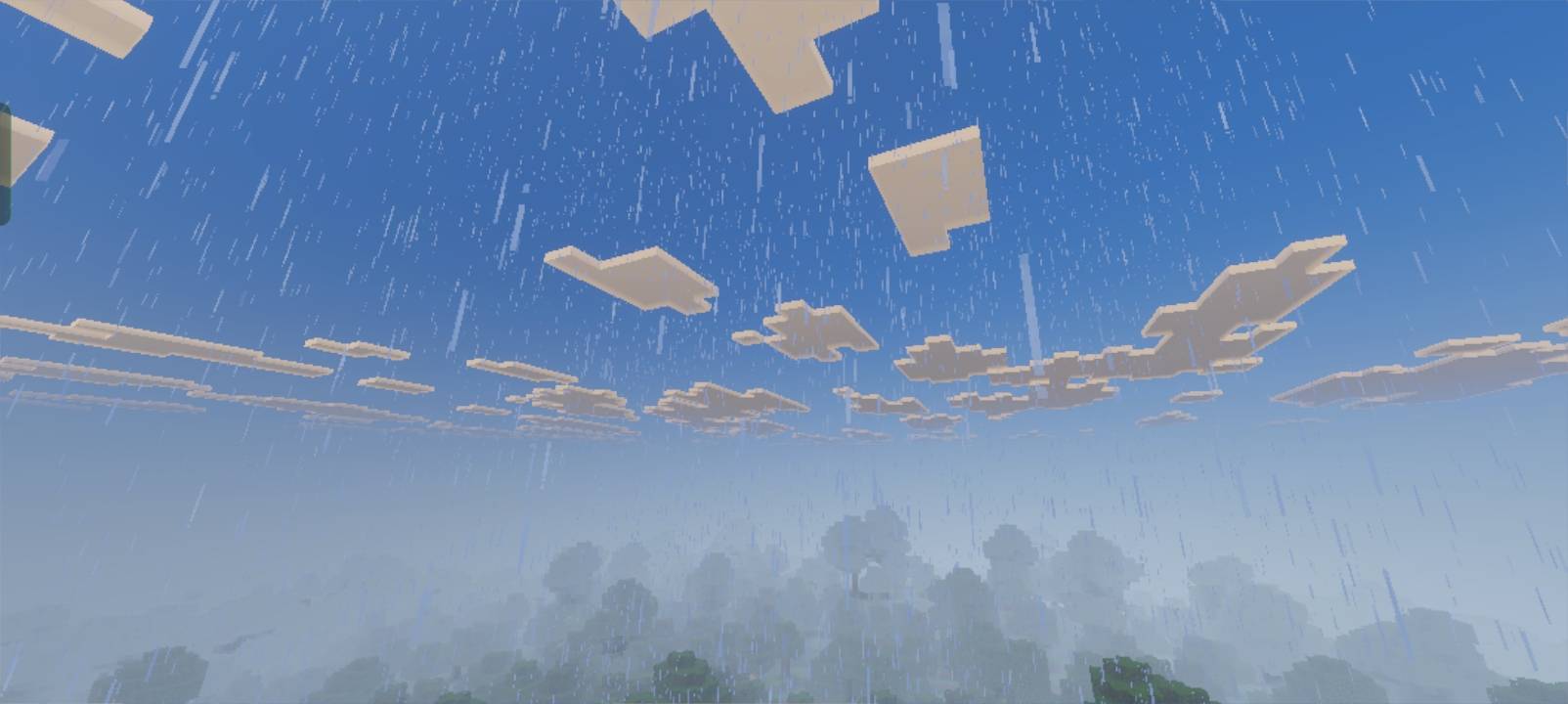
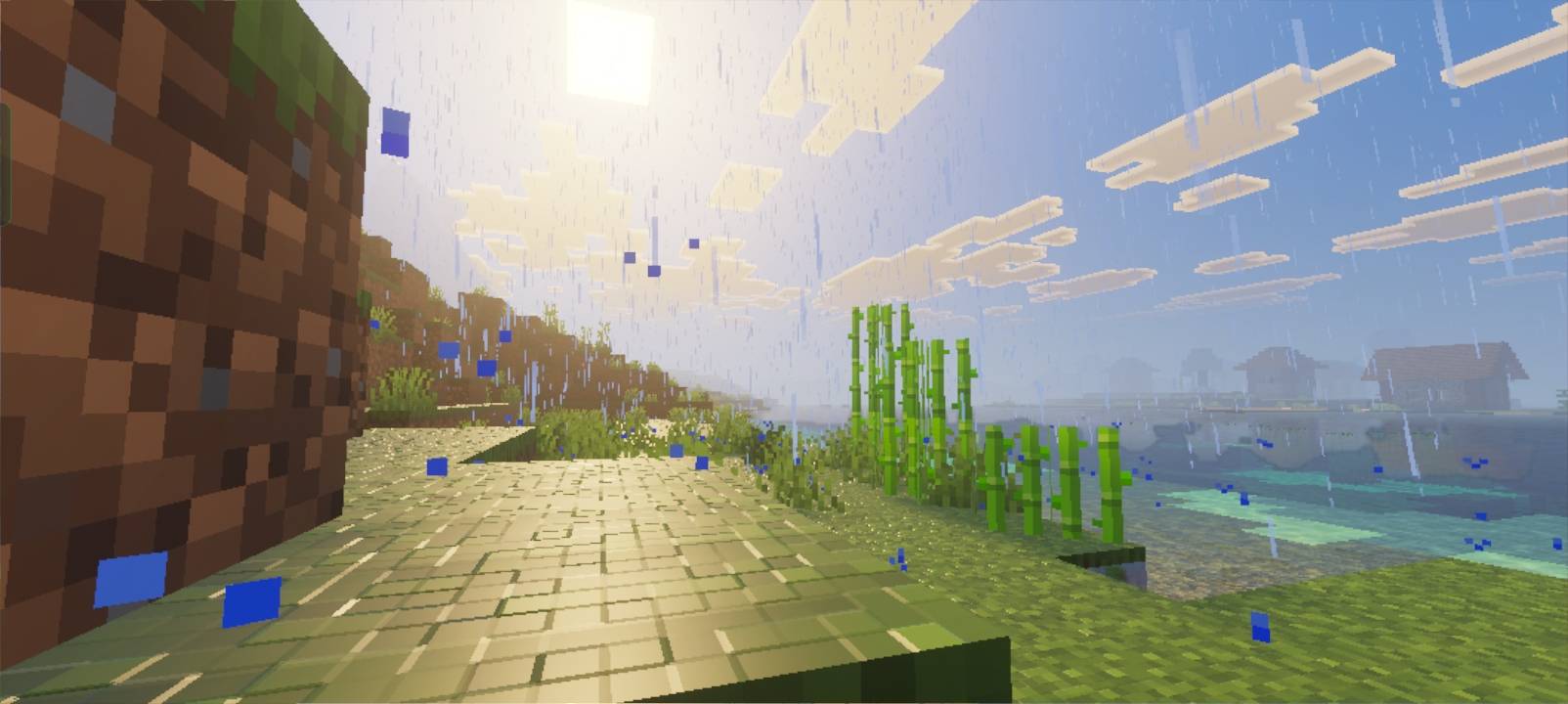
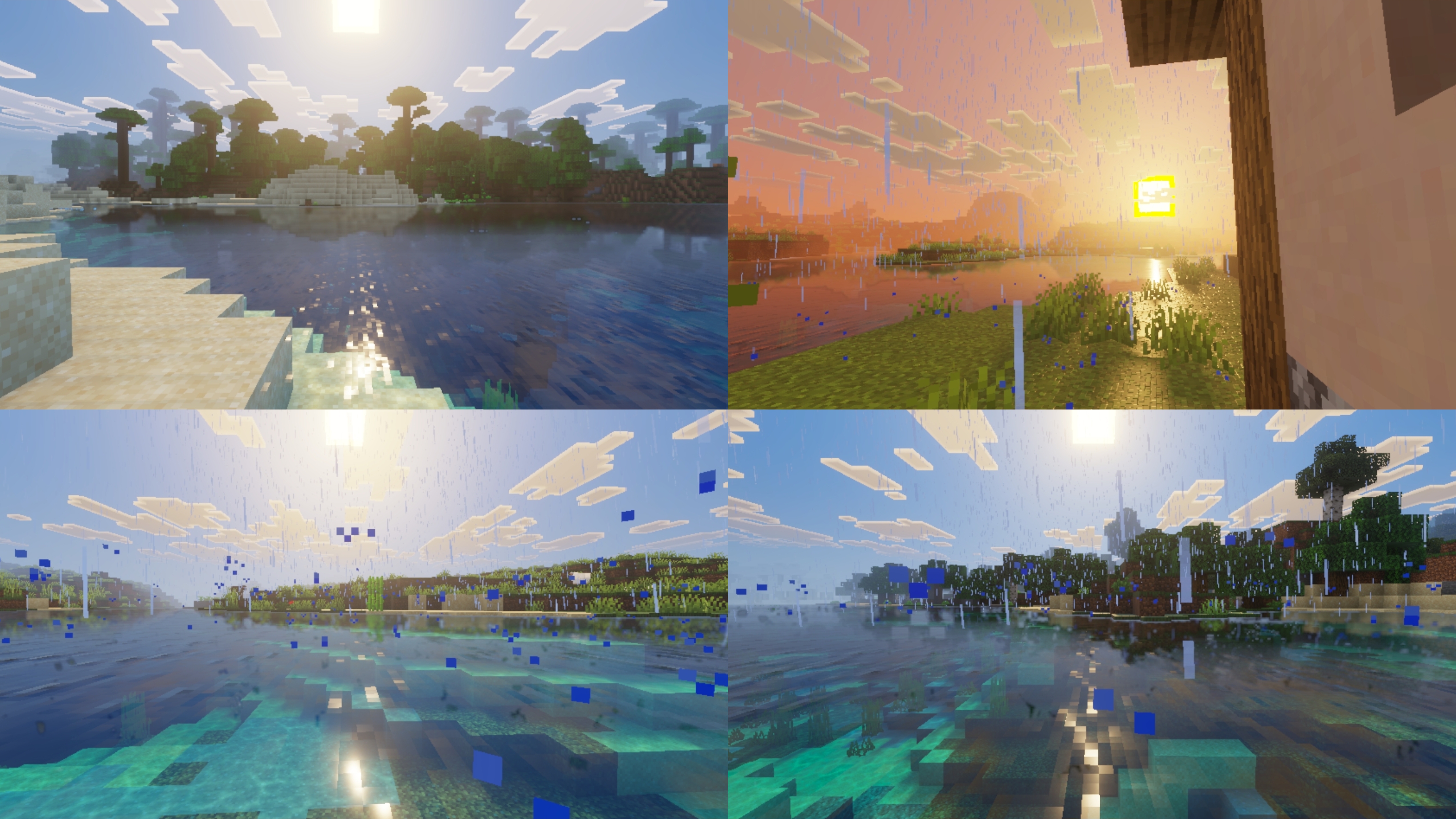
Hello Iam Maheza I made Pack With Name Called (RayVisuals)Pack Vibrant Visual Inspired by Ray Tracing Minecraft Bedrock Edition this Pack need Vibrant Visual For active this pack vibes raytracing bedrock id I was interested in making this pack because I really like Ray tracing bedrock so I made it on the Vibrant Visual pack this pack First Release  I hope You enjoy this used pack if you want see screenshoot for RayVisuals here:https://drive.google.com/file/d/1l46sq3t683WEL_I4lqFzeMe761w-x--M/view?usp=drivesdk i hope You feel like the A little taste of Ray tracing or made on the Vibrant Visual Version 

fitures in this pack

-Pbr(PhysicalyBasedRendering) like:kobs,block and more

-Specular Grass Reflection

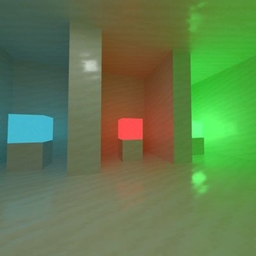
-Local_Lighting(Coloured Lighting)

-3Subpacks (DOF Version Must use patch 1.21.80 

-Encahanced Volumetric Fog

What it takes to function

Active Vibrant Visuals In Your Minecraft 

No need experimental needed

RayVisuals
MC
Release 2026-05-24 Get

Requirements & install

How to use this shader in Minecraft
Shader loader
Iris or OptiFine
Minecraft
See the Files tab
Install folder
.minecraft/shaderpacks

How to install shaders

  1. Install a shader loader for your Minecraft version: Iris (with Sodium) or OptiFine.
  2. Download the shader pack .zip file (do not extract it).
  3. Put the .zip into the shaderpacks folder (.minecraft/shaderpacks).
  4. In game open Options → Video Settings → Shader Packs, select the pack and apply it.
Browse more: Iris shaders OptiFine shaders All shaders

More from itshezz

Advertisement Remove ads with Premium →

You Might Also Like