Prisma Shader
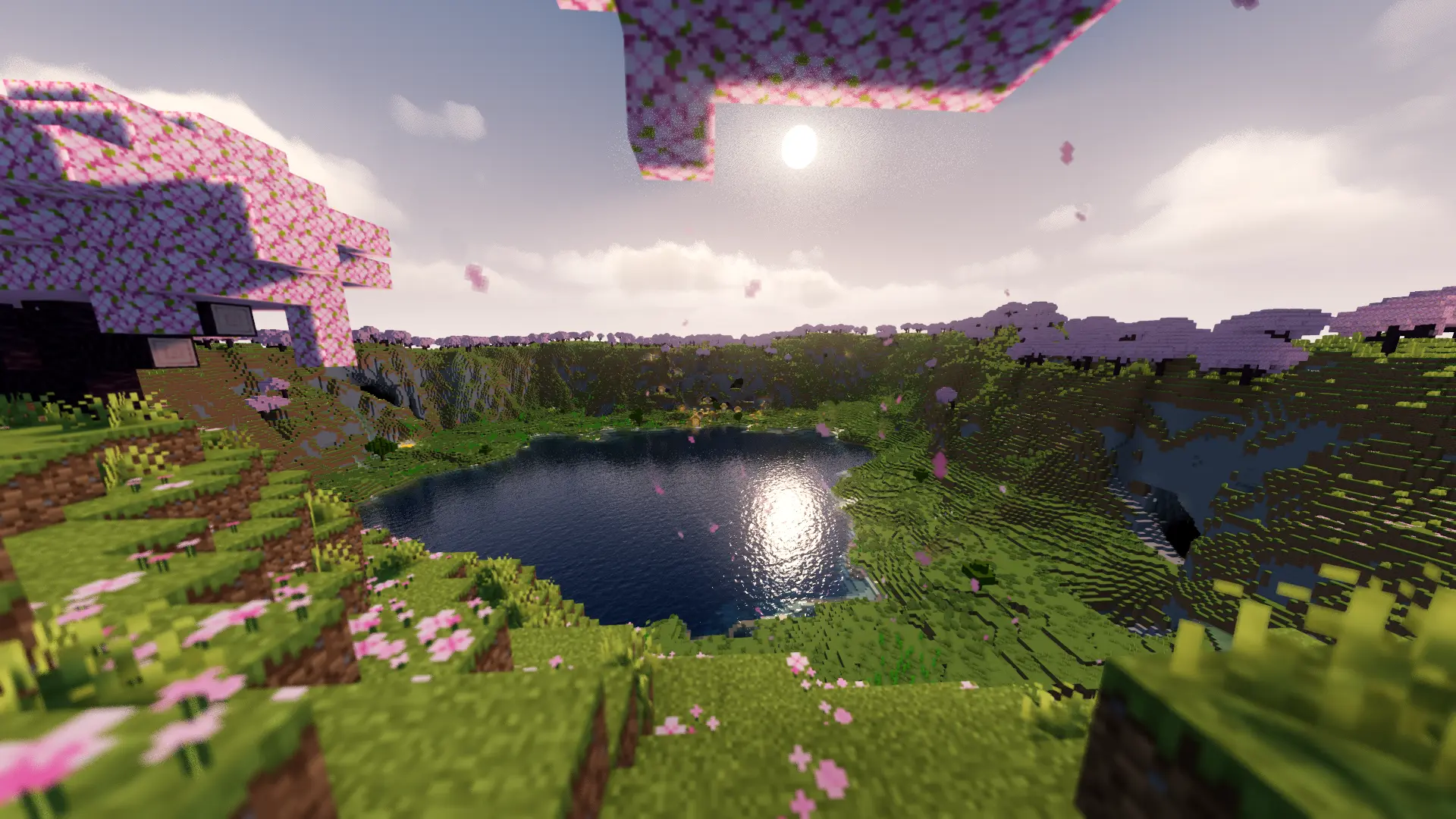
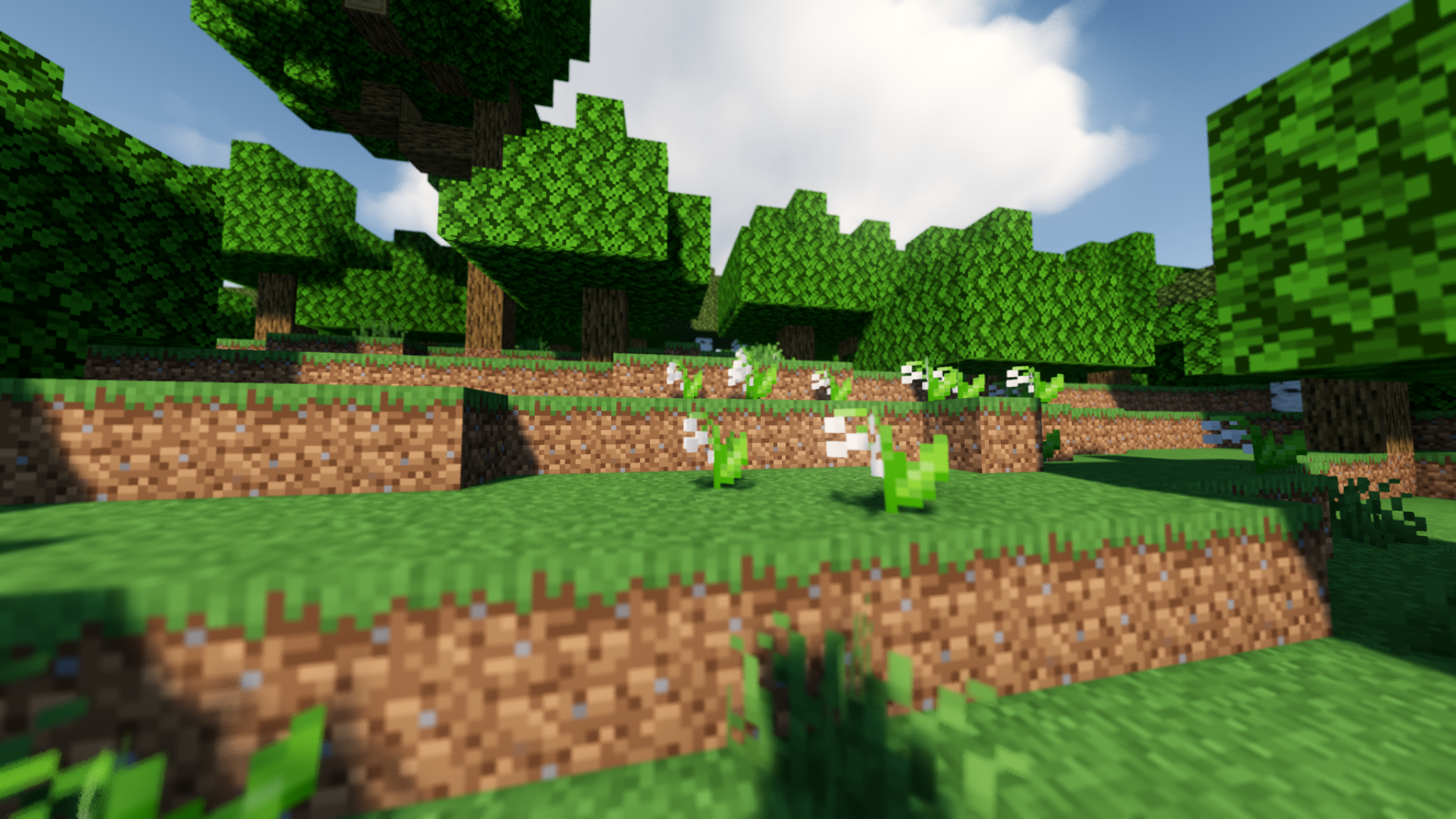
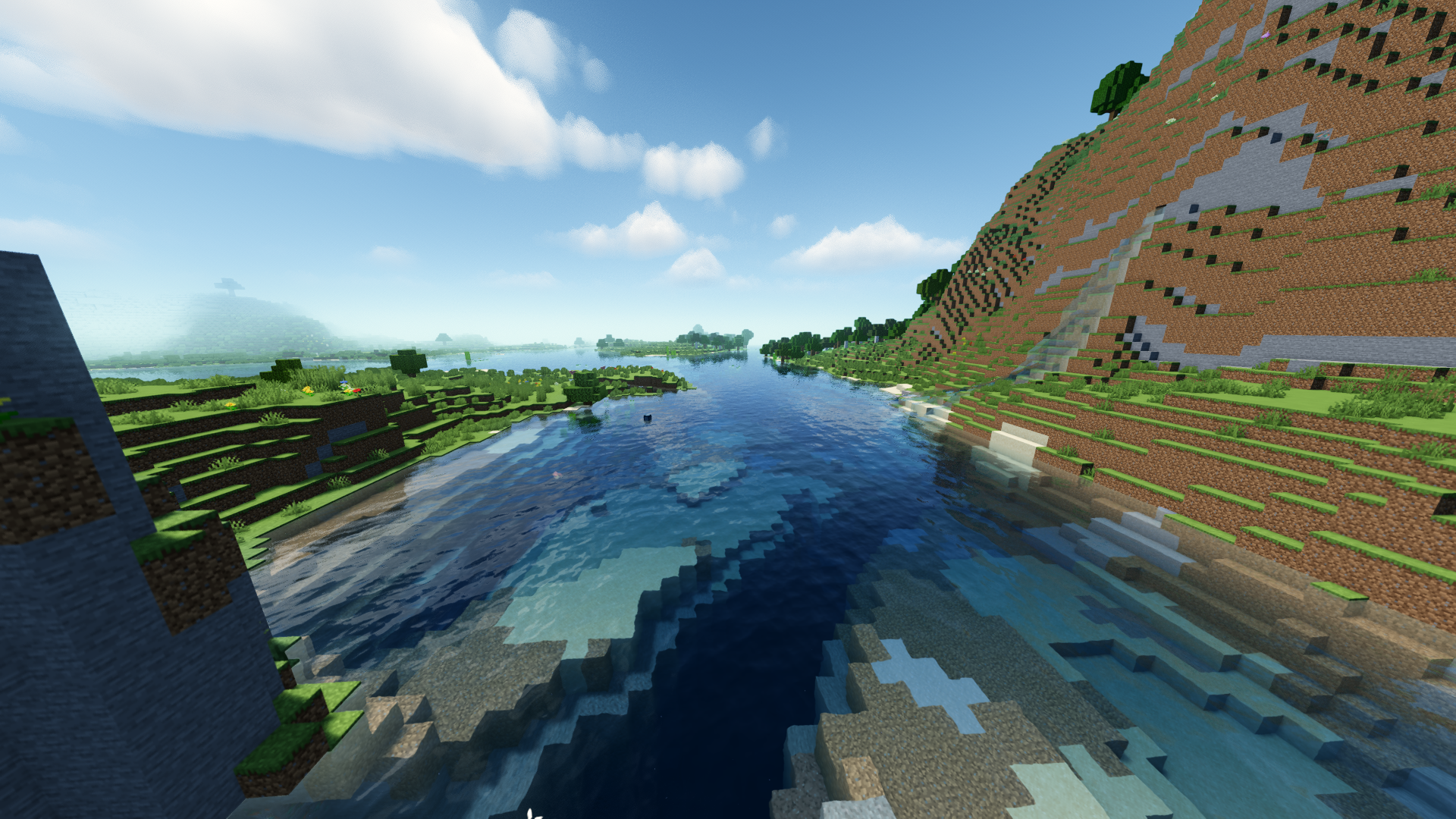
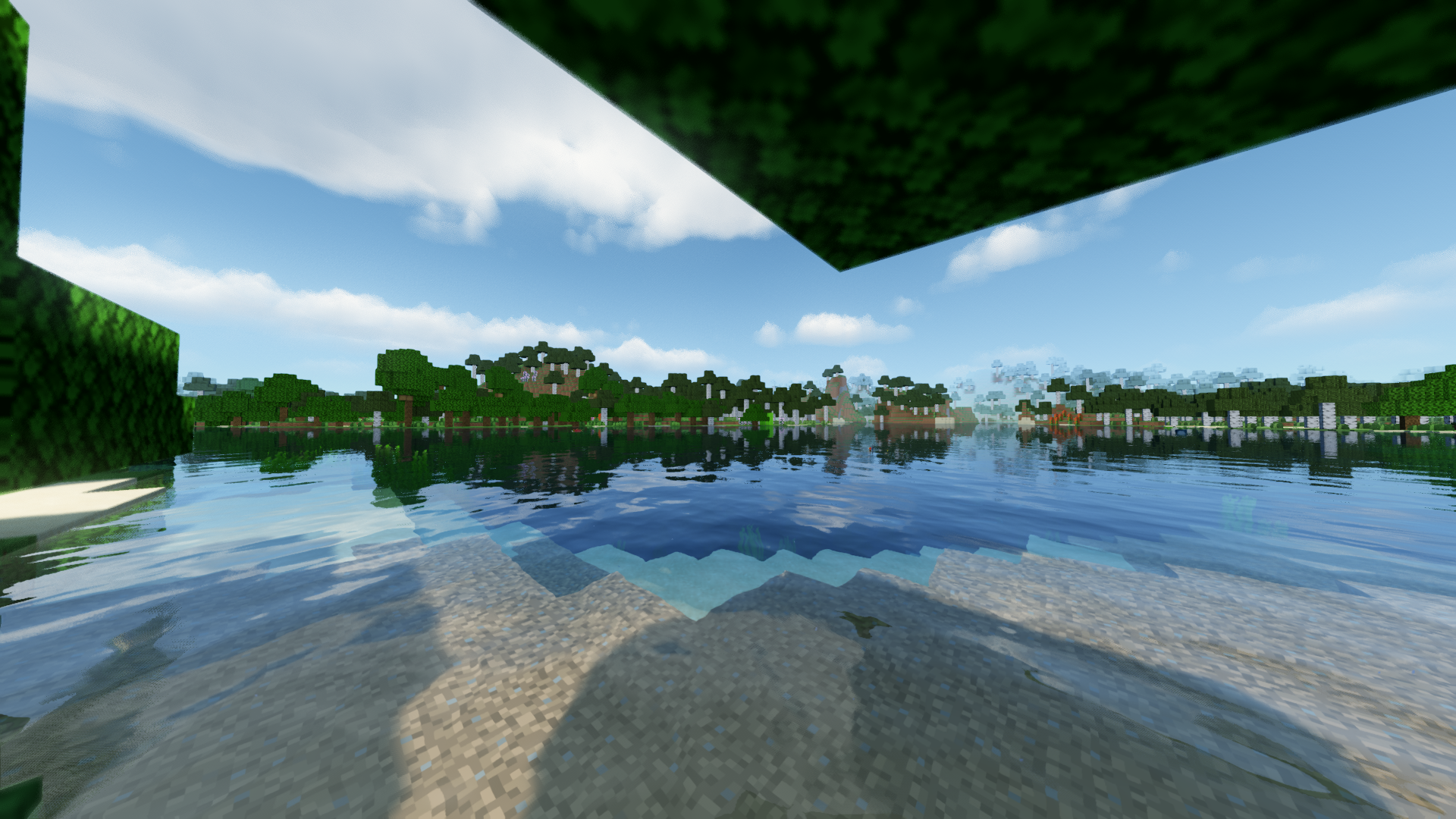
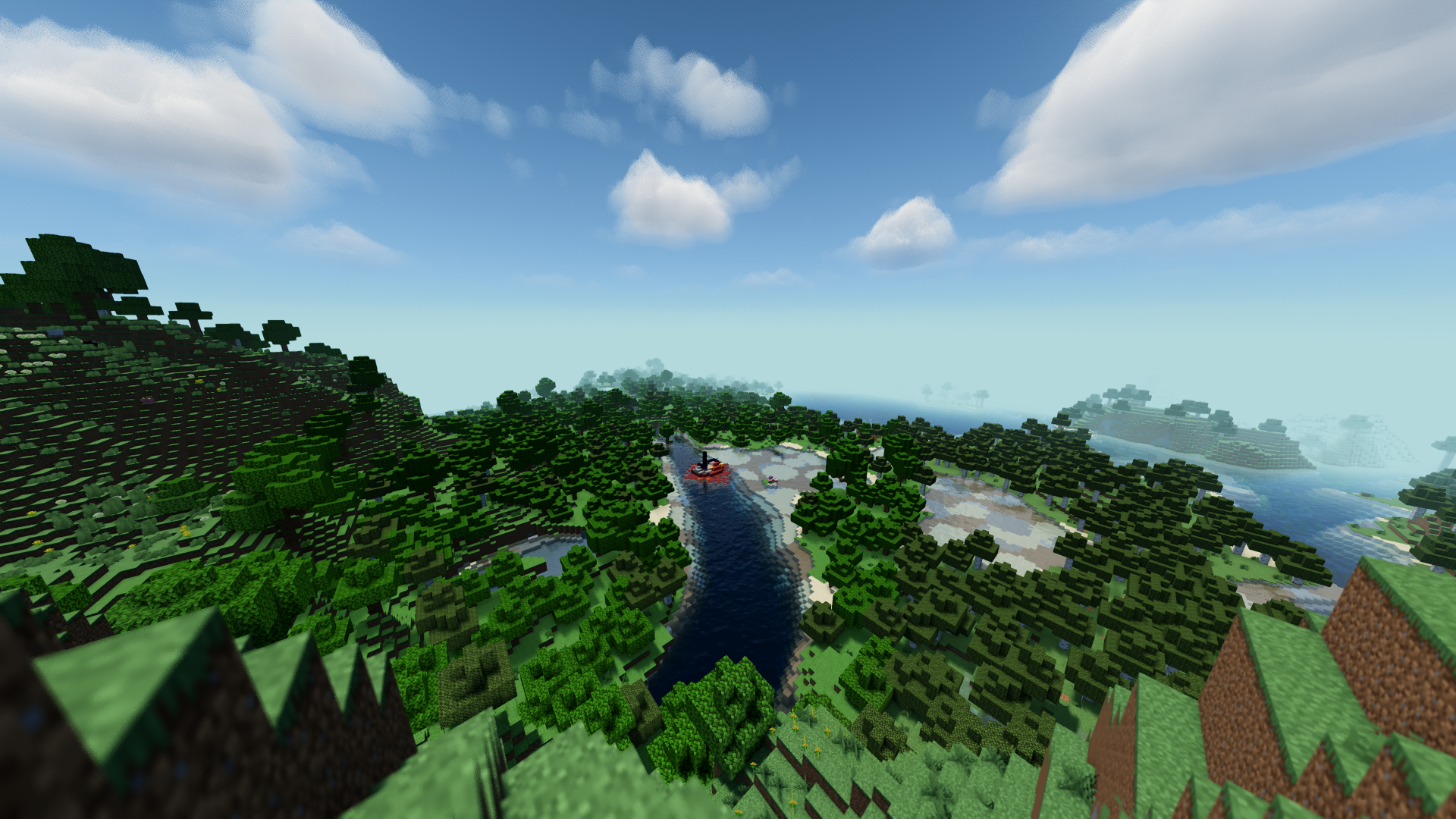
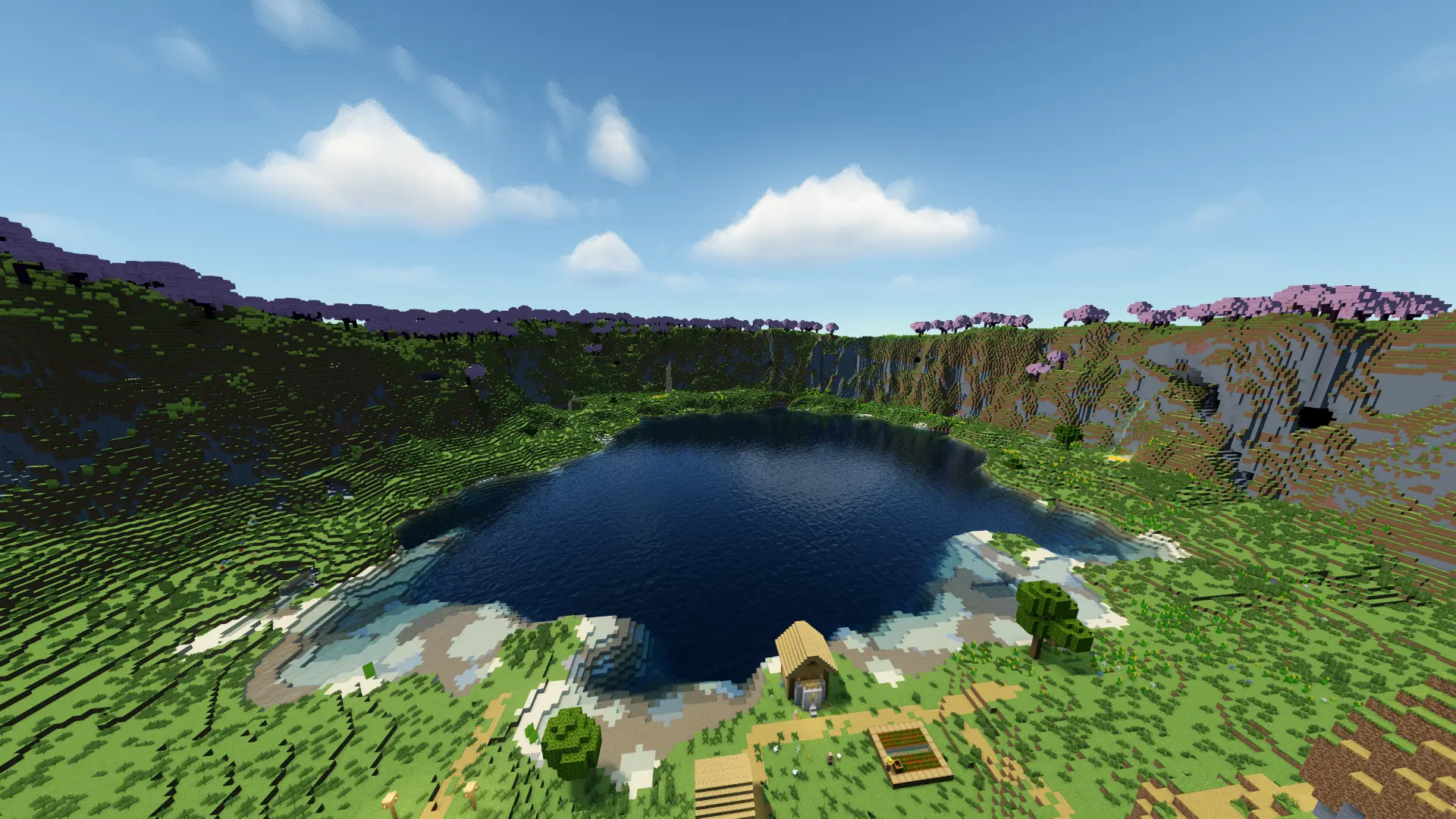
Prisma Shader is a stylized Minecraft shader designed for players who want beautiful visuals without the heavy performance cost of extremely demanding shader packs. It is primarily made for mid-range PCs and laptops, with a strong focus on atmosphere, readability, and smooth everyday gameplay.
Is Prisma made for low-end PCs?
Not exactly. Prisma is mainly designed for mid-range PCs and laptops. Its goal is to deliver polished and atmospheric visuals while staying more playable than heavier cinematic shaders.
Beautiful visuals made for gameplay
Prisma is built to look rich, atmospheric, and polished while still feeling comfortable during normal play.
Soft lighting
Smoother sunlight, gentler shadows, and a cleaner overall image.
Atmospheric fog
Fog adds depth and mood without making the world difficult to see.
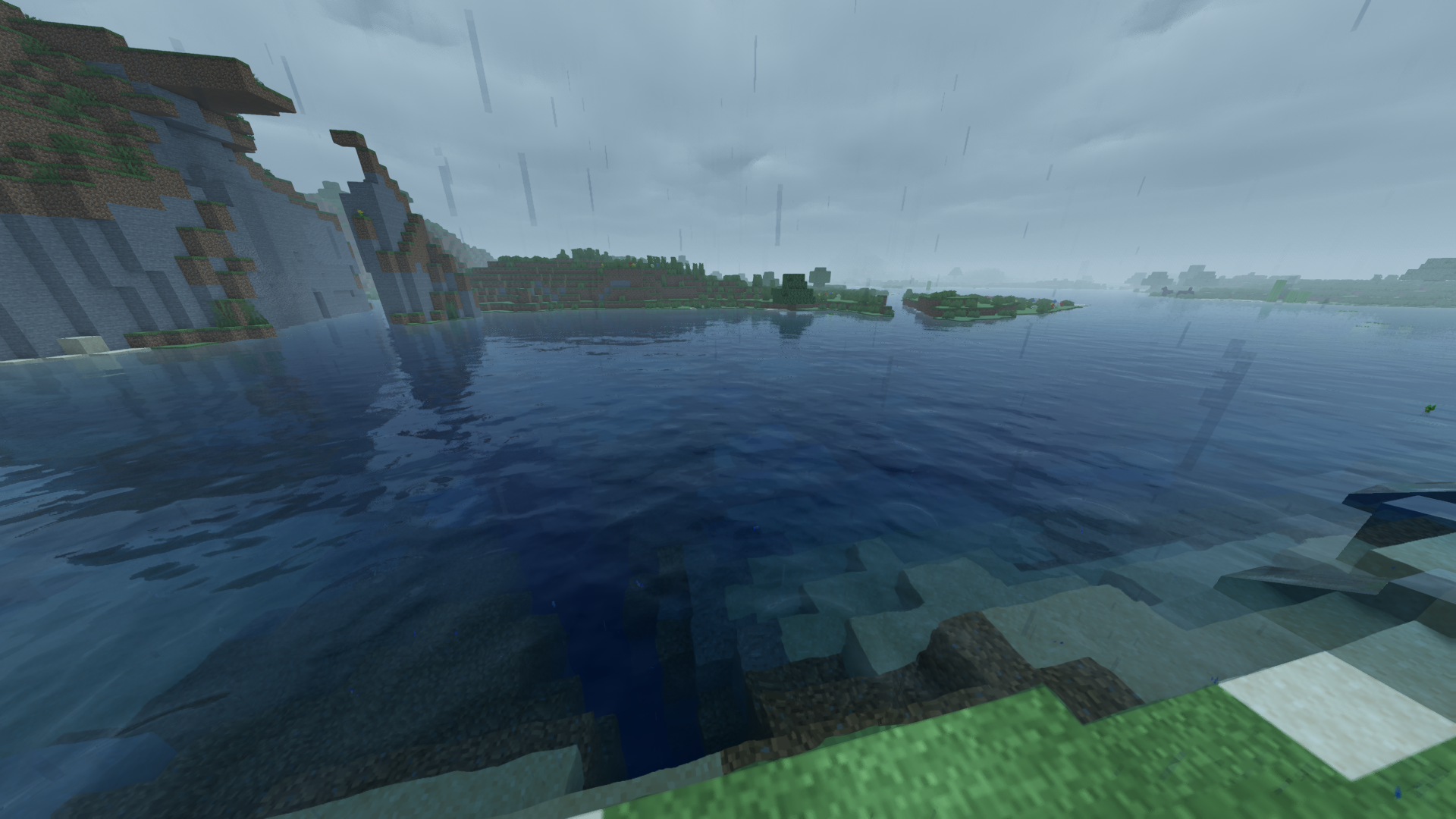
Wet weather effects
Rain makes surfaces look wet and subtly reflective, giving storms a stronger visual atmosphere.
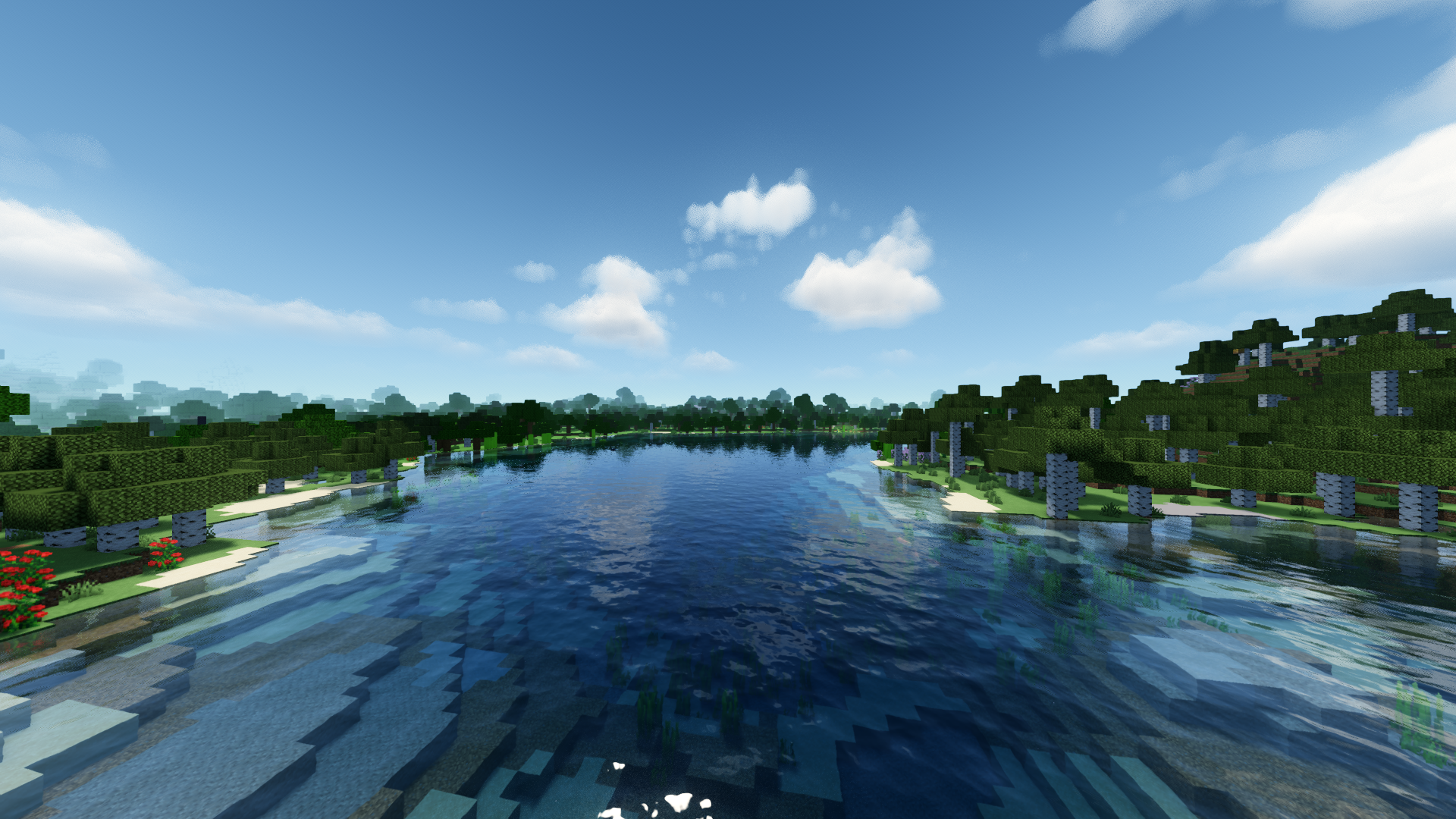
Reworked water
Improved water rendering with better surface detail and a cleaner underwater appearance.
End overhaul
The End is fully reimagined with a cosmic sky filled with stars and colorful nebulae.
Balanced image
Caves remain readable, bright areas stay comfortable, and the game avoids looking overly dark or blinding.
Optimized for mid-range hardware
Prisma is made for players who want strong visuals on medium PCs without sacrificing playability.
Recommended: Iris Shaders or Optifine
Prisma is primarily designed for mid-range systems and laptops.
Best suited for players who want beautiful visuals without the performance cost of very heavy shaders.