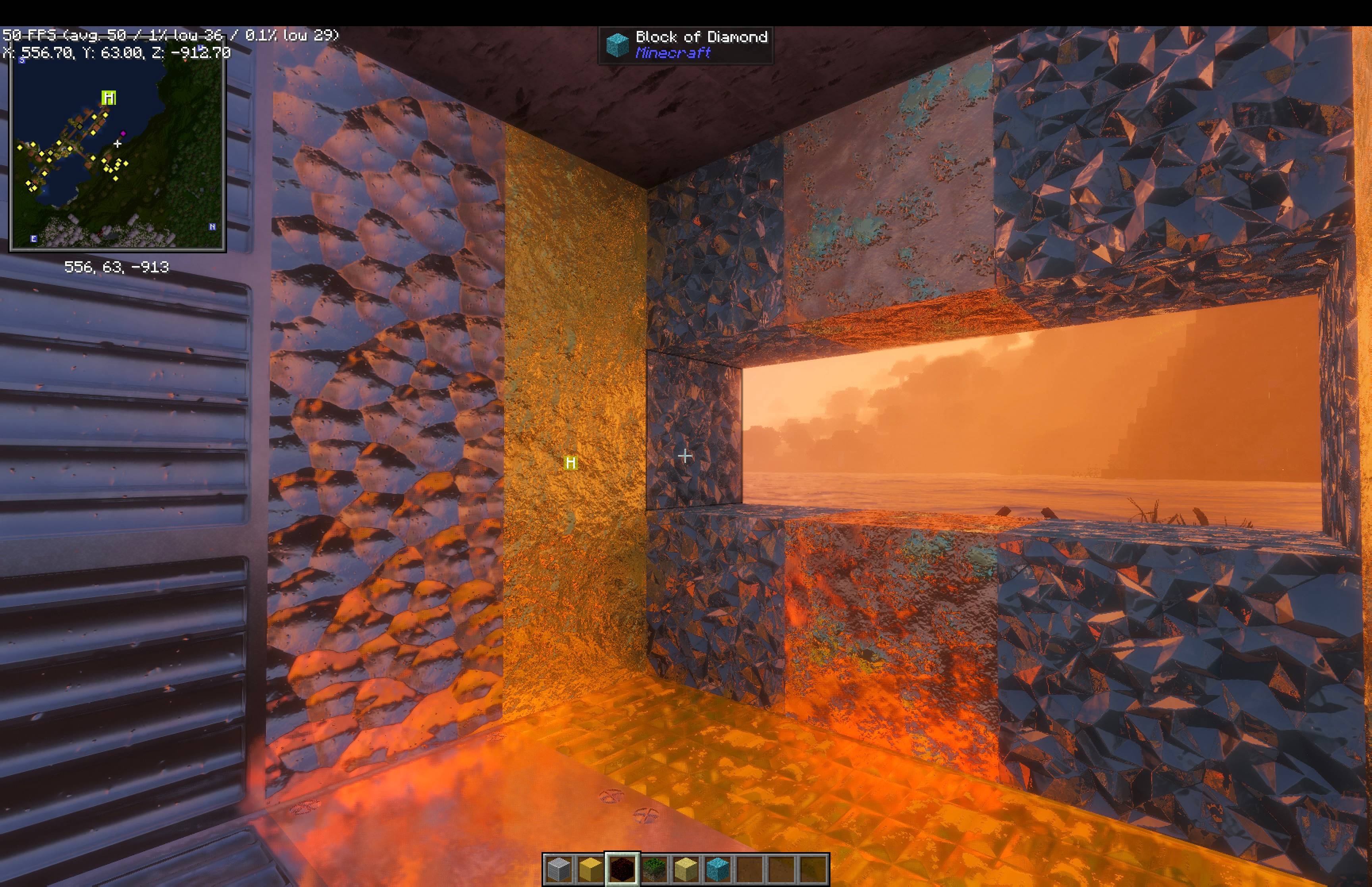
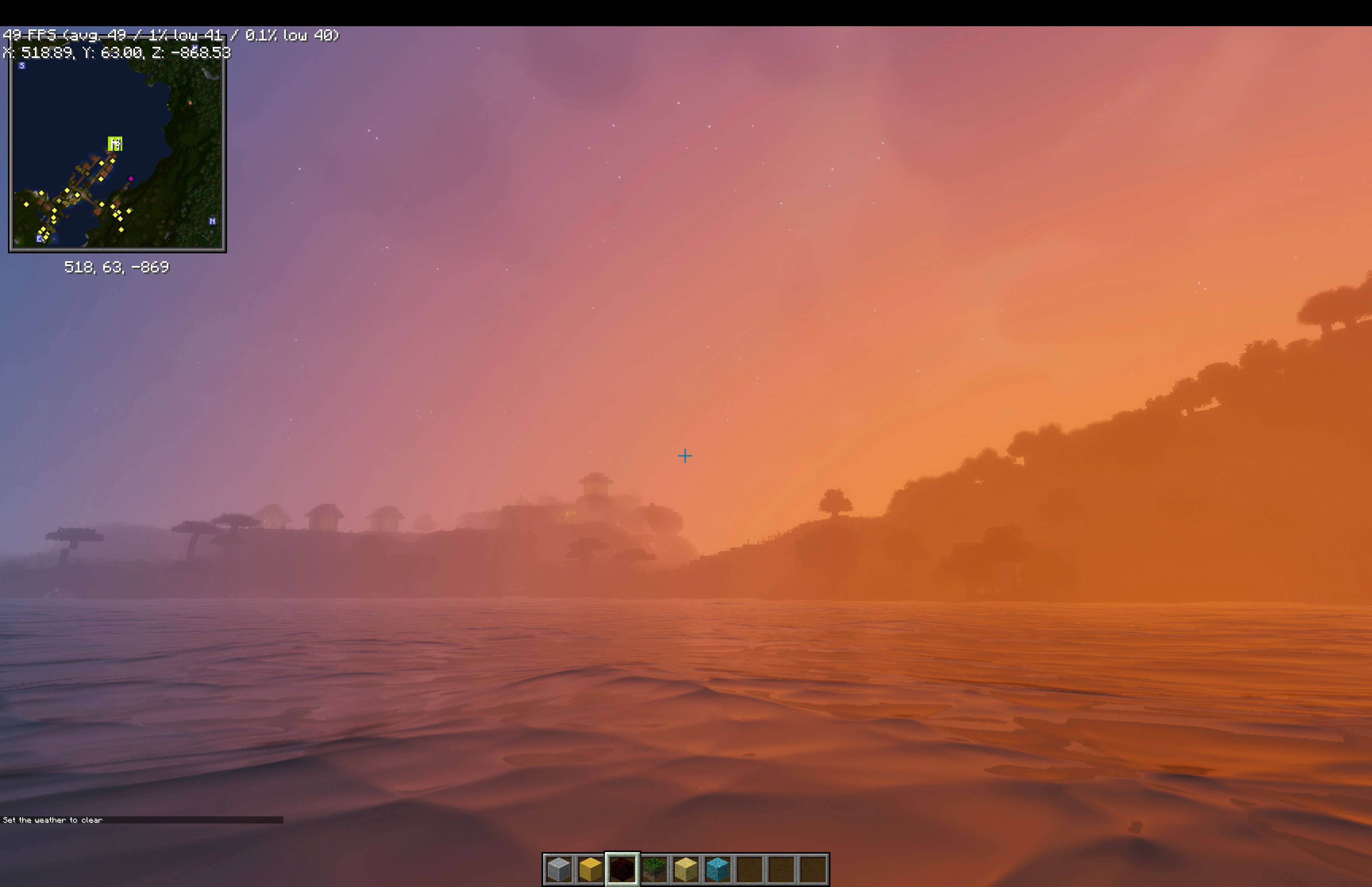
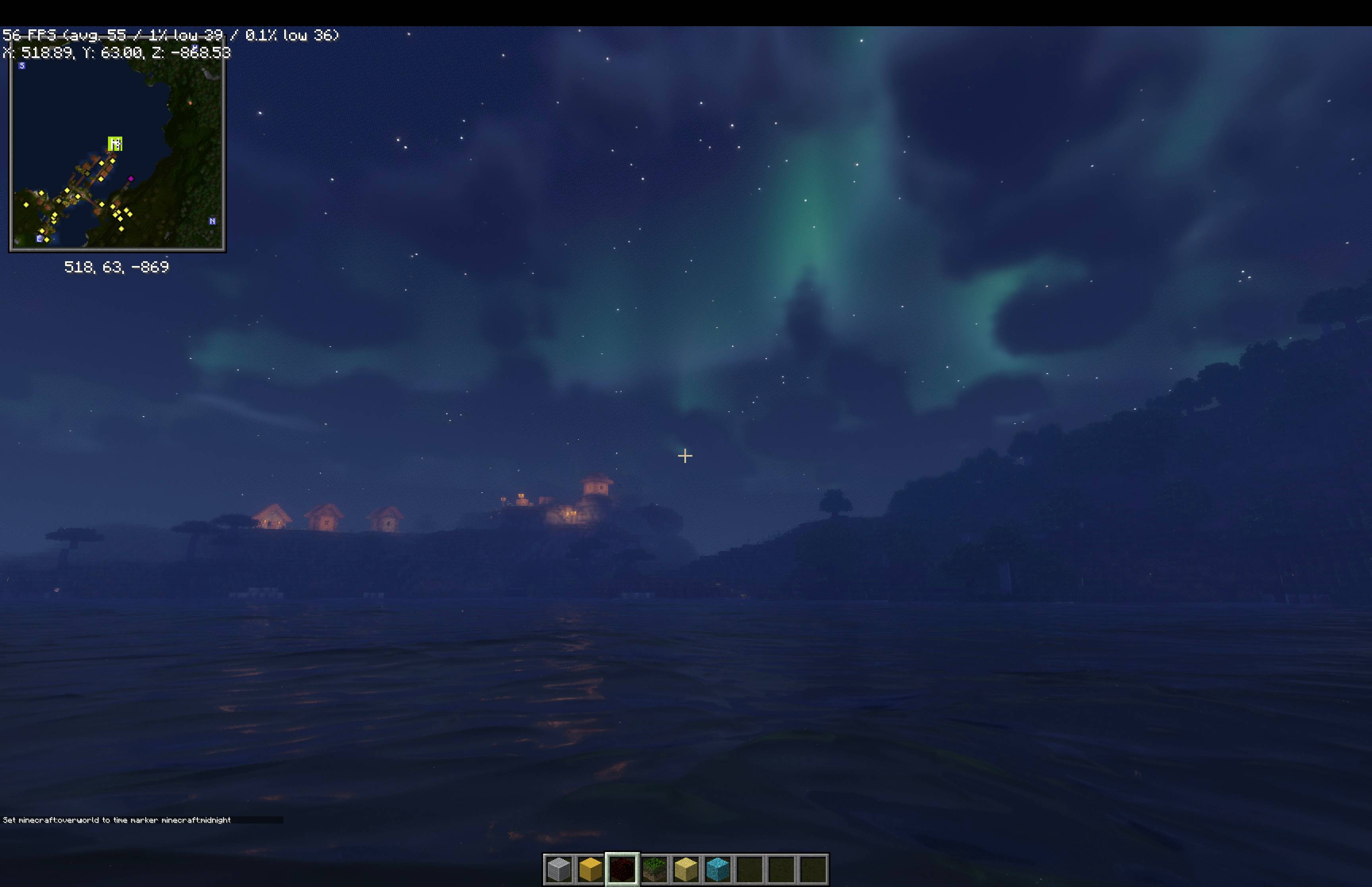
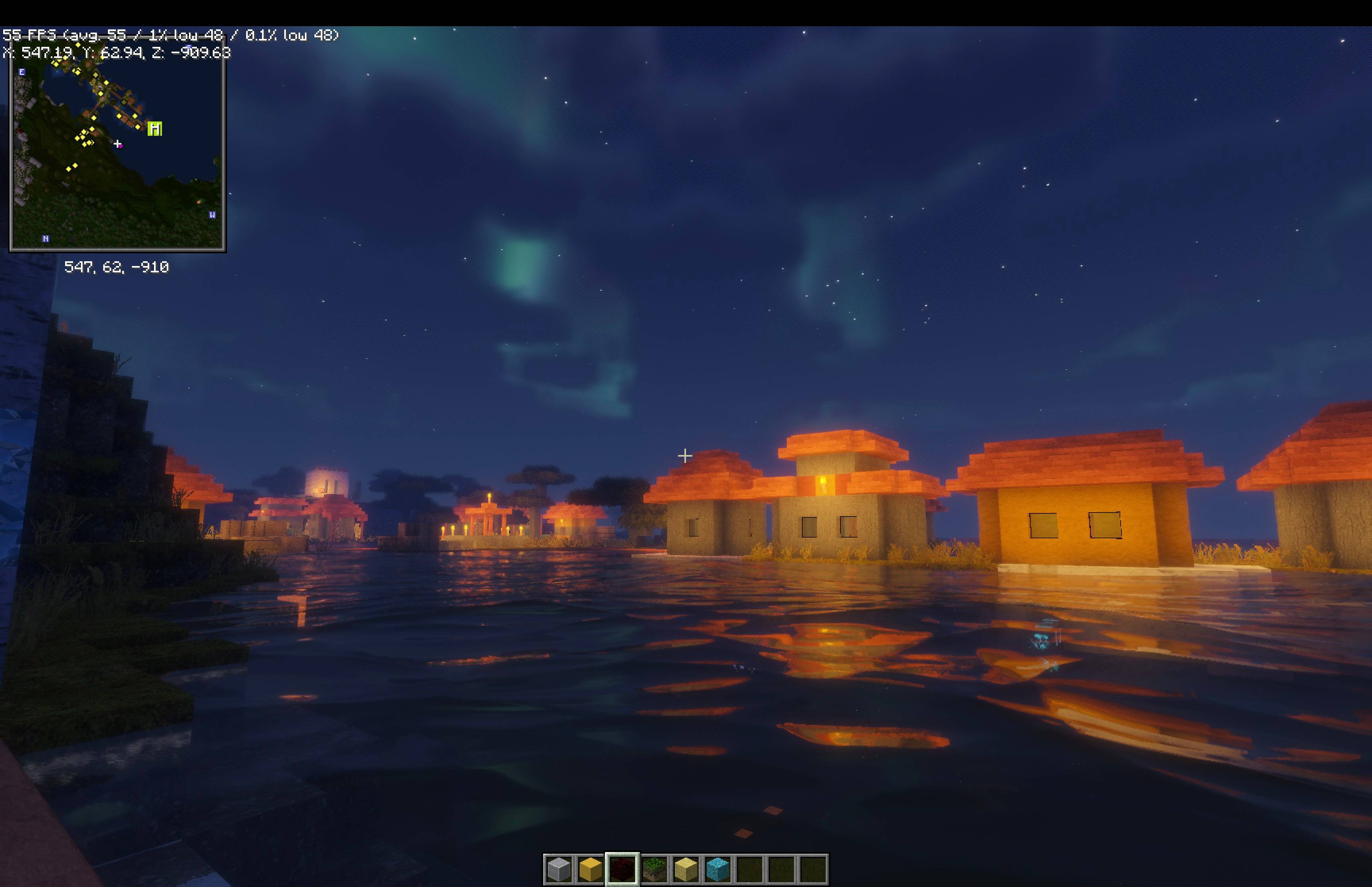
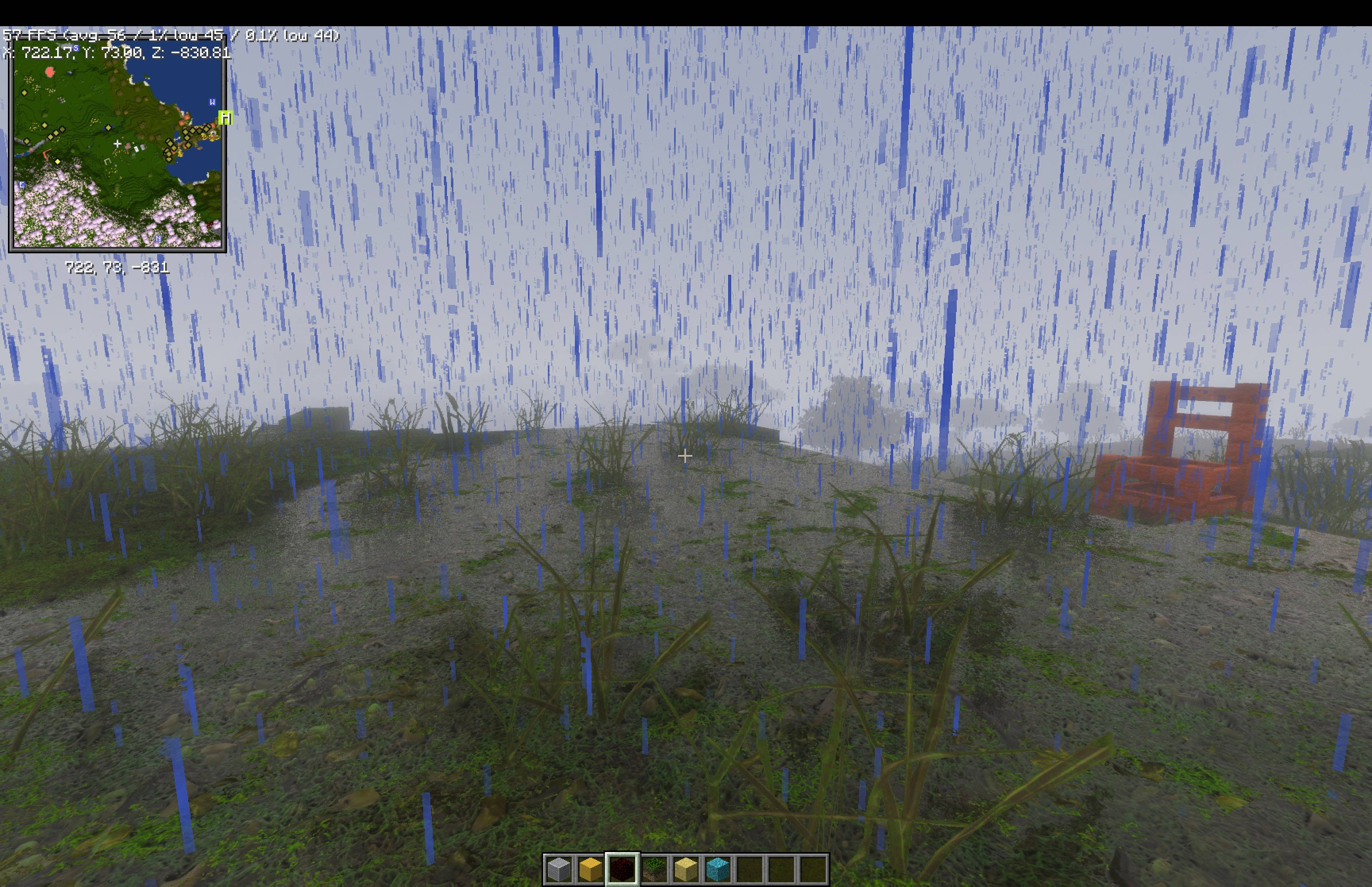
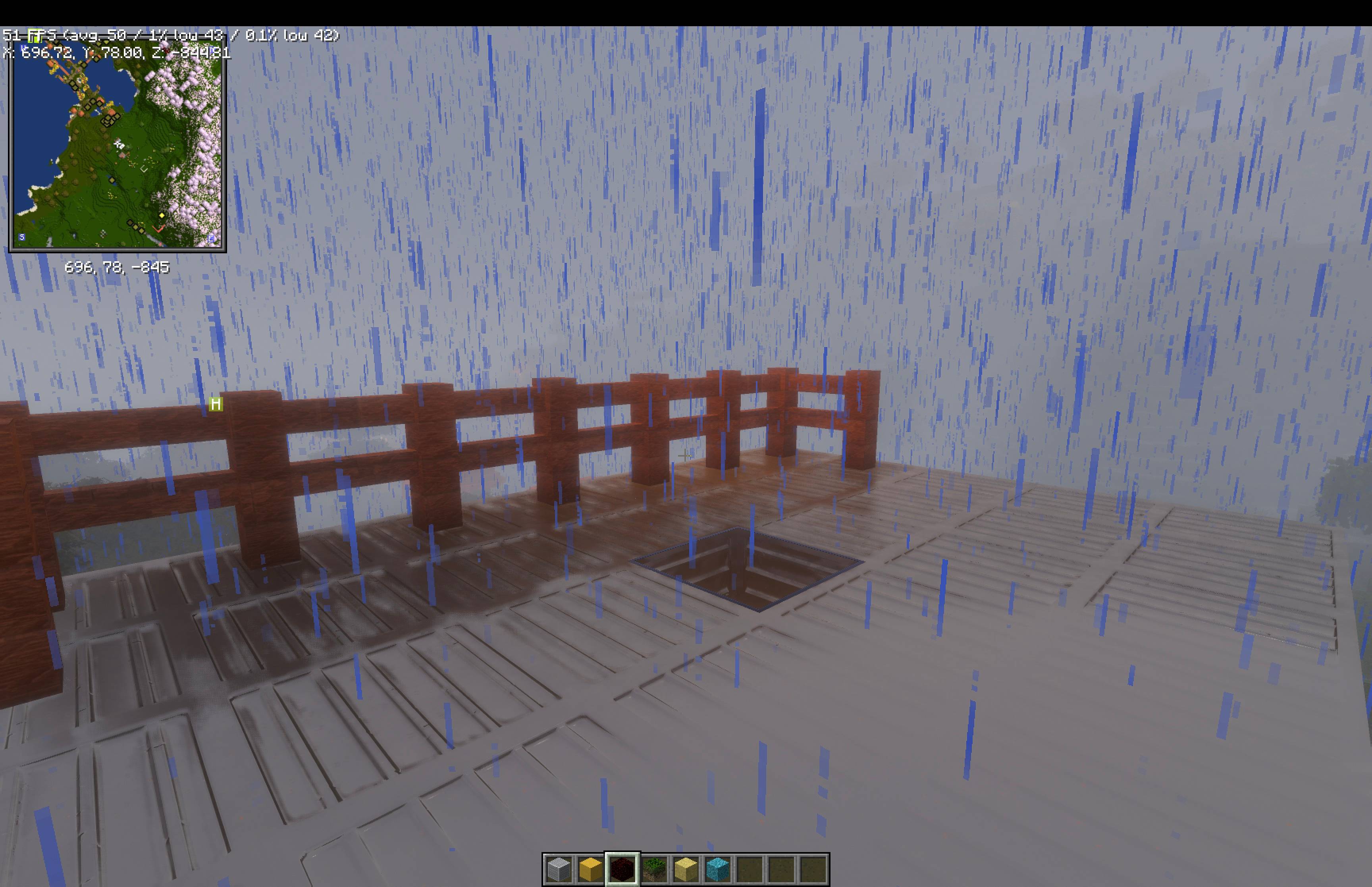
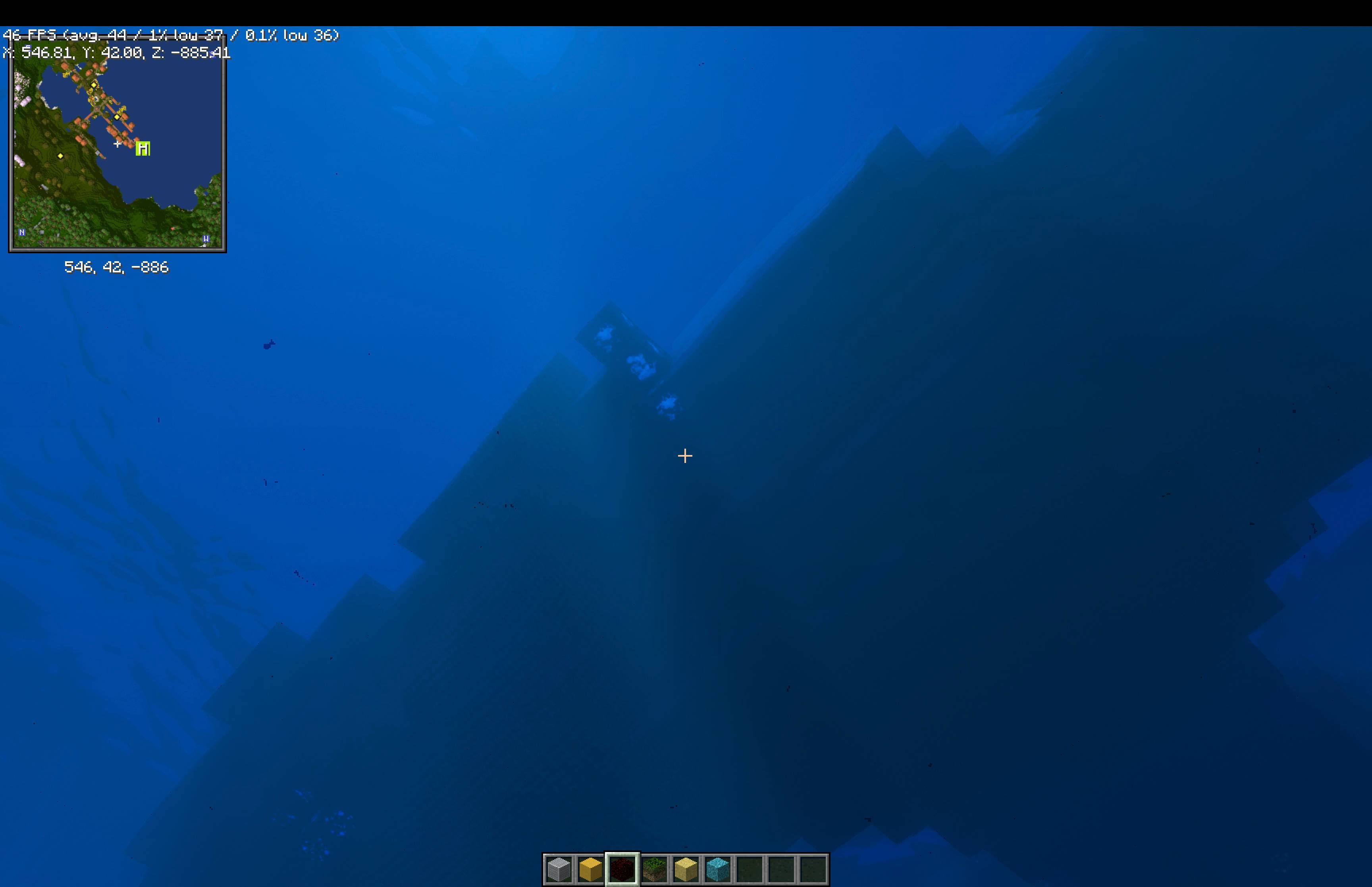
Plague is a shaderpack: a description of how a Minecraft world should be lit and drawn. It does not render anything itself. It is a folder of GLSL and plain-text TOML that the Fornax engine reads and runs: the TOML declares the render passes, the targets they draw into, the options the player can change, and the settings screen those options appear on.
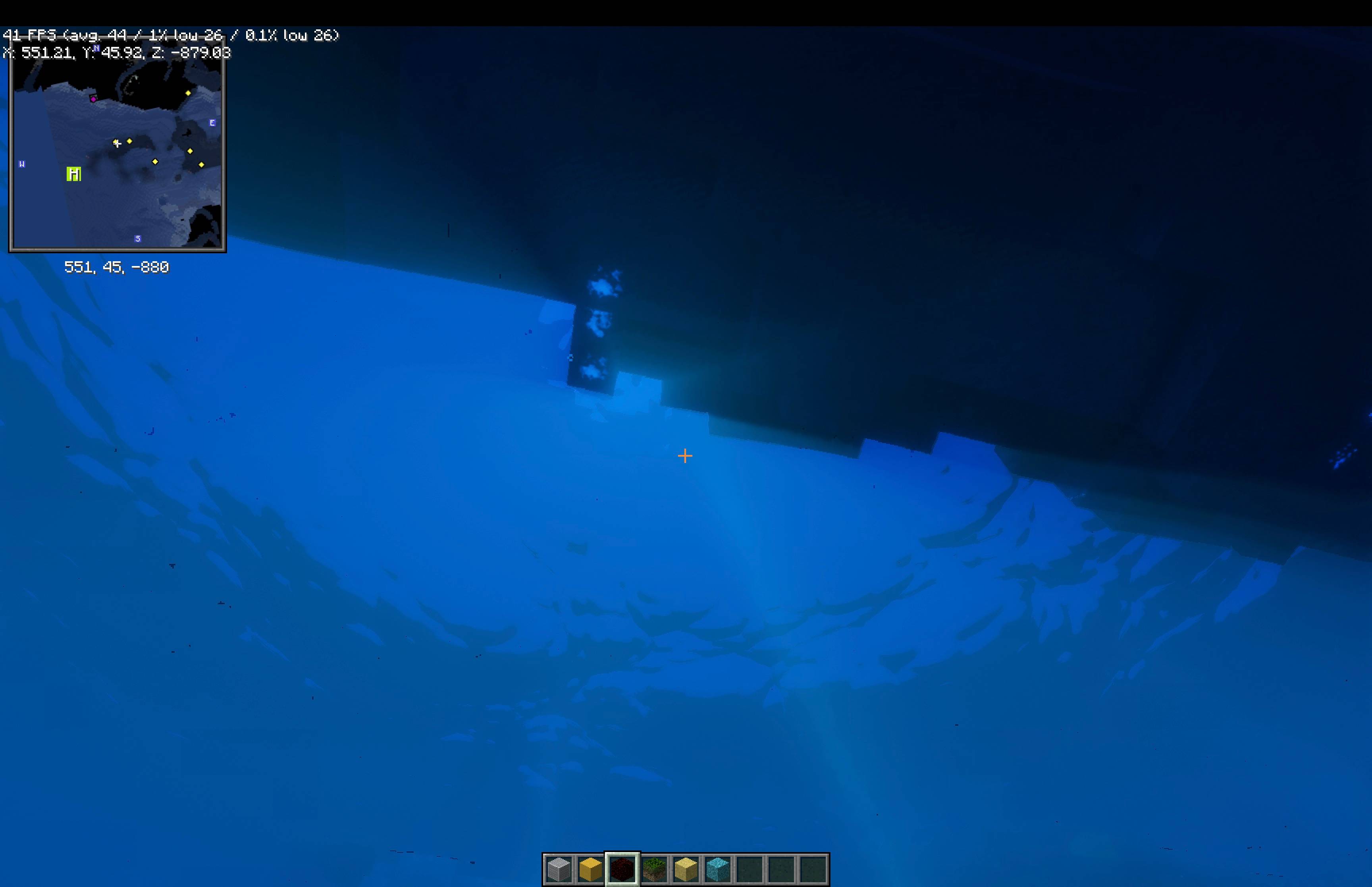
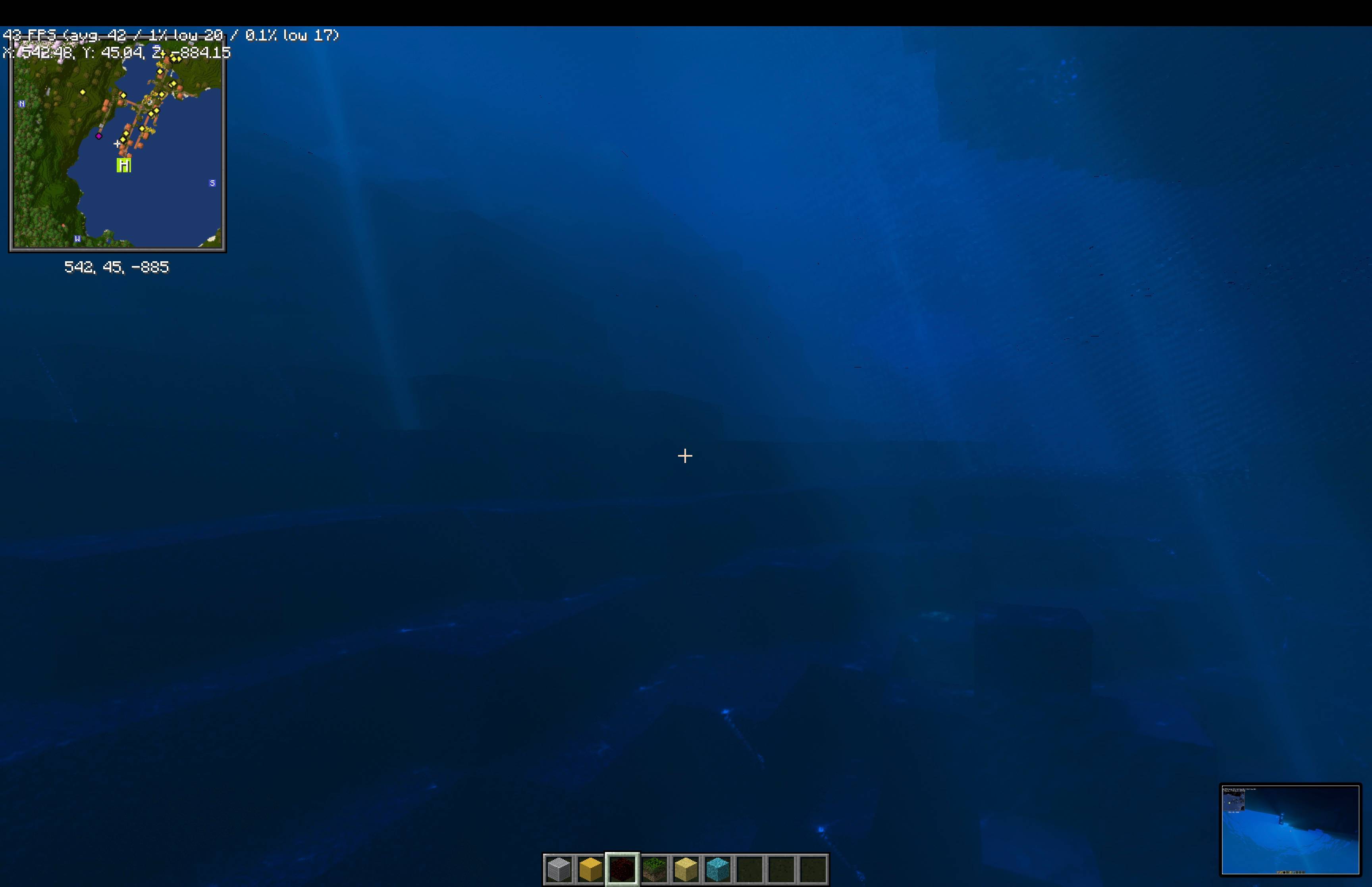
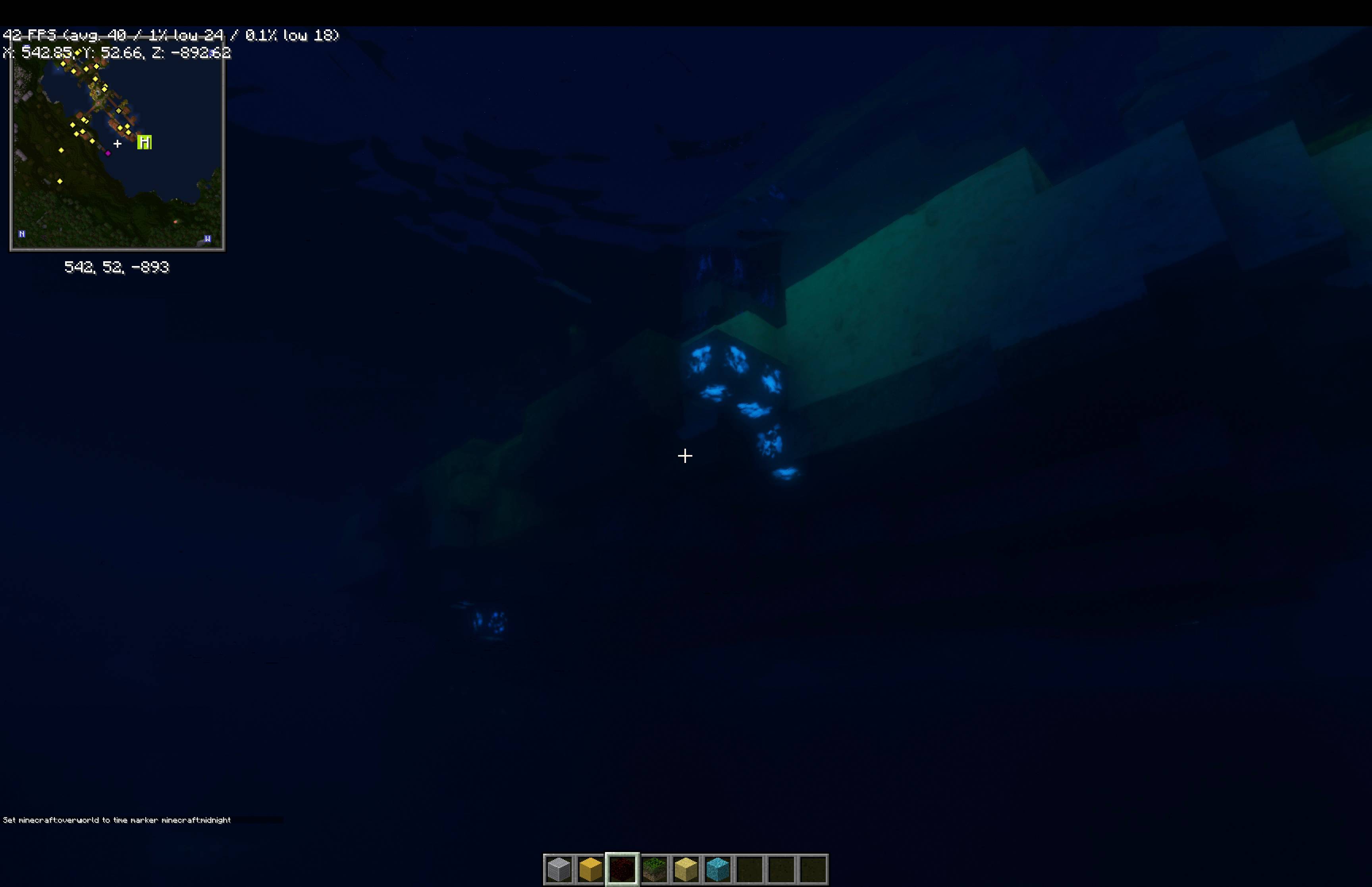
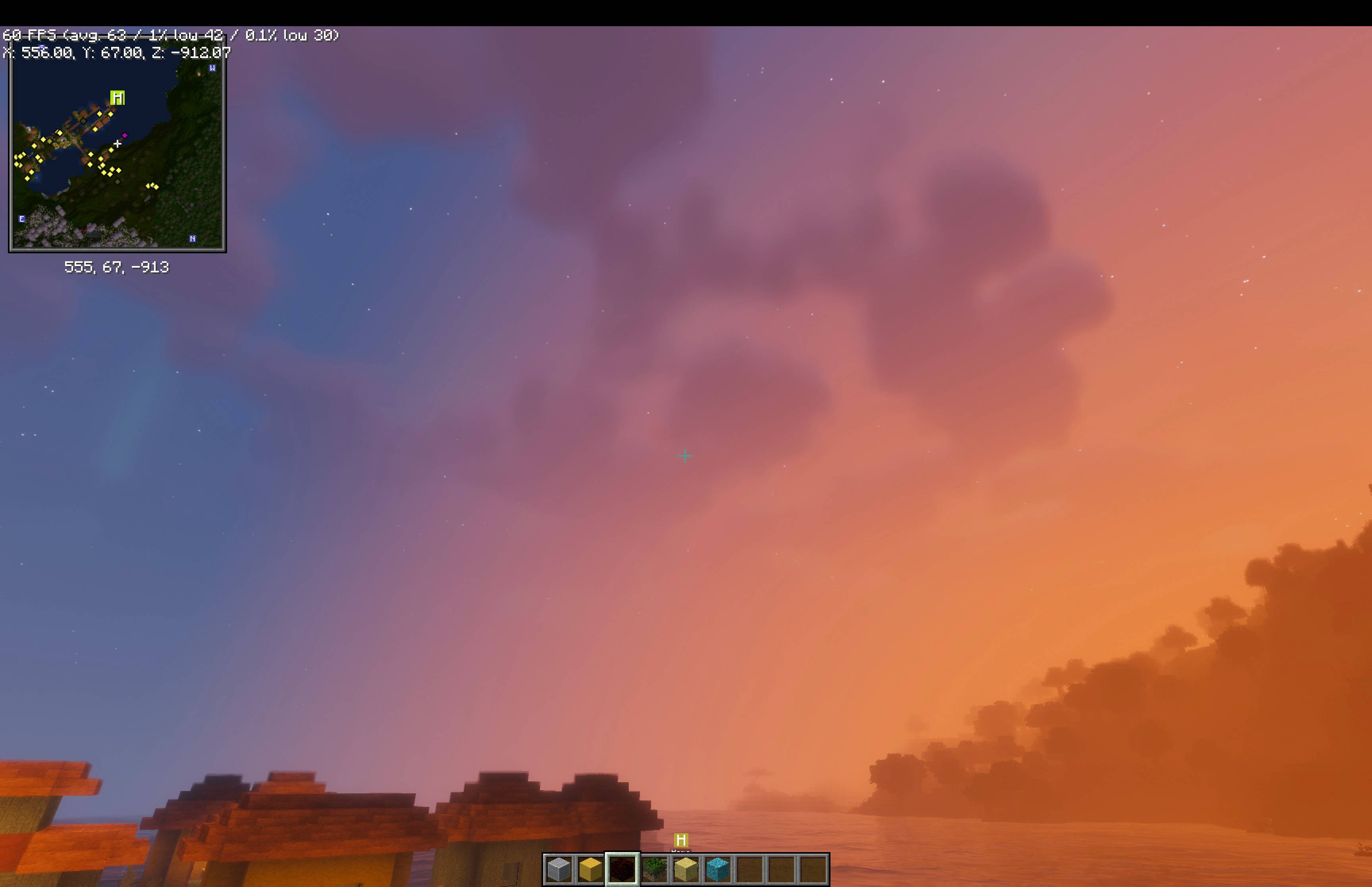
The look it aims for is physically motivated light: time of day, real sources, and bounces, at the best framerate that allows. Deferred shading with labPBR materials, screen-space reflections, volumetric clouds and water, a procedural sky, and an underwater treatment that models the water column rather than tinting the screen blue.
The pack format is Fornax's own. It is not compatible with packs written for other loaders, and they are not compatible with it.
Put this folder (or a zip of it) in shaderpacks/ and select it in game. Everything is adjustable
from the pack's own settings screens; nothing needs editing by hand.
docs/FEATURES.md lists what currently works, verified against the graph and the shader tree rather than from memory. docs/KNOWN-ISSUES.md is the honest other half.
docs/ARCHITECTURE.md describes the render graph: the passes, what each one reads and writes, and why they run in that order.
The four TOML files at the root are the pack's contract with the engine:
| file | declares |
|---|---|
pack.toml |
identity: name, version, licence, format |
graph.toml |
the render graph: passes, targets, textures |
screens.toml |
the settings screens and what appears on them |
blocks.toml |
material categories. Exactly one, deliberately |
Constant tables are generated, not typed: tools/derive_*.py and tools/generate_foam.py emit the
numbers the shaders use. Rerun one and you get what ships.
MIT, see LICENSE. Third-party code is listed in THIRD-PARTY-NOTICES.md with its licence text, and every binary that ships has a row in ASSETS.md.