Close menu
Mods
Browse
Plugins
Bukkit, Spigot & Paper plugins
Maps
Adventure, parkour & survival maps
Resource Packs
Textures from 16x to 512x+
Data Packs
Vanilla-friendly game changes
Shaders
Iris & OptiFine shader packs
Mod Packs
Curated mod collections
Minecraft Versions
Everything for one version
Mod Compatibility
Find mods that work together
Search everything
Mods, packs, shaders & more
Browse
Plugins
Bukkit, Spigot & Paper plugins
Maps
Adventure, parkour & survival maps
Resource Packs
Textures from 16x to 512x+
Data Packs
Vanilla-friendly game changes
Shaders
Iris & OptiFine shader packs
Mod Packs
Curated mod collections
Minecraft Versions
Everything for one version
Mod Compatibility
Find mods that work together
Search everything
Mods, packs, shaders & more
Servers
Players
Wiki
Tools
Games
Farms
More
News
How to Craft
Mob Drops
Villager Trades
Biome Spawns
Minecraft Skins
Server of the Month
App
More
News
How to Craft
Mob Drops
Villager Trades
Biome Spawns
Minecraft Skins
Server of the Month
App
Log in
Register
Log in
Register
Shaders
PKFL Visuals
SHADER
This shader makes your world more natural and comfortable ambience.
by
PKFL
Download
Report
Claim this project
1,038 downloads
0 likes
0 followers
Updated Oct 14, 2026
0 hypes
Follow
0
Fantasy
Realistic
Vanilla
Share
Copy link
Copy for Discord
Reddit
X
Home
/
Shaders
/
Realistic
/
PKFL Visuals
Advertisement
Remove ads with Premium →
Description
Files (1)
Screenshots (5)
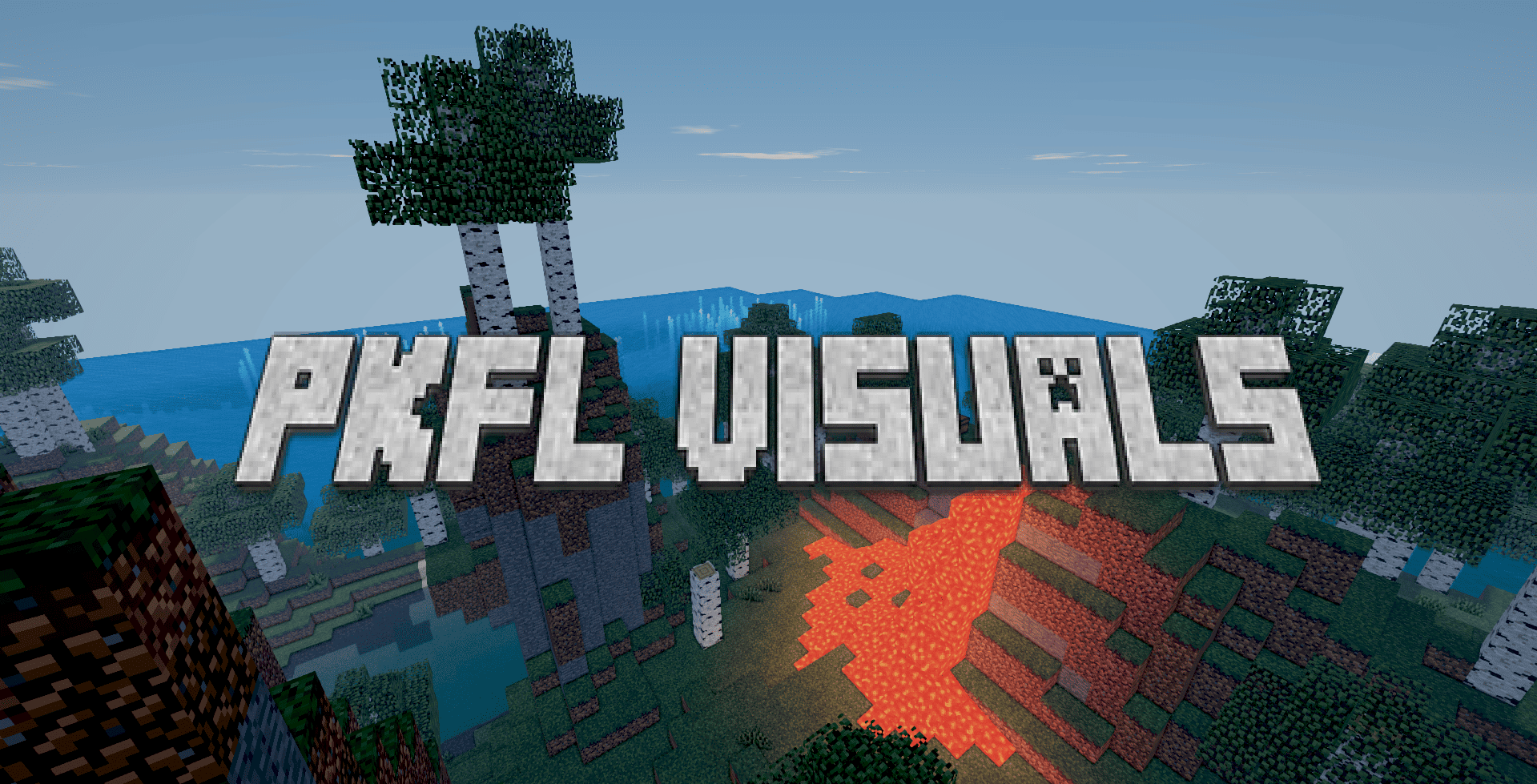
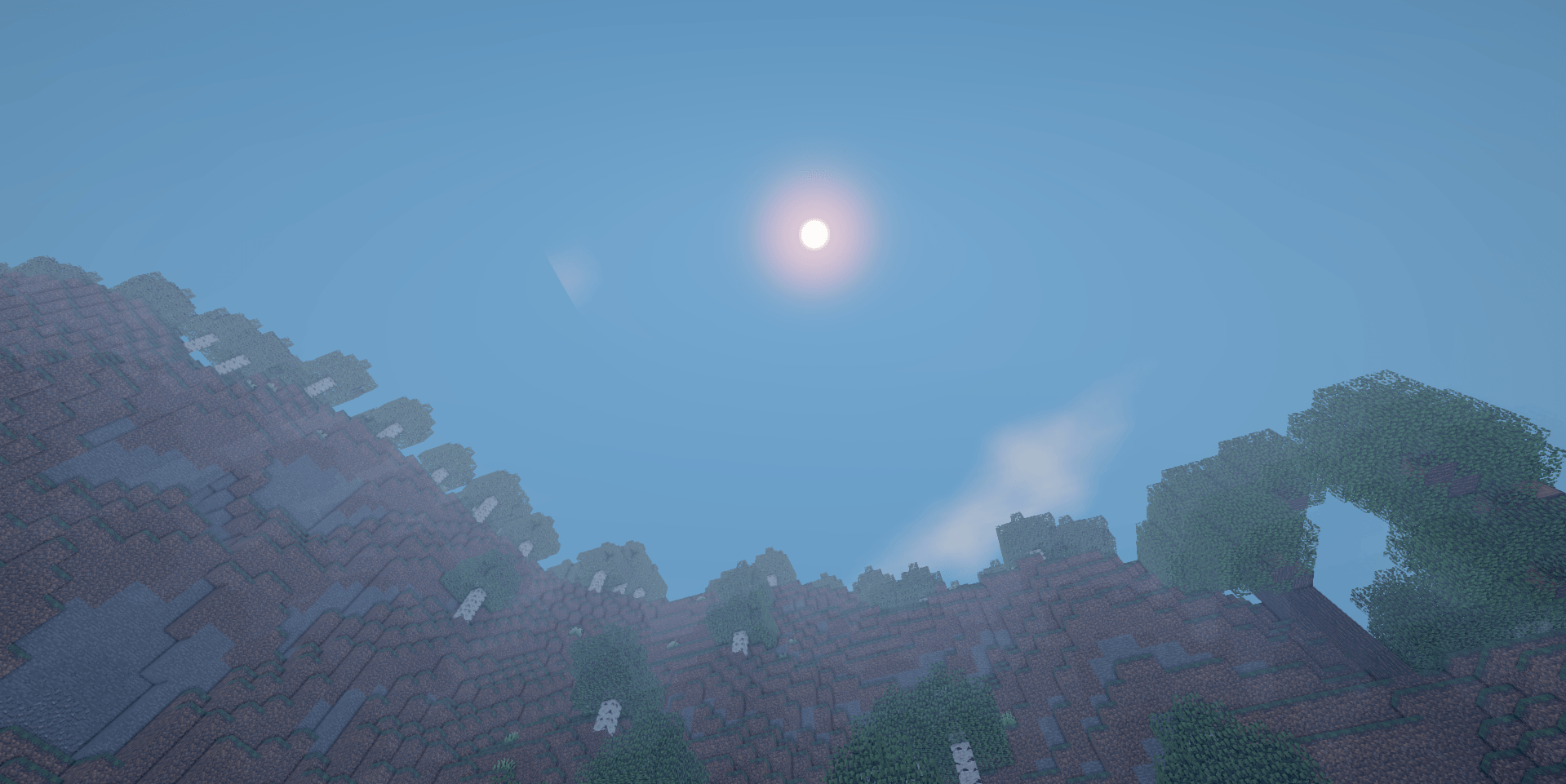
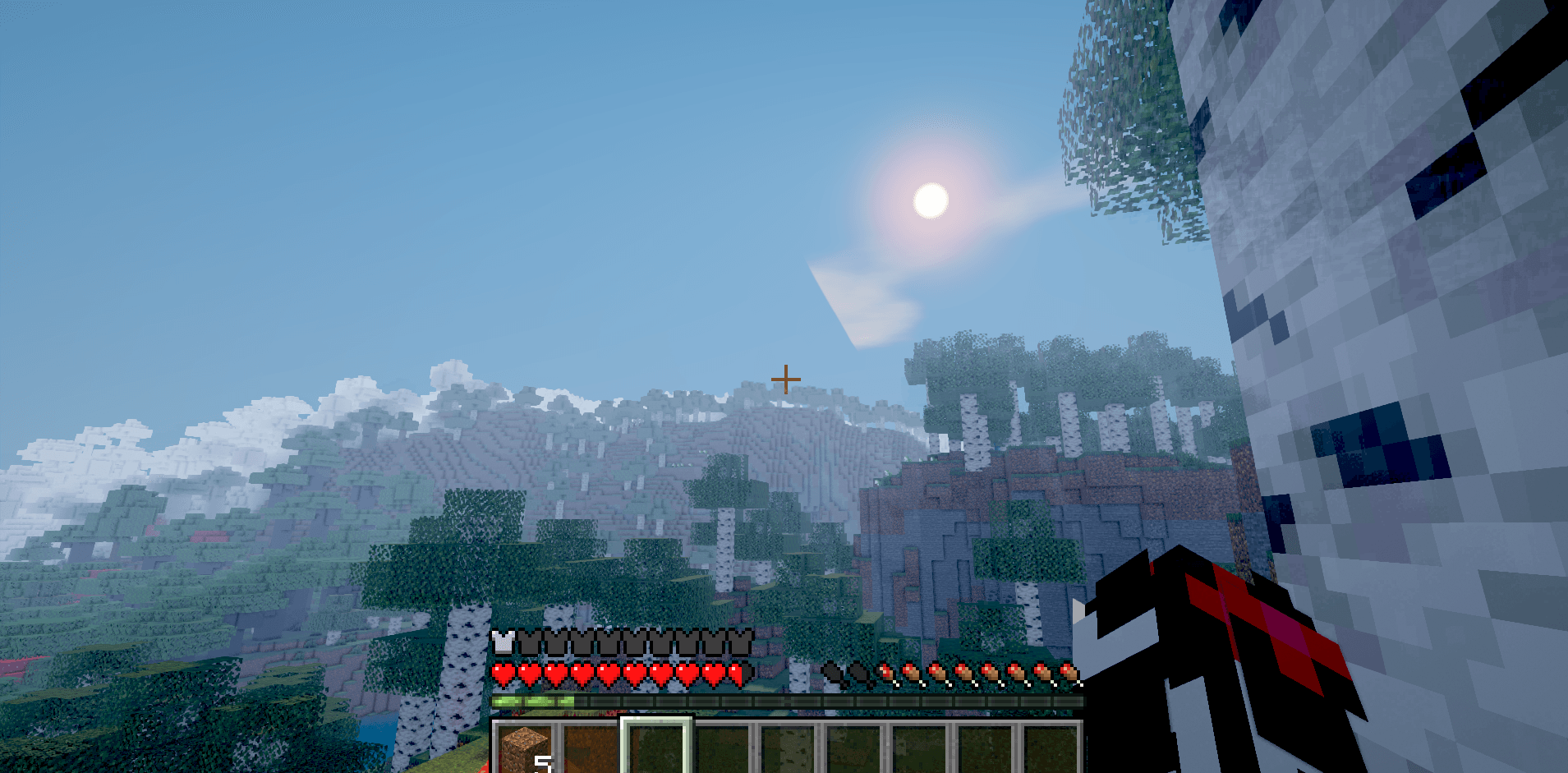
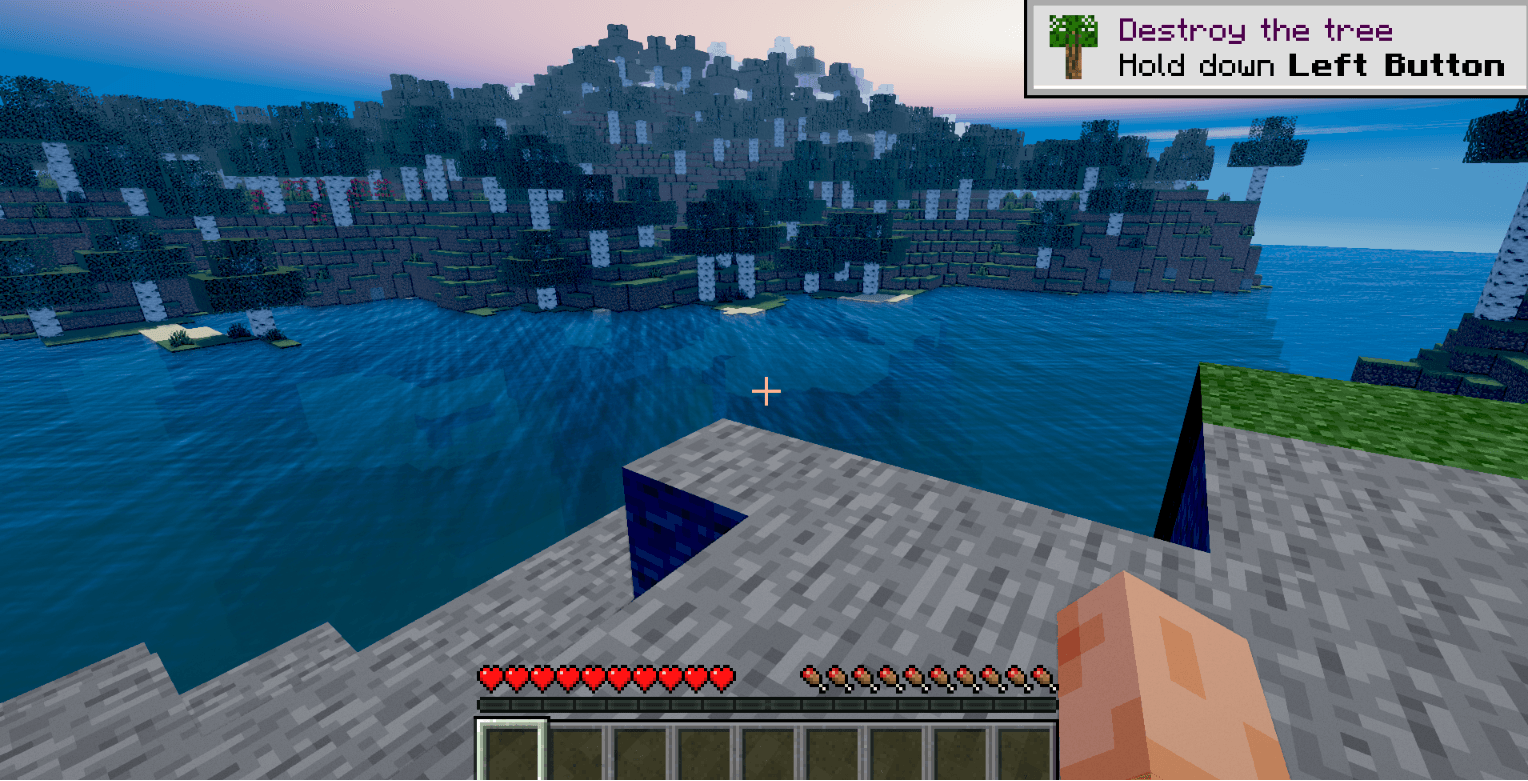
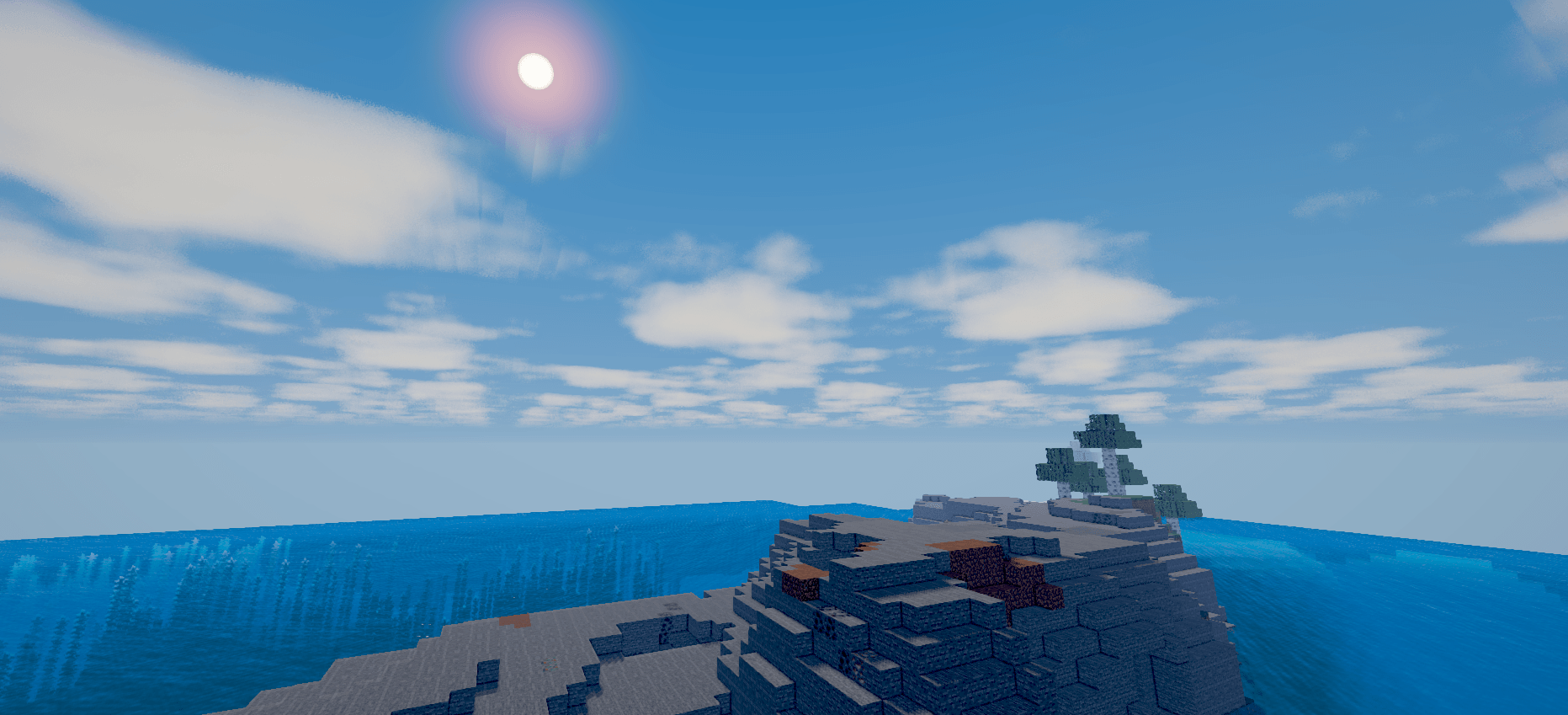
PKFL Visuals is a realistic shader pack, focused on natural lighting, atmospheric skies, detailed water, and immersive dimension-specific visuals.
It adds:
Cinematic sunlight, soft shadows, bloom, and color grading
Realistic animated water with reflections, waves, and clearer underwater visibility
Improved grass and foliage lighting for a more natural look
Dynamic sky, sun, moon, stars, and smooth day-to-night transitions
Volumetric-style clouds without harsh rectangular cutouts
Atmospheric fog and distance rendering
Nether lighting with volcanic ambience and readable terrain
End lighting, fog, and a dark purple cosmic sky
Support for PBR/LabPBR resource packs
Configurable options for performance, water quality, clouds, shadows, and visual effects
PKFL Visuals v0.3.zip
MC 1.21.2-Snapshot, 1.21, 1.21.6-snapshot, 1.20.2-Snapshot, 1.20.5-Snapshot, Vanilla, 1.21.1-Snapshot, 1.19.3, 1.20.2, 1.19.4, 1.21.8, 1.19.4-Snapshot, 1.20.5, 1.21.5, 1.21.4
Release
2026-08-14
Get
Requirements & install
How to use this shader in Minecraft
Shader loader
Iris or OptiFine
Minecraft
1.20.5 – 1.21.8
Install folder
.minecraft/shaderpacks
How to install shaders
1
Install a shader loader for your Minecraft version: Iris (with Sodium) or OptiFine.
2
Download the shader pack .zip file (do not extract it).
3
Put the .zip into the shaderpacks folder (.minecraft/shaderpacks).
4
In game open Options → Video Settings → Shader Packs, select the pack and apply it.
Browse more:
Iris shaders
OptiFine shaders
Shaders for 1.21.8
All shaders
Advertisement
Remove ads with Premium →
More from PKFL
Falsity.
937,342
SIREN HEAD: LEGACY
8,791
Simple PKFL's Flashlight
8,773
Forgotten Visitors
7,895
Disorted Sightings
7,035
Smellzzy: Parasitic Descent
6,580
Advertisement
Remove ads with Premium →
You Might Also Like
Photon Shader
A gameplay-focused shader pack with a semi-realistic style
9,043,343
ColorFul Ultra 🐦🔥✨
An ultra realist and colored shader
97,923
Shader 8-BIT
Step into retro nights with 8-BIT Shader - pixelated visuals, dynamic colors, subtle glint, and scanlines bring classic 8-bit vibes to your Minecraft world!
97,236
RETRO_VHS_Screen
A minecraft styled vhs shader for horror modpacks, with flickering rec, and some more cool things.
94,177
VHS_X_BSL
SoyTrex_VHS SoyTrex_VHS is a shader pack based on BSL that combines cinematic lighting with a VHS-inspired aesthetic influenced by the Backrooms and 1990s found-footage recordings.
89,903
Sildurs Shaders TFC setup
Sildurs Shaders TFC setup 1.18.2
89,371
Report Mod
Reason
Malicious content
Copyright violation
Broken download
Spam
Other
Your email (optional)
Details
Cancel
Submit Report