🪨 Pedra Shaders — Vivid realism, never dark
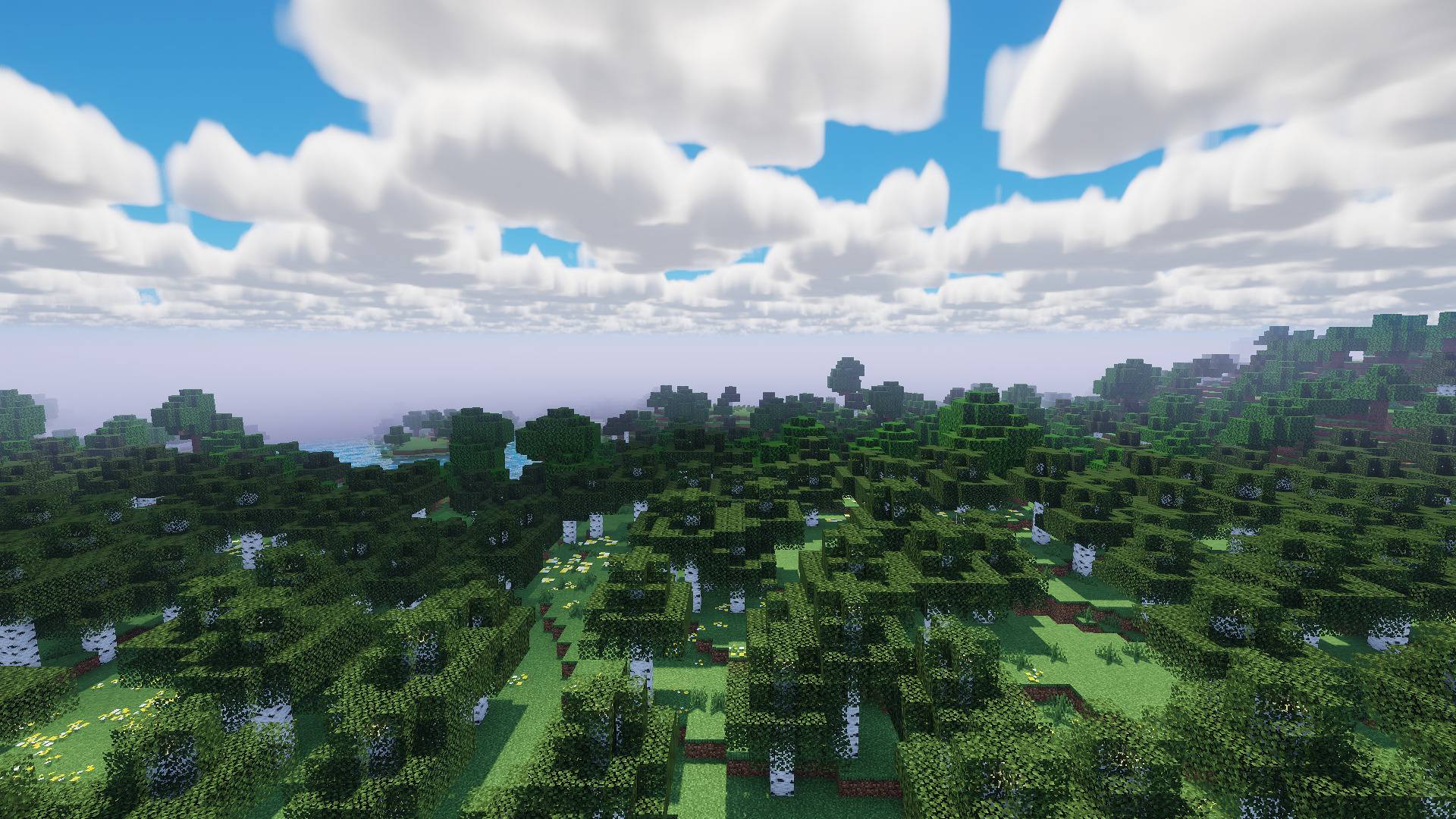
Pedra Shaders makes your Minecraft look truly beautiful without making the game dark or heavy. Most realistic shaders turn the world into a gloomy movie. Here, it’s the opposite: light behaves just like in real life, yet the image remains bright, colorful, and inviting—like a beautiful summer day.
And it was built with performance in mind from day one: it runs smoothly even on Macs and laptops with integrated graphics. ---
✨ What changes in your game
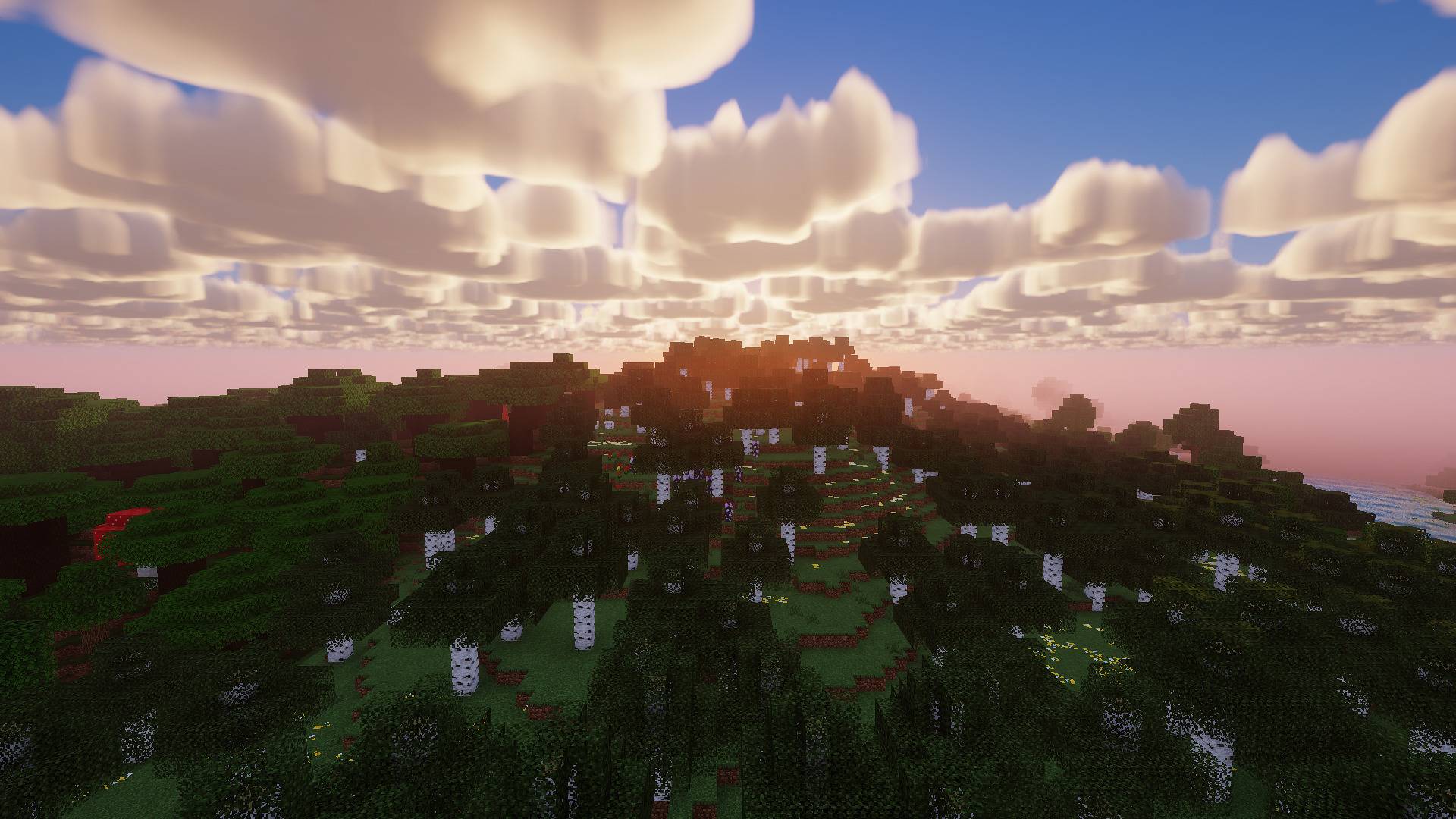
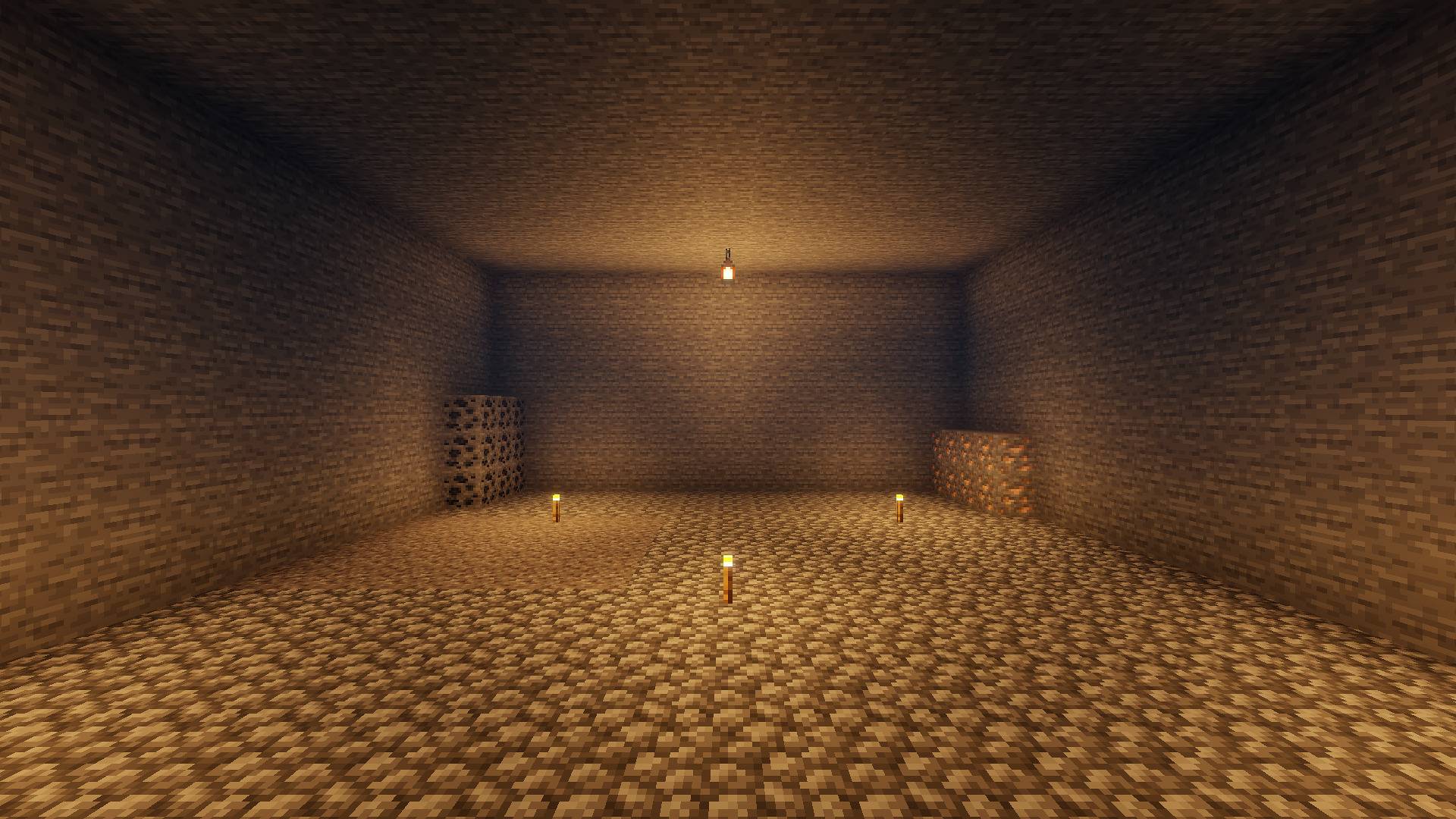
☀️ Light and shadow
- Soft shadows that follow the sun and moon throughout the day
- Shadows never turn pitch black: the sky illuminates corners, just like in real life
- Warm, colorful sunsets featuring orange, pink, and purple hues
- Soft glow from torches, lava, and the sun
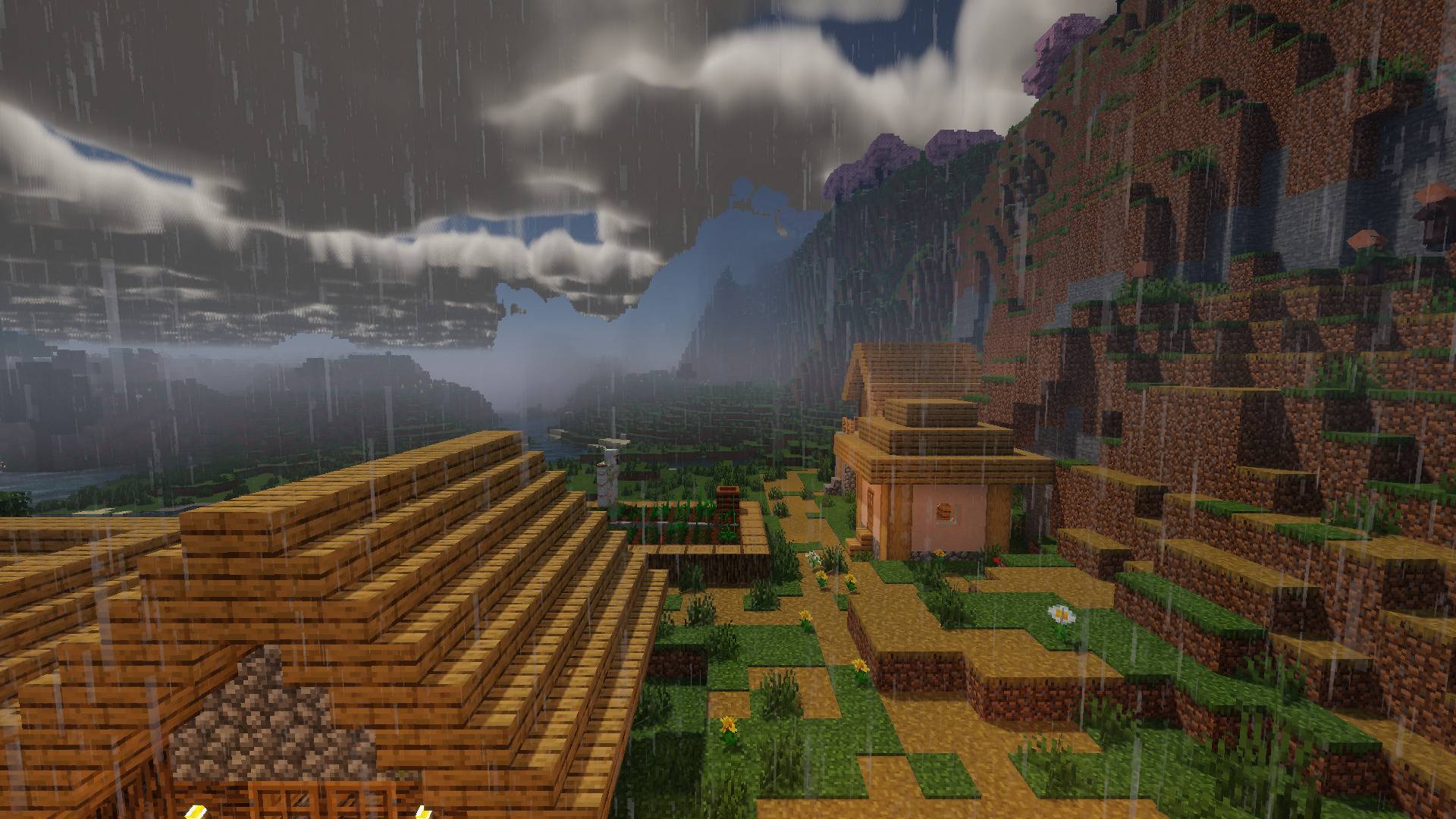
🌧️ Dynamic weather
- Realistic rain: blocks get wet, and puddles form on the ground before drying up
- Dripping droplets and splashes on the ground (on higher settings)
- Wind: leaves and plants sway, and rain falls at an angle
- Weather-responsive clouds: white and fluffy in fair weather, shifting during rain
- Rainbows after the rain, fog at dawn, and lightning flashes during storms
🌊 Water
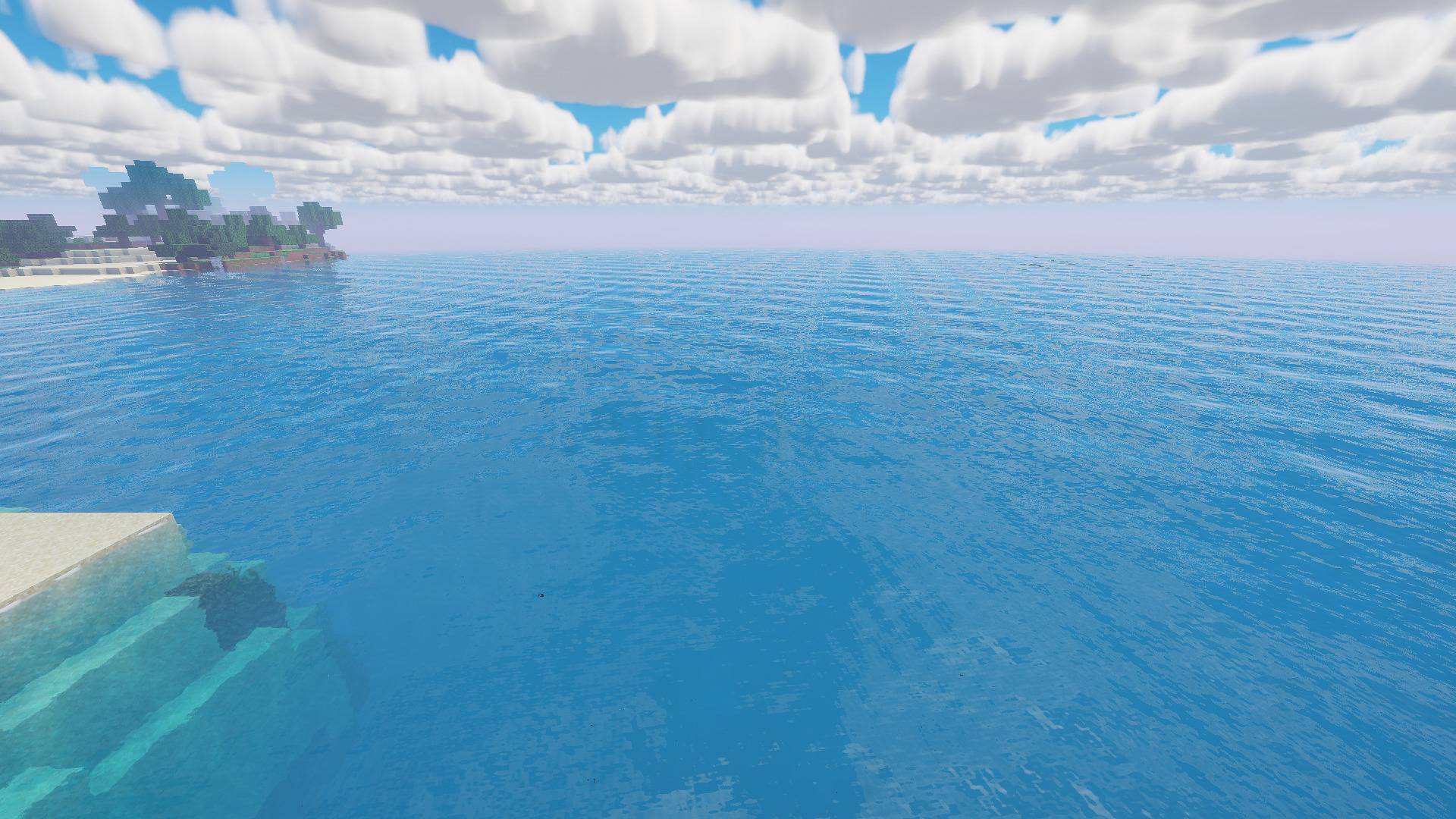
- Clear, inviting water: turquoise in the shallows, blue in the depths
- Visibility reaching the bottom in shallow areas
- Gentle waves, crisp reflections, and waves breaking on the shore
- Light dancing on the underwater floor (caustics)
- Underwater: looking up reveals the sky through the surface, just like a real dive
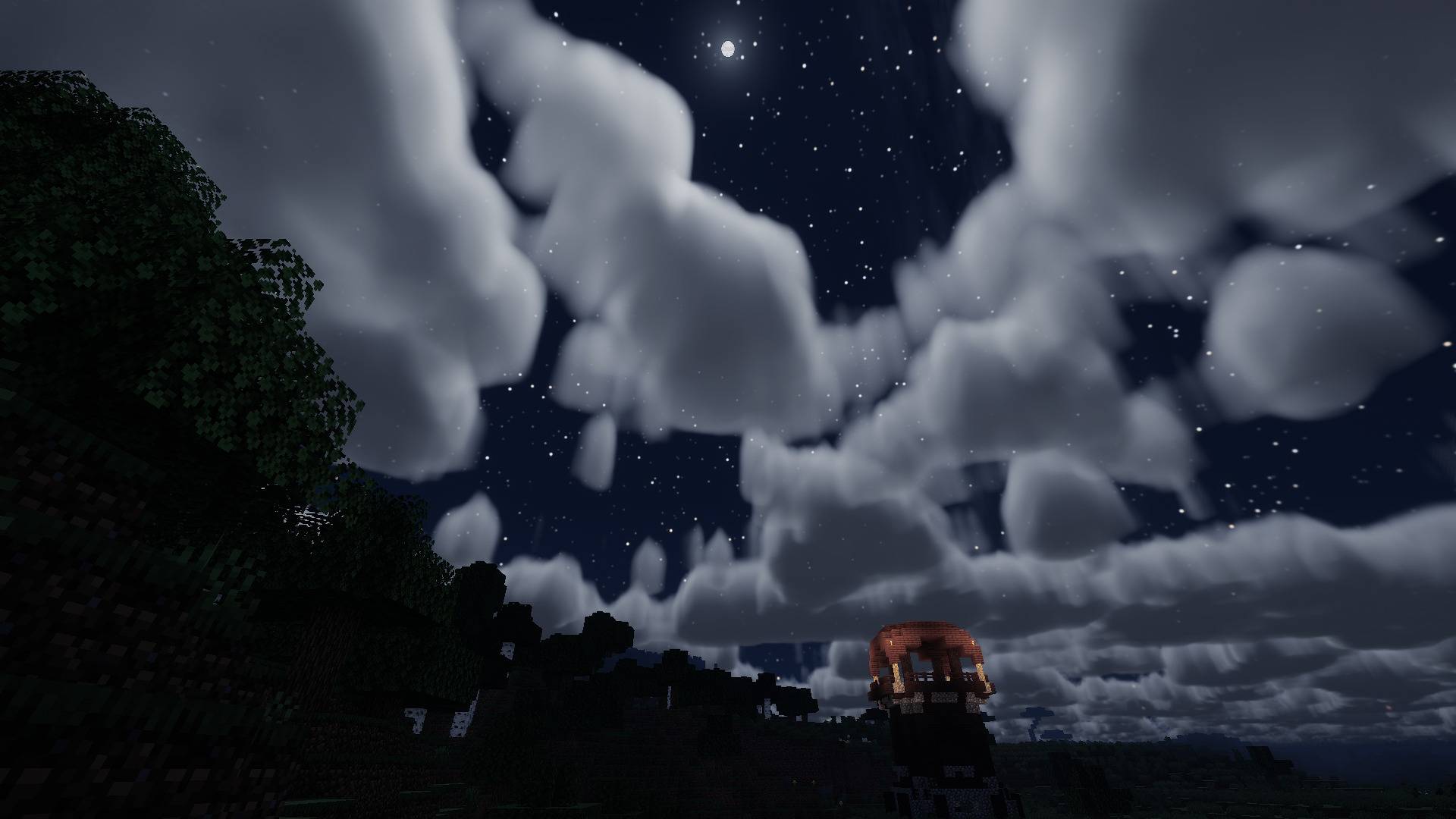
🌙 Night
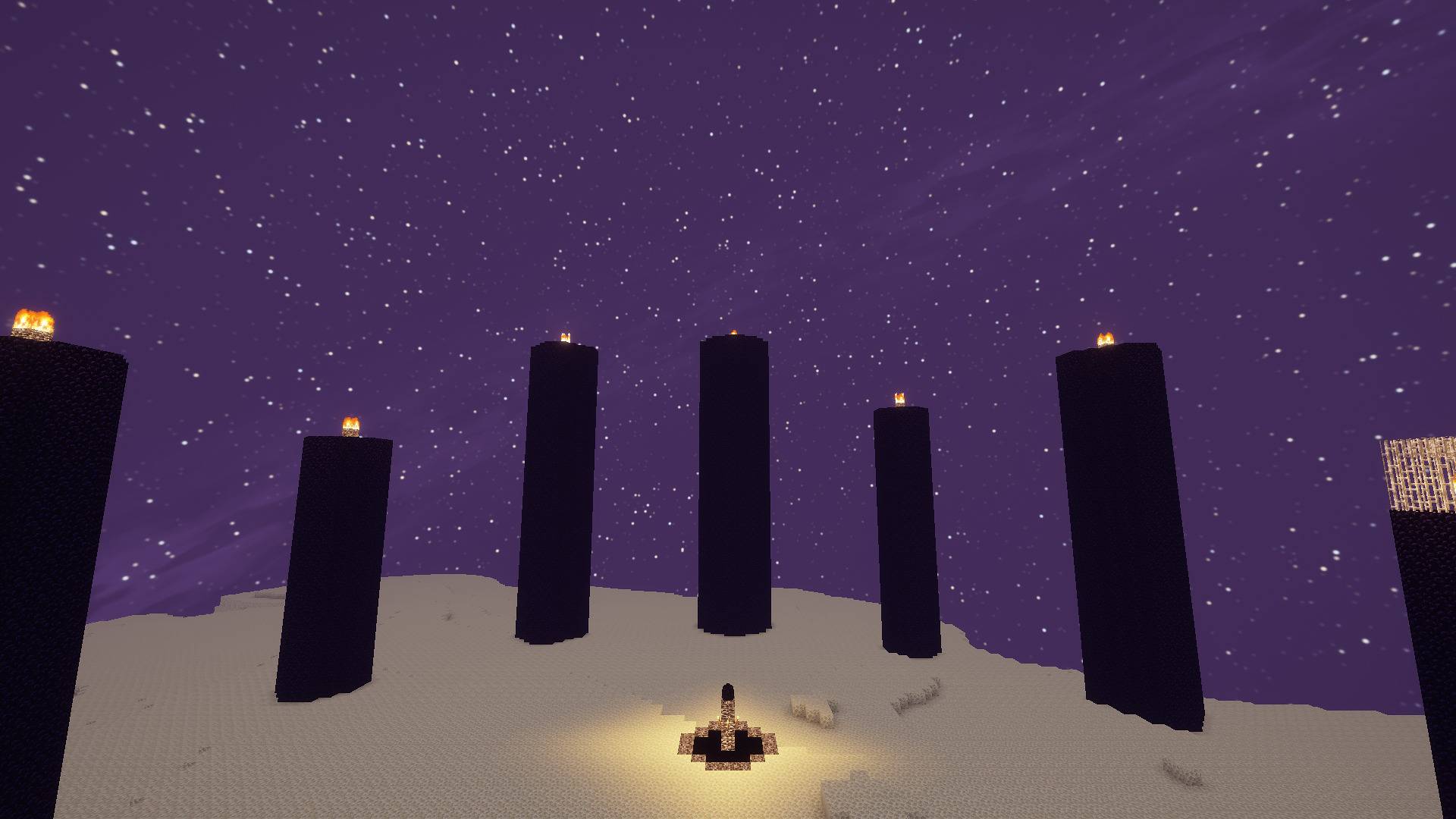
- Starry sky featuring the Milky Way
- Moon with all 8 phases and a soft halo
- Moonlit, navigable night: beautiful, yet you can still see your path
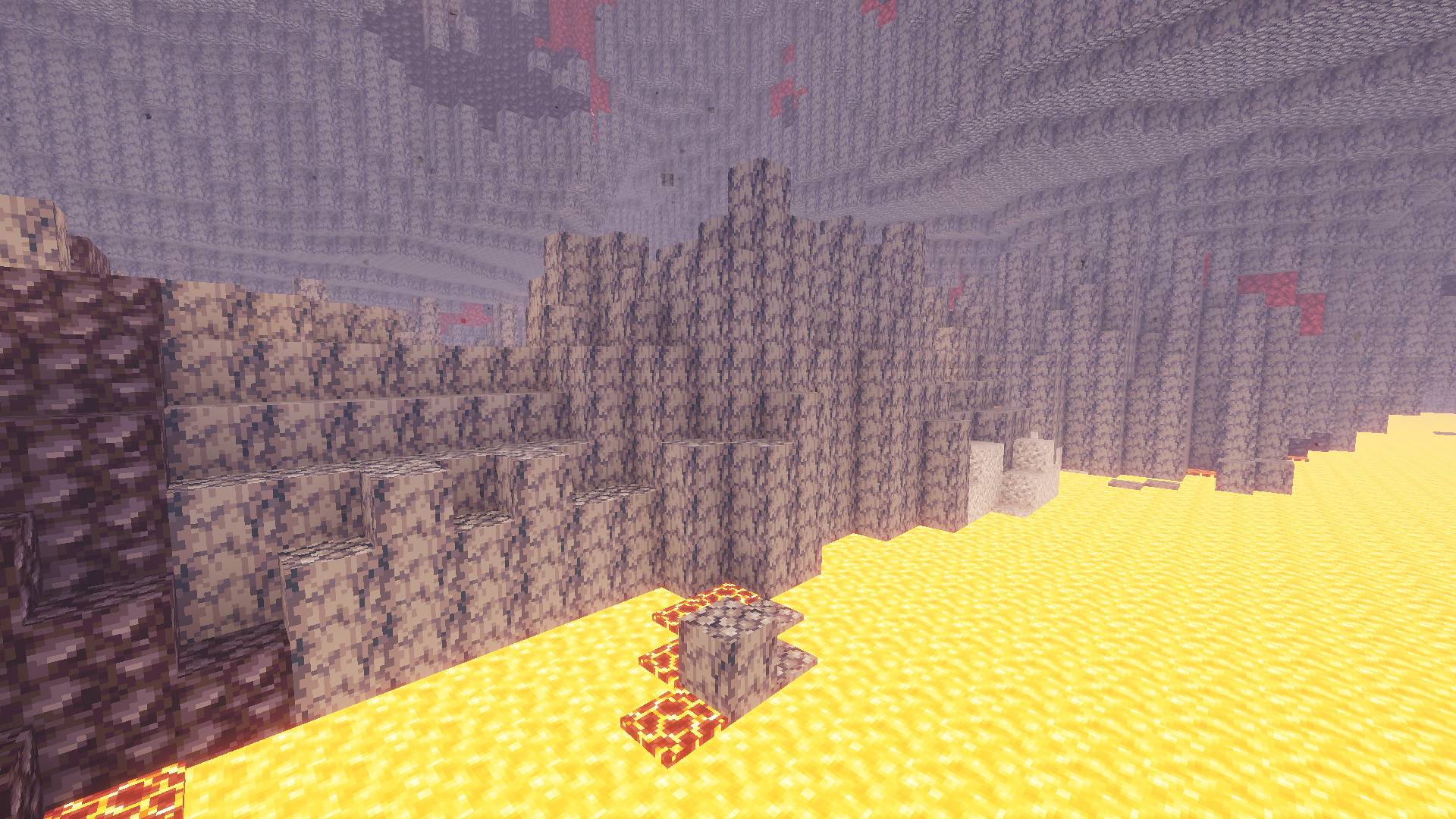
🔥 Nether and End
- Vivid colors in every Nether biome and textured, golden-orange lava
- Unique atmosphere in the End
🎬 Finishing touches
- Three color styles: Vivid (default), Natural (closest to the original) and Cinema
- Depth of field and motion blur (included but disabled by default)
- Render scale option to boost FPS on large screens
⚙️ Profiles — choose based on your computer
Every effect is available starting from the Low profile, just in a lighter version. You won't miss out on anything important if you have a lower-end PC.
| Profile |
Best for |
Reference FPS* |
| Minimum |
Very low-end PCs |
Lightest possible |
| Low |
Integrated graphics, older Macs |
~125 FPS |
| Medium |
Most computers |
~80 FPS |
| High |
Good PCs |
— |
| Ultra |
Powerful PCs |
~60 FPS |
| PedraMax |
High-end machines (for screenshots/videos) |
~35 FPS |
*Measured on a MacBook Pro M1 Pro at 1080p. Results may vary on your PC.
You can adjust each effect individually in the shader options menu, which is available in Portuguese and English.
📥 How to install
- Install Iris (Fabric or NeoForge), Oculus (Forge), or OptiFine
- Download the Pedra Shaders
.zip file. Do not unzip!
- In-game, go to Options → Video → Shader Packs
- Click Open shader folder and place the
.zip file there
- Select Pedra Shaders and choose your profile
🆕 What's new in 1.1.1
- Fixed: mobs, the hand, and chests appearing transparent—or black against the sky—in some cases
💬 Questions and suggestions
Found a bug or have an idea? Leave a comment or open an issue. Every suggestion gets read!
🤖 Transparency
Pedra Shaders is my own concept and art direction. The code was written with the help of AI tools under my direction, with testing and visual choices made by me. The code is 100% original: nothing was copied from other shaders. My dignity won't let me use AI to copy from other creators 😩.