Mineuniverse
Shaders
Optimized Prime ❇️⚡

Optimized Prime ❇️⚡

SHADER
A Kappa-inspired shader that finally lets you run a shader on your old PC.
by Firyx_Creation
Download Claim this project
11,272 downloads
0 likes
Updated Oct 14, 2026
0 hypes
Realistic
Advertisement Remove ads with Premium →

Optimized Prime

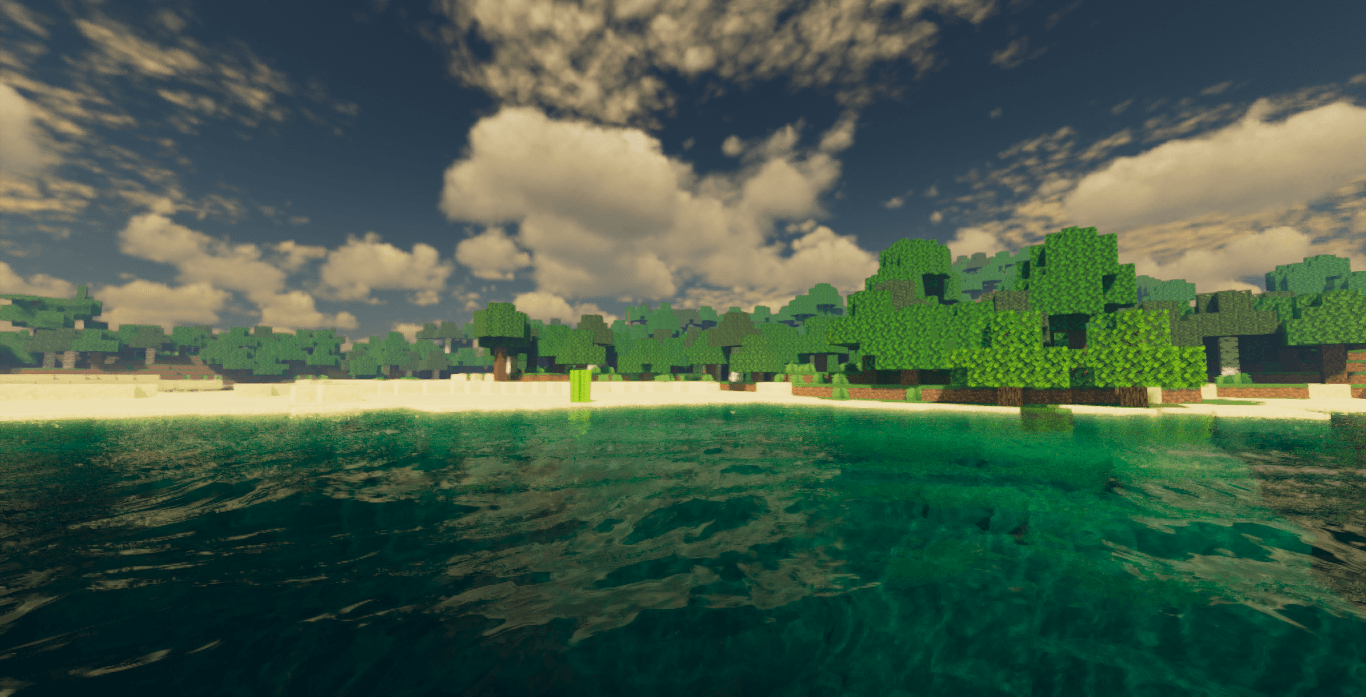
Optimized Prime is an ultra-realistic and vibrant shader for Minecraft that delivers stunning visuals with exceptional performance.

Features

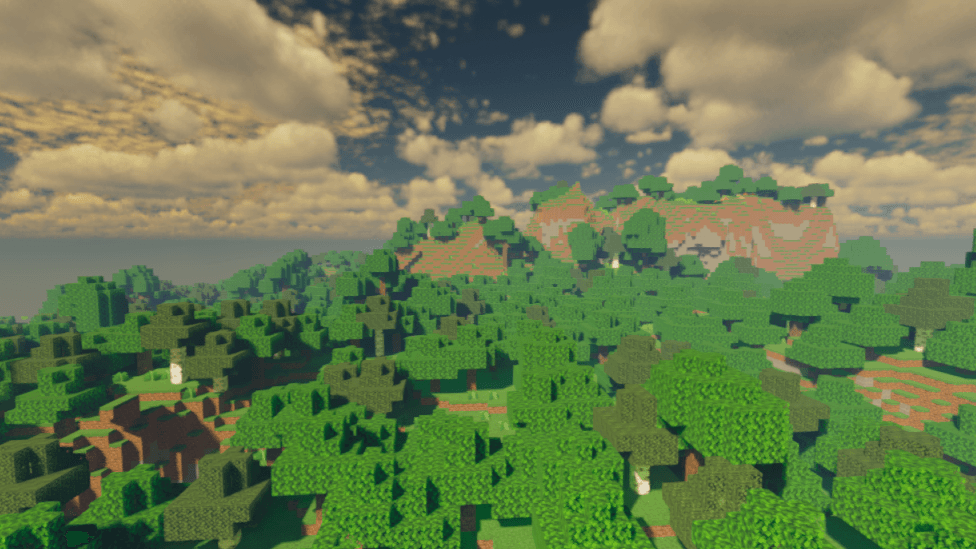
  • Ultra-saturated and vibrant colors – Experience vivid hues that bring the world to life
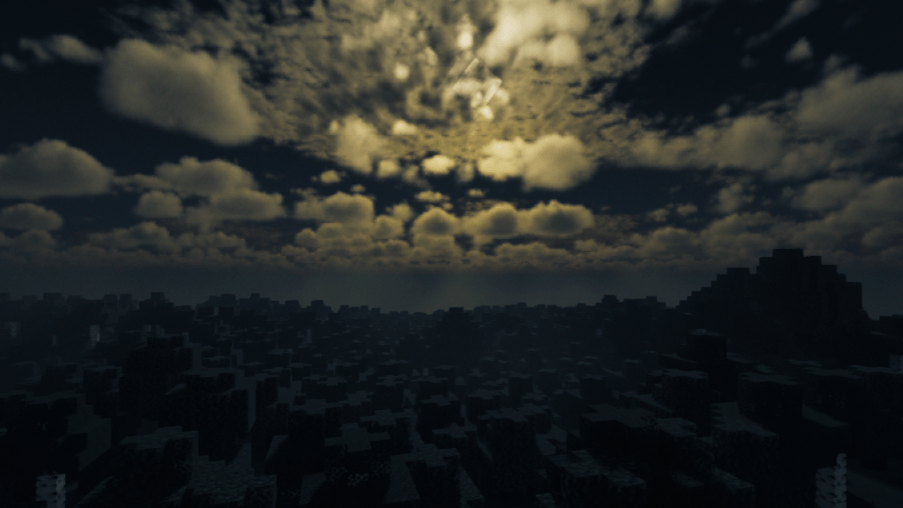
  • Bright luminous sky – Intense solar radiation and realistic atmospheric scattering
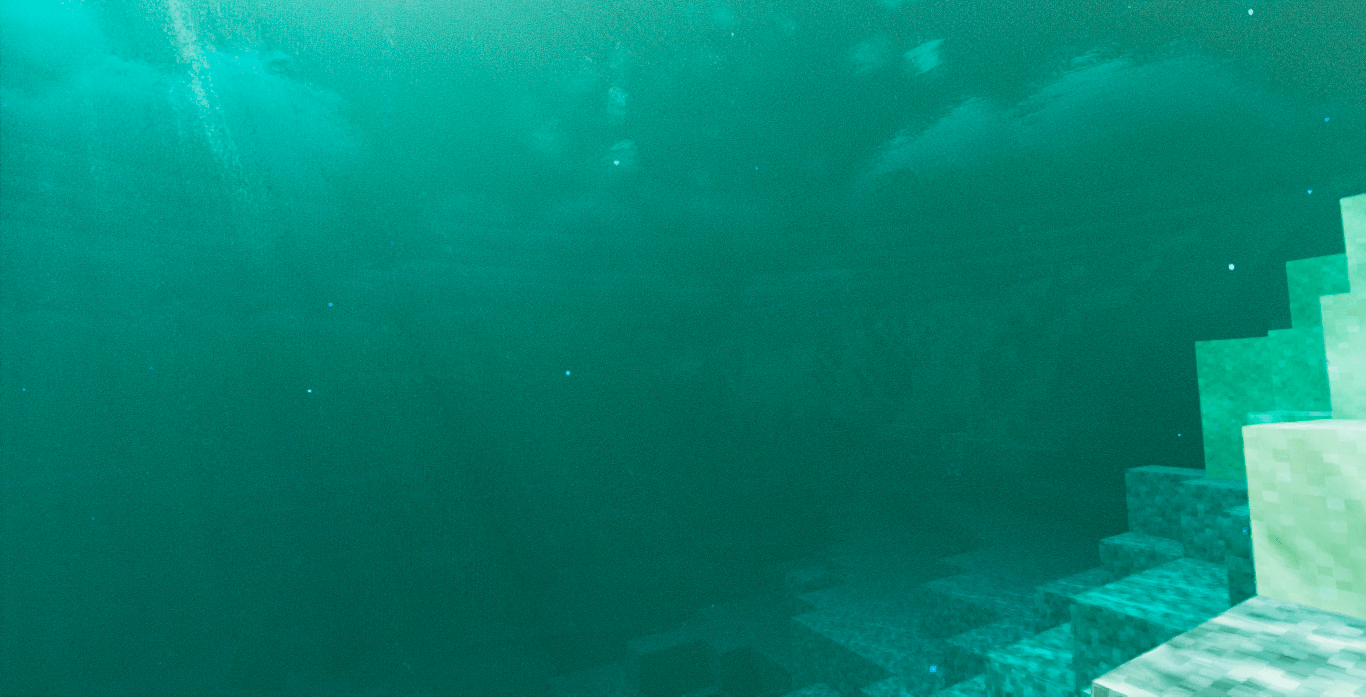
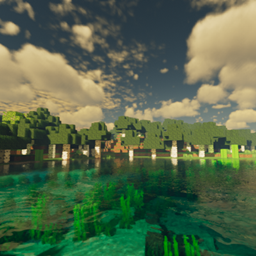
  • Crystal-clear water – Realistic water reflections and refractive effects
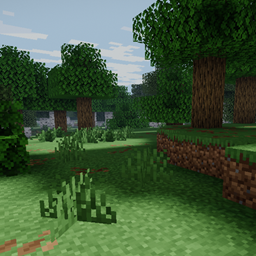
  • Vibrant vegetation – Natural and lifelike plant rendering
  • Optimized visual effects – Smooth framerate without sacrificing visual quality

Overview

The overall effect is a colorful and immersive render, perfect for exploring breathtaking landscapes and showcasing impressive builds in a warm and fluent atmosphere. Whether you're a content creator seeking stunning visuals or a player wanting to enhance your gameplay experience, Optimized Prime delivers the perfect balance between eye-catching aesthetics and performance.

Requirements

  • Minecraft Java Edition
  • OptiFine or Fabric with Iris mod
  • Compatible rendering system

Performance

Optimized Prime is built on the Low profile preset by default, ensuring smooth gameplay while maintaining exceptional visual quality. The shader automatically disables heavy effects like bloom, motion blur, and complex exposure systems to prioritize FPS without compromising the vibrant, colorful atmosphere.

Credits

©️ Based on Kappa Shader v5.3 by RRe36

Optimized and enhanced by Firyx for maximum performance and color vibrancy.


Enjoy stunning landscapes and creative builds with Optimized Prime – where beauty meets performance.

Optimized Prime.zip
MC 1.21.2-Snapshot, 1.21, 1.21.6-snapshot, 1.20.2-Snapshot, 1.20.5-Snapshot, 1.21.1-Snapshot, 1.20.2, 1.21.8, 1.20.5, 1.21.5, 1.21.4, 1.21.5-Snapshot, 1.20.1, 1.20, OptiFine, 1.20.6
Release 2026-07-07 Get

Requirements & install

How to use this shader in Minecraft
Shader loader
OptiFine
Minecraft
1.21 – 1.21.8
Install folder
.minecraft/shaderpacks

Install with OptiFine

  1. Install OptiFine for your Minecraft version (optifine.net) and start it once.
  2. Download the shader pack .zip (do not extract it).
  3. Put the .zip into .minecraft/shaderpacks.
  4. In game open Options → Video Settings → Shaders and select the pack.
Browse more: Iris shaders OptiFine shaders Shaders for 1.21.8 All shaders

More from Firyx_Creation

Advertisement Remove ads with Premium →

You Might Also Like