Mineuniverse
Shaders
oh shiny!

oh shiny!

SHADER
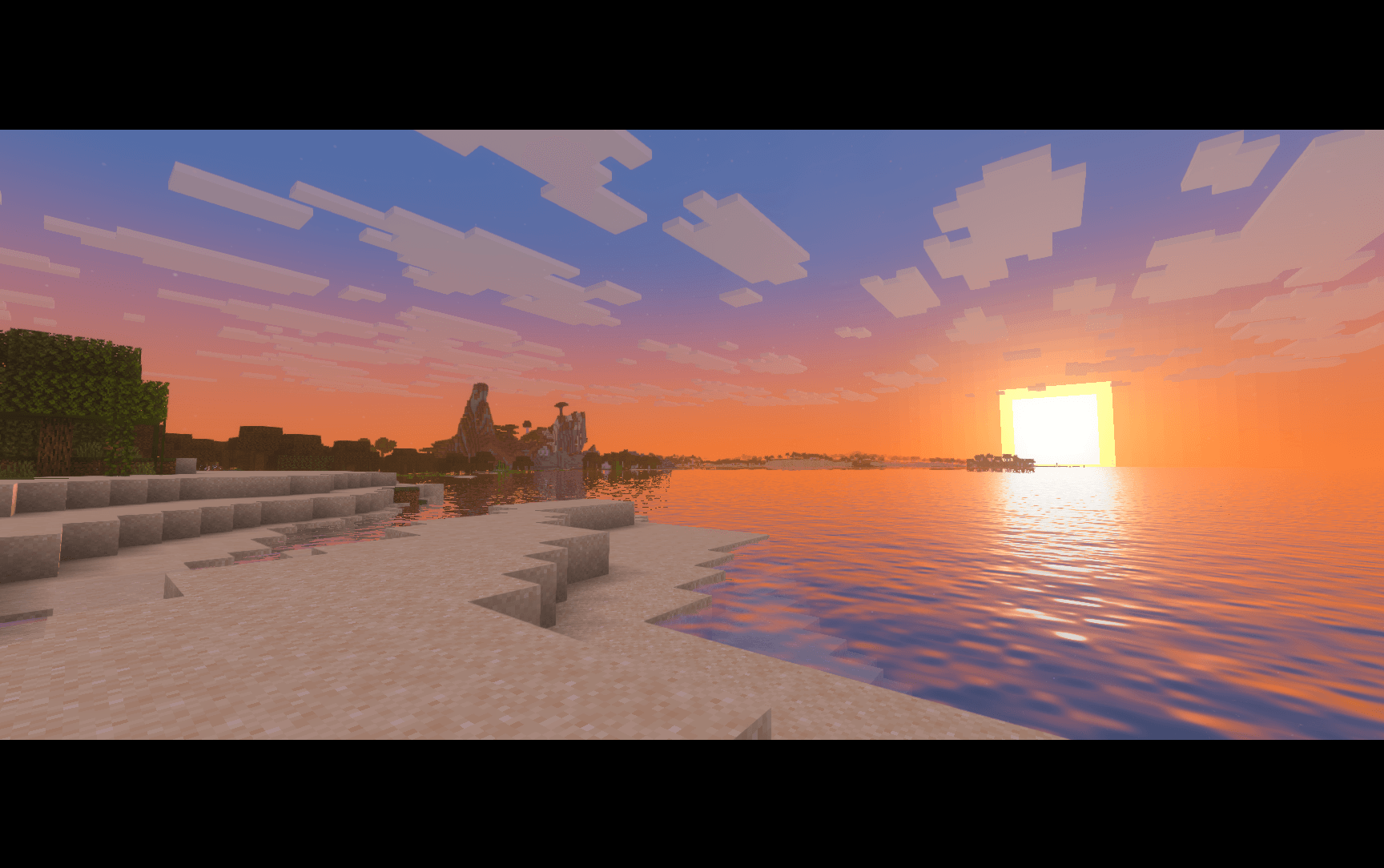
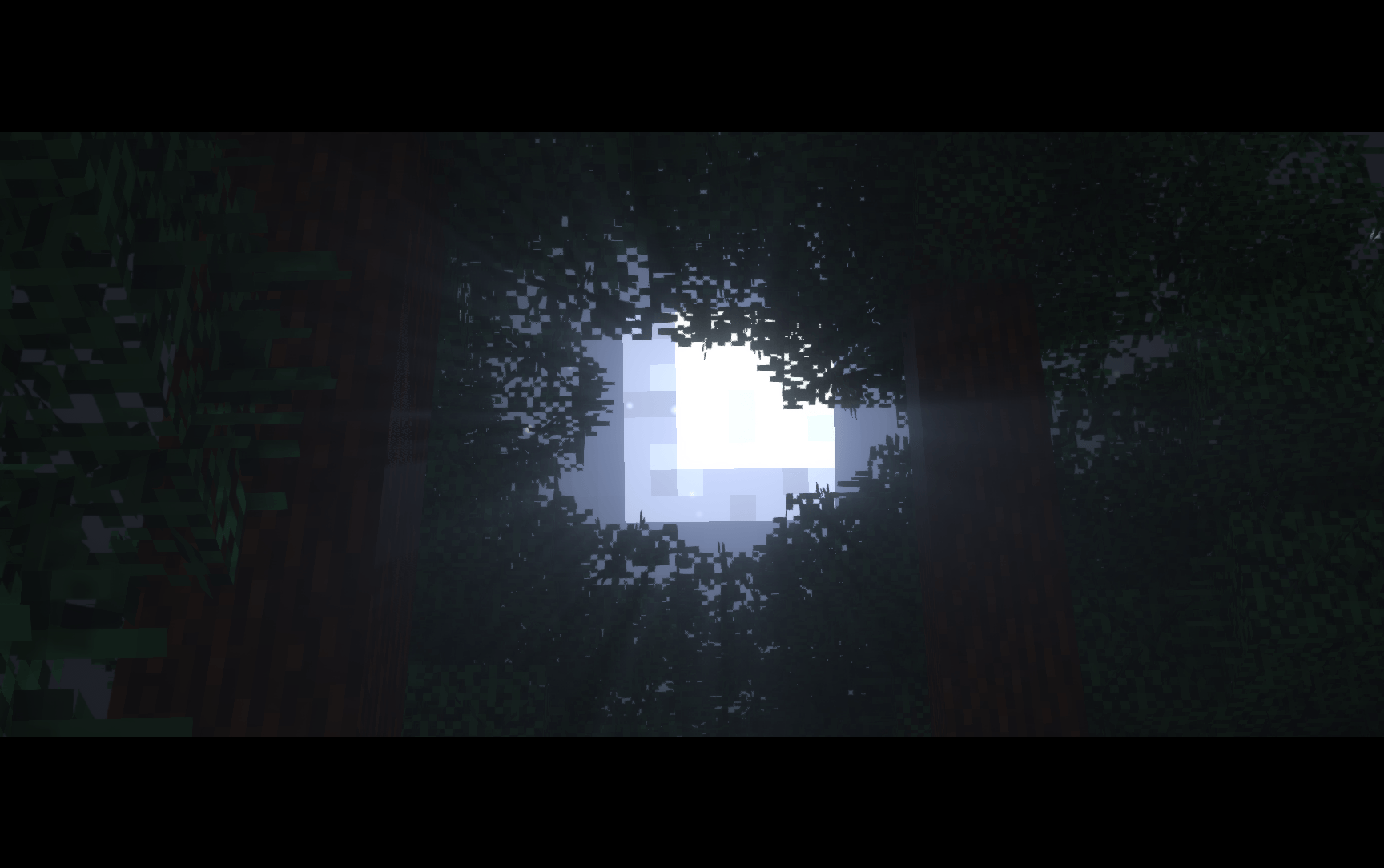
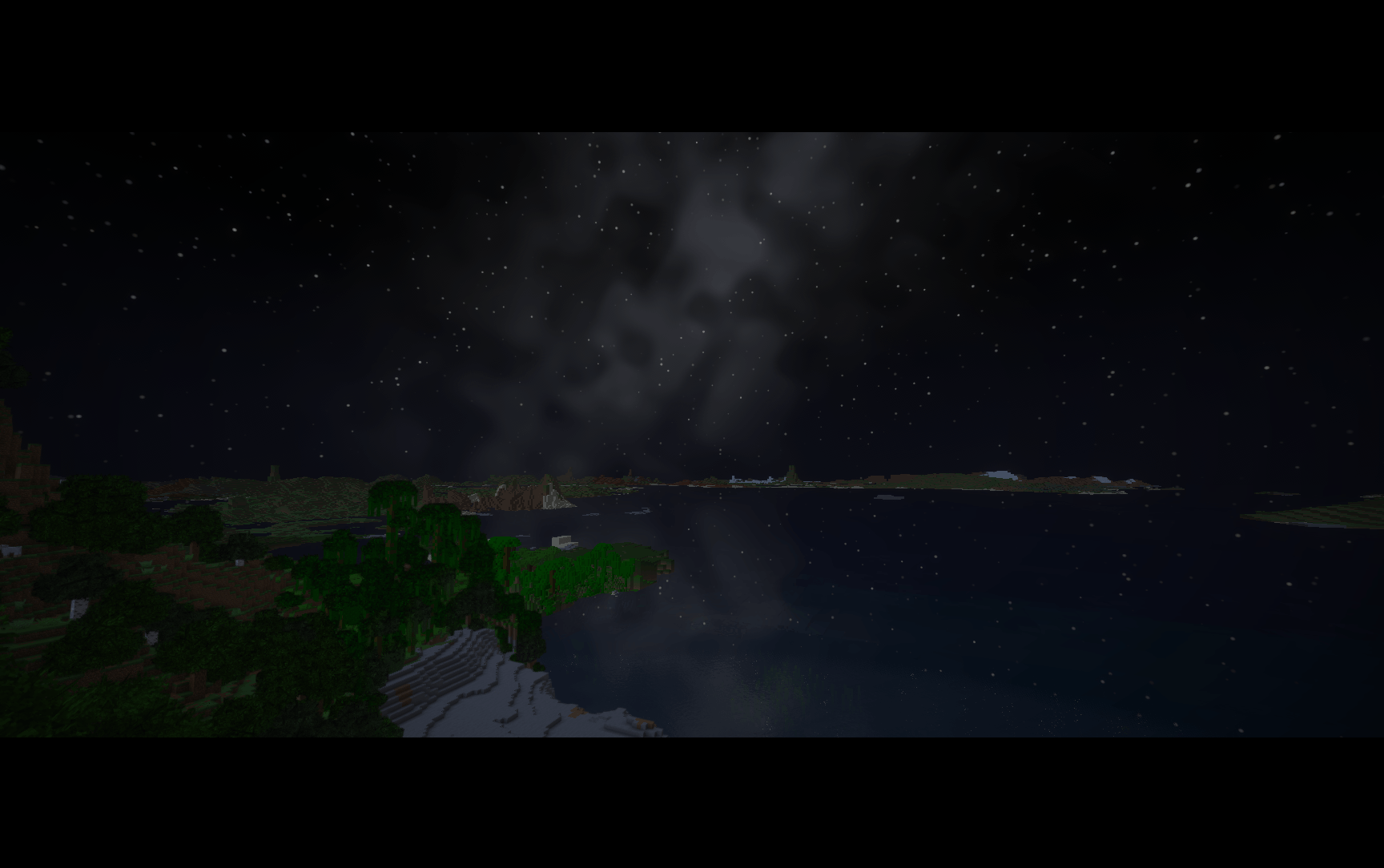
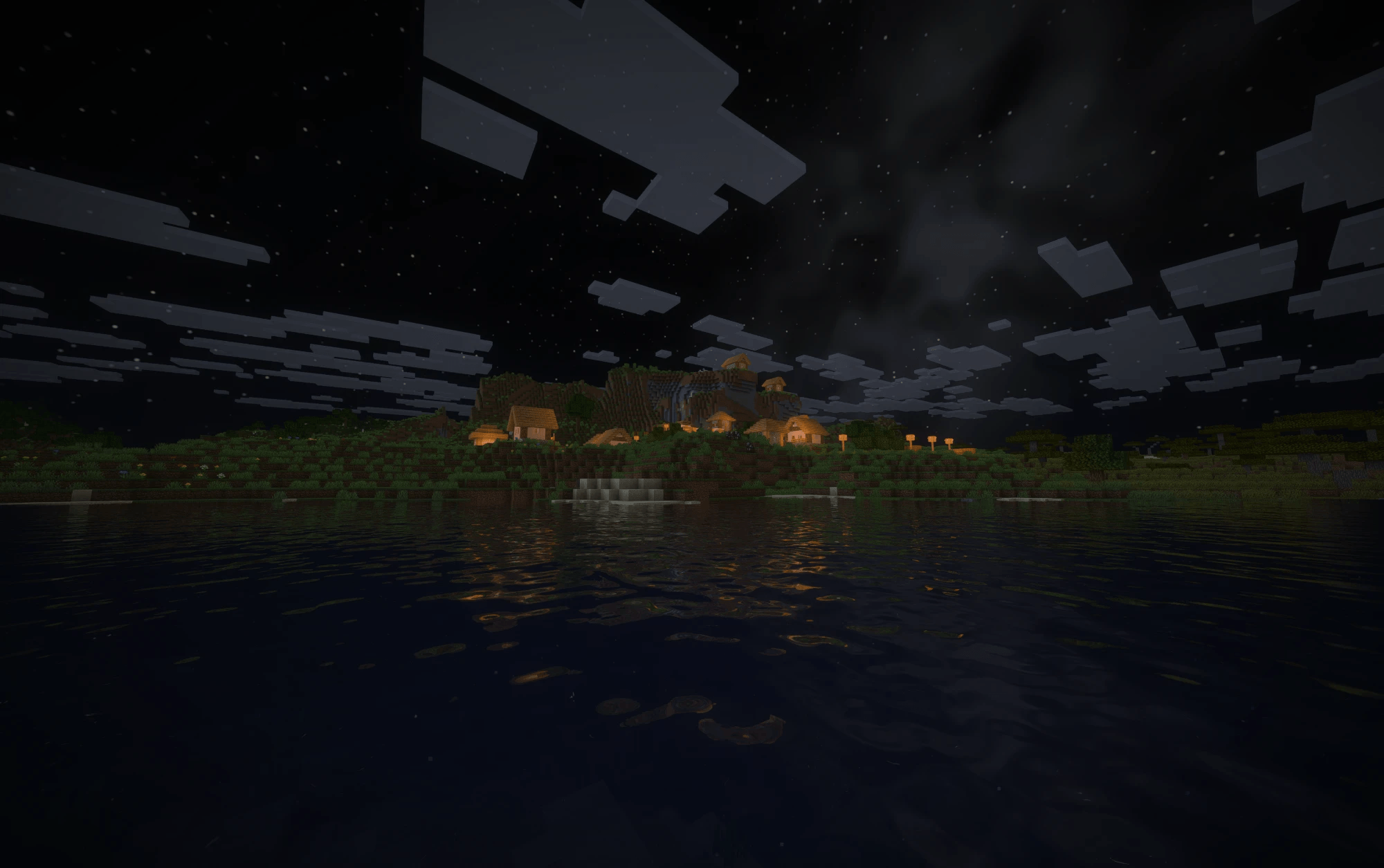
A shader pack derived from ohjey’s Metallum Extra shaders, with colored lighting, soft shadows, reflective water, and a cinematic sky.
by simply_sunny
Download Claim this project
Add a badge to your pageLink to oh shiny! from a README, website or forum post.
Preview: Badge

Badges update automatically and link to the shader page on MineUniverse.

141 downloads
0 likes
0 followers
Updated Nov 10, 2026
0 hypes
Follow0
Realistic
Advertisement Remove ads with Premium →

oh shiny!

A shader pack for Minecraft 1.20.1–26.3, with colored lighting, soft shadows, reflective water, and a cinematic sky.

Credits

The original shaders were created by ohjey and the Metallum Extra contributors. oh shiny! is derived from the shaders formerly built into Metallum Extra. Credit for that original work belongs to them.

Standalone adaptation and ongoing development: simply-sunny. Published with the original author’s permission.

Distributed under the MIT License. The original copyright notice, “Copyright (c) 2026 Metallum Extra contributors,” and full license are preserved in the downloadable pack.

Features

  • Sun and moon shadows, with soft or pixelated edges
  • Colored light from torches, soul fire, sea lanterns, and amethyst
  • Light from held torches and lanterns
  • Reflective water with ripples and caustics
  • Sunsets in gold and coral, or a color you pick, plus stars and the Milky Way
  • Bloom, sun rays, ambient occlusion, and moving foliage
  • TAA, FXAA, sharpening, and adjustable color grading
  • Distant Horizons support, plus Voxy on Iris
  • Low, Medium, High, and Ultra quality presets

Installation

  1. Install Iris with Sodium, or use Metallum with Leadlight on Apple silicon.
  2. Download the shader pack ZIP and place it in your shaderpacks folder without extracting it.
  3. Select it under Options → Video Settings → Shader Packs.

Medium is the default preset. Lower shadow distance or disable mob shadows if you need better performance.

Source code · Report issues

oh shiny! 1.5.4
MC 1.21, 1.20.2, 1.21.8, 1.20.5, 1.21.5, 1.21.4, 1.20.1, 1.20.6, 1.21.1, 1.21.6, 1.21.3, 1.21.7, 1.20.4, 1.20.3, Iris, 1.21.2, 1.21.9, 1.21.10, 1.21.11, 26.1, 26.1.1, 26.1.2
Release 2026-11-05 Get

Requirements & install

How to use this shader in Minecraft
Shader loader
Iris
Minecraft
1.21.7 – 26.1.2
Install folder
.minecraft/shaderpacks

Install with Iris

  1. Install Iris with the Iris installer (irisshaders.dev); it sets up Fabric and Sodium for you.
  2. Download the shader pack .zip (do not extract it).
  3. Put the .zip into .minecraft/shaderpacks.
  4. In game open Options → Video Settings → Shader Packs, select the pack and click Apply.
Browse more: Iris shaders OptiFine shaders Shaders for 26.1.2 All shaders
Advertisement Remove ads with Premium →

You Might Also Like