Mineuniverse
Shaders
NLK's Dynamic Horizons

NLK's Dynamic Horizons

SHADER
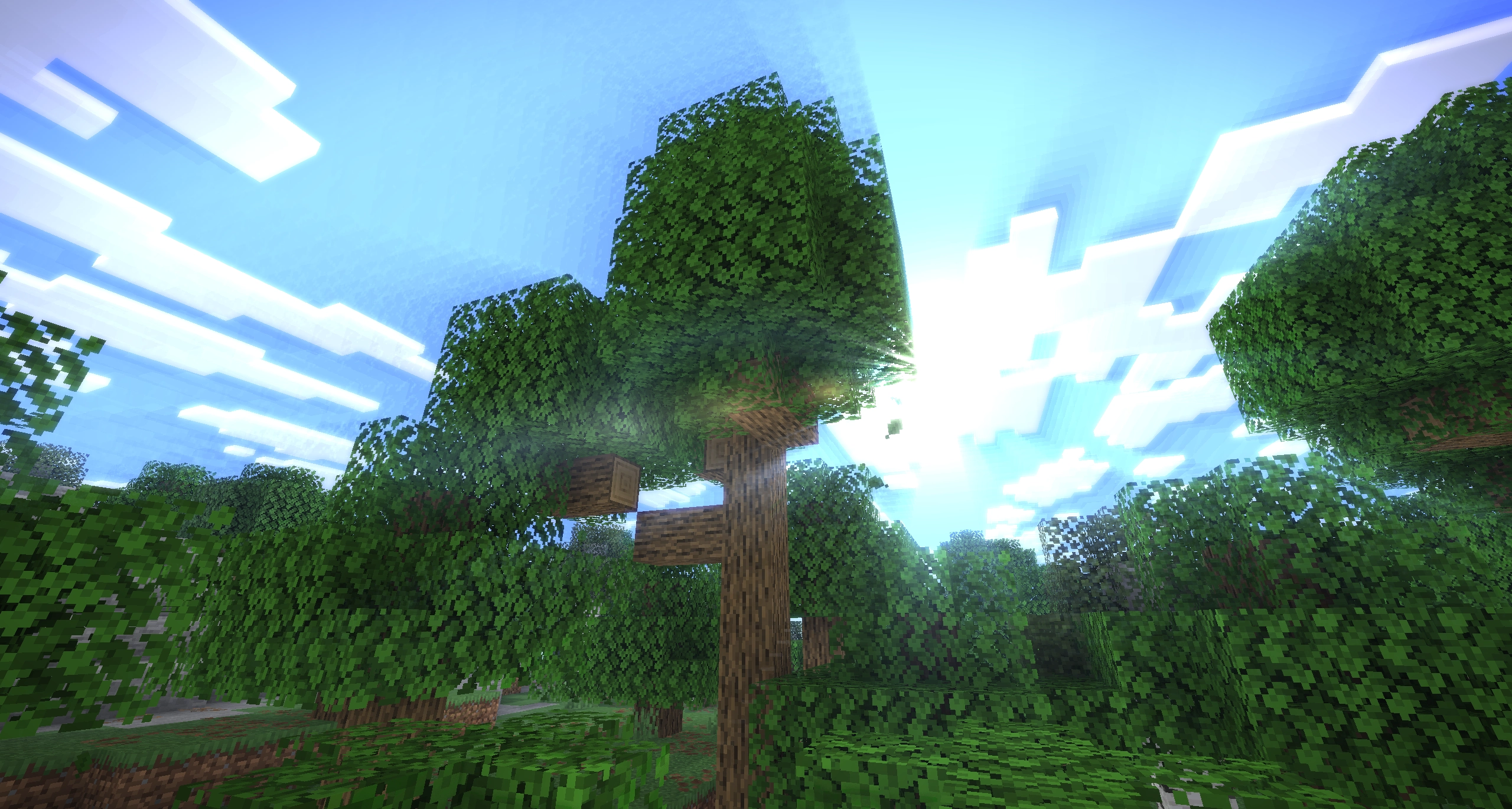
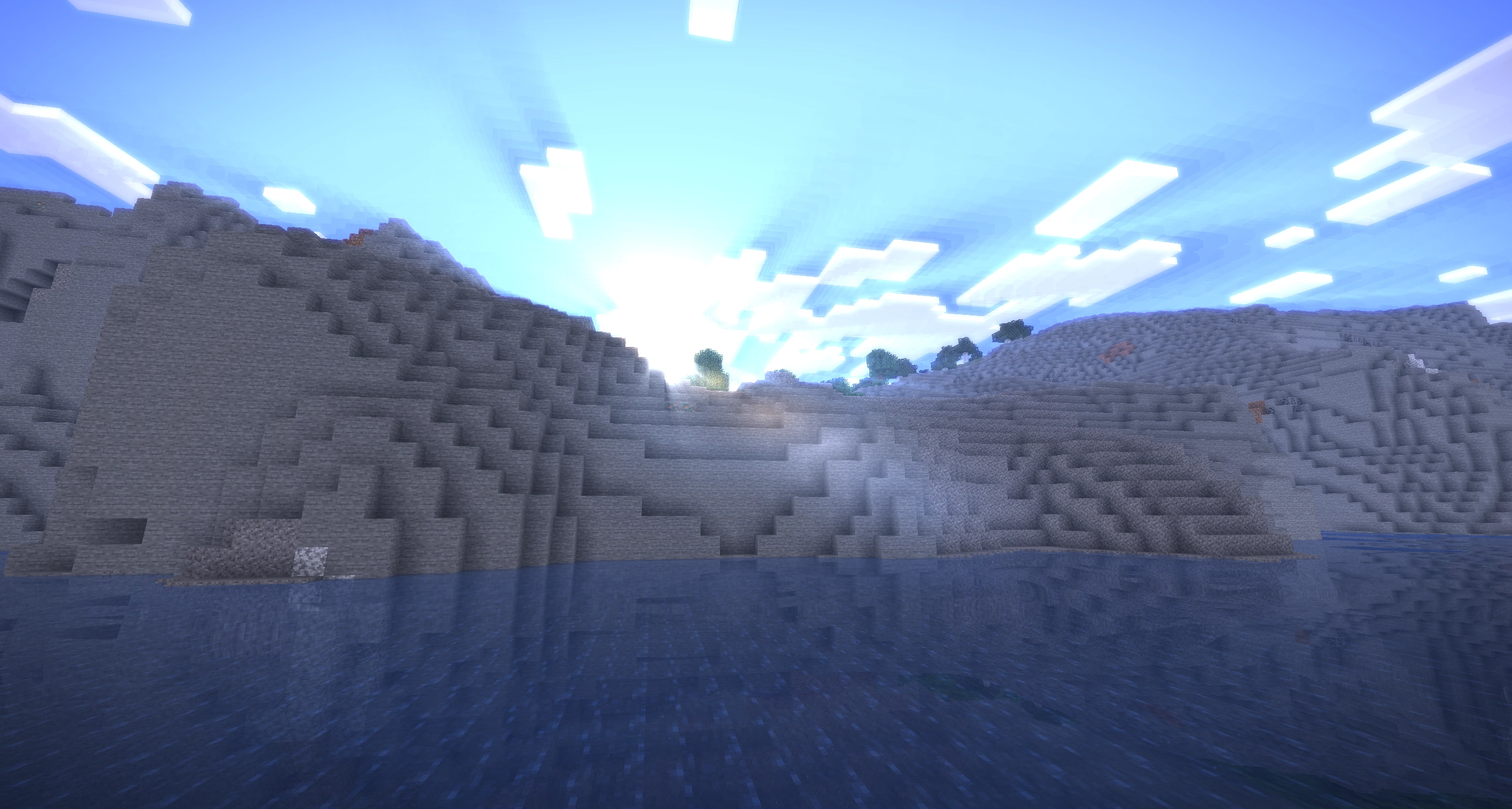
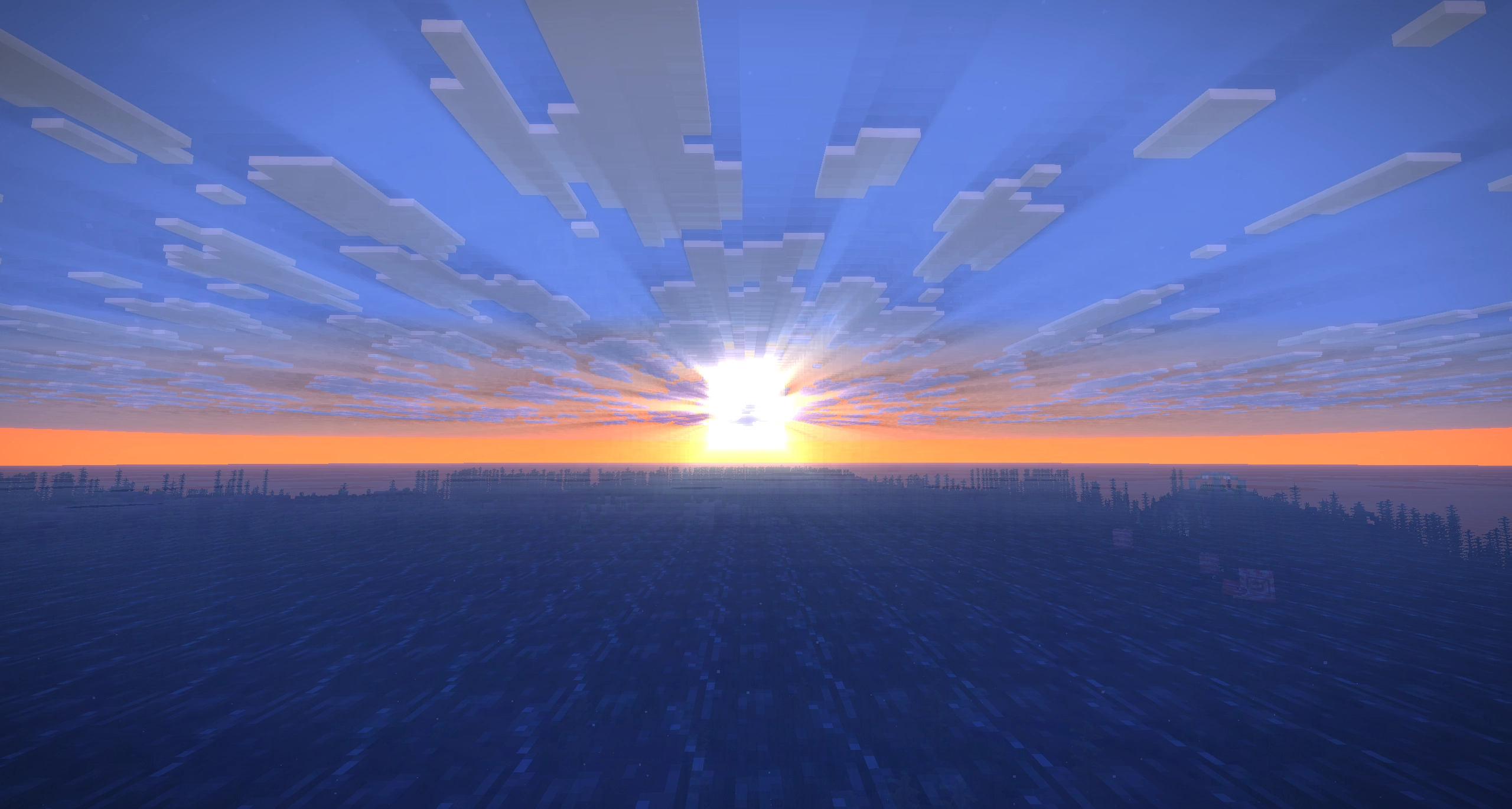
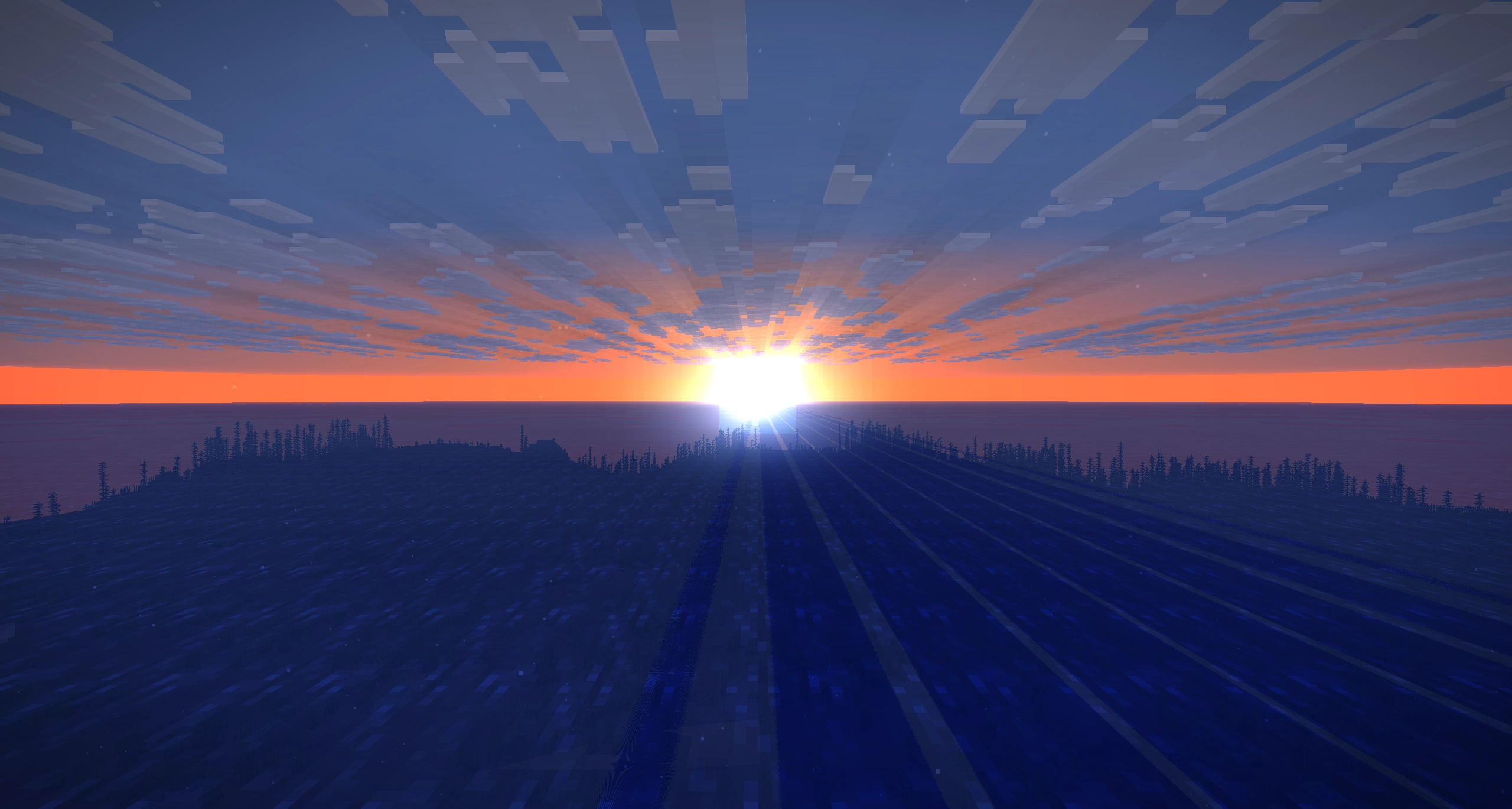
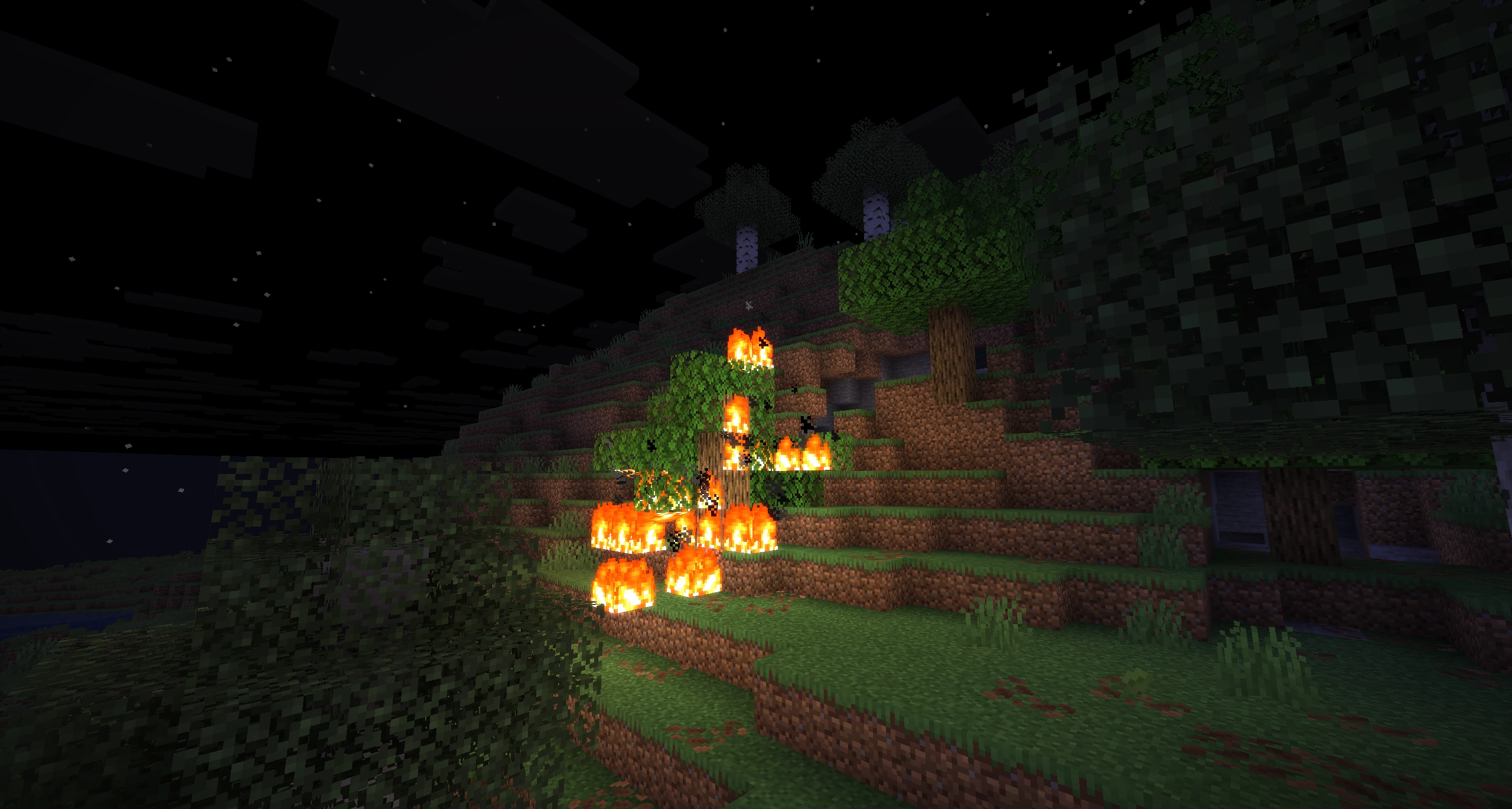
Dynamic Horizons is an efficient shader with some attempt at more enhanced graphics.
by NoLifeKing85
Download Claim this project
906 downloads
0 likes
0 followers
Updated Oct 14, 2026
0 hypes
Follow0
Realistic Vanilla
Advertisement Remove ads with Premium →

image


Dynamic Horizons is the first shader made by NoLifeKing85.

I attempted to make my first shader, took inspiration of the visual cues that many other shaders had, and went with this feature set:

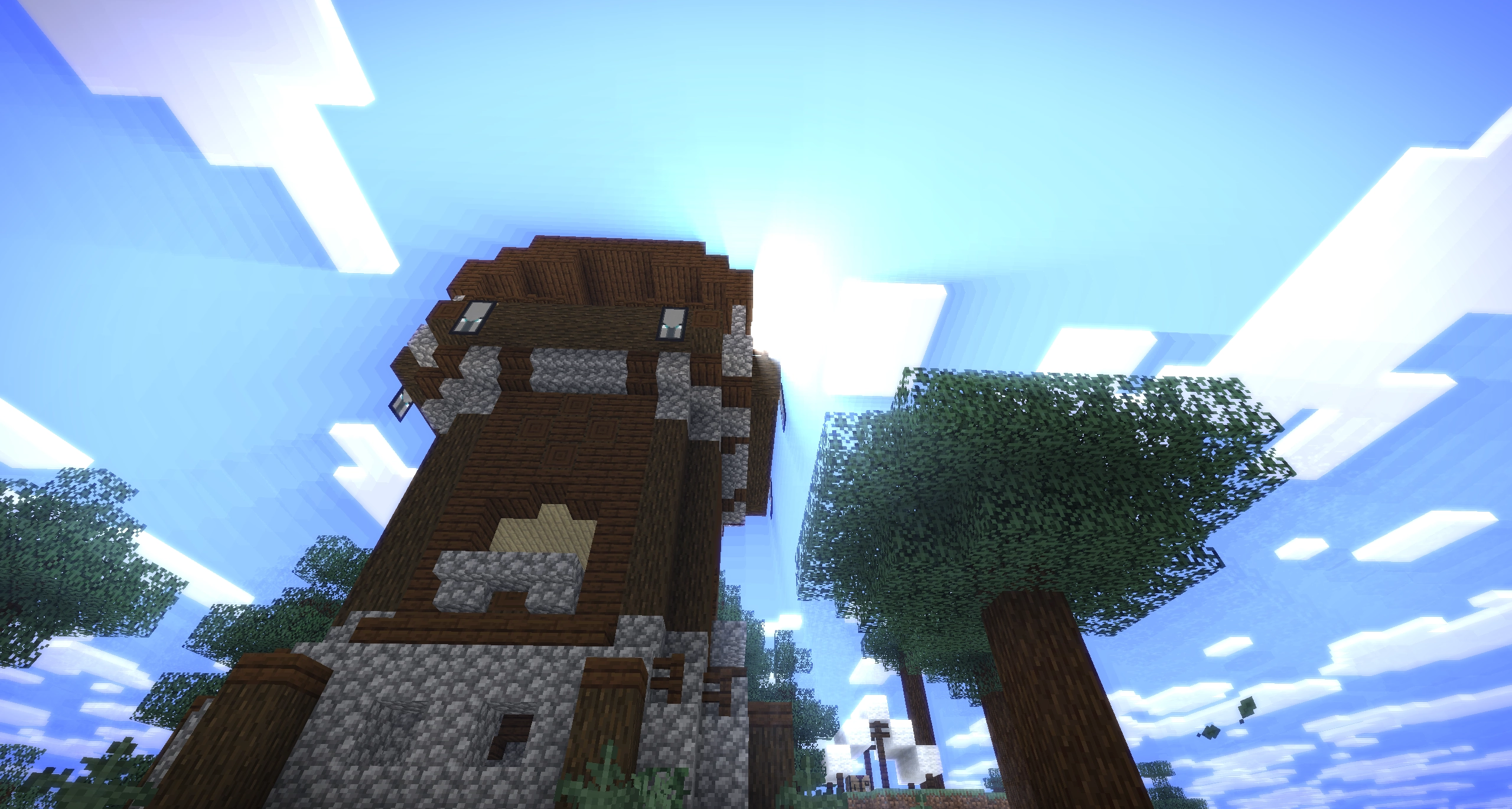
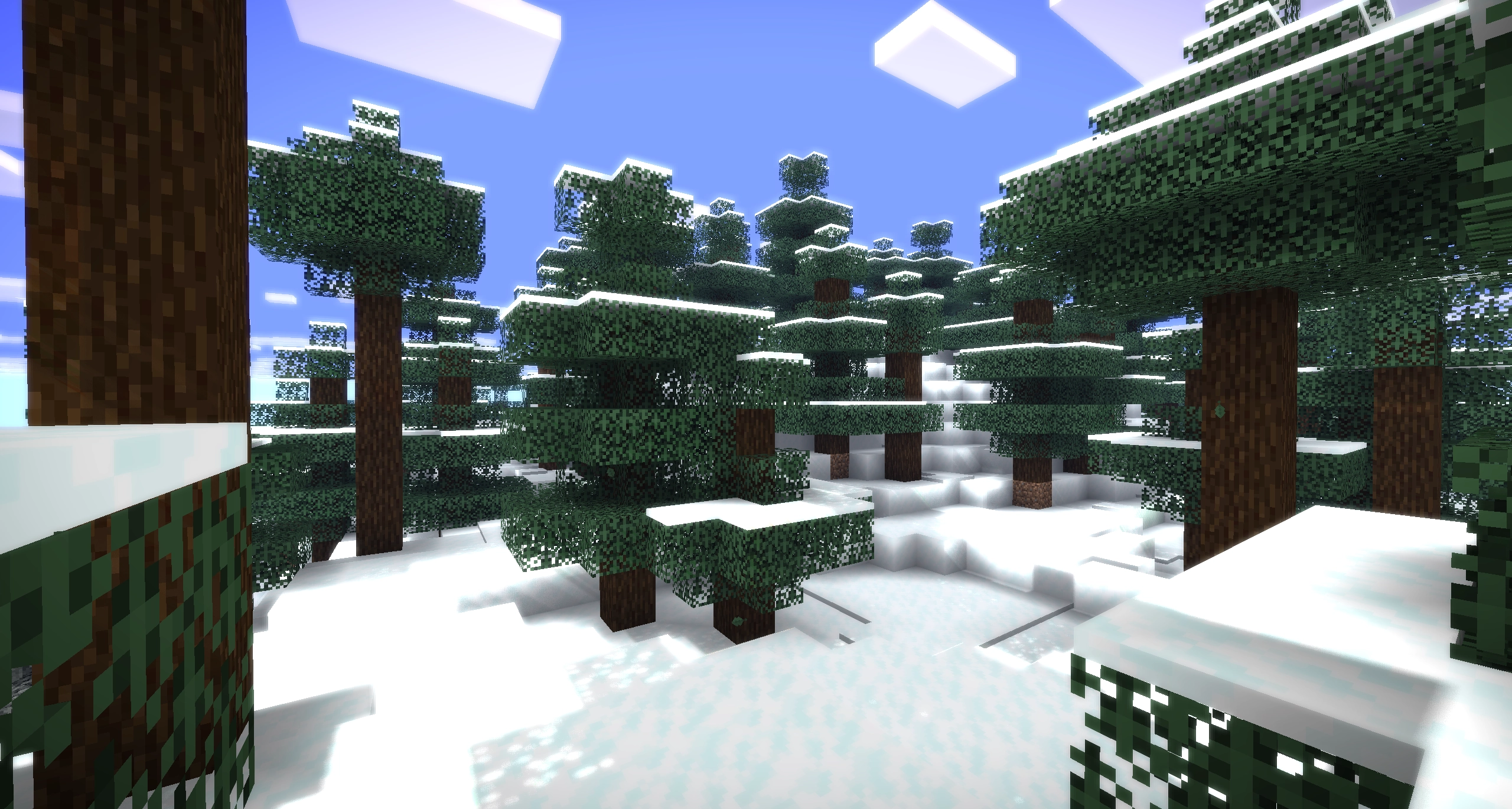
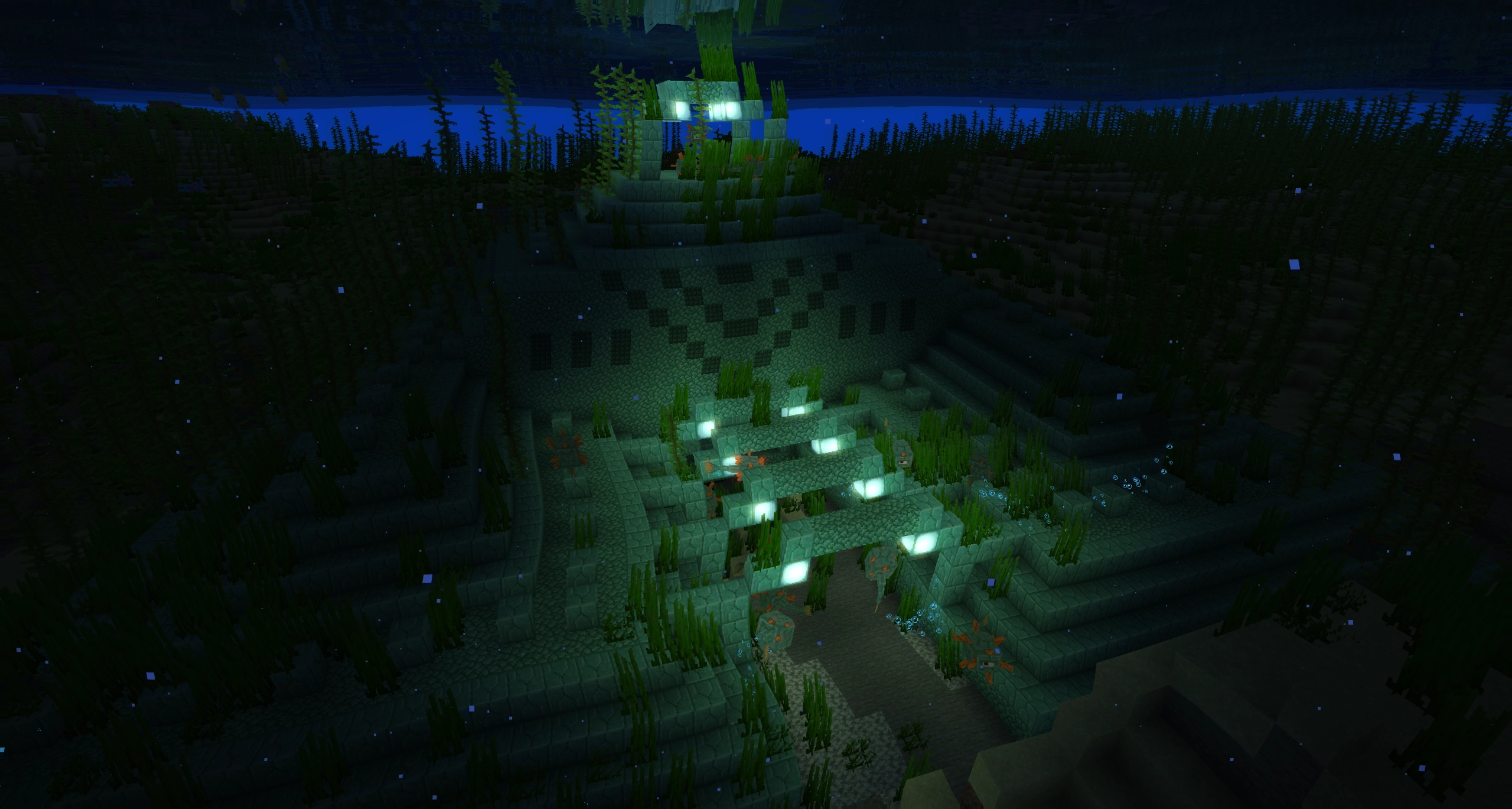
  • Shadow-map based on sun/moon position, with support for coloured glass
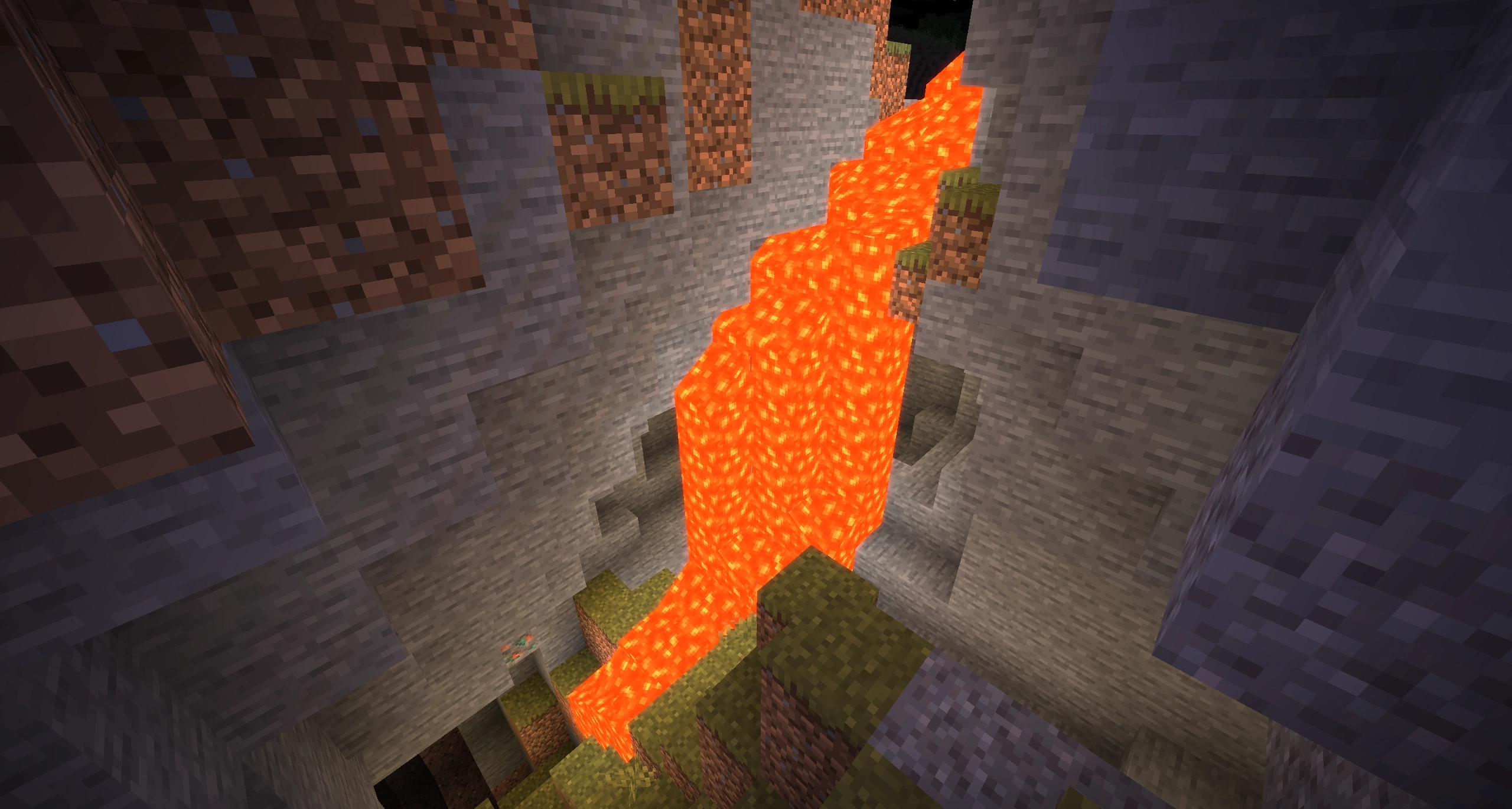
  • Dynamic block light (Like lava flickering and other light sources)
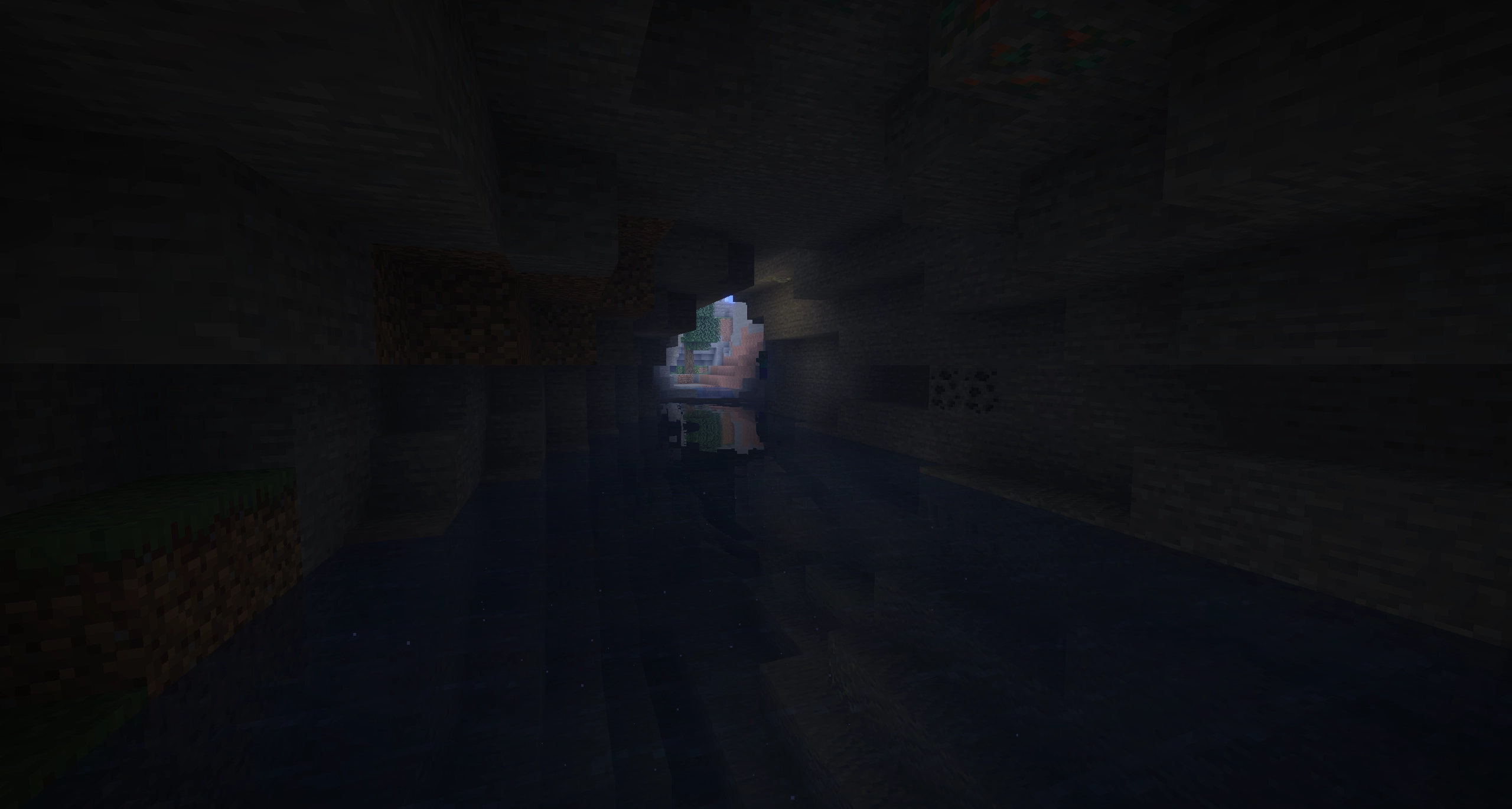
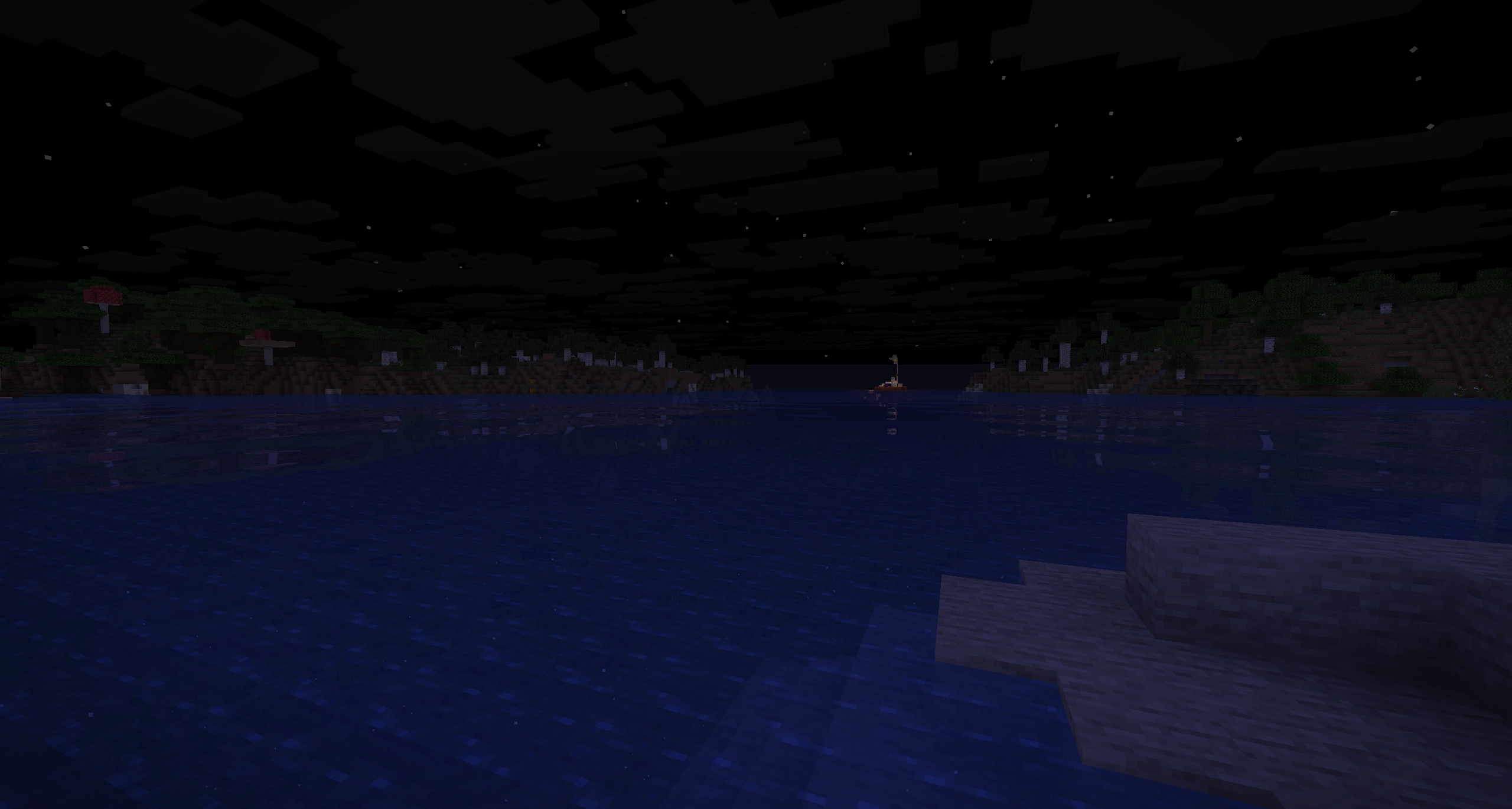
  • Raytraced water reflections (Reflections, refractions, waves)
  • Improvements to rain, to make it fit the other shader functions (refractions and glint)
  • When it rains, the ground gets wet based on the wetness-property, and will occasionally reflect the world around it a bit.
  • Reflective materials (ice, metals and ore) (kinda buggy though)
  • Foliage that moves (everyone has it, why shouldn't I?)
  • Holding items that emit lights will light up the area around you as well
  • Lens droplets (when it rains, some droplets will form on the screen, got some weird bugs with it..)
  • Lens flares! (Sorry, but this is not a Transformers movie, but we still got lens flares)
  • God Rays (which shader is complete without them? They look so nice!)
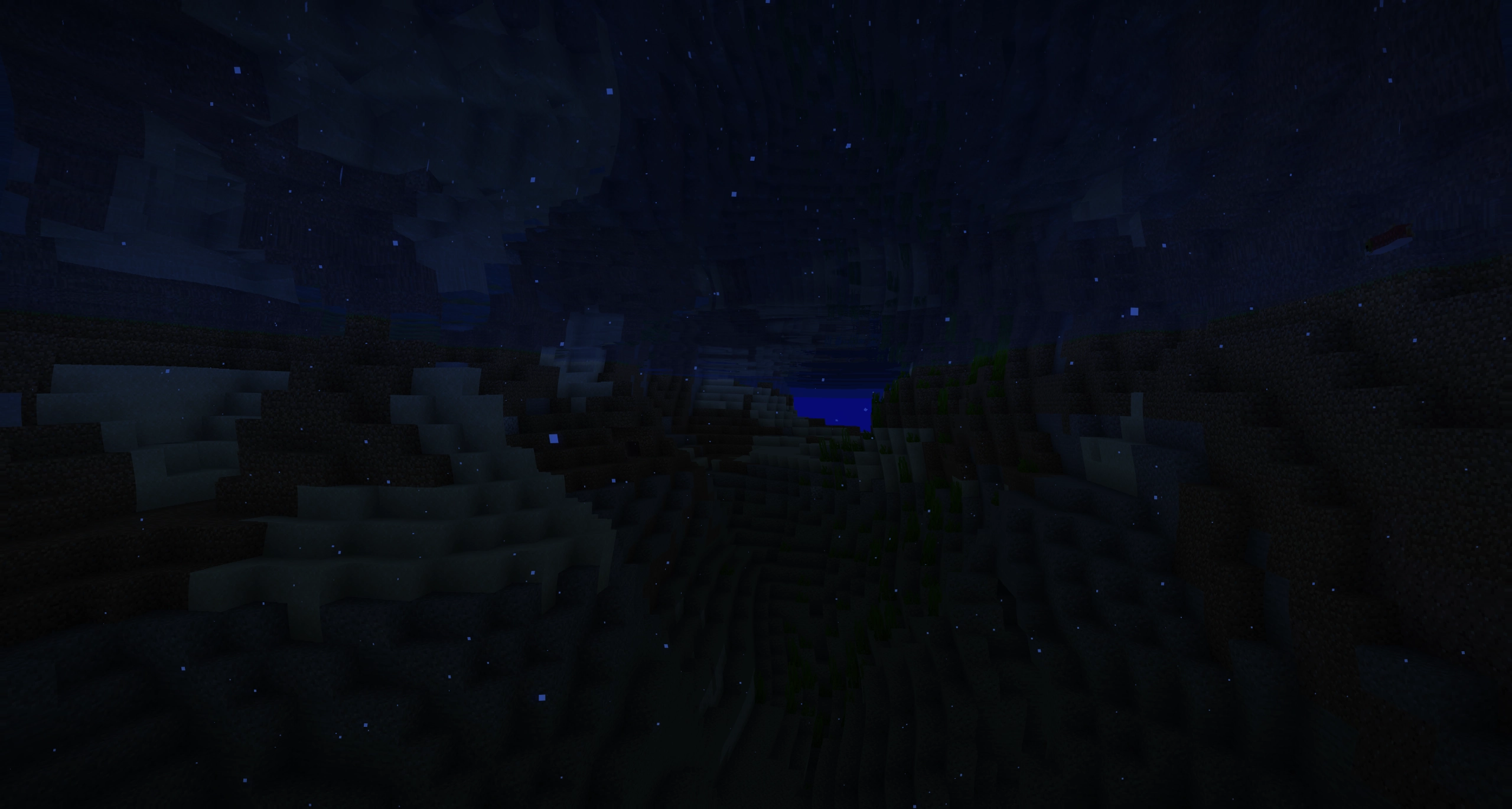
  • Underwater filter, shows some distortion and different tint to make it feel like you're under water
  • Bloom (well.. it kinda brightens stuff and makes light glow, it looks pretty)
  • Storm Grade! (Another weather effect, will darken the screen and remove some colour and add a tint)
  • Vignette (I just slapped it on there, because it kinda fitted)

Works with Iris both in NeoForge and Fabric


Note: This does not work well on potato devices.

I tried on my work computer that uses an Intel iGPU, and it could muster 24fps at most..

NLK's Dynamic Horizons v1.0.0
MC 1.16.3, 1.16-Snapshot, 1.17.1, 1.21.2-Snapshot, 1.21, 1.21.6-snapshot, 1.16.1, 1.18.1, 1.20.2-Snapshot, 1.20.5-Snapshot, 1.16, 1.19-Snapshot, 1.21.1-Snapshot, 1.16.5, 1.19.3, 1.20.2
Release 2026-06-13 Get

Requirements & install

How to use this shader in Minecraft
Shader loader
Iris or OptiFine
Minecraft
1.19.3 – 1.21.6-snapshot
Install folder
.minecraft/shaderpacks

How to install shaders

  1. Install a shader loader for your Minecraft version: Iris (with Sodium) or OptiFine.
  2. Download the shader pack .zip file (do not extract it).
  3. Put the .zip into the shaderpacks folder (.minecraft/shaderpacks).
  4. In game open Options → Video Settings → Shader Packs, select the pack and apply it.
Browse more: Iris shaders OptiFine shaders Shaders for 1.21.6-snapshot All shaders

More from NoLifeKing85

Advertisement Remove ads with Premium →

You Might Also Like