Mineuniverse
Shaders
MiraLite Shaders

MiraLite Shaders

SHADER
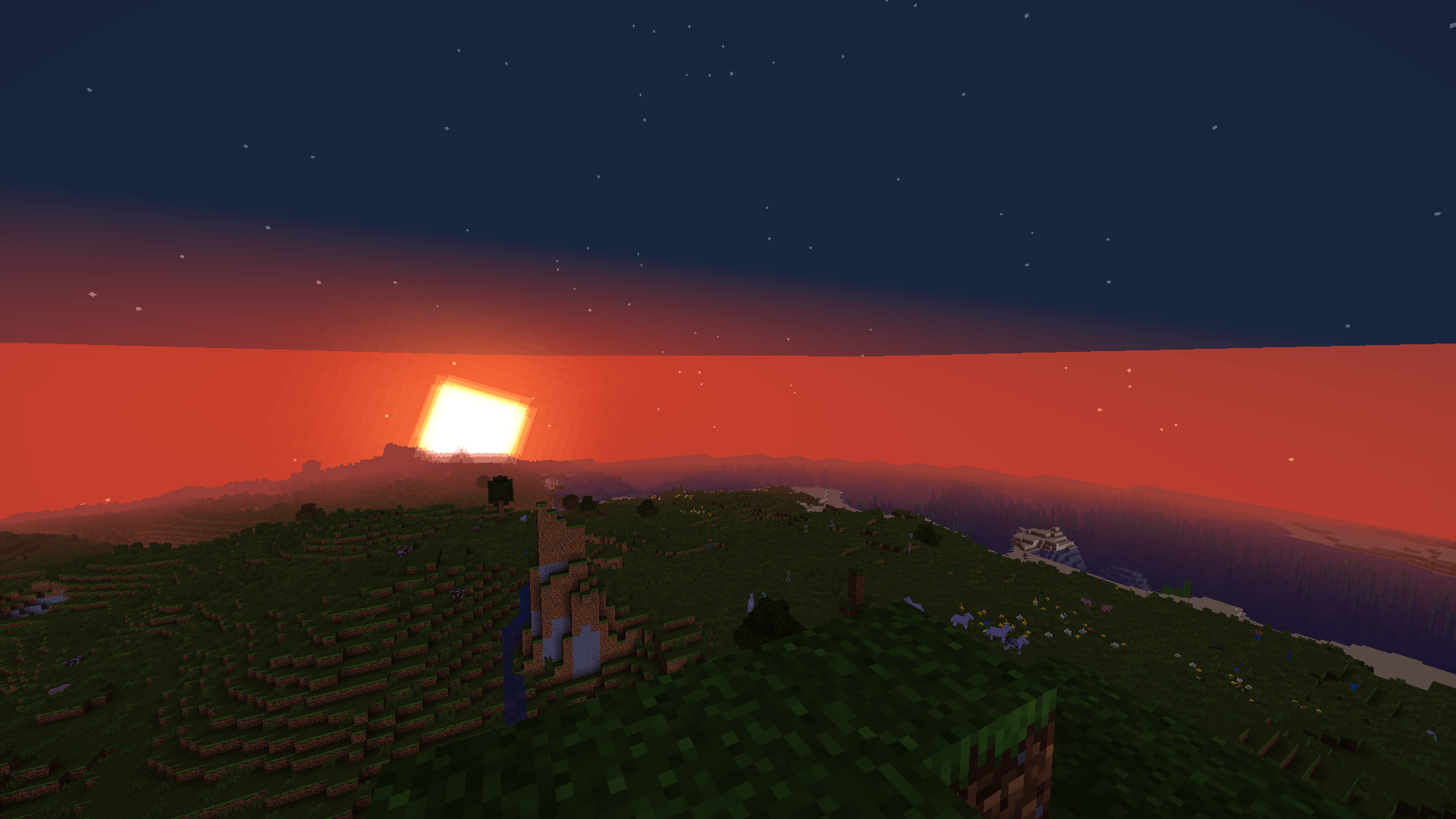
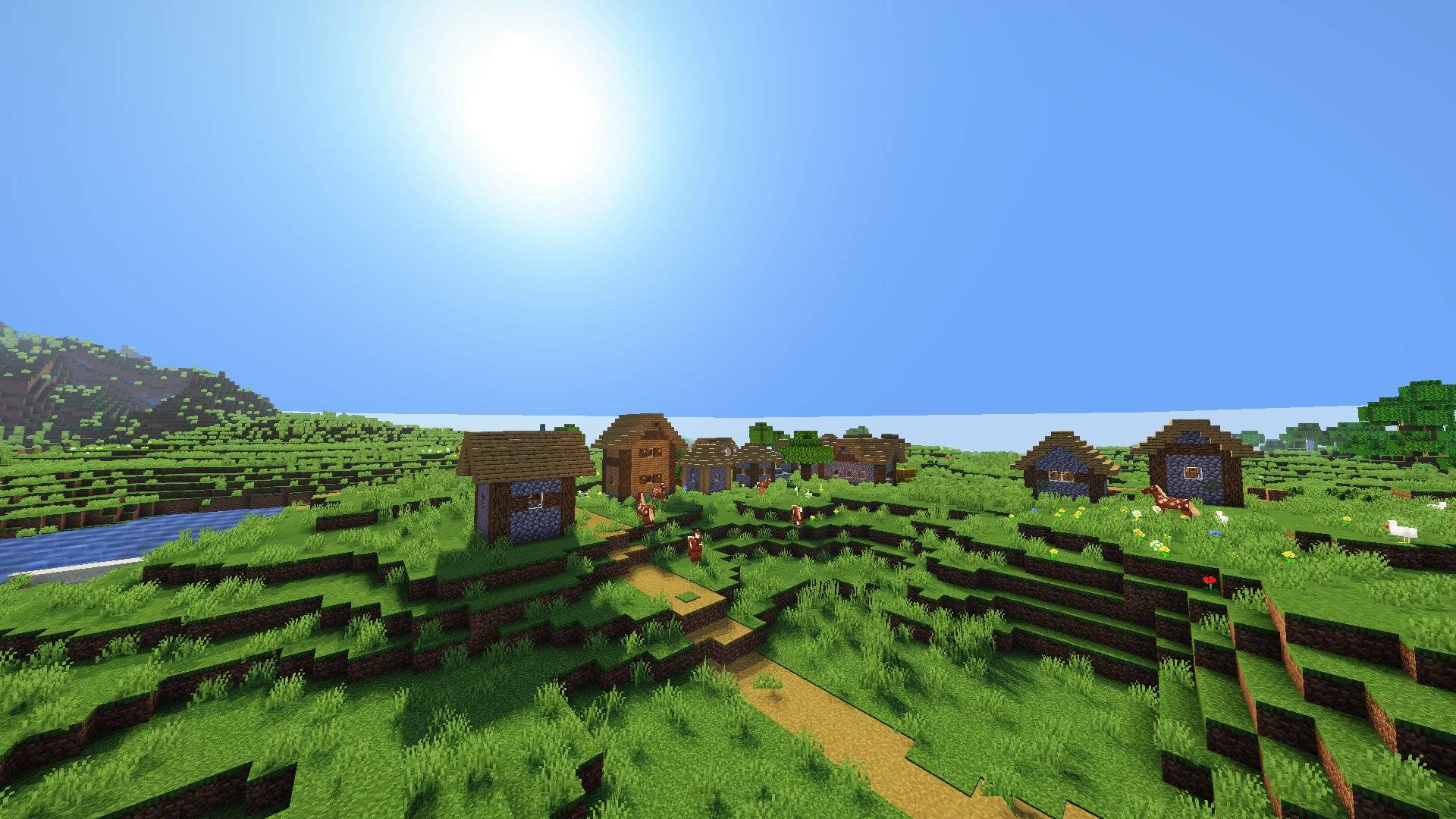
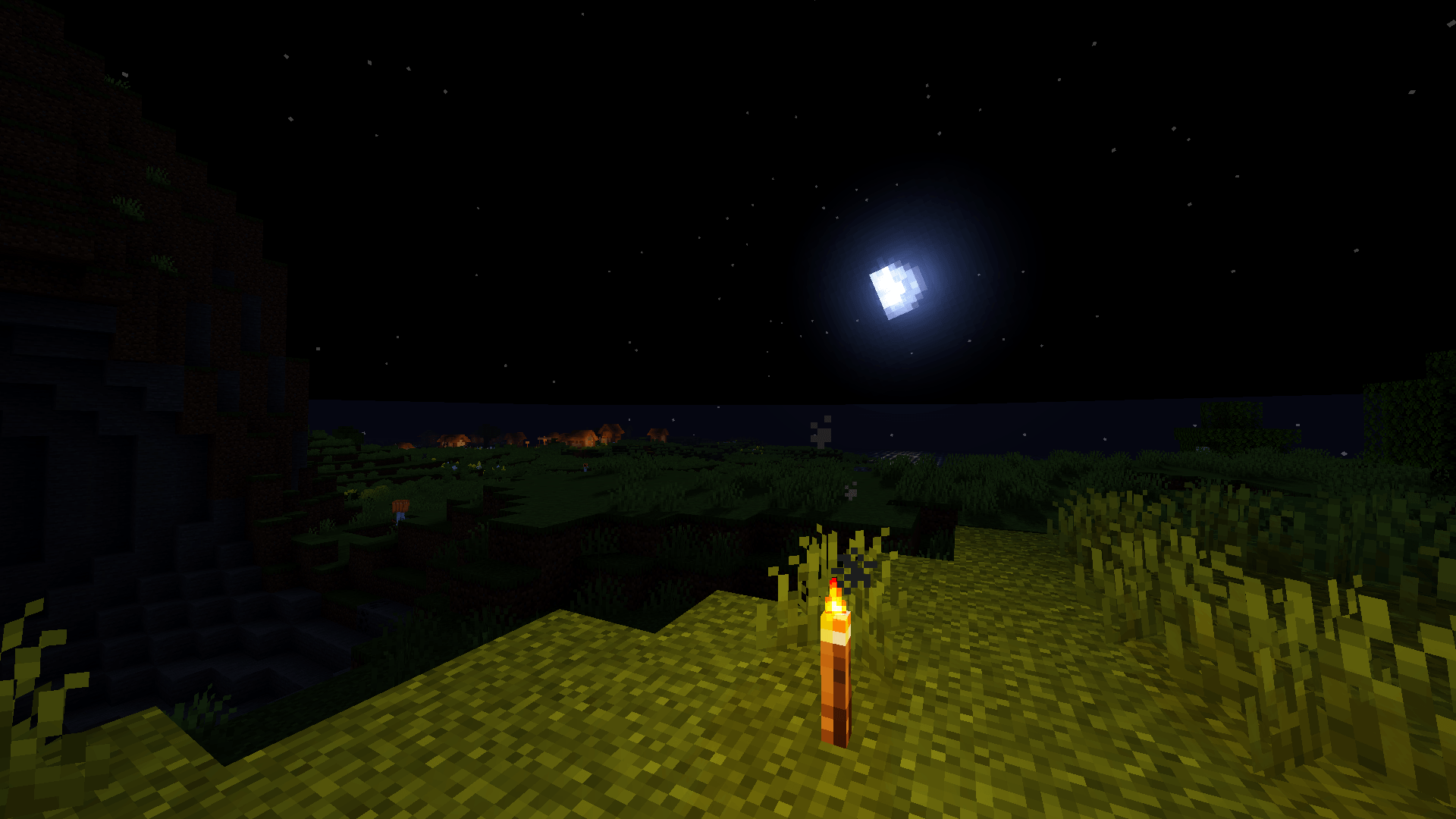
MiraLite is a lightweight shader pack for Minecraft, designed to improve your world’s visuals without destroying your FPS.
by mimi_gorbulak232
Claim this project
Add a badge to your pageLink to MiraLite Shaders from a README, website or forum post.
Preview: Badge

Badges update automatically and link to the shader page on MineUniverse.

40 downloads
0 likes
0 followers
Updated Nov 10, 2026
0 hypes
Follow0
Realistic Vanilla
Advertisement Remove ads with Premium →

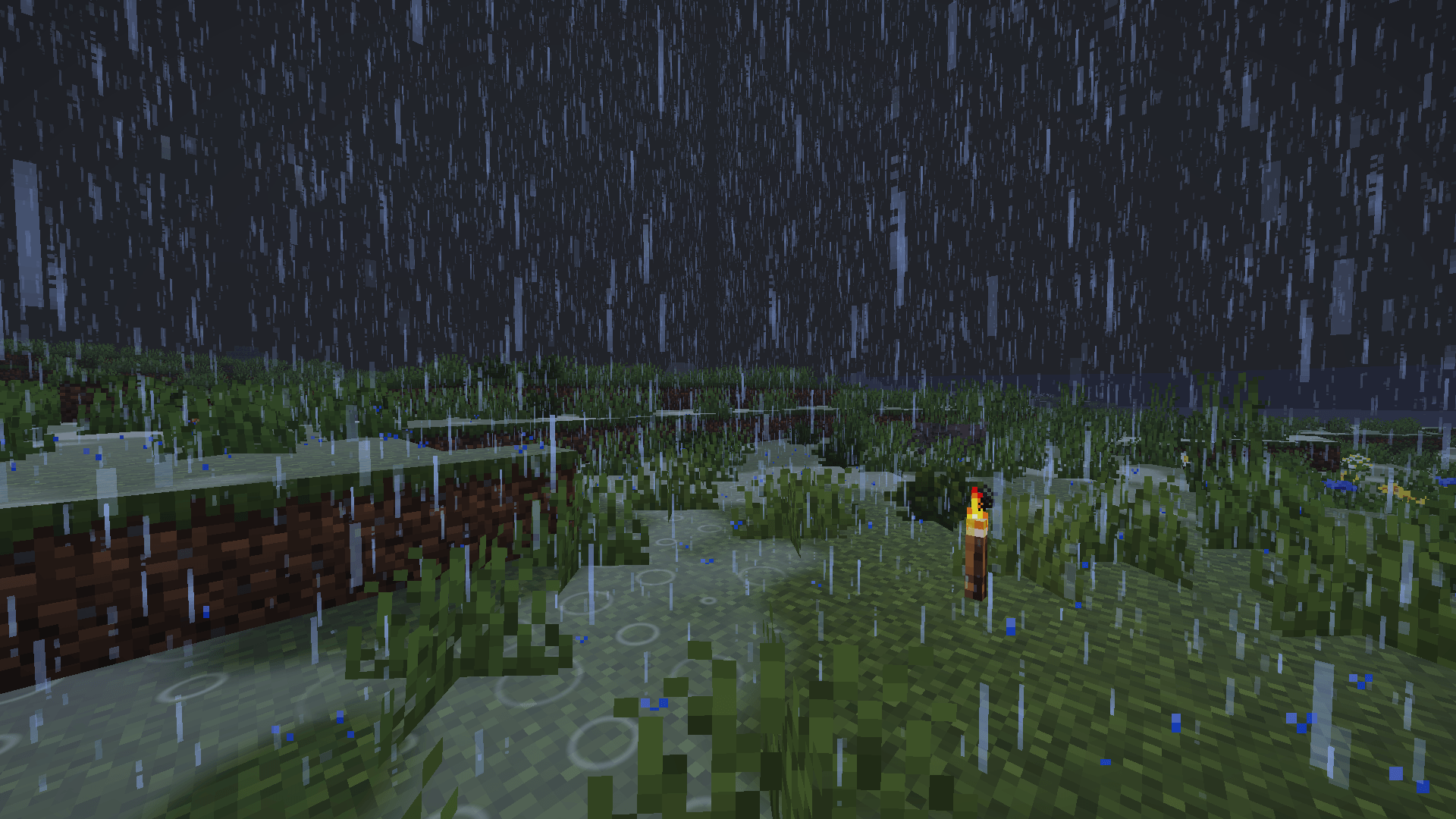
MiraLite is a lightweight shader pack for Minecraft, designed to improve your world’s visuals without destroying your FPS.

 - Features :

  • Dynamic shadows
  • Improved water
  • Rain and weather effects
  • A warmer, more immersive atmosphere
  • Optimized for low-end and mid-range PCs

 - Installation : 

  1. Install Oculus (Forge), Iris (Fabric) or OptiFine.
  2. Download the .zip file and place it in your shaderpacks folder. Do not extract it.
  3. Launch the game, then go to Options → Video Settings → Shaders.
  4. Select MiraLite.


- Compatibility : 

Works with Oculus, Iris and OptiFine. Tested on the Minecraft versions listed in the files section.

 - Support :

Found a bug or have a suggestion? Leave a comment on the project page.


MiraLite est un pack de shaders léger pour Minecraft, conçu pour embellir ton monde sans faire chuter tes FPS.

Français : 

Fonctionnalités :

  • Ombres dynamiques
  • Eau améliorée
  • Effets de pluie et de météo
  • Une ambiance plus chaude et plus immersive
  • Optimisé pour les PC modestes et moyens

Installation :

  1. Installe Oculus (Forge), Iris (Fabric) ou OptiFine.
  2. Télécharge le fichier .zip et place-le dans ton dossier shaderpacks, sans le décompresser.
  3. Lance le jeu, puis va dans Options → Vidéo → Shaders.
  4. Sélectionne MiraLite.


- Compatibilité :

Fonctionne avec Oculus, Iris et OptiFine. Testé sur les versions de Minecraft indiquées dans la section des fichiers.

 - Support :

Un bug ou une suggestion ? Laisse un commentaire sur la page du projet.

MiraLite v1.0.
MC OptiFine, Iris, 26.1.2
Beta 2026-10-31

Requirements & install

How to use this shader in Minecraft
Shader loader
Iris OptiFine
Minecraft
26.1.2
Install folder
.minecraft/shaderpacks

How to install shaders

  1. Install a shader loader for your Minecraft version: Iris (with Sodium) or OptiFine.
  2. Download the shader pack .zip file (do not extract it).
  3. Put the .zip into the shaderpacks folder (.minecraft/shaderpacks).
  4. In game open Options → Video Settings → Shader Packs, select the pack and apply it.
Browse more: Iris shaders OptiFine shaders Shaders for 26.1.2 All shaders

More from mimi_gorbulak232

Advertisement Remove ads with Premium →

You Might Also Like