Mineuniverse
Shaders
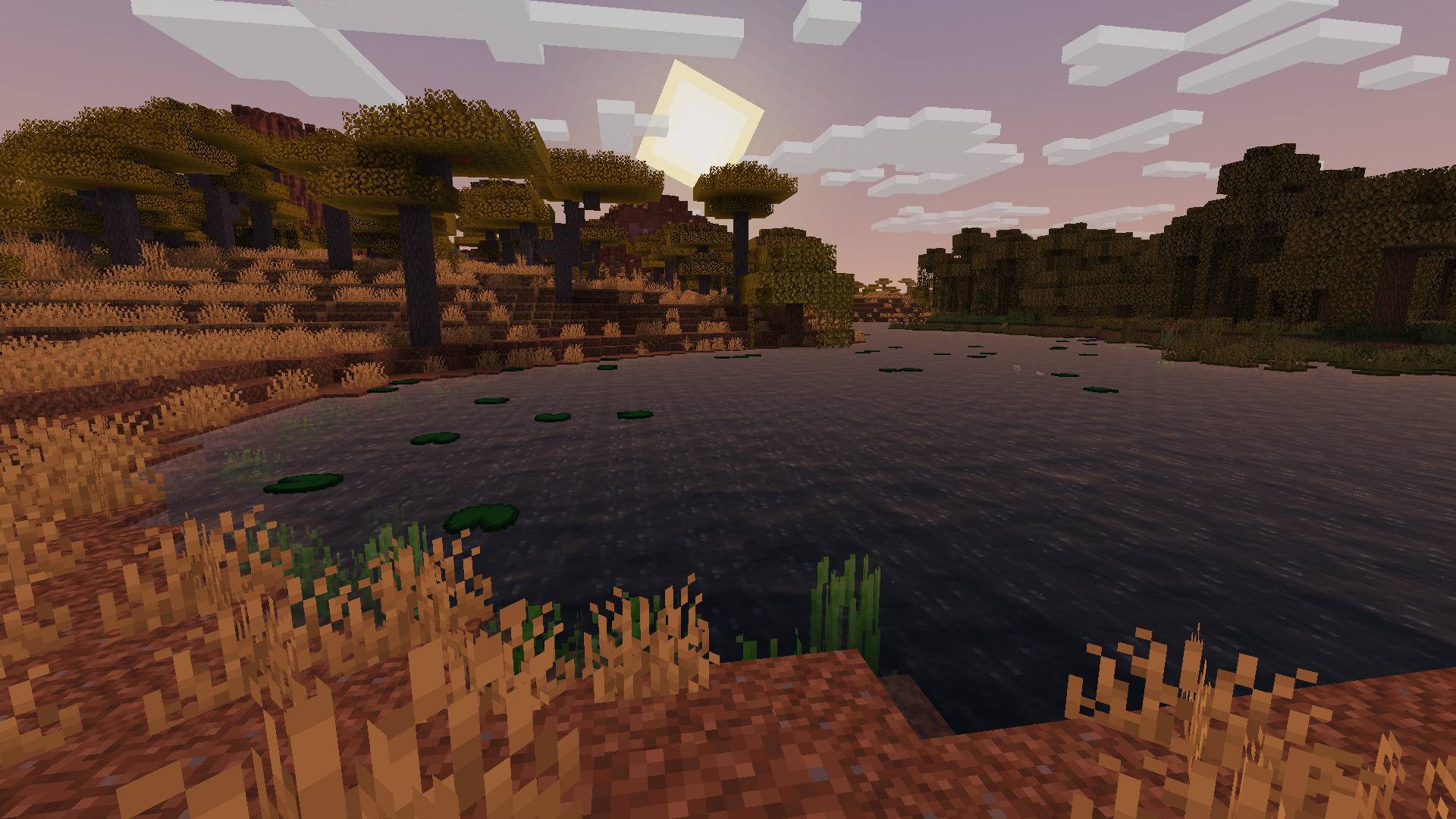
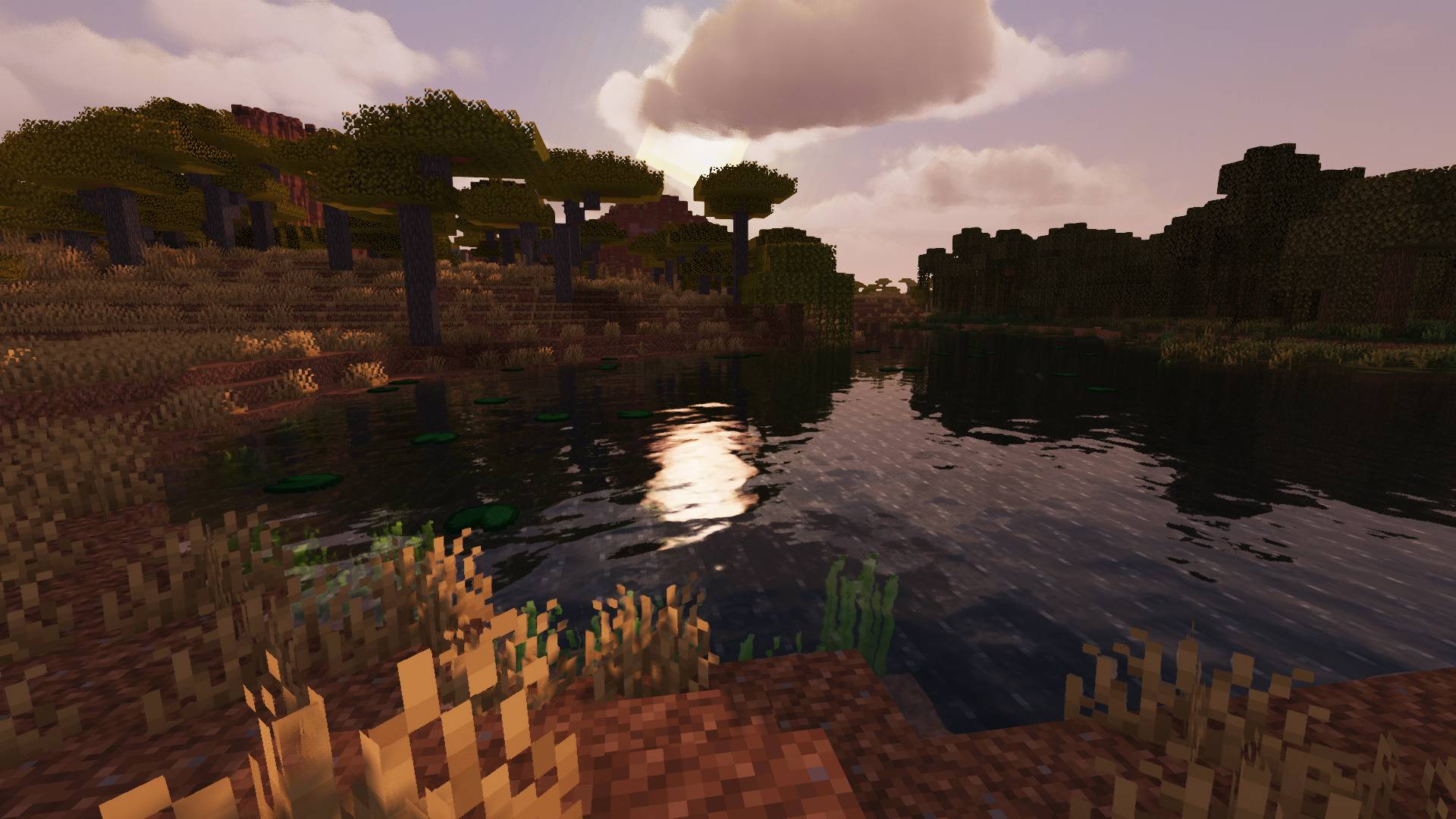
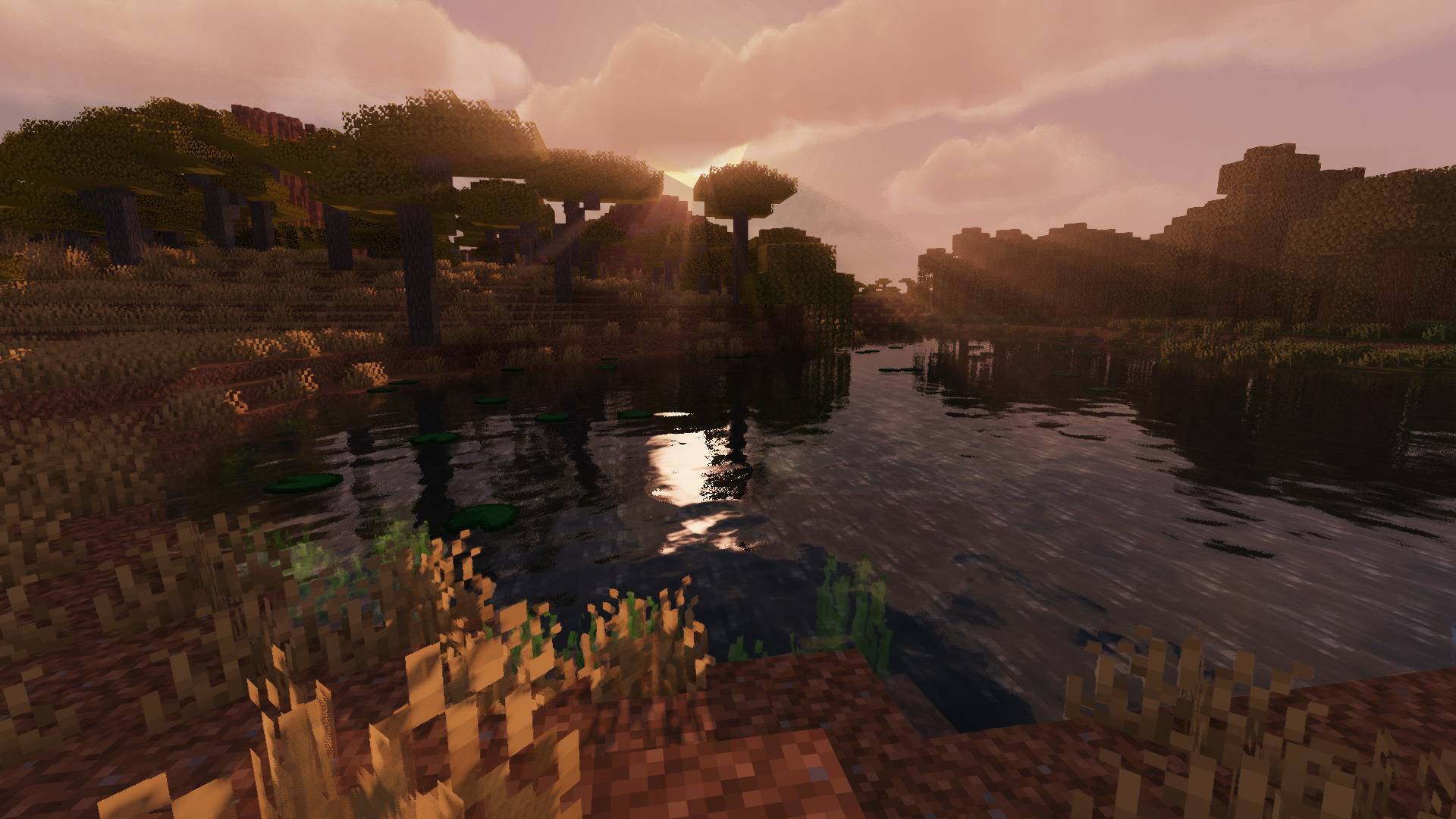
MakeUp - Ultra Fast: Ringed

MakeUp - Ultra Fast: Ringed

SHADER
A fork of MakeUp - UltraFast shaders. Tweaked for PanchoRing.
by CapNapu
Download Claim this project
559 downloads
0 likes
0 followers
Updated Oct 14, 2026
0 hypes
Follow0
Fantasy Realistic
Advertisement Remove ads with Premium →


MakeUp - UltraFast: Ringed

Officially supported shaders for my upcoming modpack: PanchoRing

Forked from MakeUp - UltraFast, by Javier Garduño


Extended Mod Support

Added custom block properties for the following mods:

●  Project: Vibrant Journeys
●  Supplementaries
●  Ice and Fire: Dragons
●  Ars Nouveau
●  Alex's Mobs
●  Expanded Caves
●  Infernal Expansion
●  End's Phantasm
●  Majrusz's Progressive Difficulty
●  Bosses of Mass Destruction
●  L_Ender's Cataclysm
●  SlabGen

Mod support applies specifically to Minecraft 1.16.5

Simplified Presets

Instead of having 9 bundled presets, now there's 4:

●  Low          ->  Performance: No shadows, no effects. Perfect for those who like visuals that resemble Vanilla
●  Medium   ->  Balanced: Low shadows, some effects. Perfect for most players, looks good and performs well
●  High         ->  Quality: High shadows, many effects. Perfect if your PC has a dedicated GPU (unlike mine)
●  Ultra         ->  Quality+: High shadows, all effects. Perfect if you like losing frames while nothing changes

"Ultra" enables ALL the effects, use "High" instead

Translations Backport

PanchoRing has been officially translated to Spanish (es_MX). Why wouldn’t the bundled shaders be translated as well?


Disclaimer: Certain customization options from the original Shader have been hard-coded and
removed from the options menu in order to better reflect PanchoRing’s vision and gameplay.

 

Ringed v.8.6g v2
MC 1.16.5, 1.14.4, OptiFine, 1.15.2, 1.13.2, 1.12.2, Iris
Release 2026-08-31 Get
Ringed v.8.6g
MC 1.16.5, 1.14.4, OptiFine, 1.15.2, 1.13.2, 1.12.2, Iris
Release 2026-08-28 Get

Requirements & install

How to use this shader in Minecraft
Shader loader
Iris OptiFine
Minecraft
1.12.2 – 1.16.5
Install folder
.minecraft/shaderpacks

How to install shaders

  1. Install a shader loader for your Minecraft version: Iris (with Sodium) or OptiFine.
  2. Download the shader pack .zip file (do not extract it).
  3. Put the .zip into the shaderpacks folder (.minecraft/shaderpacks).
  4. In game open Options → Video Settings → Shader Packs, select the pack and apply it.
Browse more: Iris shaders OptiFine shaders Shaders for 1.16.5 All shaders
Advertisement Remove ads with Premium →

You Might Also Like