Badges update automatically and link to the shader page on MineUniverse.
THIS PROJECT HAS BEEN ARCHIVED FROM CURSEFORGE,UPDATES AND PATCHES ARE AVAILIABLE ON MODRINTH,CURSEFORGE WILL NO LONGER RECEIVE UPDATES AND PATCHES IN THE FUTURE
https://modrinth.com/shader/luminol-republic-shade-project
# Luminol Republic - Shade Project
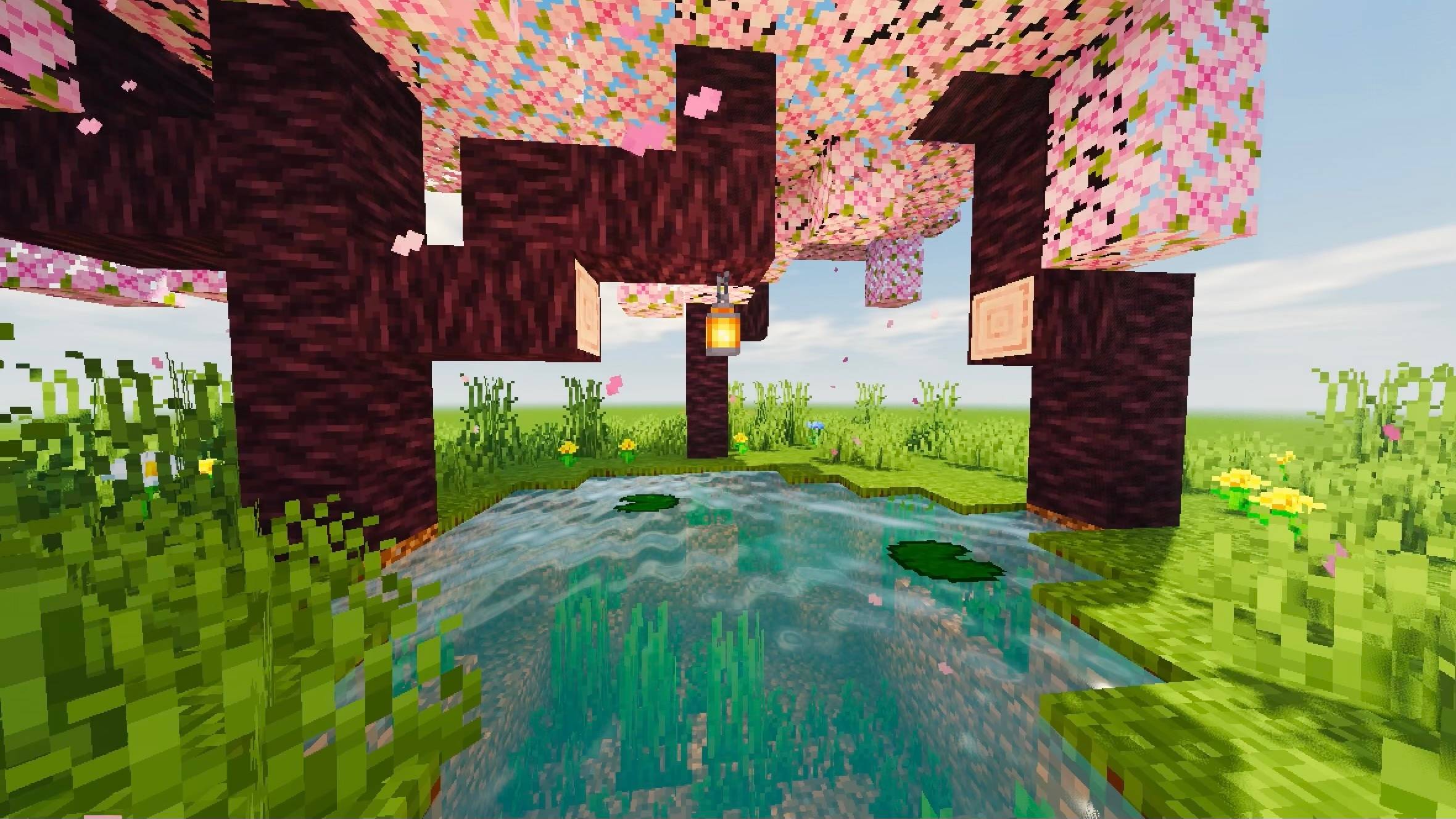
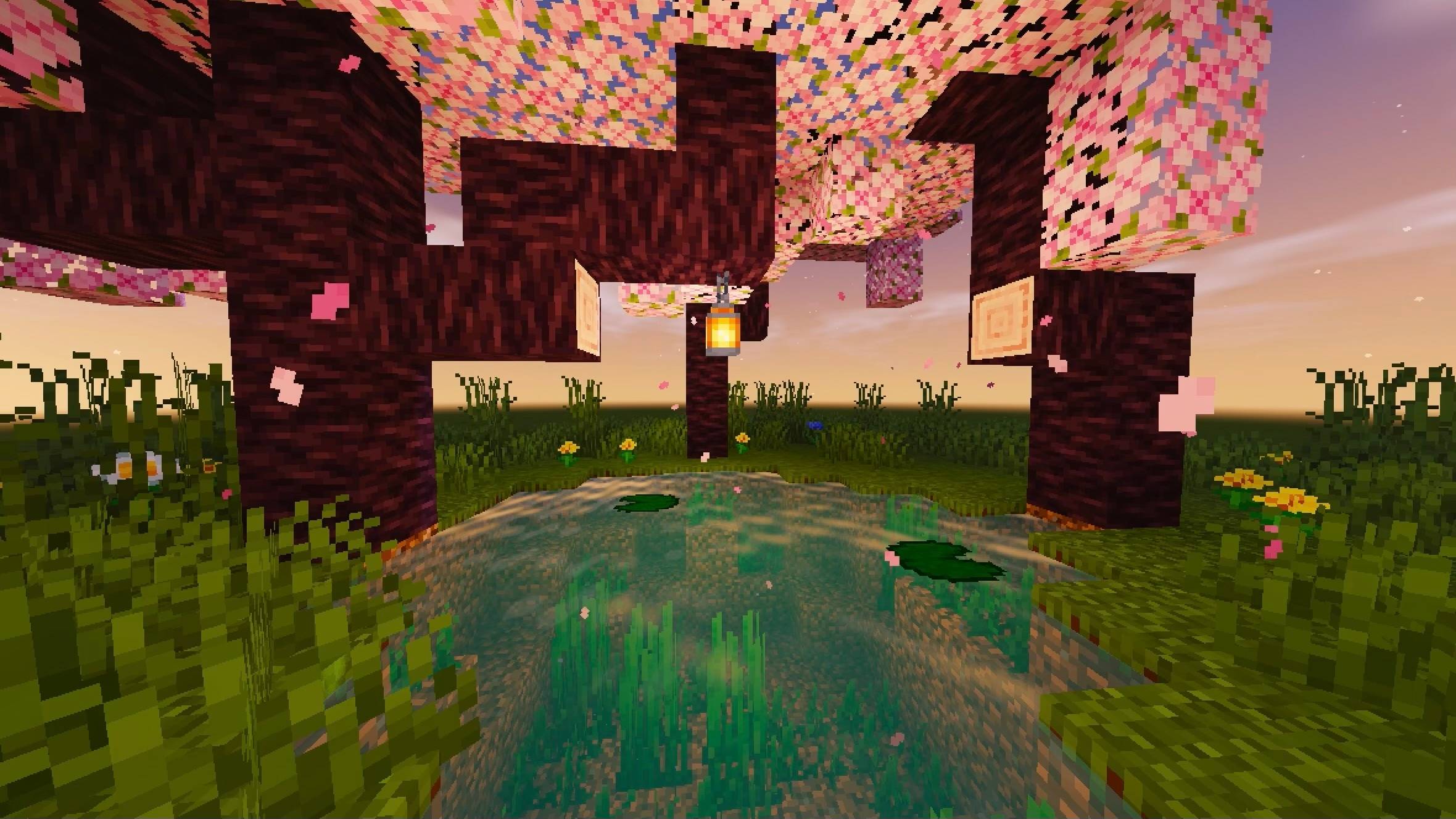
**An atmospheric, warm-toned shader pack for Minecraft Java Edition (Iris), featuring subtle and naturalistic water.**
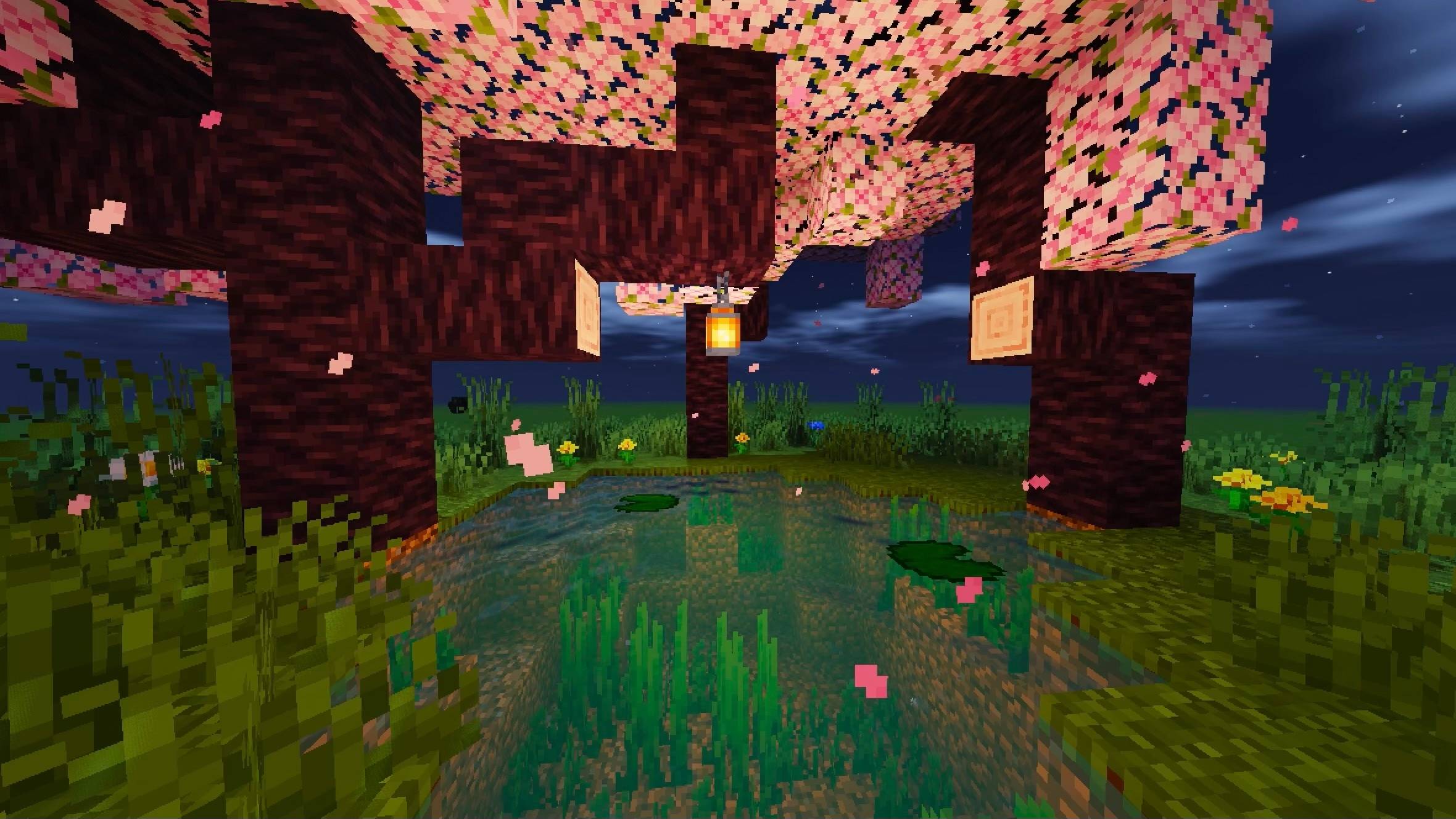
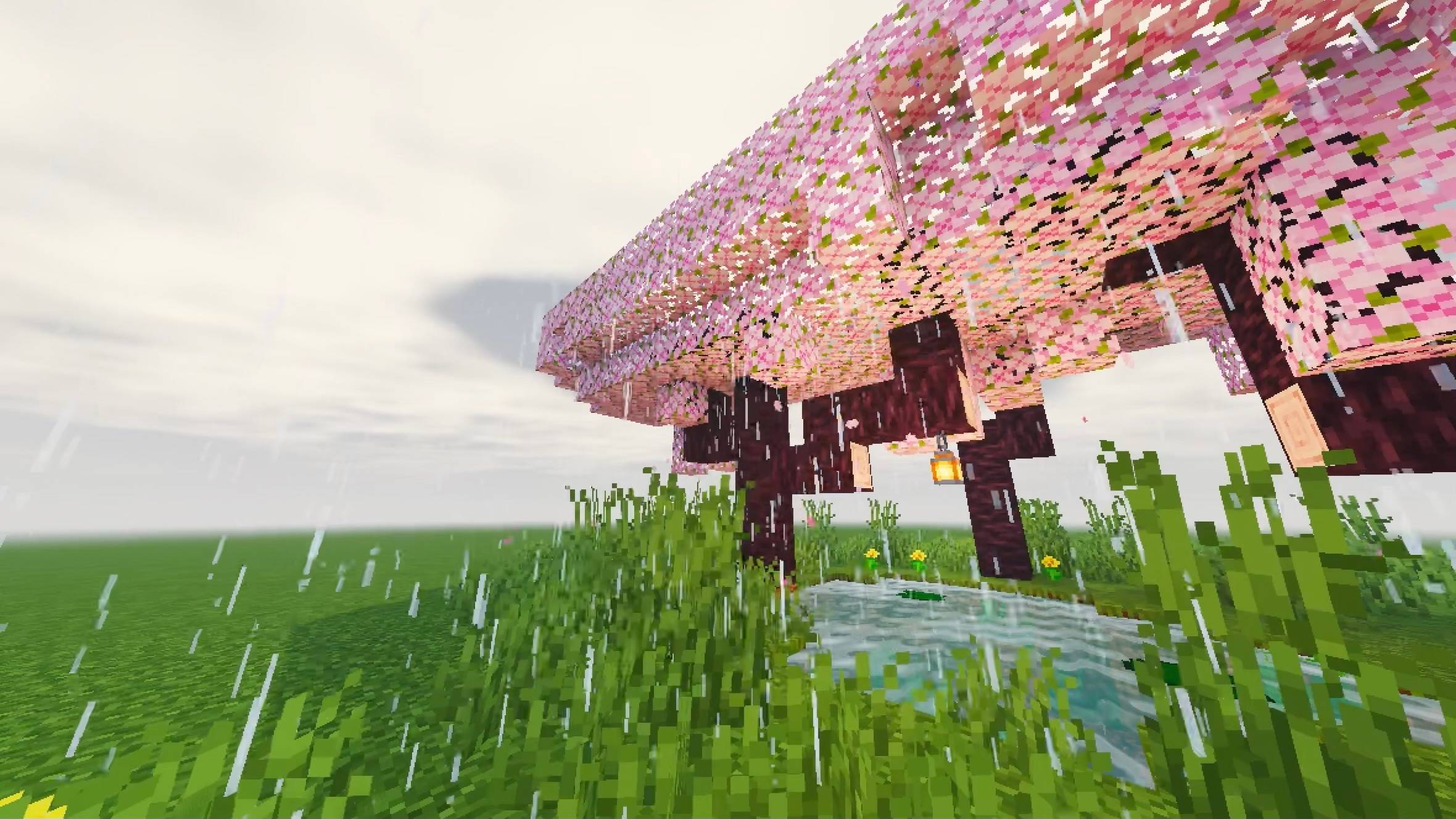
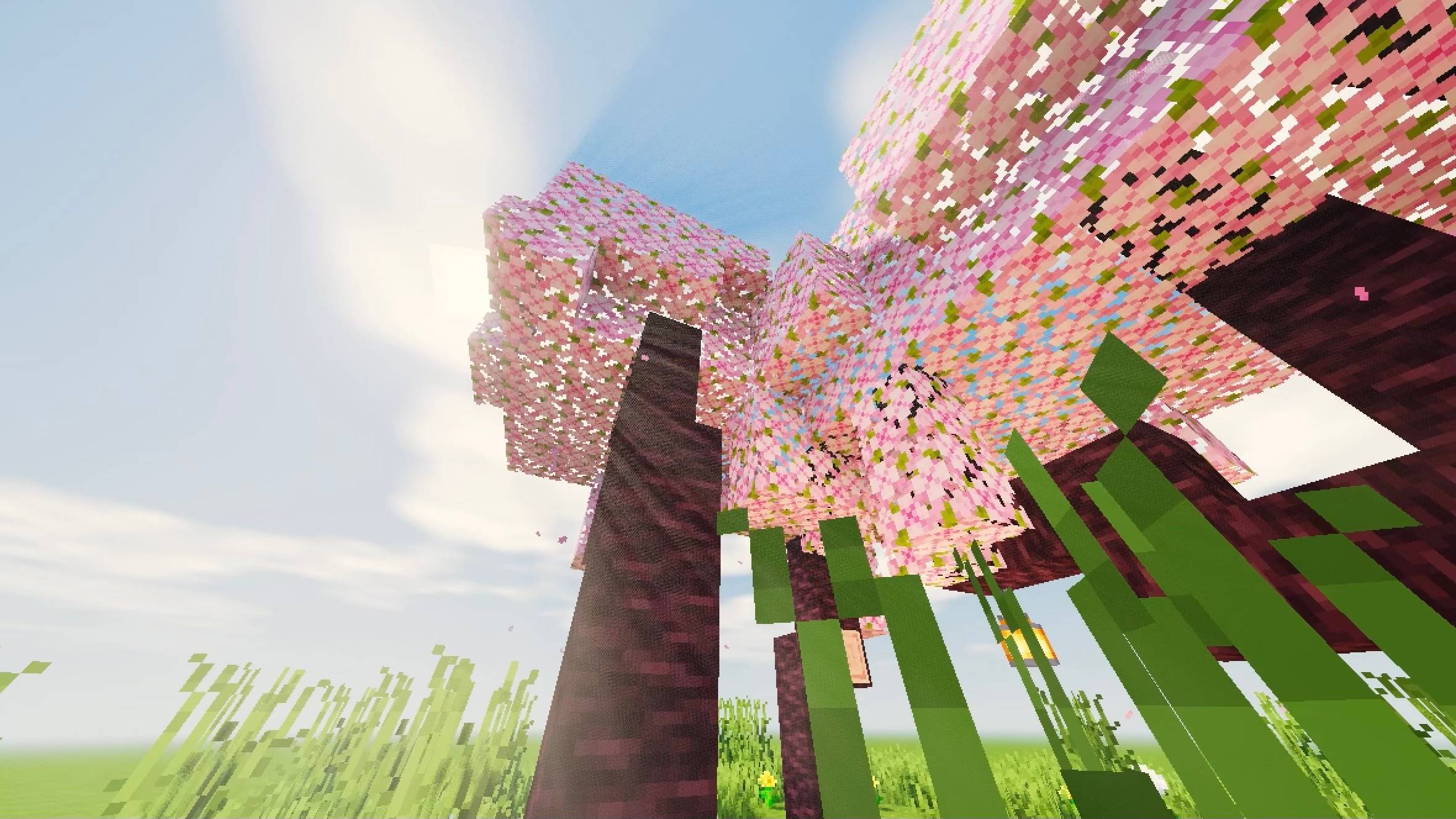
Shade Project transforms the world with golden illumination, delicate clouds, radiant torchlight and a refined, cinematic colour grade. Its water carries a muted grey-teal hue, so that lakes, rivers and oceans appear authentic rather than excessively vivid.
---
## Features
- **Water:** sum-of-sines wave simulation, sky reflections, sun glints and fresnel-based transparency, all combined with a subtly desaturated, natural tone
- **Clouds:** procedurally generated clouds illuminated across two layers
- **Godrays:** screen-space radial light shafts that add depth to the atmosphere
- **Shadows:** shadow mapping with 5-tap rotated PCF filtering and a distorted shadow map for improved precision
- **Lighting:** warm, inviting torchlight
- **Foliage:** gently swaying grass and leaves
- **Night sky:** a procedurally generated field of stars
- **Post-processing:** bloom, ACES tonemapping, a warm colour grade and a soft vignette
- **Other dimensions:** the Nether and the End each feature a distinct, purpose-built appearance
---
## Profiles
Select a profile in the shader pack settings to suit the capabilities of your hardware:
| Profile | Recommended for |
|---|---|
| **Potato** | Extremely limited hardware |
| **Extremely Low** | Weak hardware |
| **Low** | Entry-level systems |
| **Medium** | A well-judged balance between visual quality and performance |
| **High** | Mid-range to high-end systems |
| **Ultra** | Maximum visual fidelity |
---
## Installation
1. Install [Iris](https://modrinth.com/mod/iris) for your version of Minecraft.
2. Download the latest `.zip` file from this page. **Do not extract it.**
3. Place the file in your `.minecraft/shaderpacks/` folder.
4. In game, navigate to **Options > Video Settings > Shader Packs** and select **Luminol Republic - Shade Project**.
---
## Customising the water
If you would prefer water that is either greyer or bluer, open `shaders/lib/lit.fsh` and locate the line ending in `// grey-ish natural water`. Adjust the final number on that line:
- **`0.25`** produces noticeably greyer water
- **`0.40`** is the default setting
- **`0.55`** produces bluer water
- **`0.70`** approaches the vivid blue of the original
Further settings can be found in `shaders/lib/settings.glsl`.
---
*Screenshots are warmly welcomed in the gallery. Should you encounter any defects, please report them in the comments or on the issue tracker.*