Mineuniverse
Shaders
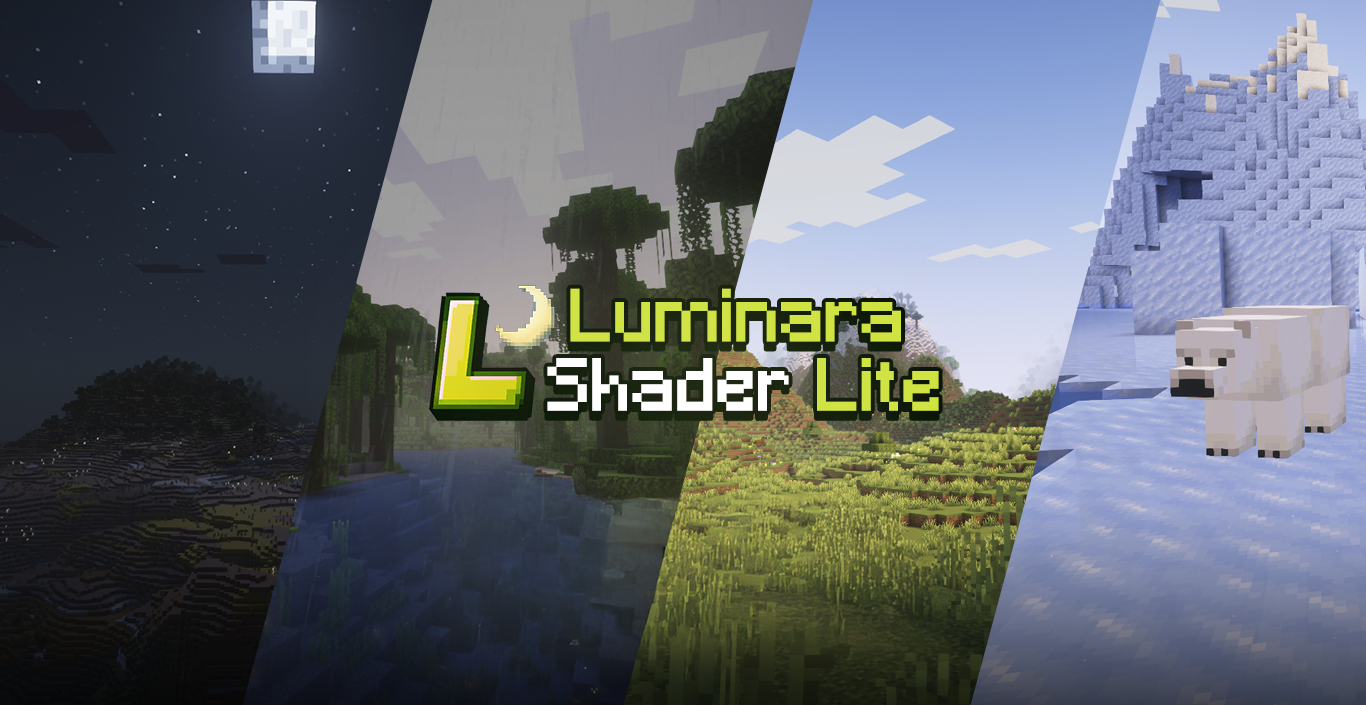
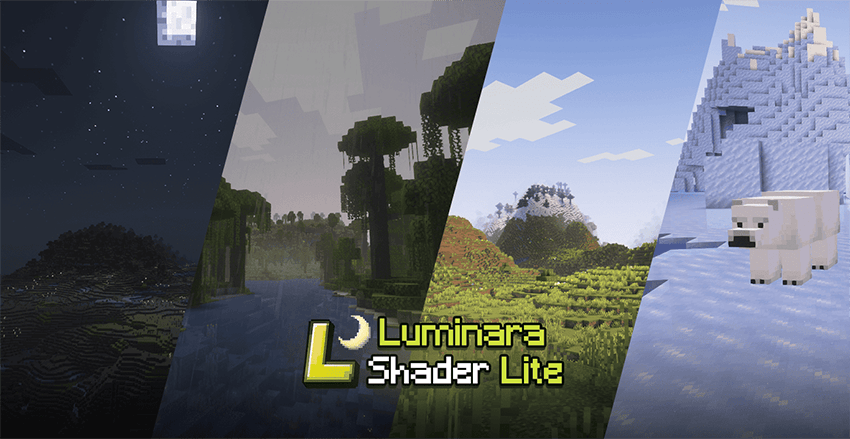
Luminara Shader Lite

Luminara Shader Lite

SHADER
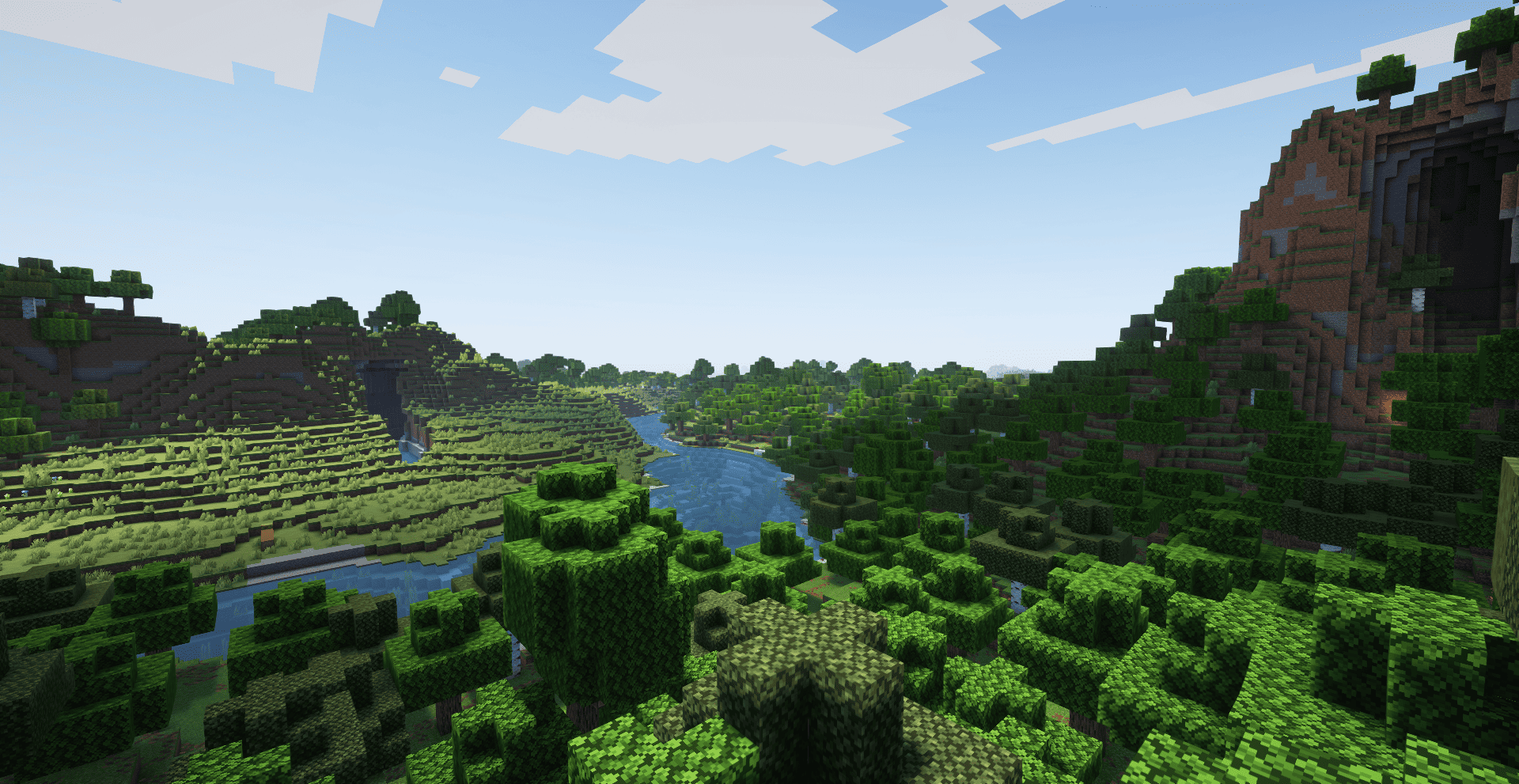
A modified version of Zenith Shader optimized for mid-range devices. Features reduced glowing effects, vanilla-style water, dimmed particles, darker End sky with fewer stars, and disabled ore emission for better performance and visual comfort.
by IXSG
Download Claim this project
112,088 downloads
0 likes
0 followers
Updated Oct 14, 2026
0 hypes
Follow0
Fantasy Realistic Vanilla
Advertisement Remove ads with Premium →

Luminara Shader Lite


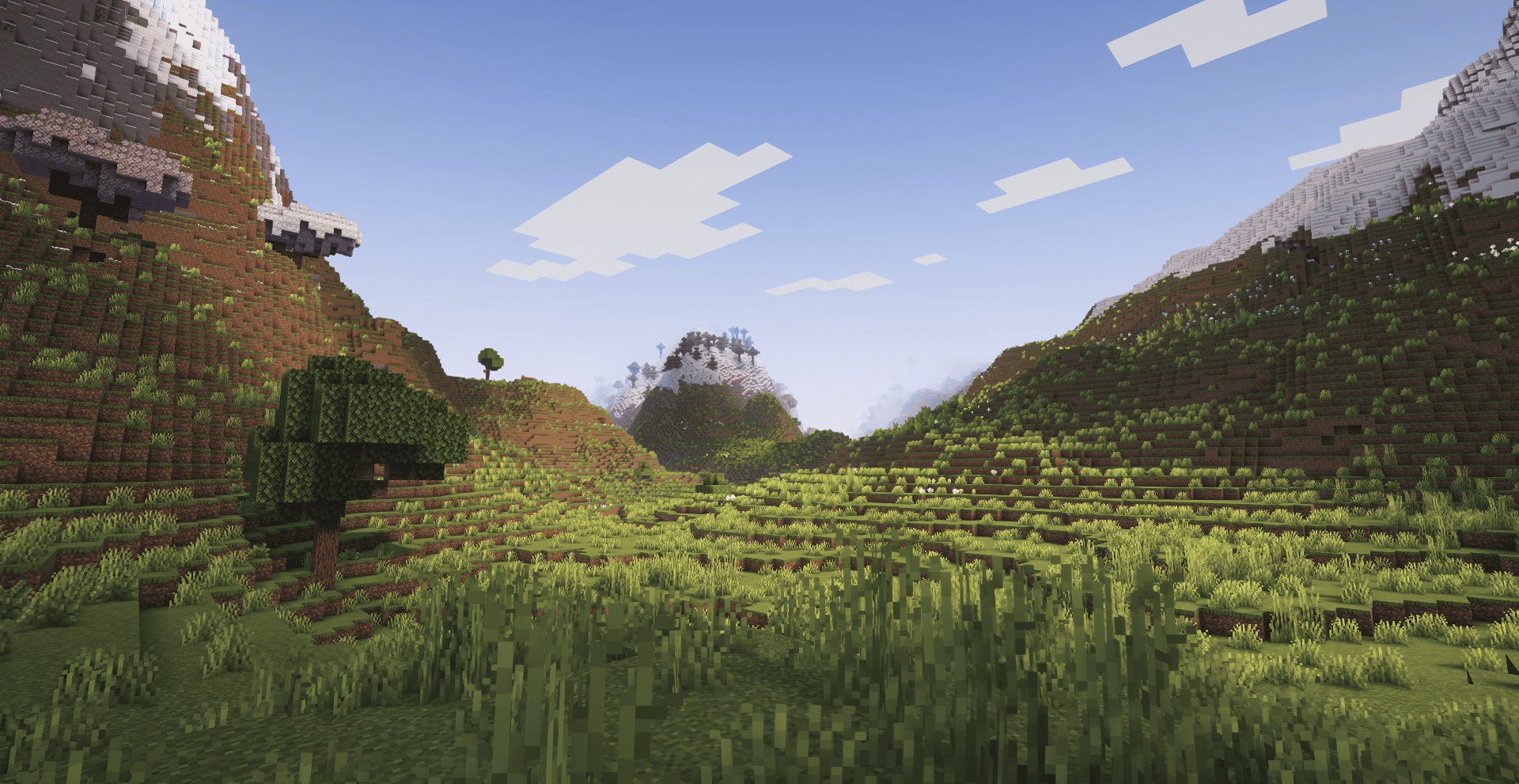
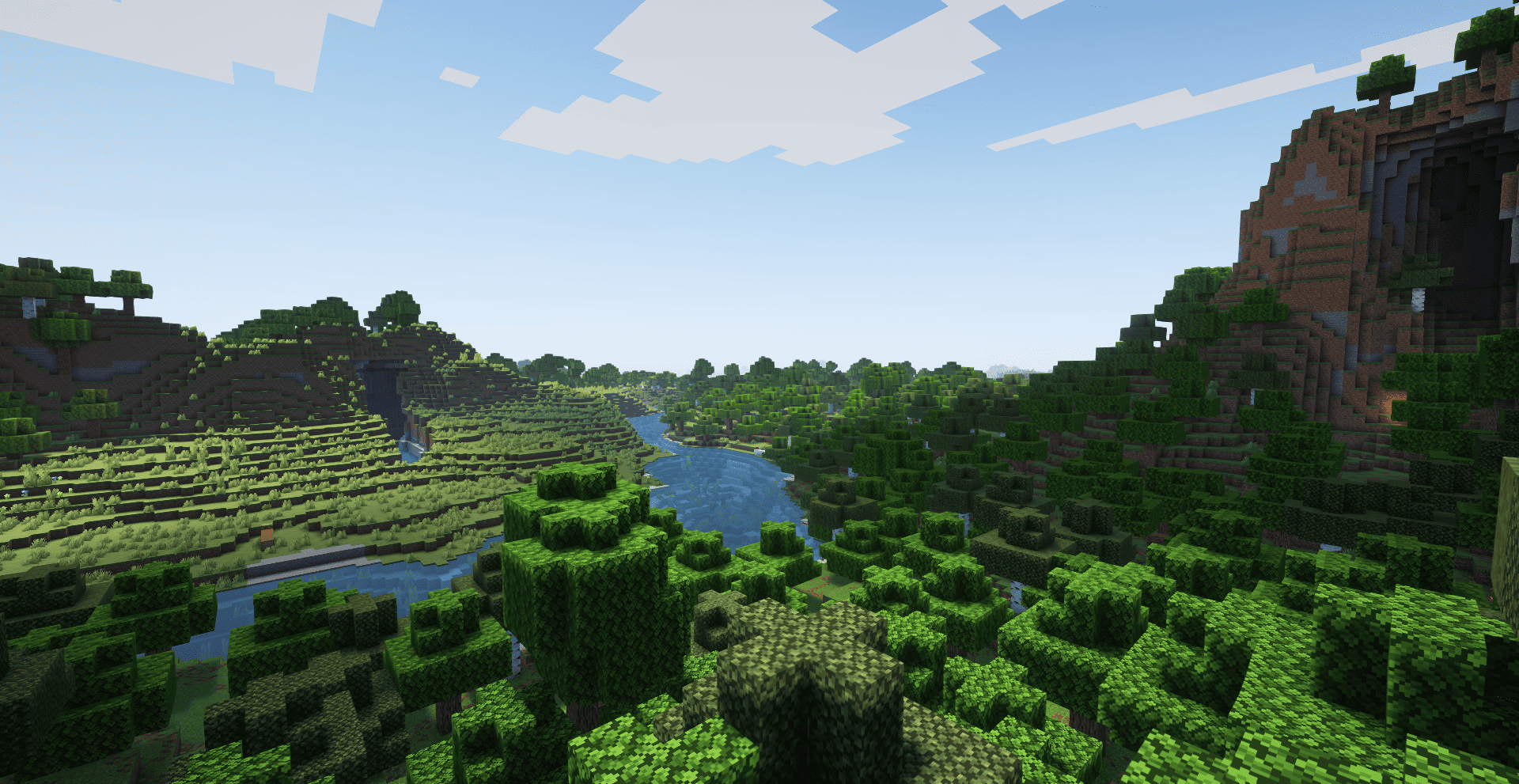
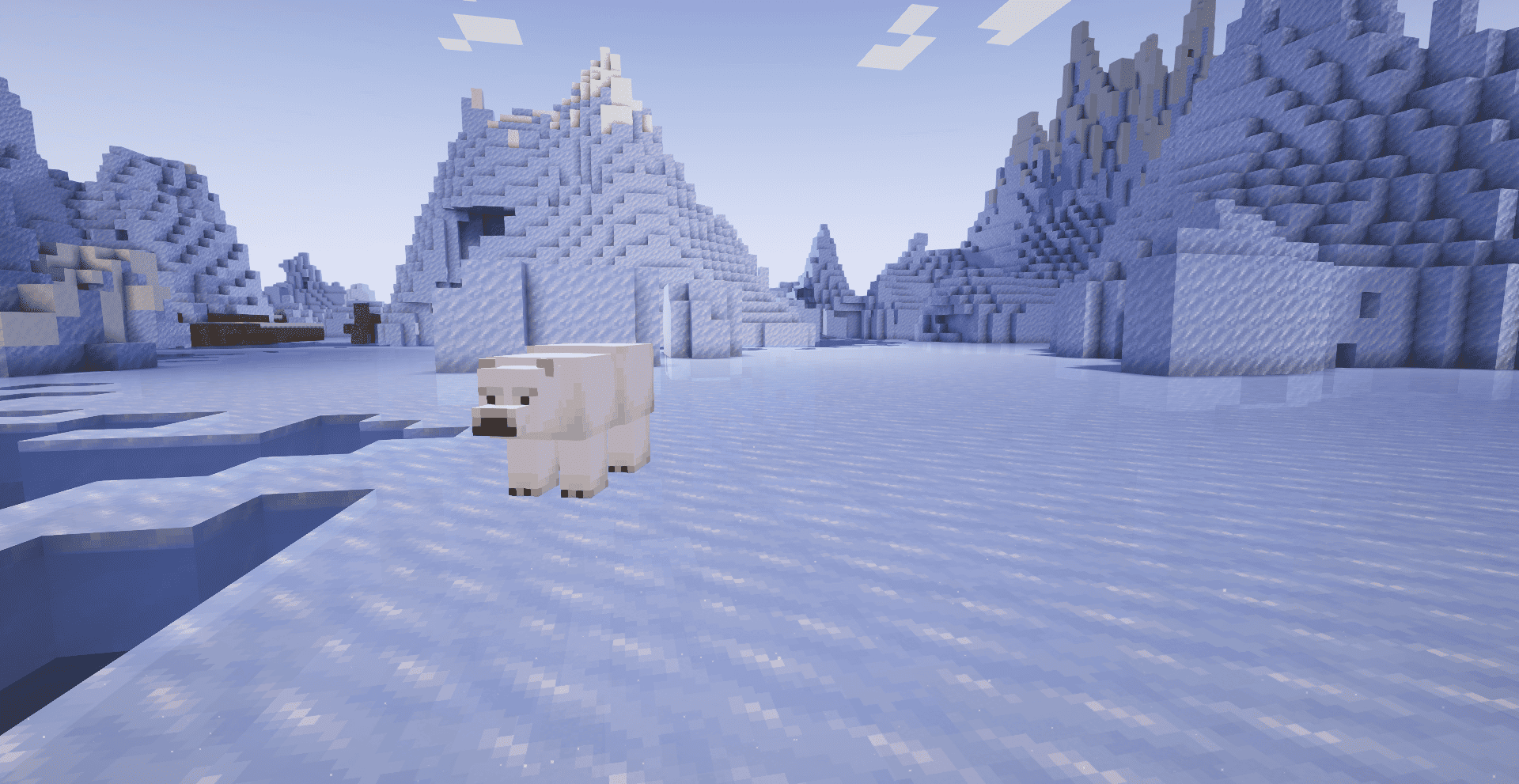
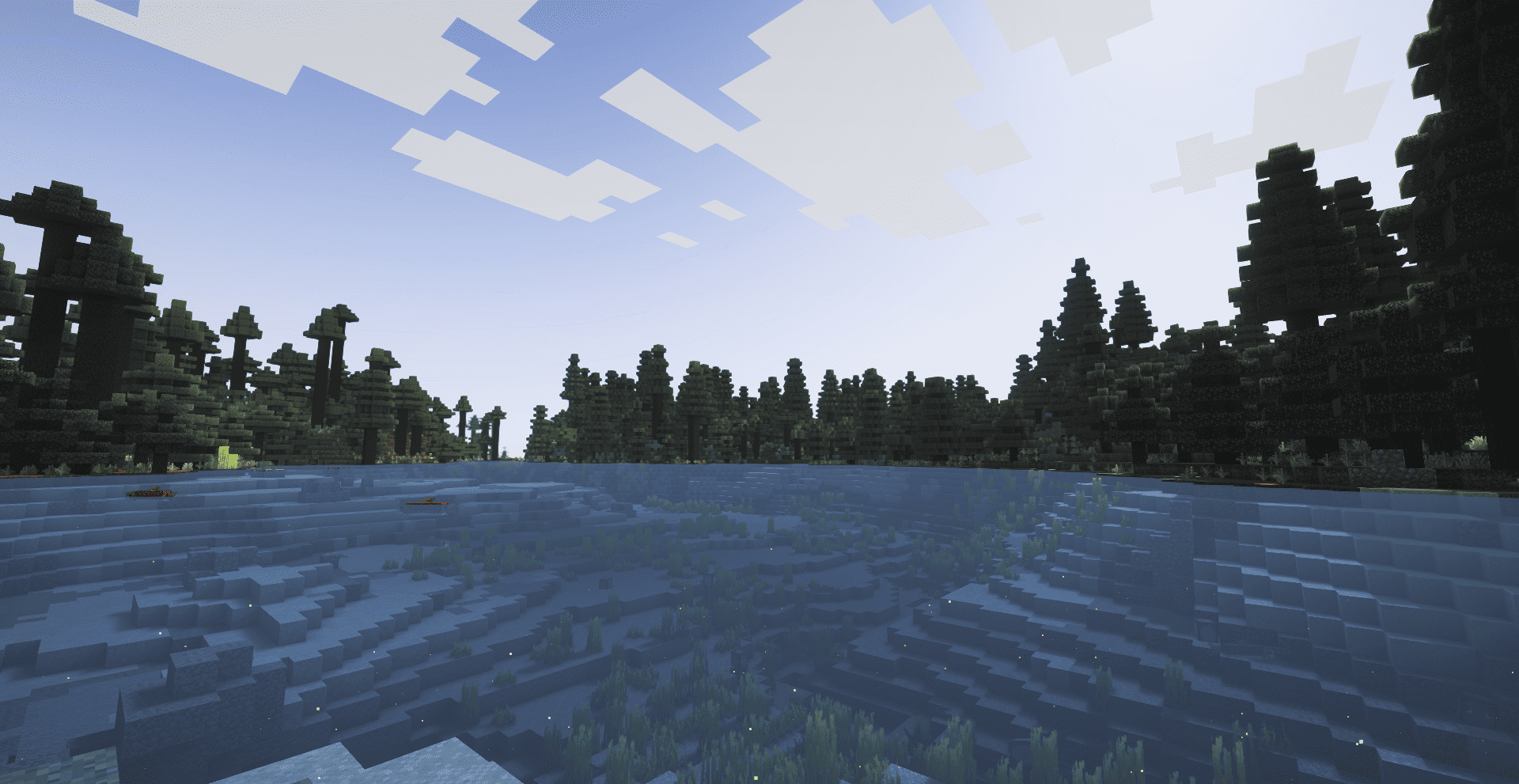
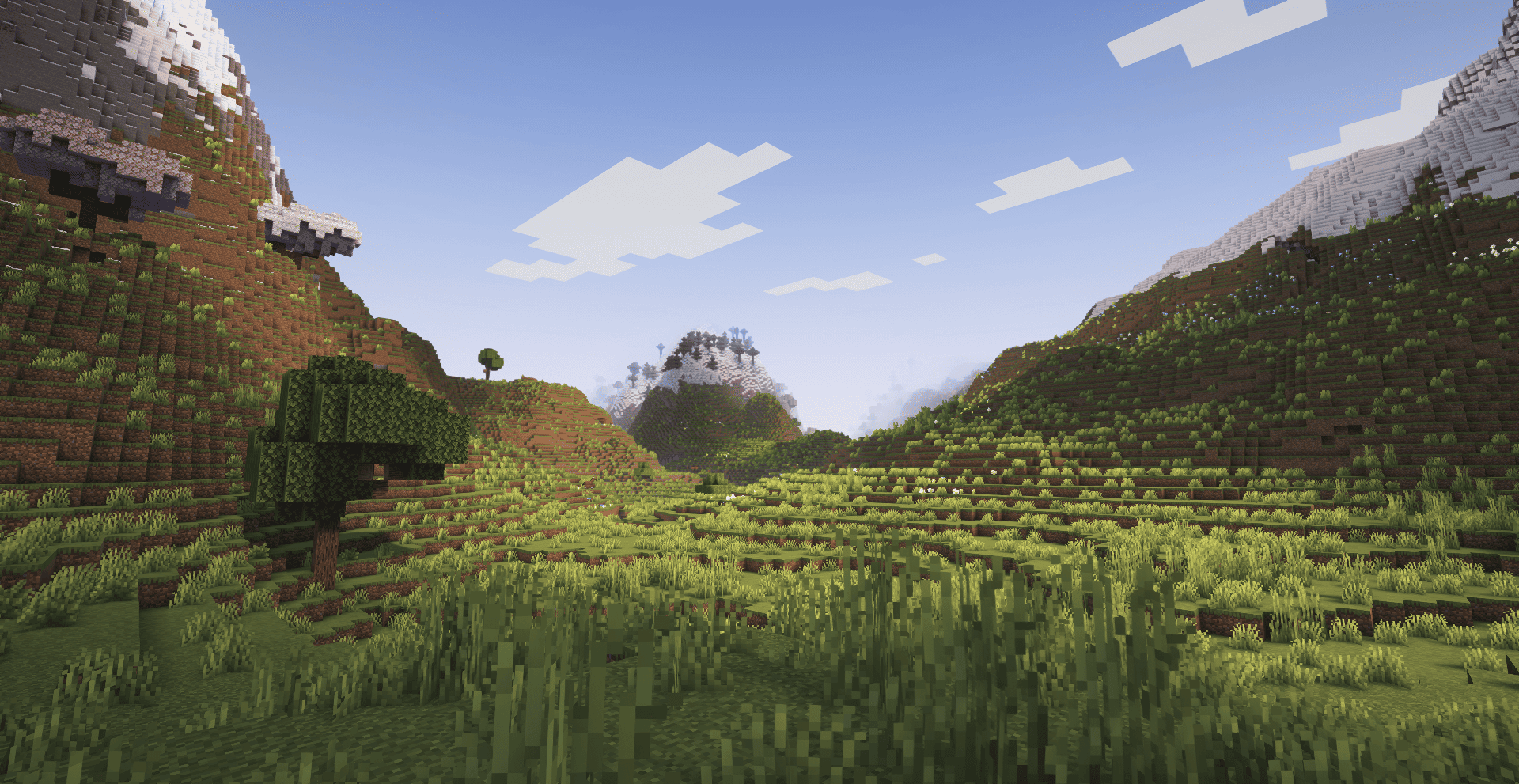
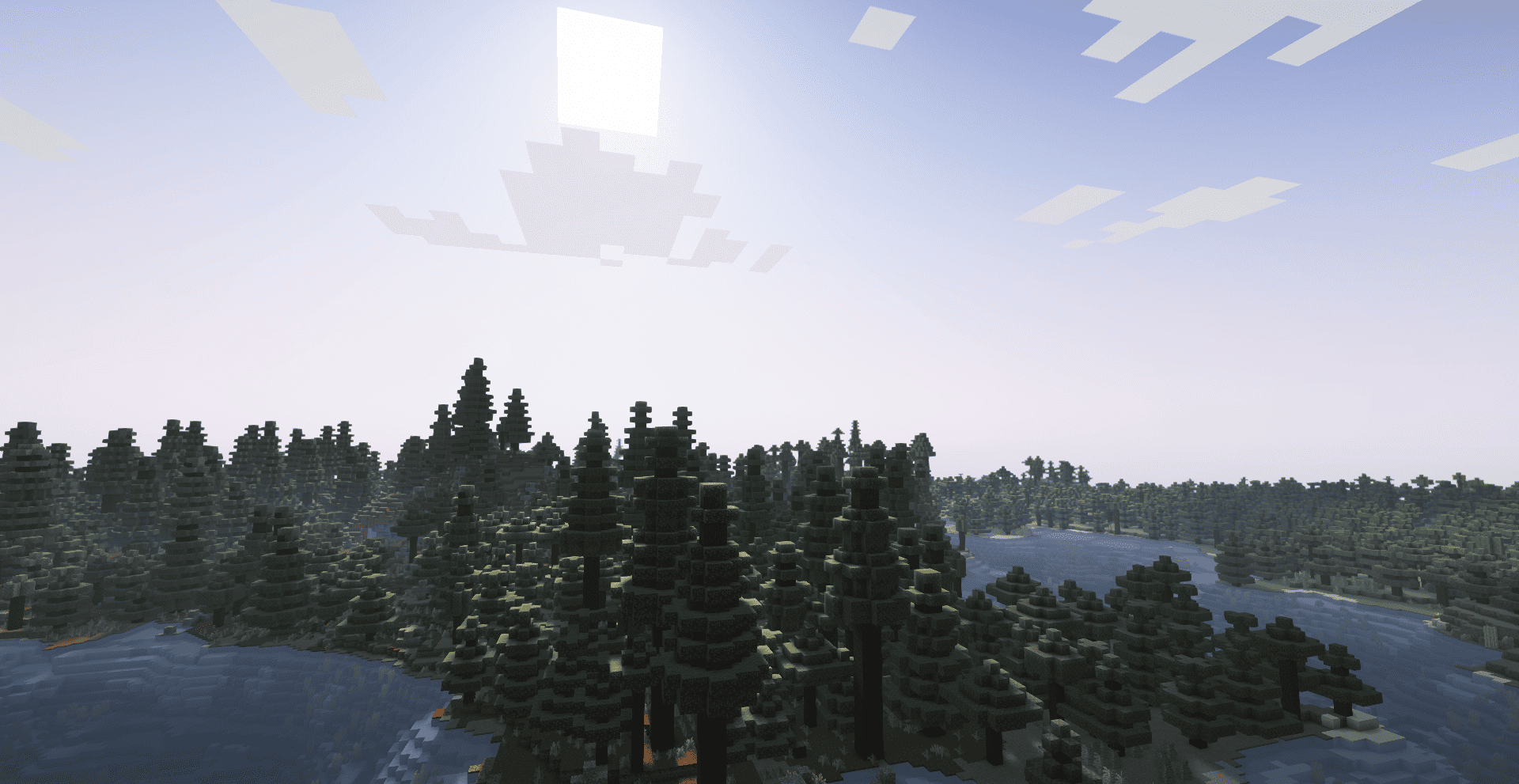
Luminara Shader Lite is a modified version of the renowned Complementary Shaders, specifically optimized for mid-range devices. This lightweight edition maintains the visual excellence of the original while providing better performance and stability for users with moderate hardware specifications.

---------------Luminara Shader - Rebuilt-----------------------------------------------Luminara Shader---------------------------
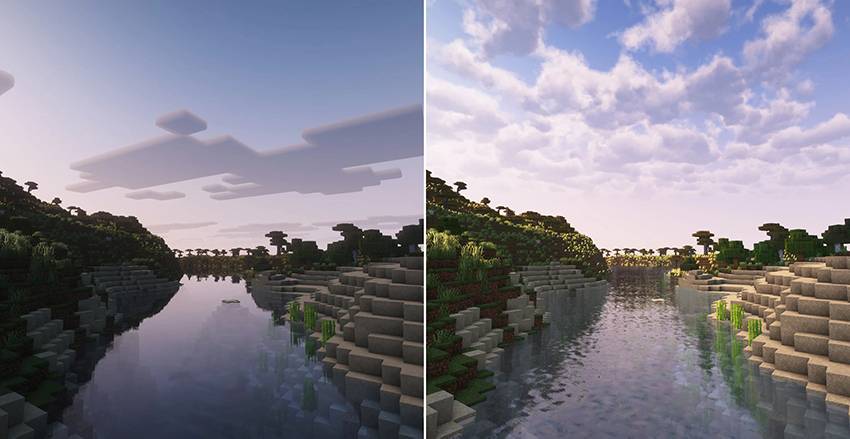

🌟 Enhanced lighting systems optimized for performance

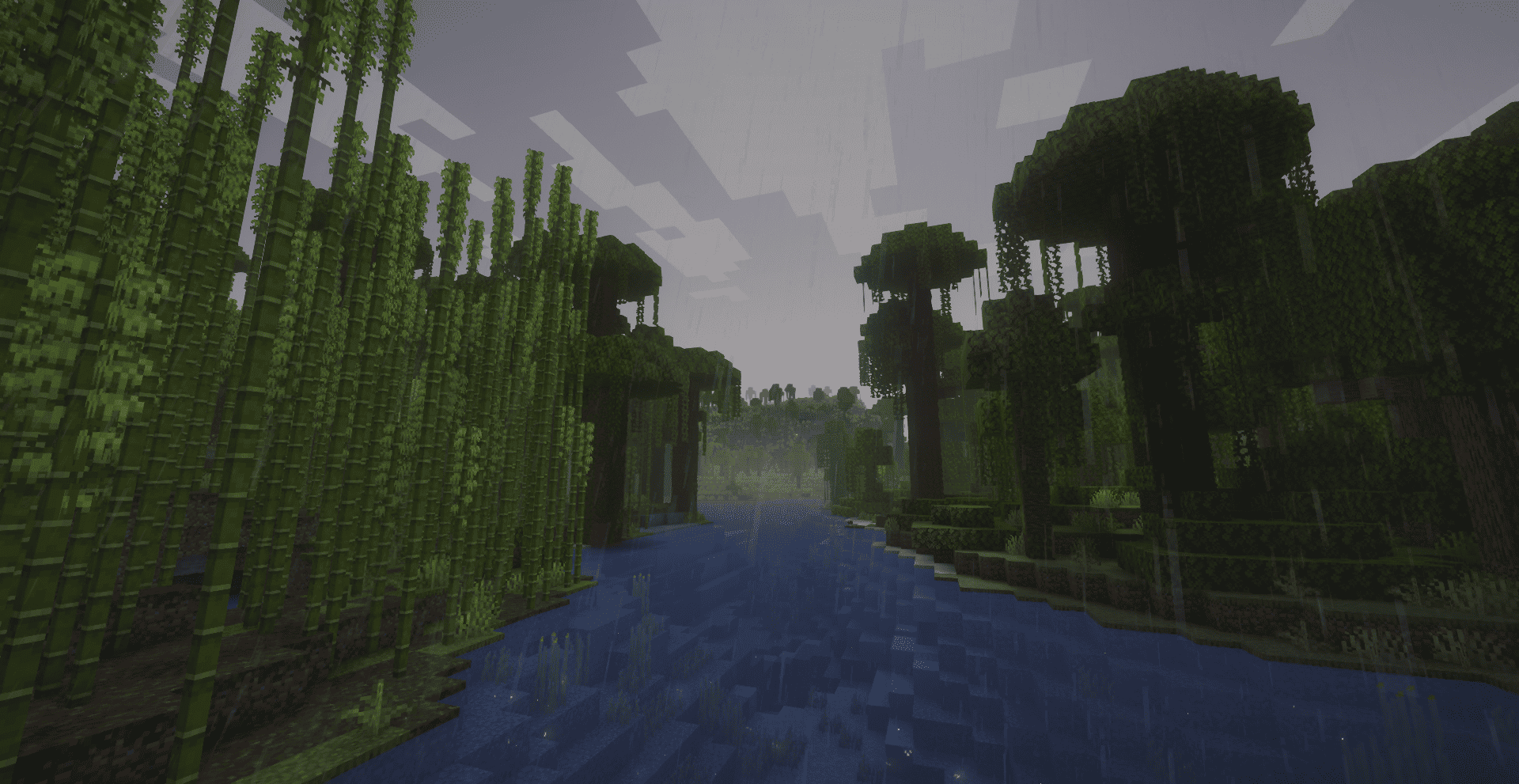
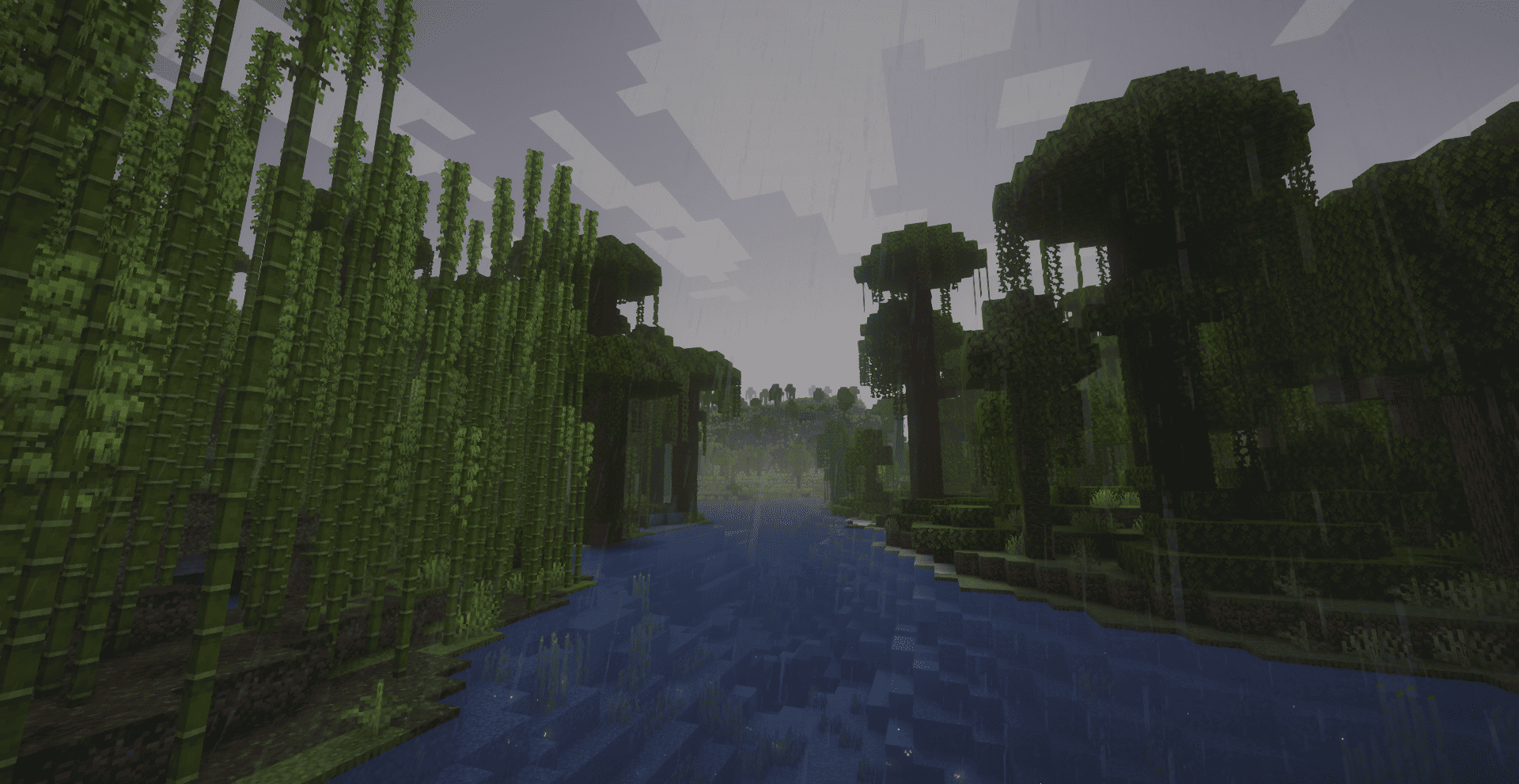
🌤️ Dynamic atmospheric and weather effects

🎨 Advanced PBR (Physically Based Rendering) materials

💧 Realistic water rendering with reduced performance impact

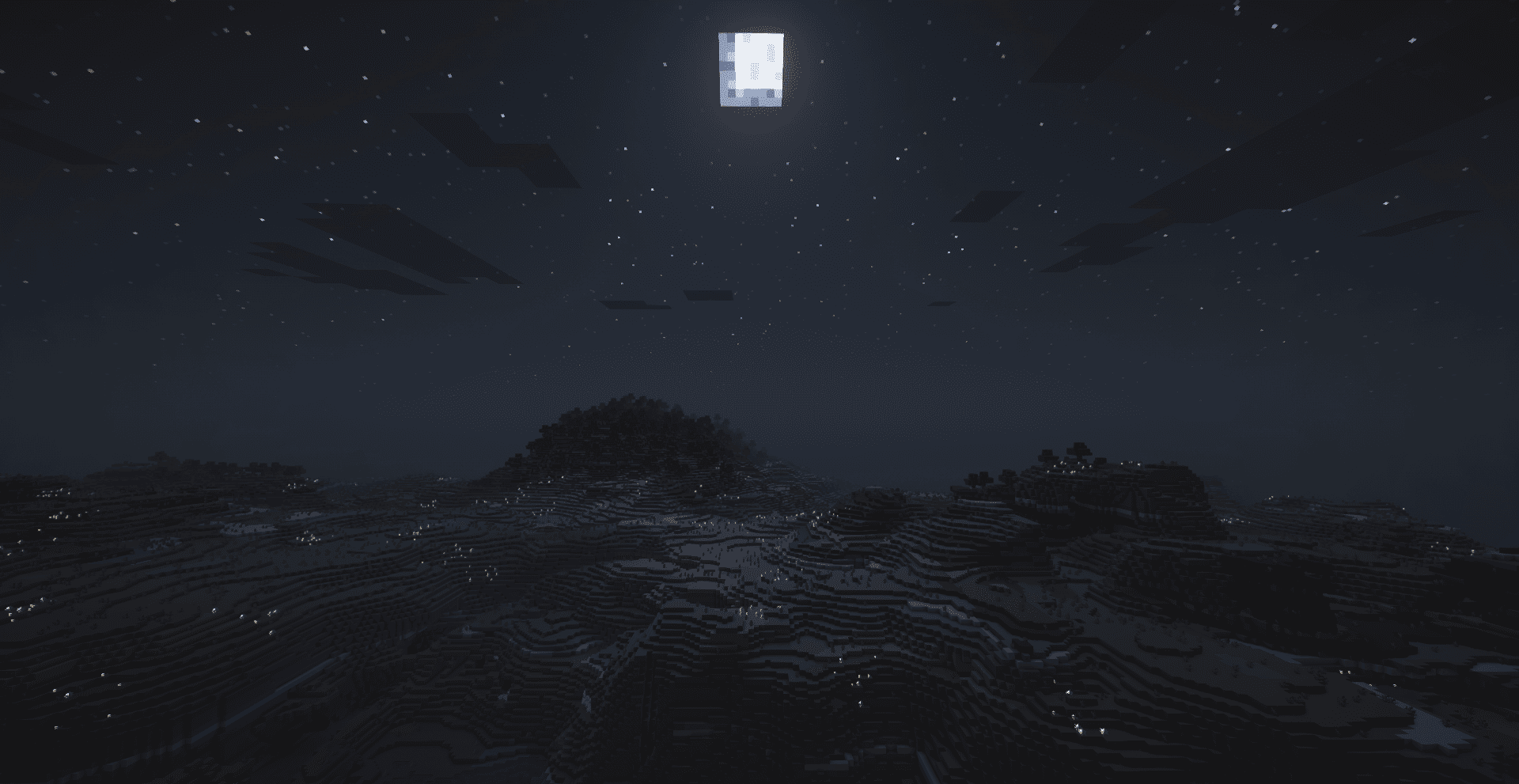
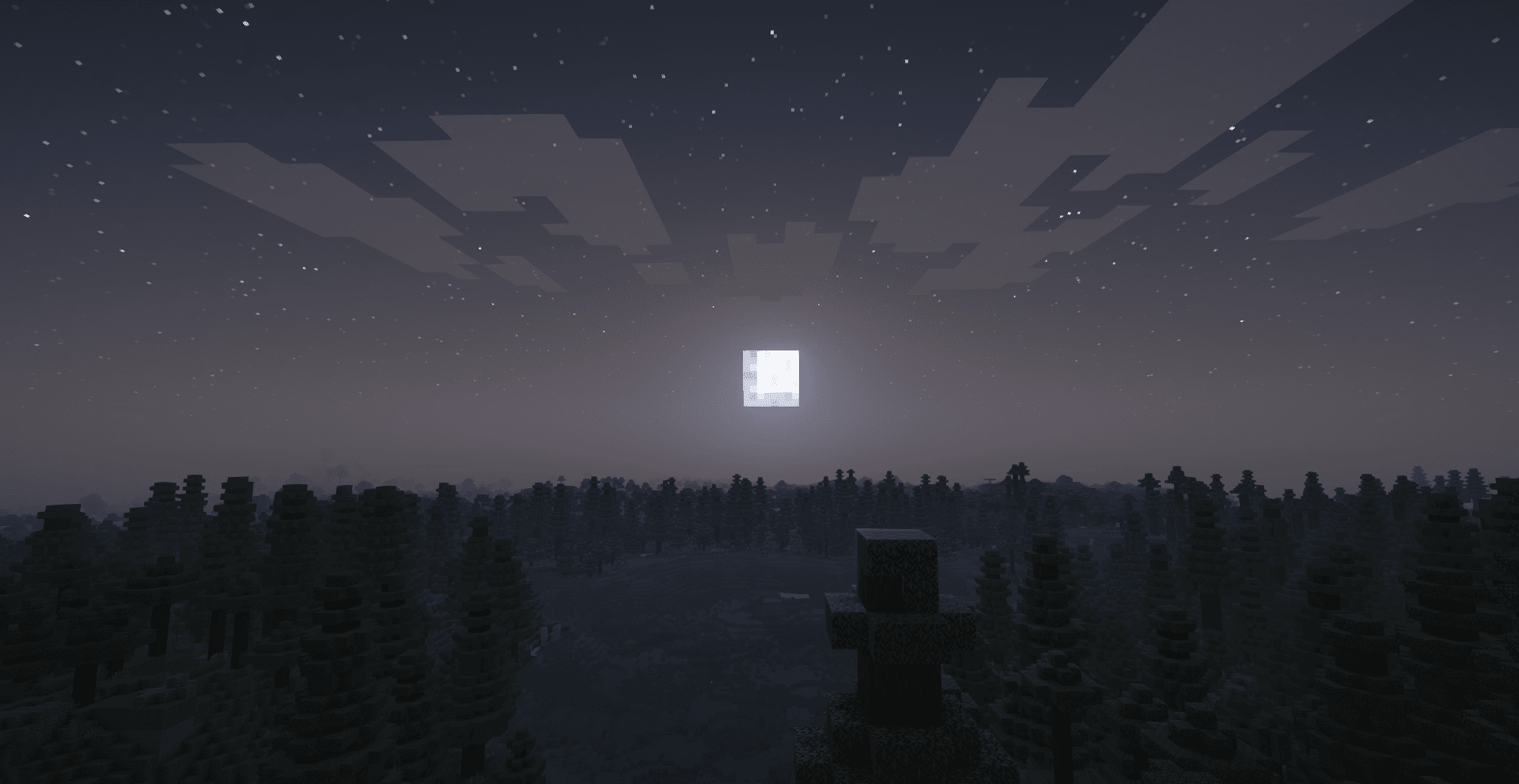
🌙 Improved nighttime lighting and ambient effects

⚡ Volumetric lighting with performance optimizations

🔧 Customizable block materials and effects

🎯 Specifically tuned for mid-range gaming systems

This shader pack is designed to run smoothly on:

Mid-range graphics cards (GTX 1060/RX 580 and above)
8GB+ RAM systems
Modern CPUs with good single-thread performance

This shader pack is based on Complementary Shaders by EminGT. We express our deepest gratitude to the original creator for their incredible work and for making such high-quality shaders available to the community.

Original Shader: [Complementary Shaders]  
Original Creator: EminGT  
Modified Version: Luminara Shader Lite  
Optimization Focus: Mid-range device compatibility

This modified version respects the original license terms of Complementary Shaders. Please refer to the original shader's licensing information for usage terms.

For issues specific to this modified version, please ensure you're using the latest version of OptiFine or Iris. For general shader questions, please refer to the original Complementary Shaders documentation.

Thank you to EminGT and the Complementary Shaders team for creating the foundation that made this optimized version possible.

 

Luminara Shader Lite
MC 1.21, 1.20.2, 1.21.8, 1.20.5, 1.21.5, 1.21.4, 1.20.1, 1.20, OptiFine, 1.20.6, 1.21.1, 1.21.6, 1.21.3, 1.21.7, 1.20.4, 1.20.3, Iris, 1.21.2, 1.21.9, 1.21.10, 1.21.11, 26.1
Release 2026-08-08 Get
Luminara Shader Lite.zip
MC 1.21, 1.20.2, 1.21.8, 1.20.5, 1.21.5, 1.21.4, 1.20.1, 1.20, OptiFine, 1.20.6, 1.21.1, 1.21.6, 1.21.3, 1.21.7, 1.20.4, 1.20.3, Iris, 1.21.2, 1.21.9, 1.21.10, 1.21.11, 26.1
Release 2026-01-08 Get
Luminara Shader Lite.zip
MC 1.21, 1.20.2, 1.21.8, 1.20.5, 1.21.5, 1.21.4, 1.20.1, 1.20, OptiFine, 1.20.6, 1.21.1, 1.21.6, 1.21.3, 1.21.7, 1.20.4, 1.20.3, Iris, 1.21.2, 1.21.9, 1.21.10, 1.21.11
Release 2025-12-19 Get
Zenith Shader low profile.zip
MC 1.21, 1.20.2, 1.21.8, 1.20.5, 1.21.5, 1.21.4, 1.20.1, 1.20, OptiFine, 1.20.6, 1.21.1, 1.21.6, 1.21.3, 1.21.7, 1.20.4, 1.20.3, Iris, 1.21.2, 1.21.9, 1.21.10, 1.21.11
Release 2025-09-26 Get

Requirements & install

How to use this shader in Minecraft
Shader loader
Iris OptiFine
Minecraft
1.21.5 – 26.1
Install folder
.minecraft/shaderpacks

How to install shaders

  1. Install a shader loader for your Minecraft version: Iris (with Sodium) or OptiFine.
  2. Download the shader pack .zip file (do not extract it).
  3. Put the .zip into the shaderpacks folder (.minecraft/shaderpacks).
  4. In game open Options → Video Settings → Shader Packs, select the pack and apply it.
Browse more: Iris shaders OptiFine shaders Shaders for 26.1 All shaders

More from IXSG

Advertisement Remove ads with Premium →

You Might Also Like