Mineuniverse
Shaders
Lumen Shaders

Lumen Shaders

SHADER
Beautiful shader that can run on low-end hardware.
by itsme2460
Download Claim this project
375 downloads
0 likes
Updated Oct 14, 2026
0 hypes
Realistic
Advertisement Remove ads with Premium →

💡 Lumen Shaders v3.0

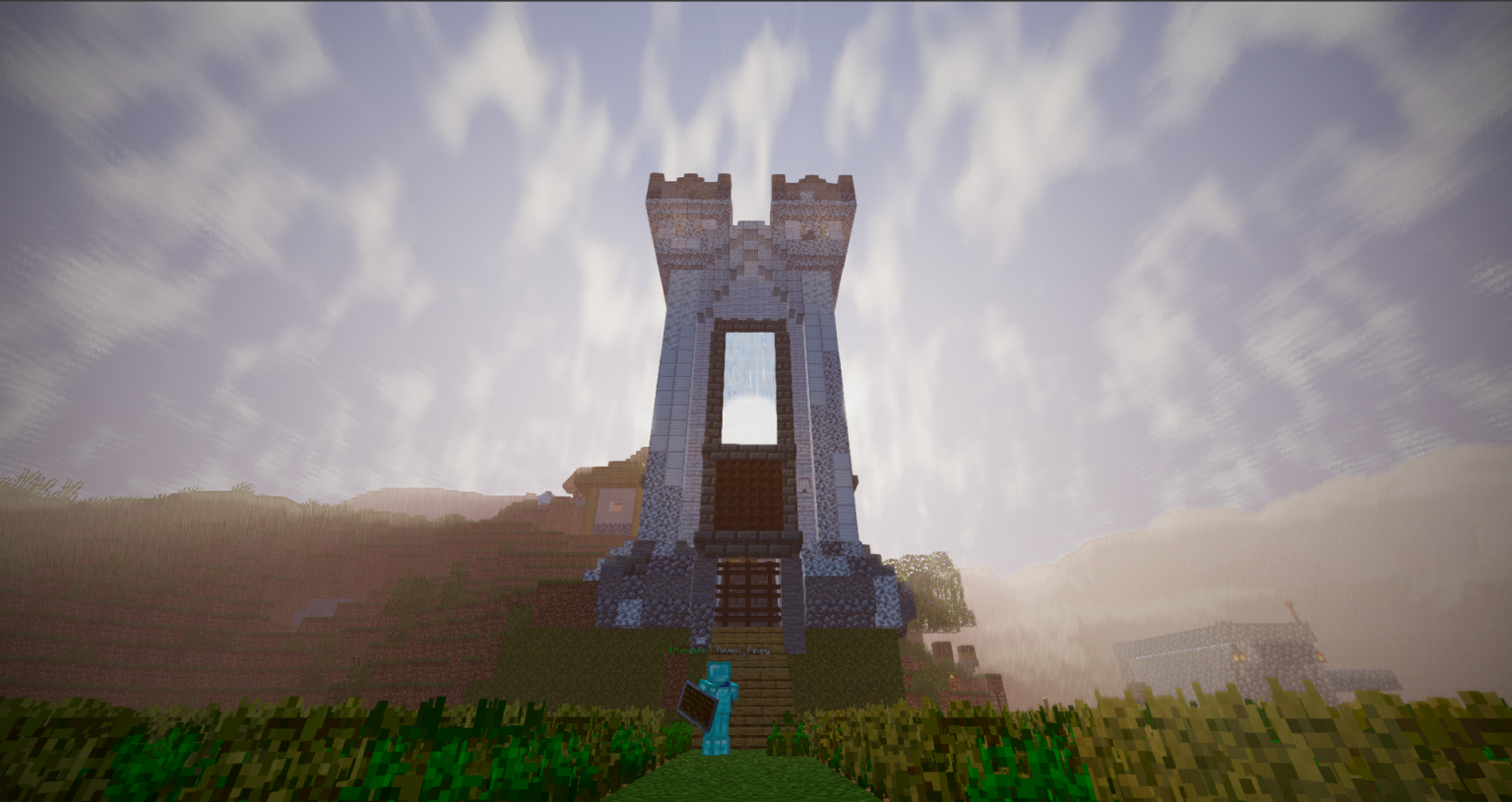
The next evolution of Lumen Shaders is here! This major update brings months of iterations, overhauled lighting mechanics, and deeply immersive environmental animations to Iris and OptiFine.

🌟 Key Features Included

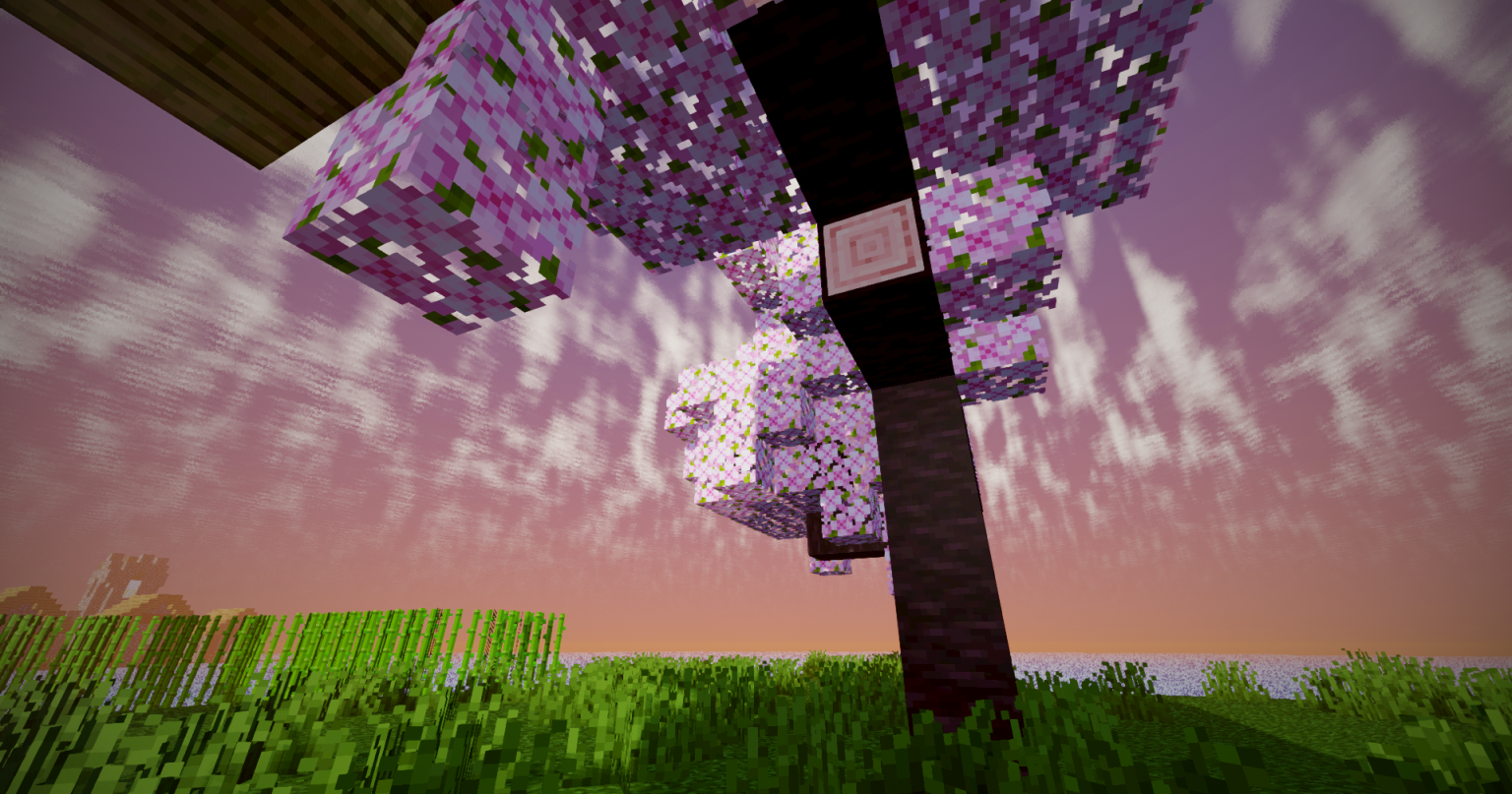
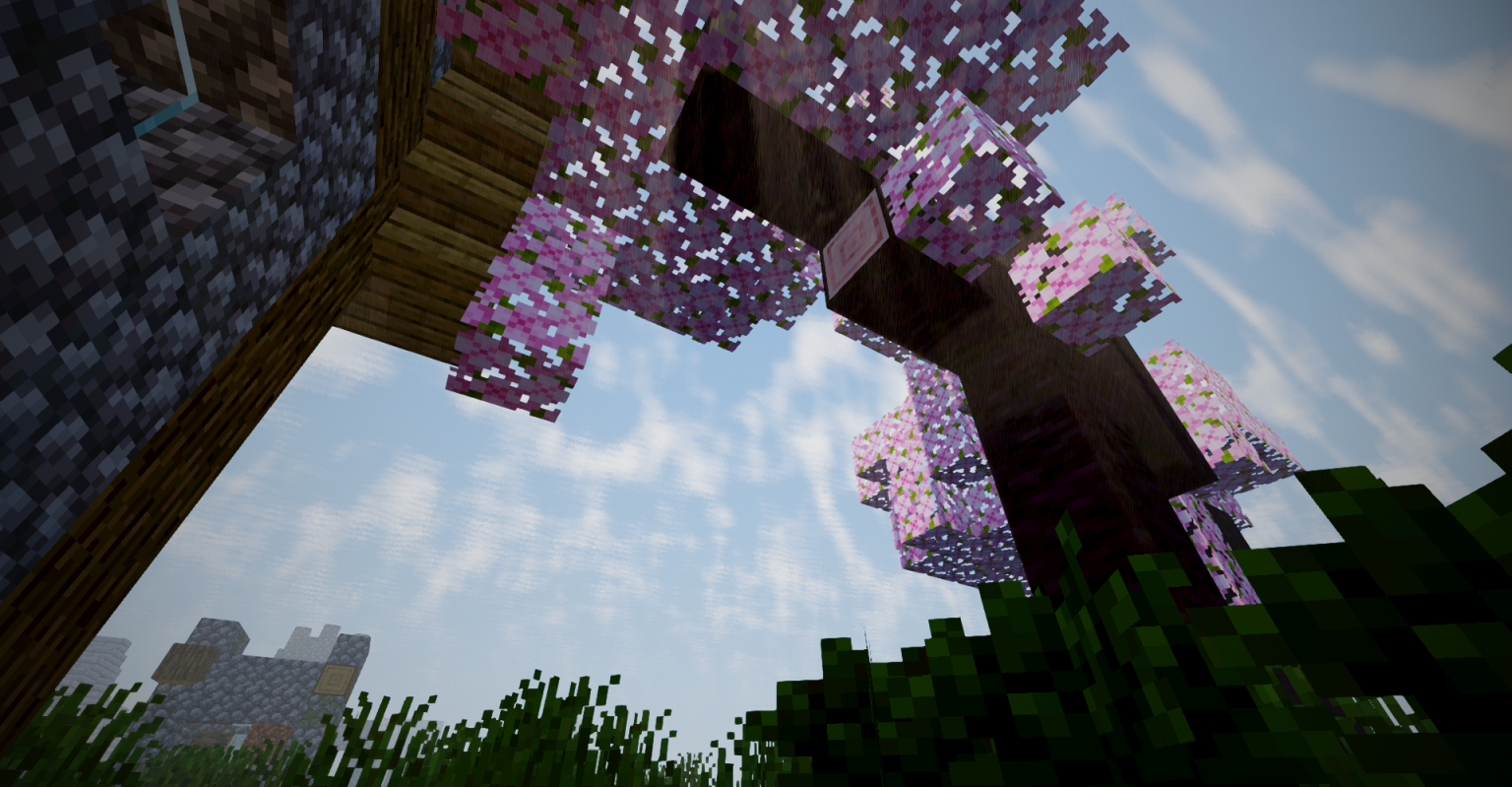
  • Dynamic Waving Foliage: Living worlds with fluid, wind-responsive animations for leaves, tall grass, crops, and lily pads.
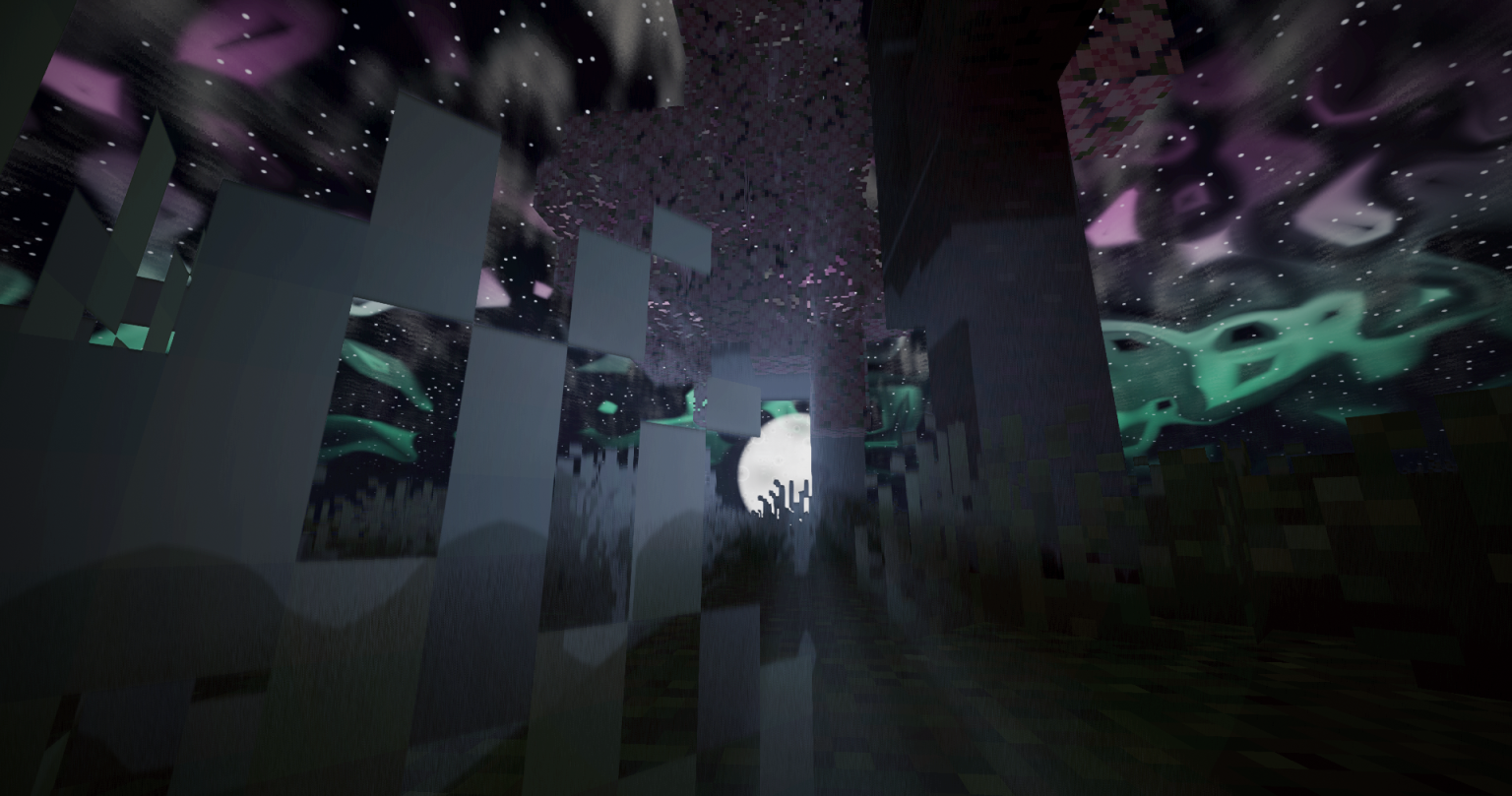
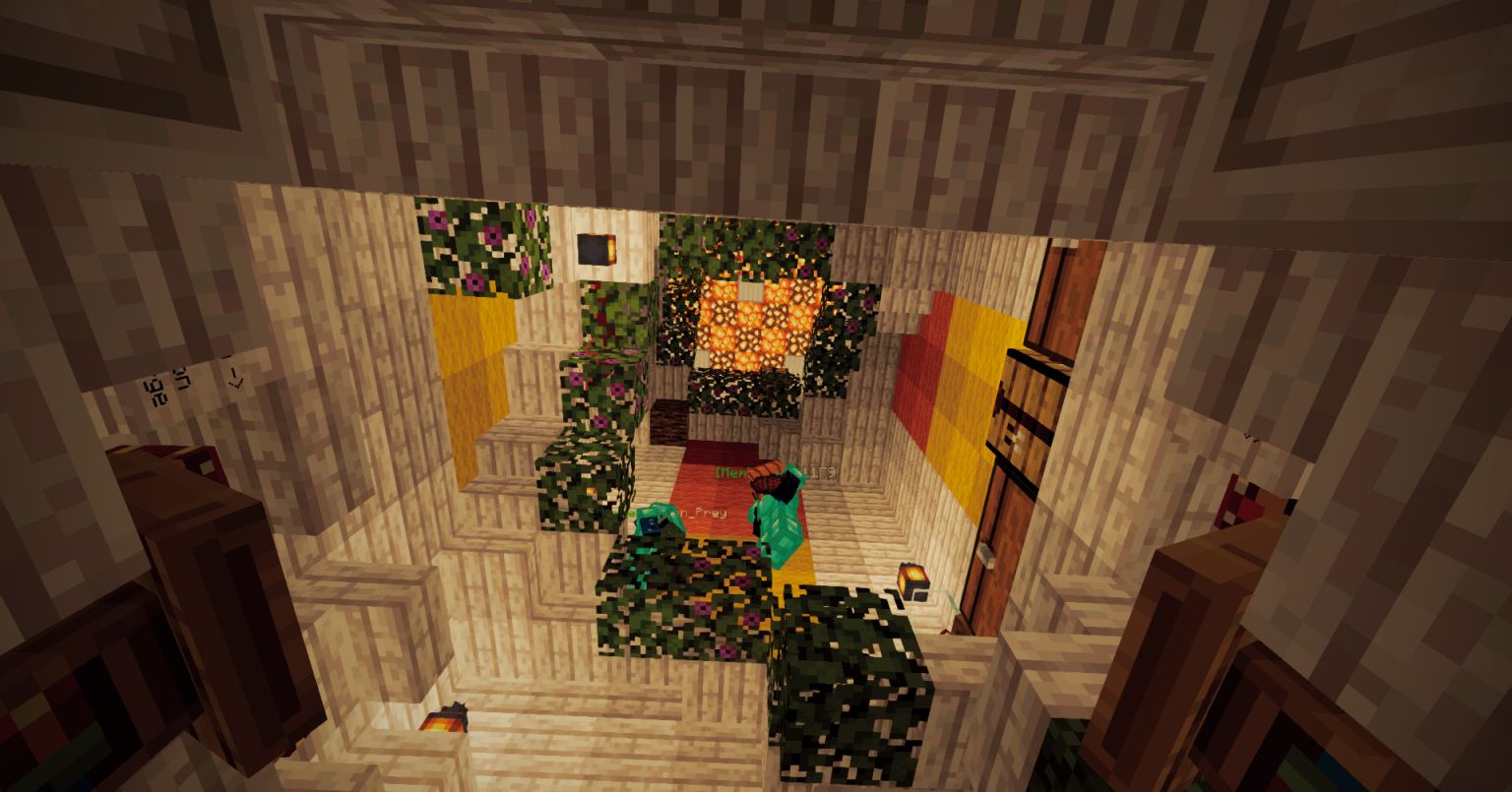
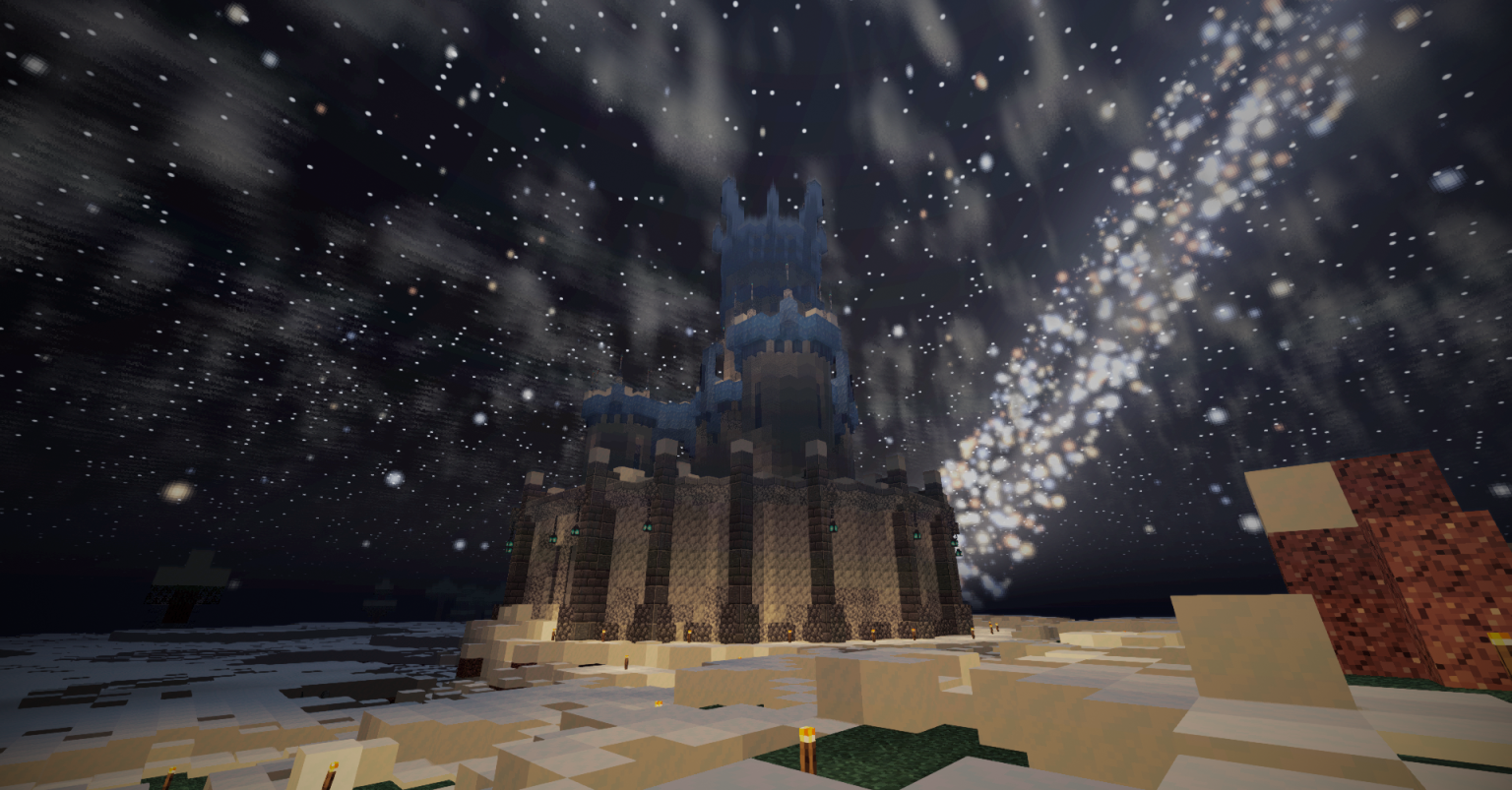
  • Overhauled Lighting Engine: Enhanced global illumination, vibrant color bouncing, and deeply realistic ambient lighting that scales beautifully across dimensions.
  • Advanced Atmosphere & Shadows: Re-engineered PCF shadows with sharper accuracy, soft-penumbra contact hardening, and blindingly beautiful god rays.
  • Living Water: Responsive wave normals, crisp sky reflections, and a finely tunable sun-glint feature.
  • Cinematic Post-Processing: Built-in ACES tone mapping, customizable gaussian bloom, and quick color grading.
  • Fully Optimized: Fine-tuned to maintain excellent performance on mid-range cards like the GTX 1060 while unlocking breathtaking visuals on high-end GPUs.
  • In-Game Presets: Instantly toggle between distinct performance and visual profiles directly in the settings menu.

🛠️ Quick Installation

  1. Make sure Iris or OptiFine is installed.
  2. Drop this .zip file directly into your .minecraft/shaderpacks/ directory (do not unzip it).


  3. Select Lumen Shaders from the in-game shader selection menu and customize your presets!
Lumen Shaders 4.16
MC 1.21.2-Snapshot, 1.21, 1.21.6-snapshot, 1.20.2-Snapshot, 1.20.5-Snapshot, 1.21.1-Snapshot, 1.20.2, 1.21.8, 1.20.5, 1.21.5, 1.21.4, 1.21.5-Snapshot, 1.20.1, 1.20, OptiFine, 1.20.6
Release 2026-09-23 Get

Requirements & install

How to use this shader in Minecraft
Shader loader
OptiFine
Minecraft
1.21 – 1.21.8
Install folder
.minecraft/shaderpacks

Install with OptiFine

  1. Install OptiFine for your Minecraft version (optifine.net) and start it once.
  2. Download the shader pack .zip (do not extract it).
  3. Put the .zip into .minecraft/shaderpacks.
  4. In game open Options → Video Settings → Shaders and select the pack.
Browse more: Iris shaders OptiFine shaders Shaders for 1.21.8 All shaders
Advertisement Remove ads with Premium →

You Might Also Like