Your everyday lens for Minecraft.
Lumarit started from one idea: playing Minecraft should feel like holding a camera. Every setting, from depth of field to colour, is tuned the way a photographer would think about a scene, not just to make it "prettier".
Features
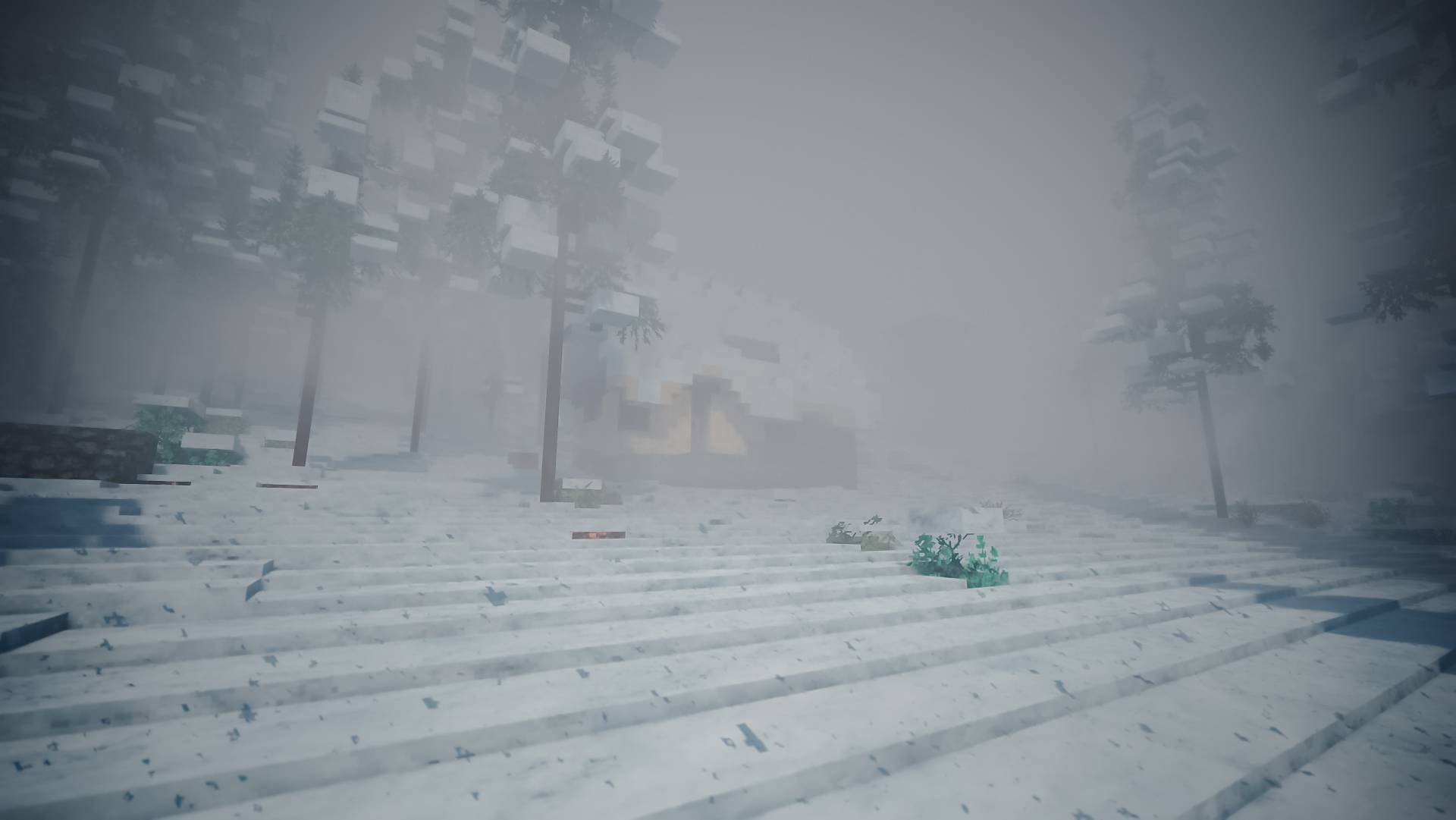
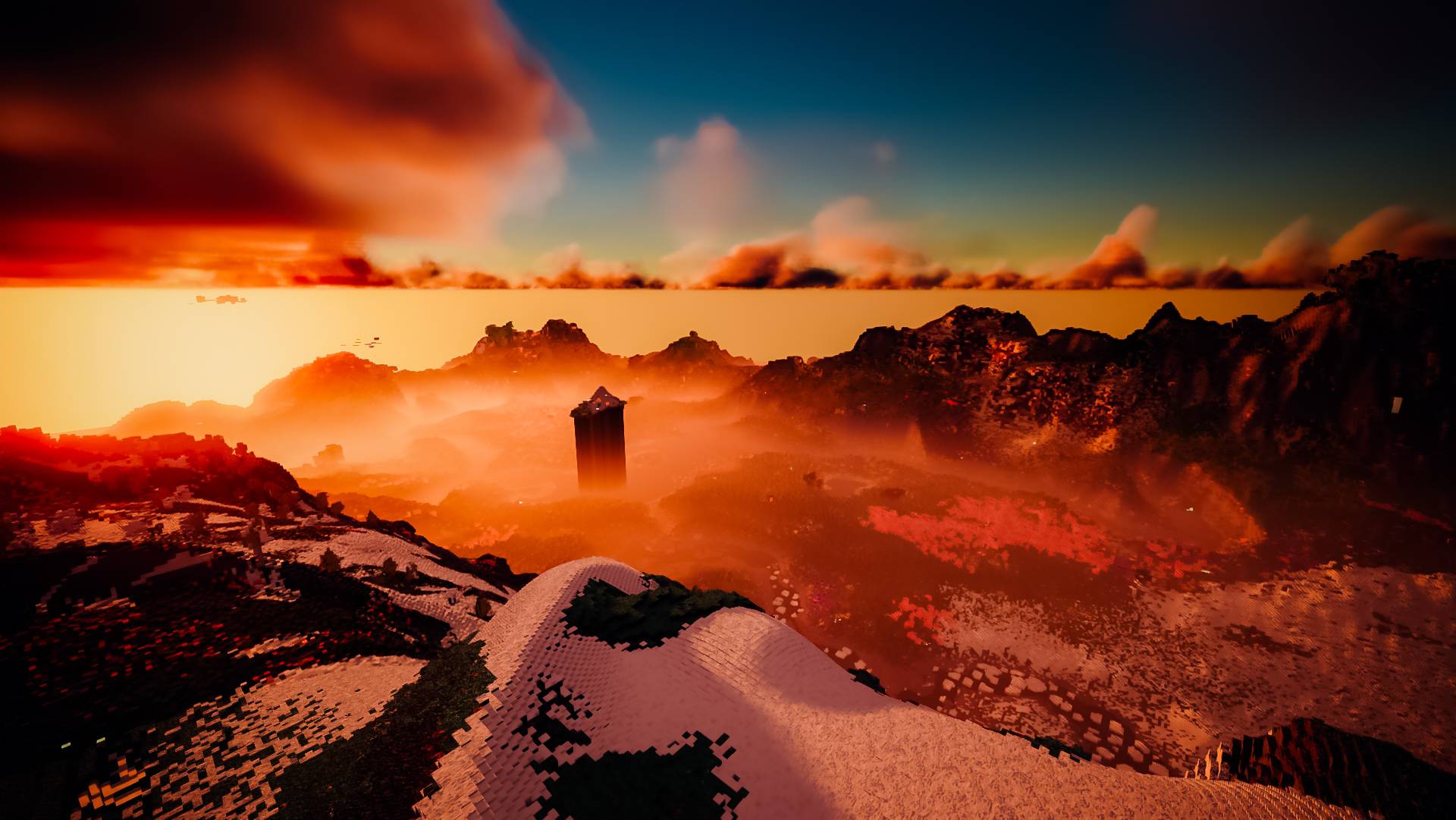
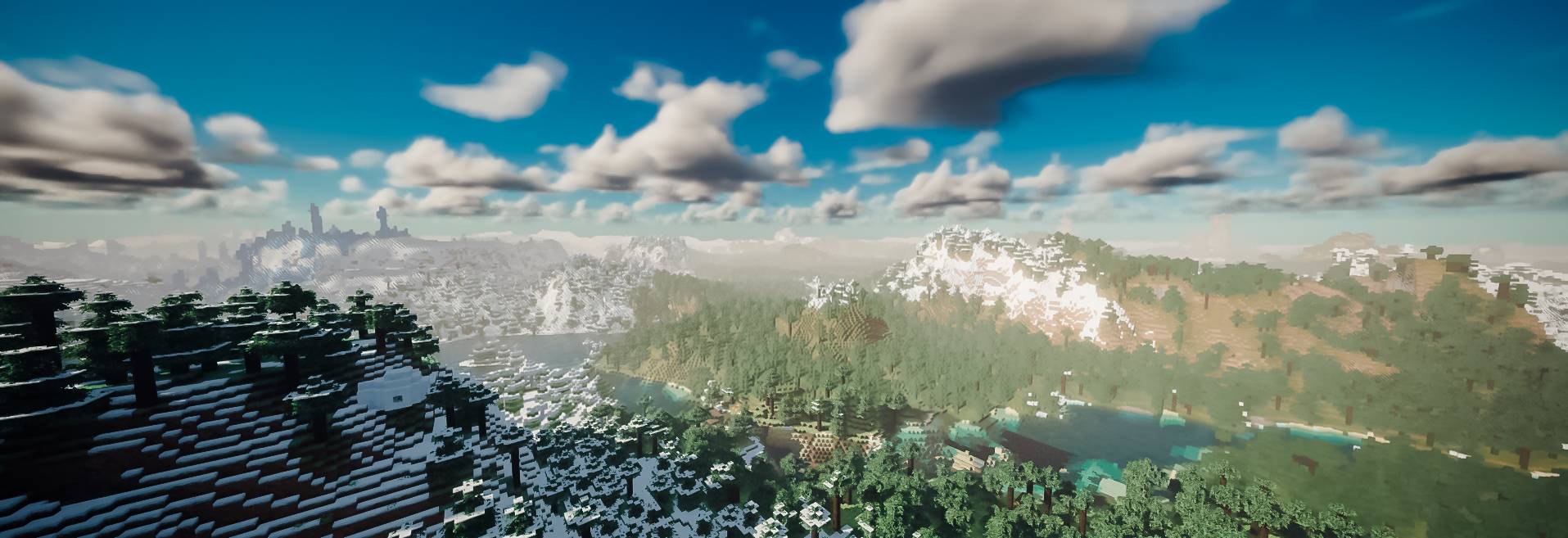
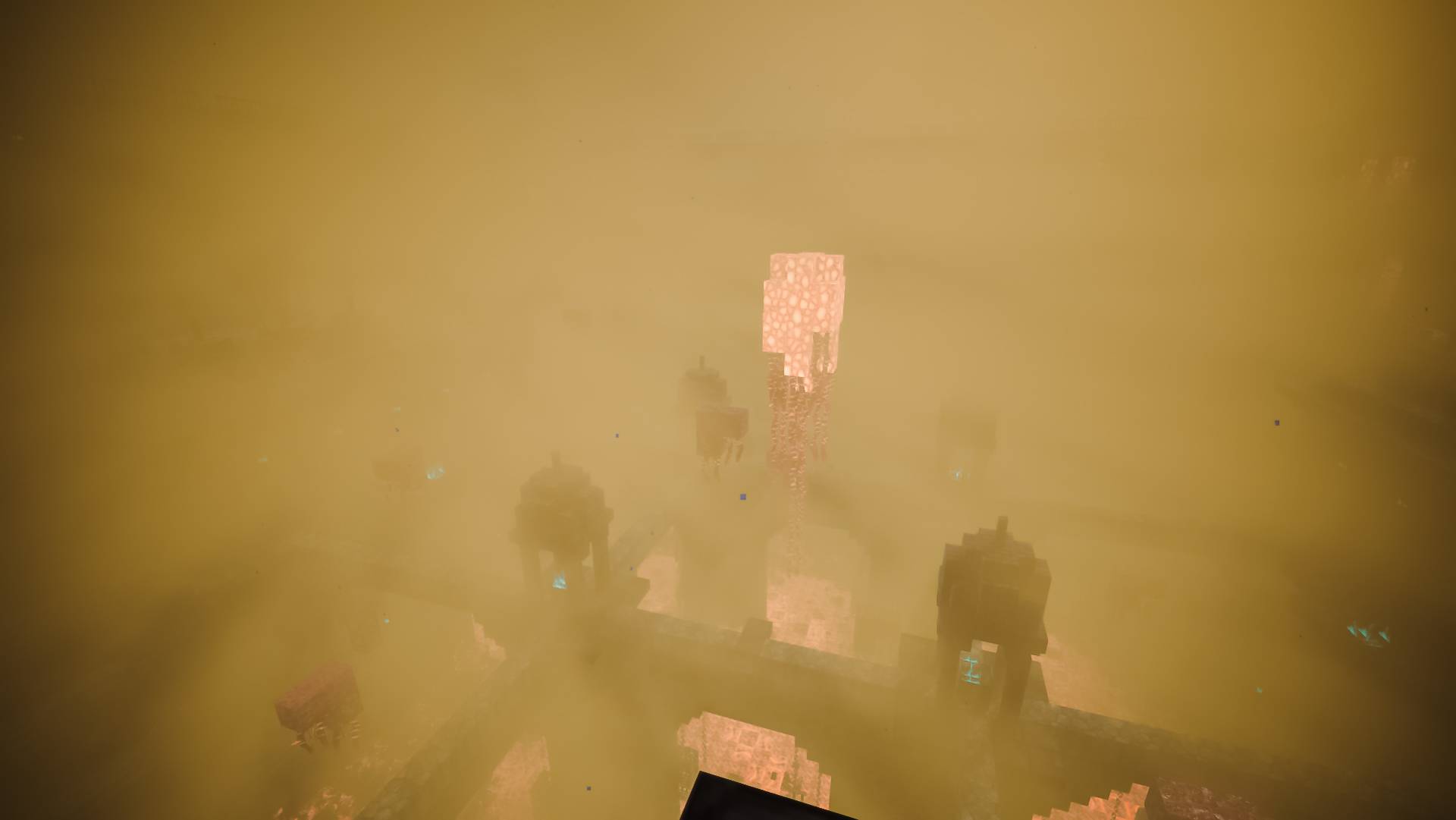
- Volumetric fog & mist: low valley fog, rain haze and thick atmosphere that changes with the time of day
- Volumetric clouds: soft, lit clouds that glow at sunrise and sunset
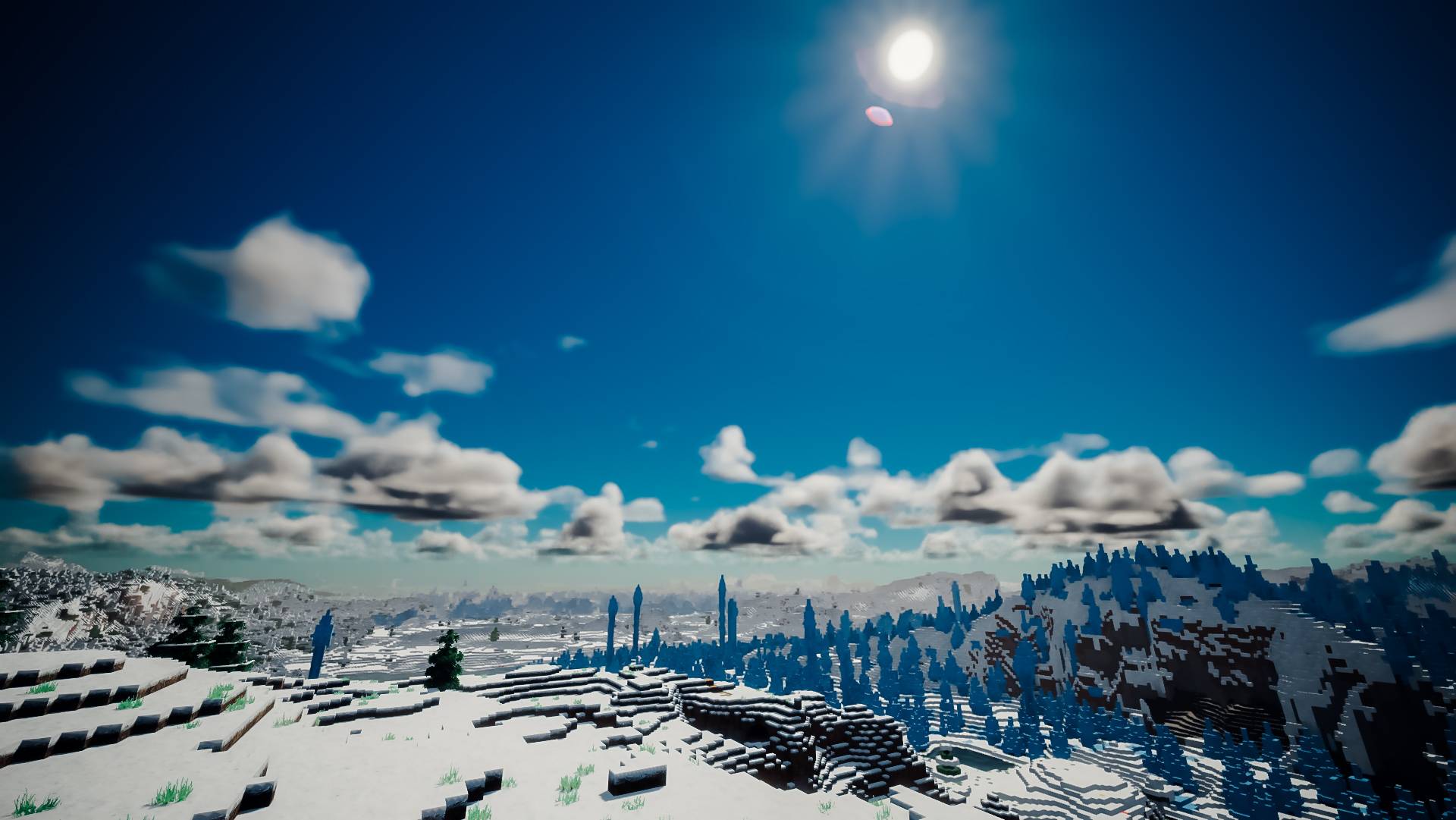
- Physically based sky: realistic atmospheric scattering and golden-hour light
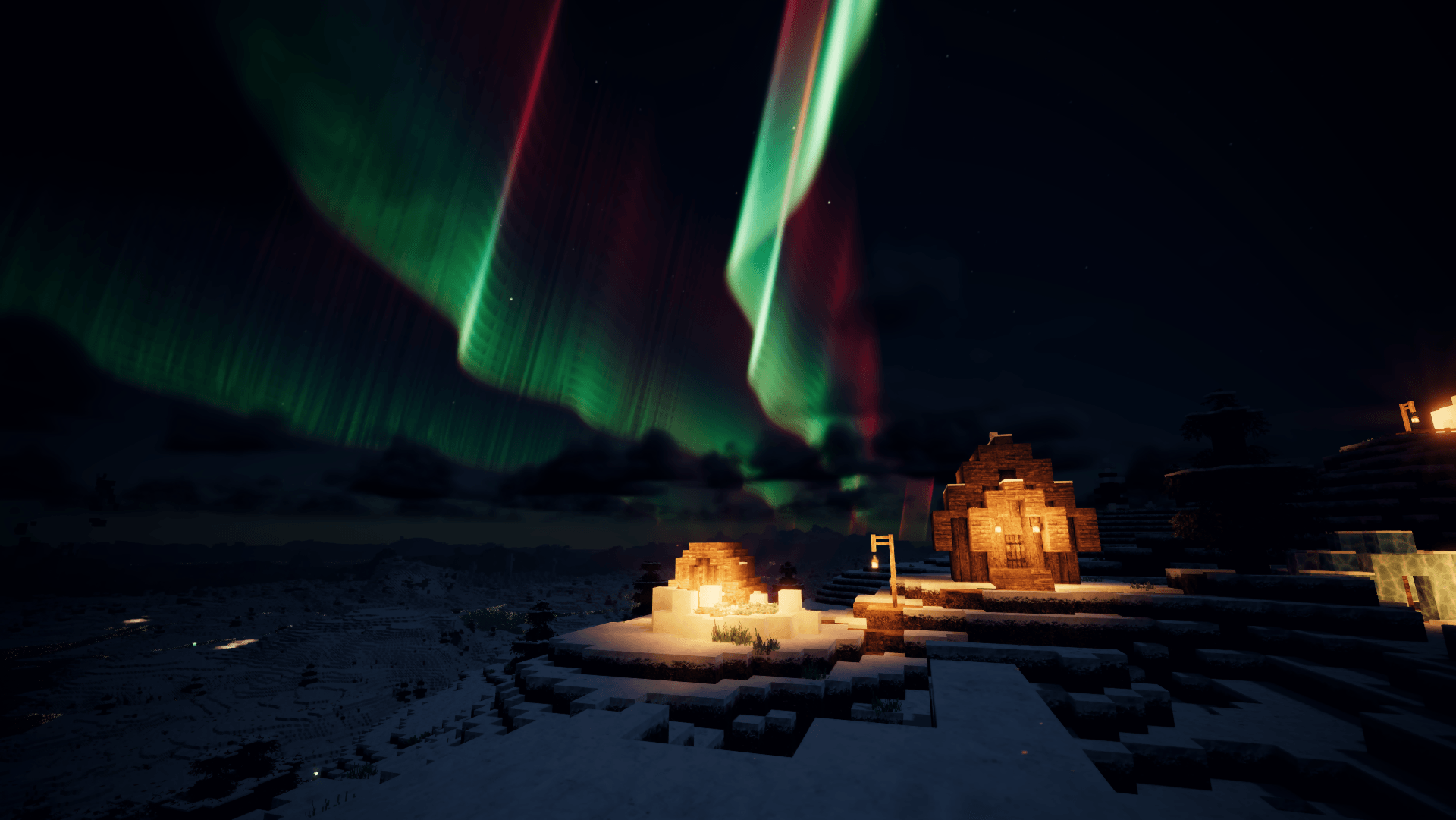
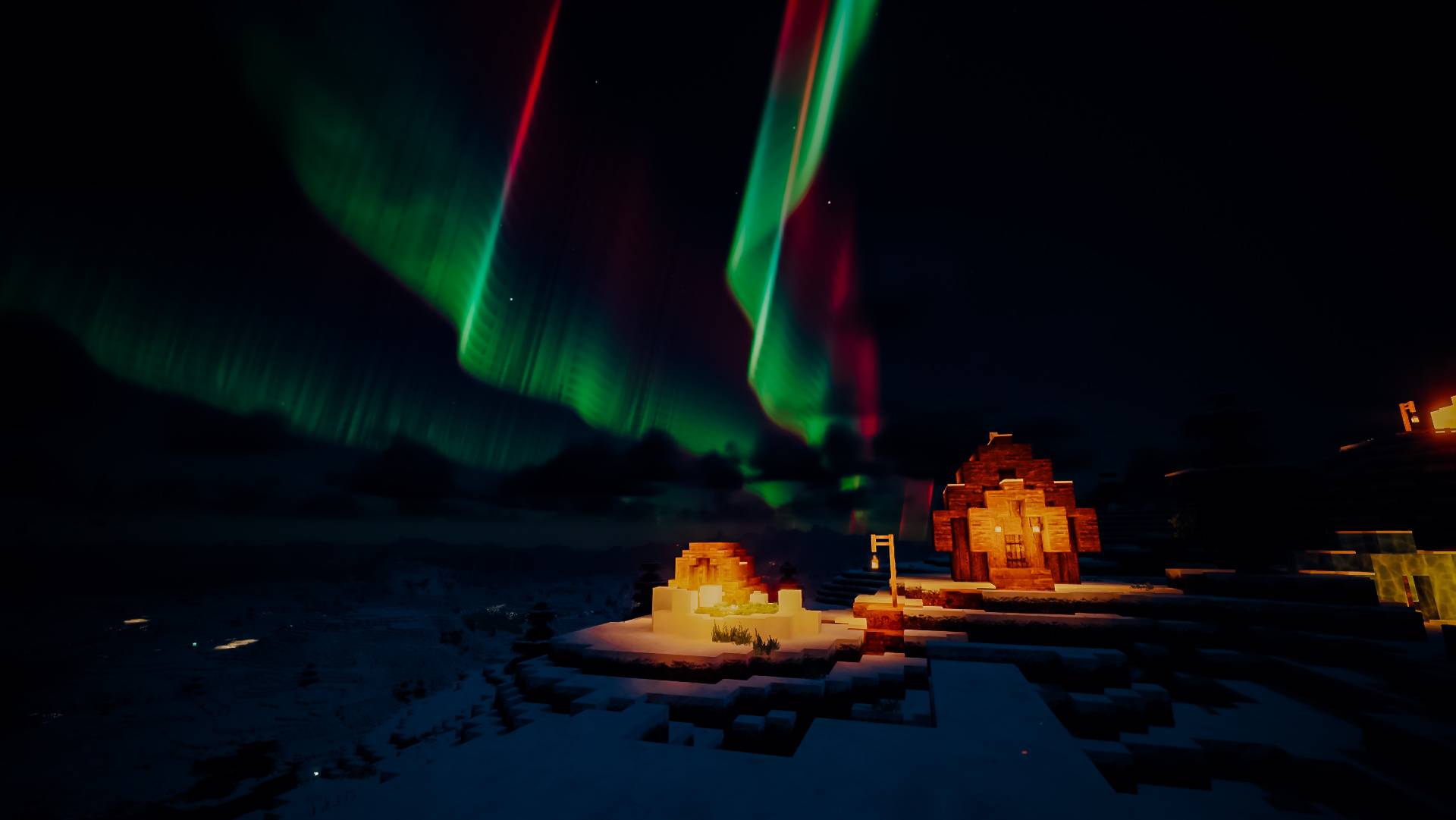
- Auroras: northern lights dancing over snowy biomes at night
- Water: reflections and waves that mirror the sky
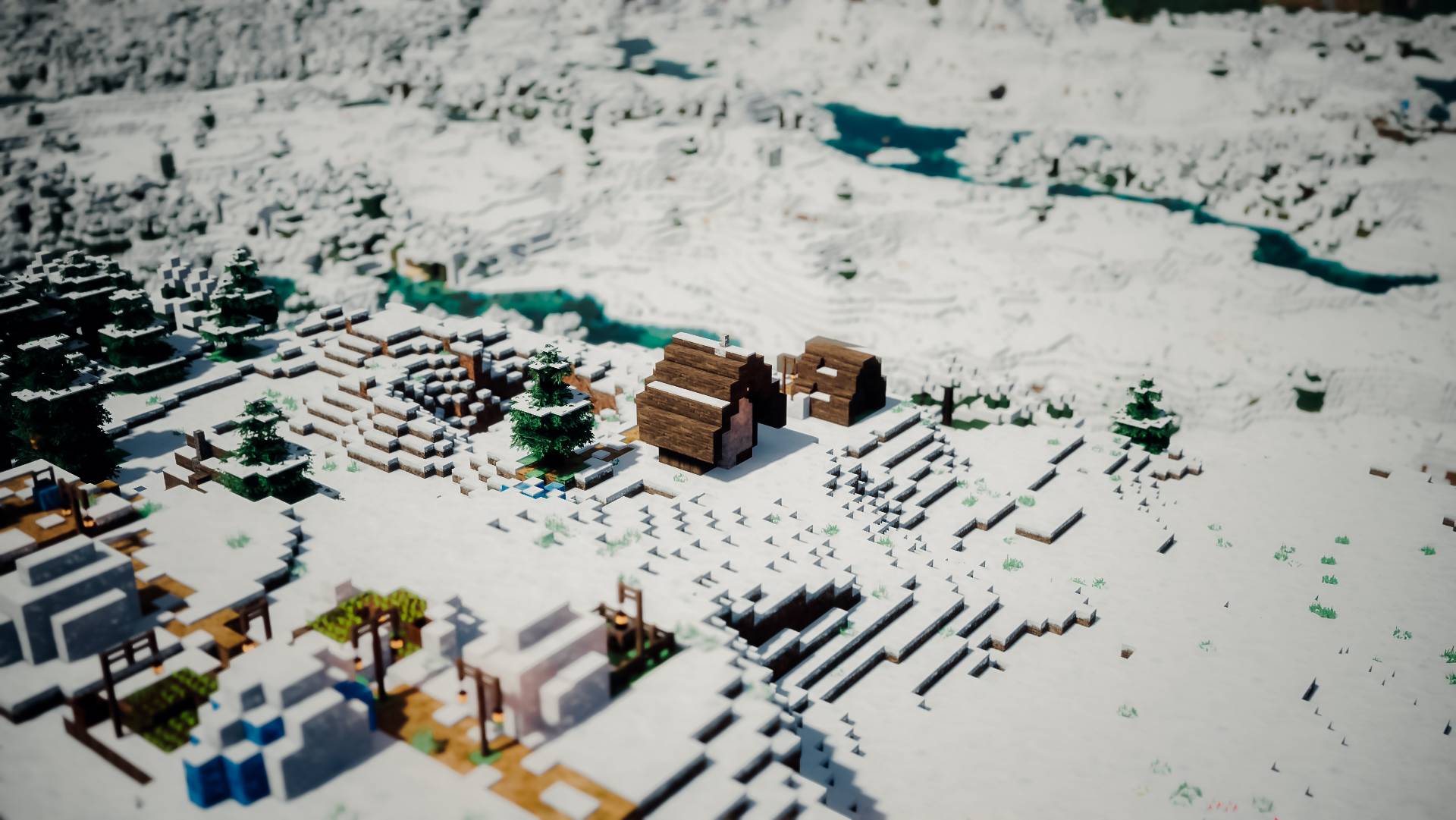
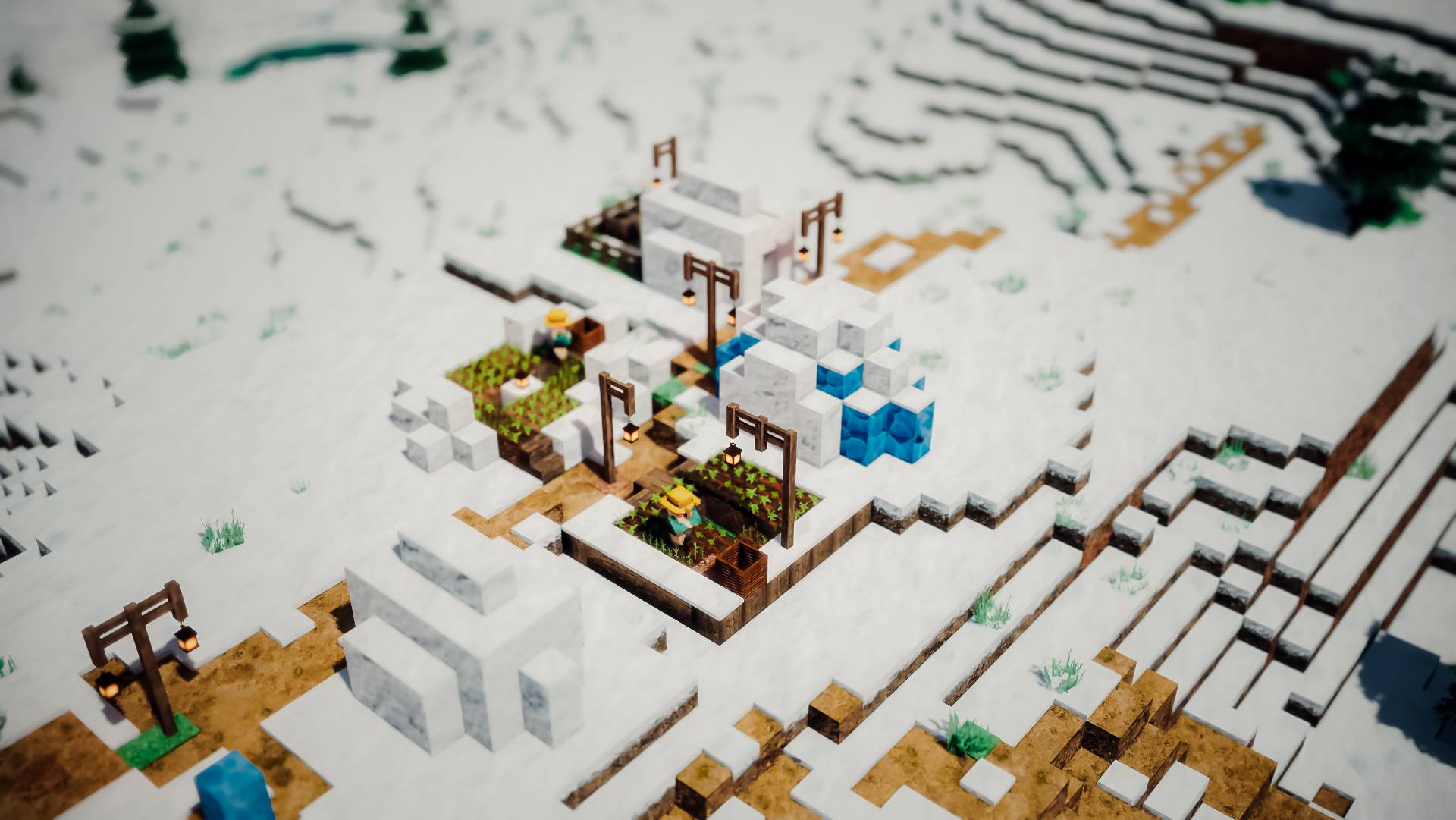
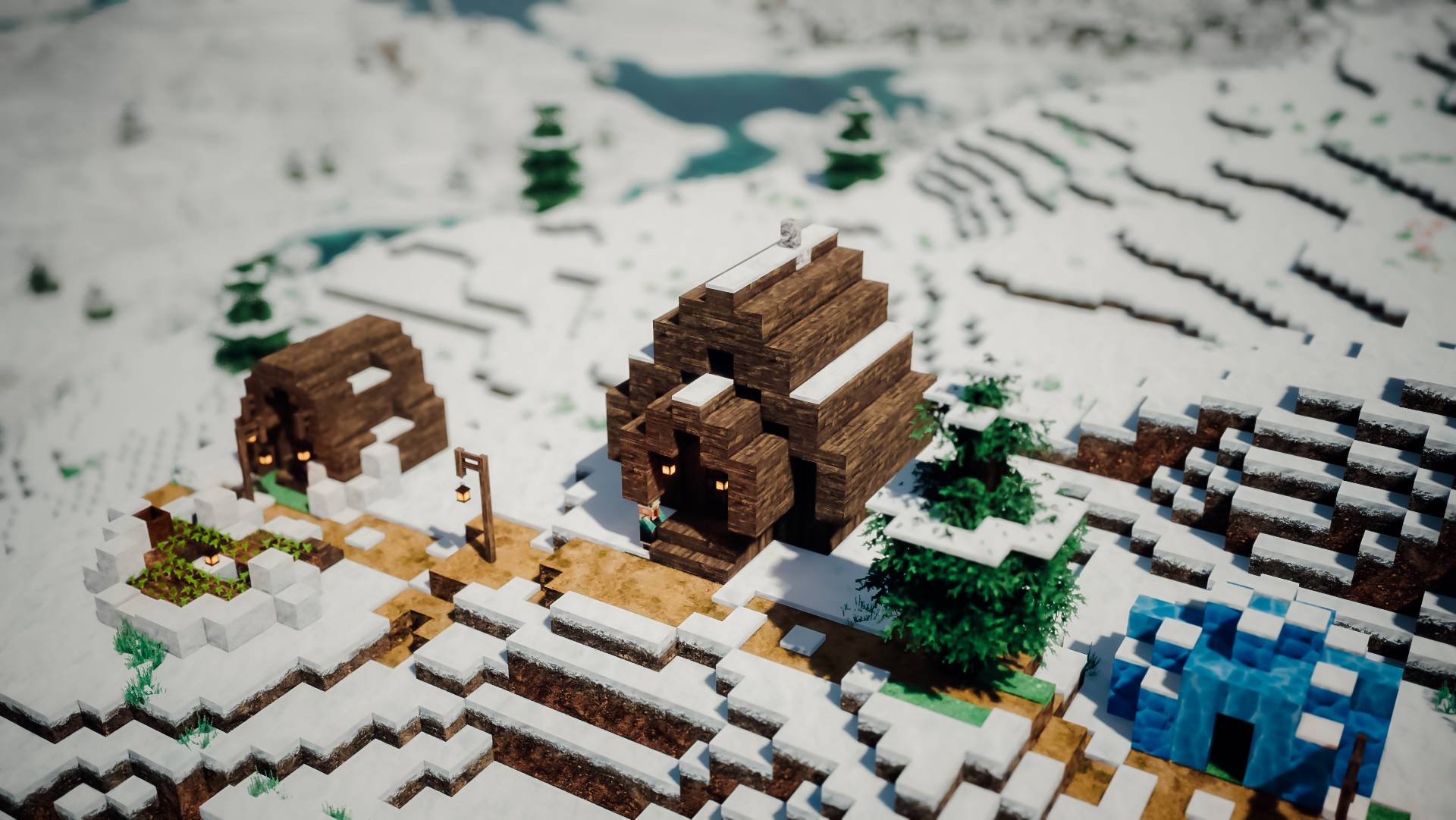
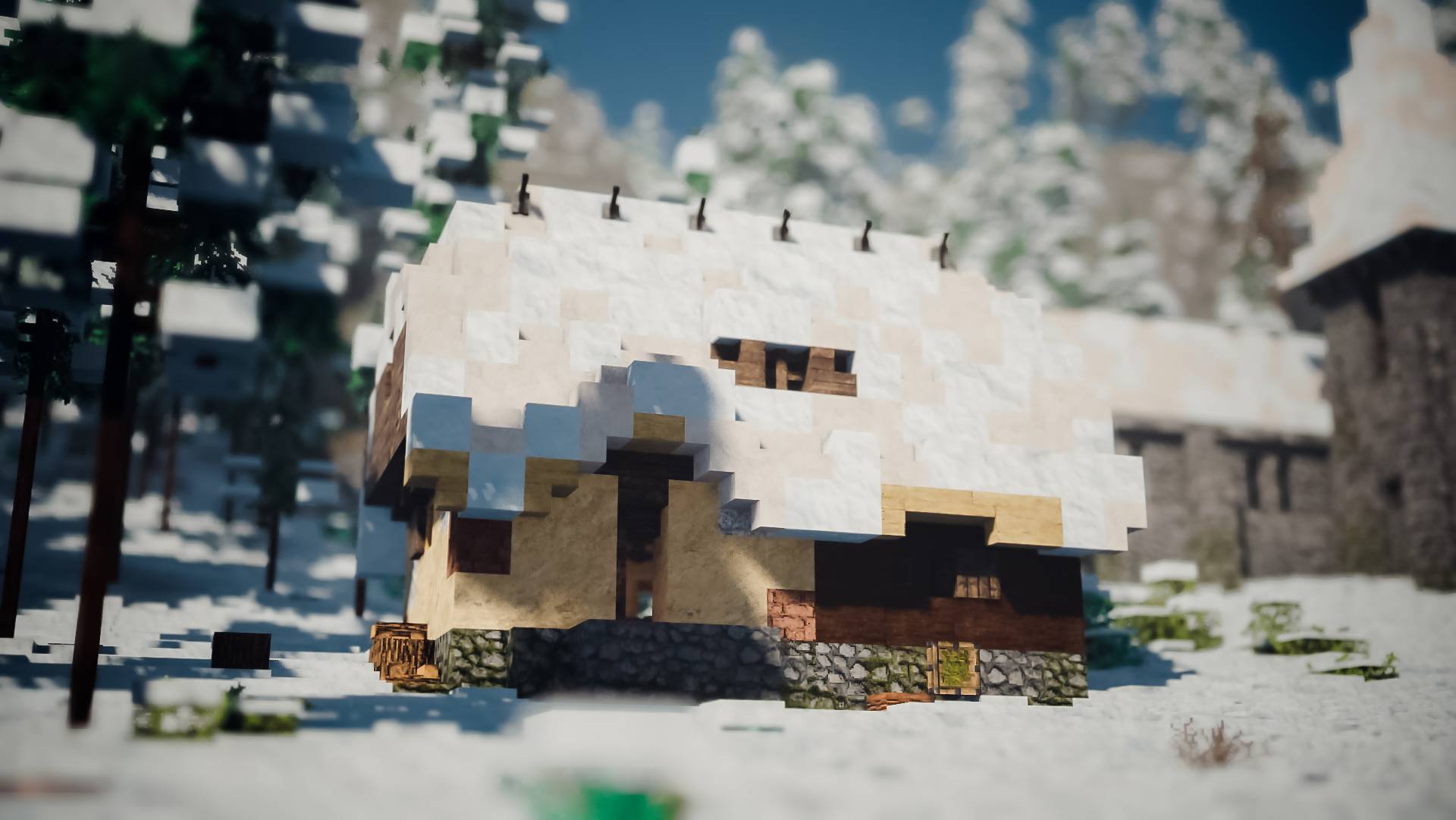
- Depth of field: cinematic background blur, like shooting wide open
- Lens effects: bloom and sun glare
- Filmic colour: a custom colour grade inspired by classic rangefinder cameras
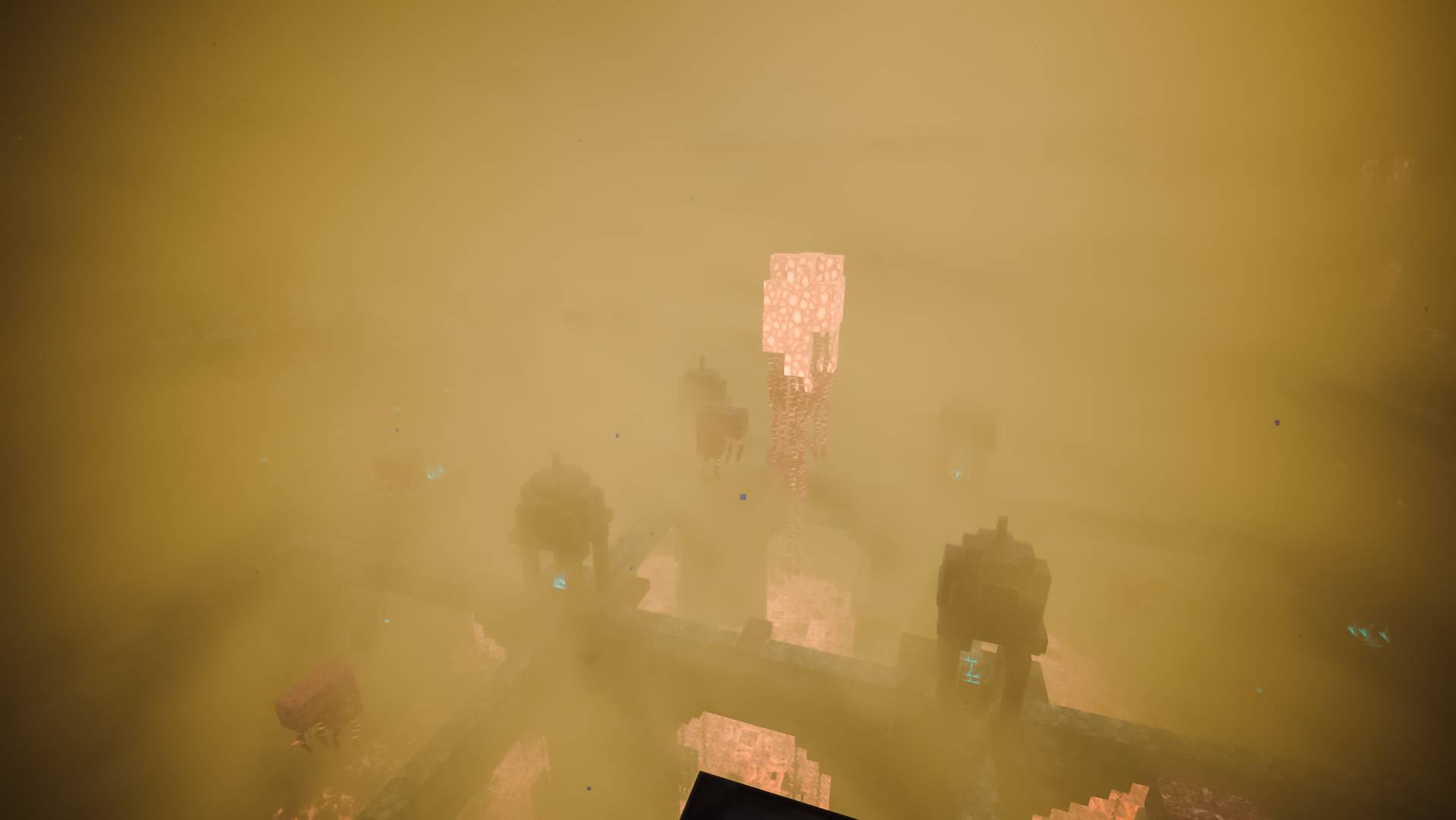
- Dimension atmospheres: unique fog and lighting for the Nether and the End
Bugs & feedback
Found something wrong? Open an issue on the issue tracker. Please include your GPU, driver version, Minecraft/Iris version and a screenshot.
Credits
- Atmospheric scattering based on research by Sébastien Hillaire (2020) and Bruneton & Neyret (2008)
- Atmosphere ray-march structure by Dimas Leenman (MIT)
- Colour grade made by Tuan6b
License
Lumarit is released under the Apache License 2.0.
You're free to use, modify and share it, including in modpacks and edits. Just keep the license and credits, and note what you changed.
Parts adapted from other projects keep their original licenses (see NOTICE).