Badges update automatically and link to the shader page on MineUniverse.
A realistic shaderpack for Minecraft
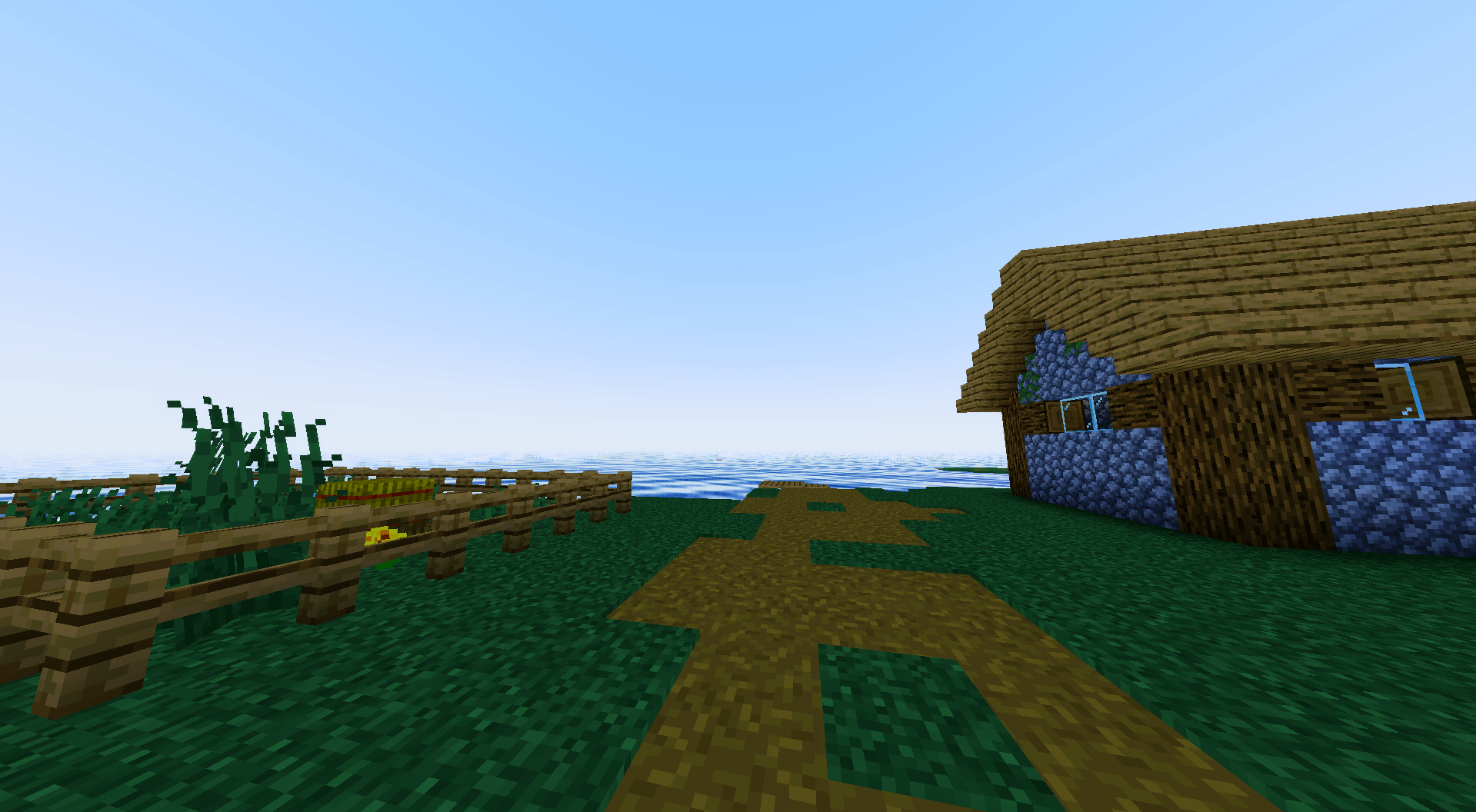
LastNight is a shaderpack designed to bring a more realistic and atmospheric look to Minecraft. It transforms the familiar world with immersive lighting, expressive skies, atmospheric fog, dynamic-looking weather, and beautiful colors that change throughout the day.
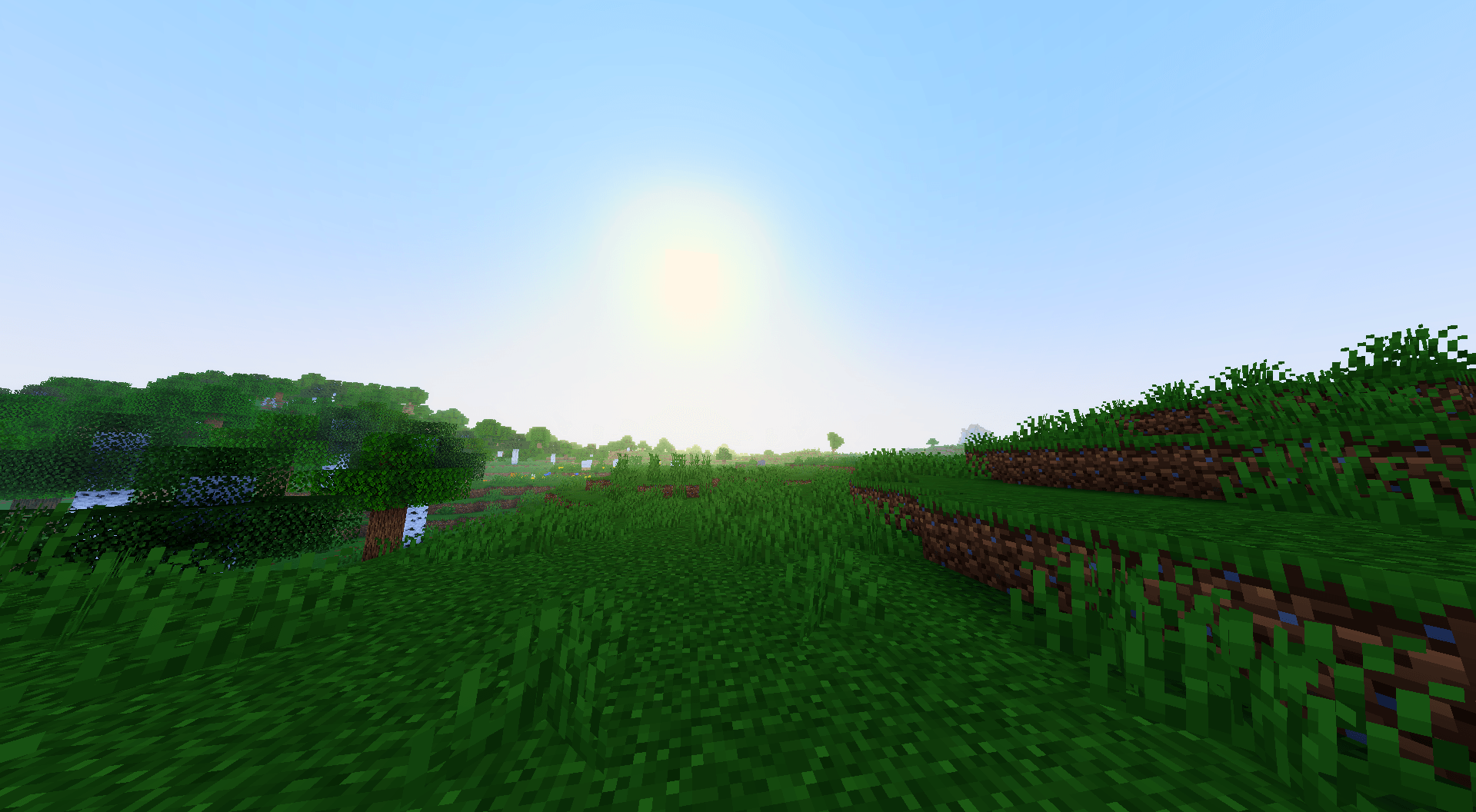
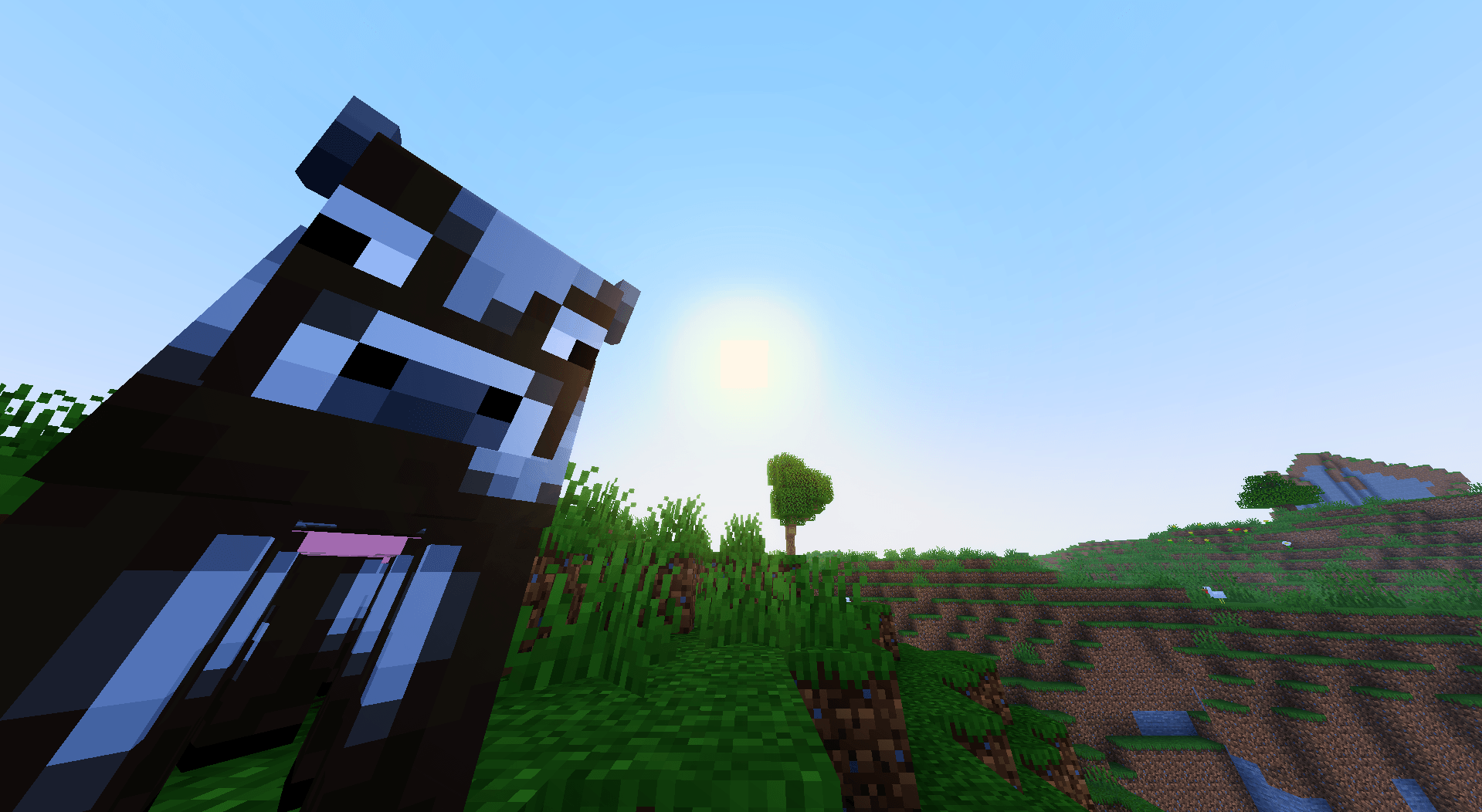
☀️ Realistic Lighting
Enjoy natural-looking illumination that gives landscapes more depth and makes the world feel alive.
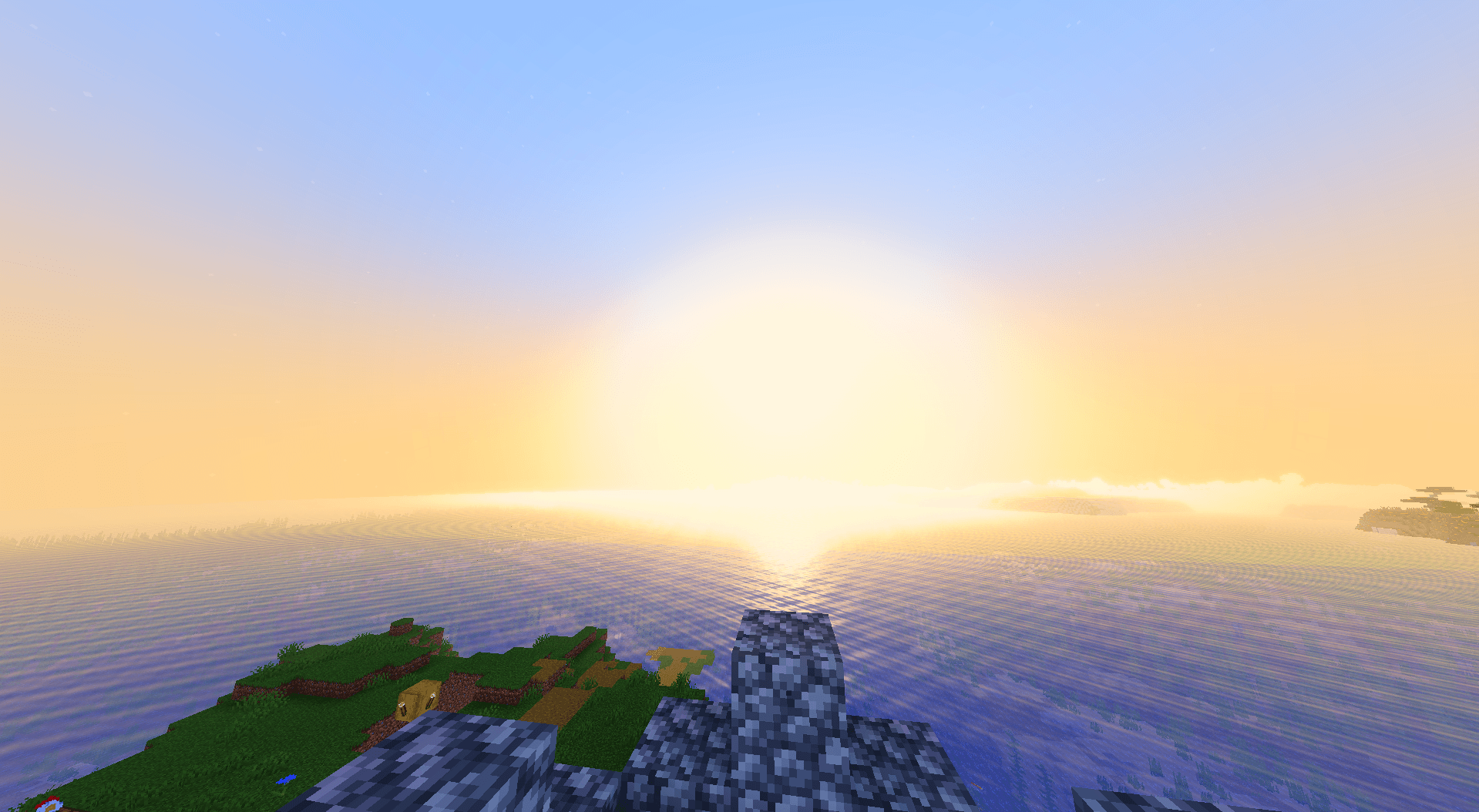
🌅 Atmospheric Sunsets
Experience dramatic sunsets with fiery red and orange horizons blending into deep blue skies, creating breathtaking scenery.
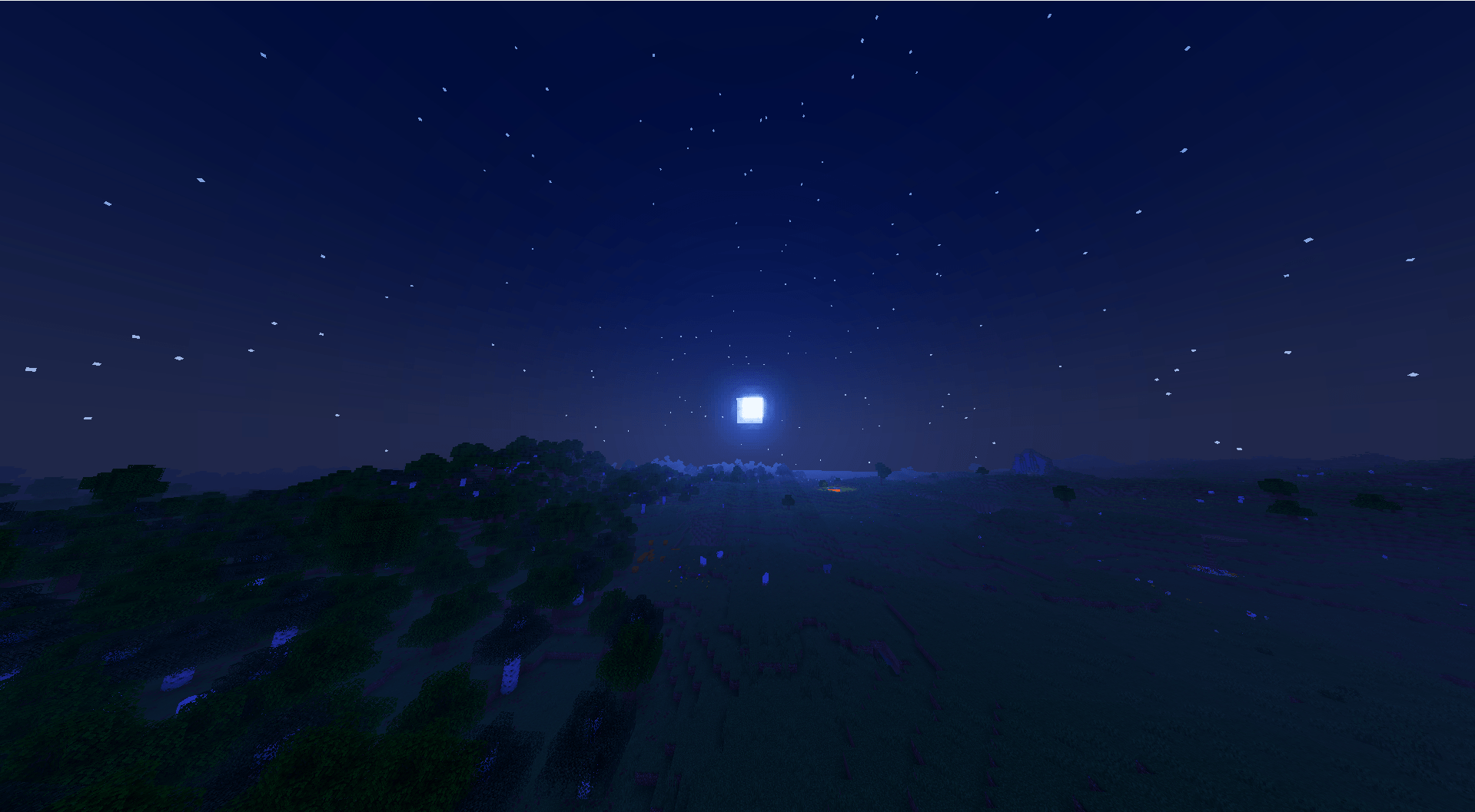
🌙 Immersive Nights
Discover deep blue night skies, bright moonlight, and stars that give the world a completely different atmosphere after dark.
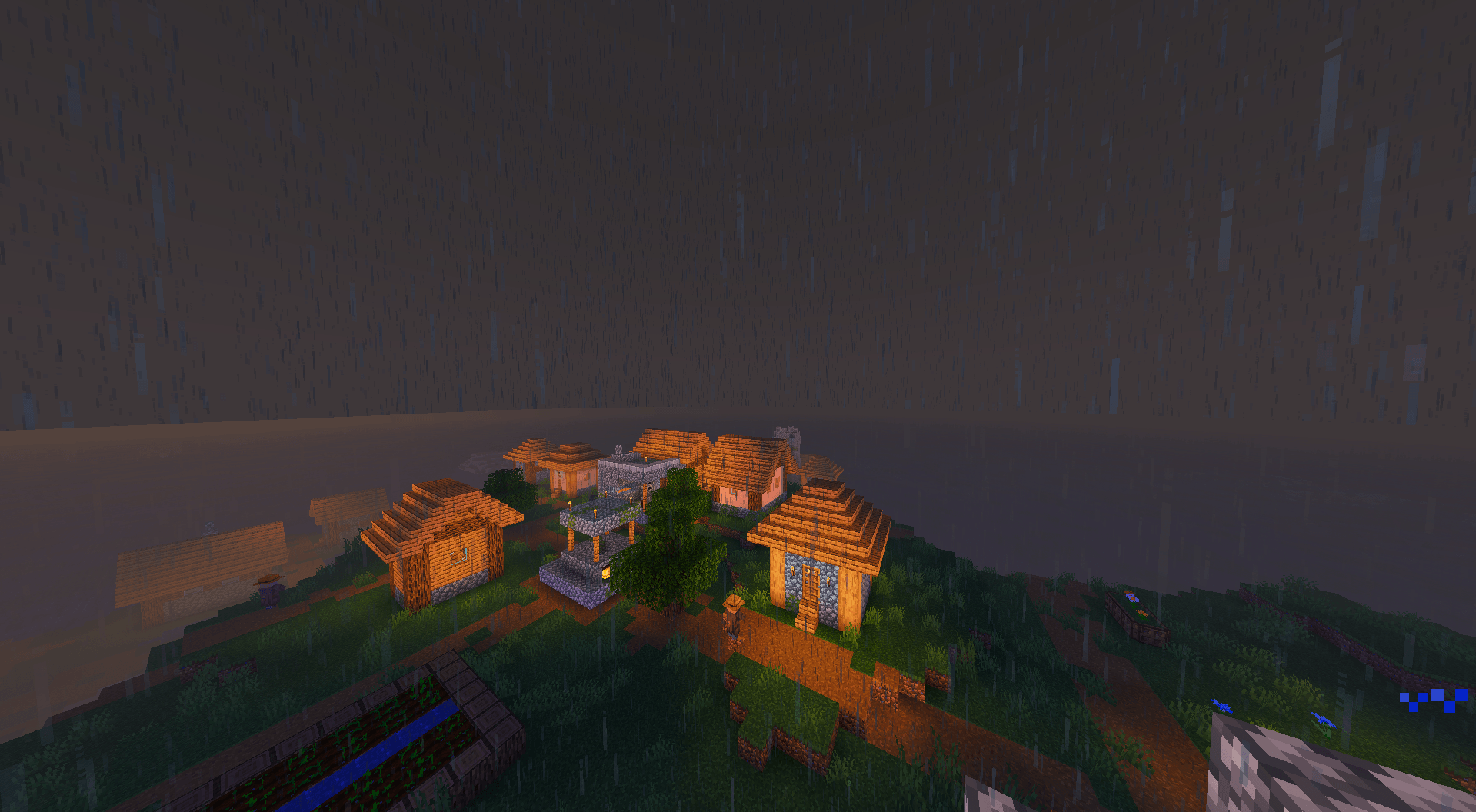
🌧️ Weather and Fog
Rainy weather brings darker skies, reduced visibility, and a muted atmosphere that changes the mood of the entire landscape.
🌌 Beautiful Skies
From bright daytime skies to colorful sunsets and star-filled nights, every part of the day has its own visual character.
🎨 Customizable Settings
Configure different visual aspects of the shaderpack through the Iris shader settings, including lighting, water, colors, fog, shadows, and the sky.
LastNight focuses on creating a more immersive Minecraft experience through realistic visuals and atmospheric environments while preserving the recognizable charm of the original game.
Rediscover your world. Experience every moment differently.
Made with passion for Minecraft.