Mineuniverse
Shaders
Jasper Shaders

Jasper Shaders

SHADER
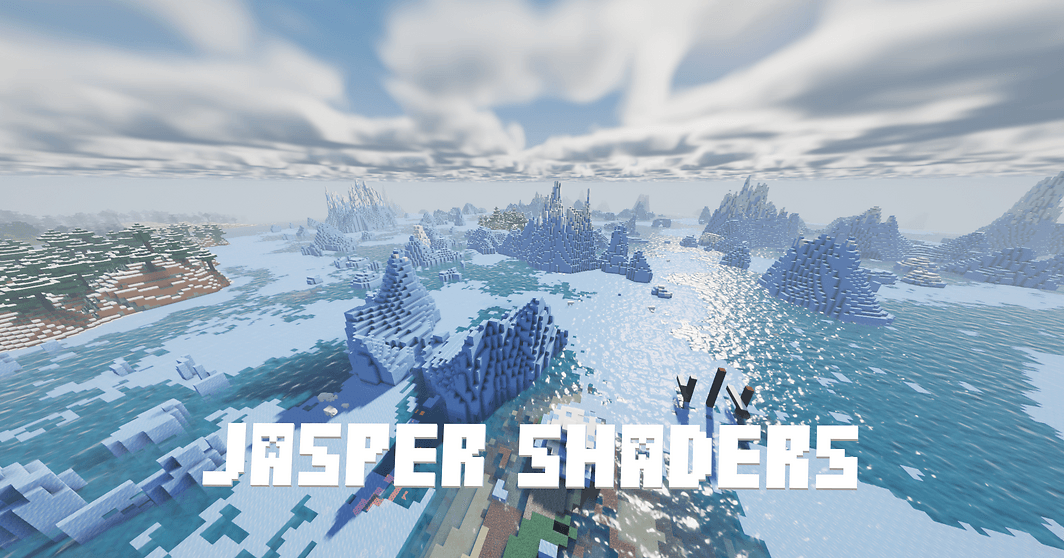
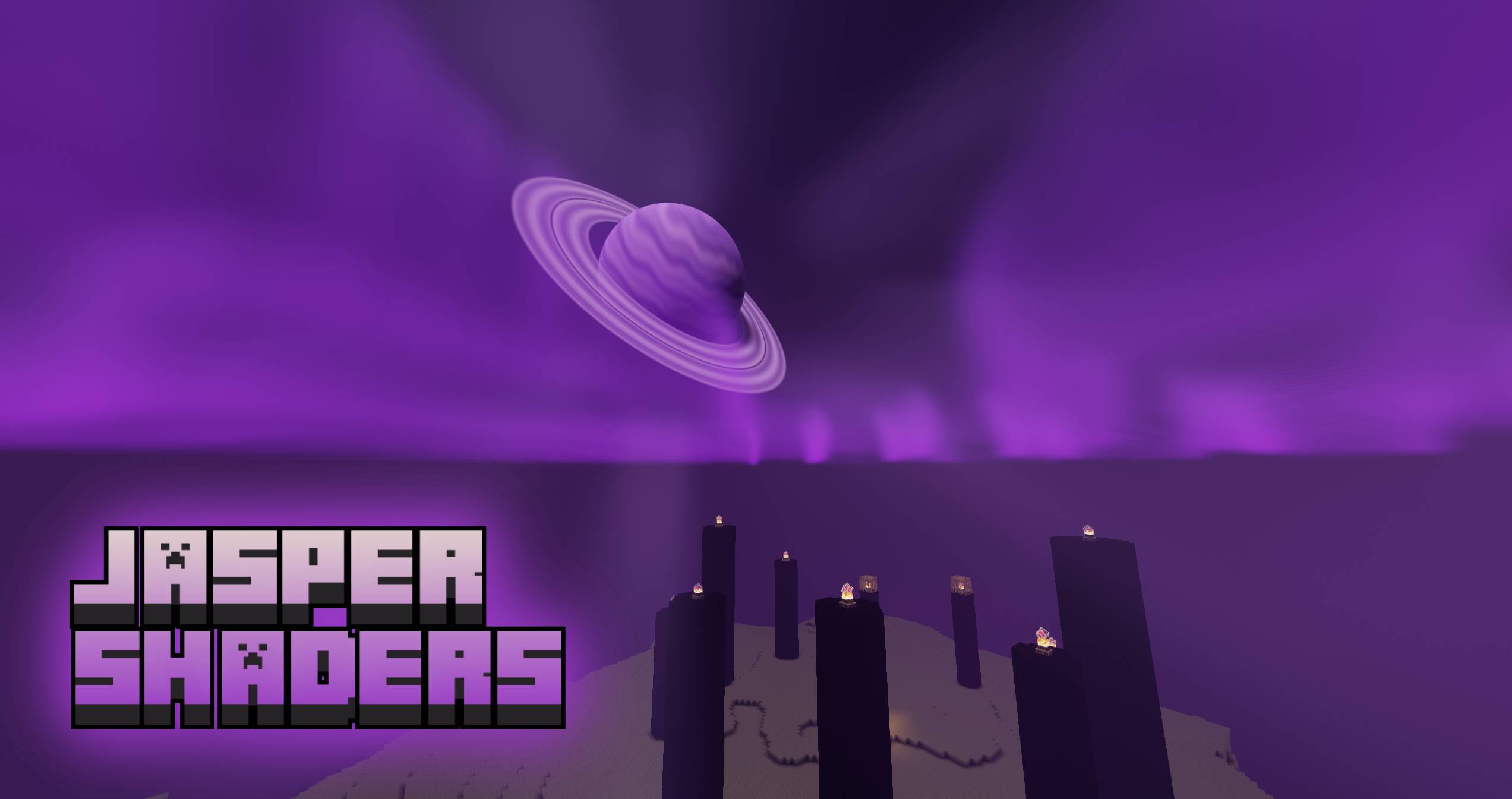
Jasper Shaders is a medium weight Minecraft shaderpack designed to enhance your visual experience without sacrificing smooth performance.
by imparexa
Claim this project
Add a badge to your pageLink to Jasper Shaders from a README, website or forum post.
Preview: Badge

Badges update automatically and link to the shader page on MineUniverse.
162 downloads
0 likes
0 followers
Updated Nov 10, 2026
0 hypes
Follow0
Realistic
Advertisement Remove ads with Premium →

Jasper

Jasper Shaders

Jasper Shaders is a medium weight Minecraft shaderpack designed to enhance your visual experience without sacrificing smooth performance.

(easier access to different versions & changelogs on Versions tab of Modrinth.)

Features:

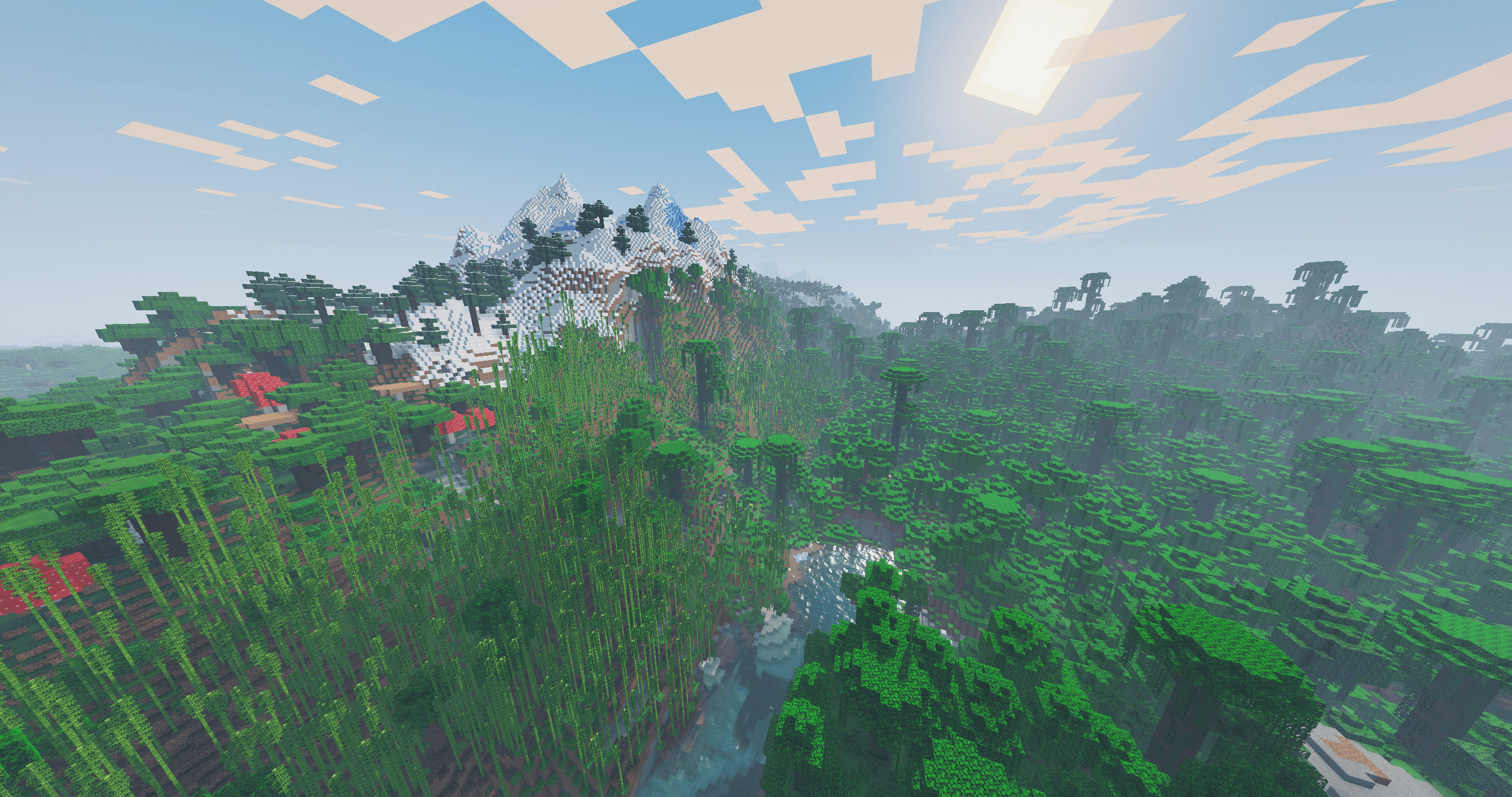
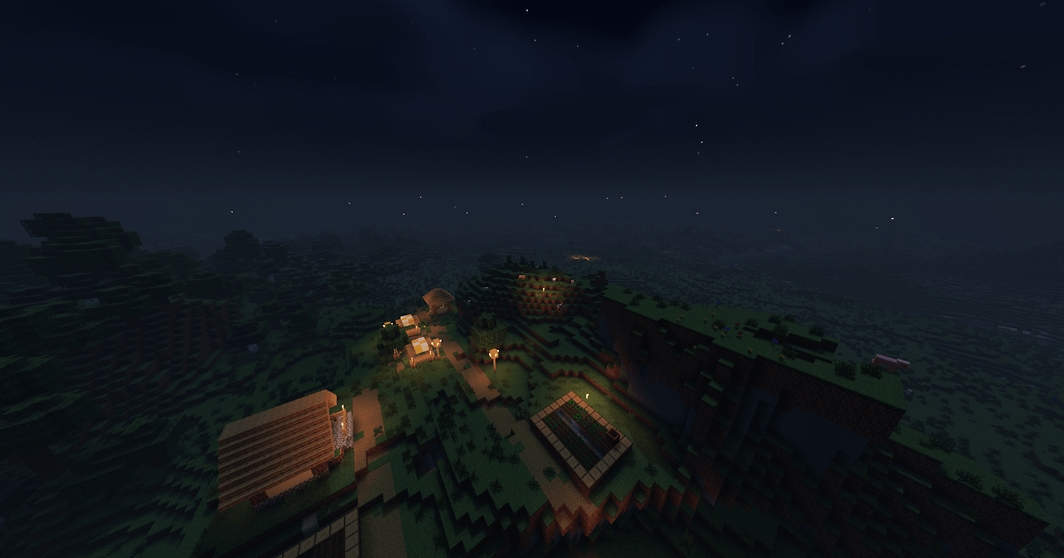
-Lighting: Colored Voxel Light! sunlight, soft ambient shadows, clear nighttime visuals that preserve gameplay clarity, and point light emitted from torches, glowstone, etc.

-Rain effects: Rain surface sheen when its raining.

-Volumetric clouds: Clouds that look as real as IRL. With a toggle to switch between cartoony clouds and volumetric clouds for performance reasons.

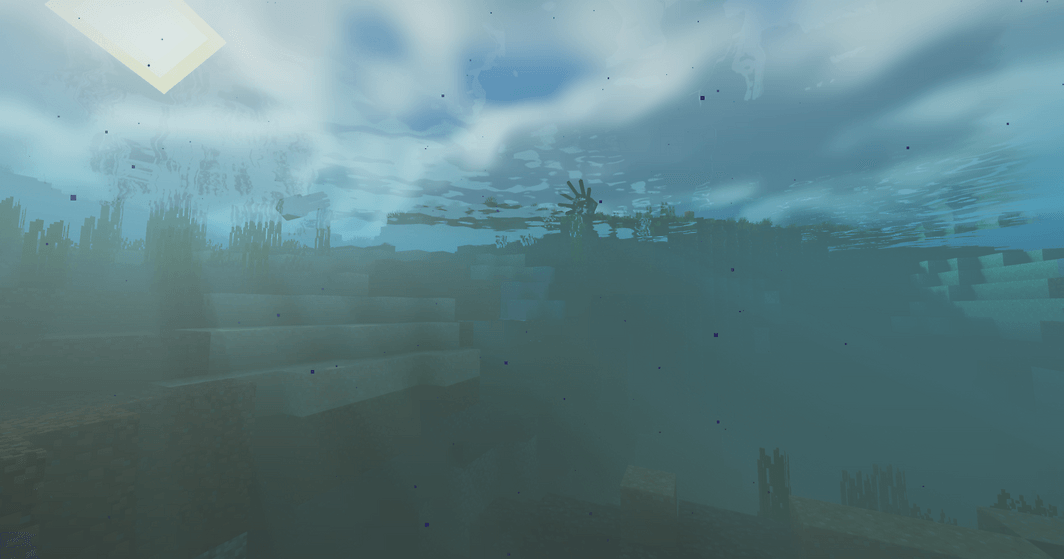
-Dynamic Water: Water reflections, wave animations, and improved underwater transparency/look, plus some nice water sunrays

-High-Contrast Nether & End: Visual tweaks to make the Nether & End feel immersive and atmospheric.

-Customization options to some extent, in the shader settings menu.

Performance & Tweaks:

Jasper is a shaderpack with medium to high performance impact.

Performance Tip: If you are running on lower-end hardware, try turning off colored lighting and changing the profile in the shader settings menu.

Compatibility & Requirements:

-Iris Shaders (Recommended), This shaderpack is tested on Iris.

-Playable on optifine, but gets less updates, use Iris if you wanna have the best time.

Graphics Card & processor Support:

-INTEL (Intel Processors fully supported, INTEL GPU'S unknown.)

-NVIDIA (Fully Supported)

-AMD (fully working in AMD Processors, AMD GPU'S unknown.)

-APPLE/MAC (limited playability via MacOS version.)

How to install the shaders:

  1. Download the Jasper Shaders Zip from Modrinth.
  2. Download Iris or Optifine.
  3. Put the Jasper Shaders ZIP into the shaderpacks folder.
  4. Turn them on in settings
  5. Have fun playing!!
Jasper Shaders v1.5.6 Iris
MC 1.21.2-Snapshot, 1.21, 1.21.6-snapshot, 1.21.1-Snapshot, 1.21.8, 1.21.5, 1.21.4, 1.21.5-Snapshot, 1.21.1, 1.21.6, 1.21.3, 1.21.7, 1.21-Snapshot, 1.21.4-Snapshot, Iris, 1.21.2
Release 2026-11-03

Requirements & install

How to use this shader in Minecraft
Shader loader
Iris
Minecraft
1.21.4-Snapshot – 1.21.8
Install folder
.minecraft/shaderpacks

Install with Iris

  1. Install Iris with the Iris installer (irisshaders.dev); it sets up Fabric and Sodium for you.
  2. Download the shader pack .zip (do not extract it).
  3. Put the .zip into .minecraft/shaderpacks.
  4. In game open Options → Video Settings → Shader Packs, select the pack and click Apply.
Browse more: Iris shaders OptiFine shaders Shaders for 1.21.8 All shaders
Advertisement Remove ads with Premium →

You Might Also Like