Mineuniverse
Shaders
I like Blu

I like Blu

SHADER
A blue toned fork of MellowShaders with cinematic features.
by eptune
Download Claim this project
Add a badge to your pageLink to I like Blu from a README, website or forum post.
Preview: Badge

Badges update automatically and link to the shader page on MineUniverse.

154 downloads
0 likes
0 followers
Updated Oct 14, 2026
0 hypes
Follow0
Fantasy Vanilla
Advertisement Remove ads with Premium →

I like Blu

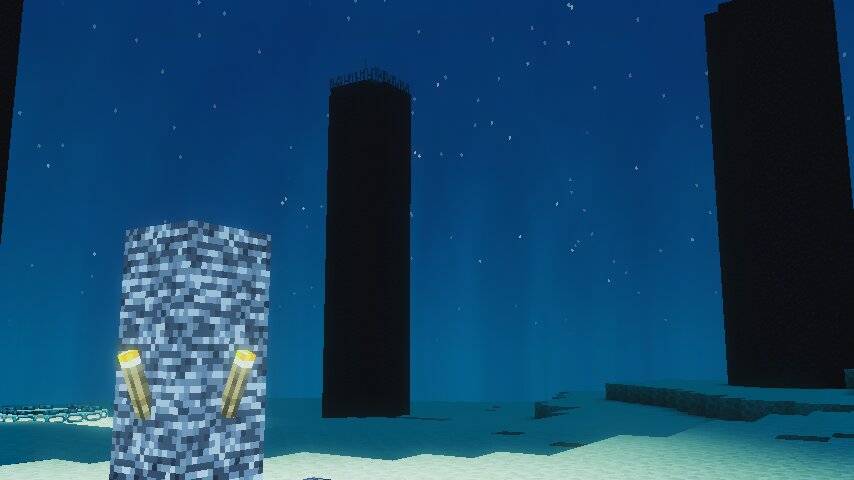
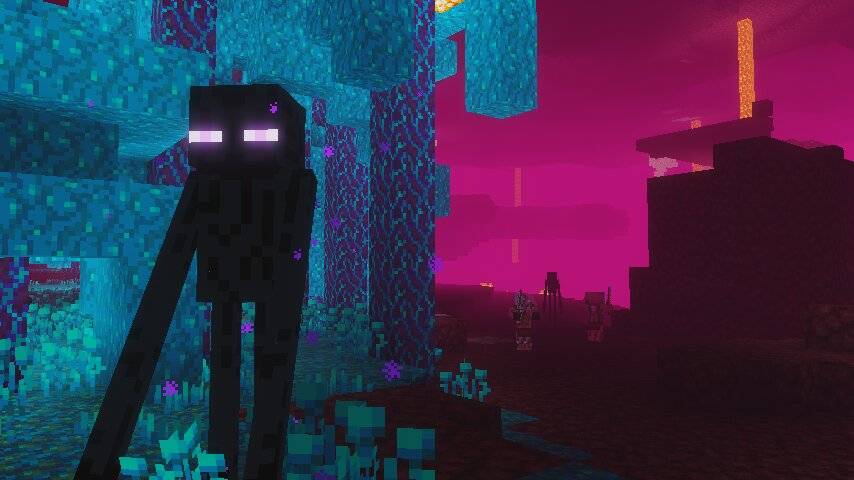
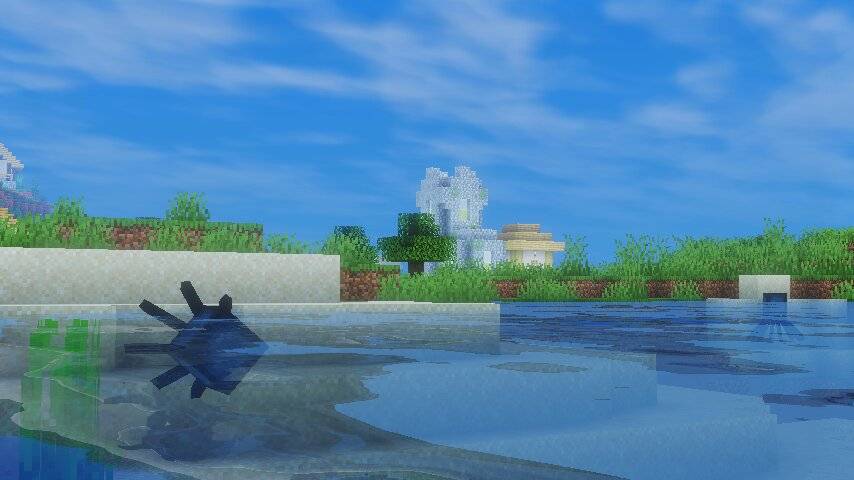
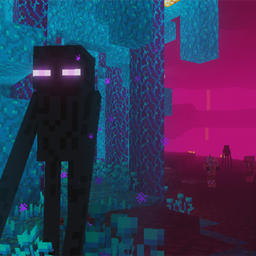
A blue tinted fork of MellowShaders by TheCMK, built the same way as It's Cherry Shaders but leaning into cool, deep blue tones instead. Blu takes the soft lit foundation of the original and shifts the color grading into rich azure and sapphire hues, giving worlds a calmer, cooler, almost dreamlike atmosphere.

Features

  • Custom blue and azure color grading for a cool, calming atmosphere
  • Enhanced lighting and shadow work over the base MellowShaders foundation
  • New and expanded features not present in the original pack
  • Optimized for smooth performance without sacrificing visual mood
  • Fully open source under the MIT License, same as its parent project

Credits

Built as a fork of MellowShaders by TheCMK. Full credit to the original author for the base shader work. Blu exists to give it a cooler, calmer twist for players who prefer a blue toned world.

License

MIT. Free to use, modify, and redistribute with attribution.

Small Summary

I like Blu — a blue toned fork of MellowShaders by TheCMK, same base as It's Cherry Shaders but with cool azure tones instead of magenta. MIT licensed.

I like Blu.zip
MC 1.21.2-Snapshot, 1.21, 1.21.6-snapshot, 1.20.2-Snapshot, 1.20.5-Snapshot, 1.19-Snapshot, 1.21.1-Snapshot, 1.19.3, 1.20.2, 1.19.4, 1.21.8, 1.19.4-Snapshot, 1.20.5, 1.21.5, 1.21.4
Release 2026-09-07 Get

Requirements & install

How to use this shader in Minecraft
Shader loader
Iris or OptiFine
Minecraft
1.20.5 – 1.21.8
Install folder
.minecraft/shaderpacks

How to install shaders

  1. Install a shader loader for your Minecraft version: Iris (with Sodium) or OptiFine.
  2. Download the shader pack .zip file (do not extract it).
  3. Put the .zip into the shaderpacks folder (.minecraft/shaderpacks).
  4. In game open Options → Video Settings → Shader Packs, select the pack and apply it.
Browse more: Iris shaders OptiFine shaders Shaders for 1.21.8 All shaders

More from eptune

Advertisement Remove ads with Premium →

You Might Also Like