Mineuniverse
Shaders
HyperShader

HyperShader

SHADER
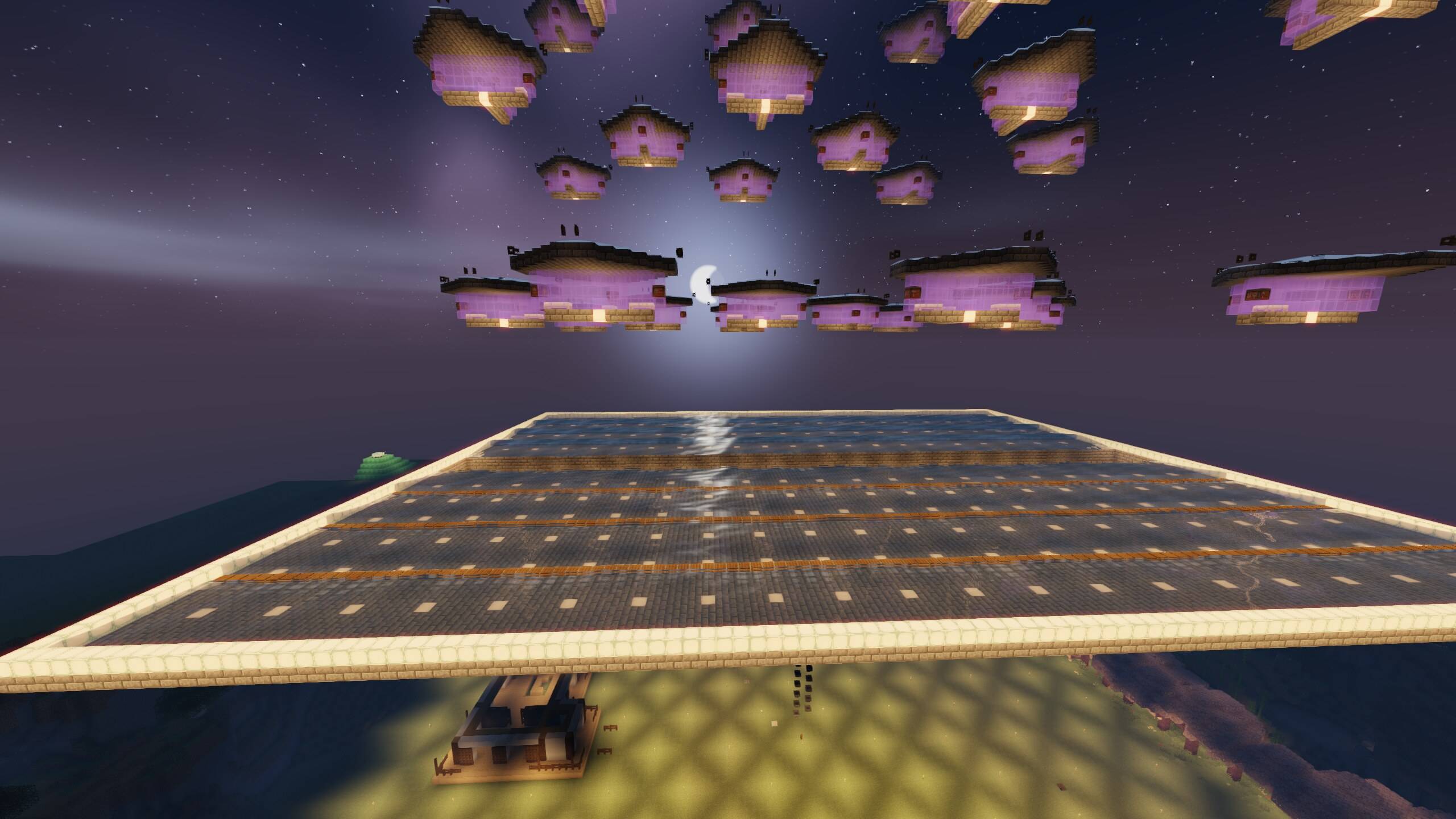
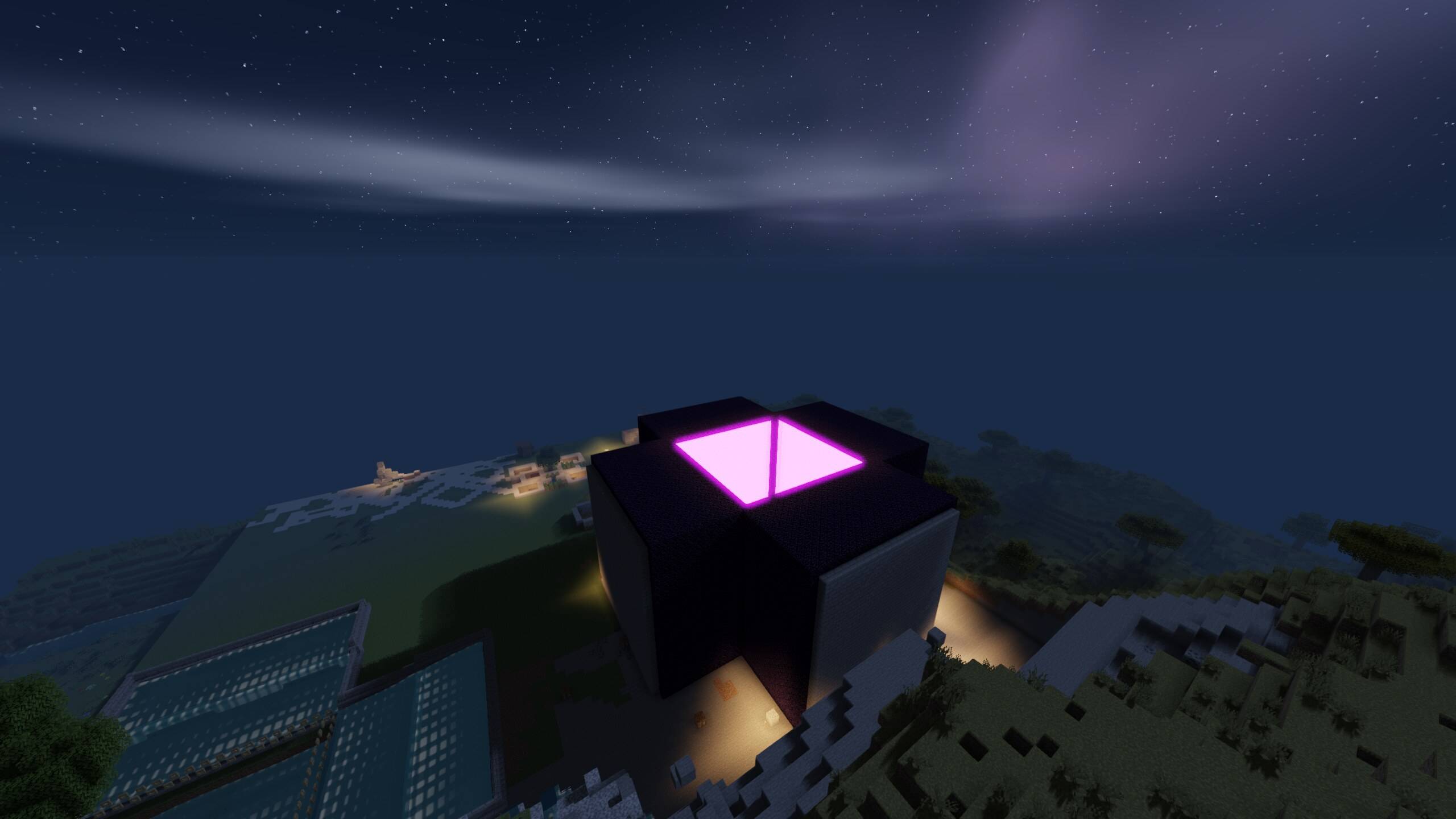
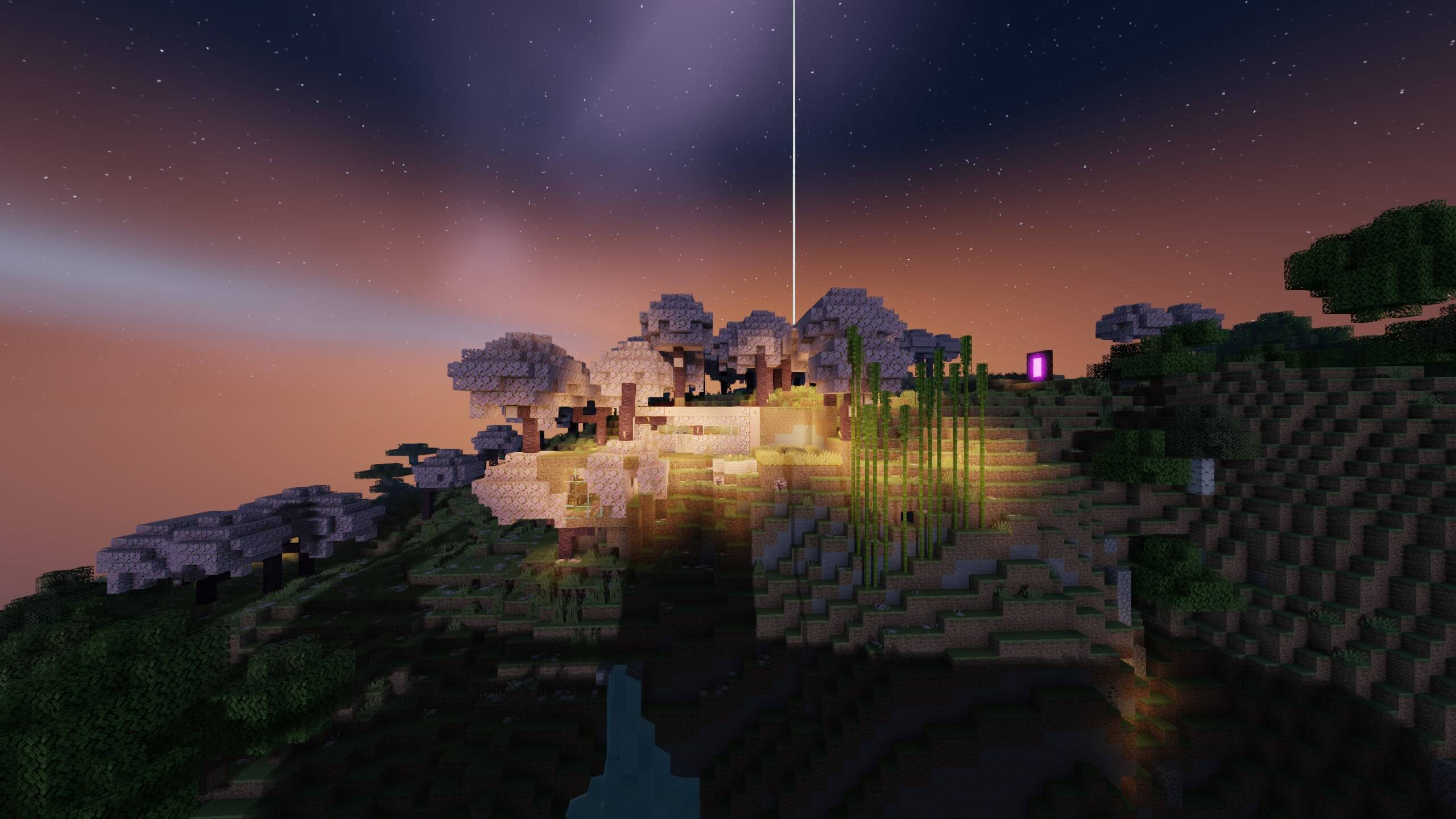
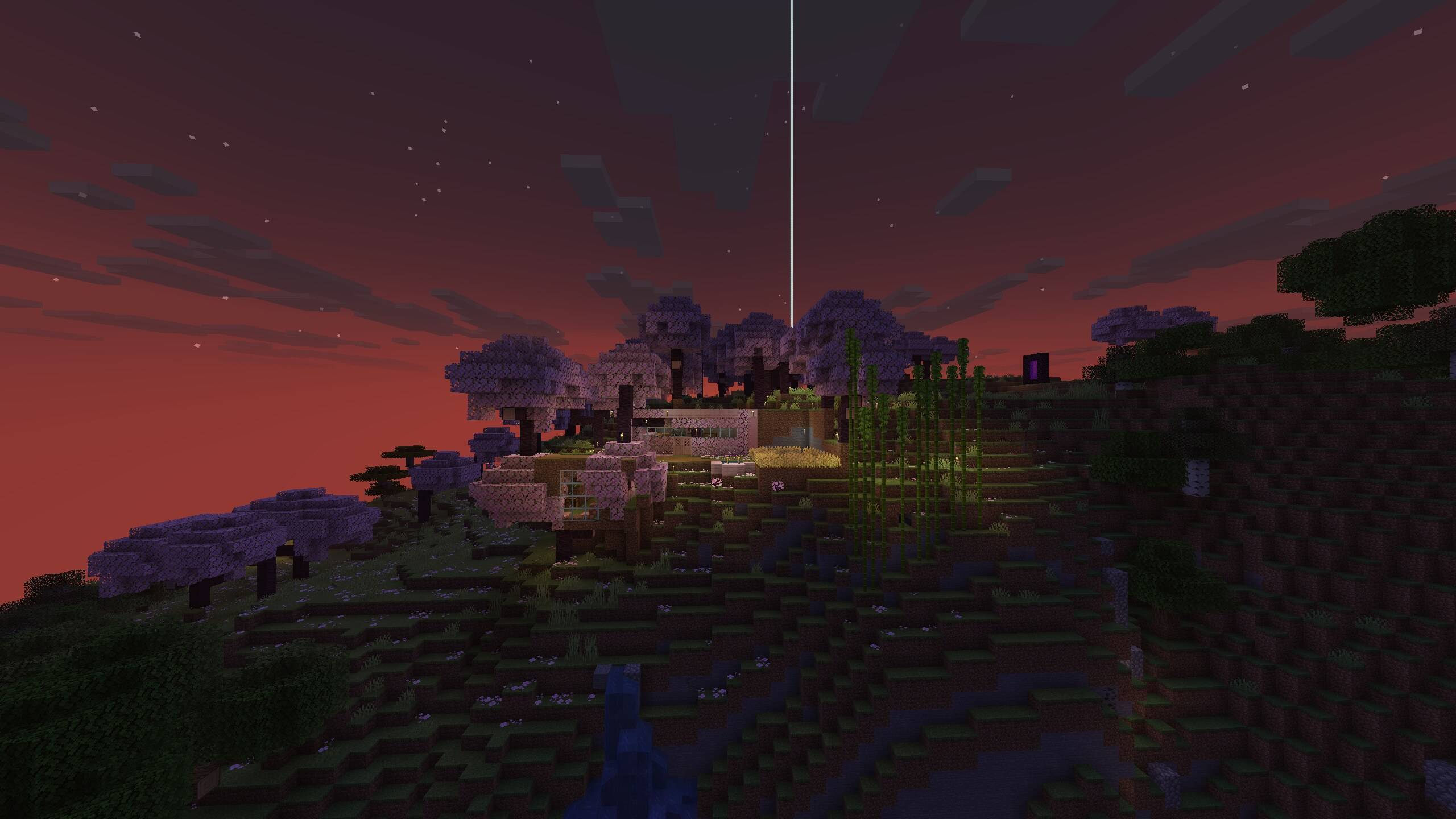
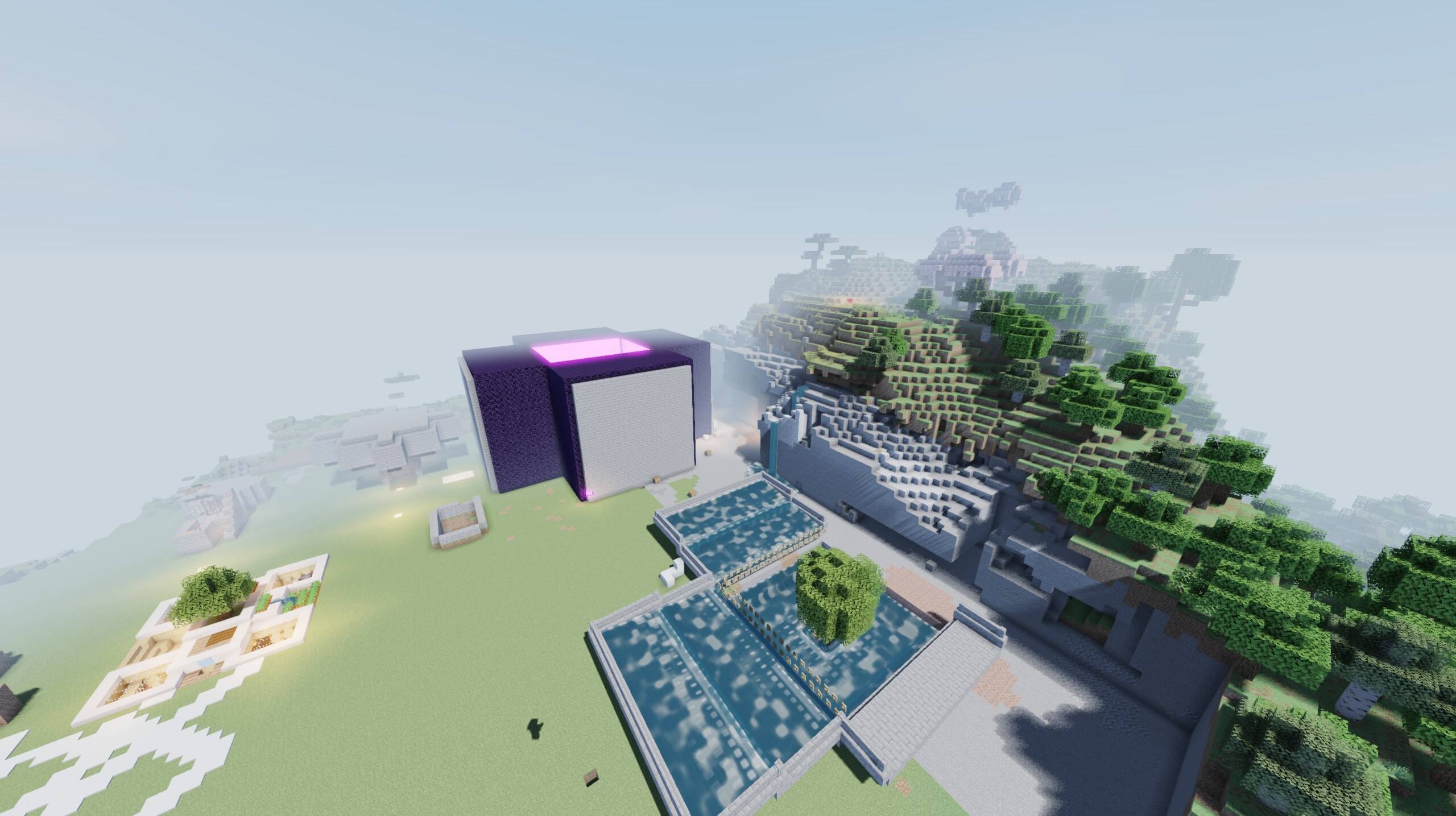
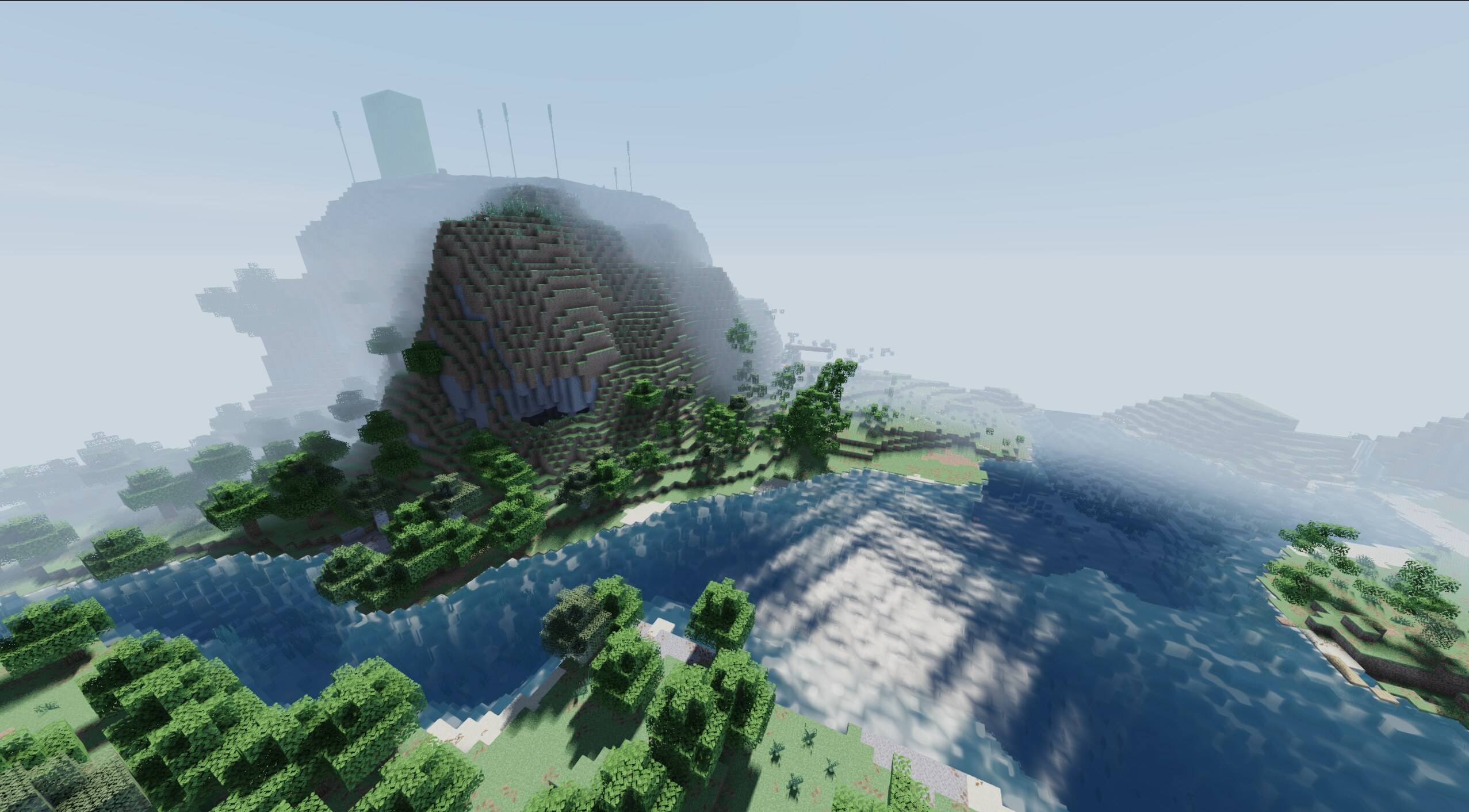
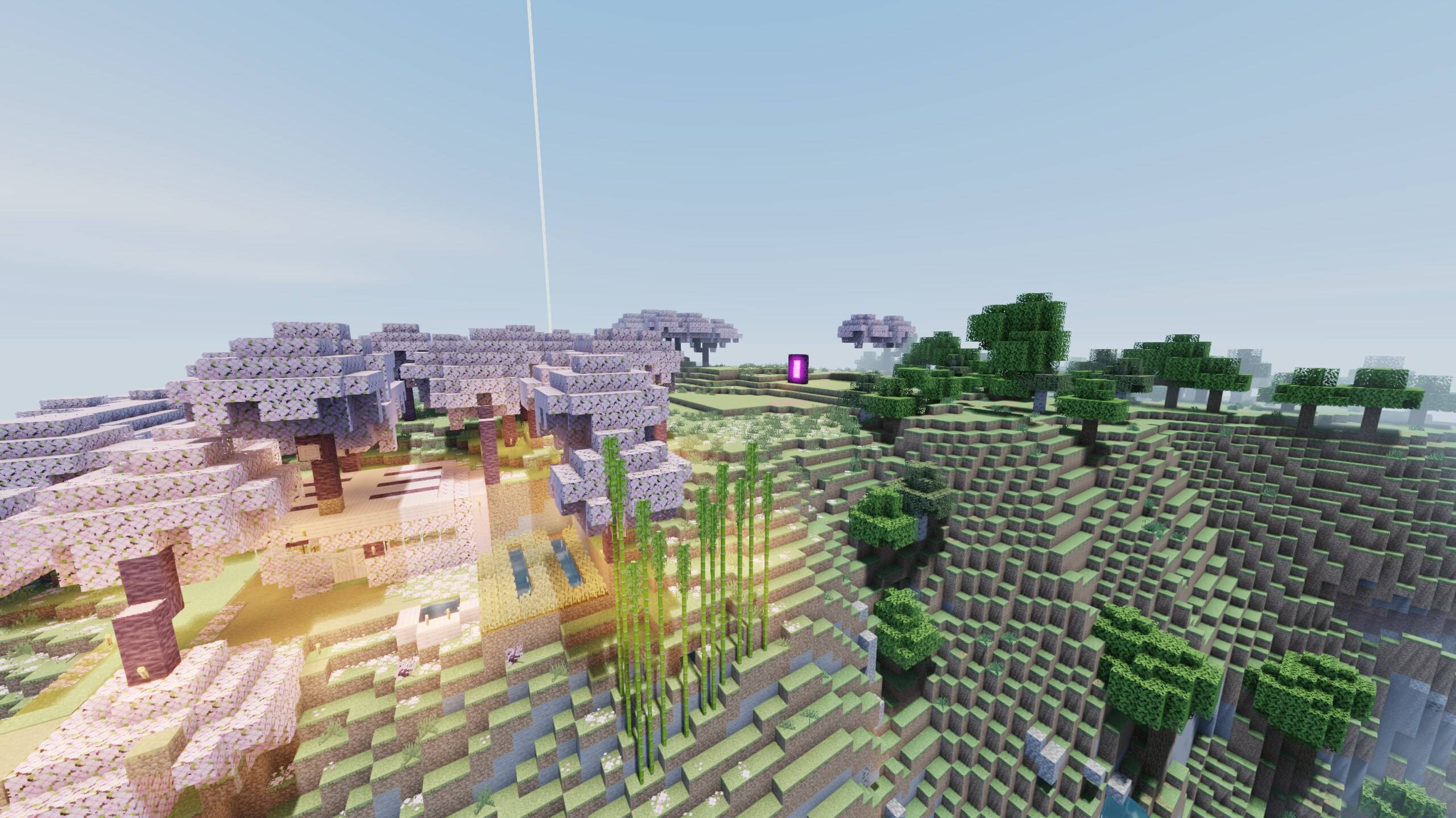
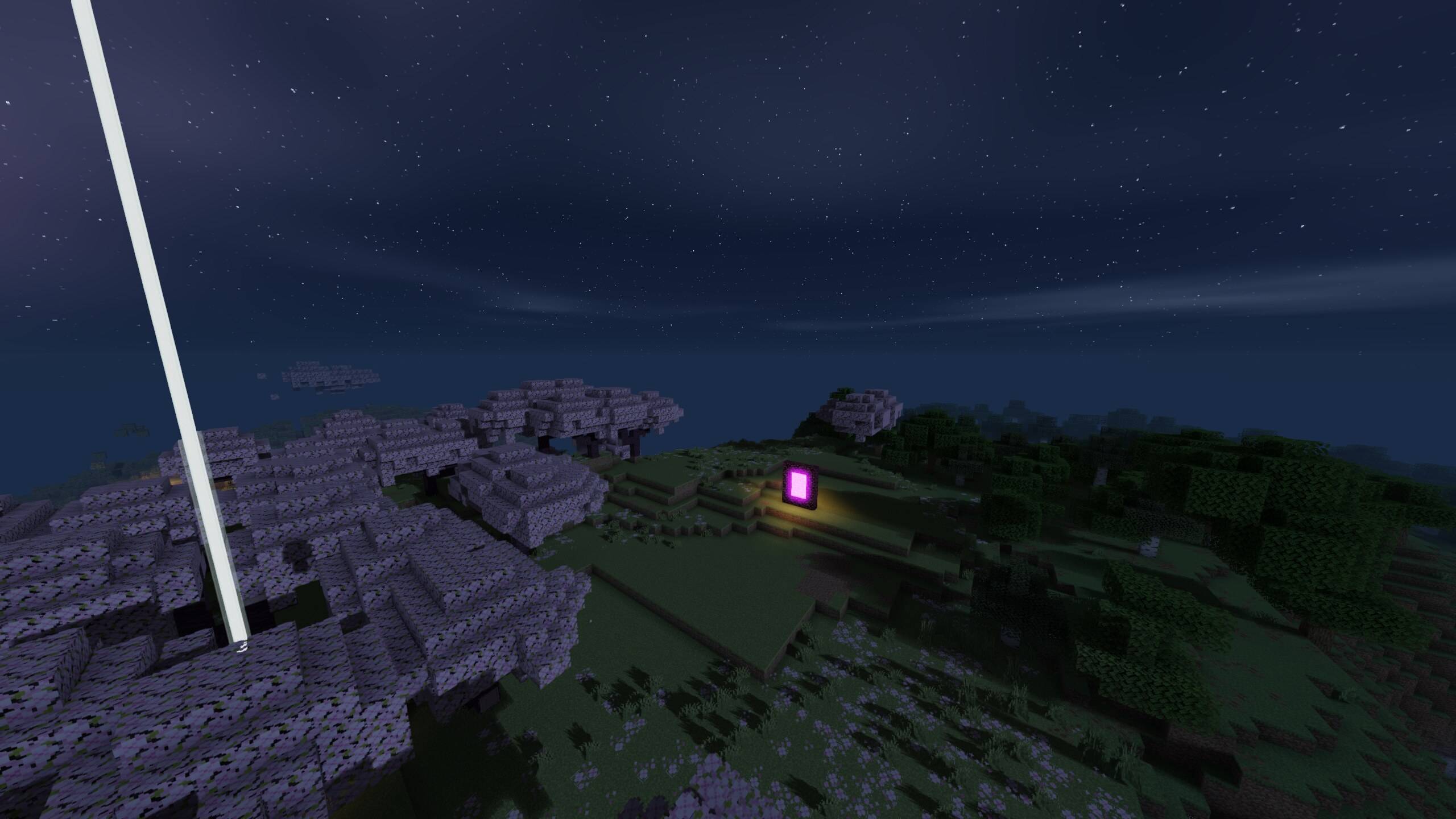
Hyper-realistic visuals with smooth FPS — built for low-end PCs. Tune every detail in-game: water, lava, sun, moon, stars and more.
by topsyy_yy
Download Claim this project
14,626 downloads
0 likes
Updated Oct 14, 2026
0 hypes
Fantasy Realistic Vanilla
Advertisement Remove ads with Premium →


HyperShader — Stunning Realism That Won't Kill Your FPS ⚡

Tired of shaders that turn your game into a slideshow? HyperShader is all you need! Built from the ground up for low-end PCs and integrated graphics, HyperShader delivers jaw-dropping, hyper-realistic visuals while keeping your game buttery smooth. No more stutters. No more lag. No more choosing between beauty and playability — now you get both. 🔥

If your computer struggles with other shaders, this is the one you've been waiting for. HyperShader is optimized to run incredible graphics on modest hardware, so you can finally enjoy Minecraft the way it was meant to look — with high FPS and zero frustration. 

✨ What you get

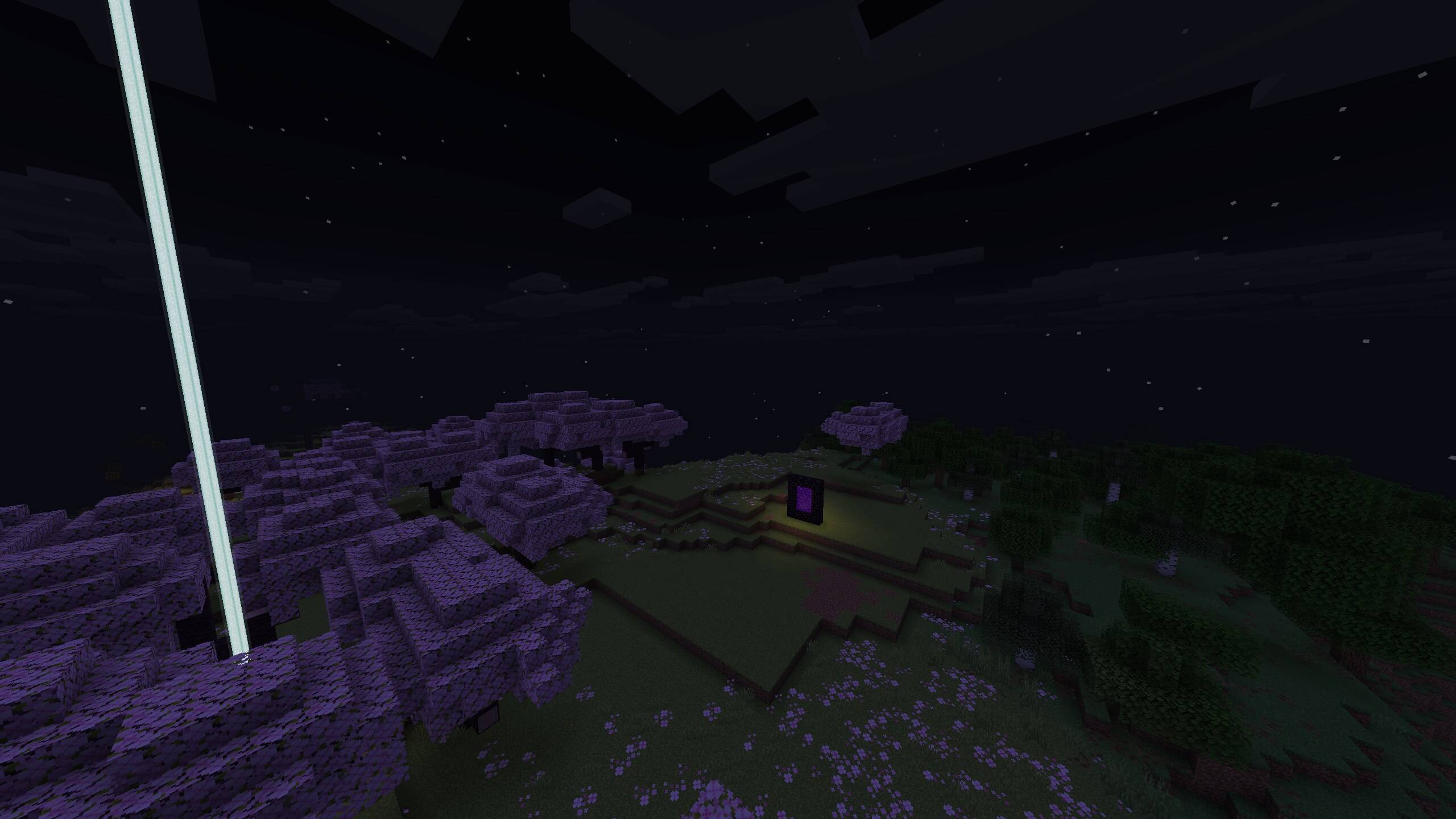
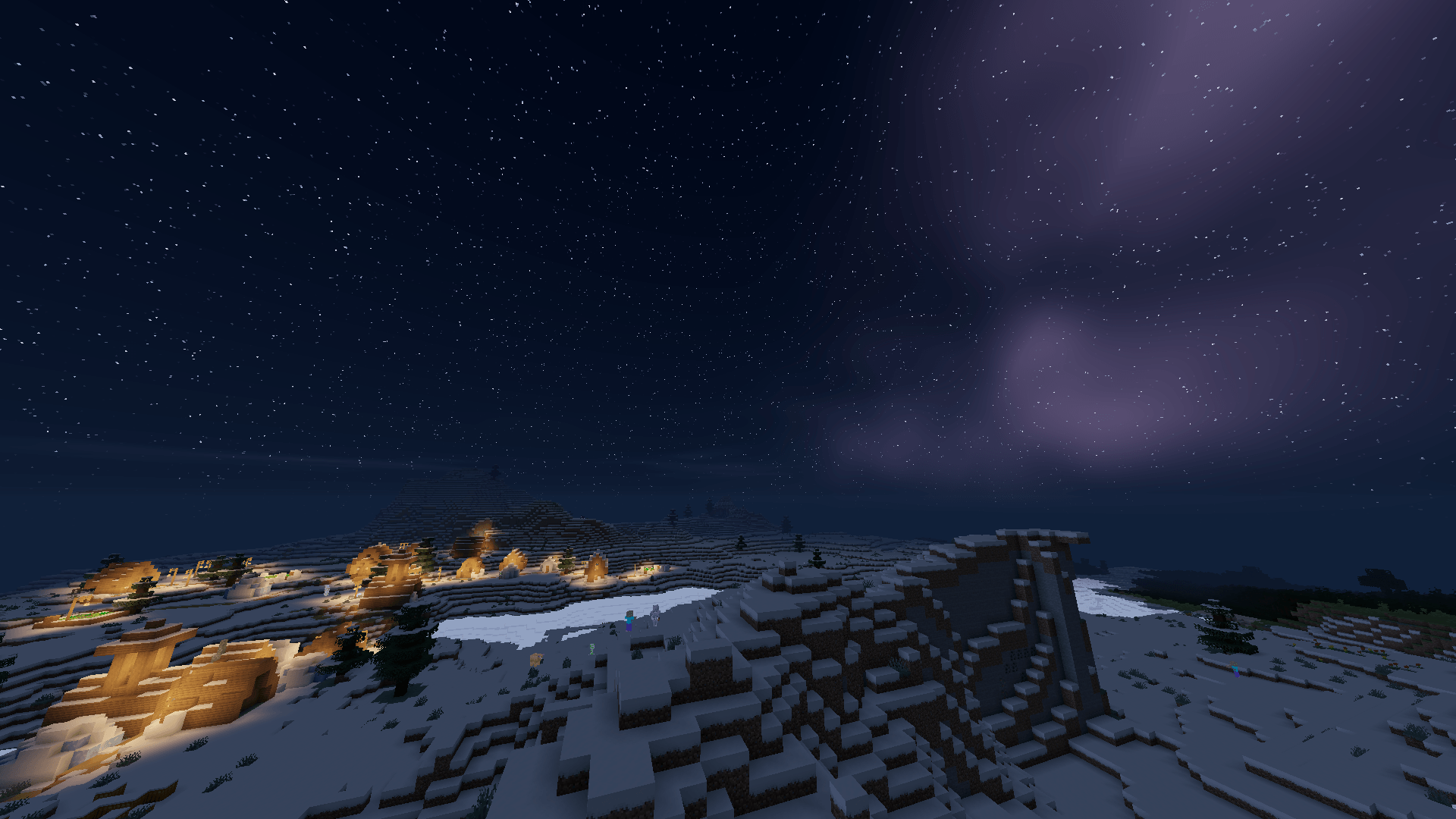
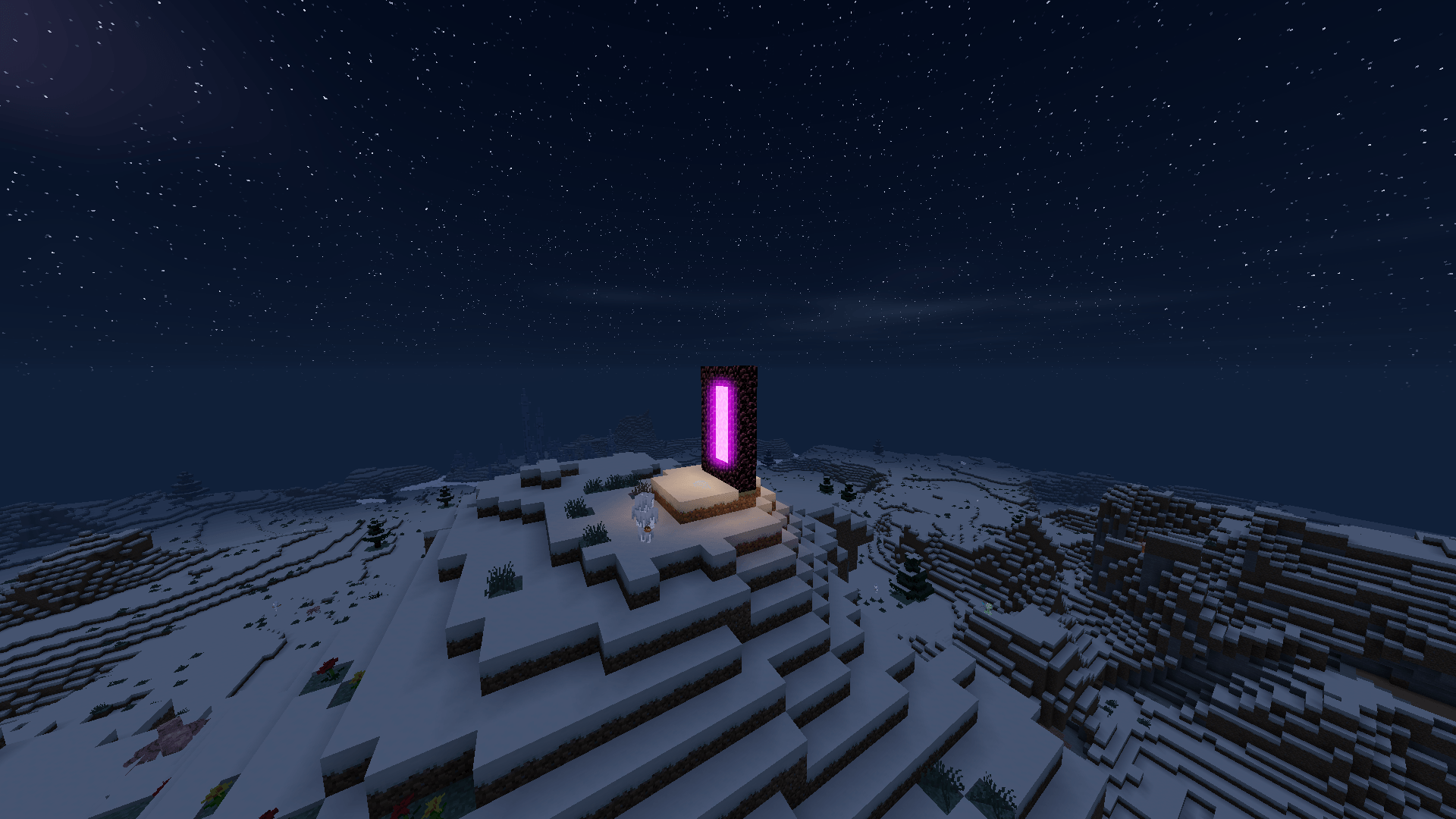
  • ❄️🔥 NEW in v1.2 — The Elements Update: living snow with sparkling frost, heat haze over lava, underwater light rays and silver moon rays at night
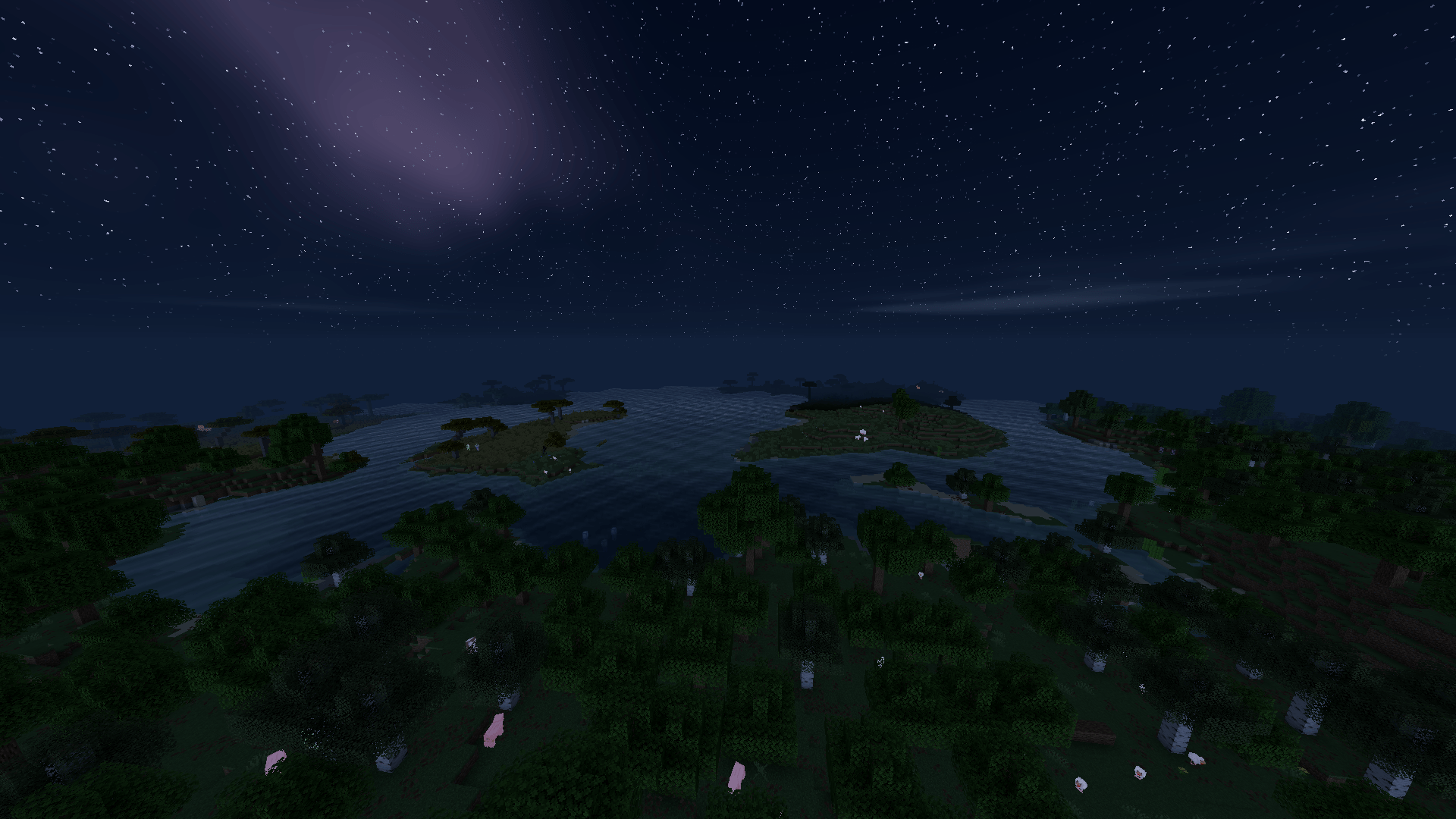
  • 🌊 Realistic flowing water with waves and reflections
  • 💦 Underwater caustics, refraction and foamy shores
  • 🌧️ A living weather system (v1.1) — blocks get wet in the rain, puddles form, cloud shadows drift by, and a rainbow appears when it clears... plus lightning that lights up the whole world ⚡
  • 🌋 Molten, glowing lava that actually feels alive
  • ☀️ Soft shadows and stunning volumetric god rays
  • 🌙 Beautiful sun, moon, and a sky full of stars
  • 🎨 Rich PBR materials with real depth and detail

🎛️ And the best part? EVERYTHING is adjustable in-game

Every single detail can be tuned right from the shader's own settings menu — you are in full control:

  • Sun and moon light intensity
  • Brightness and number of stars and celestial bodies in the sky
  • Water color, transparency, wave height and speed
  • Lava color, flow speed, and glow intensity
  • Shadow softness and sharpness
  • God ray strength
  • Material depth and relief (PBR / POM)
  • …and so much more

Running on a potato? 🥔 Just slide a couple of settings down and keep that gorgeous look at smooth FPS. Got a beast of a rig? Crank everything to max and watch your world come alive in full hyper-realistic glory. 🚀

📋 Requirements

  • Fabric + Sodium + Iris
  • For full material detail, a LabPBR-compatible resource pack is recommended

Download HyperShader today — and finally see Minecraft like never before. 💎

📦 Modpack policy

✅ YES — you are welcome to include HyperShader in your modpack, as long as it points to this official page (CurseForge/Modrinth reference).

❌ NO re-uploading the shader file to other sites or bundling it directly — always link to the official project.

💙 A credit/link back is appreciated but not required. Enjoy!

HyperShader v1.3.1 - Performance hotfix ⚡
MC 1.21, 1.19.3, 1.20.2, 1.19.4, 1.21.8, 1.20.5, 1.21.5, 1.18, 1.21.4, 1.20.1, 1.20.6, 1.21.1, 1.21.6, 1.21.3, 1.21.7, 1.19.1, 1.20.4, 1.18.2, 1.19.2, 1.20.3, Iris, 1.19, 1.21.2
Release 2026-10-03 Get
HyperShader v1.3. - The Living Light Update 🔥✨🌌
MC 1.21, 1.19.3, 1.20.2, 1.19.4, 1.21.8, 1.20.5, 1.21.5, 1.18, 1.21.4, 1.20.1, 1.20.6, 1.21.1, 1.21.6, 1.21.3, 1.21.7, 1.19.1, 1.20.4, 1.18.2, 1.19.2, 1.20.3, Iris, 1.19, 1.21.2
Release 2026-09-20 Get
HyperShader v1.2 - The Elements Update ❄️🔥🌊✨
MC 1.21, 1.19.3, 1.20.2, 1.19.4, 1.21.8, 1.20.5, 1.21.5, 1.18, 1.21.4, 1.20.1, 1.20.6, 1.21.1, 1.21.6, 1.21.3, 1.21.7, 1.19.1, 1.20.4, 1.18.2, 1.19.2, 1.20.3, Iris, 1.19, 1.21.2
Release 2026-08-15 Get
HyperShader v1.1.0 - The Living Weather Update 🌧️⚡
MC 1.21, 1.19.3, 1.20.2, 1.19.4, 1.21.8, 1.20.5, 1.21.5, 1.18, 1.21.4, 1.20.1, 1.20.6, 1.21.1, 1.21.6, 1.21.3, 1.21.7, 1.19.1, 1.20.4, 1.18.2, 1.19.2, 1.20.3, Iris, 1.19, 1.21.2
Release 2026-07-11 Get
HyperShader Og
MC 1.21, 1.21.8, 1.21.5, 1.21.4, 1.21.1, 1.21.6, 1.21.3, 1.21.7, Iris, 1.21.2, 1.21.9, 1.21.10, 1.21.11, 26.1, 26.1.1, 26.1.2, 26.2
Release 2026-06-15 Get

Requirements & install

How to use this shader in Minecraft
Shader loader
Iris
Minecraft
1.21.8 – 26.2
Install folder
.minecraft/shaderpacks

Install with Iris

  1. Install Iris with the Iris installer (irisshaders.dev); it sets up Fabric and Sodium for you.
  2. Download the shader pack .zip (do not extract it).
  3. Put the .zip into .minecraft/shaderpacks.
  4. In game open Options → Video Settings → Shader Packs, select the pack and click Apply.
Browse more: Iris shaders OptiFine shaders Shaders for 26.2 All shaders

More from topsyy_yy

Advertisement Remove ads with Premium →

You Might Also Like