Mineuniverse
Shaders
Halloween Shader

Halloween Shader

SHADER
This shader makes minecraft more scary
by IMFrogg87
Download Claim this project
122 downloads
0 likes
Updated Oct 14, 2026
0 hypes
Fantasy Vanilla
Advertisement Remove ads with Premium →

Halloween Shader

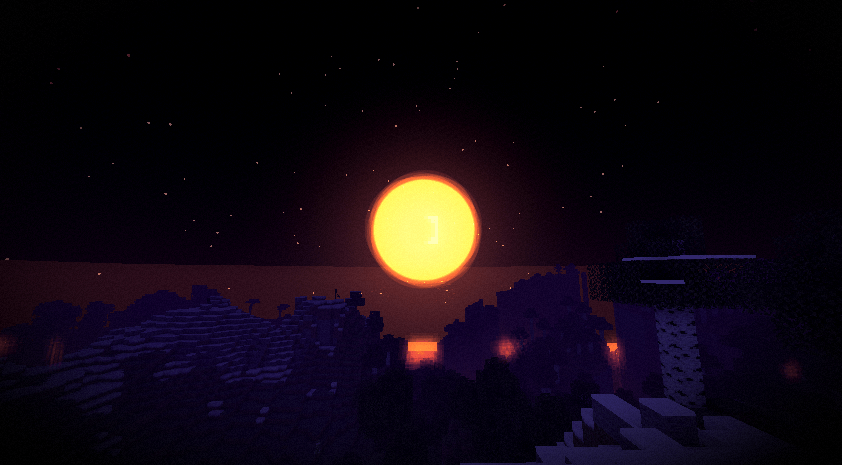
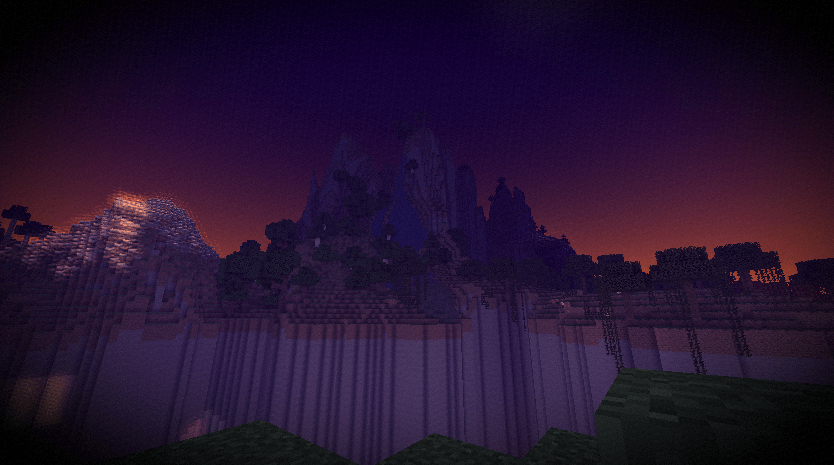
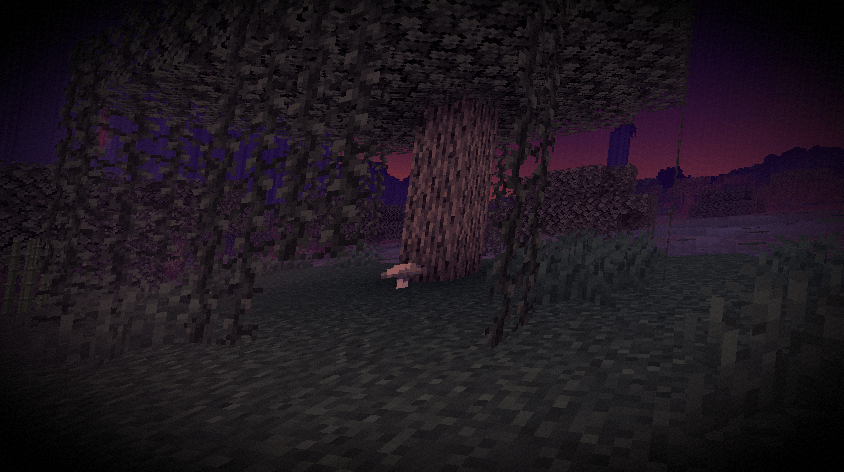
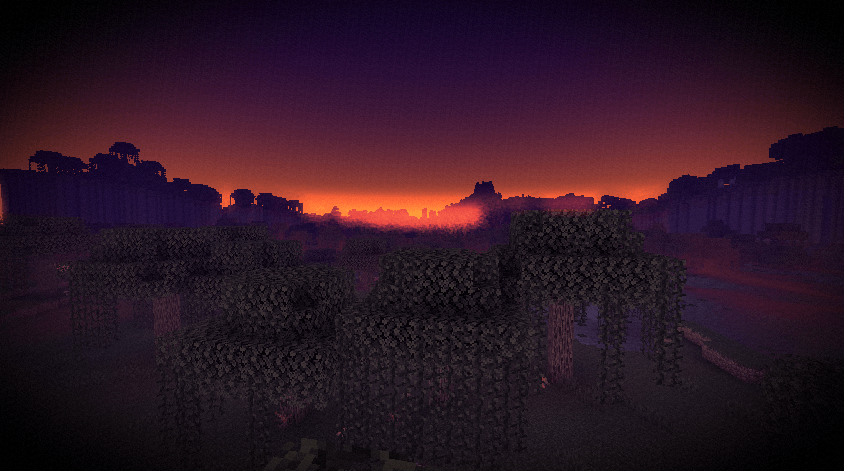
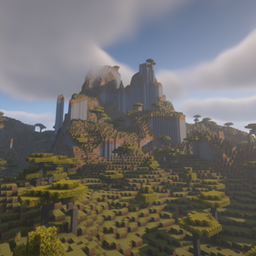
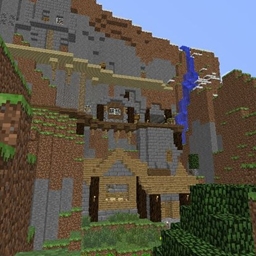
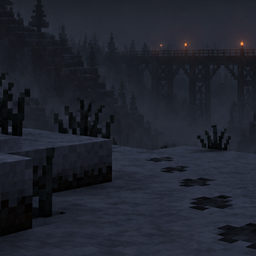
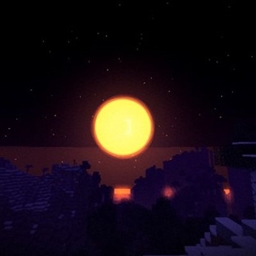
A simple shader pack that makes Minecraft look like a foggy October night. Purple sky, orange moon, mist along the ground. It only touches the sky, fog and color, so block lighting and textures stay vanilla.

Moon

What it changes

  • The sky is always a dark purple dusk, even in the daytime
  • At night there's a big orange moon
  • Mist rolls across the ground and gets thicker when it rains
  • Torches, lava and other bright lights get a soft orange glow
  • Colors are faded, with purple in the shadows and orange in the highlights
  • Light vignette and film grain

Options

All of these can be changed in the shader settings:

Option What it does
Fog Density How thick the distance fog is
Ground Mist How much low mist there is
Glow Strength How strong the light glow is
Saturation How faded the colors are
Vignette Darkening at the screen edges
Grain Amount of film grain
Giant Moon Turns the big moon on or off

Install

  1. Get Iris or OptiFine.
  2. Put the zip in your shaderpacks folder. Don't unzip it.
  3. In game, go to Options > Video Settings > Shaders and pick Halloween Shader.

Compatibility

Works with Iris and OptiFine.

Notes

The shader is mostly post-processing, so it shouldn't be heavy to run. There's no shadow or lighting overhaul, so don't expect that. If you run into a bug, leave a comment or open an issue.

HalloweenShader.zip
MC 1.21.2-Snapshot, 1.21, 1.21.6-snapshot, 1.20.2-Snapshot, 1.20.5-Snapshot, 1.21.1-Snapshot, 1.20.2, 1.21.8, 1.20.5, 1.21.5, 1.21.4, 1.21.5-Snapshot, 1.20.1, 1.20, OptiFine, 1.20.6
Release 2026-10-12 Get

Requirements & install

How to use this shader in Minecraft
Shader loader
OptiFine
Minecraft
1.21 – 1.21.8
Install folder
.minecraft/shaderpacks

Install with OptiFine

  1. Install OptiFine for your Minecraft version (optifine.net) and start it once.
  2. Download the shader pack .zip (do not extract it).
  3. Put the .zip into .minecraft/shaderpacks.
  4. In game open Options → Video Settings → Shaders and select the pack.
Browse more: Iris shaders OptiFine shaders Shaders for 1.21.8 All shaders

More from IMFrogg87

Advertisement Remove ads with Premium →

You Might Also Like