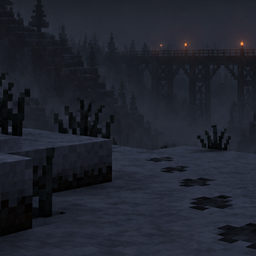
✨ Classic 2018 – A Nostalgic Minecraft Texture Pack
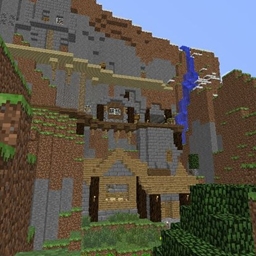
Bring back the look and feel of Minecraft’s 2018 era.This pack restores the softer colors, simpler textures, and familiar charm from the pre‑1.14 days—before the big texture overhaul changed the game’s entire visual identity.
Whether you miss the old cobblestone, the classic ores, or just the overall vibe of early‑modern Minecraft, this pack aims to recreate that experience while staying fully compatible with modern versions.
🎨 Features
- Faithful recreation of the 2018‑style textures
- Softer, less saturated color palette
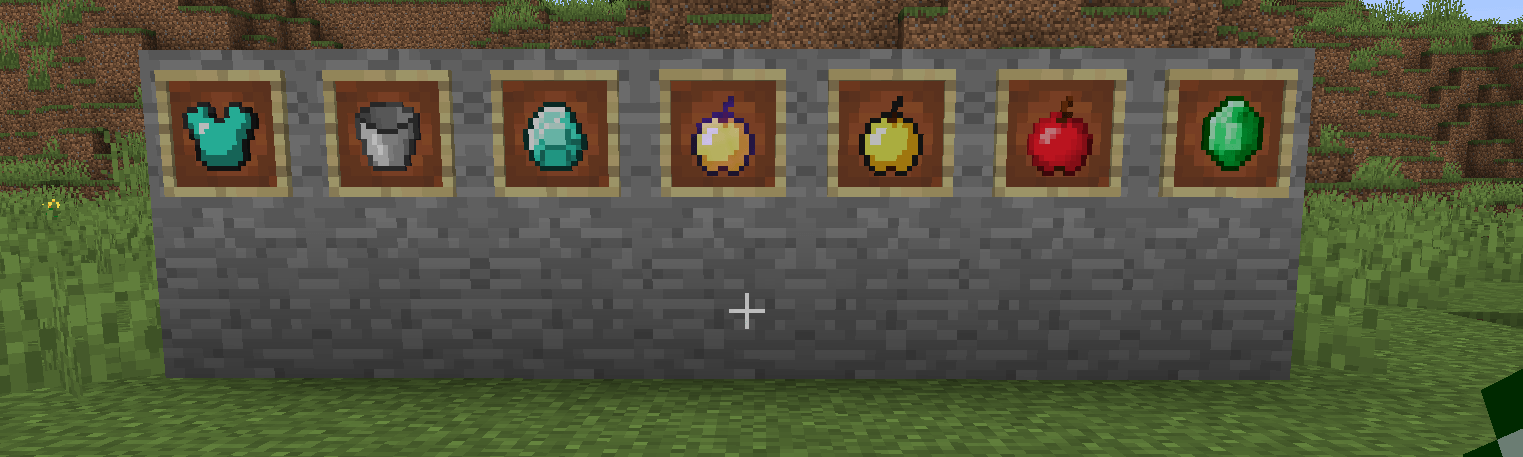
- Classic‑inspired blocks, items, and UI elements
- Works seamlessly with modern Minecraft versions
- Perfect for nostalgia playthroughs, survival worlds, or classic‑themed servers
📦 Compatibility
- Designed for the latest Minecraft versions
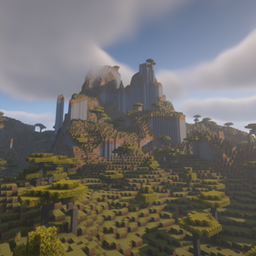
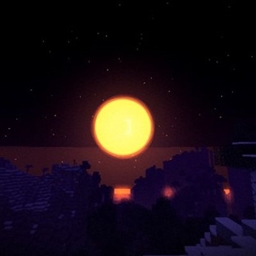
- Works with OptiFine, Sodium, and most shader setups
- No mods required
💬 Why This Pack?
Minecraft’s 2018 textures had a unique charm—clean, simple, and instantly recognizable. This pack brings that feeling back without sacrificing modern performance or compatibility.
🧱 Feedback & Suggestions
If you want additional classic variants, alternative textures, or support for modded blocks, feel free to leave a comment. I’m always improving the pack based on community feedback.