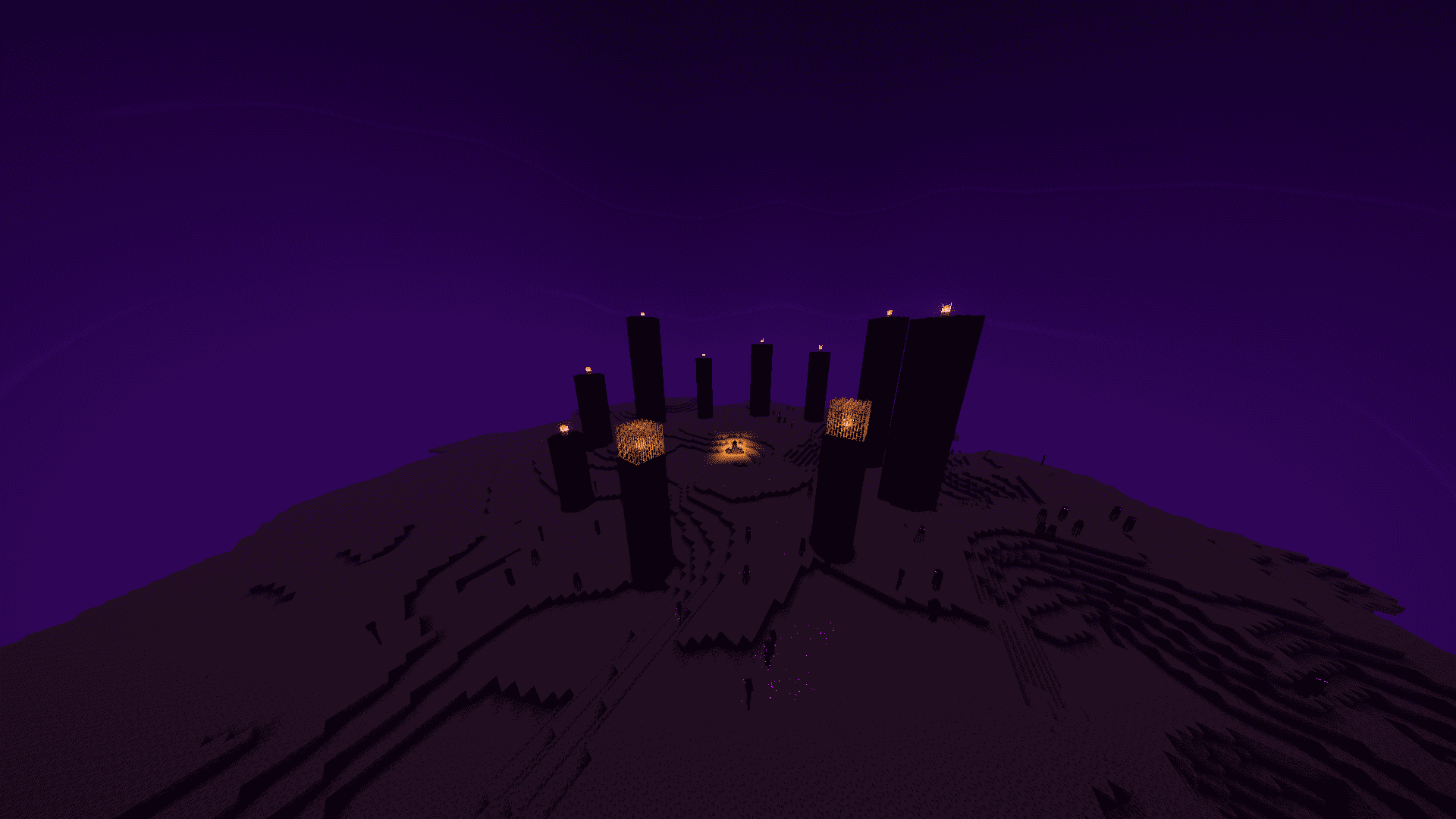
Halcyon Shaders is a lighting overhaul for Minecraft Java Edition built around one idea: make the game look calm and golden without asking for a gaming rig to run it. It's designed for players who want their world to feel warmer and more alive, without the frame-rate cost of a full ray-tracing shader pack.
Features and how they change what you experience:
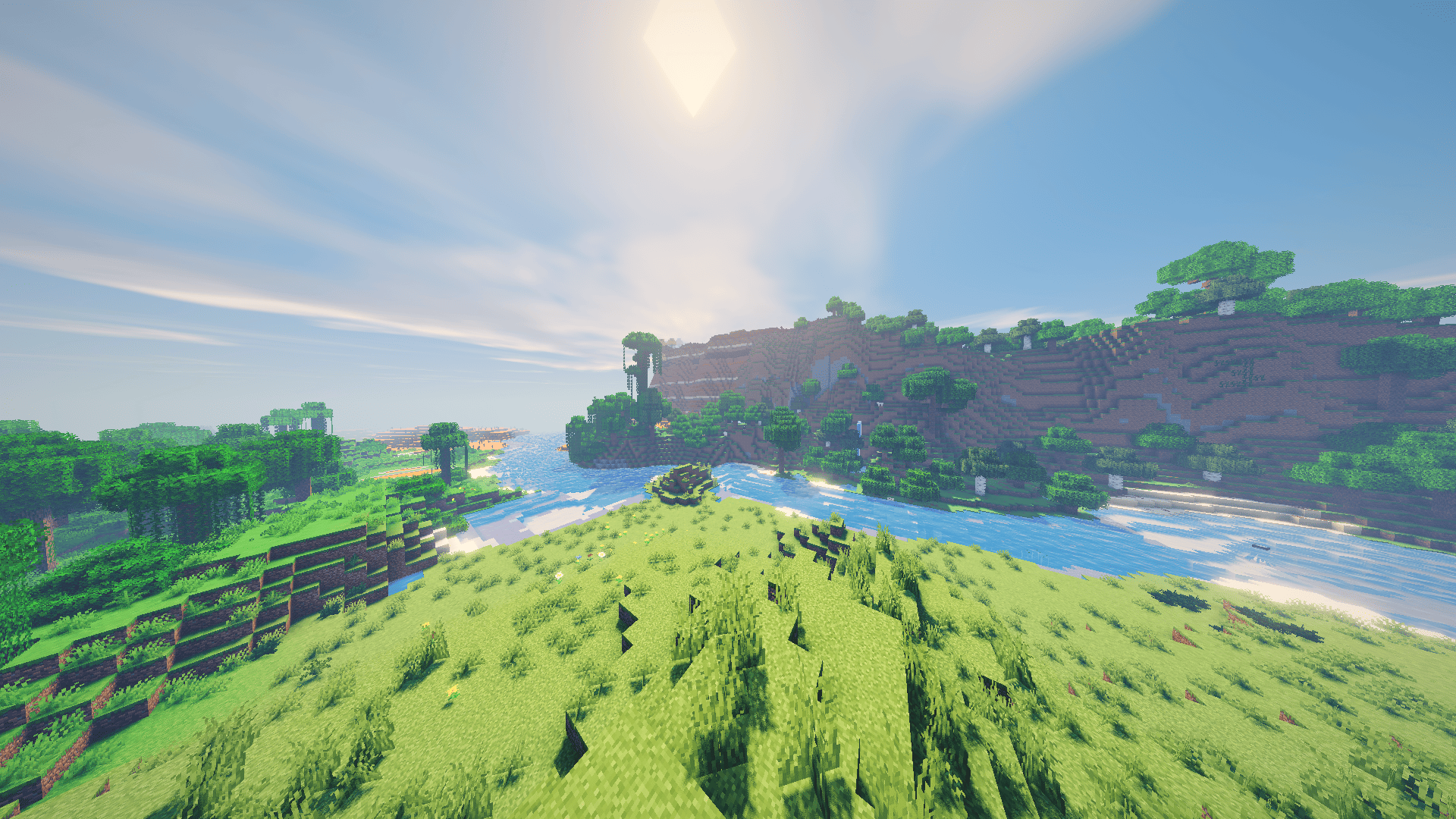
- Dynamic, sun-tracking shadows. Every block casts a soft-edged shadow that moves with the sun and moon in real time, instead of Minecraft's flat, baked-in lighting. Walk through a forest at midday and you'll see dappled light breaking through the leaves onto the path below; stand inside a cave and torches throw their own shadows across the walls. Builds get a sense of depth and time-of-day that they simply don't have in vanilla.
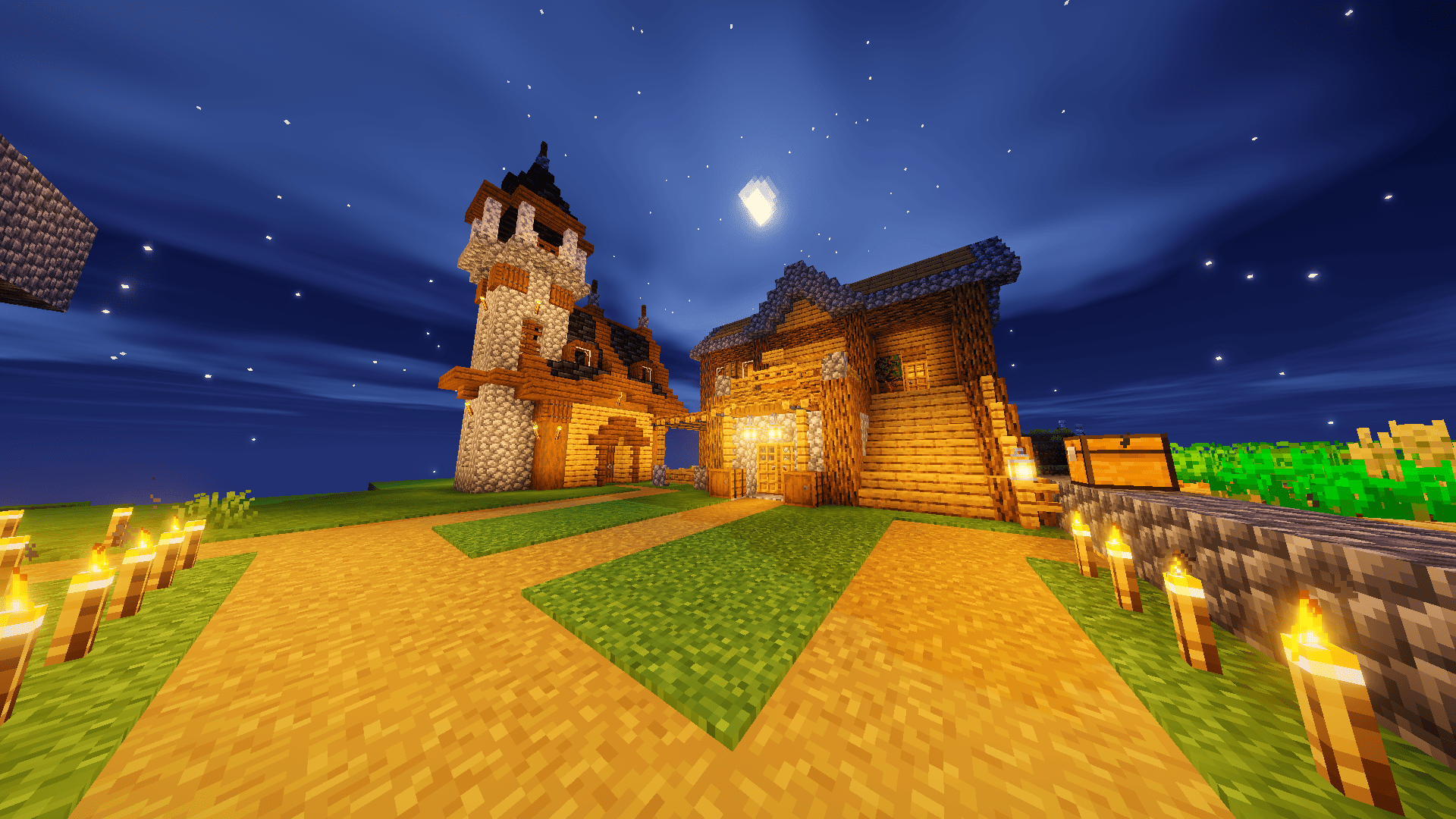
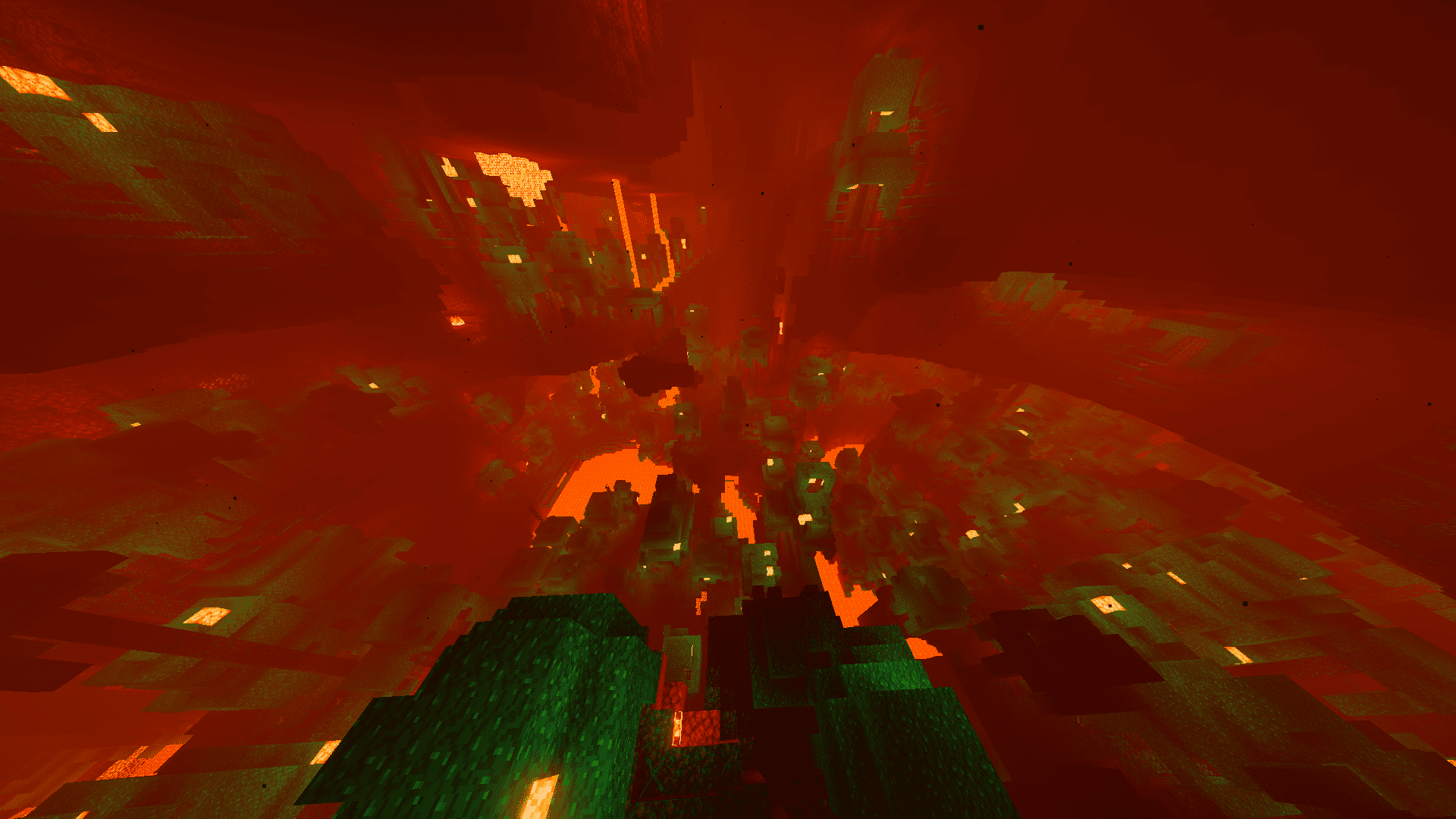
- Volumetric sky and lighting. Sunrises and sunsets bleed color across the entire sky not just a thin strip near the horizon so a build silhouetted against a dusk sky actually looks like it's at dusk. At night, stars dim and sharpen as clouds drift past them, and moonlight tints the whole landscape blue instead of the vanilla dark-grey wash. The Nether gets its own treatment too: a heavier, hazier red atmosphere that makes it feel oppressive and foreign rather than just "the red dimension."
- Realistic water and reflections. Water now reflects nearby terrain and sky color, ripples with actual motion instead of a static texture, and darkens convincingly as you swim deeper. A river cutting through a sunset valley will pick up the orange sky in its surface; the ocean under a stormy sky will look genuinely grey and choppy instead of the same flat blue it always is.
- Performance-first design. Every effect above was written to run without forcing you into high shadow-map resolutions or mandatory screen-space reflections. Halcyon targets a steady frame rate on integrated graphics and mid-range laptops first high-end desktops are the bonus case, not the requirement. Players who've bounced off heavier shader packs because of stutter or crashes are the target audience here.
Why someone should download it: if you want your world survival base, creative build, or just exploring to look like it has real light in it (morning haze, orange sunsets, moonlit nights, murky Nether air) without tanking your FPS or needing a specific loader ecosystem beyond Iris or OptiFine, Halcyon gives you that in a two-minute install with no configuration required to look good out of the box.