Eventide Shaders (Lite)
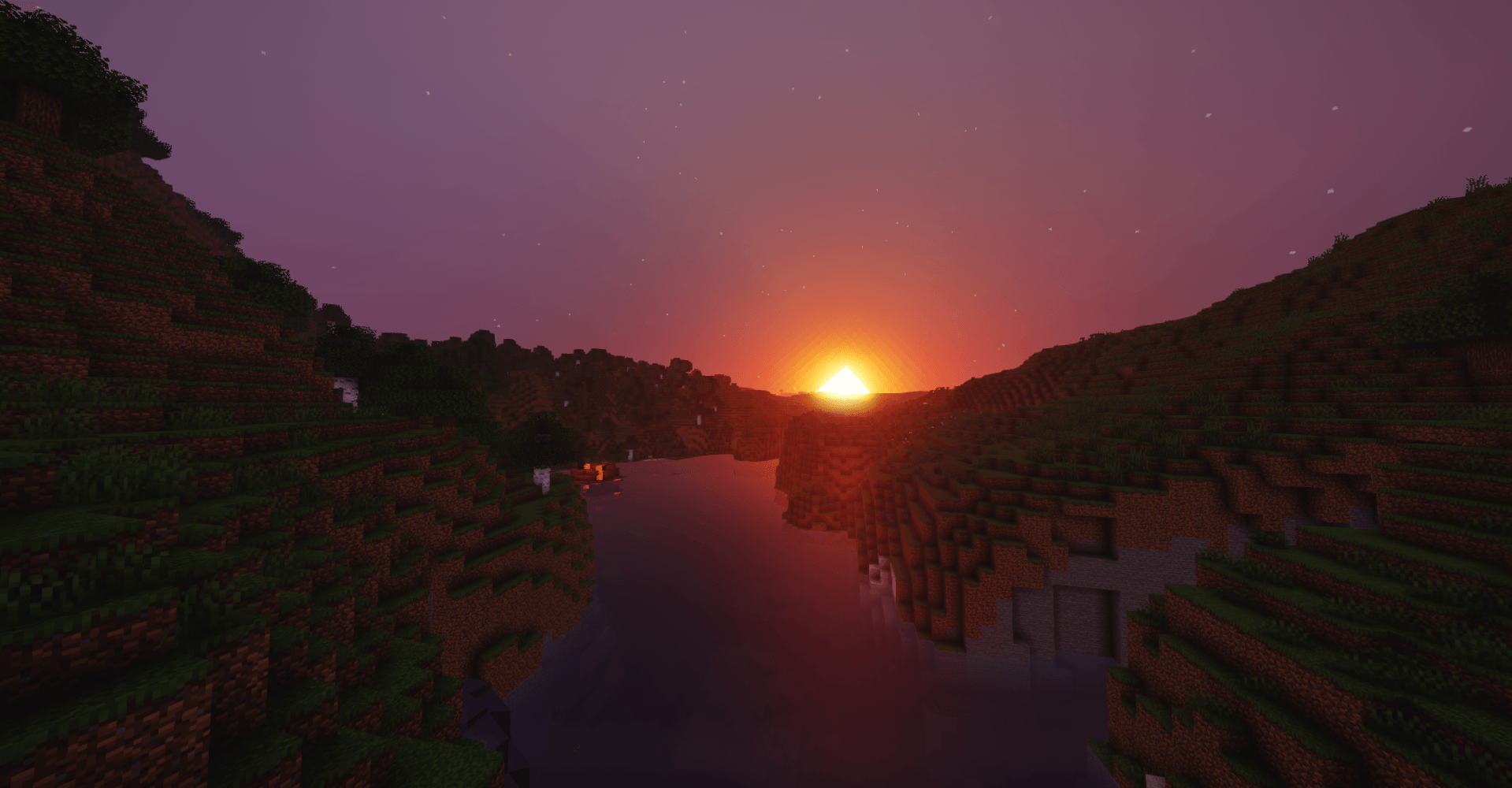
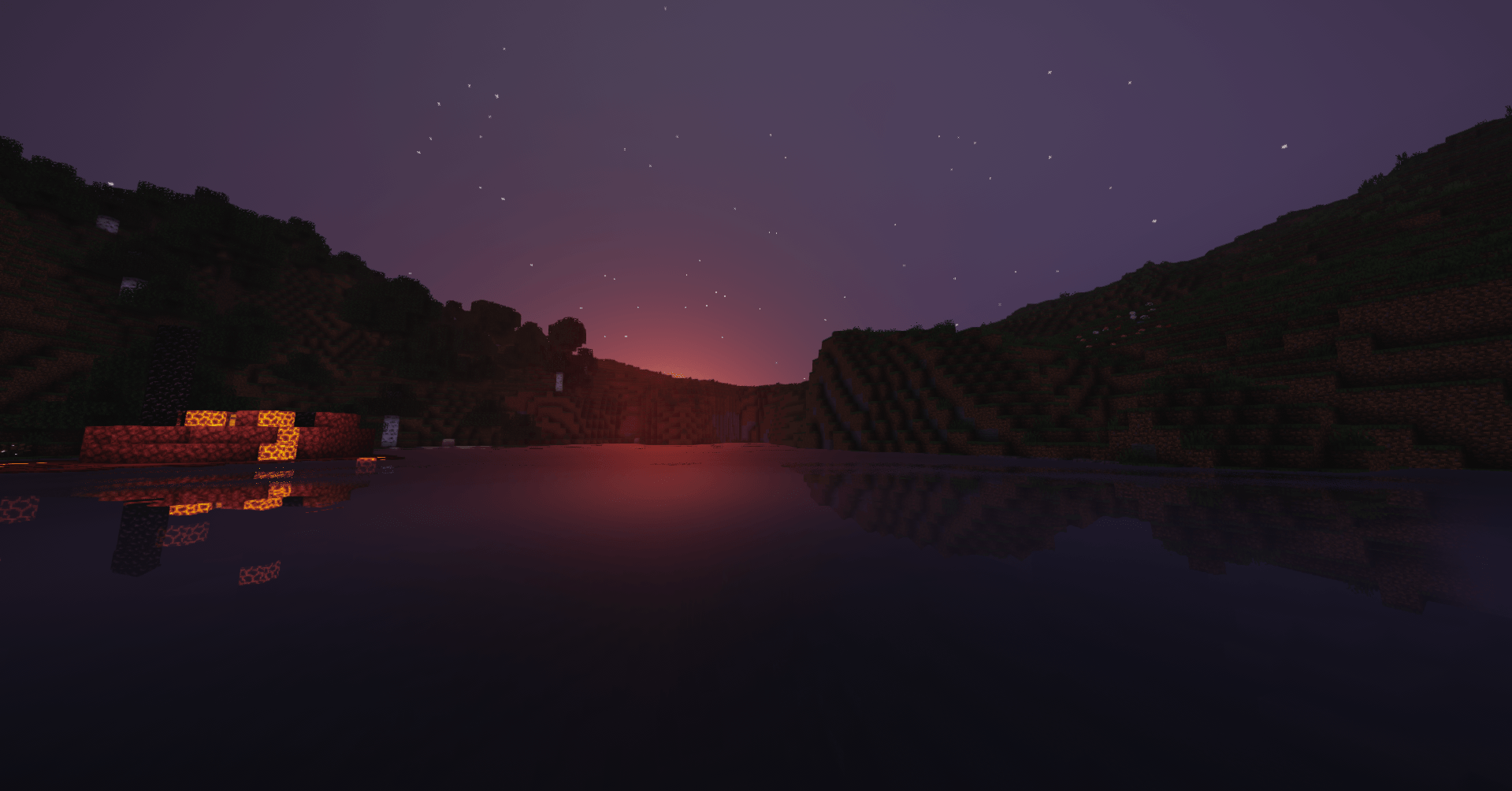
Eventide is a cinematic shader pack I've been building for Iris. It started because I wanted the golden-hour look — long sun rays between trees, warm haze, calm water that actually reflects the shoreline — without the whole scene turning into fog. That's still what it does best.
This is the free edition. It has everything below, from a potato preset up to "Normal PC", and it's fully playable — it's not a demo.
What's in it
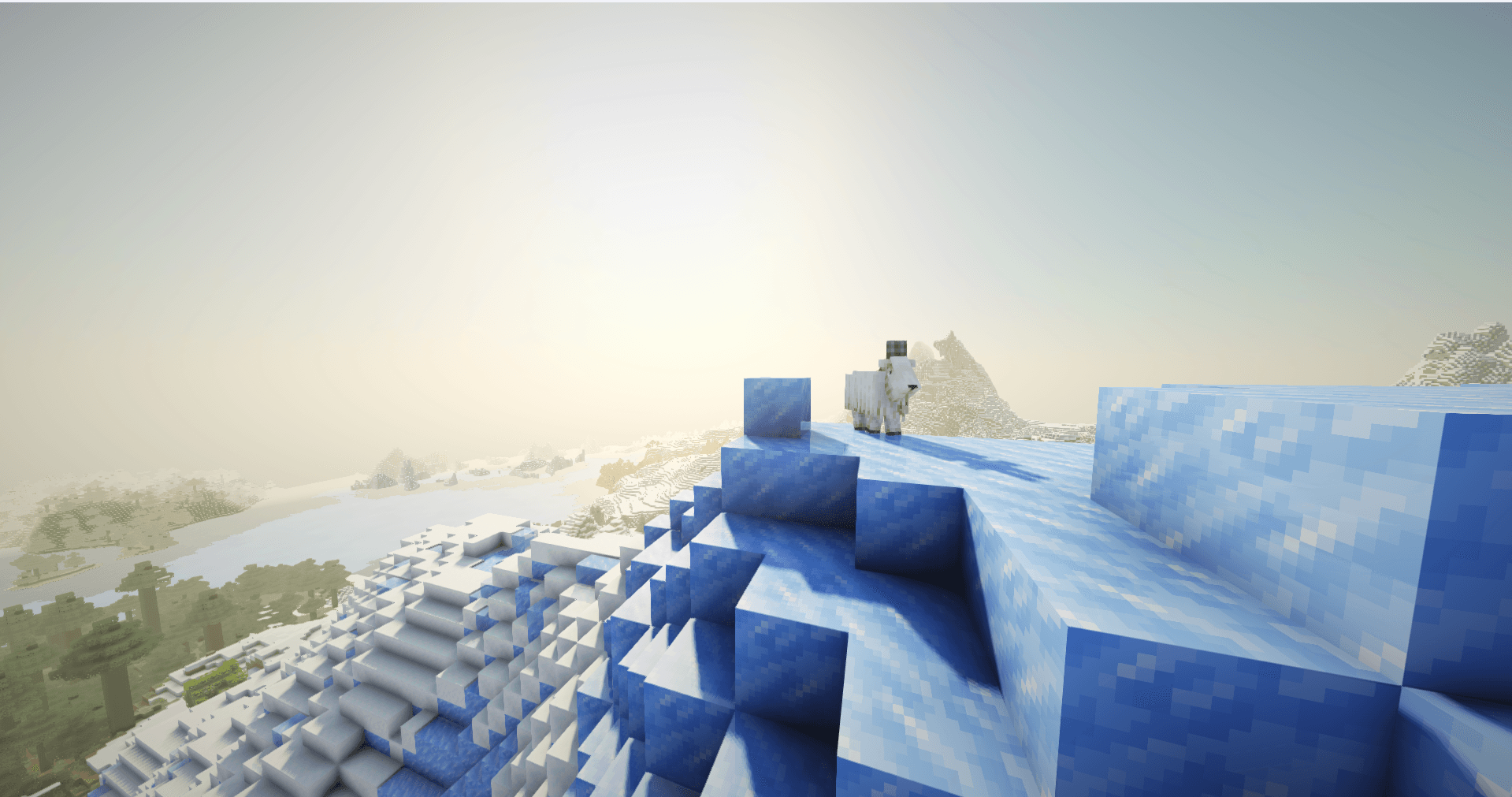
- Soft dynamic shadows, tinted through stained glass and water
- Volumetric sun rays that follow the sun's colour through the day (pale at noon, gold and orange at sunset) and stay visible from the side, not just when you look at the sun
- Screen-space light shafts and a subtle lens flare
- A physical sky with sunrise/sunset colours, pastel dusk, moon phases, and rainbows after rain
- Water with real waves, depth tint, shoreline foam, caustics, and clear reflections — plus a ripple wake when you walk or swim through it
- Puddles and wet ground after rain
- Ambient occlusion, bloom, ACES tonemapping, and a few colour "looks" to pick from (there's also a retro pixel mode if you're into that)
- A proper Nether (biome-coloured fog, embers, heat shimmer) and a cosmic End with nebulae, an aurora and a dust ring
- Profiles: Doodoo, Potato, Low End, Normal PC, plus a Screenshot profile that maxes everything for stills
Heads up
This is a young pack. It's had a lot of screenshots taken and a lot of bugs fixed, but you'll probably find something I haven't seen — if you do, post a screenshot in the issues and tell me the profile and time of day, and I'll fix it. Thanks for trying it.